7 CSS Staggered Animation
Sequential motion removes cognitive barriers. CSS staggered animations guide human attention naturally across the screen. This updated collection structures content delivery for modern UI design. Utilizing these curated snippets replaces heavy JavaScript engines with clean, native logic.
These examples rely on CSS Custom Properties and :nth-child selectors to calculate precise execution delays. The motion utilizes hardware acceleration, animating isolated properties like transform and opacity. This ensures a 60fps frame rate without reflows. The HTML structure remains strictly semantic, maintaining high layout stability and fast rendering.
Every free demo is fully responsive and cross-browser compatible. Users can instantly download the raw code or fork a logic pattern on CodePen. These assets are strictly optimized for prefers-reduced-motion settings, delivering an accessible, performant experience across all modern devices.
Examples

Split-Screen Staggered Menu Reveal
A full-screen navigation overlay driven by CSS transitions and data-attribute toggling. Clicking the menu button triggers a split-screen background slide, where two pseudo-elements converge from opposite vertical directions. The menu items and background typography fade in sequentially using CSS variable-based staggered delays, while hover states utilize -webkit-text-stroke and animated strikethrough lines.
 Chrome 49+
 Edge 12+
 Firefox 49+
 Safari 9.1+
See the Pen Split-Screen Staggered Menu Reveal.

Animated Border Drawing Button
This is an Animated Border Drawing Button. It transforms a standard call-to-action into a multi-stage micro-interaction. Upon hovering over the button, the component triggers a sequential animation where four corner dots appear, followed by four dashed border lines that “draw” themselves around the button’s perimeter, creating a high-end, futuristic feel.
Chrome 105+
Edge 105+
Firefox 121+
Safari 15.4+
See the Pen Animated Border Drawing Button.
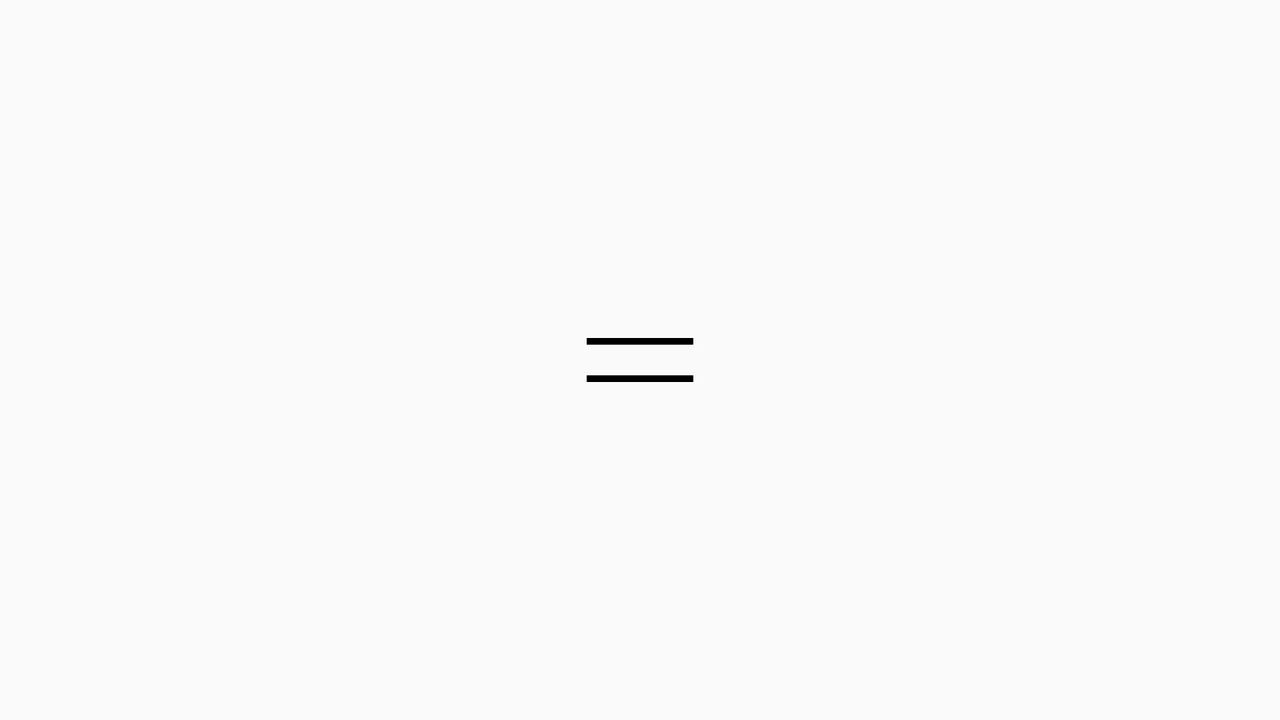
Sliding Line Hamburger Menu Animation
This is a Sliding Line Hamburger Menu Animation. It reinvents the standard three-bar toggle by using internal pseudo-element sliding instead of simple opacity changes. Its function is to provide a high-end, staggered interaction that signals navigation states with mechanical precision.
Chrome 26+
Edge 12+
Firefox 16+
Safari 7+
See the Pen Sliding Line Hamburger Menu Animation.

Cyberpunk Glitch Upgrade Modal
This is a Cyberpunk Glitch Upgrade Modal. It transforms a standard confirmation dialog into a highly stylized, cinematic interface. Its function is to provide explicit interaction boundaries using the native HTML Popover API, augmented with aggressive visual distortion (glitches) and integrated audio feedback for a deeply immersive user experience. (Requires: Tweakpane)
Chrome 114+
Edge 114+
Firefox 125+
Safari 17+
See the Pen Cyberpunk Glitch Upgrade Modal.

Animated Movie Schedule Blocks
This is an Animated Movie Schedule Block component. It structures chronological event data (like cinema showtimes) into a visual grid. Its function is to condense information using a pure CSS hover interaction, where an image poster slides away to reveal structured metadata (genre, time, title) through intersecting animated panels.
Chrome 36+
Edge 12+
Firefox 16+
Safari 9+
See the Pen Animated Movie Schedule Blocks.

Tumbling 3D Cubes Animation
This is a Tumbling 3D Cubes Animation. It visualizes three interconnected, translucent cubes endlessly rolling across a grid floor in a synchronized sequence. Its function is to demonstrate complex spatial geometry and continuous kinetic motion using exclusively DOM nodes and stylesheets, replacing heavy WebGL libraries with pure CSS mathematics.
Chrome 36+
Edge 12+
Firefox 16+
Safari 9+
See the Pen Tumbling 3D Cubes Animation.

Morphing Hamburger Floating Action Button
This is a Morphing Hamburger Floating Action Button (FAB). It uses a combination of CSS transitions and keyframe animations to reveal a hidden context menu. Its function is to consolidate multiple secondary actions (Settings, Copy, Share, Delete) into a single, space-saving focal point. The interaction is initiated by a vanilla JavaScript class toggle.
Chrome 60+
Edge 79+
Firefox 55+
Safari 11.1+
See the Pen Morphing Hamburger Floating Action Button.