10+ CSS Submit Buttons: Free Examples & Code Snippets
Submit buttons are the final interaction point in any form — they confirm data entry, trigger validation, and communicate submission state. Well-crafted submit buttons guide users through the form completion process with clear visual feedback.
- Loading states replace button content with a border-based spinner on a ::after pseudo-element, toggled via a CSS class that keeps both text and spinner transitions on the compositor thread.
- Validation feedback uses transform: translateX() shake animations driven by adjacent sibling selectors connected to form input :invalid states, without JavaScript validation logic.
- Double-submit prevention uses :disabled with pointer-events: none on the button after the first click, combining visual dimming with native form submission blocking.
Browse this collection of CSS submit buttons to master form-ready interaction patterns that provide clear submission feedback without JavaScript overhead.
Table of Contents:
Examples

Micro-Interaction Loading Button
This Micro-Interaction Loading Button demonstrates how to pack multiple feedback states into a single UI element without cluttering the interface. It starts as a clean “Submit” button. Hovering reveals a directional arrow, hinting at action. Clicking triggers a seamless loading sequence where the arrow transforms into a spinner, finally resolving into a checkmark to confirm success.
 Chrome 49+
 Edge 15+
 Firefox 43+
 Safari 10+
See the Pen Micro-Interaction Loading Button.
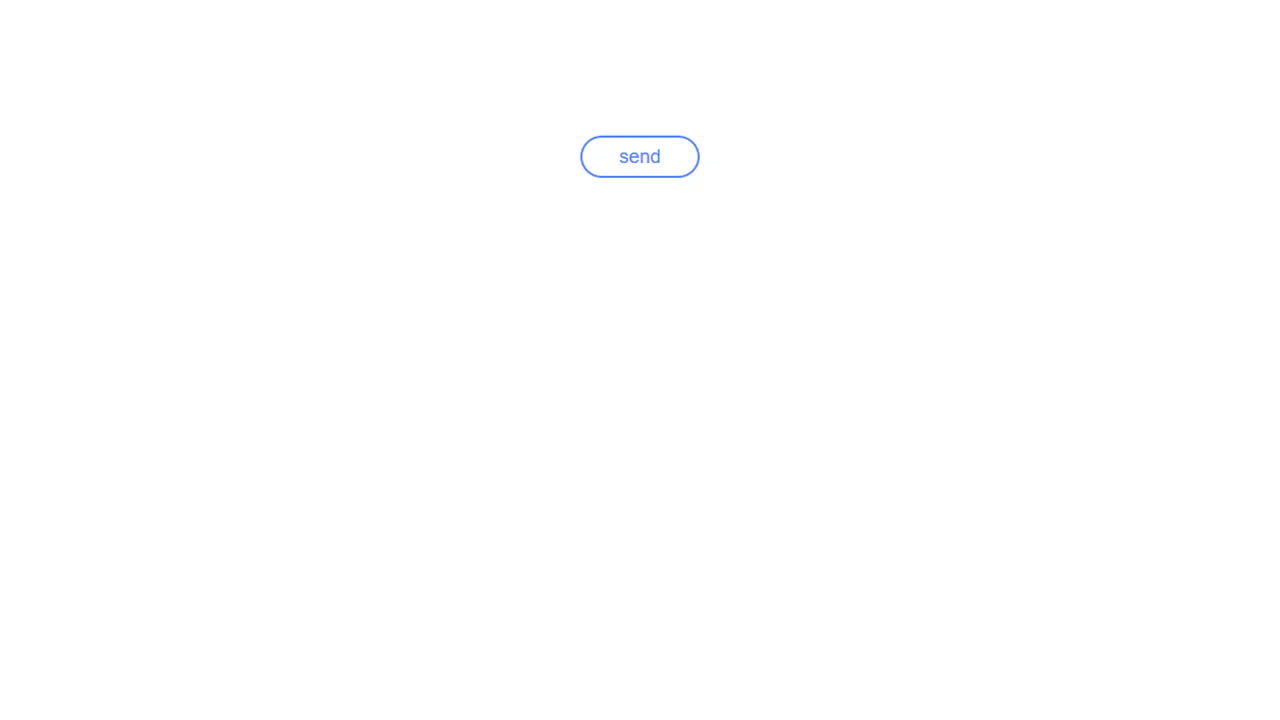
Organic Button
A multi-step submit button animation where JavaScript setTimeout toggles loading and ready classes. In the “loading” state, @keyframes animates the button’s contraction and the appearance of pulsating circles created with pseudo-elements. In the “ready” state, the button expands and changes its text, showcasing a complex, synchronized animation.
See the Pen Organic Button.
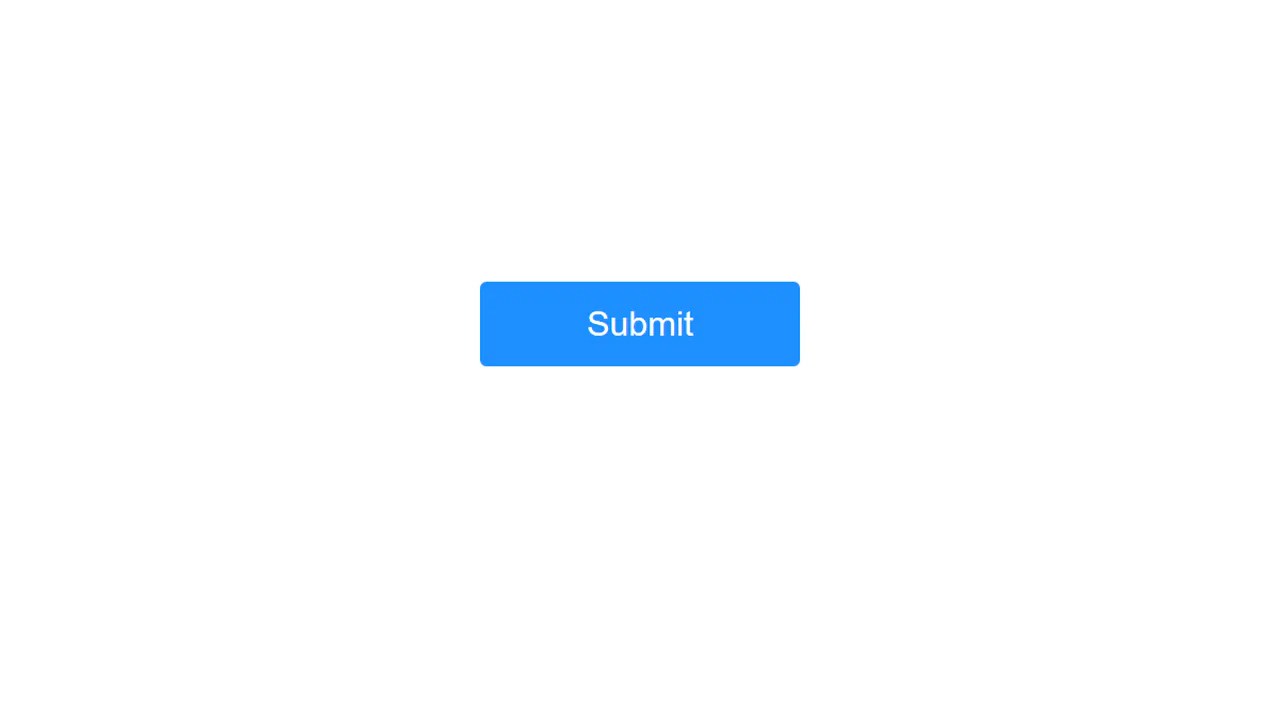
Button Interaction
A UI element “morphing” technique using CSS transition. The smooth change of width, height, and border-radius creates a transformation effect, while transform: rotate() adds dynamism. JavaScript is used only as a trigger.
See the Pen Button Interaction.

Send Button
A two-step animation where a click on a “ghost” button triggers two JS functions that add classes to start two animations. The first, transform: translate(), moves the icon, while the second, @keyframes fadeIn, fades in its background with a 0.4-second animation-delay, creating a sequential and synchronized effect.
See the Pen Send Button.

Submit Button
An interactive “Submit” button with a confirmation animation, built with JavaScript and CSS. Upon click, the button smoothly shrinks and transforms into a checkmark icon, providing a sleek and intuitive visual feedback for user actions.
See the Pen Submit Button.

Animated Submit Buttons
Animated submit buttons that dynamically transform into loading indicators, then transition to either a success or error state. This UI component leverages JavaScript for state management and cascaded CSS animations for smooth transitions.
See the Pen Animated Submit Buttons.
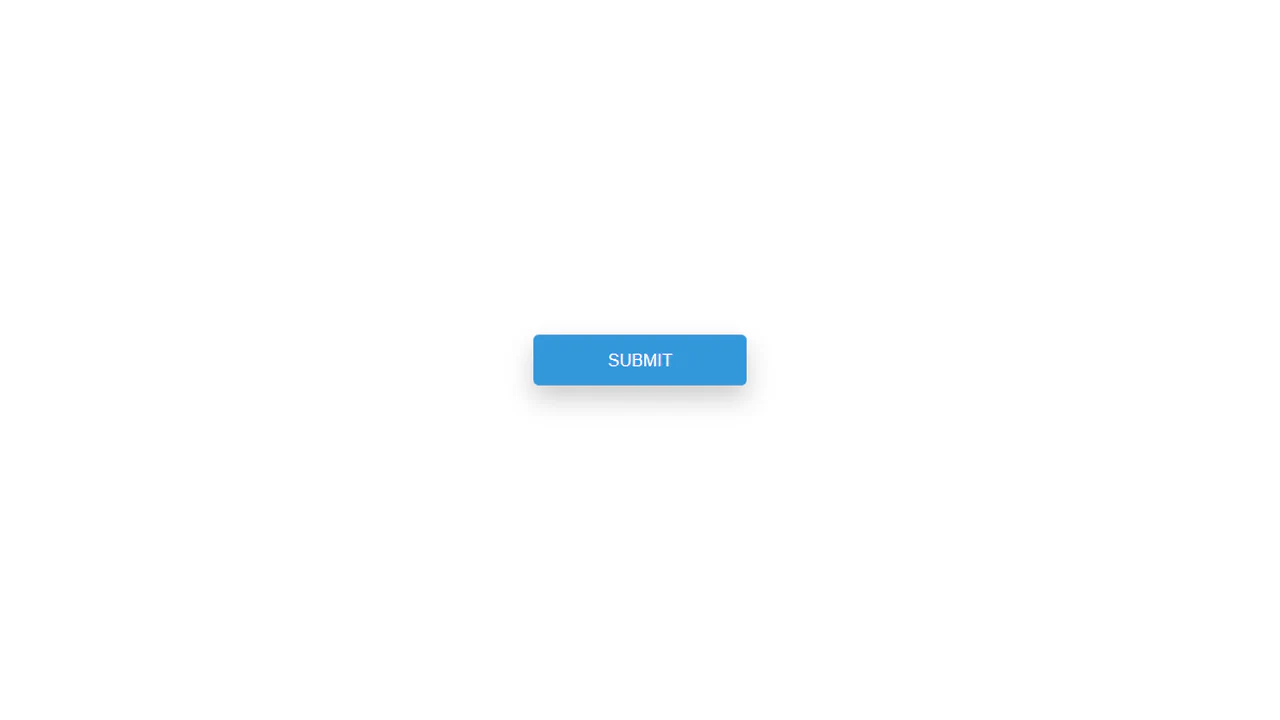
Button Loading Animation
An interactive “Submit” button featuring dynamic state animations controlled by JavaScript. Upon click, it smoothly transforms into a loading indicator and then displays a success icon.
See the Pen Button Loading Animation.
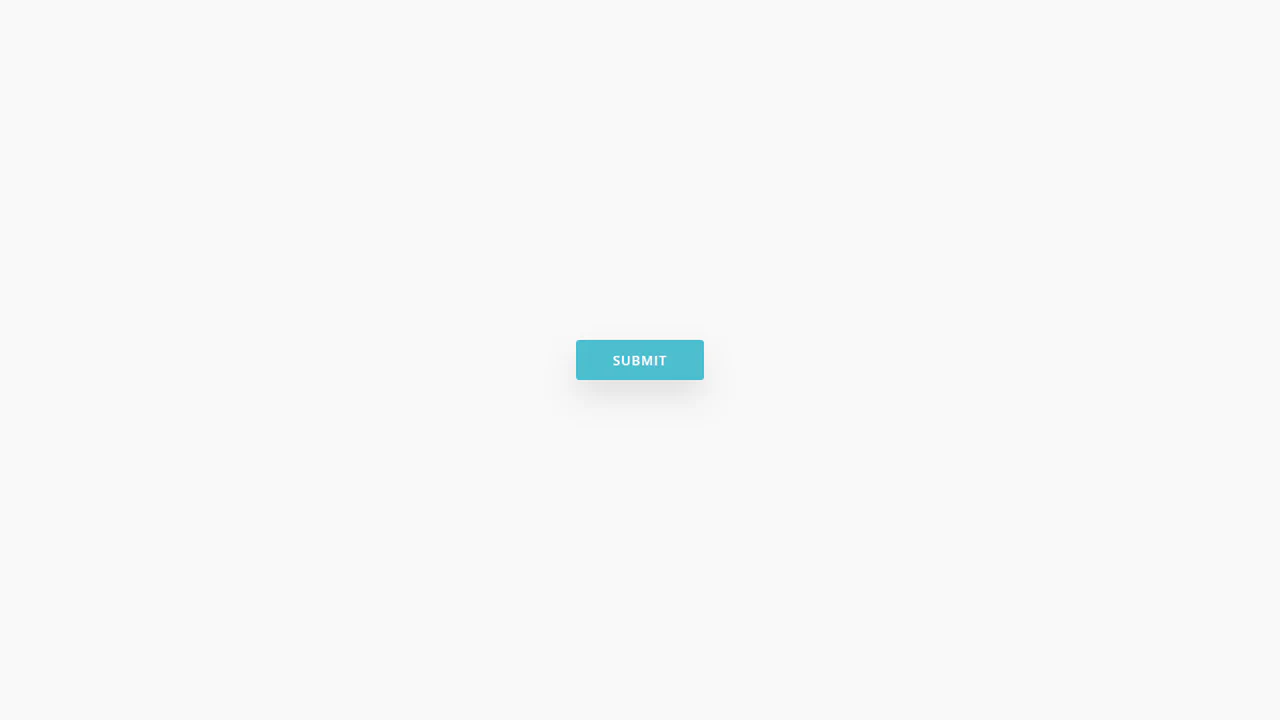
Submit Button
An interactive submit button featuring animated states, controlled by JavaScript. It smoothly transforms its text content, transitioning from “Submit” to “Sending…” and then to “Done!”, providing clear visual feedback to users. This UI component is ideal for forms and asynchronous operations, enhancing the overall user experience.
See the Pen Submit Button.
Arrowed Submit Button
This stylized “Submit” button, built with Stylus, utilizes pseudo-elements to create an interactive hover animation. On hover, the text smoothly shifts as a background fill and an icon appear, providing clear visual feedback for user actions.
See the Pen Arrowed Submit Button.
Send Button Transforms Into Birds
A playful, pure CSS and JS dispatch button that releases a flock of birds on click. Activating the button swaps “SEND” to “DONE” as an SVG feather drifts down. Simultaneously, thirty inline spritesheet spans representing birds fly diagonally out of bounds, animated with staggered transitions and stepping frames.
See the Pen Send Button Transforms Into Birds.
Chonky Submit Button
A highly detailed, skeuomorphic sci-fi console button built with pure CSS. By stacking multiple inset and outset box-shadow blurs over a warm radial-gradient background, it simulates a thick, glossy plastic keycap. The :before and :after pseudo-elements render a dark metal mounting panel and cut seam.
See the Pen Chonky Submit Button.
Submit Button
An interactive, JS-assisted submit button with smooth state transitions. Clicking swaps the text to “Thanks” and appends an active class. This triggers a pink background transition, shifts the text leftward, slides in a circular checkmark, and draws the SVG path outline via stroke-dashoffset after a 1s delay.
See the Pen Submit Button.
Submit Button Micro-interaction
A pure CSS submit button that morphs into a loading spinner upon focus. When clicked, the text hides as the button boundaries shrink into a circular outline. One remaining border edge spins 720 degrees via spin keyframes before solidifying back into a complete circle and revealing a hidden checkmark icon.
See the Pen Submit Button Micro-interaction.