20+ CSS Subscribe Forms: Free Code Snippets & Examples
CSS subscribe forms serve as high-converting capture widgets for digital newsletters and email marketing campaigns, framing the subscription interface above or below editorial content blocks. By coordinating clean single-line inputs, tactile button transitions, and inline validation indicators natively, these layouts drive signups without bloating initially loaded script assets.
- Seamless single-line input alignment and button containment are designed natively using CSS Grid and Flexbox coordinates to ensure layout stability.
- Interactive input focus states and dynamic placeholder animations leverage the native :placeholder-shown pseudo-class to calculate label translations natively.
- To preserve critical INP (Interaction to Next Paint) performance during rapid email entry, active state transitions are offloaded to compositor layers.
Explore these responsive layout designs to master the integration of native newsletter fields and highly polished, layout-stable subscription widgets into your platforms.
Table of Contents:
Examples
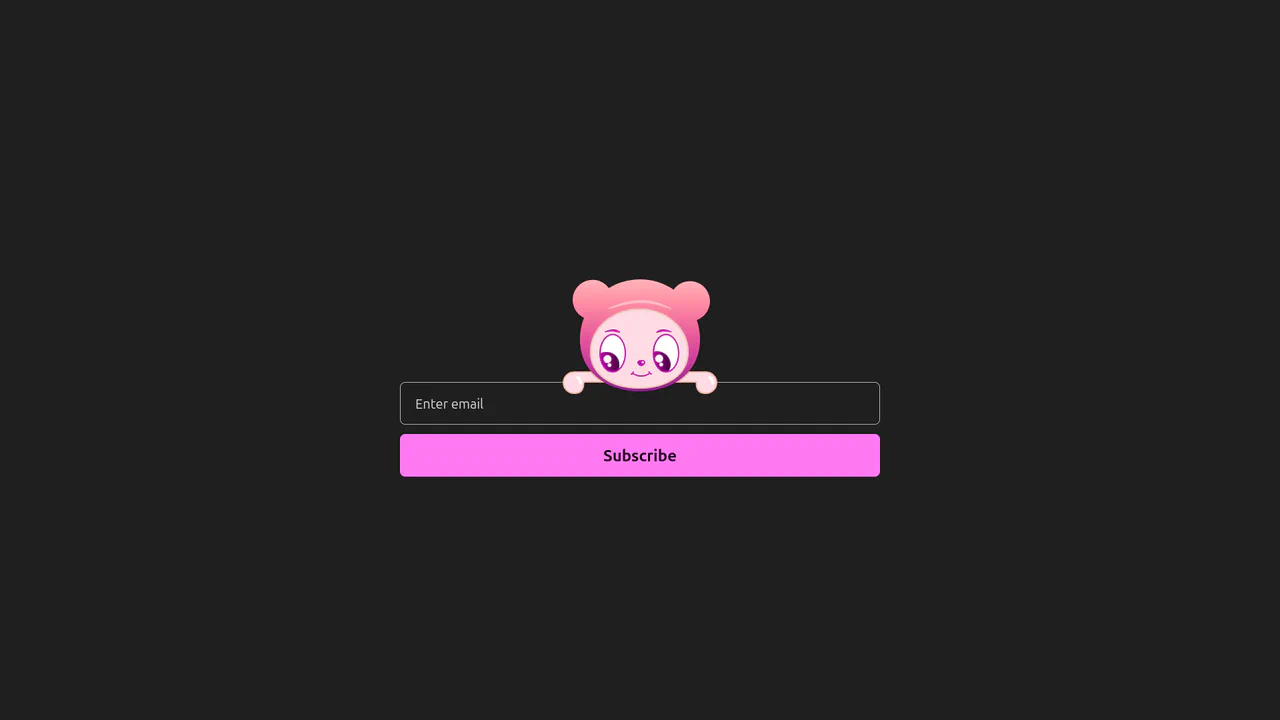
Interactive Eye-Tracking Subscription Form
An advanced interactive subscription form starring a playful cartoon character with dual eye-tracking modes. Pupils react in real time, following the pointer position or snapping directly to the input text caret inside the email field. Dragging the character horizontally triggers fluid physics, rubber-band borders, and elastic drag resets, while error states morph the SVG mouth. (Requires: canvas-confetti.js)
 Chrome 110+
 Edge 110+
 Firefox 110+
 Safari 16.2+
See the Pen Interactive Eye-Tracking Subscription Form.

Neobrutalist Subscribe Form
A bold, responsive input field that pops out upon activation; valid email entry triggers a bright green arrow button sliding in, which playfully animates on hover.
See the Pen Neobrutalist Subscribe Form.
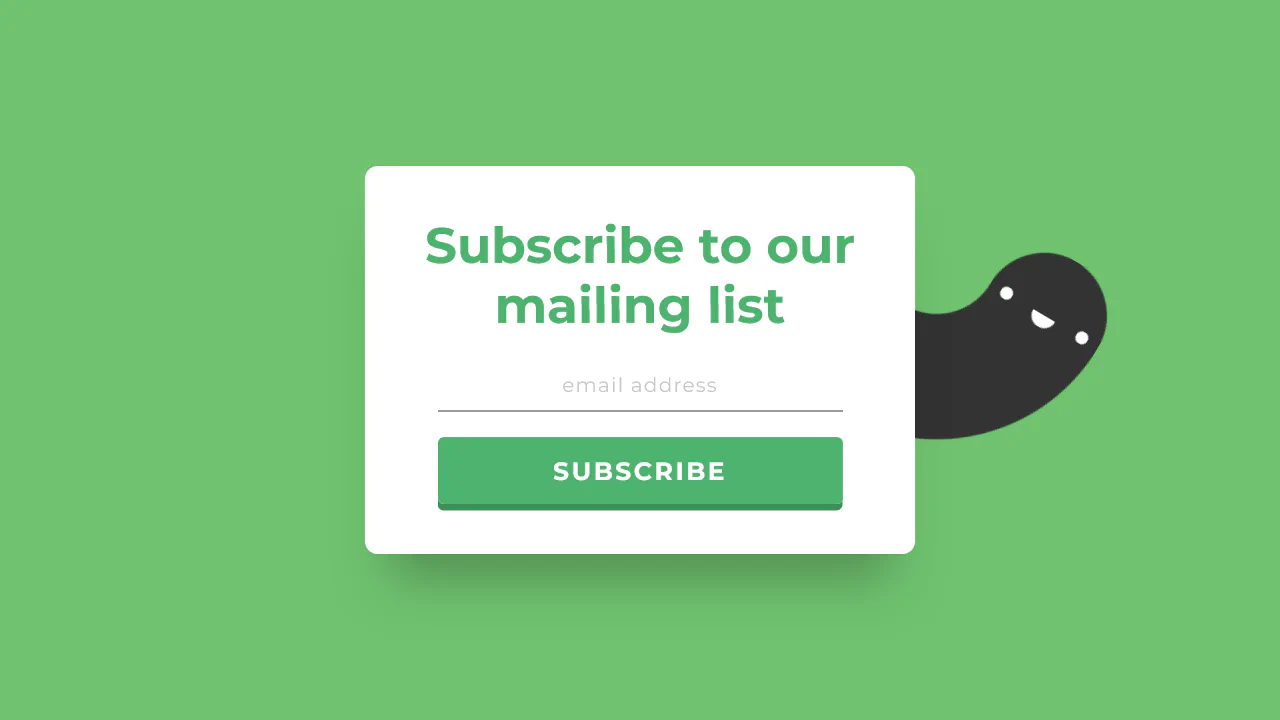
Simple Subscribe Form
This demo’s lively backdrop is created by injecting animated creatures into the form’s ::before and ::after pseudo-elements using Base64 data:image URLs. This visual flair is complemented by polished, pure CSS micro-interactions - the email input elegantly expands its width on :focus, while the submit button provides a tactile 3D press effect by manipulating box-shadow and transform: translateY().
See the Pen Simple Subscribe Form.
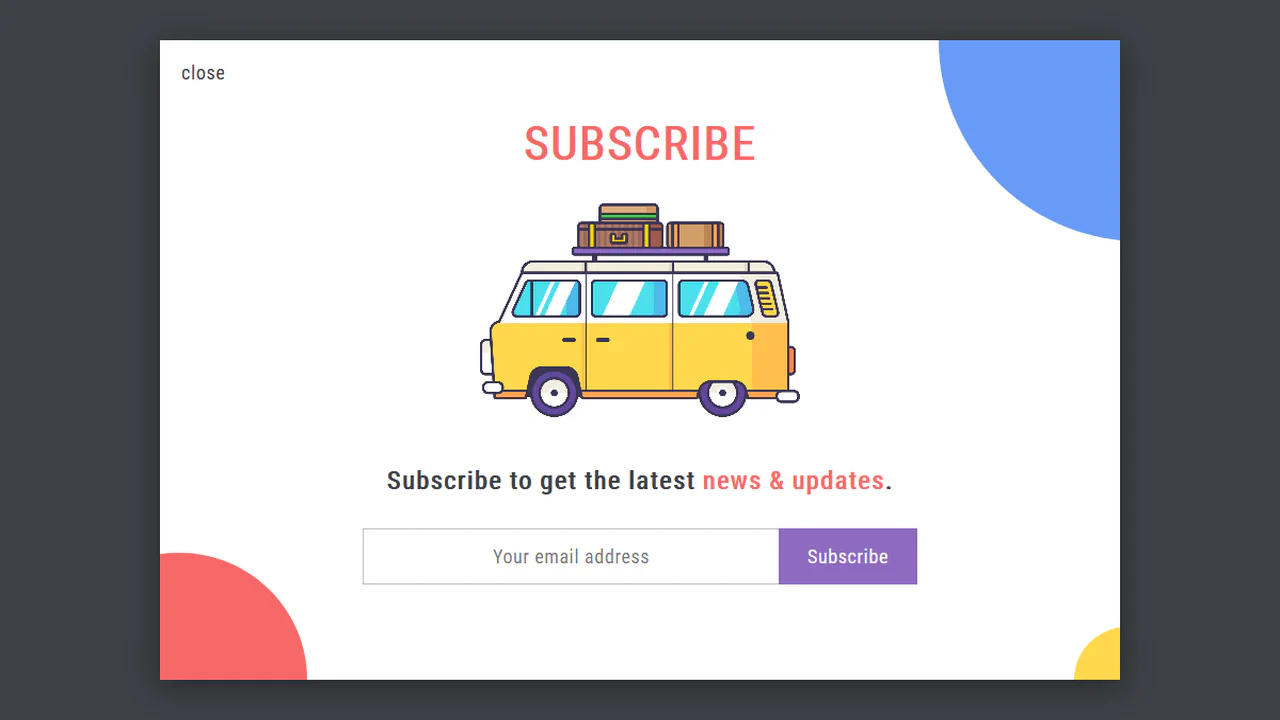
Pop-Up Overlay
This is a robust component built entirely with SCSS, leveraging a full suite of custom mixins for cross-browser animation, transform, and transition. A centralized variable block for the color palette makes the component highly themeable and maintainable.
See the Pen Pop-Up Overlay.

Subscribe Email Form
This demo features subtle but effective micro-interactions implemented entirely in CSS. The social login buttons and the primary submit button use a transform: scale(1.1) on :hover to create a satisfying “pop” effect, enhancing the user experience with minimal code.
See the Pen Subscribe Email Form.

Newsletter Form
Subscription form with custom toggle. Email field with rounded corners and inline button. Notification toggle — styled checkbox with animated checkmark/cross via SVG paths. Gradient shadows via mixins.
See the Pen Newsletter Form.
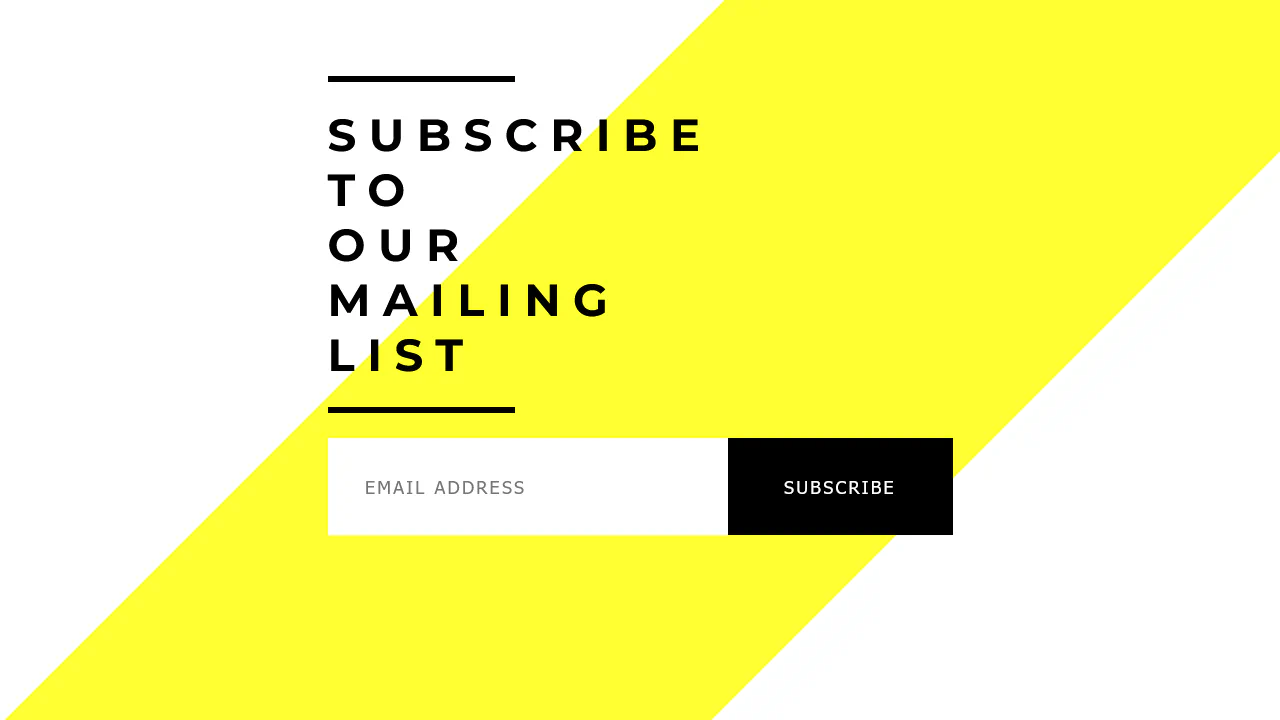
Subscribe Form
Minimal subscription form with accent elements. Angled yellow strip creates background. Header width changes on hover. Button with gradient that shifts direction on hover. Fields without borders.
See the Pen Subscribe Form.
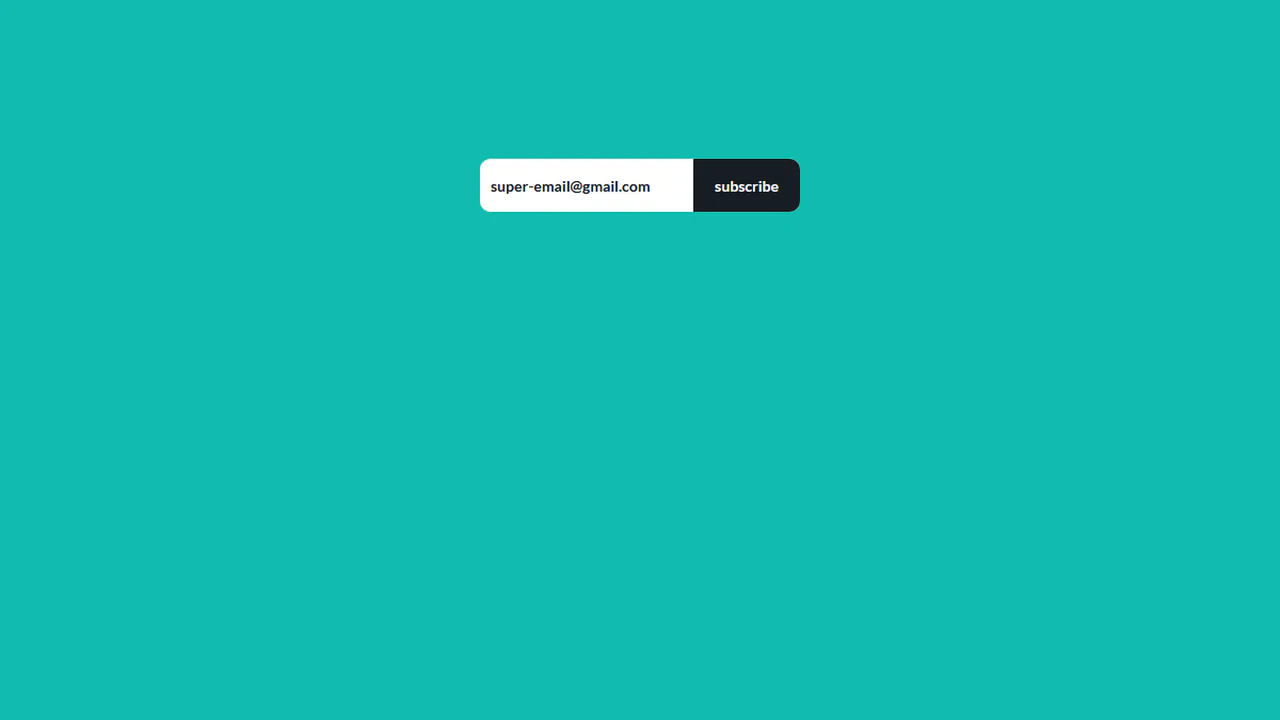
Subscribe Form Animation
Animated subscription with moving elements. On click, “subscribe” button slides down, gray block (“subscribing”) slides in from left, then “Thank you” message appears. Animations synchronized via setTimeout. Simple client-side mechanic.
See the Pen Subscribe Form Animation.

Subscribe to Our Mailing List Form
Subscription form with focus animation. On email field focus, right padding expands and “Subscribe” button fades in sliding. Icon via :before pseudo-element. Smooth transitions on padding and opacity.
See the Pen Subscribe to Our Mailing List Form.
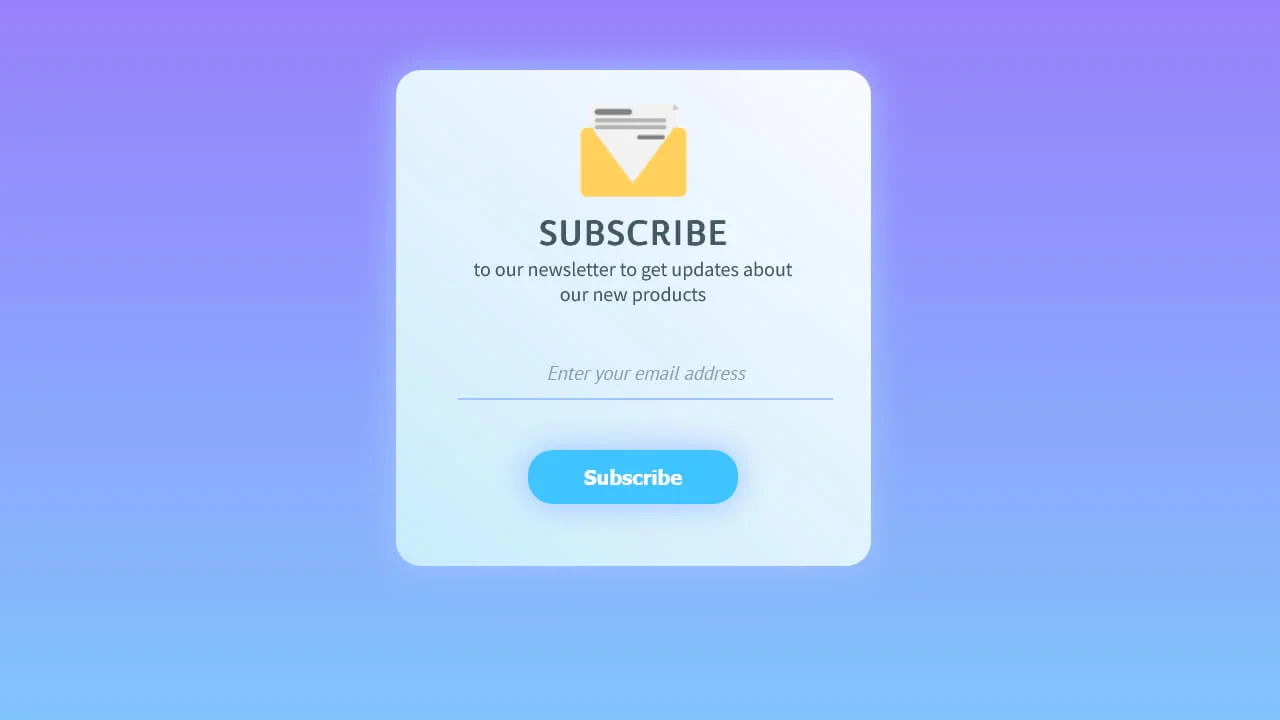
CSS Subscribe Help Panel
Compact subscription card with gradient background and shadow. Email field with transparent background and bottom border. Button with shadow and “lift” effect on hover and press. Envelope icon at top.
See the Pen CSS Subscribe Help Panel.

Subscribe Box
Pop-out subscription card extending beyond parent. Left and right sides overflow container (left: -30px; right: -30px). Triangular tail via pseudo-element. Button with custom rounding. Dark textured background.
See the Pen Subscribe Box.

Subscribe Form
Subscription form with validation animation. On valid email entry, button becomes visible and active. After click, button expands to full width and changes text. Floating label lifts on focus. Validation via regex.
See the Pen Subscribe Form.
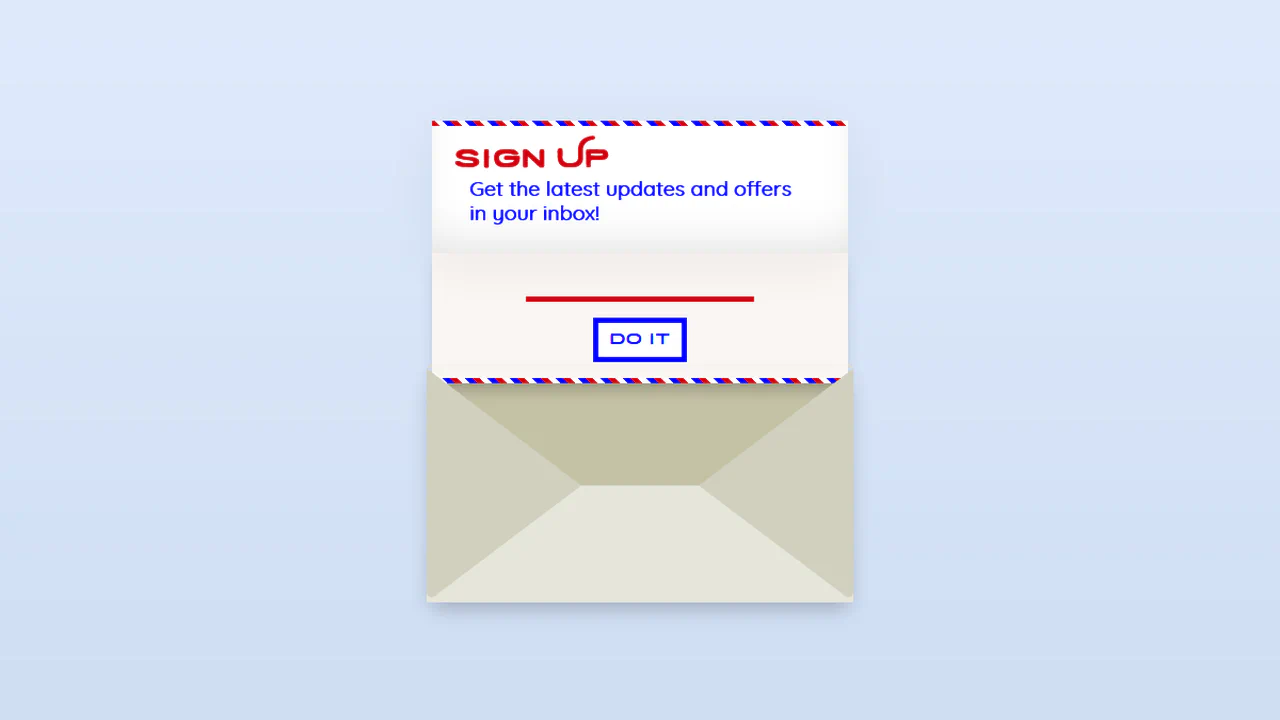
Subscribe Form UI
Animated envelope subscription form. On load, envelope “opens” (top folds). On submit, form folds and flies away. GSAP animations. Styled inputs with color accents.
See the Pen Subscribe Form UI.

HTML and CSS Subscribe Form
Two-step subscription with slide animation. First screen — form, on click slides up, revealing thank-you screen. Close button slides back. jQuery animation. Input with floating placeholder.
See the Pen HTML and CSS Subscribe Form.
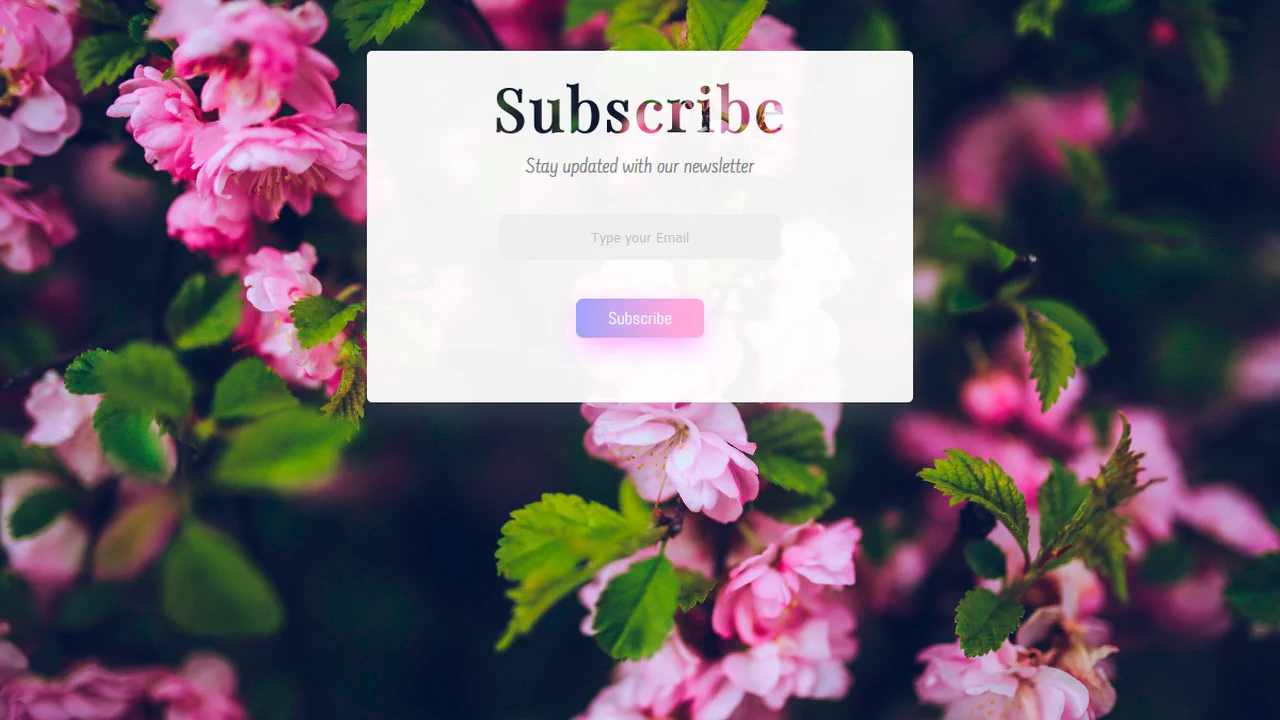
Stay Updated with Our Newsletter Form
A minimalist subscription overlay card showcasing image-masked typography. The main heading utilizes -webkit-background-clip: text combined with a transparent text fill to mask a floral pattern directly into the title characters. It features a clean, responsive input box and a gradient action button that offsets on click.
See the Pen Stay Updated with Our Newsletter Form.

Subscribe Form UI
A balanced, split-panel subscription checkout card designed with interactive tier switching. The layout pairs an informational cover sidebar with a dynamic form column. A lightweight jQuery script manages click states on cards, hiding inactive tiers, displaying responsive inputs, and toggling specific branded payment gateways.
See the Pen Subscribe Form UI.

Newsletter
A full-bleed newsletter subscription section featuring a rich gradient overlay. The background image sits behind a translucent, angled linear gradient layer (:after) to establish depth. The input uses an absolute-positioned action <button> and custom placeholder styles, aligned on a centered Bootstrap grid.
See the Pen Newsletter.
Subscribe Card
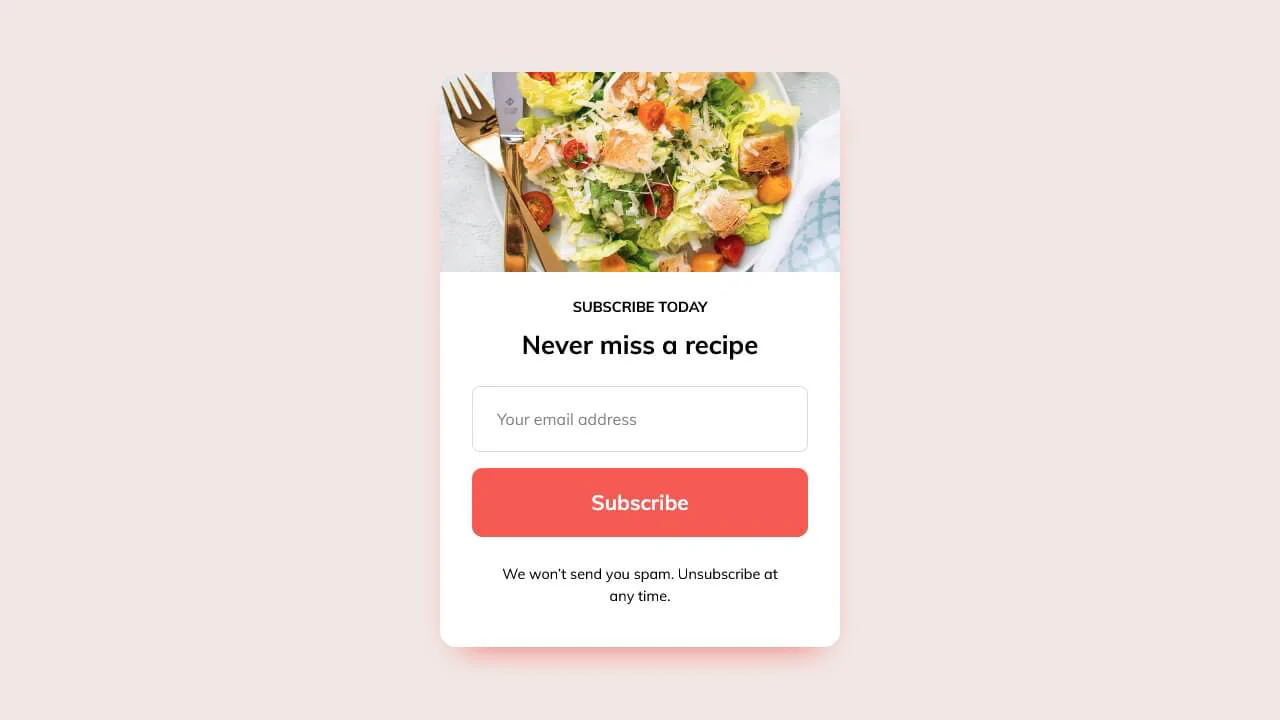
A minimalist newsletter card template engineered with CSS Grid. The top header displays a cropped background image positioned using a translation transform (translateY) inside an overflow-hidden container. The main content block groups title elements, a rounded text input, and a solid colored CTA button with subtle shadow depths.
See the Pen Subscribe Card.
Subscribe UI
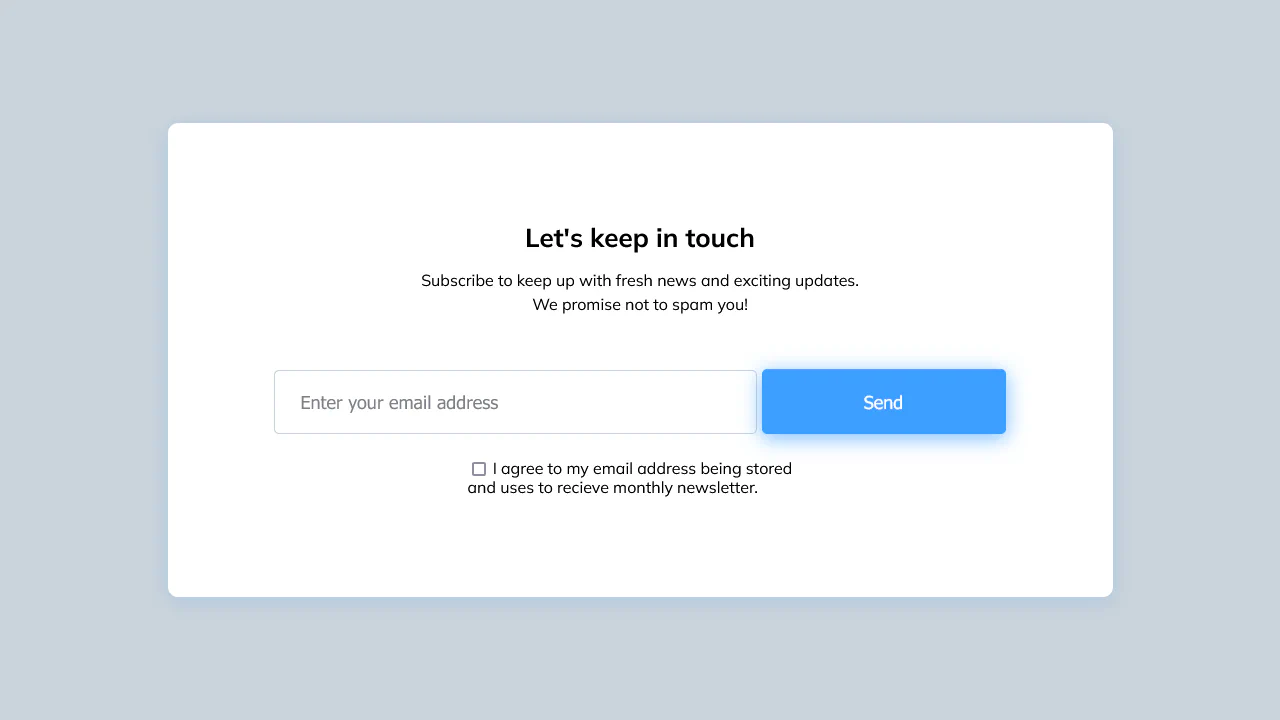
A spacious, widescreen newsletter subscription card aligned using Flexbox. The centralized layout groups copy, a wide input field with a custom :focus outline, and a high-contrast submit button. Upon hover, the action button transitions its box-shadow depth, while a simple checkbox at the bottom secures user agreement.
See the Pen Subscribe UI.

Sign Up Newsletter
A highly functional newsletter preference center utilizing a responsive CSS grid. Standard checkboxes are hidden, replaced by custom ::before and ::after layers that scale a checkmark icon dynamically upon selection. The layout collapses into a stacked column flow on mobile and includes an inline subscription form.
See the Pen Sign Up Newsletter.