40+ CSS Tab Bars
Mobile navigation requires persistence. Pure CSS Tab Bar Examples remove the friction of JavaScript listeners, allowing interfaces to toggle views natively. This collection provides professional, minimalist blocks for modern UI design, organizing secondary content into digestible, tactile sequences. Utilizing these curated snippets guarantees layout stability while keeping the DOM transparent and fast.
Technically, these examples rely on the checkbox hack for state management without external dependencies. The code utilizes Flexbox for precise alignment and fixed positioning for bottom-bar layouts. Motion leverages hardware acceleration — animating properties like transform and opacity — to maintain a locked 60fps performance on the compositor thread. The HTML structure remains strictly semantic, supporting accessible navigation.
Every free demo is fully responsive and cross-browser compatible. Users can instantly download the raw code or fork an updated interaction on CodePen. These assets are strictly optimized for performance, delivering a fast, frictionless experience across all modern devices.
Examples
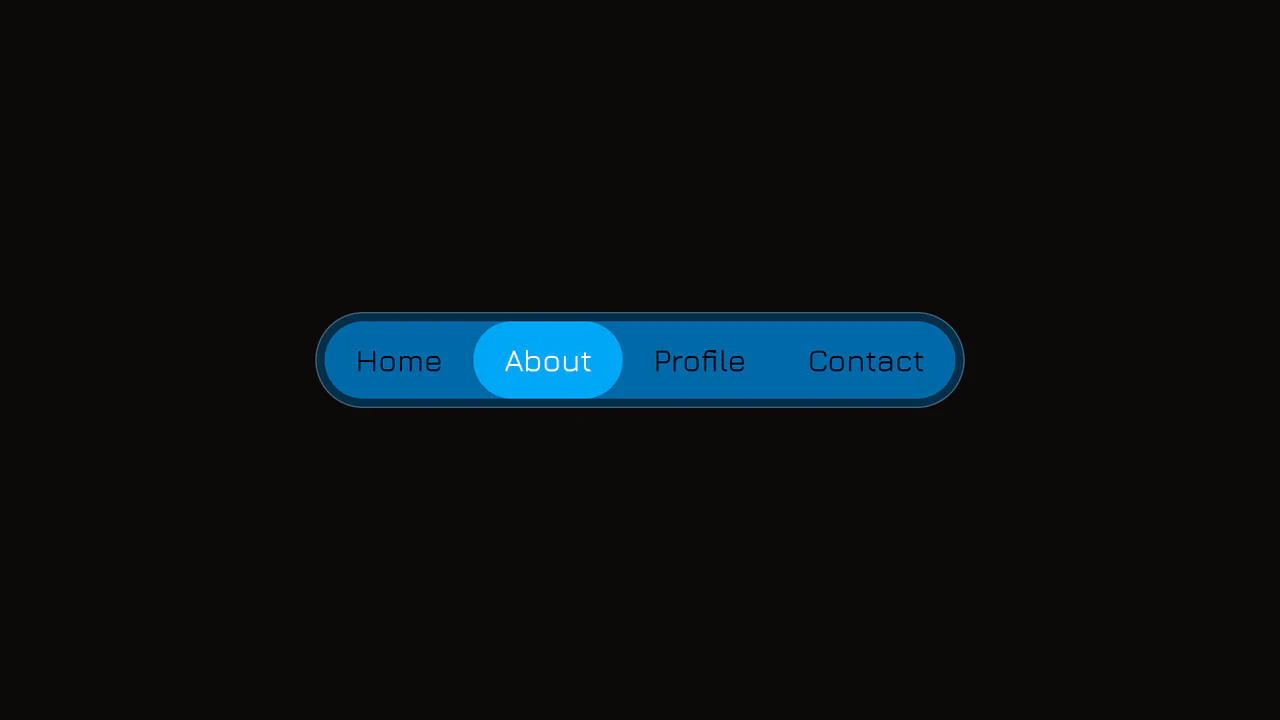
Elastic Anchor-Positioned Slider Navigation
An elegant, zero-JavaScript navigation bar powered entirely by CSS Anchor Positioning. Hover and active indicator bubbles are mapped dynamically to target links using pseudo-elements that reference custom --hovered-option and --active-option anchors. The sliding animations utilize a complex CSS linear() timing function to generate organic, elastic bouncing transitions.
 Chrome 125+
 Edge 125+
See the Pen Elastic Anchor-Positioned Slider Navigation.
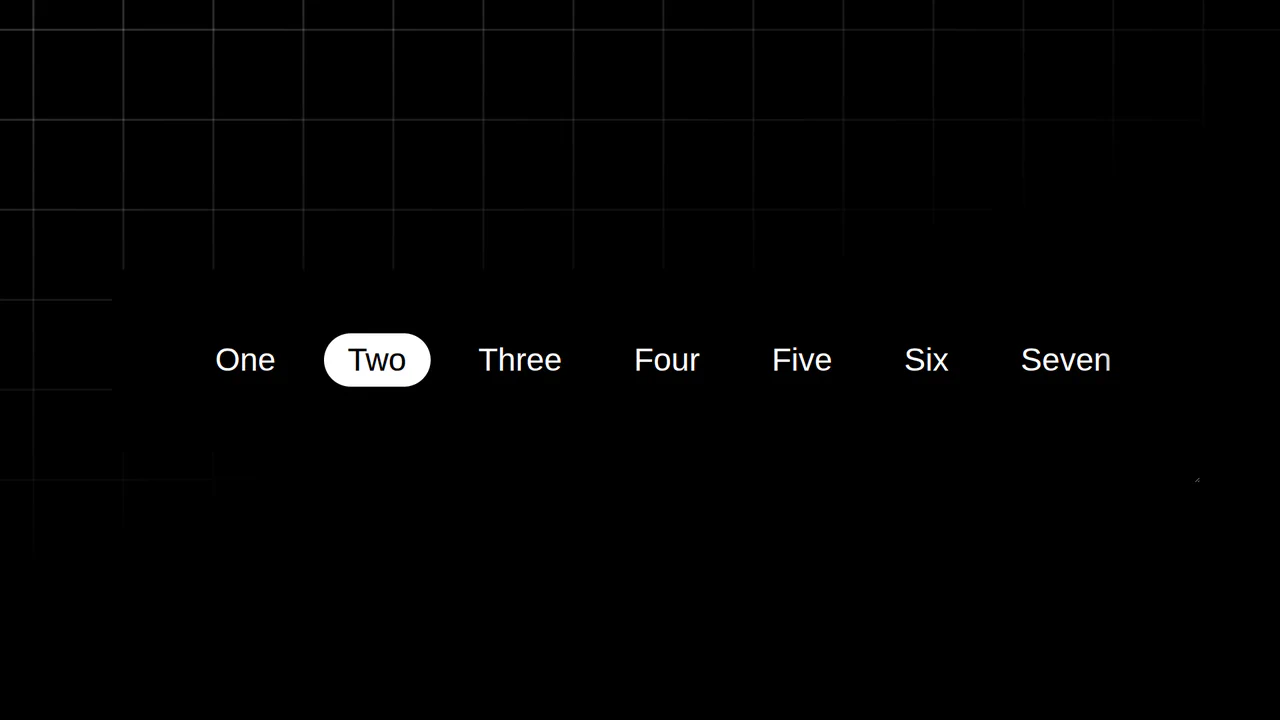
Resizing Tab Bar with Anchor Positioning
This is a Resizing Tab Bar with Anchor Positioning. It demonstrates a modern approach to building a horizontally scrollable navigation menu with a sliding “active” indicator. Its function is to provide a highly fluid, decoupled visual highlighter that perfectly tracks the currently selected tab — even when the container is resized or scrolled — without relying on heavy JavaScript coordinate calculations. (Requires: Normalize.css)
Chrome 125+
Edge 125+
See the Pen Resizing Tab Bar with Anchor Positioning.

Anchored Glassmorphic Tab Indicator
This is an Anchored Glassmorphic Tab Indicator. It utilizes the cutting-edge CSS Anchor Positioning API to physically tether a floating visual highlight to the currently active or hovered navigation button. Its function is to provide highly fluid, magnetic feedback without relying on complex JavaScript bounding-box calculations.
Chrome 125+
Edge 125+
 Firefox (partial)
 Safari (partial)
See the Pen Anchored Glassmorphic Tab Indicator.
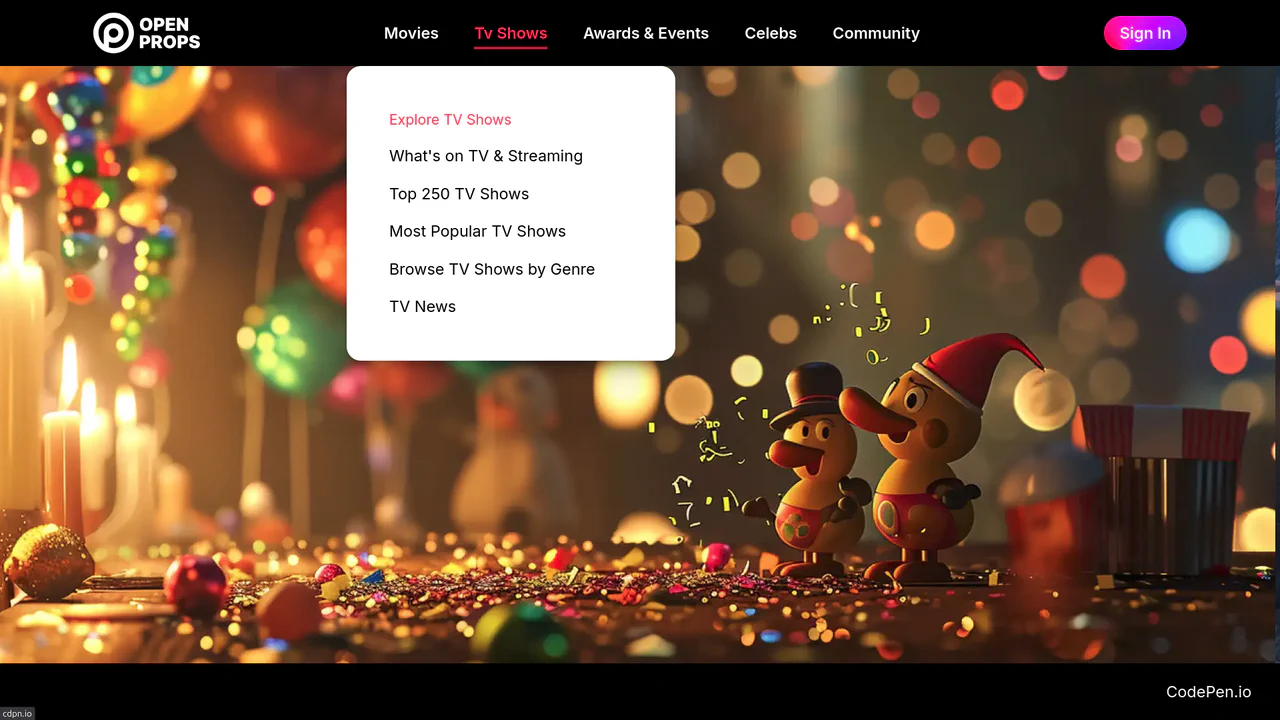
Dropdown Navigation
Navigation is the backbone of usability, but traditional dropdowns can feel cramped and elusive. This component expands the concept of a menu into a panoramic dashboard. It is not just a list of links; it is a structured map of your application’s architecture. (Requires: open-props, remixicon, normalize-css)
Chrome 99+
Edge 99+
Firefox 97+
Safari 15.4+
See the Pen Dropdown Navigation.

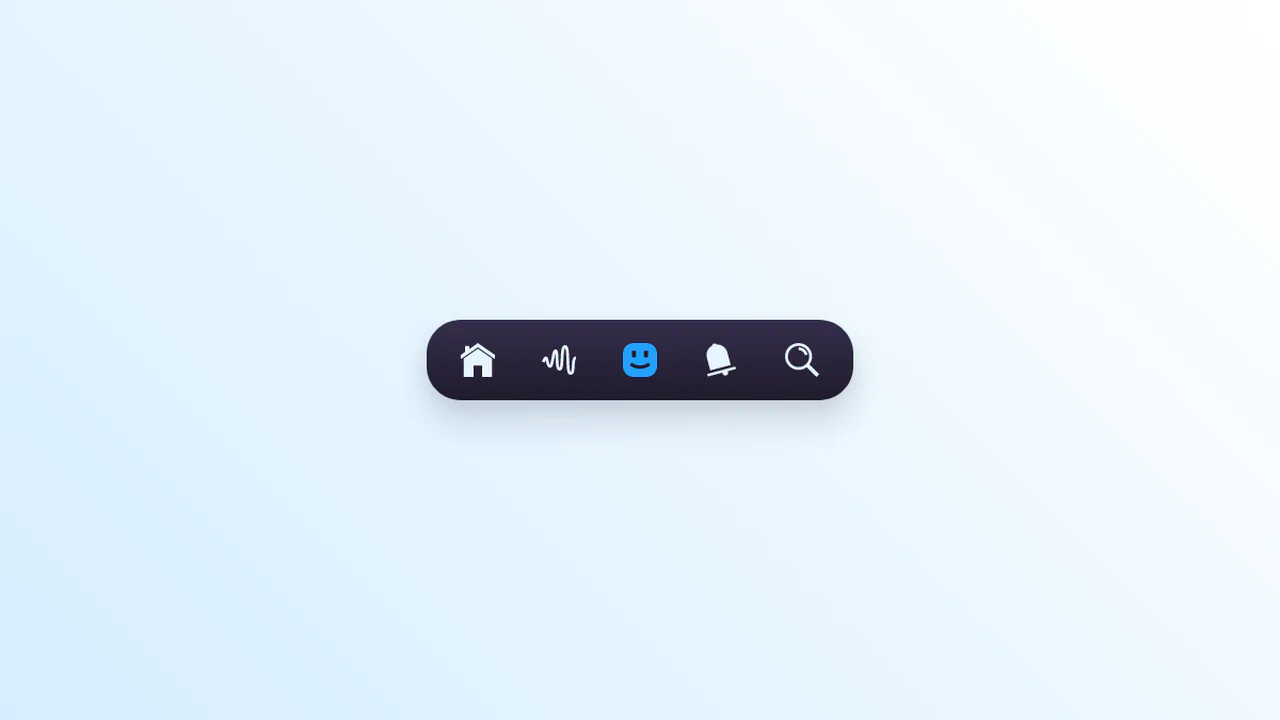
Micro-Animated SVG Icon Bar
Static icons are dead pixels; they occupy space but offer no soul. We believe that every interaction — no matter how small — is an opportunity to delight. This navigation bar transforms the mundane act of switching tabs into a tactile event. By embedding the animation logic directly into the SVG structure, we create a system that feels organic, responsive, and deeply crafted. It is not just about showing the user where they are; it is about rewarding them for arriving there.
Chrome 60+
Edge 79+
Firefox 60+
Safari 11+
See the Pen Micro-Animated SVG Icon Bar.

Animated Segmented Control in Plain CSS
A pristine Segmented Control built entirely with CSS, leveraging the power of experimental position-anchor and anchor-name to dynamically position and animate the active and hover indicator backgrounds without needing any JavaScript.
See the Pen Animated Segmented Control in Plain CSS.
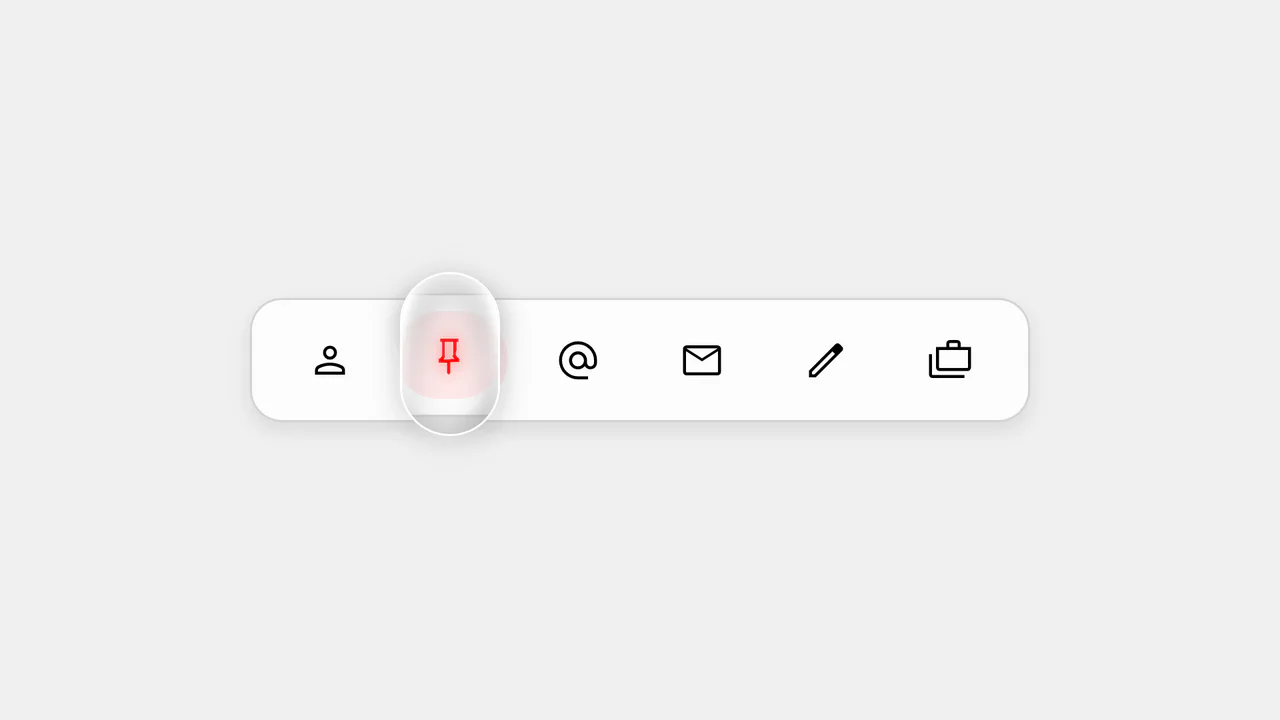
Action Bar - 'Follow the Leader' Dynamic Indicator
The key feature is the use of modern CSS positioning to create a dynamic indicator. User interaction, including hover and focus effects, is managed by JavaScript, which sets CSS variables for adaptive and visually appealing behavior.
See the Pen Action Bar - 'Follow the Leader' Dynamic Indicator.
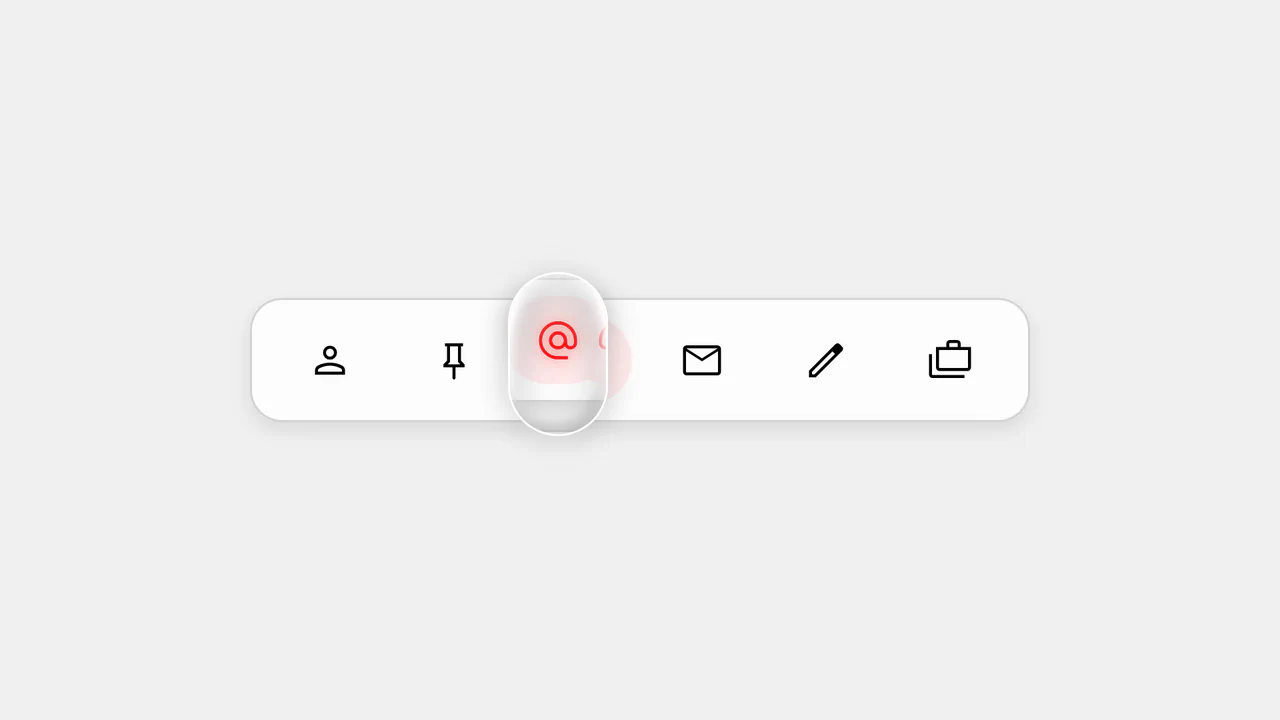
Action Bar - 'Follow the Leader' Magnifying Lens
This is not just a demo, but a practical example of using CSS Anchor Positioning to create an interface. JavaScript efficiently toggles classes and attributes, while CSS handles all the positioning and animation logic, making the code clean, separated, and easy to maintain.
See the Pen Action Bar - 'Follow the Leader' Magnifying Lens.

Minimalist glassmorphic switch built with pure CSS and backdrop filters. Radio input logic drives a dynamic glider via translateX, providing instant and transparent state feedback without any JavaScript dependencies.
Interactive menu with expandable elements implemented via SCSS and checkbox logic. State transitions occur instantly without JavaScript, utilizing width and opacity animations. Rigid geometry and system fonts emphasize a functional design approach.

Pure CSS horizontal navigation utilizing radio inputs for state management. A sliding bar indicator transitions along the X-axis via margin manipulation, providing clear visual logic with zero JavaScript.
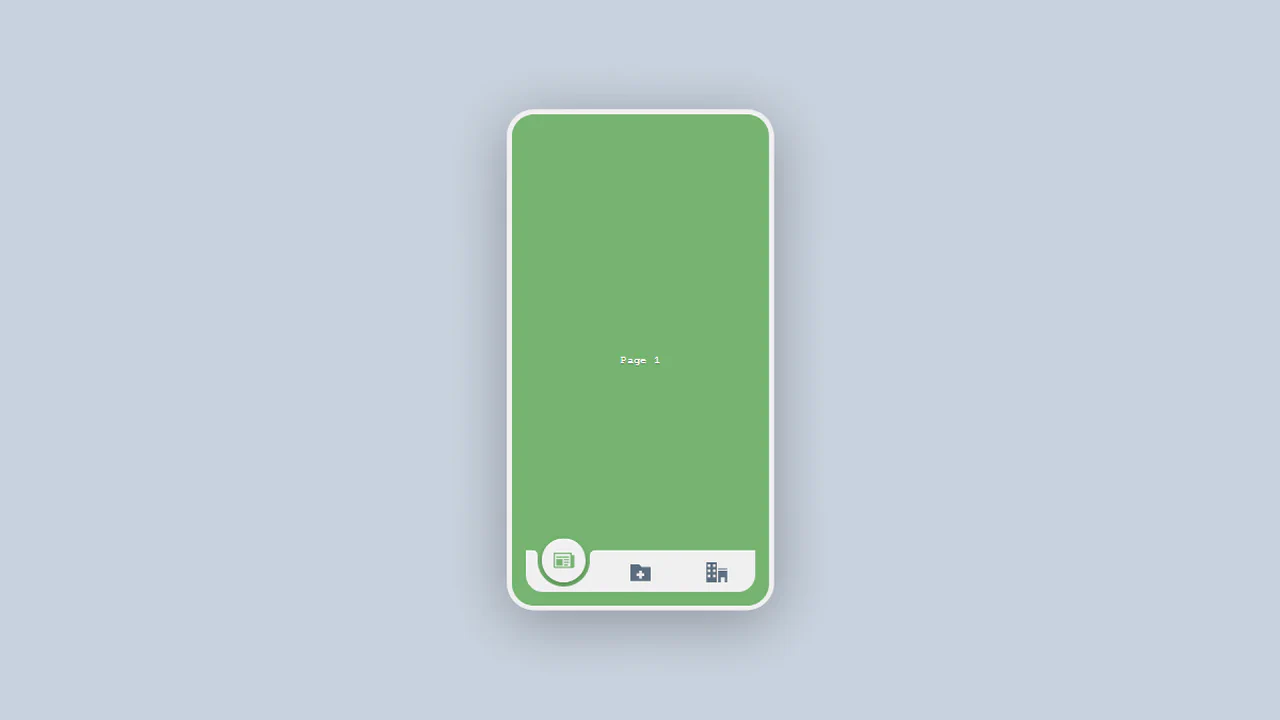
A pure CSS mobile app UI featuring an interactive bottom navigation bar. Page transitions and the sliding “cutout” effect are driven by radio inputs and SCSS variables mapped through @for loops. Custom cubic-bezier animations deliver a smooth, fluid user experience with zero JavaScript.

A bottom navigation bar featuring a gooey effect driven by SVG filters. JavaScript synchronizes the active “bubble” position, while custom cubic-bezier CSS animations provide fluid, organic feedback for the icons.
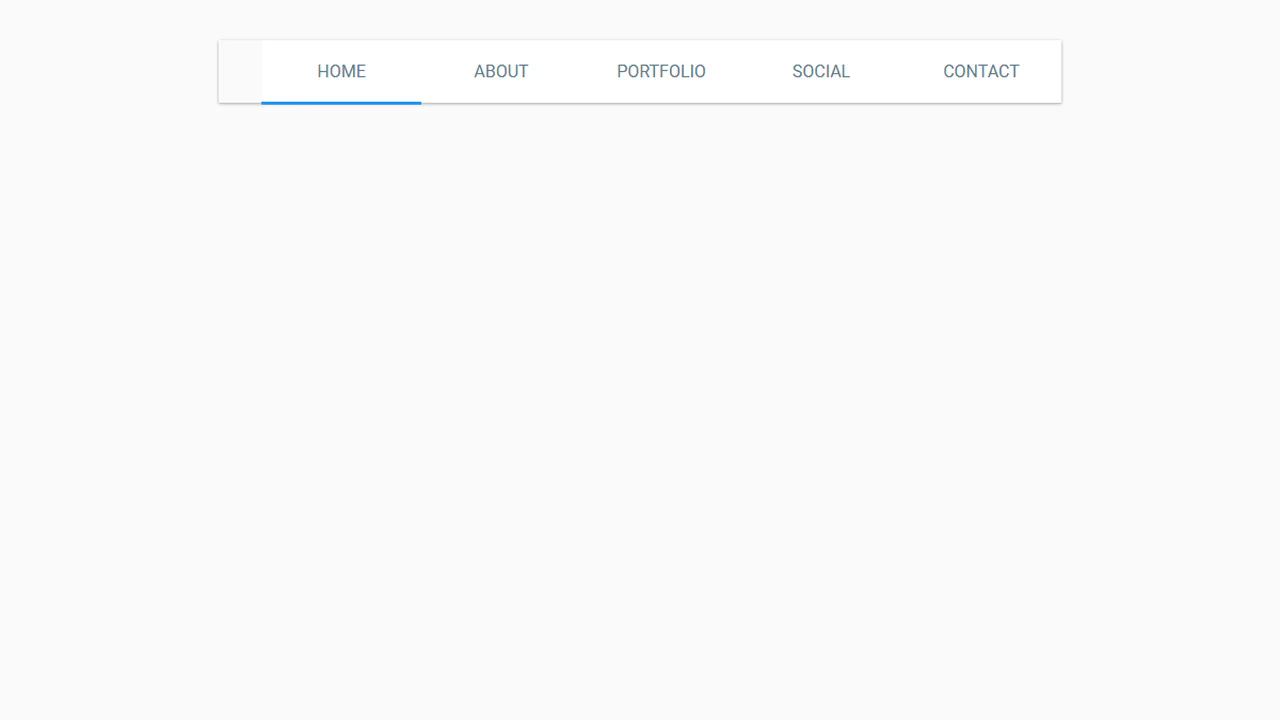
A Material Design inspired tab bar featuring a ripple click effect. JavaScript coordinates the active indicator’s movement and dynamically manages ripple element lifecycles. Clean Flexbox layout paired with performant CSS keyframe animations for tactile feedback.
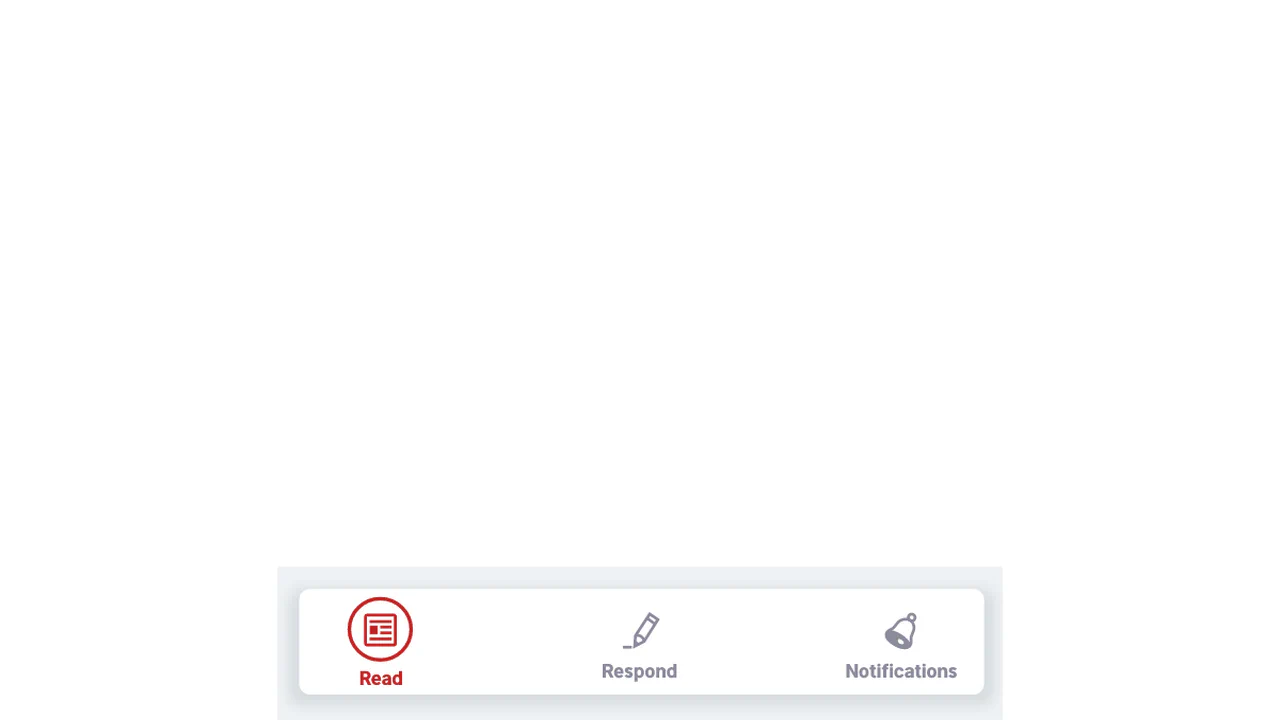
SVG navigation bar using JavaScript logic and CSS transitions. Connector paths animate via stroke-dashoffset to visualize state changes between vector icons. Optimized for rapid integration and straightforward path modification.