10+ CSS Tree Viewes
Hierarchical data demands linear structure. The CSS Tree View collection removes the friction of heavy JavaScript rendering, organizing nested arrays into clear directories. Modern UI design utilizes these curated snippets to present file systems natively. No scripts. No latency.
Technically, these examples rely on <details> and <summary> tags for native toggle functionality. The code utilizes pseudo-elements and borders to draw strict connector lines. State transitions leverage hardware acceleration, ensuring 60fps performance. The HTML remains strictly semantic, maintaining high layout stability while keeping accessibility intact.
Every free demo is fully responsive and cross-browser compatible. Users can instantly download the raw code or fork an updated directory on CodePen.
Examples

Pure CSS ASCII File Tree
This Pure CSS ASCII File Tree brings the nostalgia of command-line directory structures to the web without typing a single pipe character manually. By cleverly utilizing CSS pseudo-elements (::before), it automatically draws the connecting lines (│, ├, └) for nested lists. It’s perfect for technical documentation, sitemaps, or retro-themed interfaces.
 Chrome 4+
 Edge 12+
 Firefox 3.5+
 Safari 3.1+
See the Pen Pure CSS ASCII File Tree.

OST Tree
A pure CSS tree diagram constructed from nested lists where pseudo-elements with borders form the connecting branches.
See the Pen OST Tree.

List Styles
An aesthetically pleasing, modern todo list featuring a vibrant gradient theme and an intuitive hierarchy creation function without complex control buttons.
See the Pen List Styles.


Tree structure in pure CSS. Interaction is handled via checkboxes and sibling selectors. Nesting visibility logic relies on controlling block height without JavaScript involvement.

Tree-based data structure rendered in pure CSS using checkboxes and sibling selectors. Nesting levels are controlled via element states, eliminating the need for JavaScript. Visual coherence is maintained through pseudo-elements simulating directional guides.

Hierarchical tree structure in pure CSS. Visual connectors are rendered using pseudo-element borders, while sticky headers are implemented via the sticky property. The layout logic relies on standard nested ul/li lists.

File tree structure implemented in pure HTML5/CSS3. Interaction logic relies solely on the <details> element, eliminating the need for JavaScript. Visual hierarchy and element connectivity are maintained through CSS selectors and dotted borders.

Hierarchical tree diagram rendered in pure CSS. Visual node connectivity is achieved via display: table layout combined with pseudo-elements that form the connector lines. The structure is fully responsive and supports infinite nesting without scripting.

Interactive tree-based navigation utilizing semantic <details> and <summary> elements. Expand/collapse behavior is handled natively by the browser, requiring zero JavaScript. Visual hierarchy is reinforced through custom CSS icons and pseudo-elements drawing structural connectors.
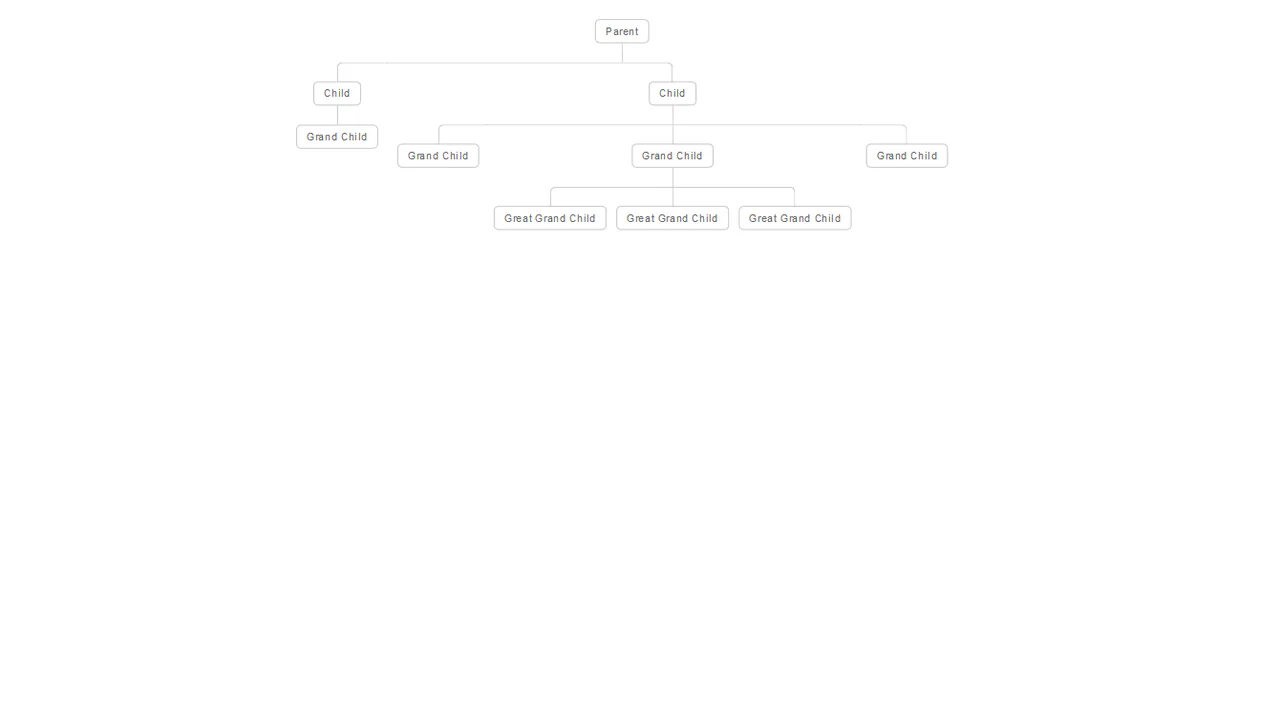
An elegant and clear hierarchical structure that automatically adapts to the number of elements and levels of nesting.