10+ CSS Vertical Accordions
Vertical depth requires structural control. Pure CSS Vertical Accordion Examples remove the friction of heavy JavaScript, allowing content to expand and collapse natively. This collection provides essential blocks for modern UI design, organizing long-form data into digestible, sequential units. Utilizing curated snippets replaces bloated dependencies with raw, functional logic. No scripts. No latency.
Technically, these examples rely on the HTML <details> and <summary> elements or the checkbox hack for state management. The code utilizes Flexbox for precise alignment and grid-template-rows to animate container height, ensuring layout stability without manual pixel counting. Transitions leverage hardware acceleration, animating properties like transform and opacity to maintain 60fps performance on the compositor thread.
Every free demo in this updated library is fully responsive and cross-browser compatible.
Examples

Apple-Style Smooth Animated Accordion
The Apple-Style Smooth Animated Accordion is a cutting-edge UI component that achieves high-end animation results without a single line of JavaScript. Inspired by the sleek marketing pages of Apple, it utilizes the newest CSS specifications to solve the age-old problem of animating to height: auto while maintaining full accessibility through semantic HTML.
 Chrome 131+
 Edge 131+
See the Pen Apple-Style Smooth Animated Accordion.

Pure CSS Animated Details Accordion
This Pure CSS Animated Details Accordion utilizes cutting-edge CSS functions to achieve smooth height transitions on native HTML elements without a single line of JavaScript. By leveraging the revolutionary calc-size() function and the ::details-content pseudo-element, it finally solves the age-old problem of animating from height: 0 to height: auto.
Chrome 129+
Edge 129+
See the Pen Pure CSS Animated Details Accordion.

A multi‑level accordion powered by hidden checkboxes and CSS transitions. Each header is linked to a checkbox via a label; when checked, the corresponding text block — including nested accordions — smoothly expands. All logic is pure CSS, no JavaScript. The minimal design and clear structure make the code readable and easy to extend.

A tree‑view accordion built with plain checkboxes: nested lists expand on header click via the :checked CSS selector. Each item includes an editable input field, action icons, and a numbered badge — interactivity is limited to expansion; the rest is static. Minimal scripting, all logic lives in styles.
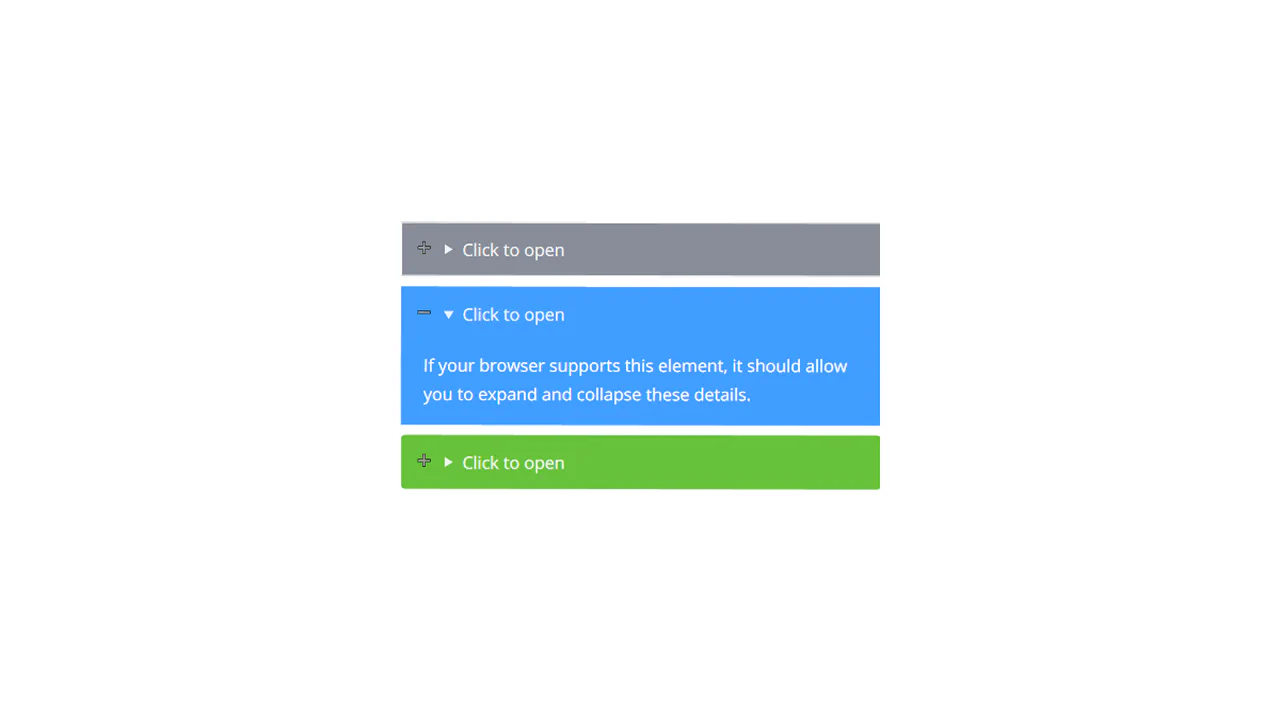
The snippet uses the native <details> element for expandable sections. Styling is done with SCSS: colour modifiers, open/close icons, and smooth transitions. No JavaScript — just built‑in browser behaviour and CSS.
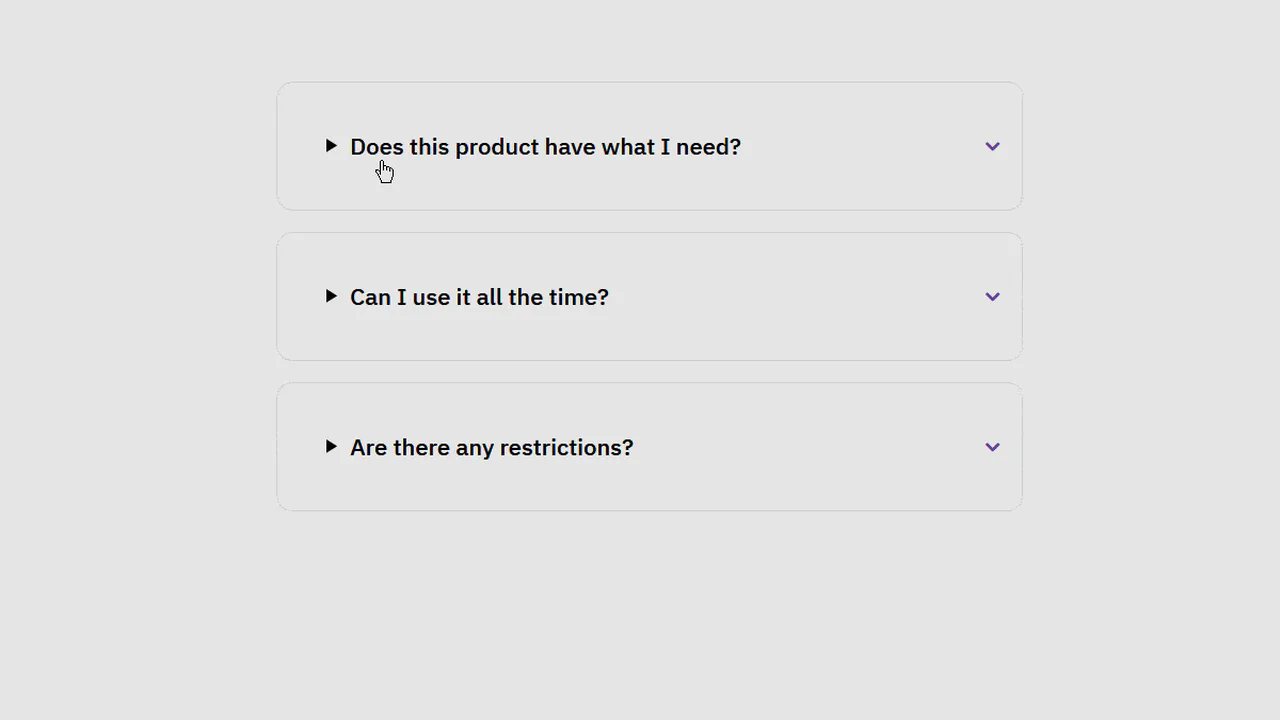
The snippet uses the native <details> element to build an FAQ accordion. Custom SVG icons (expand/close) swap based on the open attribute. Smooth transitions and shadows provide visual feedback. No JavaScript — just semantic markup and CSS.
Built with hidden checkboxes and sibling selectors. Clicking a header toggles the checkbox, controlling text visibility via max-height. Entry animation uses keyframes; all logic lives in the styles.
Accordion uses the native <details> element — built‑in browser functionality, no JavaScript. Styled with CSS custom properties and @keyframes animations. Opening triggers a smooth slide‑down with a delayed image reveal. Minimal code, all logic handled by the browser.
A pure‑CSS accordion driven by the :target pseudo‑class. Sections toggle via anchor links; content expands smoothly by transitioning max‑height. Minimal code, maximum functionality — no JavaScript.
The accordion uses hidden checkboxes — each block is wrapped in a <label>, toggling the checkbox controls visibility. Icons swap via CSS based on :checked. No JavaScript — just HTML and CSS. The code is concise and readable.
The accordion uses hidden checkboxes — expansion and icons toggle via CSS. Inside each section, custom pie charts are built with pure CSS shapes, no images. Responsive layout, SCSS mixins, and variables keep the code structured and maintainable.
Accordion built with native <details> and <summary> — built‑in browser behaviour, no JavaScript. Custom arrows are added via pseudo‑elements, borders adapt. Fallback for older browsers keeps content visible.
The accordion uses hidden checkboxes and CSS transitions. Clicking a header toggles the checkbox, controlling text visibility via max-height. Entry animations are handled with keyframes. No JavaScript — just HTML and CSS.