3 CSS Video Effects
Raw footage often clashes with the interface. Pure CSS Video Effects integrate media seamlessly into the layout, removing the visual disconnect between video and the screen. This collection delivers stylistic blocks for modern UI design. Utilizing these curated snippets replaces heavy post-processing software with real-time, browser-native manipulation. Logic dictates the aesthetic.
The architecture relies on properties like mix-blend-mode, filter, and mask-image to alter video appearance dynamically. Code utilizes hardware acceleration by offloading visual changes to the GPU, ensuring smooth playback without dropping frames. The HTML structure remains semantic, wrapping the <video> tag in lightweight containers to maintain absolute layout stability.
Every free demo is fully responsive and cross-browser compatible. Users can instantly download the raw code or fork a specific effect on CodePen. These updated assets are strictly optimized for performance, ensuring high-fidelity visual output across all modern mobile and desktop devices.
Examples
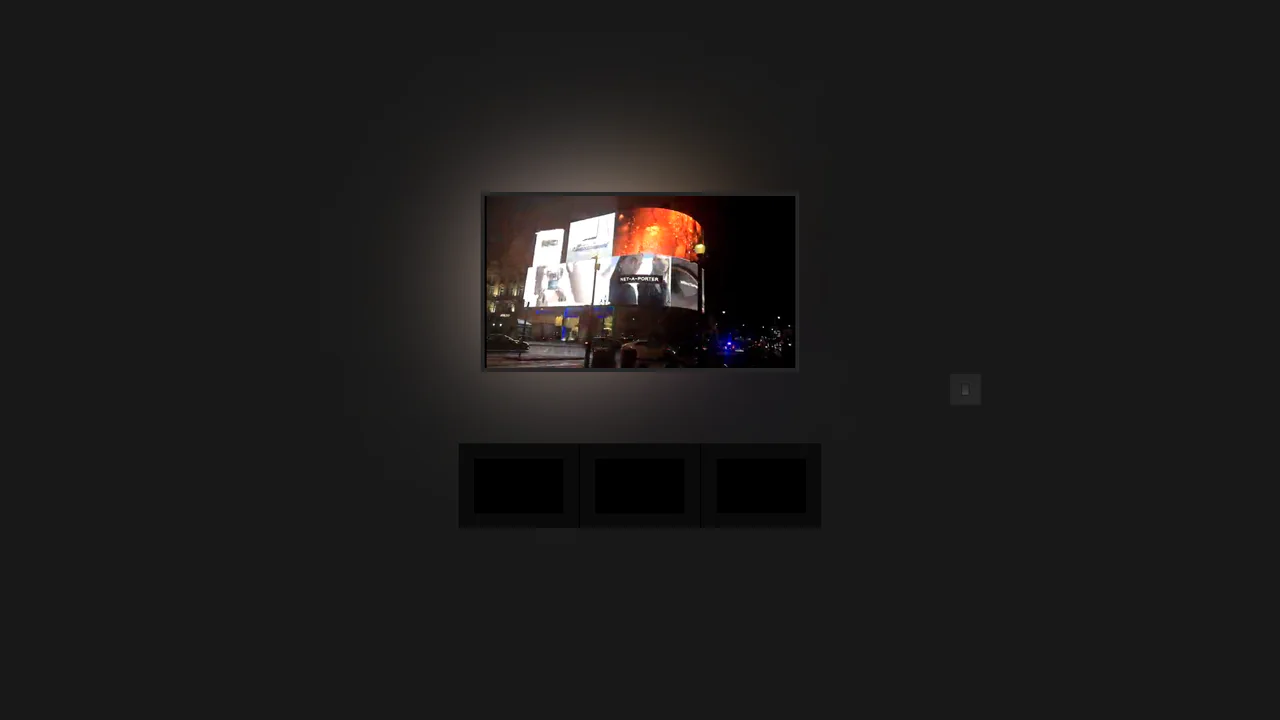
Pure CSS Home Media (Ambilight)
A remarkable, zero-JS interactive environment simulation utilizing the CSS Checkbox Hack and global CSS Variables to control the scene’s ambient lighting.
See the Pen Pure CSS Home Media (Ambilight).

CSS Only Ink Splash Video Manipulation Effect
A seamless merging of two videos, where the second video acts as a transparent overlay or special effect on top of the first.
See the Pen CSS Only Ink Splash Video Manipulation Effect.
CSS @container scroll-state() Faux PiP Video
A demonstration of the current use of @container style() and scroll-state() to create context-aware UI. The key feature: the video element’s styles and animations are entirely determined not by the viewport, but by the element’s position within its parent container.
See the Pen CSS @container scroll-state() Faux PiP Video.