1 CSS z-index Examples
Order on the vertical axis dictates interface clarity. This updated collection of CSS z-index examples establishes a logical hierarchy for overlapping elements. In modern UI design, managing the depth of components — from modal overlays to sticky navigation — is essential to prevent visual friction. Utilizing these curated snippets ensures that layers interact predictably, allowing the intended structure to guide user focus without the chaos of arbitrary stacking values.
Technically, the logic relies on understanding the stacking context and its relationship with HTML positioning properties like relative, absolute, and fixed. The code utilizes modern properties such as isolation: isolate to create new stacking roots, preventing unintended layer bleeding. By focusing on low-value integer systems and CSS variables, these snippets maintain high layout stability and ensure that the rendering engine processes spatial depth efficiently.
Every free demo in this library is cross-browser compatible and responsive. Users can instantly download the raw code or fork an updated project on CodePen. These assets are optimized for performance, delivering a transparent and predictable layering system for any production-ready design.
Examples
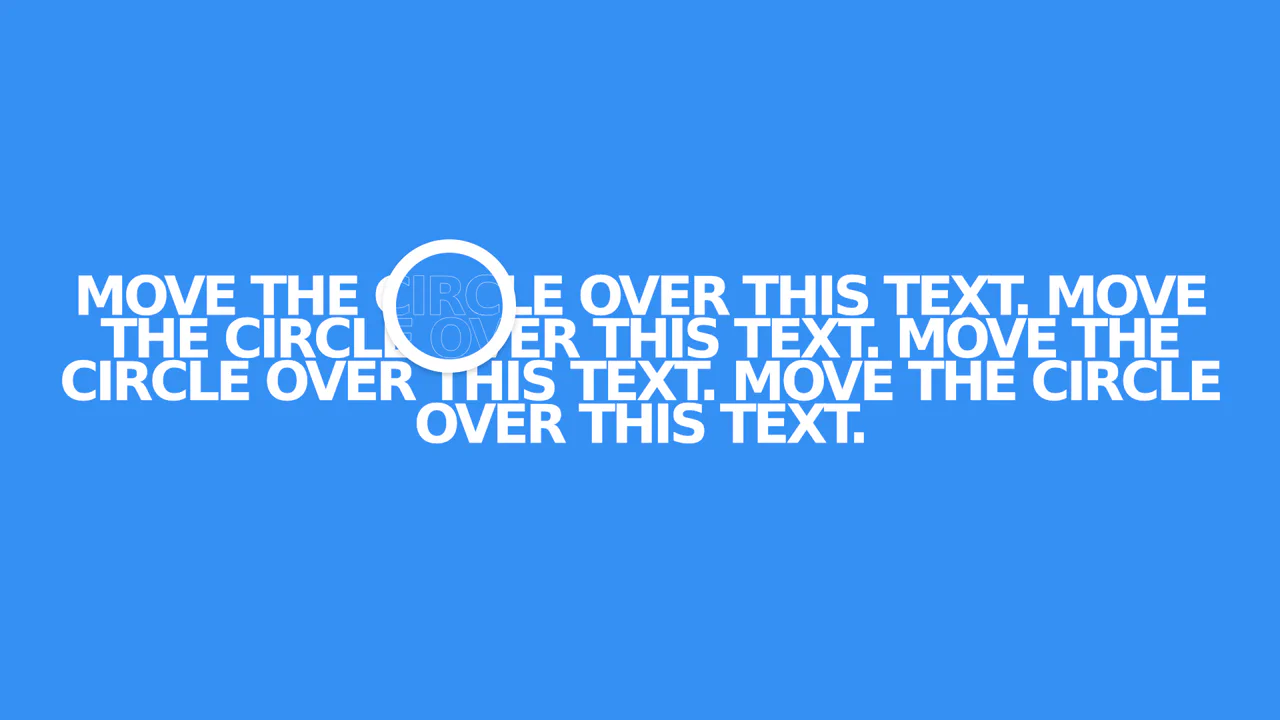
X-Ray Text Hover Effect with JS Masking
The effect is technically created by overlaying two text blocks (filled and outlined) with different z-index values, where a masking circle is moved via JavaScript on mousemove events to hide the bottom text layer, resulting in a crisp, performant animation.
See the Pen X-Ray Text Hover Effect with JS Masking.