2 DOM Rect API Examples
Spatial awareness is the core of interactive interfaces. This updated collection of DOM Rect API examples removes the guesswork from element positioning, bridging the gap between raw coordinates and the screen. Utilizing these curated snippets allows developers to build reactive components — like floating tooltips, context menus, or collision-based layouts — without the friction of inaccurate offset calculations. Logic dictates the placement.
Technically, the logic utilizes the getBoundingClientRect() and getClientRects() methods to retrieve high-precision geometric data. This ensures absolute layout stability by providing exact width, height, and viewport-relative coordinates in real-time. By leveraging hardware acceleration via CSS transforms driven by these calculated values, the UI remains fluid at 60fps. The code relies on semantic HTML and efficient architectural patterns to prevent layout thrashing and minimize Main Thread latency.
Every free demo in this library is cross-browser compatible and responsive. Users can instantly download the raw code or fork a specific logic pattern on CodePen. These assets are strictly optimized for performance, delivering a fast, transparent experience across all modern mobile and desktop devices where geometry serves the design directly.
Examples
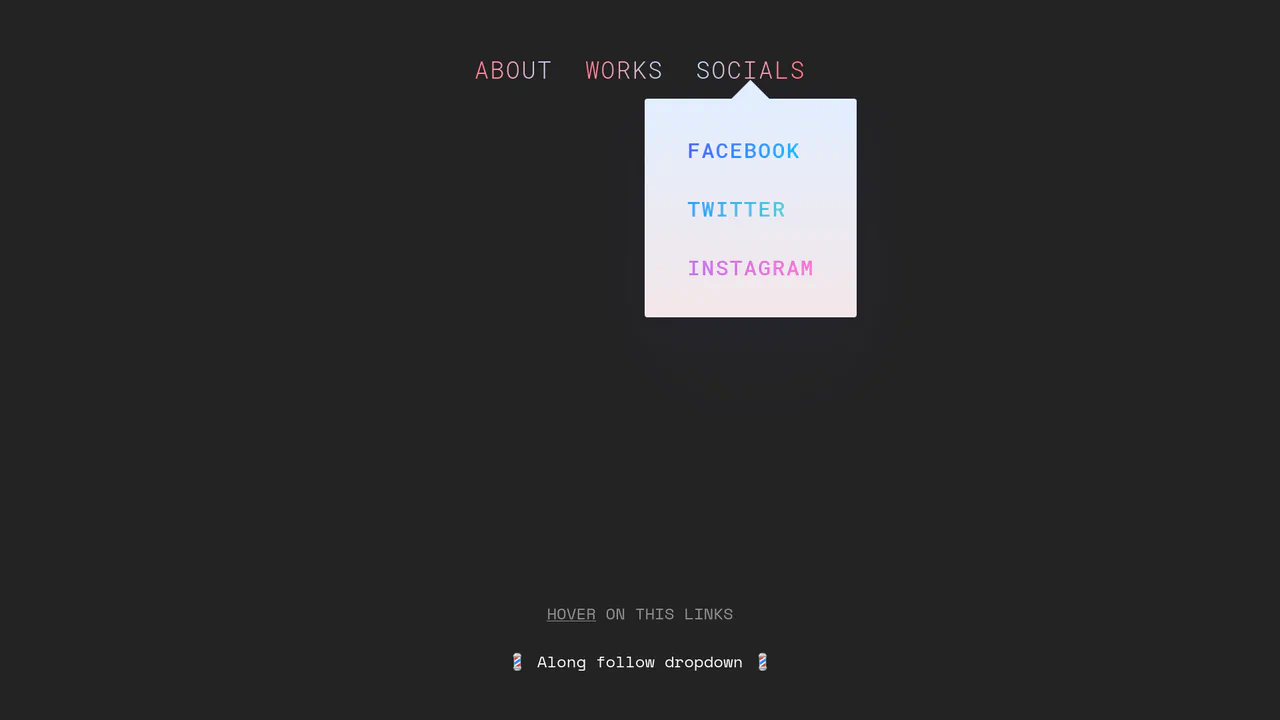
Morphing Stripe-Style Dropdown Navigation
“Morphing Stripe-Style Dropdown Navigation” replicates the famous Stripe header effect. A single background element dynamically resizes and moves behind the active content. JavaScript calculates dimensions using getBoundingClientRect() and updates CSS properties to animate the panel. This approach keeps the DOM clean and ensures smooth transitions between menu sections.
 Chrome 48+
 Edge 15+
 Firefox 48+
 Safari 10+
See the Pen Morphing Stripe-Style Dropdown Navigation.
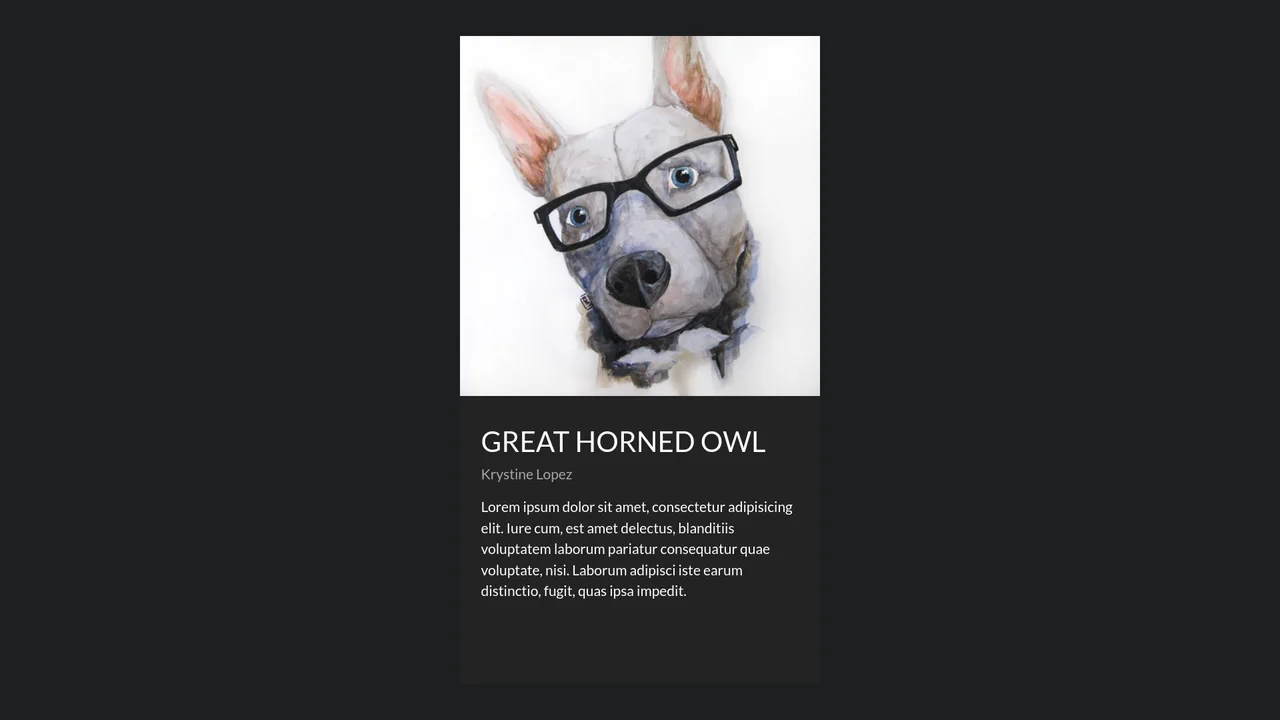
Fluid Shared Element Image Gallery
This is a Fluid Shared Element Image Gallery. It connects a thumbnail grid to a full-screen detail view through continuous spatial morphing. Its function is to eliminate context loss, carrying the user’s visual focus seamlessly from a macro overview to a micro inspection.
Chrome 36+
Edge 79+
Firefox 48+
Safari 13.1+
See the Pen Fluid Shared Element Image Gallery.