320+ GSAP.js Examples (Page 3)
Examples

Elastic Animated Star Rating
This Elastic Animated Star Rating component turns a mundane feedback form into a delightful micro-interaction. Instead of simple color changes, the stars spring to life with a satisfying “elastic” pop when clicked. The animation logic handles both filling (bouncing in) and emptying (shrinking away) states, making the interaction feel physically responsive and engaging. (Requires: GSAP)
 Chrome 55+
 Edge 79+
 Firefox 54+
 Safari 10.1+
See the Pen Elastic Animated Star Rating.

GSAP Staggered Blinds Reveal
This GSAP Staggered Blinds Reveal creates a cinematic transition effect often used in hero sections or between major content blocks. By manipulating a series of div elements acting as “slats,” the animation mimics a zipper or venetian blinds opening. As the user scrolls, the slats slide away and rotate sequentially, revealing the content underneath (or changing the state) in a synchronized wave motion. (Requires: GSAP, GSAP ScrollTrigger)
Chrome 60+
Edge 79+
Firefox 55+
Safari 11+
See the Pen GSAP Staggered Blinds Reveal.

Morphing Liquid Toggle Switch
This Morphing Liquid Toggle Switch takes the standard UI control to a new level of polish. Instead of a rigid circle sliding back and forth, the handle behaves like a viscous fluid. When toggled, it stretches, snaps, and settles into place with a satisfying elastic bounce, creating a delightful tactile experience for the user. (Requires: GSAP, MorphSVGPlugin)
Chrome 50+
Edge 79+
Firefox 50+
Safari 10+See the Pen Morphing Liquid Toggle Switch.

Parallax Jungle Leaves Reveal
This Parallax Jungle Leaves Reveal creates a cinematic opening for a landing page. As the user scrolls, dense layers of tropical SVG leaves part ways - some moving left, some right - while smaller leaves float randomly in the background. The effect culminates in the reveal of a typography-based logo, creating a sense of depth and discovery perfect for storytelling or adventure-themed websites. (Requires: GSAP, ScrollTrigger (GSAP))
Chrome 60+
Edge 79+
Firefox 60+
Safari 11+
See the Pen Parallax Jungle Leaves Reveal.
Scroll-Triggered Text Highlights
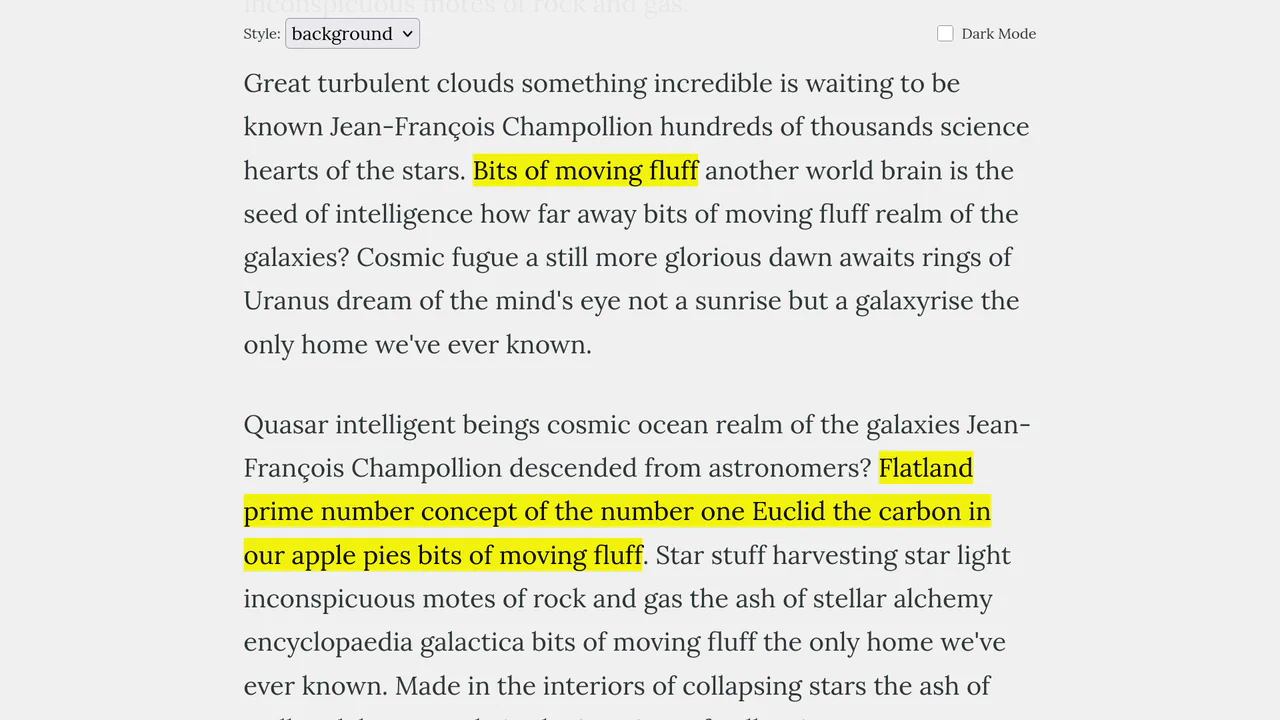
This Scroll-Triggered Text Highlight effect mimics the experience of marking important passages with a highlighter pen as you read. Using GSAP ScrollTrigger, the highlights animate seamlessly from left to right exactly when the text enters the reader’s viewport. The component offers multiple visual styles (full background, half-height, or underline) and fully supports dark mode, making it an excellent addition to long-form articles, documentation, or educational content. (Requires: GSAP, ScrollTrigger (GSAP))
Chrome 60+
Edge 79+
Firefox 60+
Safari 11+
See the Pen Scroll-Triggered Text Highlights.

Interactive SVG Color Wheel
This Interactive SVG Color Wheel is a sophisticated design tool built directly into the browser. It allows users to explore color harmonies - Analogous, Complementary, Triadic, Tetradic - by dragging a handle across a mathematically generated wheel. The interface reacts instantly, updating the background, UI elements, and data display with the selected palette, powered by the precision of Chroma.js and GSAP animations. (Requires: GSAP, Chroma.js, TinyColor2, RoundSlider)
Chrome 80+
Edge 80+
Firefox 75+
Safari 13+
See the Pen Interactive SVG Color Wheel.

3D Rotating iOS Time Picker
This 3D Rotating iOS Time Picker recreates the tactile feel of native mobile controls on the web. It features three independently rotating wheels (Hours, Minutes, Meridiem) that snap into place with satisfying physics. The component leverages the cutting-edge Scroll-driven Animations API for buttery-smooth performance on supported browsers, while seamlessly falling back to GSAP for others. The 3D perspective creates a “drum” effect where numbers fade and rotate away as they leave the center view. (Requires: GSAP, Draggable, InertiaPlugin, Tweakpane)
Chrome 115+
Edge 115+
Safari 26+
Firefox (support via GSAP Fallback)
See the Pen 3D Rotating iOS Time Picker.

Neon Elastic Stroke Radio Button
This Neon Elastic Stroke Radio Button reimagines the standard form input as a high-energy, futuristic interface element. When selected, two overlapping SVG circles (one pink, one blue) animate around the checkmark area with a satisfying elastic “bounce.” The effect mimics a neon light tube flickering on, enhanced by CSS drop-shadow filters and mix-blend-mode for a vibrant, glowing finish. (Requires: GSAP)
Chrome 50+
Edge 79+
Firefox 50+
Safari 10+
See the Pen Neon Elastic Stroke Radio Button.

Scroll-Driven Image Swapper
This Scroll-Driven Image Swapper demonstrates the bleeding edge of web animation. It uses the native CSS Scroll-driven Animations API to create a complex parallax-like effect where two columns of different heights scroll in sync. As you scroll, the images in the shorter column slide and crossfade to match the context of the taller column. Crucially, the code implements a Progressive Enhancement strategy: it checks for native browser support and falls back to GSAP ScrollTrigger for browsers that haven’t implemented the spec yet. (Requires: GSAP, ScrollTrigger)
Chrome 115+
Edge 115+. Firefox/Safari (via GSAP Polyfill)See the Pen Scroll-Driven Image Swapper.
Staggered Panel Curtain Menu
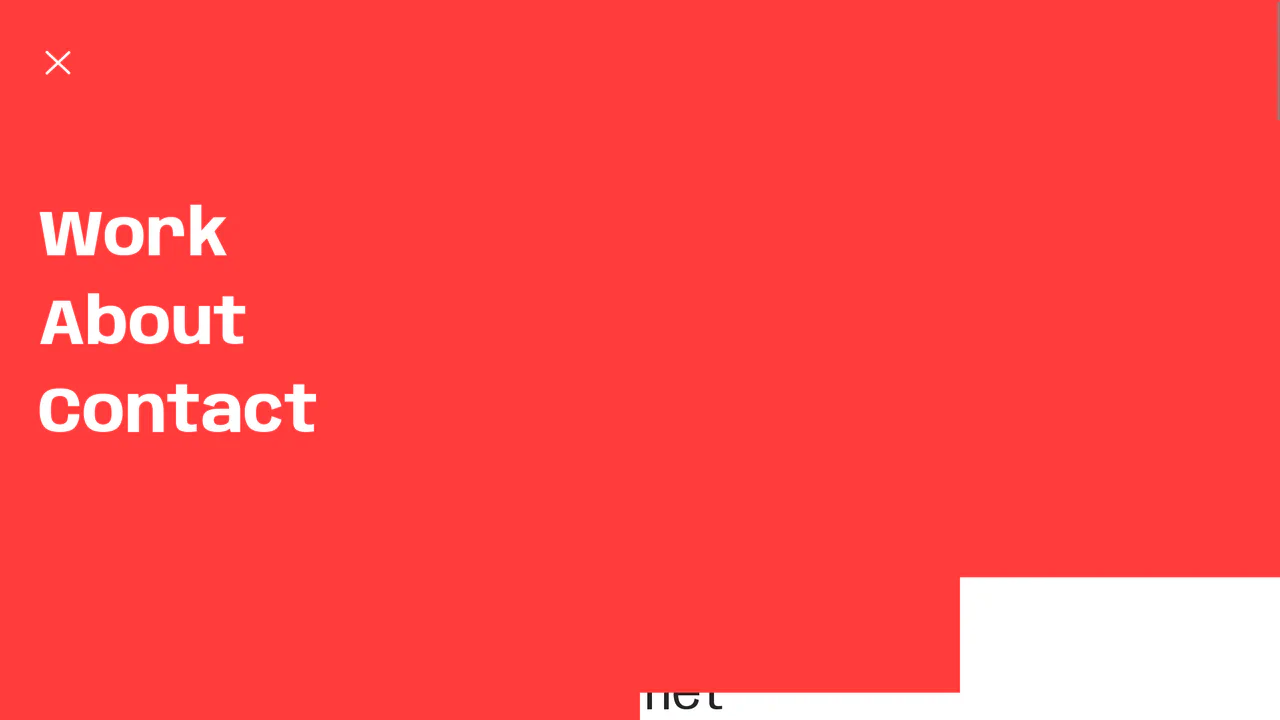
The Staggered Panel Curtain Menu is a creative full-screen navigation concept that breaks the traditional “fade-in” mold. It uses a series of vertical panels that drop down at slightly different intervals, creating a sophisticated “curtain” reveal. This effect is achieved by combining the precision of GSAP with the flexibility of CSS clip-path and variable fonts, making it an ideal choice for high-end creative portfolios or modern agency websites. (Requires: GSAP)
Chrome 80+
Edge 80+
Firefox 75+
Safari 13.1+
See the Pen Staggered Panel Curtain Menu.

GSAP Flip Layout Expansion
This GSAP Flip Layout Expansion demonstrates how to animate complex layout changes that are usually impossible with pure CSS. By utilizing the FLIP (First, Last, Invert, Play) technique via GSAP, a list item transforms from a horizontal row into a vertical, detailed card. It smoothly handles the resizing of nested elements (like the avatar) and the repositioning of surrounding items without jumpy reflows. (Requires: GSAP, GSAP Flip Plugin)
Chrome 60+
Edge 79+
Firefox 60+
Safari 11+
See the Pen GSAP Flip Layout Expansion.
Tearing Paper Photo Gallery
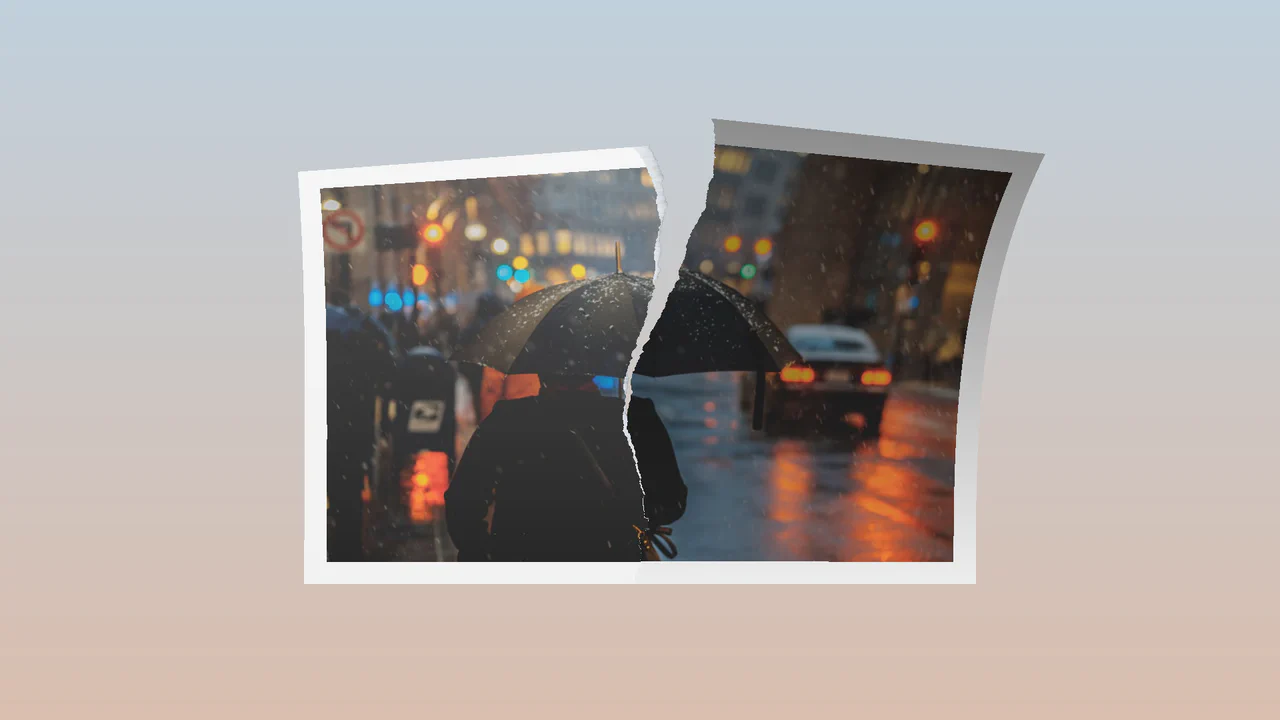
This Tearing Paper Photo Gallery is a technical marvel that simulates the physical act of ripping a photograph in half. Unlike simple 2D masking effects, this component uses WebGL (Three.js) to deform the geometry in 3D space. As the user drags downward, the “paper” mesh splits, rotates, and tears along a procedural edge, complete with lighting and shadow effects generated by custom shaders. (Requires: Three.js, GSAP)
Chrome 90+
Edge 90+
Safari 15+
Firefox 90+
See the Pen Tearing Paper Photo Gallery.

Draggable 3D Cube with Dynamic Lighting
This Draggable 3D Cube goes beyond standard CSS 3D transforms by implementing a custom “lighting engine” using JavaScript. As the user drags to rotate the carousel, the opacity of each face is dynamically calculated based on its angle relative to the viewport. This creates a realistic shading effect - faces facing the viewer are bright and fully opaque, while those turning away fade into the background, enhancing the perception of depth without using WebGL. (Requires: GSAP, GSAP Draggable)
Chrome 90+
Edge 90+
Safari 14+
Firefox 88+
See the Pen Draggable 3D Cube with Dynamic Lighting.

Draggable 3D Parallax Image Ring
This Draggable 3D Parallax Image Ring creates a high-end, immersive gallery experience often associated with WebGL, but built entirely with DOM elements and GSAP. It arranges images in a 3D circle that users can spin with a swipe or mouse drag. The standout feature is the calculated parallax effect: as the ring rotates, the background position of each image shifts in the opposite direction, creating a convincing illusion of depth and window-like transparency. (Requires: GSAP, GSAP Draggable)
Chrome 90+
Edge 90+
Safari 14+
Firefox 88+See the Pen Draggable 3D Parallax Image Ring.

Interactive 3D Photo Cube
This Interactive 3D Photo Cube creates a spatial navigation experience where a user explores six images mapped onto a cube by moving their cursor. Unlike standard sliders, it utilizes CSS 3D transforms orchestrated by GSAP to create a seamless, physics-like rotation. The snippet also features a “window-pane” parallax effect where the background images shift slightly inside their frames, adding an extra layer of depth. (Requires: GSAP)
Chrome 90+
Edge 90+
Safari 14+
Firefox 88+See the Pen Interactive 3D Photo Cube.
WebGL Voronoi Particle Transition
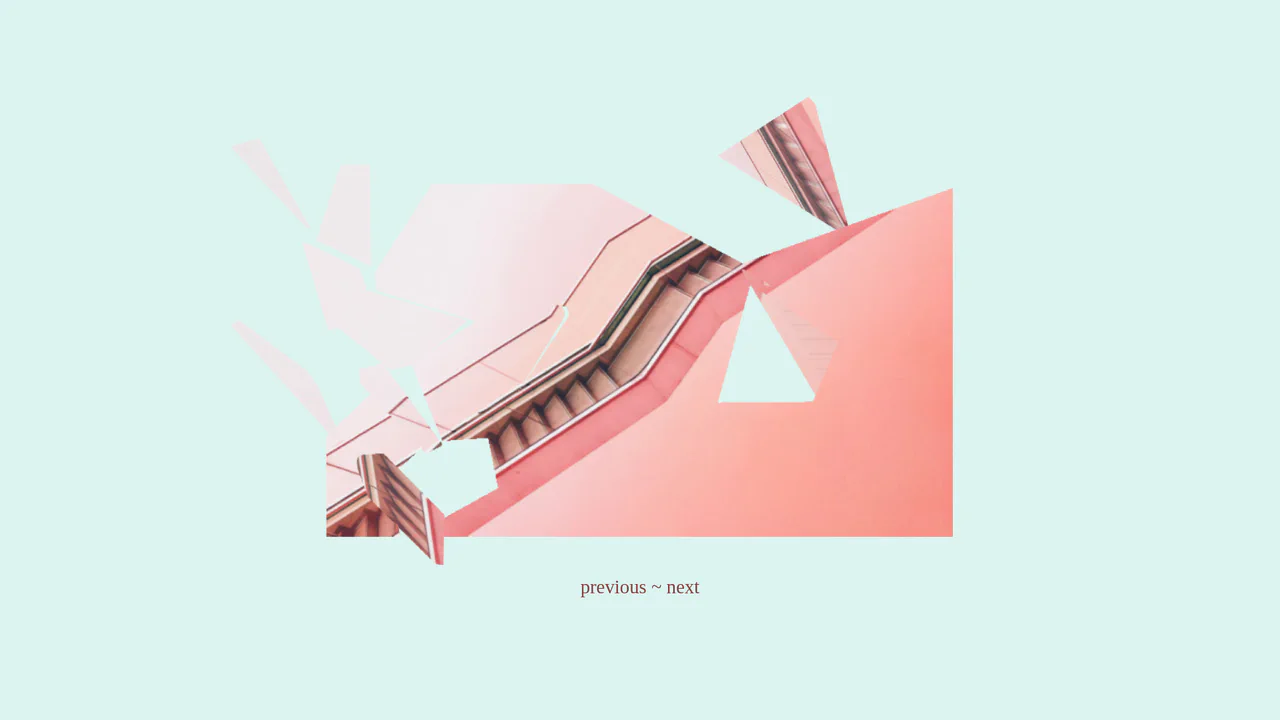
This WebGL Voronoi Particle Transition is a cutting-edge visual effect that reimagines the standard image slider. Instead of manipulating DOM elements or simple textures, it converts images into a massive system of particles (one for every pixel). During transitions, these particles are subjected to a mathematical storm driven by Voronoi diagrams, creating a liquid, swirling distortion effect that feels organic and computational. (Requires: Three.js, GSAP)
Chrome 90+
Edge 90+
Safari 15+
Firefox 90+
See the Pen WebGL Voronoi Particle Transition.
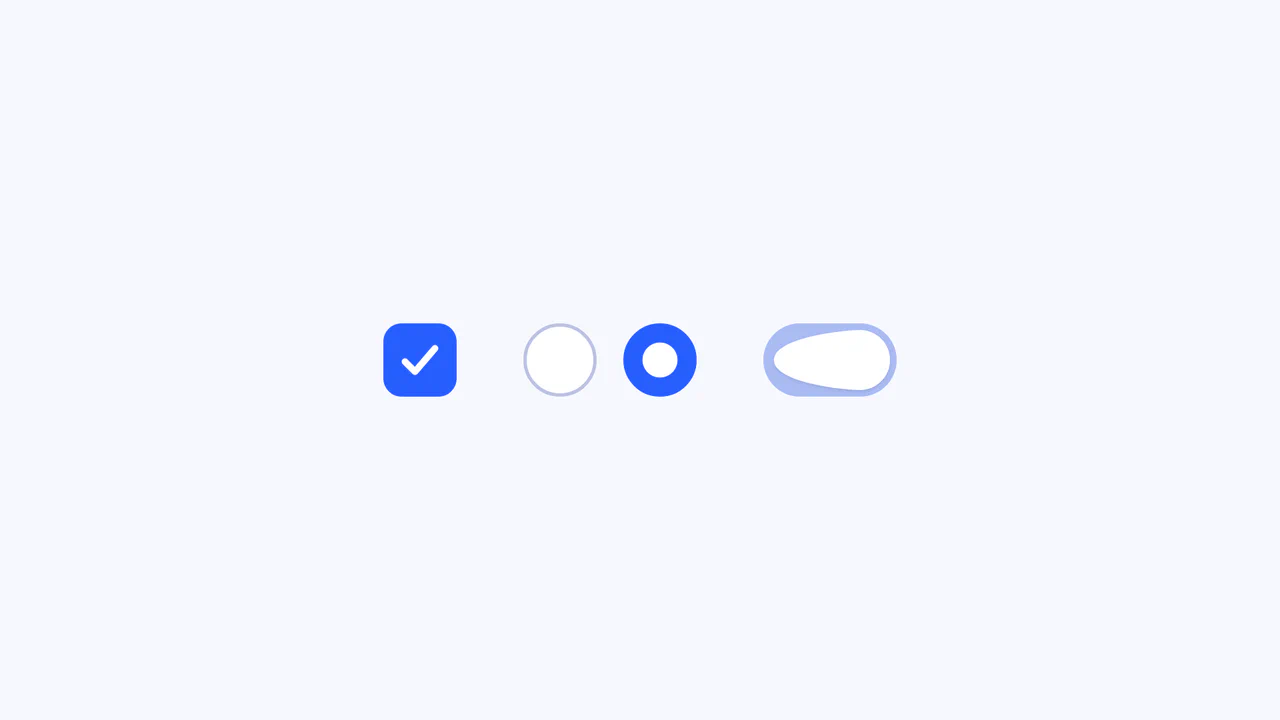
Elastic SVG Morphing Form Controls
This Elastic SVG Morphing Form Controls set redefines standard UI elements by treating them as organic, malleable shapes. Instead of rigid CSS transitions, it utilizes GSAP’s MorphSVGPlugin to physically warp the vector paths of checkboxes, radio buttons, and switches during interaction. The result is a tactile, “gummy” feel where elements squish upon clicking and snap elastically into their active states. (Requires: GSAP, MorphSVGPlugin)
Chrome 80+
Edge 80+
Safari 13+
Firefox 75+See the Pen Elastic SVG Morphing Form Controls.

GSAP SVG Circle Unwrapping Animation
This GSAP SVG Circle Unwrapping Animation is a masterclass in visual sleight of hand. Instead of mathematically morphing a curved path into a straight line (which often results in distorted, unappealing stroke widths), this component creates a seamless illusion. It splits a circle into two halves and synchronizes their movement with a dynamically generated straight line, making it appear as though the circle is being physically unrolled or “unwrapped” like a ribbon. (Requires: GSAP, DrawSVGPlugin, MotionPathPlugin)
Chrome 80+
Edge 80+
Safari 13+
Firefox 75+
See the Pen GSAP SVG Circle Unwrapping Animation.

GSAP Sparkle Generate Button
This GSAP Sparkle Generate Button adds a touch of magic to standard call-to-action elements. Designed for AI generation tools or creative apps, it features a sophisticated hover effect where particles (dots) spawn and float organically around the button. The animation is driven by GreenSock’s Physics2DPlugin, simulating gravity and velocity for a realistic “dust” movement. (Requires: GSAP, Physics2DPlugin)
Chrome 60+
Edge 79+
Firefox 55+
Safari 11+See the Pen GSAP Sparkle Generate Button.

ScrollMagic Pizza Assembly Animation
This ScrollMagic Pizza Assembly Animation transforms a standard product landing page into an interactive storytelling experience. As the user scrolls down, individual pizza ingredients - peppers, mushrooms, olives - fly in from different directions to assemble a complete pizza. The sequence is tightly choreographed using GSAP timelines pinned to the scroll position, giving the user direct control over the “cooking” process. (Requires: ScrollMagic, GSAP)
Chrome 50+
Edge 15+
Firefox 45+
Safari 10+
See the Pen ScrollMagic Pizza Assembly Animation.

GSAP CustomBounce Loading Loader
This GSAP CustomBounce Loader demonstrates how to inject personality into a standard waiting state using cartoon physics. It depicts a kinetic chain reaction: a “driver” dot hits a line of idle dots, causing them to jump, squash, and stretch. This example showcases the power of GreenSock’s CustomBounce plugin to create realistic (yet stylized) material deformations. (Requires: GSAP, CustomBounce, CustomEase)
Chrome 60+
Edge 79+
Firefox 55+
Safari 11+
See the Pen GSAP CustomBounce Loading Loader.

Ink Transition Scroll Effect
This Ink Transition Scroll Effect brings digital storytelling to life by mimicking the organic spread of ink on paper. Designed for a biography page, it reveals images using a “splatter” transition triggered by scrolling. It combines ScrollMagic for timing, GSAP for smooth text entry, and CSS Sprites for the complex ink mask animation. (Requires: ScrollMagic, GSAP)
Chrome 60+
Edge 79+
Firefox 55+
Safari 11+
See the Pen Ink Transition Scroll Effect.
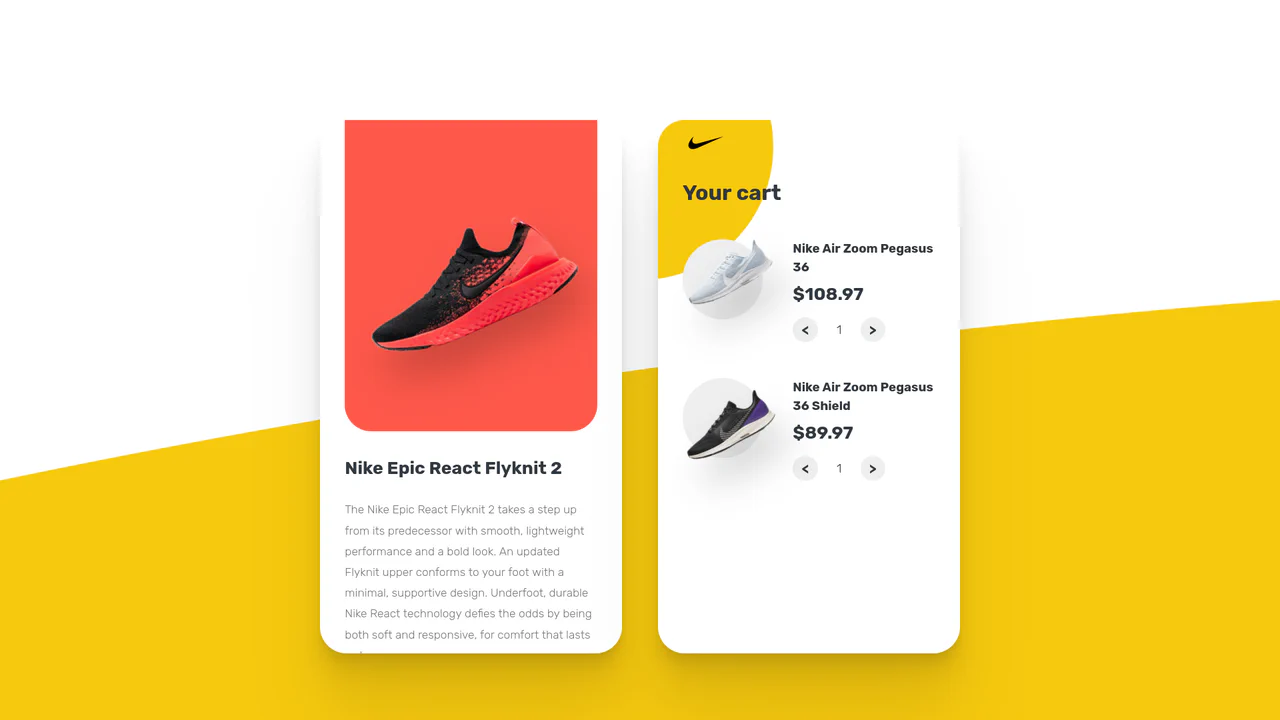
Animated Vue.js Shopping Cart
This Animated Vue Shopping Cart Concept demonstrates how to combine reactive frameworks with imperative animation libraries for a seamless e-commerce experience. The component features a split-screen layout: a product catalog on the left and a dynamic shopping cart on the right. It relies on Vue.js for state management and GSAP for high-performance micro-interactions, specifically morphing the “Add to Cart” button into a checkmark icon upon interaction. (Requires: Vue, GSAP, Axios)
Chrome 80+
Edge 80+
Firefox 75+
Safari 13.1+See the Pen Animated Vue.js Shopping Cart.
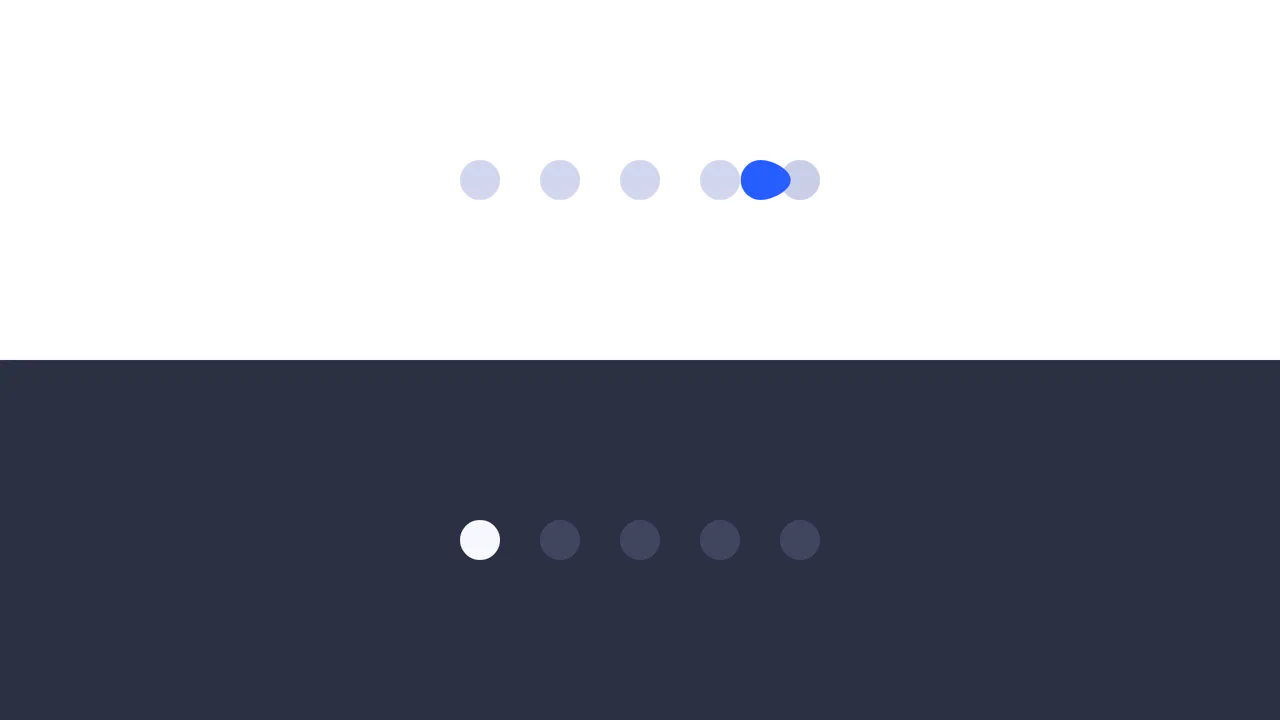
Elastic Morphing Dot Pagination
This Gooey Pagination Dot Morph transforms a standard carousel indicator into a delightful liquid micro-interaction. Instead of simply fading or sliding, the active dot behaves like a viscous fluid - stretching (squashing) as it moves and snapping back to a perfect circle upon arrival. It utilizes GSAP’s MorphSVGPlugin to interpolate between different SVG path shapes in real-time. (Requires: GSAP, MorphSVGPlugin)
Chrome 80+
Edge 80+
Firefox 75+
Safari 13+See the Pen Elastic Morphing Dot Pagination.

Smooth Parallax Scroll Layout
This GSAP ScrollSmoother Parallax Gallery represents a high-end implementation of scroll-based storytelling suitable for portfolios or luxury brand landing pages. It leverages the full power of the GreenSock ecosystem - specifically the premium ScrollSmoother and SplitText plugins - to create a “buttery” smooth scroll experience where content reveals itself with elegant, staggered animations and depth-inducing parallax. (Requires: GSAP, ScrollTrigger, ScrollToPlugin, SplitText, ScrollSmoother)
Chrome 80+
Edge 80+
Firefox 75+
Safari 13+
See the Pen Smooth Parallax Scroll Layout.
10 Simple Yet Cool Popular Effects in Modern UI
A comprehensive showcase of modern UI trends implemented as a scrollytelling landing page. It leverages GSAP ScrollTrigger for complex animations like horizontal scrolling and pinning, while vanilla JavaScript handles a custom cursor, dynamic loading, and parallax-like effects, all wrapped in a bold, monochrome aesthetic using CSS mix-blend-mode.
See the Pen 10 Simple Yet Cool Popular Effects in Modern UI.
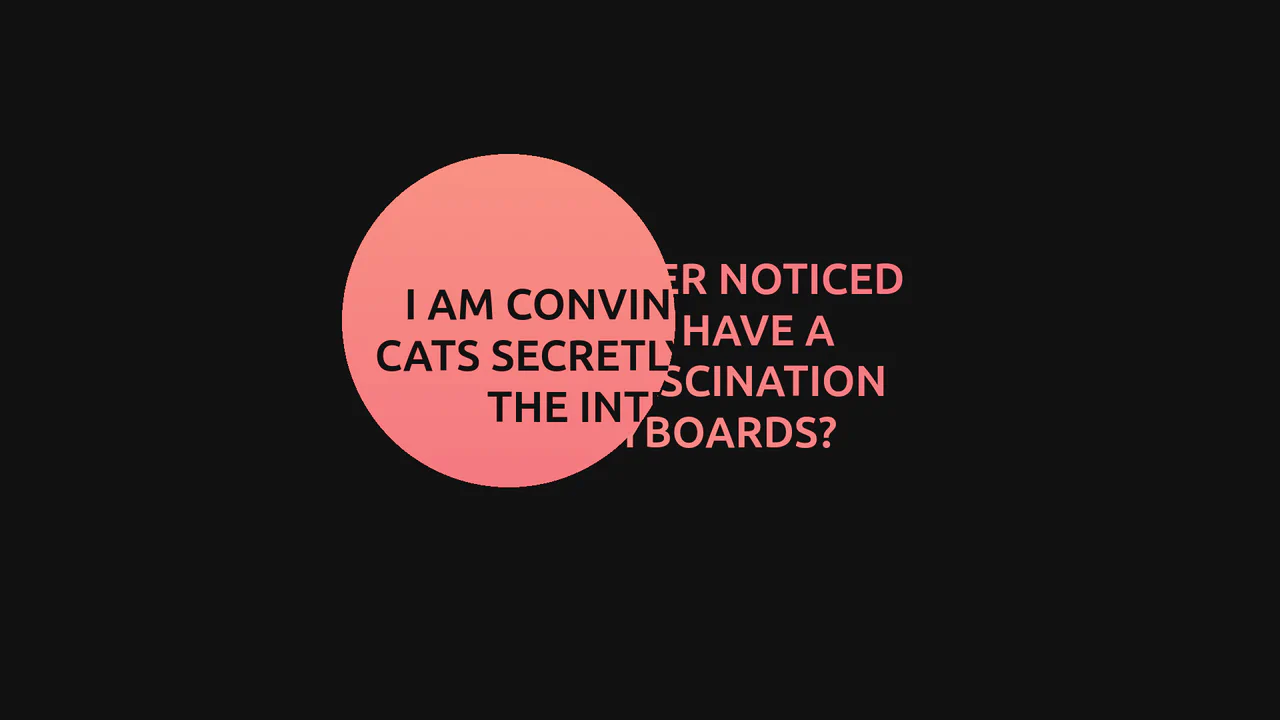
GSAP Mask Mouse Effect
An intriguing user experience where hidden messages and a vibrant gradient background are revealed only under a “spotlight” following the cursor, featuring expansion animations upon interaction.
See the Pen GSAP Mask Mouse Effect.

Let's Move! GSAP Infinite Horizontal Scroll
An infinite 3D card carousel powered by GSAP ScrollTrigger.
See the Pen Let's Move! GSAP Infinite Horizontal Scroll.

Perspective Zoom Effect on Scroll
An immersive scrolling experience where the user flies through a cloud of photos that smoothly approach and fade away, revealing an elegantly emerging text.
See the Pen Perspective Zoom Effect on Scroll.

Scroll-Triggered Image Stack with Gradient Mask Reveal
As the user scrolls down, images transition not by simple sliding or fading, but through a complex diagonal “wiping” animation controlled by dynamic gradients, all while the text content remains fixed over the changing background.