90+ Canvas API Examples (Page 2)
Examples

Interactive Canvas Color Picker Eyedropper
This is an Interactive Canvas Color Picker Eyedropper. It uses the ZIM.js framework to render a native color extraction tool directly over an image. Its function is to sample pixel data and dynamically theme the surrounding interface. The effect is immediate, bridging image content with UI styling through raw canvas manipulation. (Requires: zim.js)
 Chrome 80+
 Edge 80+
 Firefox 75+
 Safari 13.1+
See the Pen Interactive Canvas Color Picker Eyedropper.
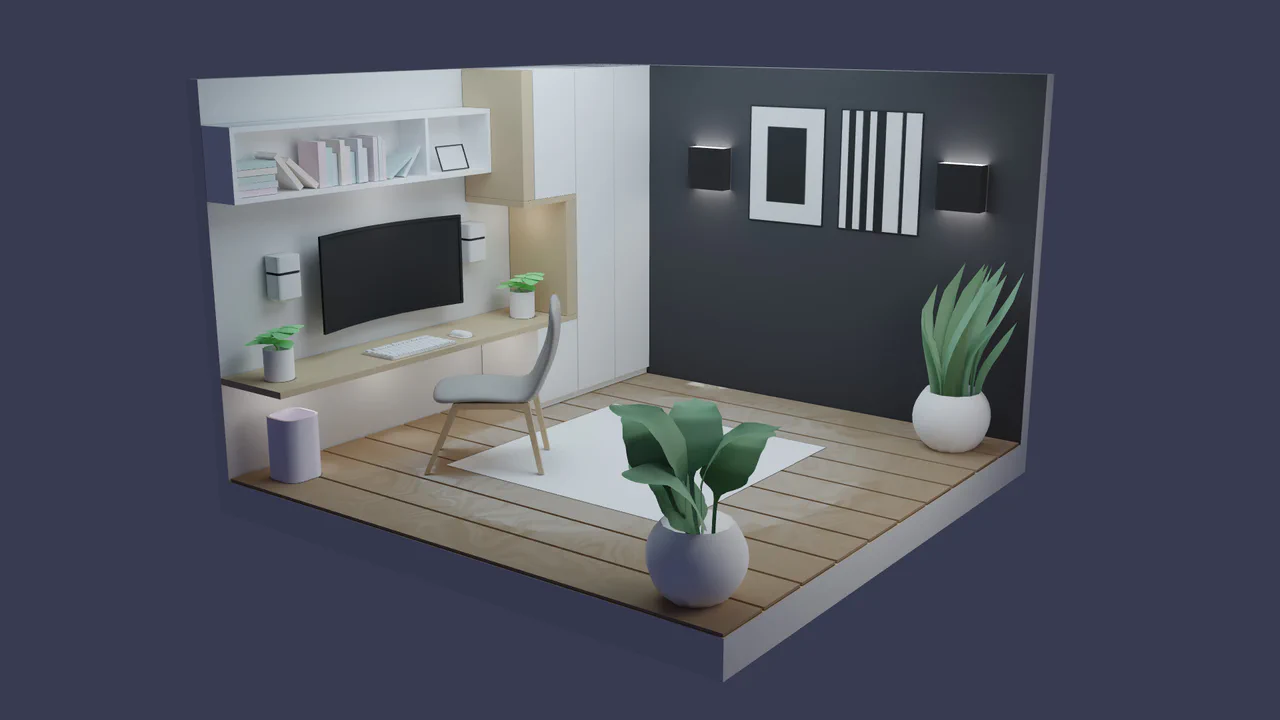
Interactive 3D Workspace Diorama
We often treat web content as flat information, devoid of spatial context. This component creates a digital sanctuary. By combining soft, pre-calculated lighting with a constrained interactive camera, we invite the user to inhabit a space, not just view it. (Requires: three.js, gltf-loader, orbit-controls)
Chrome 60+
Edge 79+
Firefox 55+
Safari 11+
See the Pen Interactive 3D Workspace Diorama.
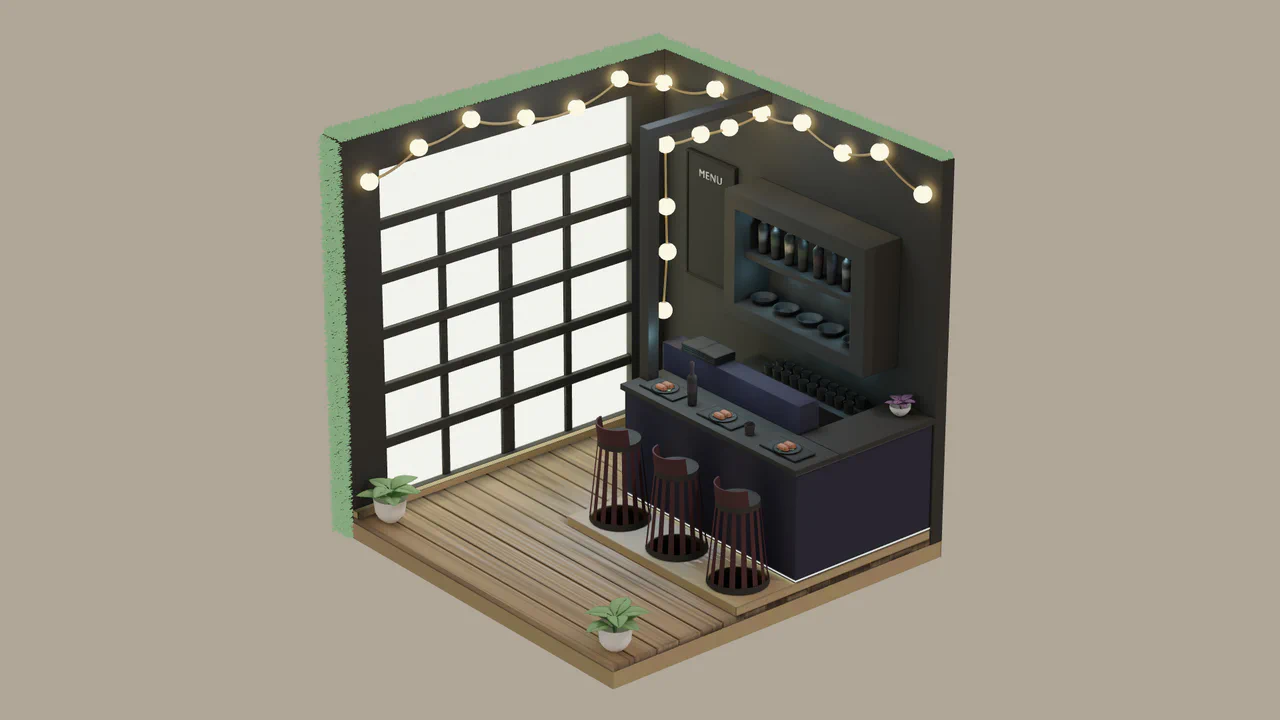
Isometric 3D Little Restaurant
Real-time rendering often demands too much power for too little soul. This component brings the warmth of a hand-crafted miniature to the browser. By leveraging baked textures, we achieve photorealistic lighting with the performance footprint of a simple image. It is not just a 3D model; it is a digital diorama that invites the user to inspect every corner with tactile orbit controls. (Requires: three.js, gltf-loader, orbit-controls)
Chrome 60+
Edge 79+
Firefox 55+
Safari 11+See the Pen Isometric 3D Little Restaurant.

Canvas Card Slicer Game
Modern web games often rely on bloated frameworks. This project demonstrates the raw capability of the native Canvas API combined with lightweight physics. It is a satisfying, tactile experience where the user’s cursor becomes a blade. By implementing a custom particle system and separating the collision logic (SAT.js) from the rendering, we achieve a high-performance arcade feel that runs smoothly even on modest hardware. (Requires: sat-js, mg-engine-js)
Chrome 60+
Edge 79+
Firefox 60+
Safari 11+
See the Pen Canvas Card Slicer Game.

Stealth Pi Game
Web games often get bogged down in heavy engines. This project is a love letter to the raw power of the HTML5 Canvas API. It is a pure, dependency-free arcade experience (save for a tiny sound synthesizer) that pits player reflexes against mathematical precision. You aren’t just moving pixels; you are navigating a vector field, dodging a ray-casting collision detector that speeds up as you survive. It is tense, fast, and built on solid geometry.
Chrome 60+
Edge 79+
Firefox 60+
Safari 11+
See the Pen Stealth Pi Game.

GSAP Staggered Blinds Reveal
This GSAP Staggered Blinds Reveal creates a cinematic transition effect often used in hero sections or between major content blocks. By manipulating a series of div elements acting as “slats,” the animation mimics a zipper or venetian blinds opening. As the user scrolls, the slats slide away and rotate sequentially, revealing the content underneath (or changing the state) in a synchronized wave motion. (Requires: GSAP, GSAP ScrollTrigger)
Chrome 60+
Edge 79+
Firefox 55+
Safari 11+
See the Pen GSAP Staggered Blinds Reveal.

Interactive Neon Grid Trail
This Interactive Neon Grid Trail creates a sleek, cybernetic atmosphere ideal for tech portfolios or futuristic landing pages. It utilizes the HTML5 Canvas API to render a grid of invisible squares that light up in neon teal upon interaction. The effect features a “memory” mechanic where the illuminated cells hold their charge for a moment before gracefully fading back into the darkness, creating a satisfying trail behind the user’s cursor.
Chrome 4+
Edge 12+
Firefox 3.6+
Safari 4+
See the Pen Interactive Neon Grid Trail.
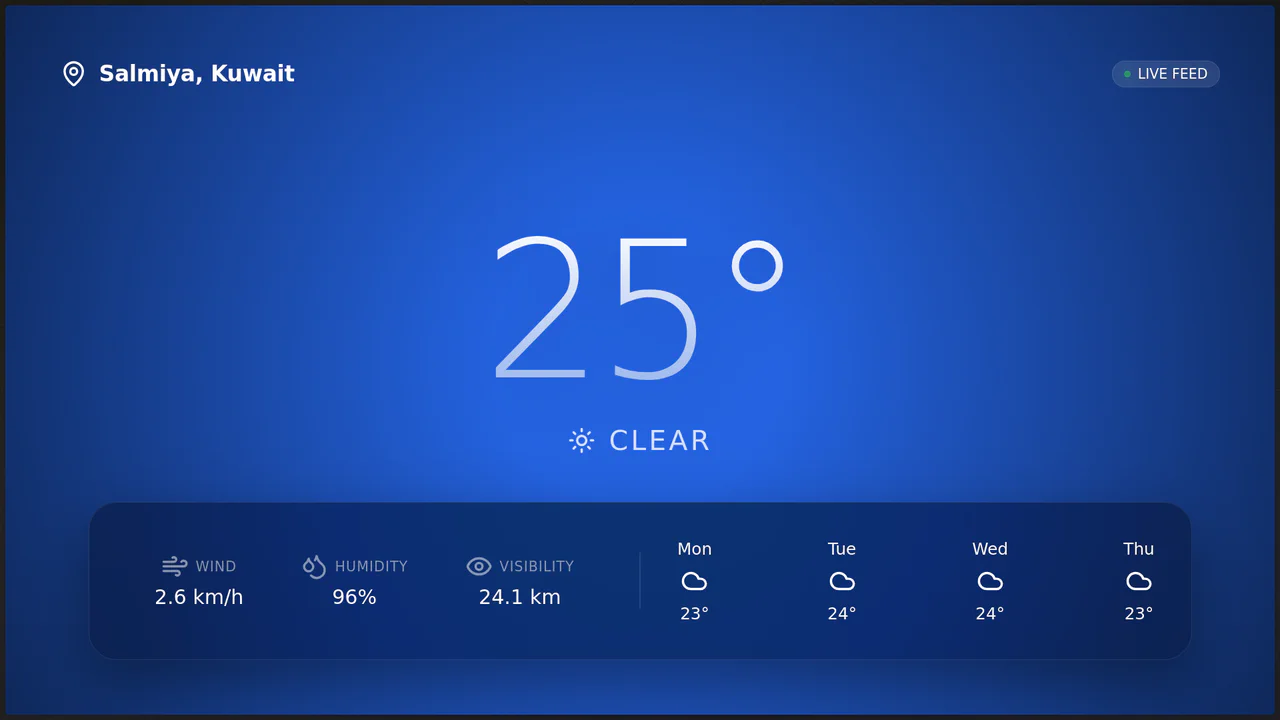
Oculus II: Immersive 3D Weather Station
Oculus II redefines the weather dashboard by blending real-time data with a cinematic 3D environment. Unlike static weather apps, it uses Three.js to render a living scene - drifting clouds, falling rain, or twinkling stars - that reacts to the mouse cursor with a subtle parallax effect. The UI floats above this world using glassmorphism, creating a sense of depth and modernity while providing live weather metrics from the Open-Meteo API. (Requires: Three.js, GSAP, Lucide Icons)
Chrome 80+
Edge 80+
Firefox 75+
Safari 13.1+
See the Pen Oculus II: Immersive 3D Weather Station.
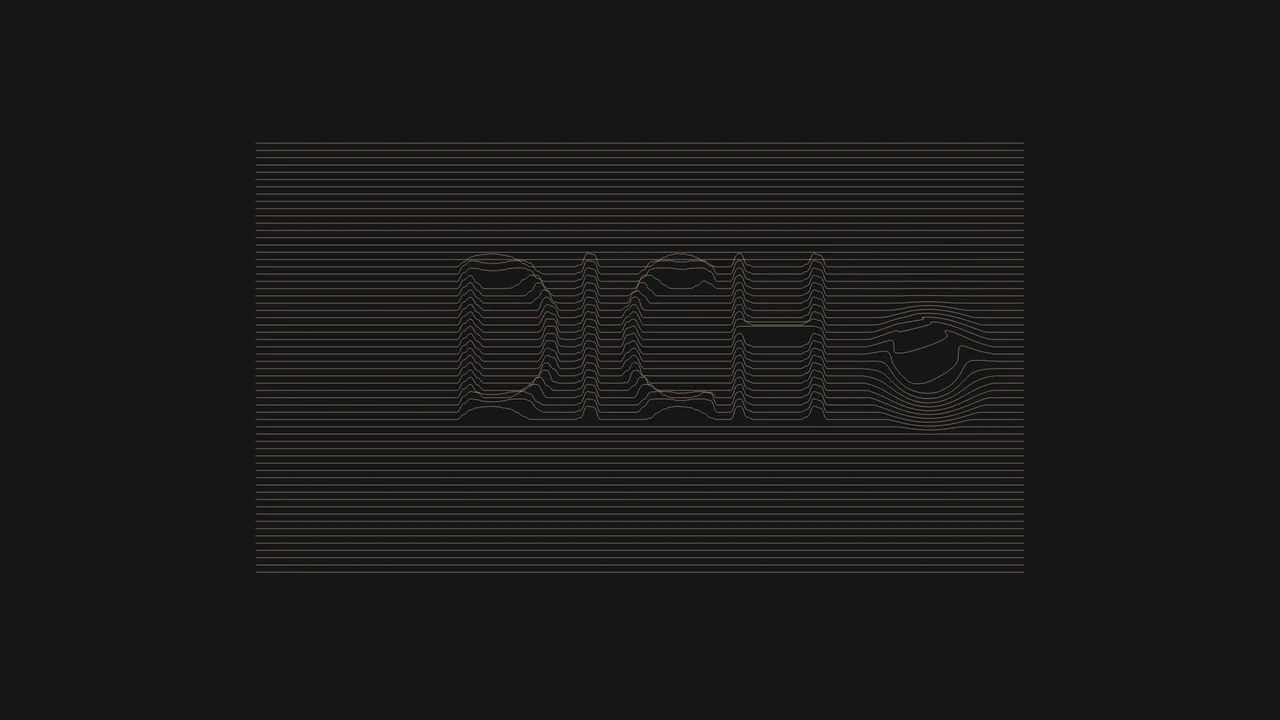
Interactive Typographic Wave Footer
This Interactive Typographic Wave Footer combines generative art with functional UI design. It features a field of horizontal lines that behave like a liquid surface, reacting to the user’s cursor with a satisfying ripple effect. Hidden within the wave structure is a 3D-like topographic representation of text (“DICH”), generated by mapping pixel brightness from an off-screen canvas to the vertical position of the lines. It’s a sophisticated way to add depth and interactivity to a page footer or hero section. (Requires: Custom Font (Drukwide))
Chrome 50+
Edge 79+
Firefox 50+
Safari 11+
See the Pen Interactive Typographic Wave Footer.
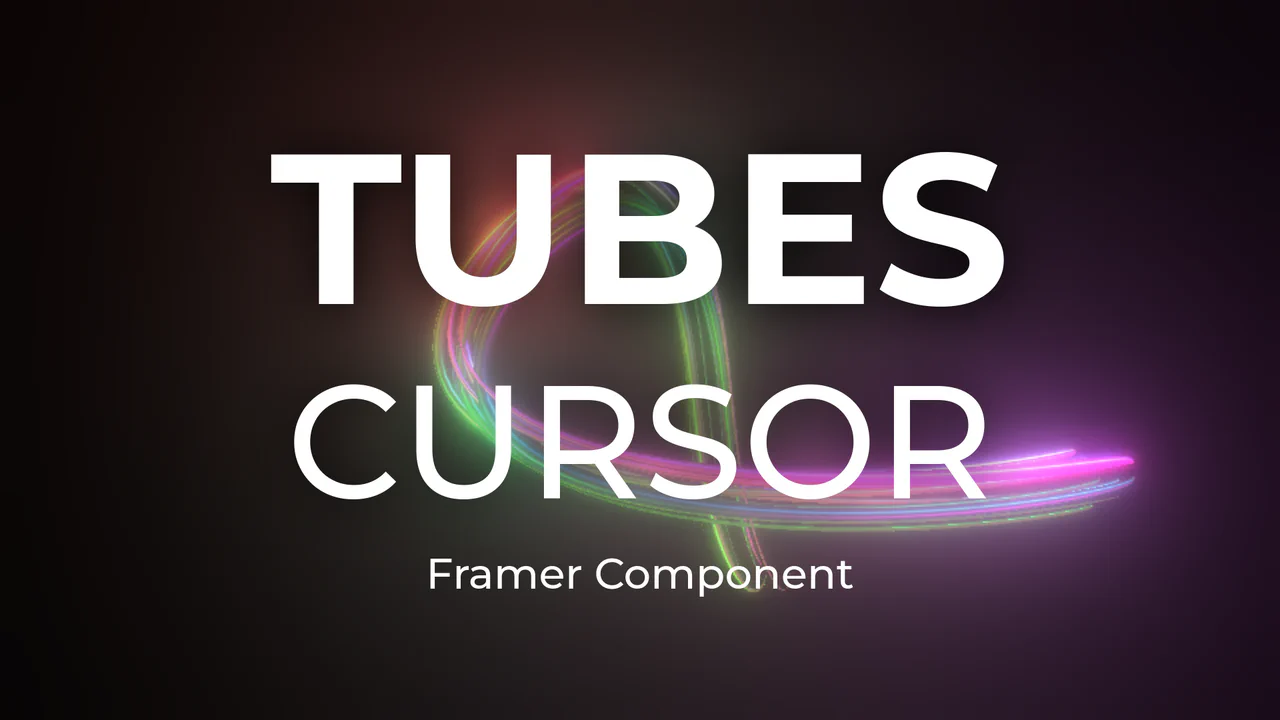
Neon 3D Tubes Cursor Trail
This Neon 3D Tubes Cursor Trail brings high-end motion graphics to the web browser. Using the power of WebGL and Three.js, it generates a serpentine trail of glowing 3D geometry that fluidly follows the user’s input. The effect features dynamic lighting that casts soft glows on the tubes, and it includes a built-in interaction where clicking the screen instantly randomizes the color palette, keeping the visual experience fresh. (Requires: threejs-components (External Lib))
Chrome 80+
Edge 80+
Firefox 75+
Safari 13.1+
See the Pen Neon 3D Tubes Cursor Trail.
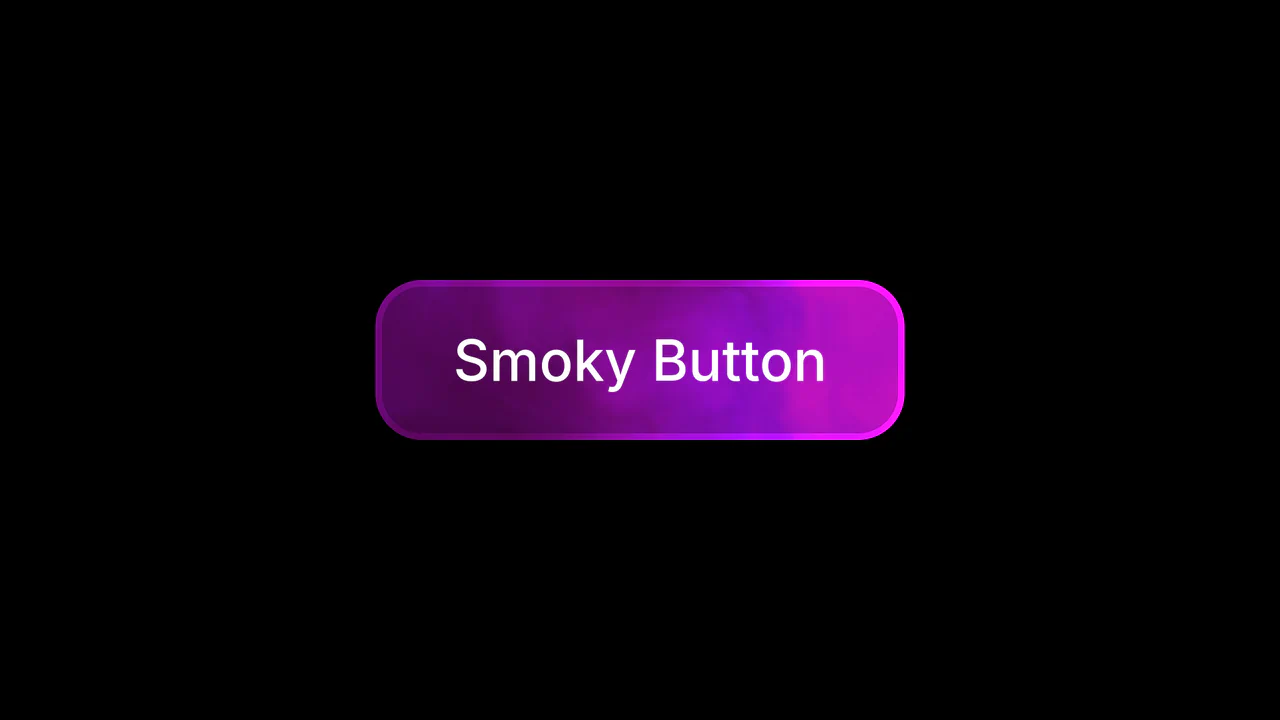
WebGL Fluid Smoke Button
This WebGL Fluid Smoke Button elevates standard UI interactions by embedding a real-time generative shader directly into the interface. Instead of using a heavy video file, it calculates complex fluid dynamics on the fly using Fractional Brownian Motion (fBM). The result is a mesmerizing, never-repeating smoky background that reacts to hover states with a smooth scale and rotation effect, styled effortlessly via Tailwind CSS. (Requires: fragment-canvas, Tailwind CSS)
Chrome 90+
Edge 90+
Firefox 90+
Safari 15+
See the Pen WebGL Fluid Smoke Button.

Interactive Canvas Liquid Image Distortion
This Interactive Canvas Liquid Image Distortion transforms a static image into a playful, fluid surface. By subdividing the image into a grid of tiny cells, the script manipulates the texture coordinates of each cell in response to mouse movement. The result is a “jelly-like” or refractive glass effect where the image appears to warp and ripple under the user’s cursor.
Chrome 4+
Edge 12+
Firefox 3.6+
Safari 4+
See the Pen Interactive Canvas Liquid Image Distortion.
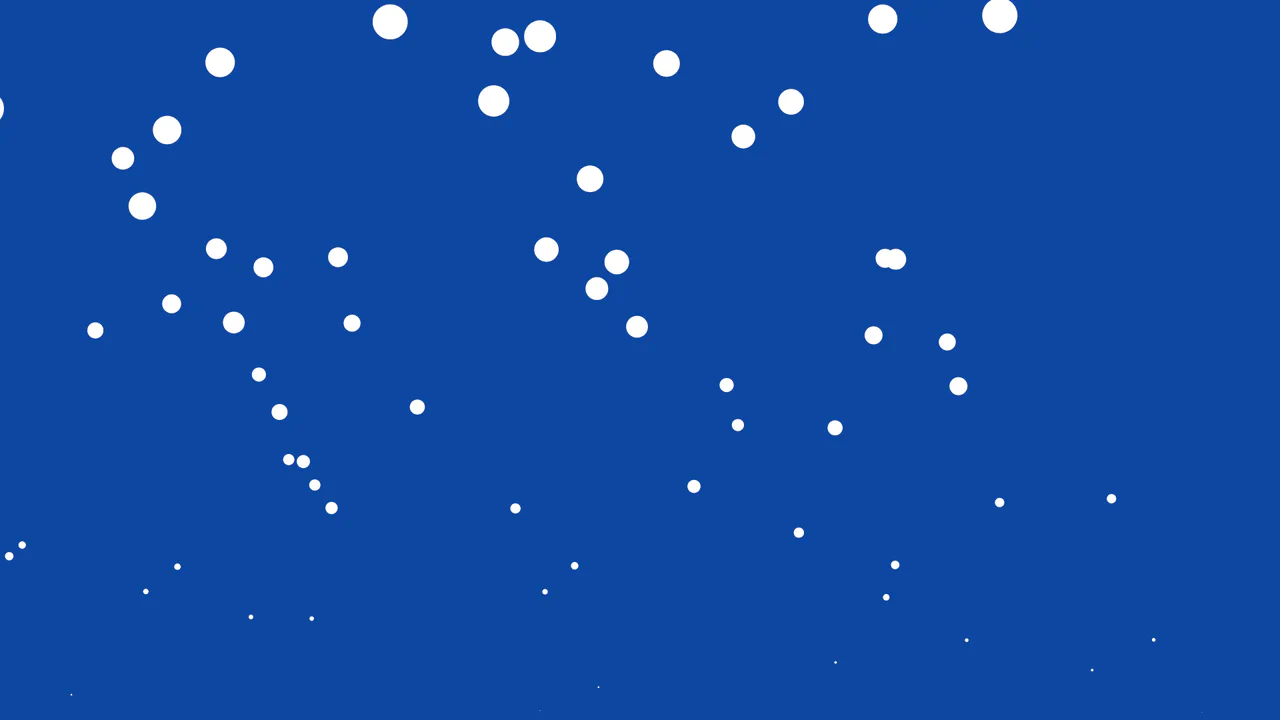
Rising Bubbles Particles Effect
This Rising Bubbles Particle Background utilizes the tsParticles library to create a soothing, fluid animation reminiscent of carbonated water or an underwater scene. By leveraging the HTML5 Canvas API through a high-level configuration object, it renders performant particles that spawn from the bottom of the viewport and grow until they “pop.” (Requires: tsParticles.js)
Chrome 4+
Edge 12+
Firefox 4+
Safari 3.1+
See the Pen Rising Bubbles Particles Effect.

Cubes
An infinite, psychedelic flight through a field of glass cubes that refract light and respond to camera interaction, creating a deep immersion into a tumbling crystalline structure.
See the Pen Cubes.
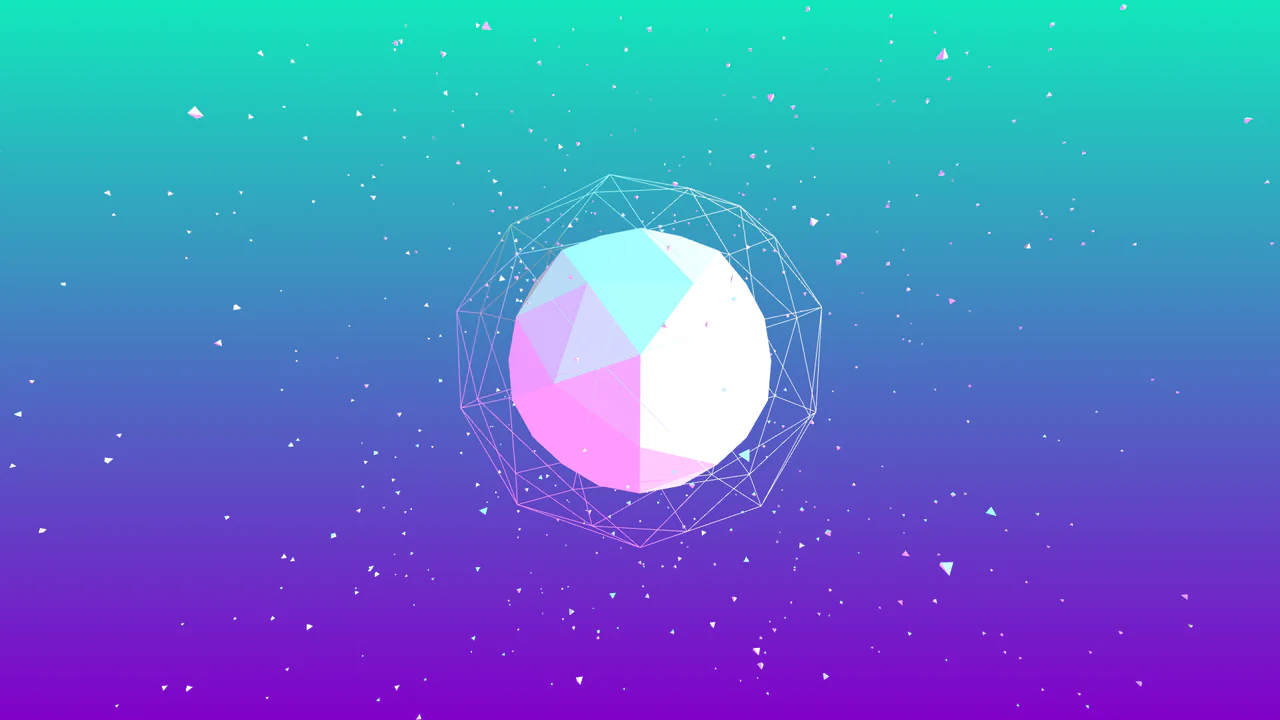
Three.js Gradient
A Low Poly 3D planet visualization built with Three.js, featuring three rotating layers: a solid core, a wireframe shell, and a floating particle cloud.
See the Pen Three.js Gradient.
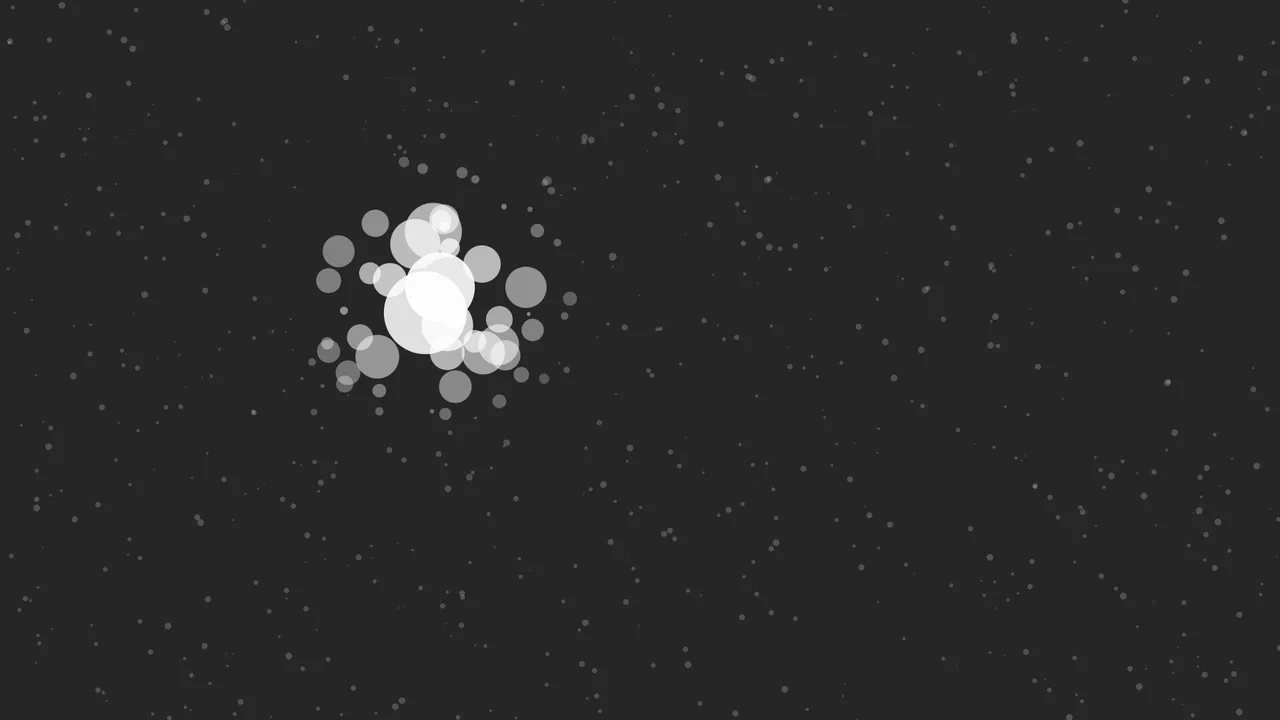
The Konami Code Easter Egg
Entering the Konami Code (↑ ↑ ↓ ↓ ← → ← → B A) triggers a party mode: the stars turn different colors, move chaotically to the sound of sparkle.mp3, and then return to their original state.
See the Pen The Konami Code Easter Egg.
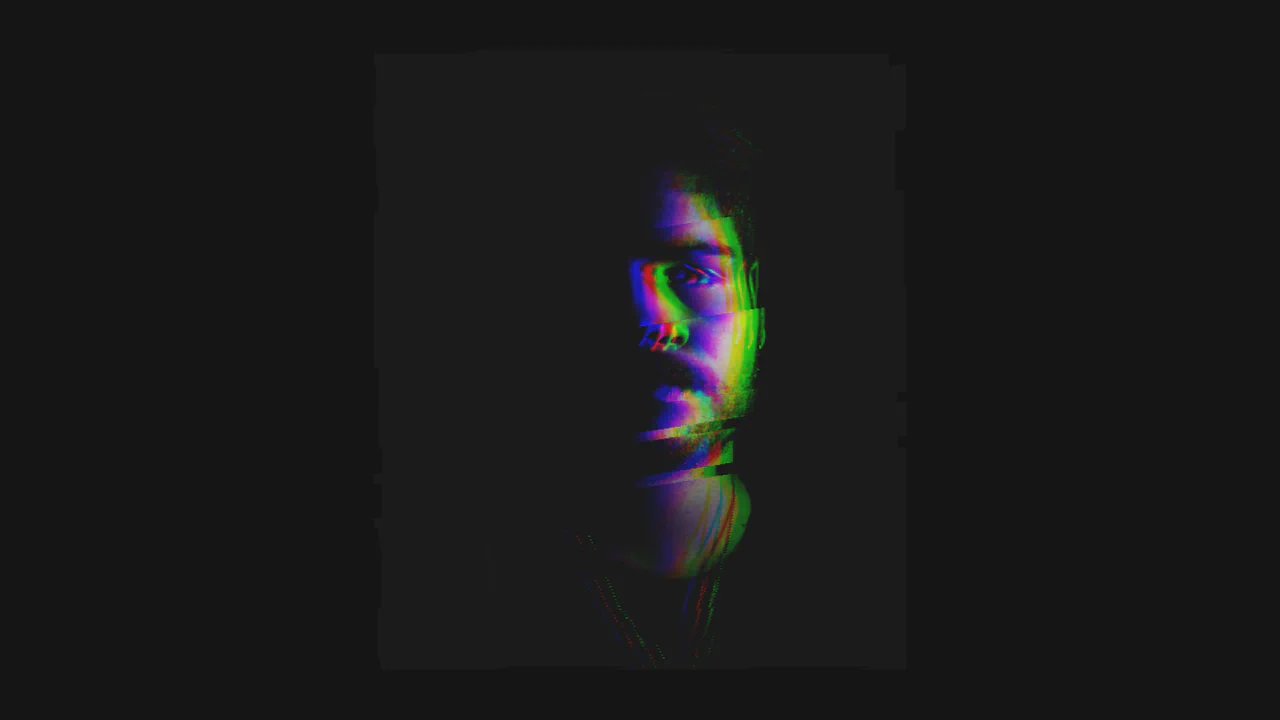
GSAP Pixi RGB Glitch
A highly specialized visual component leveraging Pixi.js for WebGL rendering and applying real-time filters.
See the Pen GSAP Pixi RGB Glitch.
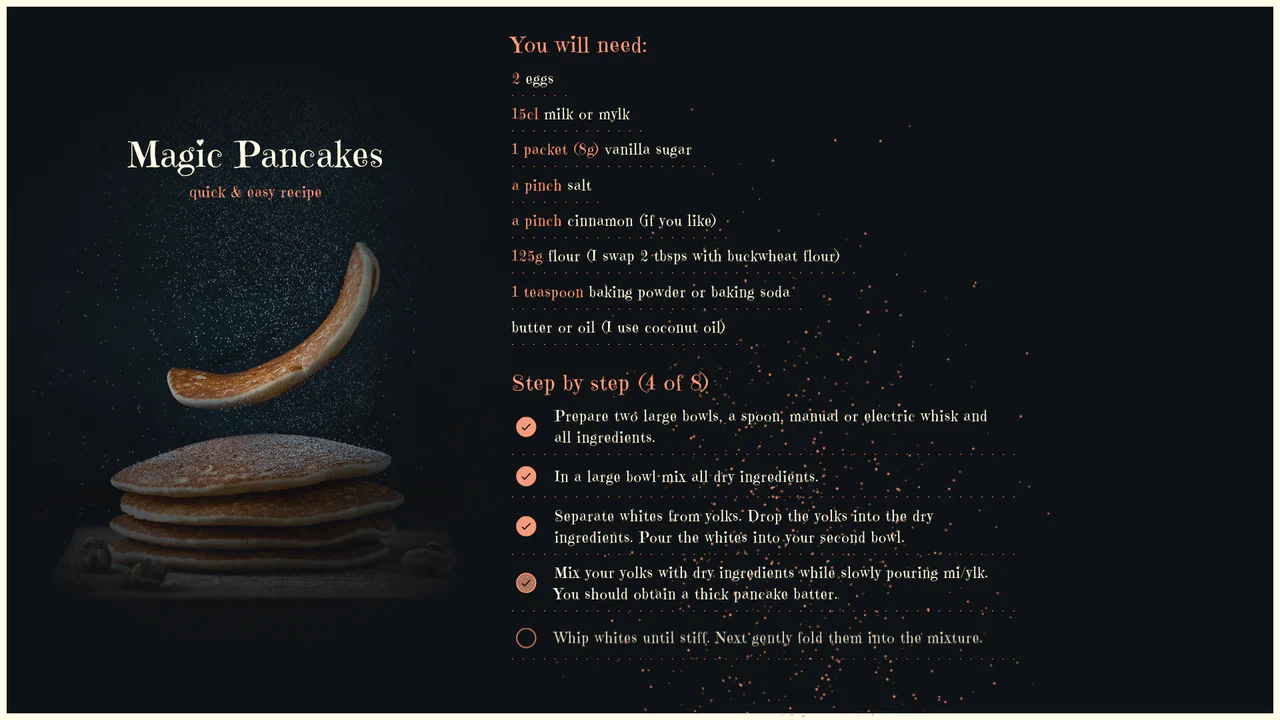
Magic Pancakes
A unique, highly interactive Vue.js recipe application synchronizing UI progress with procedural Canvas animation.
See the Pen Magic Pancakes.

Snake Game in Vanilla JS
A retro-styled, full-screen Snake game rendered on HTML5 Canvas. JavaScript manages the game loop, collision detection, and array-based movement logic, while CSS provides a neon arcade aesthetic.
See the Pen Snake Game in Vanilla JS.

p5.js Glitch Image
A real-time glitch art generator powered by p5.js, manipulating image data at the pixel level.
See the Pen p5.js Glitch Image.

Catblob 2
A full-featured browser game with retro aesthetics, procedural level generation, intelligent enemies, and a scoring system, running smoothly thanks to a combination of Canvas for static elements and DOM for dynamic content.
See the Pen Catblob 2.

WebGL Liquid Slider Transition
A high-performance WebGL slider that leverages displacement mapping to create liquid, kinetic transitions via the rgbKineticSlider library. The JavaScript configuration orchestrates intricate RGB split effects and cursor interactions rendering onto a canvas, while CSS implements a glassmorphic UI overlay using backdrop-filter to ensure the travel booking widget floats distinctively above the distortion effects.
See the Pen WebGL Liquid Slider Transition.

Generative Glitch Effect with p5.js
Experience a dynamic, generative glitch effect where the visuals are created in real-time within the p5.js draw() loop. The animation combines a sequence of pixel shifts, line flows, and RGB channel separation to create a unique, non-repeating visual every time the code runs.
See the Pen Generative Glitch Effect with p5.js.
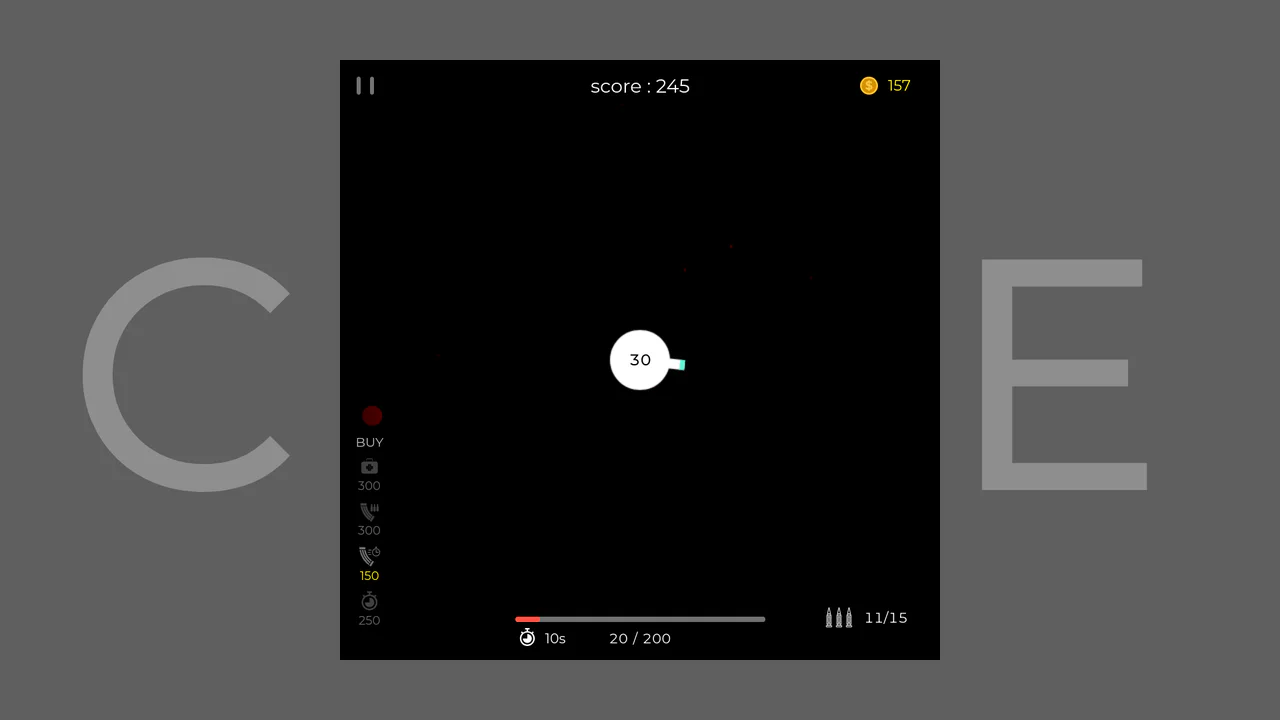
CORE Tower Defense Game
This tower defense-style game leverages an object-oriented class hierarchy with p5.Vector physics to create dynamic ball interactions, where core gameplay revolves around protecting a central orb from attacker waves using a reload-managed cannon.
See the Pen CORE Tower Defense Game.

Interactive Profile Card with Canvas
Canvas-powered dot grid with interactive profile components. Responsive card design featuring smooth transitions, gradient accents, and scalable SVG avatars.
See the Pen Interactive Profile Card with Canvas.
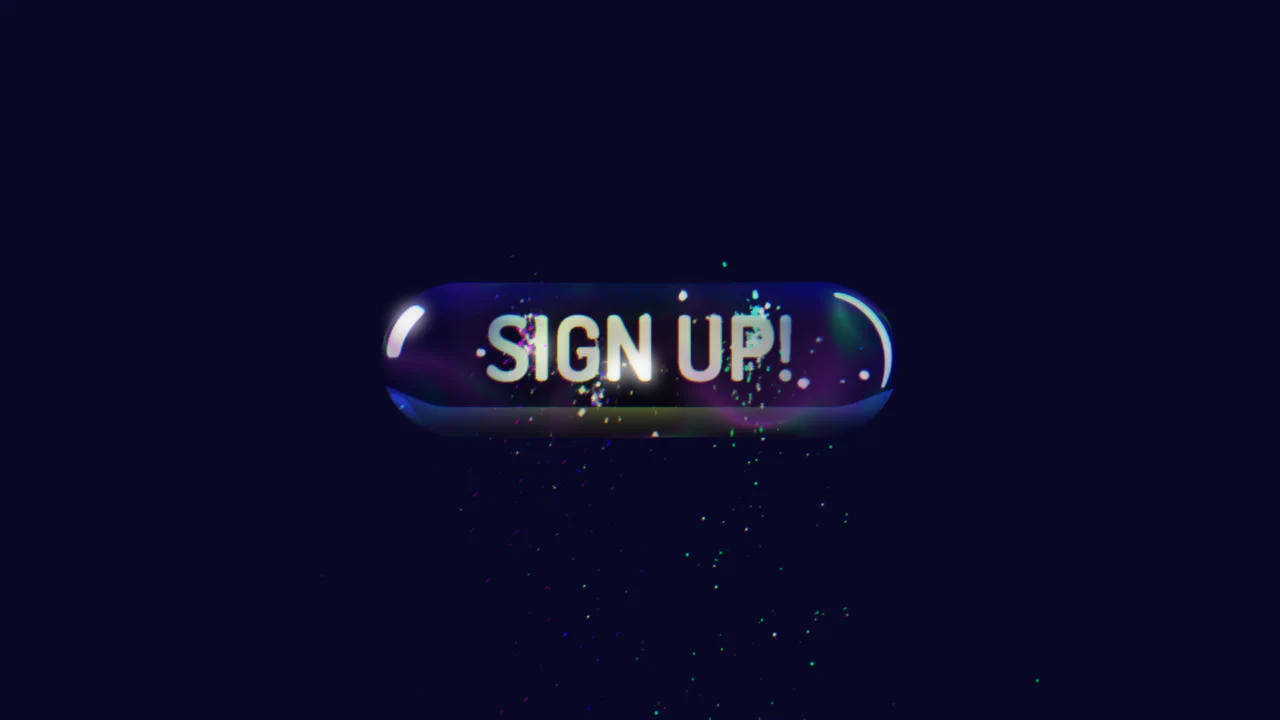
3D Sign Up Button with Spline and GSAP
A 3D scene from Spline is loaded using the Spline Runtime, and its objects are brought to life with programmatic animation in GSAP. This approach allows you to avoid low-level WebGL by using a powerful timeline to create complex interactive scenarios, with the code already containing stubs for finding and controlling objects.
See the Pen 3D Sign Up Button with Spline and GSAP.

Flipping Clock with LightningJS
An implementation of ‘flipping’ clocks in LightningJS where the animation is triggered via bindProp on a value change and an on('finish') callback atomically resets the component’s state for the next tick.
See the Pen Flipping Clock with LightningJS.

A Simple Platform Game Engine
The engine implements a lightweight game loop via requestAnimFrame for smooth rendering, featuring a scriptable and fully customizable map structure defined by a simple - easily modifiable - JavaScript object.
See the Pen A Simple Platform Game Engine.

Color Collision: A Dynamic Canvas Game
Vanilla JS game built with the Canvas API uses OOP principles for physics-based color-matching and implements dynamic difficulty scaling - gradually increasing ball velocity within an setInterval loop.
See the Pen Color Collision: A Dynamic Canvas Game.

JS Planet Defense Game
This pure Vanilla JS arcade game leverages the HTML Canvas API to render real-time projectile and enemy movement, utilizing sprites for an old-school look, and implements mouse-based aiming and firing for interactive defense against asteroids.
See the Pen JS Planet Defense Game.