10+ HTML <dt> and <dd> Examples
Master the crucial, often-underestimated <dl>, <dt>, and <dd> elements for structuring key-value pairs and glossaries with high semantic value. These examples demonstrate their proper use beyond simple lists, focusing on how they enhance accessibility (A11Y) and allow screen readers to correctly interpret definitions and terms. Technically, we show advanced CSS Grid and Flexbox layouts to visually arrange these elements in complex, multi-column formats while preserving correct native markup order.
Examples

Responsive Grid Restaurant Menu Layout
This is a Responsive Grid Restaurant Menu Layout. It structures dense textual information using fluid CSS grid columns and semantic HTML definition lists. Its function is to organize complex data into a highly readable, adaptable format, removing the need for rigid breakpoints and ensuring absolute clarity across all devices.
 Chrome 76+
 Edge 79+
 Firefox 103+
 Safari 10.1+
See the Pen Responsive Grid Restaurant Menu Layout.

Dotted Lines Between dt and dd Lists
A clean, modern technique for definition lists using Flexbox within the <dt> element to render a decorative, repeating fill (leader dots) before the description. The design employs the ::after pseudo-element and an SVG data URI to create visually consistent and flexible dotted lines across varying term lengths.
See the Pen Dotted Lines Between dt and dd Lists.
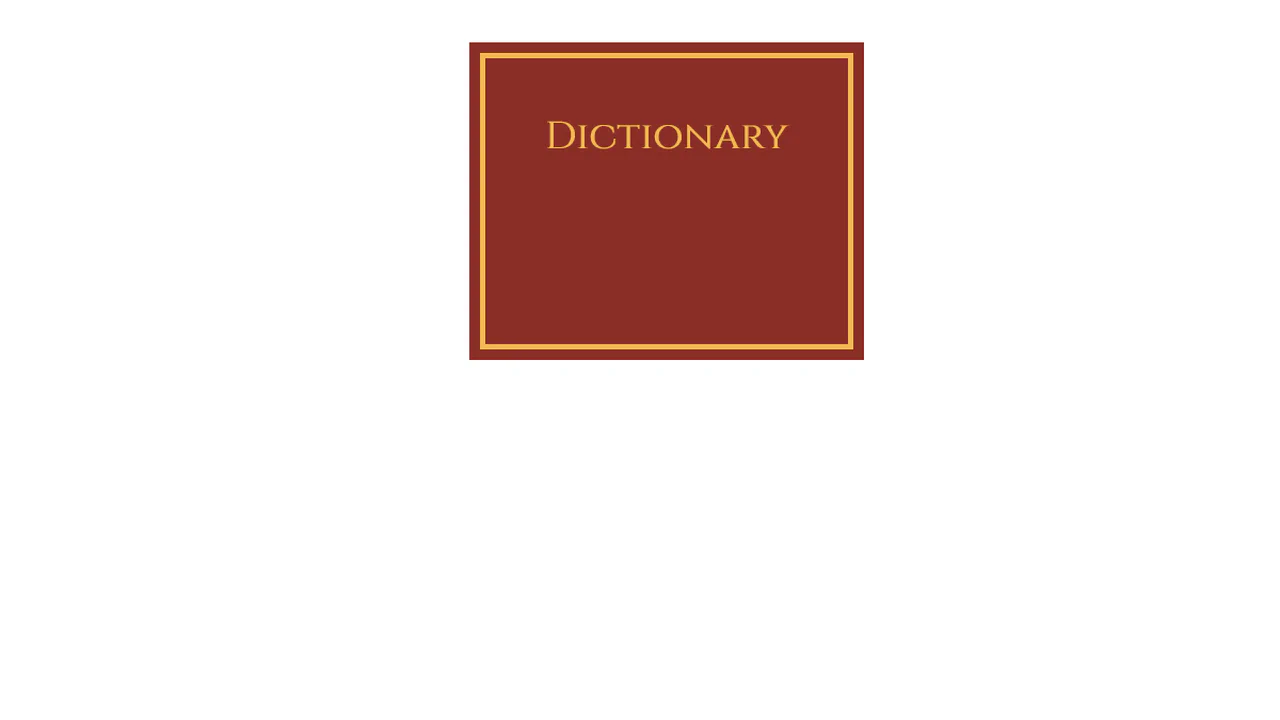
Dictionary Book
This demo achieves a striking 3D page-flipping effect by masterfully employing perspective and transform-style: preserve-3d on the book container. Crucially, the animation uses rotateY(-180deg) with a fixed transform-origin: left center to simulate a physical book spine opening via a smooth transition.
See the Pen Dictionary Book.

dl and dt
A visually striking meal plan that leverages the semantic <dl> structure to display key-value pairs (food/quantity). The layout features custom-styled leader lines within the <dd> elements, created using nested <span> and a dotted ::before pseudo-element.
See the Pen dl and dt.


