20+ HTML <figure> and <figcaption> Examples
Explore advanced styling techniques for <figure>, utilizing the natural parent-child relationship with <figcaption> to enable sophisticated visual designs. Demos focus on CSS layouts like Grid and Flexbox to position the caption outside the content block, often achieved through absolute positioning or full-bleed layouts. Learn how to consistently style the figure/caption pair while maintaining its critical semantic connection.
Examples

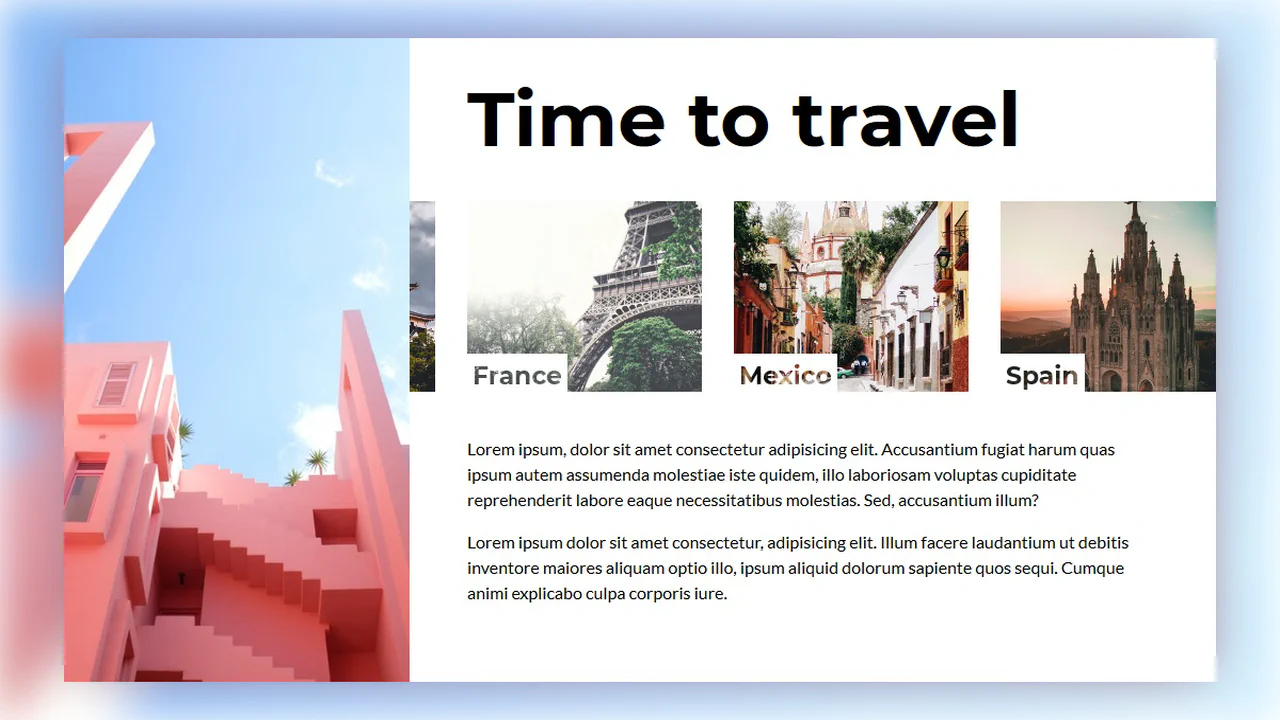
Editorial Grid Magazine Layout
This is an Editorial CSS Grid Magazine Layout. It translates the overlapping, asymmetrical structures of print media into the browser. Its function is to break rigid top-to-bottom reading patterns, utilizing layered images and multi-column typography to construct visual tension and content hierarchy without relying on JavaScript.
 Chrome 57+
 Edge 16+
 Firefox 52+
 Safari 10.1+
See the Pen Editorial Grid Magazine Layout.

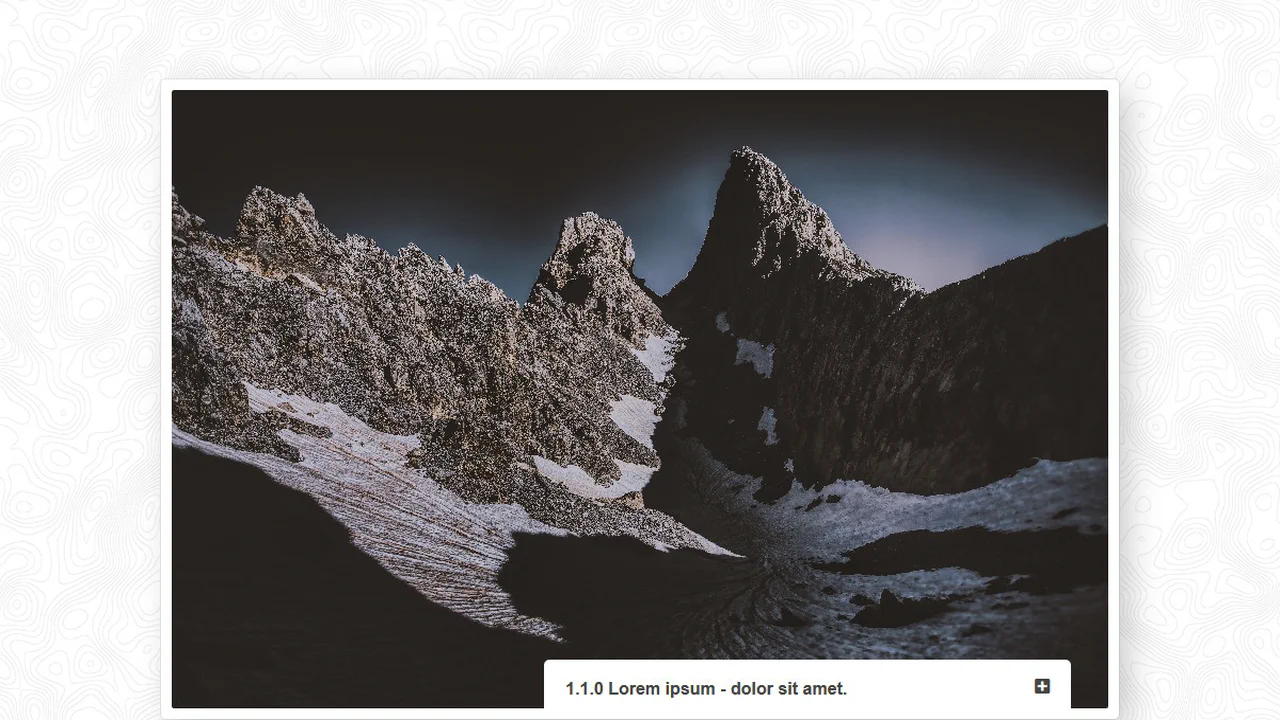
Clipping Quadrant Image Gallery
This is a Clipping Quadrant Image Gallery. It segments a full-screen display into four interactive quadrants, each housing a unique photograph. Upon clicking any segment, the component utilizes the clip-path property to instantly expand that specific quadrant to cover the entire viewport, transitioning from a mosaic-style grid into a singular, immersive view.
Chrome 55+
Edge 79+
Firefox 52+
Safari 11+
See the Pen Clipping Quadrant Image Gallery.
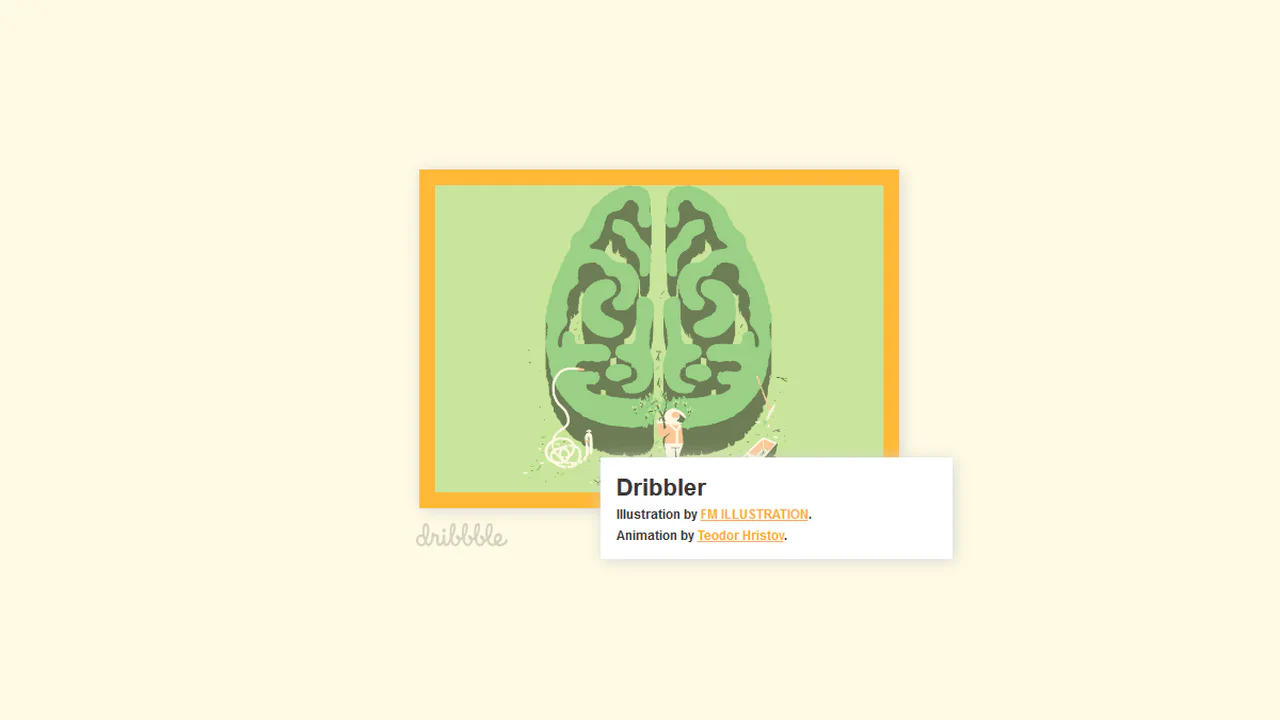
A Figure with a Figcaption
Showcases advanced layering using z-index and :after pseudo-elements to introduce a large, animated overlay with new content upon hover. The design strategically uses this overlay to conceal the primary <figcaption> via a strong negative translateY transformation.
See the Pen A Figure with a Figcaption.

This card demonstrates JavaScript-driven hover interactivity where jQuery handles the state change, transitioning the main overlay’s opacity and triggering a dynamic transform: scale() effect on the heading element. It showcases layered content, including nested images, within the primary caption area.
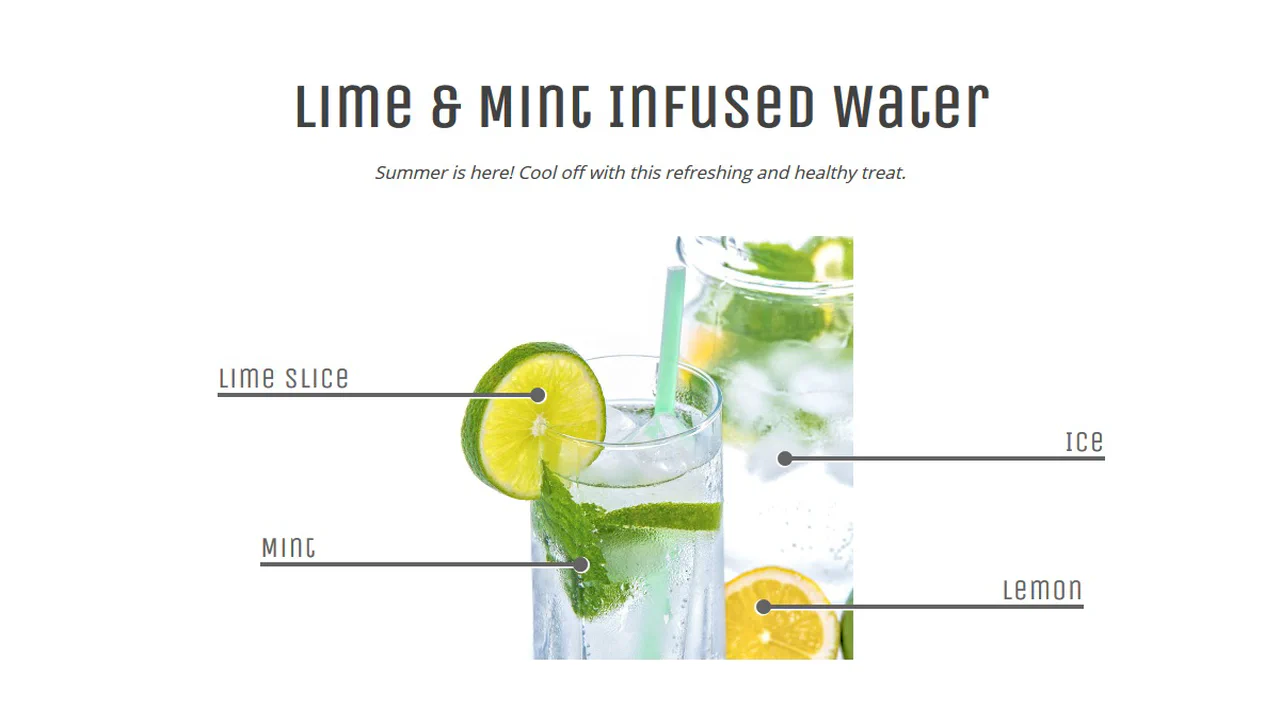
Figure & Figcaption
Transform a simple image block into a rich UI card by combining semantic markup with complex visual styling. The design uses a background expansion technique for the caption, where a growing ::before element creates a clean, animated fill-in effect upon interaction.
See the Pen Figure & Figcaption.