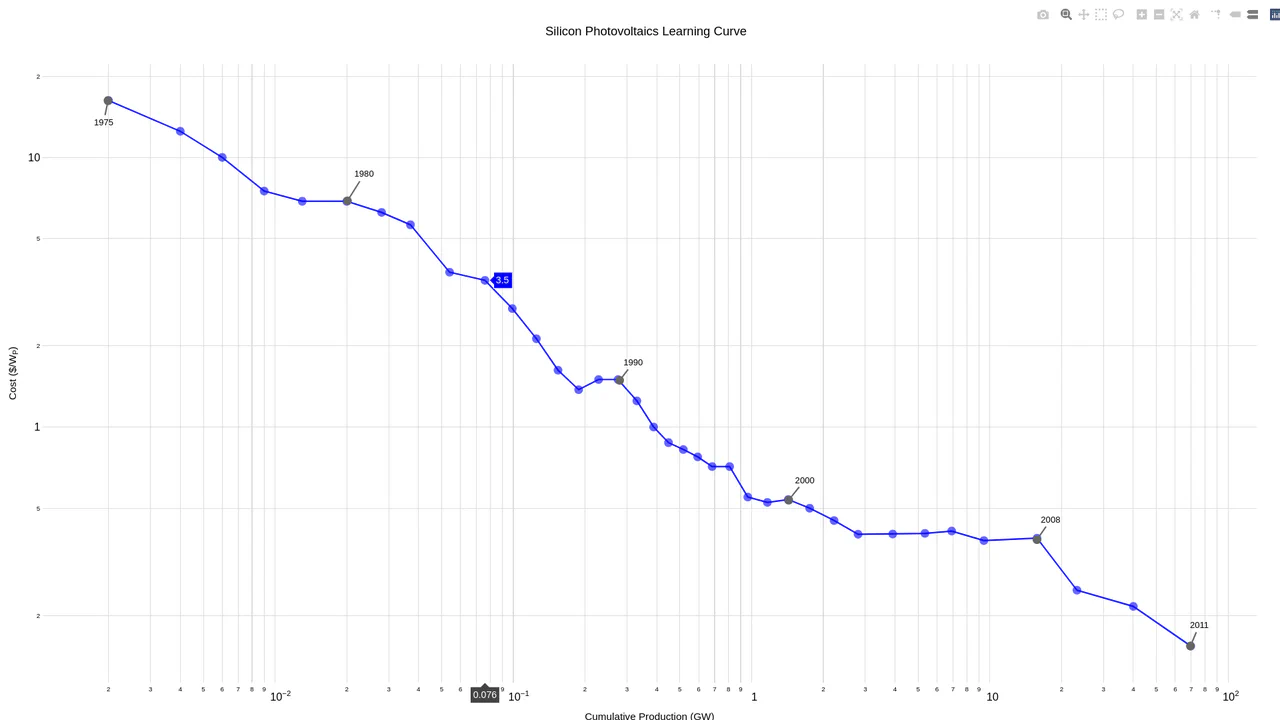
Data visualization chart dynamically resizing to fit its container using the JavaScript Resize Observer API

Container-Aware Plotly Chart

This is a Container-Aware Plotly Chart. It forces a data visualization component to respond strictly to its parent element’s dimensions rather than the global window size. Its function is to prevent layout breakages in complex dashboards where sidebars toggle or CSS Grid tracks resize dynamically without triggering a global window resize event. (Requires: plotly-js)

Technologies:
HTML CSS JavaScript
Difficulty: Intermediate
Browser Support (as of Apr 2026):
Chrome Chrome 64+ Edge Edge 79+ Firefox Firefox 69+ Safari Safari 13.1+
Features:
Element Resizing Data Fetching Fluid Layout
License: MIT

See the Pen Container-Aware Plotly Chart.
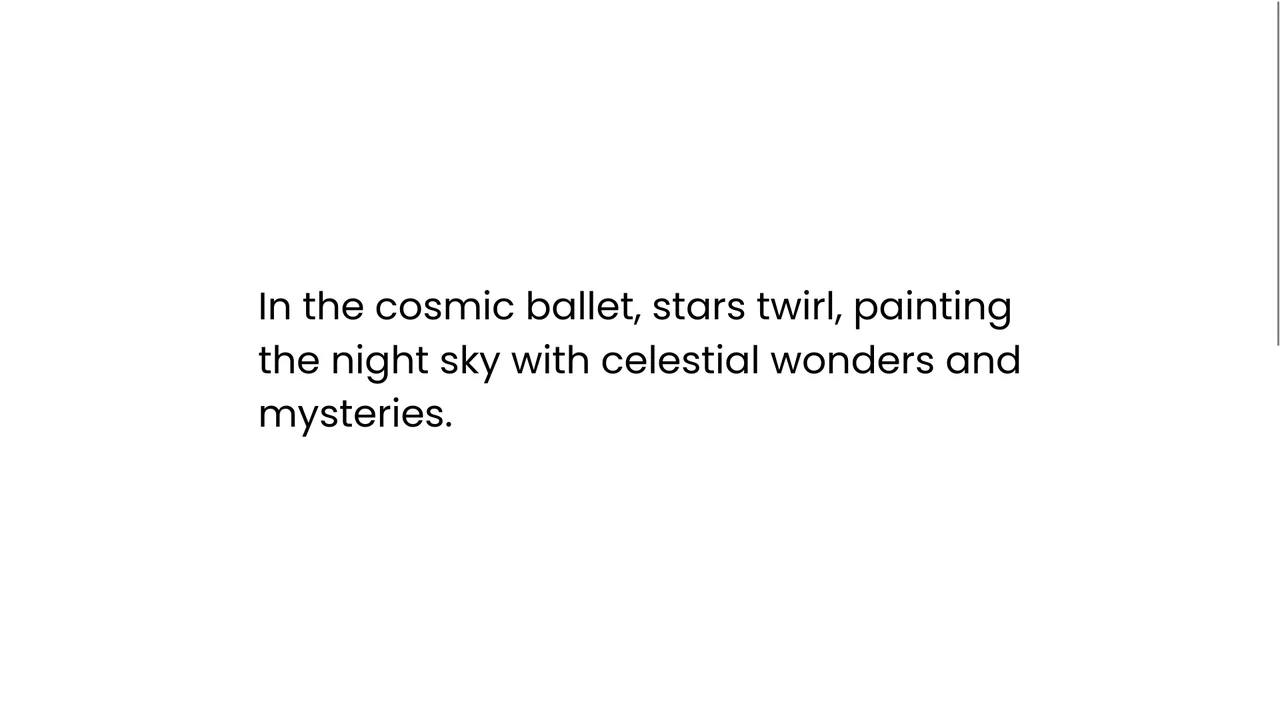
Typography layout demonstrating a staggered line-by-line text scroll reveal effect driven by GSAP

Staggered Text Scroll Reveal

This is a Staggered Text Scroll Reveal. It parses structural typography into independent animated lines. Its function is to pace the reader’s attention, transforming static paragraphs into dynamic narrative elements triggered by viewport intersection. (Requires: gsap-js, scroll-trigger-js, lenis-js, split-type)

Technologies:
HTML SCSS JavaScript
Difficulty: Intermediate
Browser Support (as of Apr 2026):
Chrome Chrome 64+ Edge Edge 79+ Firefox Firefox 69+ Safari Safari 13.1+
Features:
Line Stagger Resize Observer Smooth Scroll
Code by: Denis Gusev Denis Gusev
License: MIT

See the Pen Staggered Text Scroll Reveal.

Three rotating 3D geometric shapes (Torus Knot, Icosahedron, Torus) rendered in a WebGL canvas with high-gloss matcap crystal textures

Matcap Instanced Disco Geometry

This is a Matcap Instanced Disco Geometry demo. It renders multiple unique 3D geometries (Torus Knot, Icosahedron, Torus) using the WebGL Instanced Mesh technique. Instead of drawing individual planes for every mirror on the surface of the shape, it creates one InstancedMesh per object, mathematically orienting thousands of tiny reflective mirrors to mimic a faceted, crystal-like disco surface. (Requires: Three.js)

Technologies:
HTML CSS JavaScript
Difficulty: Advanced
Browser Support (as of Mar 2026):
Chrome Chrome 60+ Edge Edge 79+ Firefox Firefox 55+ Safari Safari 11+
Features:
WebGL Instancing Matcap Shading Geometry Merging Multi-view Scissor Rending
License: MIT
Dark digital background where grid cells light up in neon teal under the cursor and slowly fade out, creating a cybernetic trail effect

Interactive Neon Grid Trail

This Interactive Neon Grid Trail creates a sleek, cybernetic atmosphere ideal for tech portfolios or futuristic landing pages. It utilizes the HTML5 Canvas API to render a grid of invisible squares that light up in neon teal upon interaction. The effect features a “memory” mechanic where the illuminated cells hold their charge for a moment before gracefully fading back into the darkness, creating a satisfying trail behind the user’s cursor.

Technologies:
HTML CSS JavaScript
Difficulty: Intermediate
Browser Support (as of Feb 2026):
Chrome Chrome 4+ Edge Edge 12+ Firefox Firefox 3.6+ Safari Safari 4+
Features:
Mouse Tracking Fading Trails Radial Gradient Strokes Responsive Grid
Code by: Gaurav Gajjar Gaurav Gajjar
License: MIT

See the Pen Interactive Neon Grid Trail.

A segmented control interface with a pill-shaped indicator moving between options like 128GB, 256GB, etc., demonstrating CSS anchor positioning and mask effects.

Smart CSS Anchored Selection Pills

This Smart CSS Anchored Selection Pills component demonstrates the bleeding edge of CSS layout capabilities. It uses the new CSS Anchor Positioning API to tether a visual “pill” indicator to the currently selected radio button without JavaScript calculations for position. The demo includes a robust fallback system that calculates positions via ResizeObserver for browsers that don’t yet support anchors, ensuring a consistent experience across the board. It also features advanced masking techniques (SVG and CSS Filters) to create “knockout” text effects where the selected text changes color inversely to the pill background. (Requires: GSAP, Tweakpane)

Technologies:
HTML CSS Babel
Difficulty: Advanced
Browser Support (as of Feb 2026):
Chrome Chrome 125+ Edge Edge 125+ Safari Safari 26+ Firefox Firefox 147+
Features:
Anchor Positioning Mask Composition Tweakpane Config Progressive Enhancement
Code by: Jhey Jhey
License: MIT
Dark UI button with a glowing, swirling animated background of blue, purple, and yellow smoke generated by code.

WebGL Fluid Smoke Button

This WebGL Fluid Smoke Button elevates standard UI interactions by embedding a real-time generative shader directly into the interface. Instead of using a heavy video file, it calculates complex fluid dynamics on the fly using Fractional Brownian Motion (fBM). The result is a mesmerizing, never-repeating smoky background that reacts to hover states with a smooth scale and rotation effect, styled effortlessly via Tailwind CSS. (Requires: fragment-canvas, Tailwind CSS)

Technologies:
JavaScript HTML CSS
Difficulty: Advanced
Browser Support (as of Feb 2026):
Chrome Chrome 90+ Edge Edge 90+ Firefox Firefox 90+ Safari Safari 15+
Features:
Procedural Generation Fragment Shader Fluid Animation Noise Algorithms
Code by: Tim Wilson Tim Wilson
License: MIT

See the Pen WebGL Fluid Smoke Button.

A demonstration of advanced synchronization between the ResizeObserver API and the Popover API, where the Observer monitors the notification’s size change to automatically dismiss it once the height hits zero. It uses @starting-style and transition to create a smooth and controlled fade-out effect for the popover element.

Article Progress Prototype using ResizeObserver and React

Article Progress Prototype using ResizeObserver and React

Features a smooth article reading progress indicator built with React Hooks and ResizeObserver, with scroll handling optimized using passive event listeners for superior performance.

Fit Text to Container using ResizeObserver

Fit Text to Container using ResizeObserver

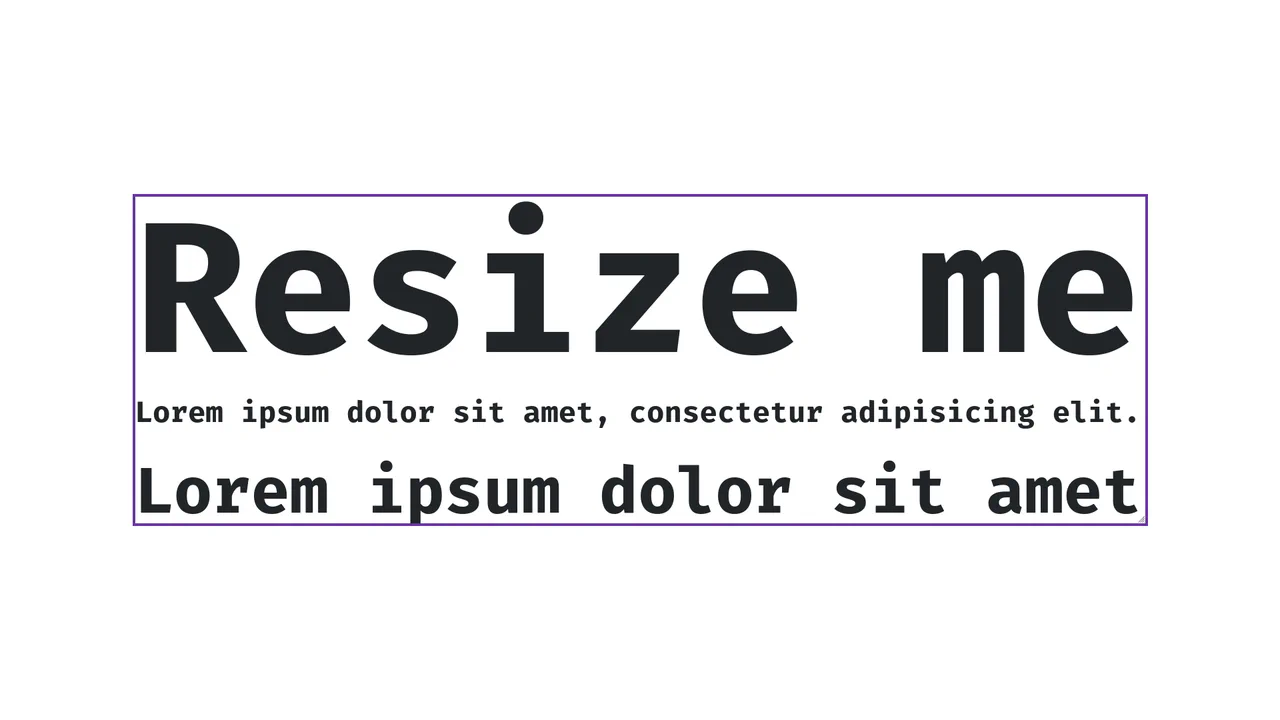
A demonstration of high-performance font size auto-fitting to container width using ResizeObserver and CSS variables, ensuring smooth scaling of h1 headings while preventing layout thrashing via requestAnimationFrame.

Web Component for Container Aware Image Loading

Web Component for Container Aware Image Loading

Efficient Container-Aware image loading with ResizeObserver and optimized candidate selection (DPI awareness, size tolerance, aspect ratio matching), actively preventing the download of unnecessarily large image files.