20+ Pure CSS iPhone Examples
Device mockups showcase app interfaces and responsive designs. Most use image overlays or external assets. This collection builds realistic iPhone frames entirely with CSS — no images, no dependencies.
The Pure CSS iPhones showcase demonstrates frame construction using CSS Grid and border-radius for curved edges, pseudo-elements (::before, ::after) for notches and bezels, and box-shadow for depth and screen separation. Content sits inside semantic HTML containers with proper aspect ratios. Variations include iPhone 15, iPhone 14, and earlier models with accurate proportions and design details. Each mockup remains fully responsive through flexible sizing and media queries.
Responsive mockups scale proportionally across devices without distortion. Cross-browser compatibility spans modern browsers with tested rendering. Accessibility is maintained: content inside mockups remains readable to screen readers, and interactive elements retain focus states and keyboard navigation.
Every demo is available on CodePen for preview and customization. Download complete code snippets — all resources are free and ready for production use.
Examples
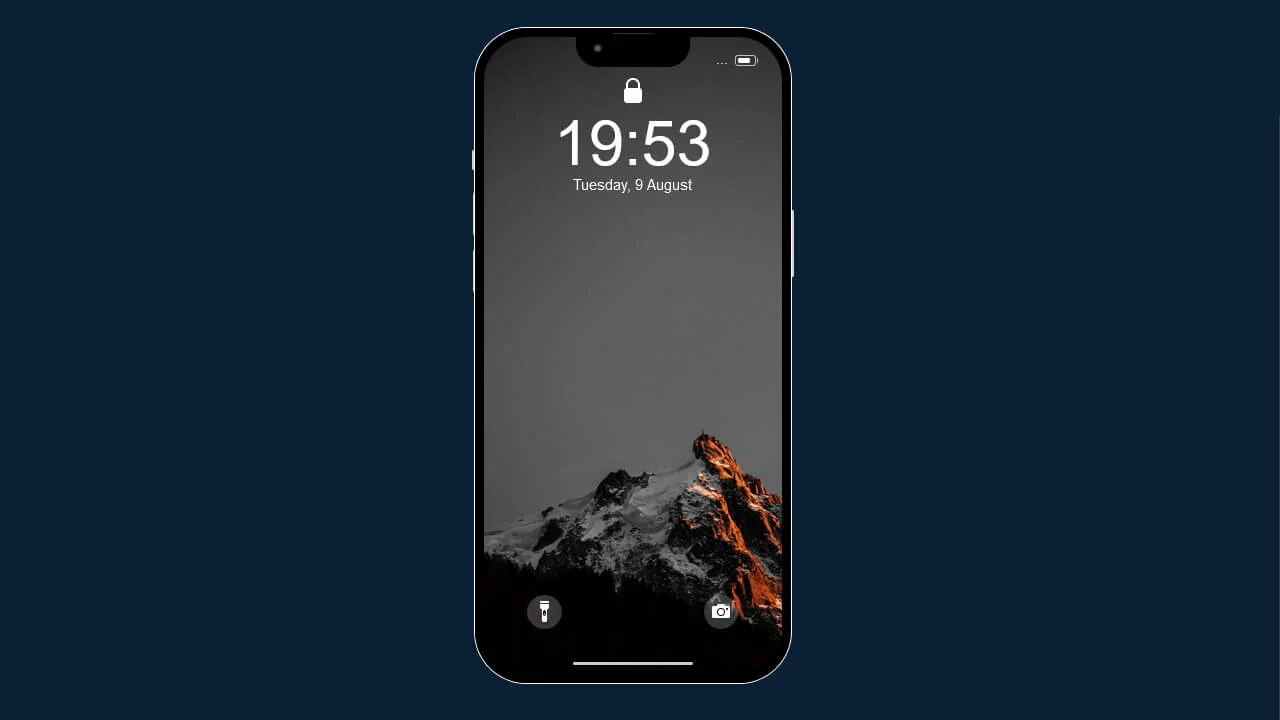
iPhone 13 Pro Max
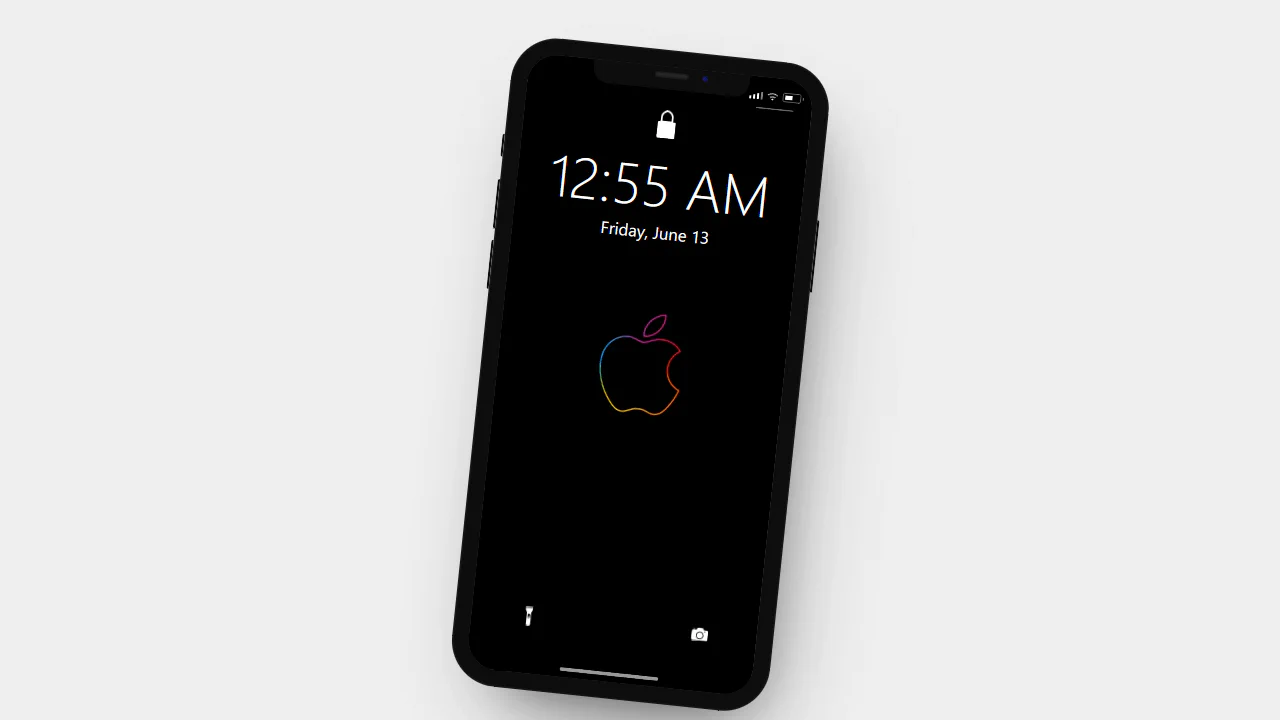
A meticulous CSS-only recreation of an iPhone lock screen interface. The mockup leverages absolute positioning and intricate border styling to construct the device chassis, notch, and UI elements - including battery status, flashlight, and camera shortcuts - creating a highly realistic, static visual representation without image assets or JavaScript logic.
See the Pen iPhone 13 Pro Max.
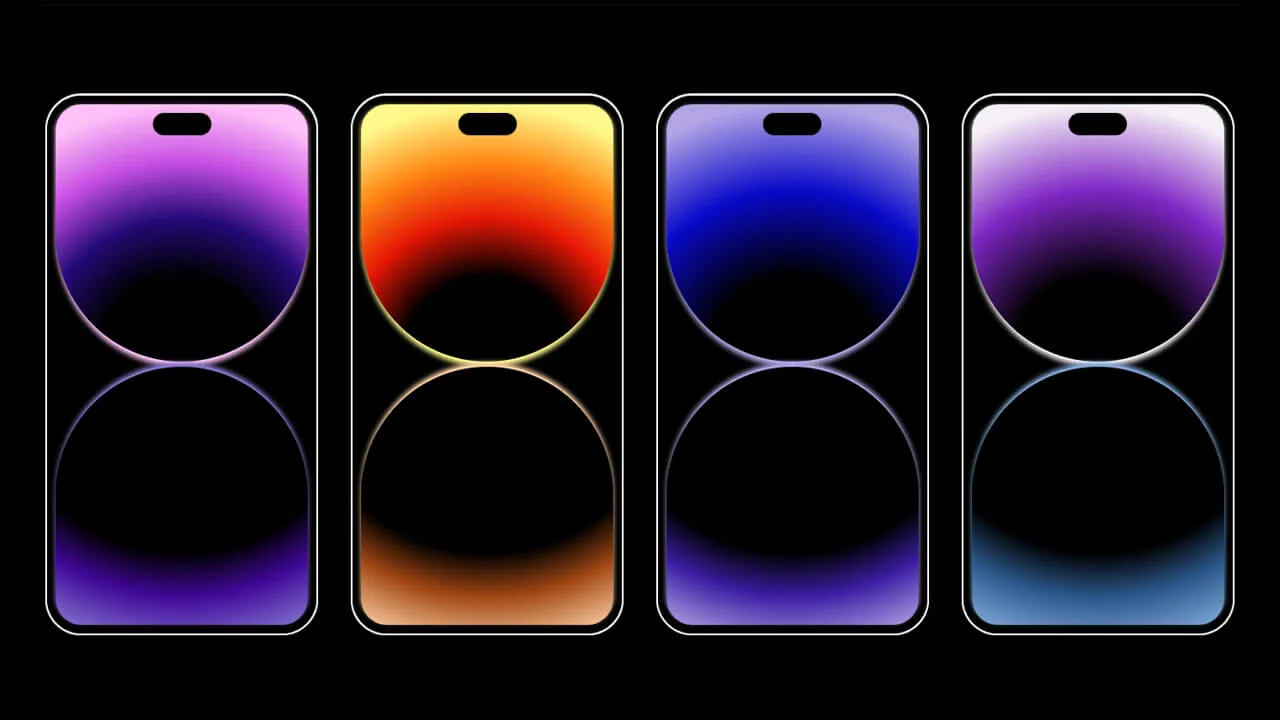
iPhone 14
A minimalist gallery showcasing iPhone 14 wallpaper concepts, crafted entirely in CSS. Each “phone” mockup uses a split-screen design with multi-stop radial gradients and CSS custom properties to generate vibrant, glowing orb-like backgrounds.
See the Pen iPhone 14.
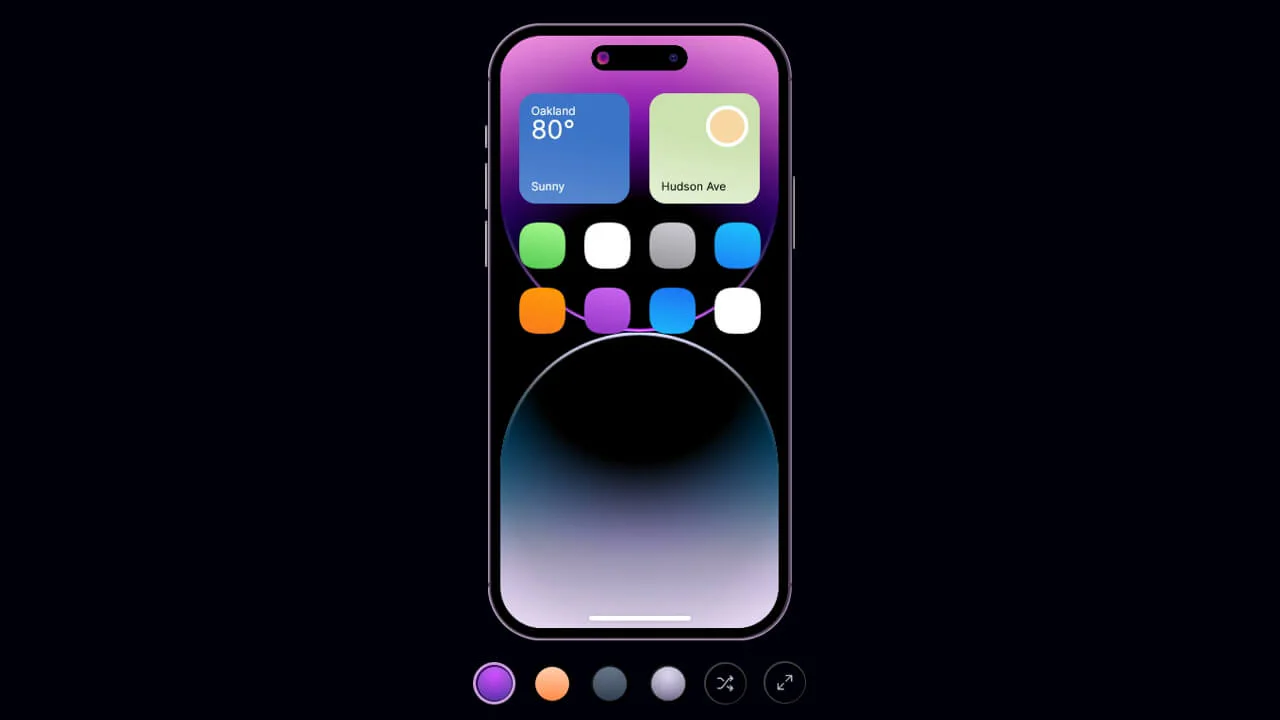
iPhone 14 with Dynamic Island
A highly interactive iPhone mockup featuring a fully functional “Dynamic Island” that expands on hover, powered by a combination of CSS transitions and the checkbox hack.
See the Pen iPhone 14 with Dynamic Island.


A detailed 3D iPhone model built entirely with CSS — no images or JavaScript. Each physical element (buttons, ports, speaker grille) is a separate <div> with gradients, shadows, and transforms. The lock screen has animated background circles and a sliding gradient text. The design is static but impressively layered.
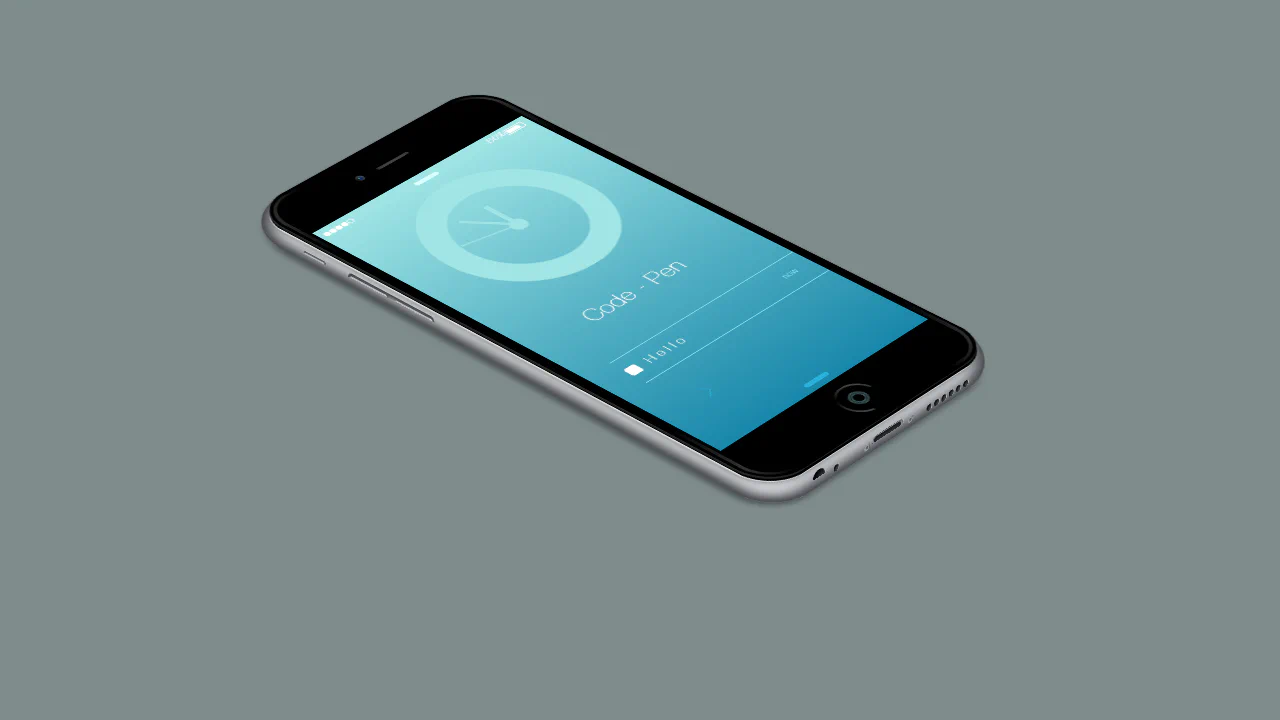
JavaScript sets the clock hands to the current time — each hand’s rotation is calculated from the actual hour, minute, and second. The 3D iPhone case is built entirely with layered <div> elements, gradients, and box‑shadows, creating a detailed physical model. A circular menu expands on hover, revealing six icons — a functional and visually rich demo.
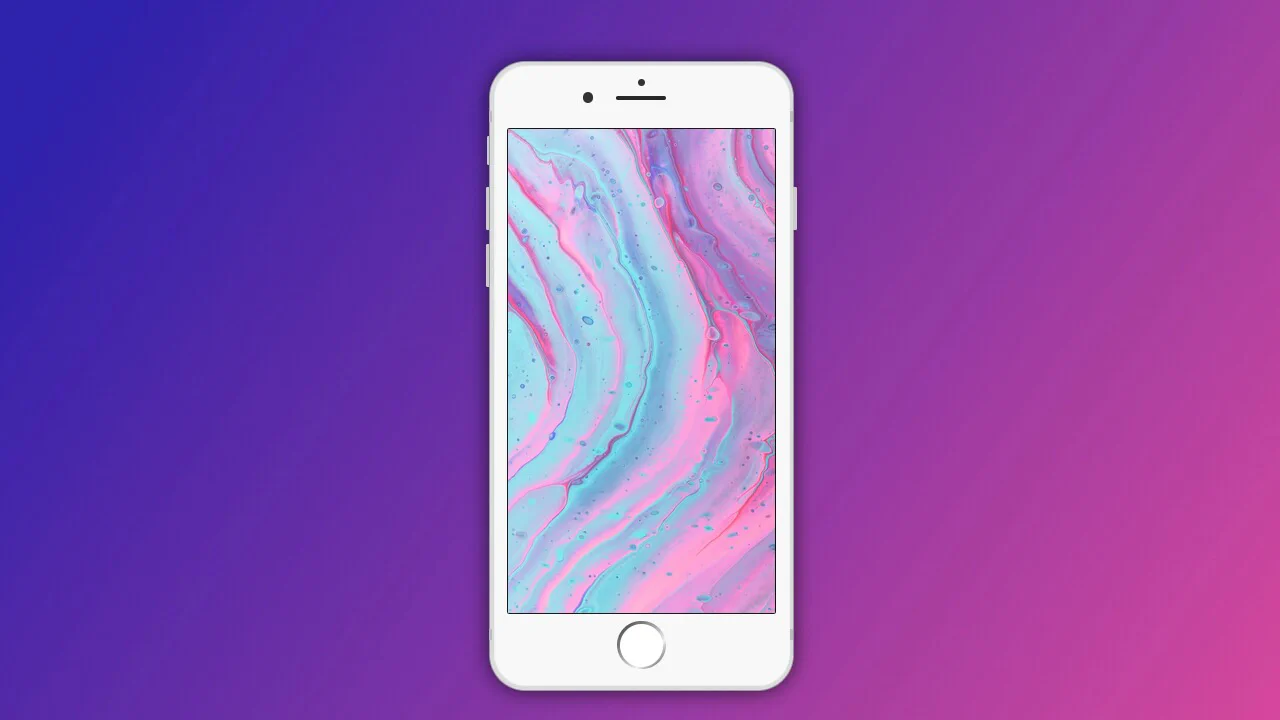
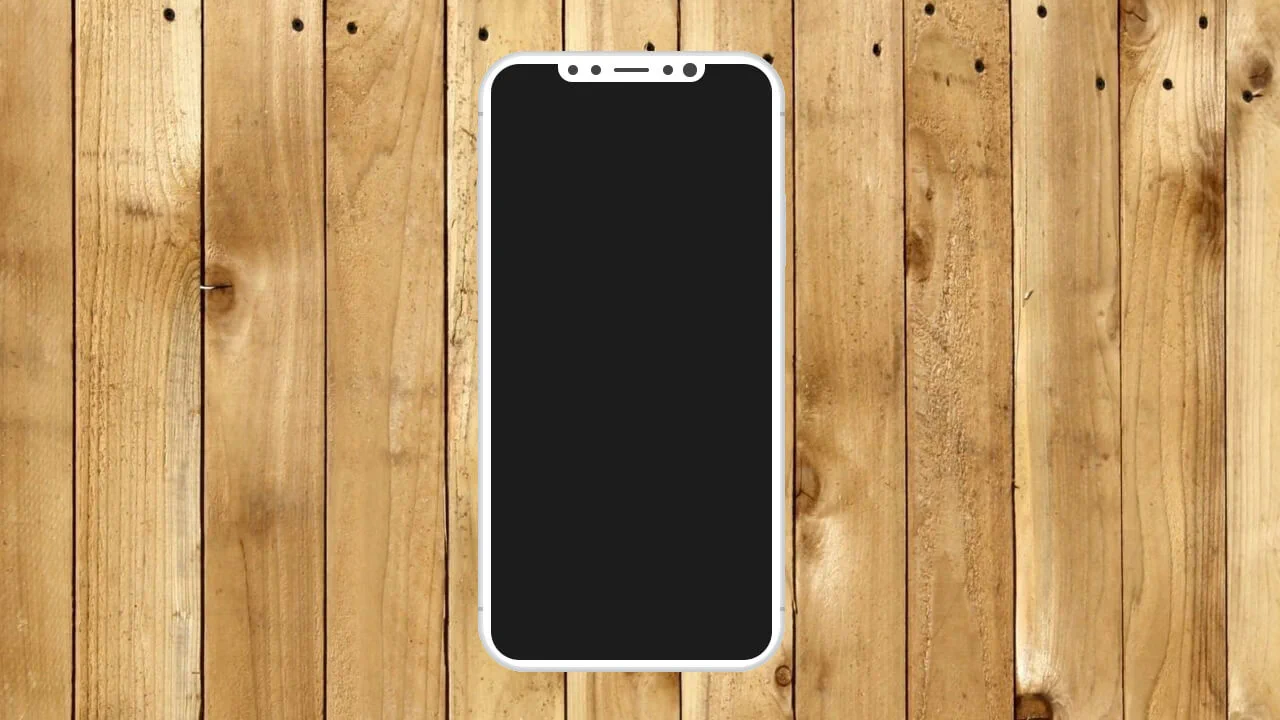
This is a clean, pure‑CSS iPhone mockup built with nested <div> elements and careful layering. Gradients, borders, and absolute positioning recreate the device’s iconic shape, speaker, camera, buttons, and home button. The screen is left empty, ready for custom content — a solid foundation for product showcases or UI demos.
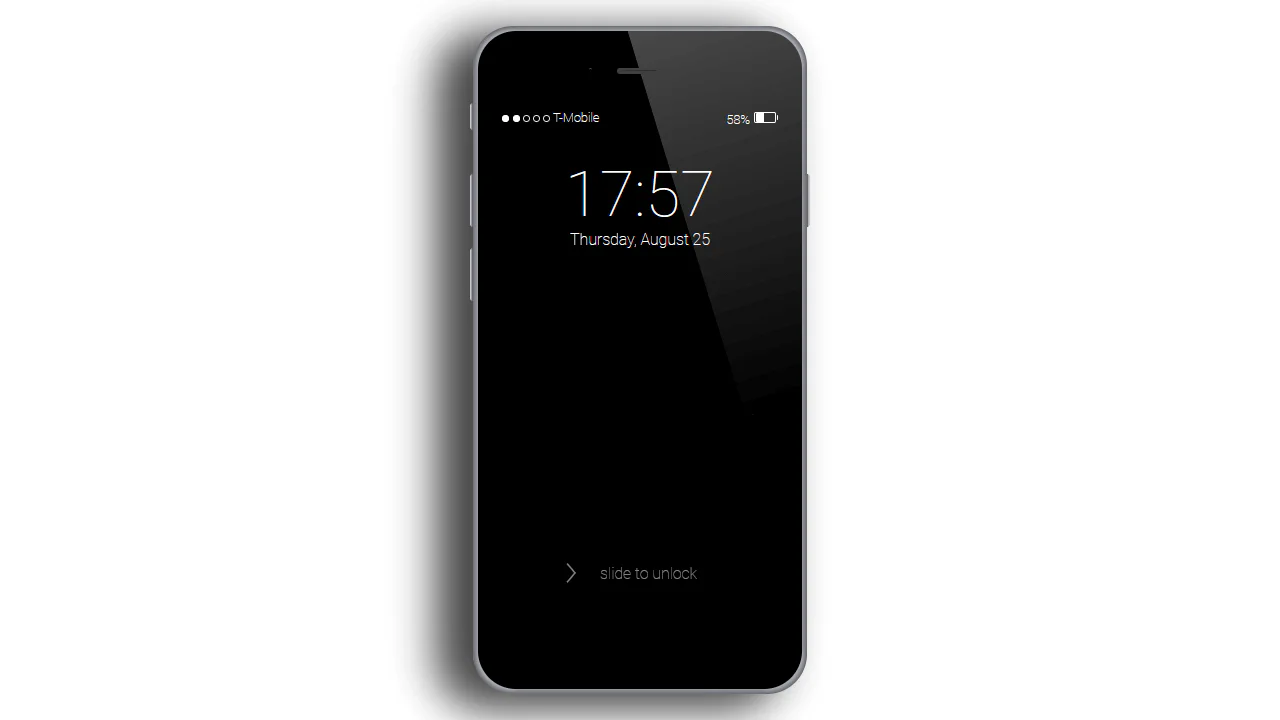
A meticulously crafted iPhone mockup built with pure CSS — each component (body, screen, buttons, home button) is a <div> styled with gradients, shadows, and absolute positioning. The lock screen displays a time, date, battery, and signal icons, with a sliding arrow animation. No JavaScript is used; the design is static but highly detailed.
JavaScript initialises a Slick carousel on the phone screen element, cycling through images. CSS transforms skew and scale the screen to fit the mockup — the values are hardcoded, making the layout fragile on different screen sizes. Clicking advances the slide; autoplay runs every 3 seconds.
This snippet assembles a 3D iPhone model using multiple layered <div> elements, pseudo‑elements, and transforms. The hover effect intensifies the 3D rotation and adjusts side elements, while the home button click triggers random changes to background, battery, and network status, plus a brief “unlock” animation. Pug loops generate repetitive structures, keeping the markup tidy.
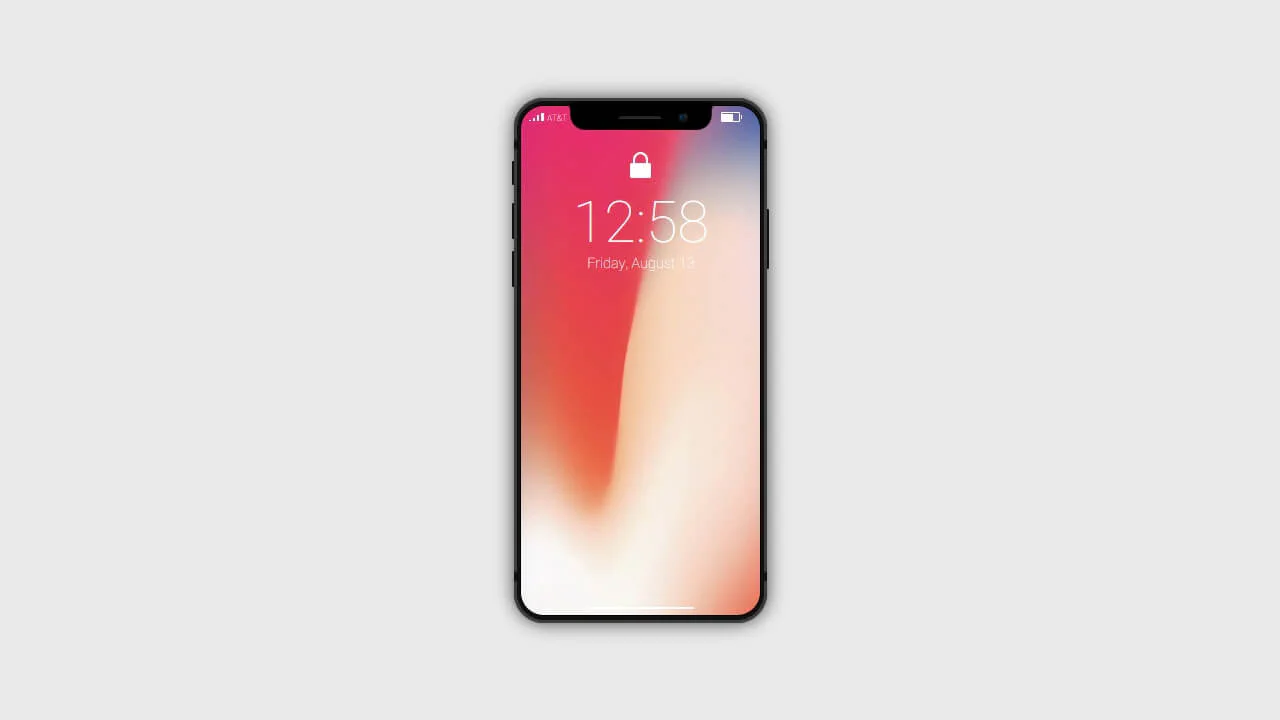
JavaScript updates the lock screen time in real time. The 3D‑like casing is built with layered CSS — each button, speaker, and camera is a separate <div>. A subtle SVG filter shapes the notch; the screen loops a video, creating a lifelike preview. The design is interactive and responsive.
JavaScript triggers the gallery slide‑up and handles wallpaper switching — each click updates both the phone screen and the blurred background. The phone is constructed from layered <div> elements with pseudo‑effects and transforms; scaling adjusts across breakpoints for responsive display.
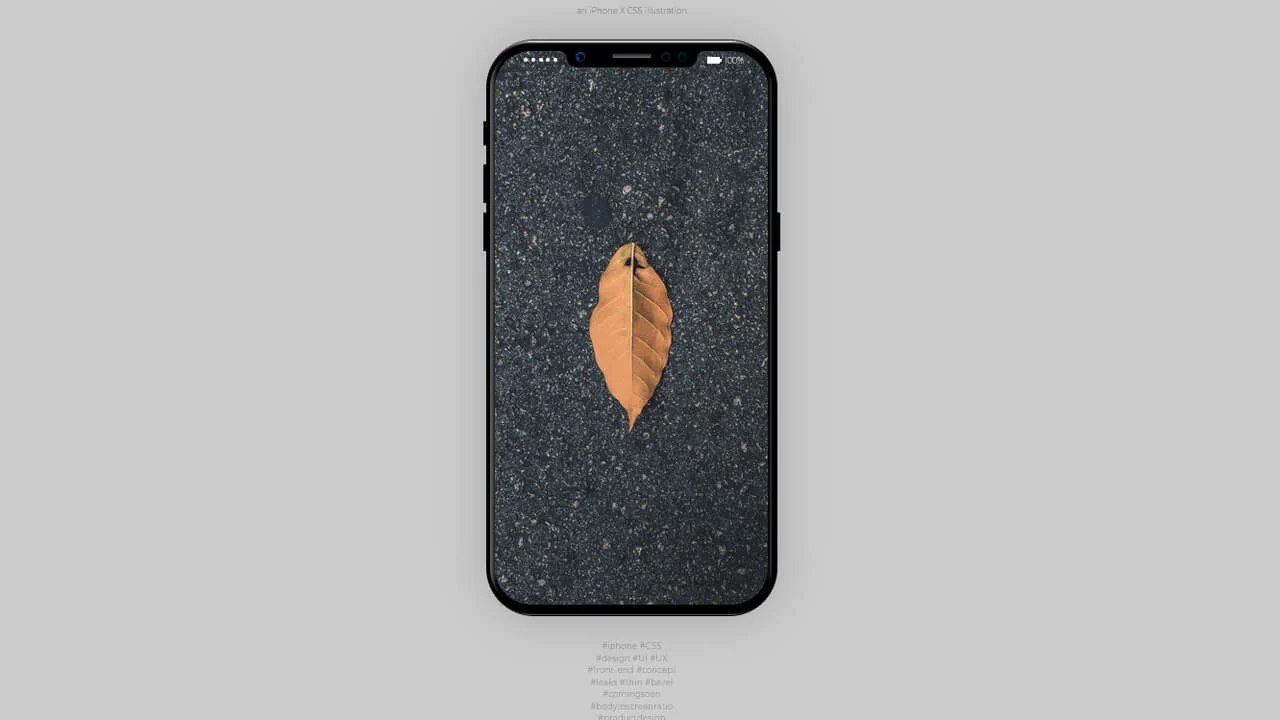
This is a static iPhone X illustration built entirely with HTML and CSS — each component (buttons, camera, speaker) is a separate <div> styled with gradients, shadows, and pseudo‑elements. The screen area is just a background image; no actual functionality.
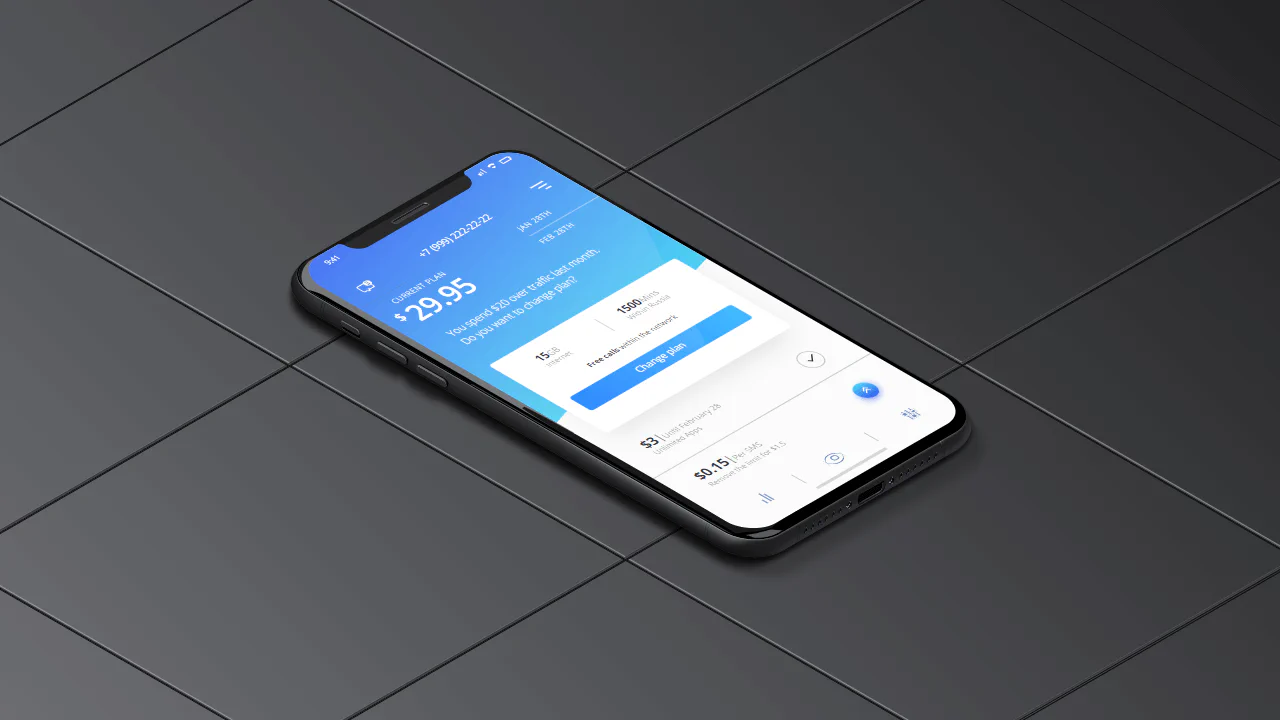
A hyper‑detailed iPhone X illustration built entirely with CSS — each physical element (buttons, antennas, speaker) and every UI component is a separate <div> styled with gradients, shadows, and pseudo‑elements. The screen displays a complete carrier plan interface, but the entire piece is static — no JavaScript, no interaction.