60+ JavaScript Background Effects
Background effects powered by JavaScript can bring depth, interactivity, and motion to your web pages. This collection of JavaScript background effects includes particle systems, animated gradients, parallax scrolling, and interactive canvases that react to user input or time-based triggers.
Examples
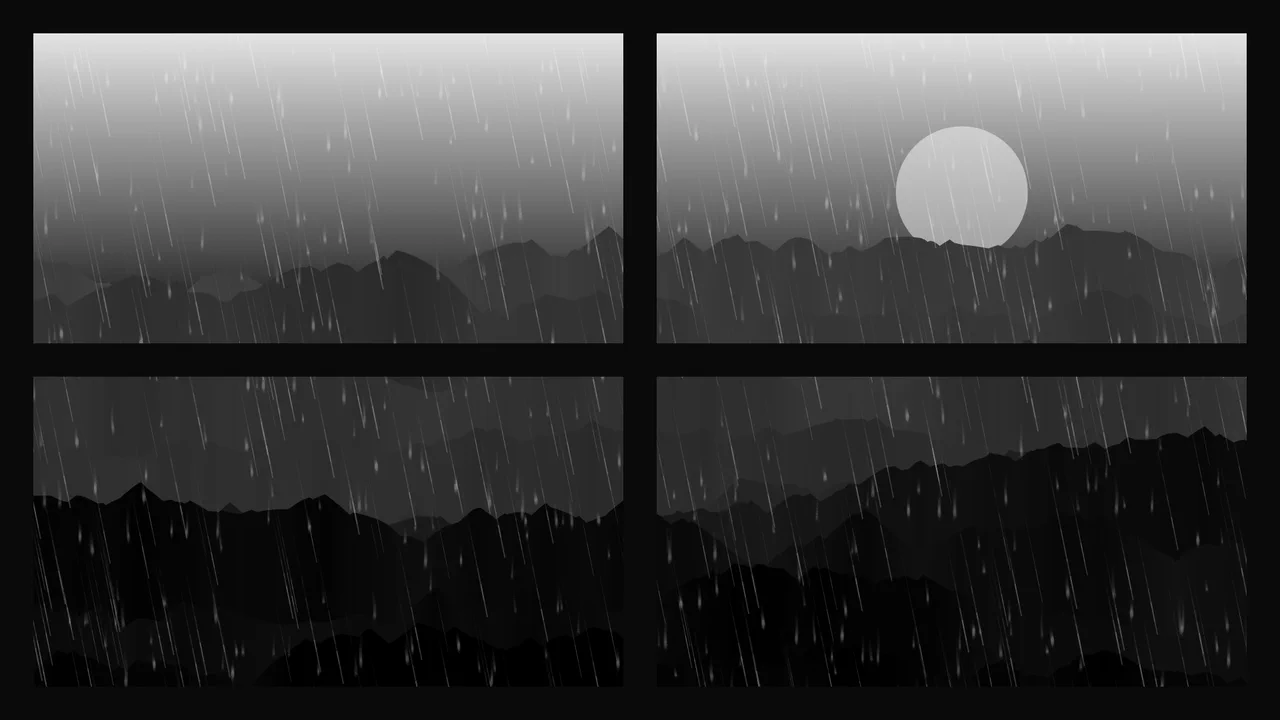
Procedural 2D Stormy Window Canvas
An advanced procedural 2D canvas simulation generating an atmospheric stormy night window scene. Combining multiple layered canvas contexts, the code programmatically draws mountain skylines, math-driven falling rain, running window drops, and recursive branching lightning. It utilizes screen blend-modes, composite operations, and a custom frame-rate time-delta smoothing loop.
 Chrome 41+
 Edge 79+
 Firefox 32+
 Safari 8+
See the Pen Procedural 2D Stormy Window Canvas.
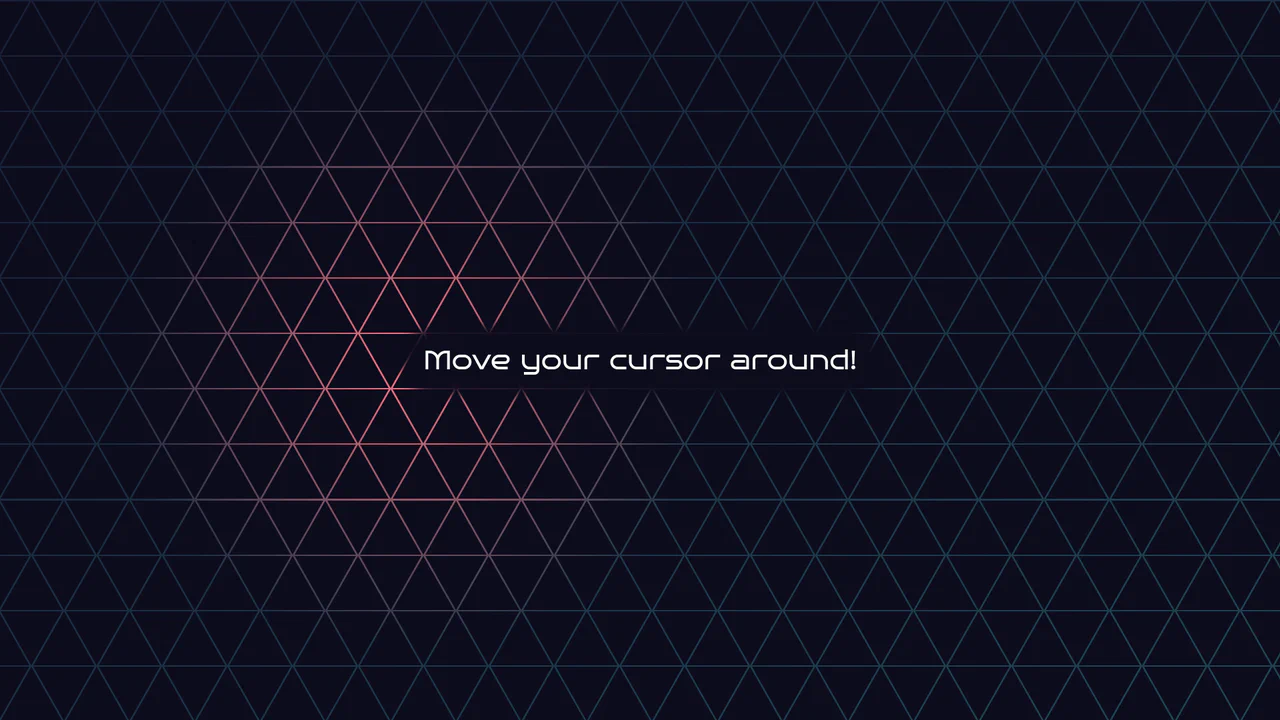
Geometric Glowing Triangle Mask Grid
Geometric Glowing Triangle Mask Grid creates an interactive mesh overlay by dynamically calculating and appending CSS border triangles to mask a neon background. The layout binds a mouse-tracking #glow radial gradient to the cursor, while modern CSS @property interpolates color shifts directly in keyframe animations. However, running heavy JS-based DOM recalculations on window.onresize combined with moving massive layout-disrupting absolute positions like top/left on every mousemove can cause paint pipeline bottlenecks, which are easily alleviated by transforming with hardware-accelerated translate3d instead.
Chrome 85+
Edge 85+
Firefox 128+
Safari 16.4+
See the Pen Geometric Glowing Triangle Mask Grid.
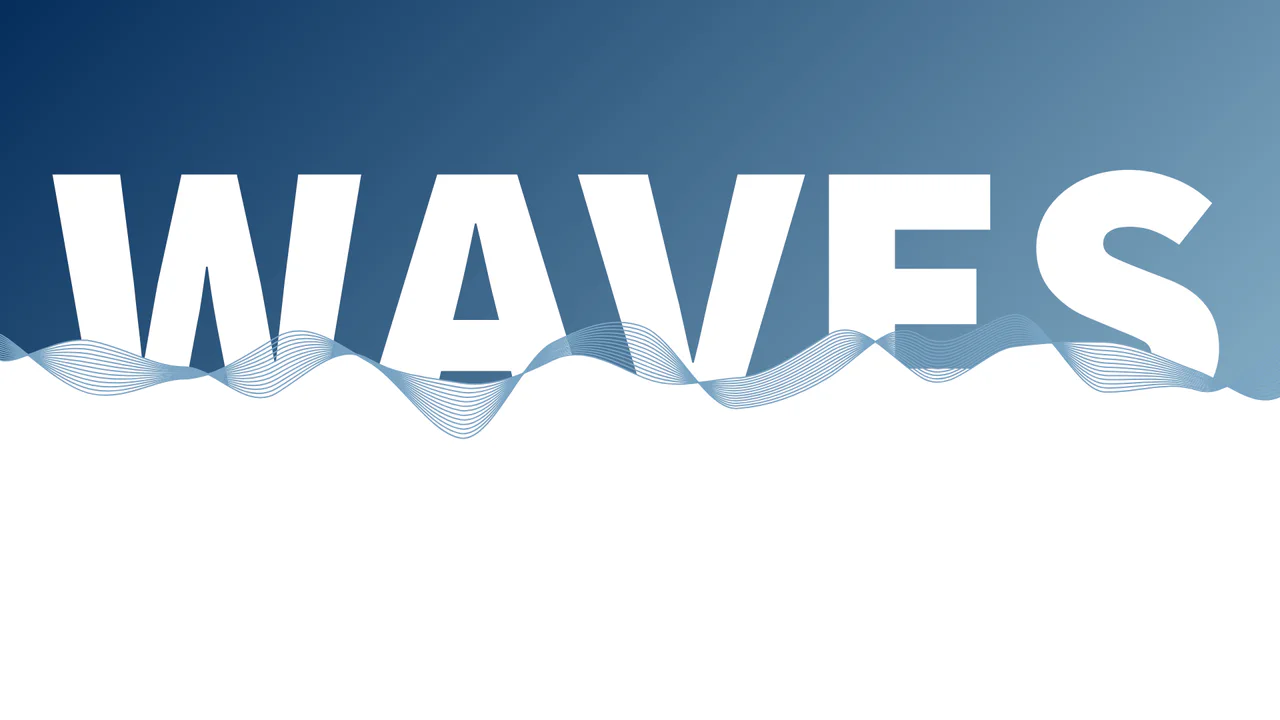
Wireframe Ocean Vector Waves
This is a Wireframe Ocean Vector Waves background. It renders multiple layered vector paths using mathematical sine functions to simulate a rolling sea. Its function is to create a dynamic, highly illustrative hero section, integrating static text behind a moving fluid layer to establish a strong sense of depth. (Requires: paper.js)
Chrome 51+
Edge 79+
Firefox 54+
Safari 10+
See the Pen Wireframe Ocean Vector Waves.

Minimalist Canvas Animated Particle Background
The Minimalist Canvas Animated Particle Background is an ambient UI element that generates a field of drifting geometric shapes. It serves as a non-intrusive aesthetic layer for headers or landing pages, providing depth through motion. The system alternates between “bubbles” and spinning “lines” to create a technical yet organic atmosphere. (Requires: Lodash)
Chrome 36+
Edge 12+
Firefox 31+
Safari 9+
See the Pen Minimalist Canvas Animated Particle Background.

Interactive Spectral 3D Ghost Effect
This is an Interactive Spectral 3D Ghost Effect. It utilizes Three.js and custom GLSL shaders to render a dynamic, mouse-tracking entity with analog signal decay. Its function is to serve as an immersive focal point or an interactive background element. The effect effectively bridges direct user input with procedural visual storytelling. (Requires: three.js, tweakpane.js)
Chrome 80+
Edge 80+
Firefox 75+
Safari 13.1+
See the Pen Interactive Spectral 3D Ghost Effect.

Interactive Neon Grid Trail
This Interactive Neon Grid Trail creates a sleek, cybernetic atmosphere ideal for tech portfolios or futuristic landing pages. It utilizes the HTML5 Canvas API to render a grid of invisible squares that light up in neon teal upon interaction. The effect features a “memory” mechanic where the illuminated cells hold their charge for a moment before gracefully fading back into the darkness, creating a satisfying trail behind the user’s cursor.
Chrome 4+
Edge 12+
Firefox 3.6+
Safari 4+
See the Pen Interactive Neon Grid Trail.
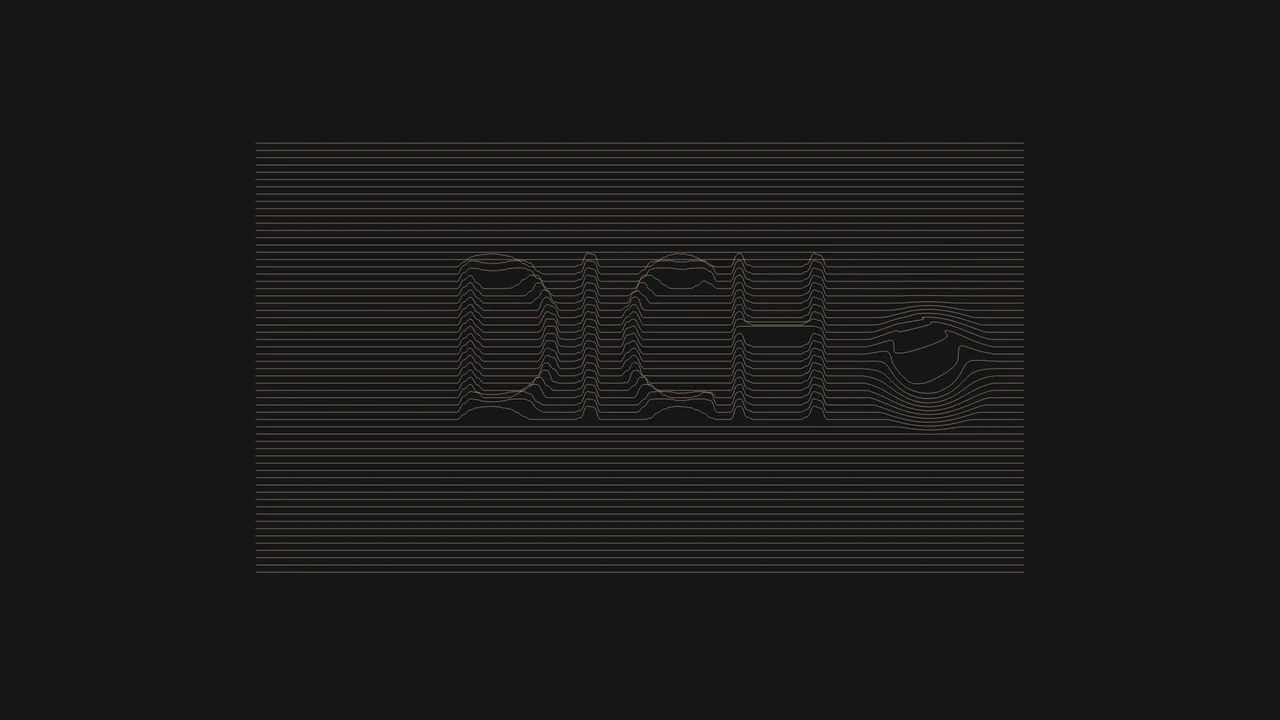
Interactive Typographic Wave Footer
This Interactive Typographic Wave Footer combines generative art with functional UI design. It features a field of horizontal lines that behave like a liquid surface, reacting to the user’s cursor with a satisfying ripple effect. Hidden within the wave structure is a 3D-like topographic representation of text (“DICH”), generated by mapping pixel brightness from an off-screen canvas to the vertical position of the lines. It’s a sophisticated way to add depth and interactivity to a page footer or hero section. (Requires: Custom Font (Drukwide))
Chrome 50+
Edge 79+
Firefox 50+
Safari 11+
See the Pen Interactive Typographic Wave Footer.
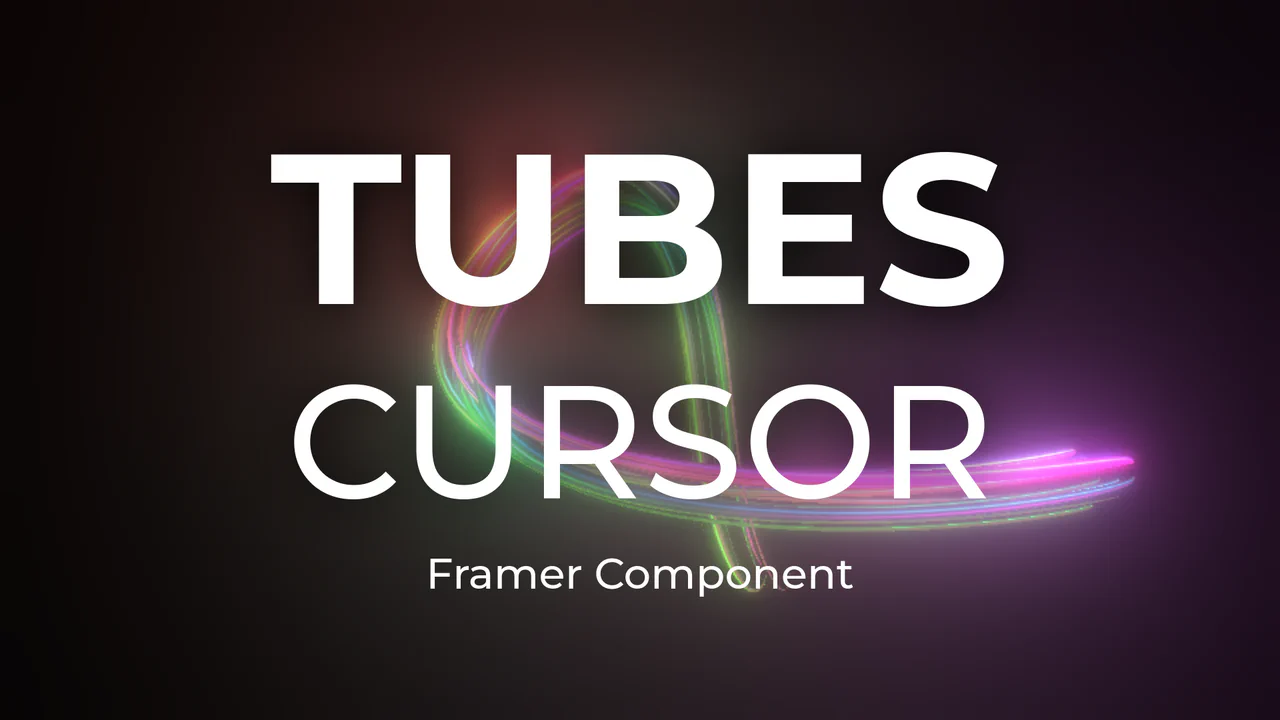
Neon 3D Tubes Cursor Trail
This Neon 3D Tubes Cursor Trail brings high-end motion graphics to the web browser. Using the power of WebGL and Three.js, it generates a serpentine trail of glowing 3D geometry that fluidly follows the user’s input. The effect features dynamic lighting that casts soft glows on the tubes, and it includes a built-in interaction where clicking the screen instantly randomizes the color palette, keeping the visual experience fresh. (Requires: threejs-components (External Lib))
Chrome 80+
Edge 80+
Firefox 75+
Safari 13.1+
See the Pen Neon 3D Tubes Cursor Trail.
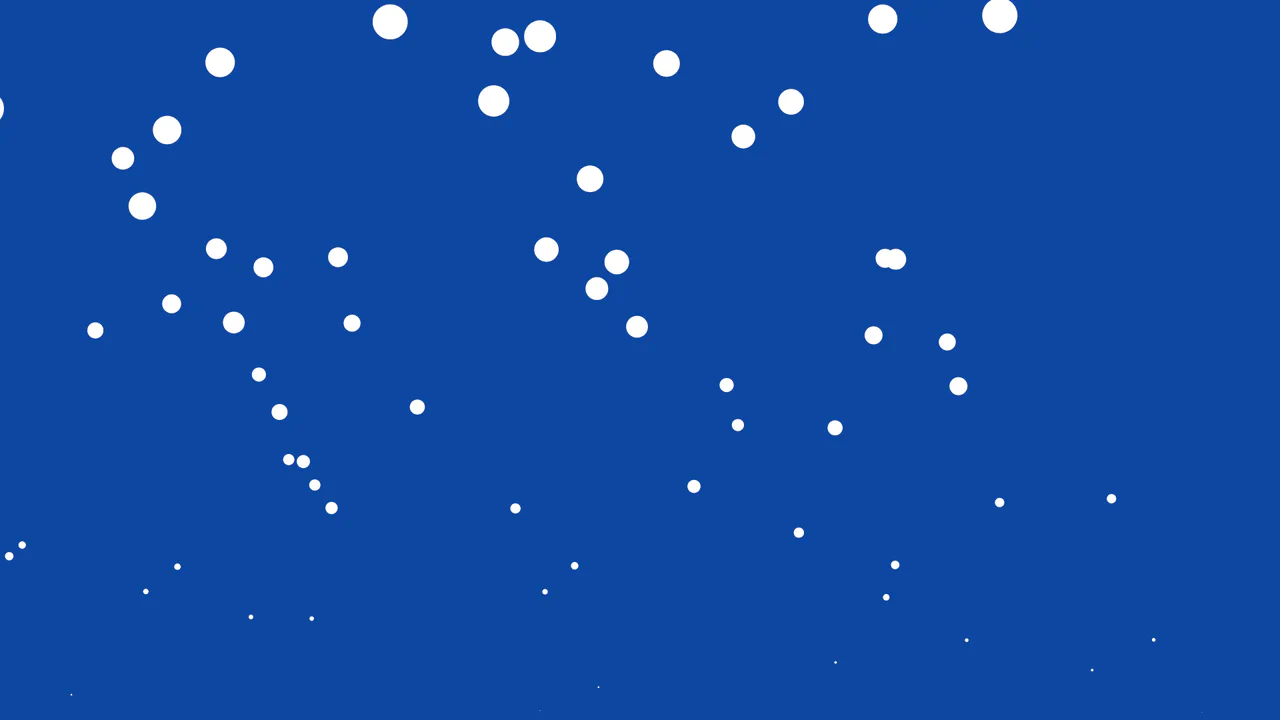
Rising Bubbles Particles Effect
This Rising Bubbles Particle Background utilizes the tsParticles library to create a soothing, fluid animation reminiscent of carbonated water or an underwater scene. By leveraging the HTML5 Canvas API through a high-level configuration object, it renders performant particles that spawn from the bottom of the viewport and grow until they “pop.” (Requires: tsParticles.js)
Chrome 4+
Edge 12+
Firefox 4+
Safari 3.1+
See the Pen Rising Bubbles Particles Effect.
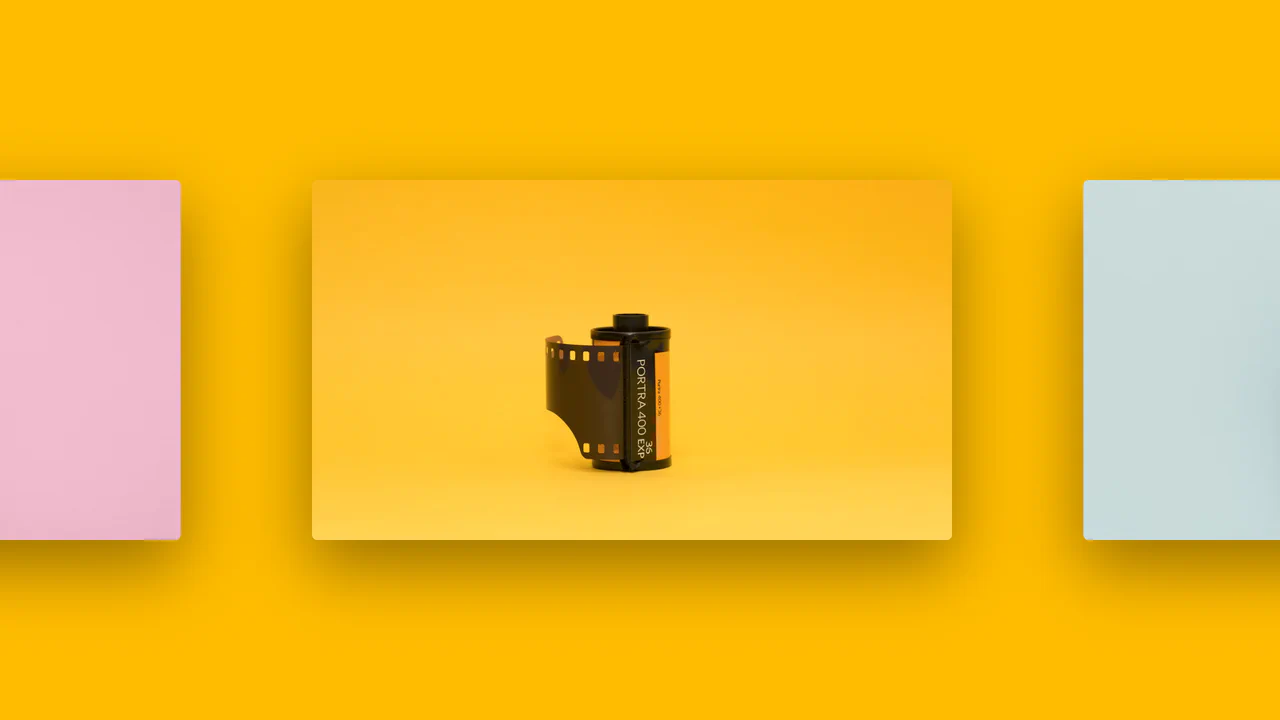
Intersection Observer Example
A horizontal scrolling gallery where the background color smoothly transitions to match the current image, triggered by the Intersection Observer API.
See the Pen Intersection Observer Example.
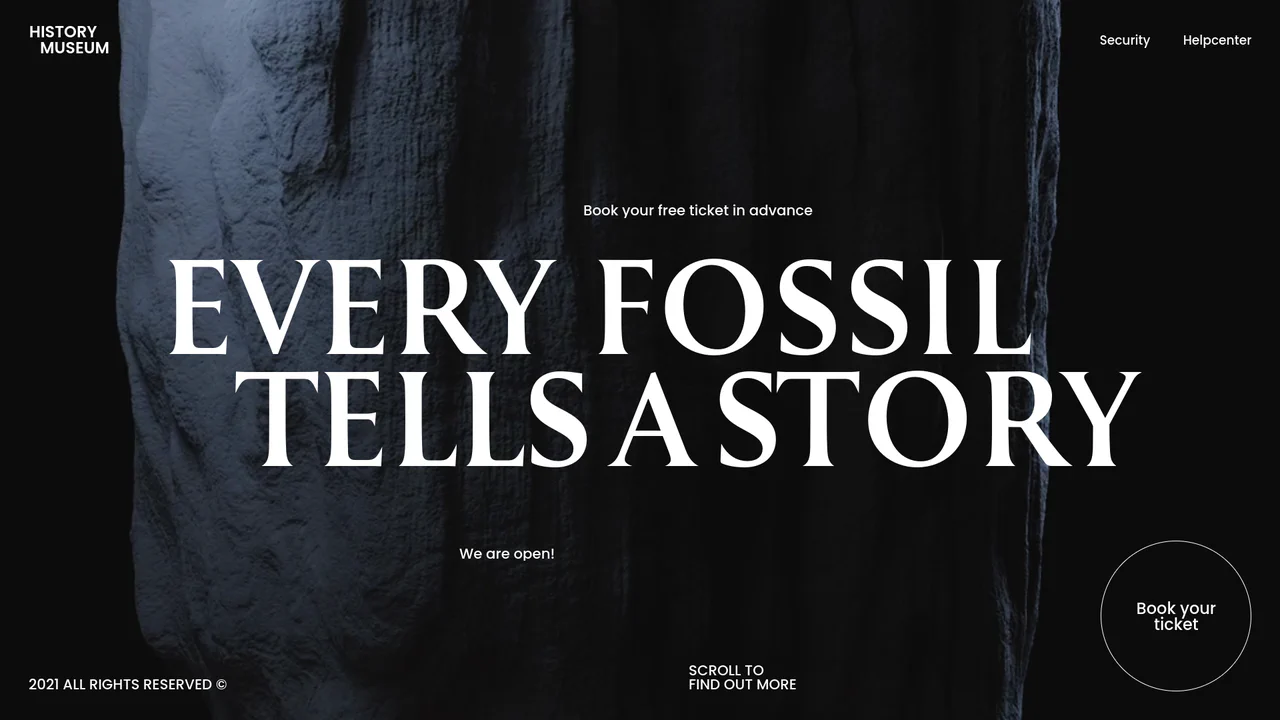
Cinematic Hero Section In-View Animation
A cinematic hero section for a museum website featuring a synchronized text reveal animation powered by GSAP timelines and CustomEase. The layout utilizes fluid typography based on viewport width and intricate DOM segmentation, allowing syllables and UI elements to slide seamlessly into view over a looping background video.
See the Pen Cinematic Hero Section In-View Animation.
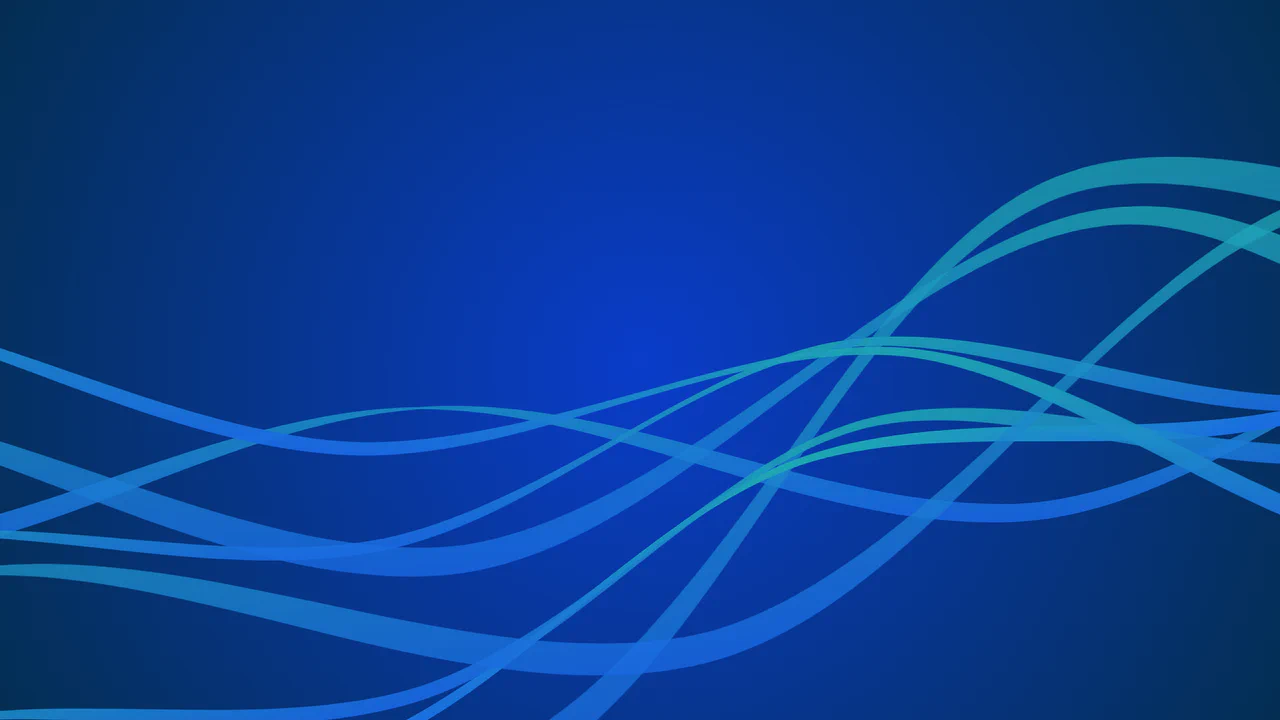
Animated SVG Wave Background
A practical example of creating an organic and performant background using GSAP and SVG. Each line is animated along a unique trajectory with random parameters, creating an endless hypnotic motion.
See the Pen Animated SVG Wave Background.
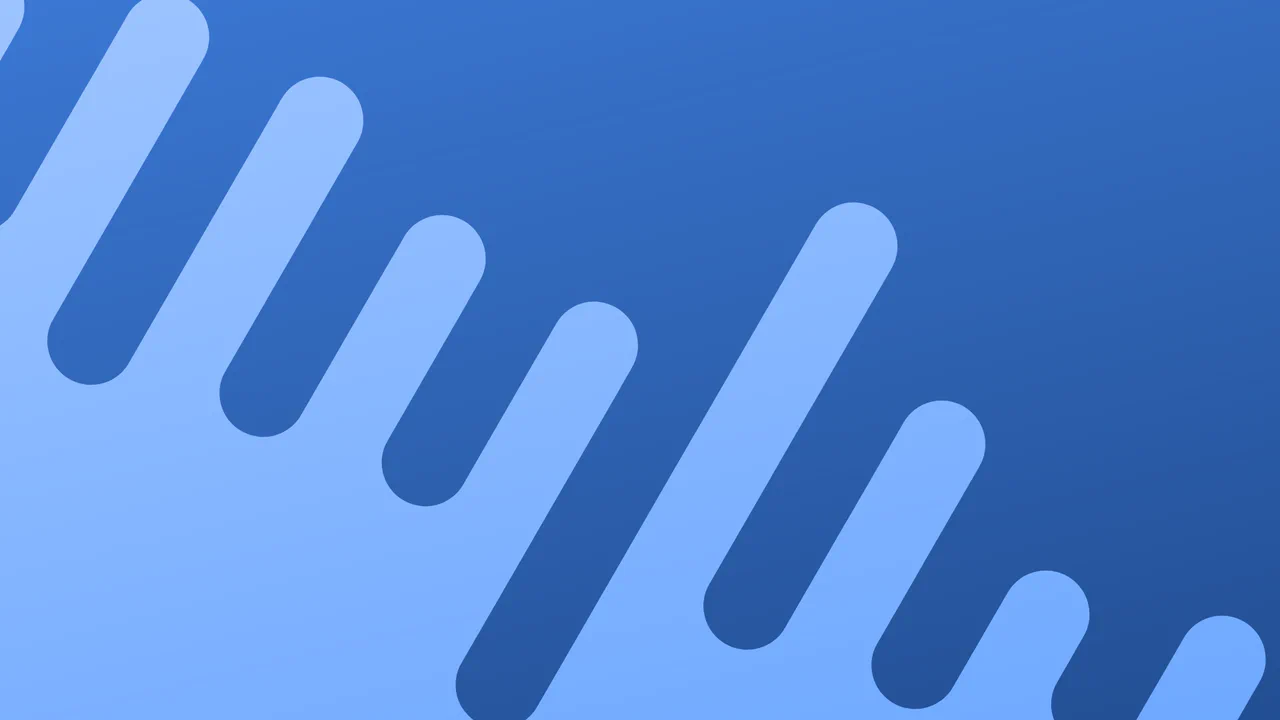
Melty Line Goodness
A minimalistic example of event-driven SVG animation where the geometry is rebuilt both by a setInterval timer and user clicks - the key technique is the direct manipulation of the d attribute via setAttribute, which triggers a CSS transition to create organic movement without complex animation logic in JS.
See the Pen Melty Line Goodness.
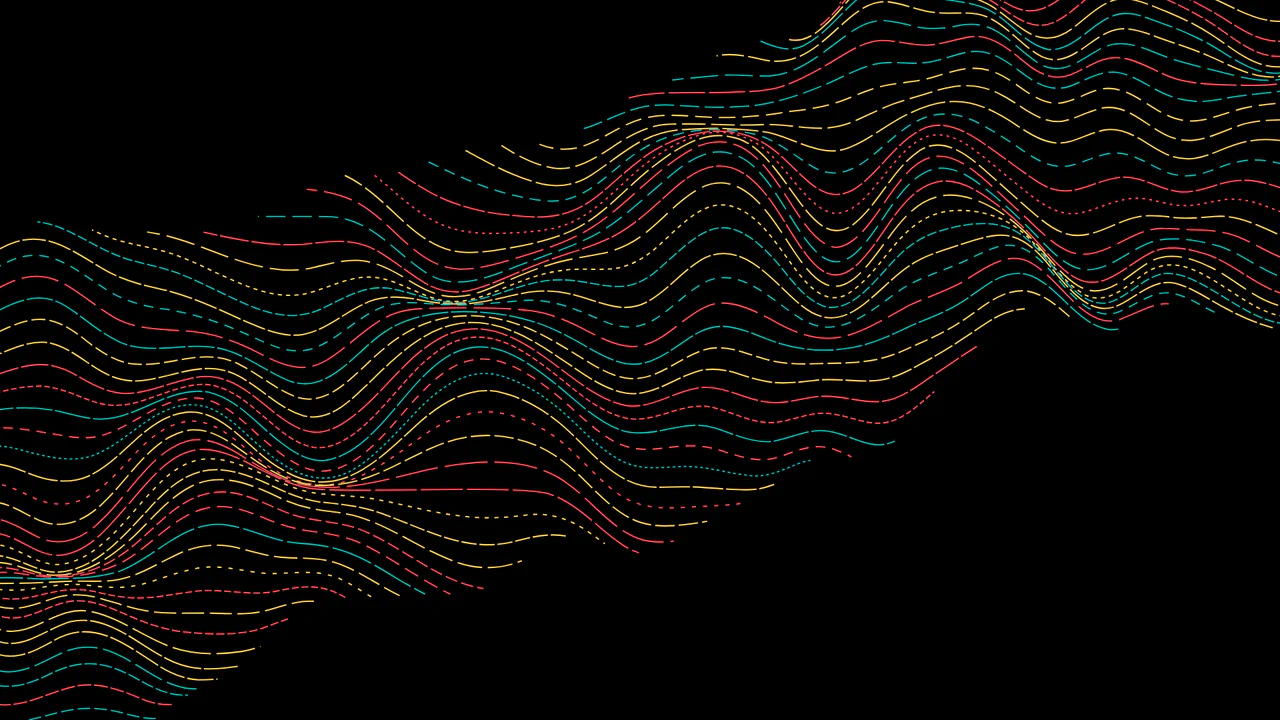
Animated SVG Color Wave Effect
Technical relevance: the use of GSAP to control strokeDashoffset on the mask with looping and different easing, - resulting in a stylized “wave” effect gliding over complex, pre-defined SVG Bézier curves.
See the Pen Animated SVG Color Wave Effect.

Rain Particle Effect with HTML Canvas
This full-screen particle system uses the Canvas 2D context to draw short-lived, low-alpha rain streaks, relying on requestAnimationFrame for a performance-optimized background animation.
See the Pen Rain Particle Effect with HTML Canvas.

Cube Effect Slider (Swiper JS and tsParticles)
a stylish full-screen layout where the functional Swiper 3D slider is enhanced by a particle-effect gradient background, ensuring maximum visual engagement without complex frameworks.
See the Pen Cube Effect Slider (Swiper JS and tsParticles).
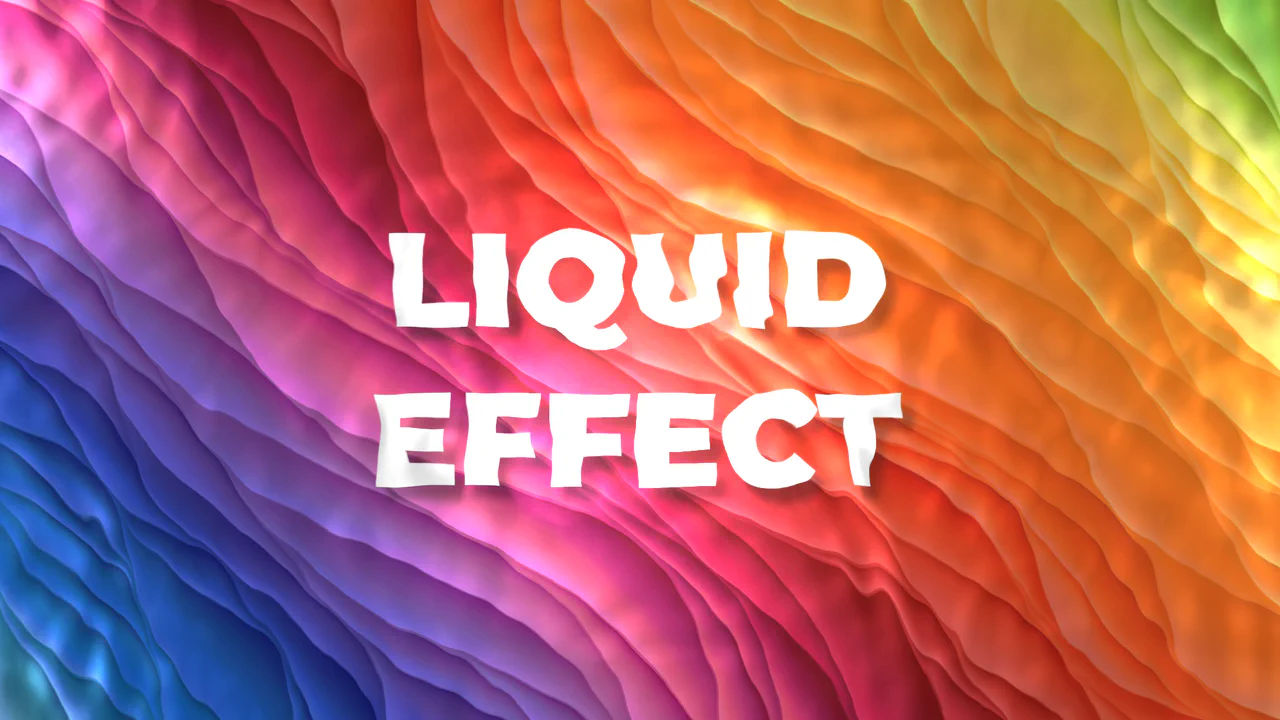
Liquid Effect Background
An efficient WebGL/Three.js dynamic background implementation using a ready-made component. The demo focuses on programmatic adjustment of PBR parameters (Metalness, Roughness) and disabling secondary effects (setRain(false)) for optimization.
See the Pen Liquid Effect Background.
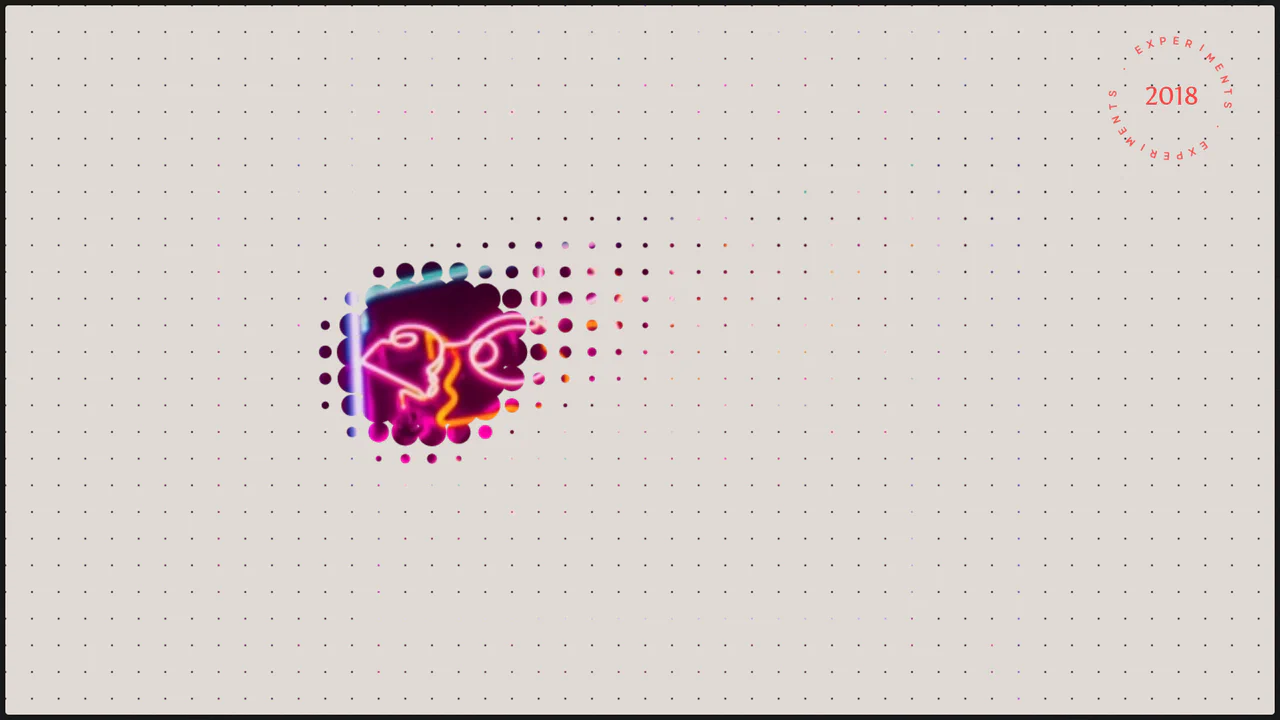
Canvas Proximity Mask Effect
An implementation of Mouse Interaction with a grid of elements: each circle smoothly interpolates its radius towards a target using an ease factor for liquid-like animation, producing a smooth repulsion effect.
See the Pen Canvas Proximity Mask Effect.
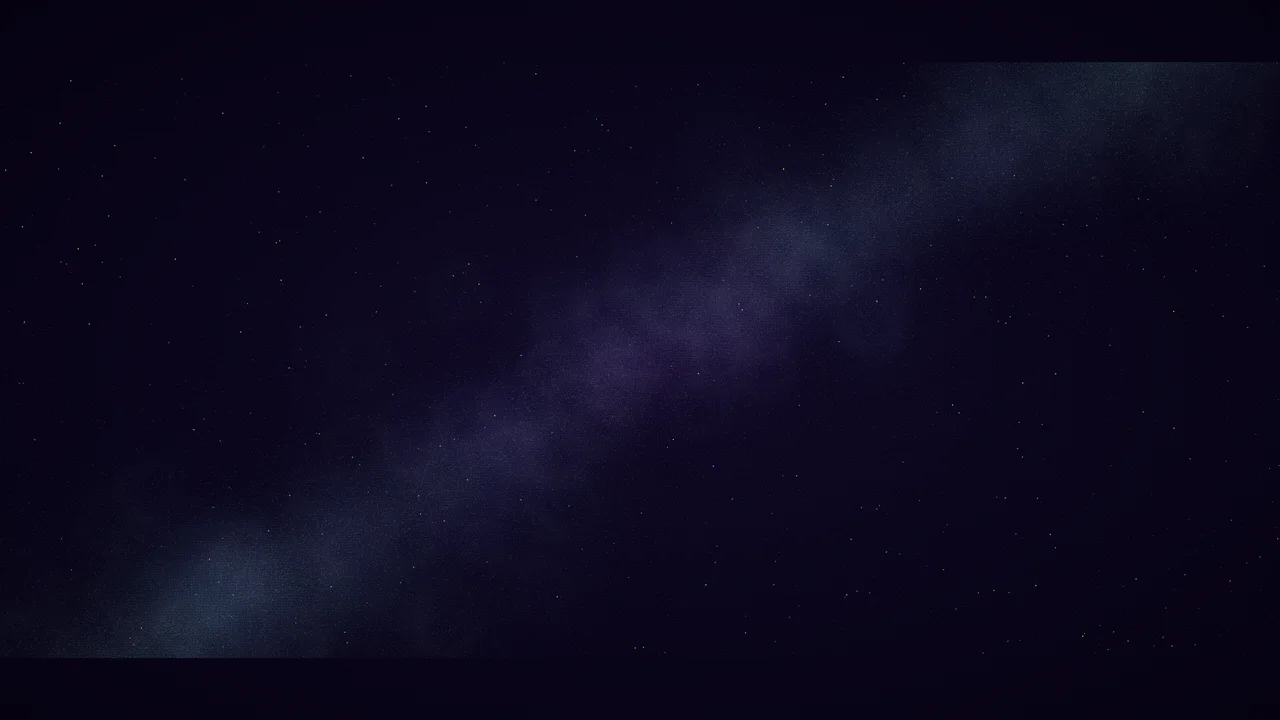
Night Sky with HTML Canvas
Dive into space with this optimized Canvas demo that procedurally generates shimmering stars, random shooting stars, and a colorful Milky Way, focusing on seamless performance and responsiveness.
See the Pen Night Sky with HTML Canvas.