4 JavaScript Bounce Effects
This collection is a guide to creating “bounce” effects, from simple to physically accurate. The performant approach where JavaScript just adds a CSS class to trigger a @keyframes animation is covered, as well as professional solutions with GSAP and its ease: "bounce". For a deep understanding of the process, examples of manually implementing bounce physics with requestAnimationFrame are featured. This is your toolkit for adding “life” and dynamism to any UI.
Examples

Elastic Animated Star Rating
This Elastic Animated Star Rating component turns a mundane feedback form into a delightful micro-interaction. Instead of simple color changes, the stars spring to life with a satisfying “elastic” pop when clicked. The animation logic handles both filling (bouncing in) and emptying (shrinking away) states, making the interaction feel physically responsive and engaging. (Requires: GSAP)
 Chrome 55+
 Edge 79+
 Firefox 54+
 Safari 10.1+
See the Pen Elastic Animated Star Rating.

Bouncy Digital Block Clock
This Bouncy Digital Block Clock transforms a standard time display into a playful, tactile UI element. It utilizes a split-digit technique where numbers “roll” into place while their container physically bounces, adding weight and character to every second that passes. The component is fully responsive, supports system dark mode automatically, and ensures accessibility via dynamic ARIA labels.
Chrome 60+
Edge 79+
Firefox 60+
Safari 12+
See the Pen Bouncy Digital Block Clock.

GSAP CustomBounce Loading Loader
This GSAP CustomBounce Loader demonstrates how to inject personality into a standard waiting state using cartoon physics. It depicts a kinetic chain reaction: a “driver” dot hits a line of idle dots, causing them to jump, squash, and stretch. This example showcases the power of GreenSock’s CustomBounce plugin to create realistic (yet stylized) material deformations. (Requires: GSAP, CustomBounce, CustomEase)
Chrome 60+
Edge 79+
Firefox 55+
Safari 11+
See the Pen GSAP CustomBounce Loading Loader.
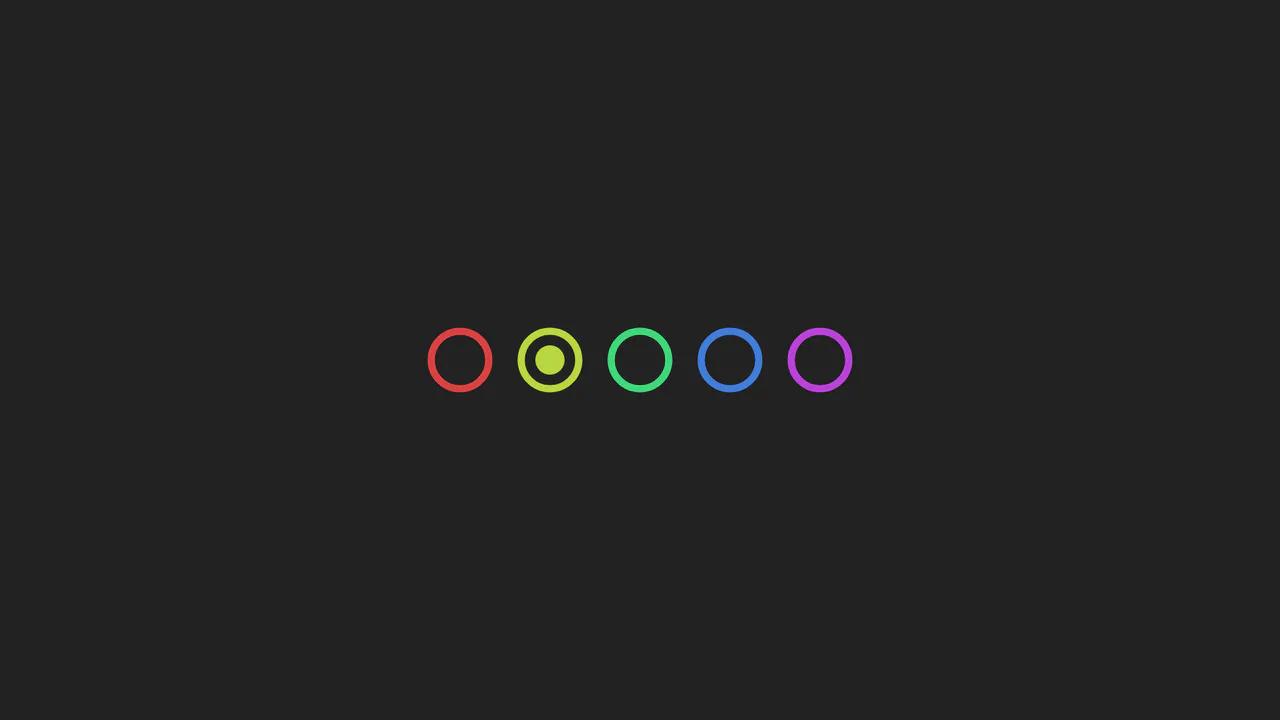
Dot Hopper Pagination
A playful SVG pagination component animated with GSAP. JavaScript dynamically generates color-coded rings and orchestrates a physics-based ‘jump’ animation where the active dot squashes, stretches, and arcs parabolically to its new position, changing color in mid-air.
See the Pen Dot Hopper Pagination.