150+ JavaScript Buttons
Buttons enhanced with JavaScript can go beyond simple clicks to include loading states, toggles, ripple animations, and dynamic behavior. This collection of JavaScript-powered buttons showcases interactive styles and responsive feedback designed to elevate user interactions.
Examples
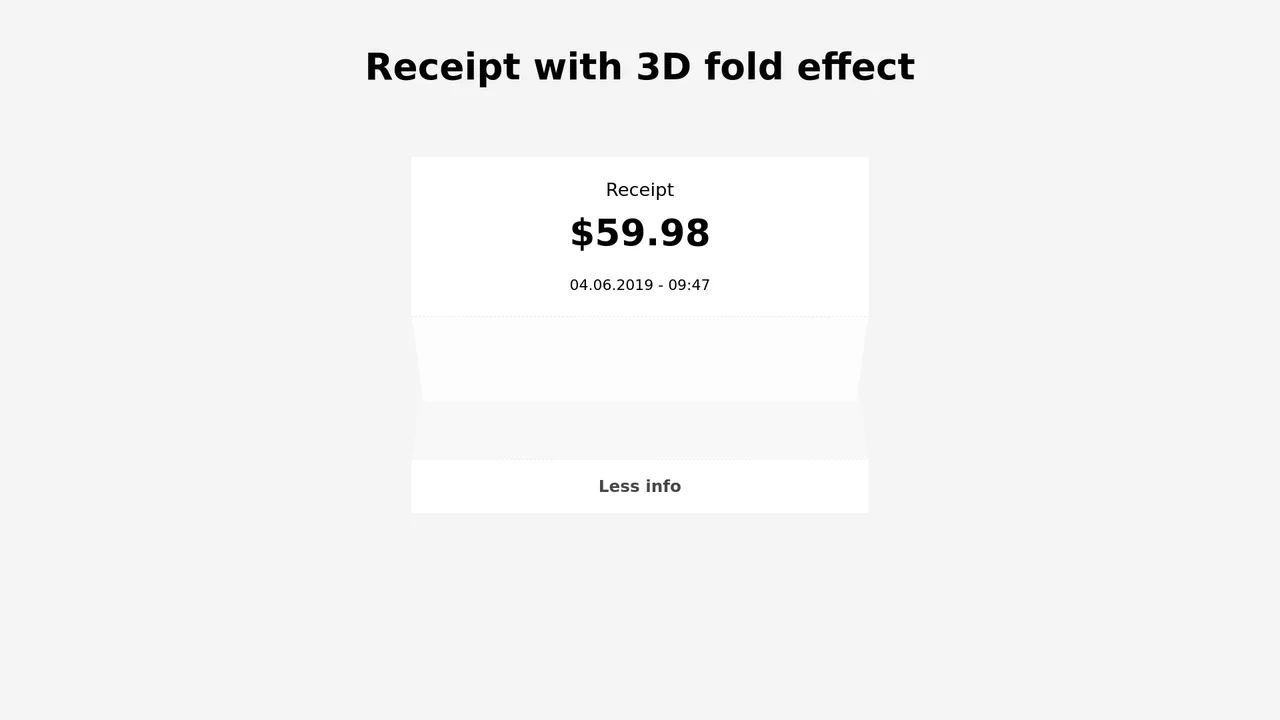
3D Folding Paper Receipt Card
An interactive receipt component showcasing a realistic 3D paper fold transition. Built with SCSS and vanilla JS, clicking the trigger button initiates a multi-stage unfold sequence: the dashed seam rotates flat using rotate3d(), the bottom section slides down, and the hidden itemized table fades in. Transition delays are carefully synced to prevent content visibility until the folding animation completes.
 Chrome 36+
 Edge 12+
 Firefox 16+
 Safari 9+
See the Pen 3D Folding Paper Receipt Card.
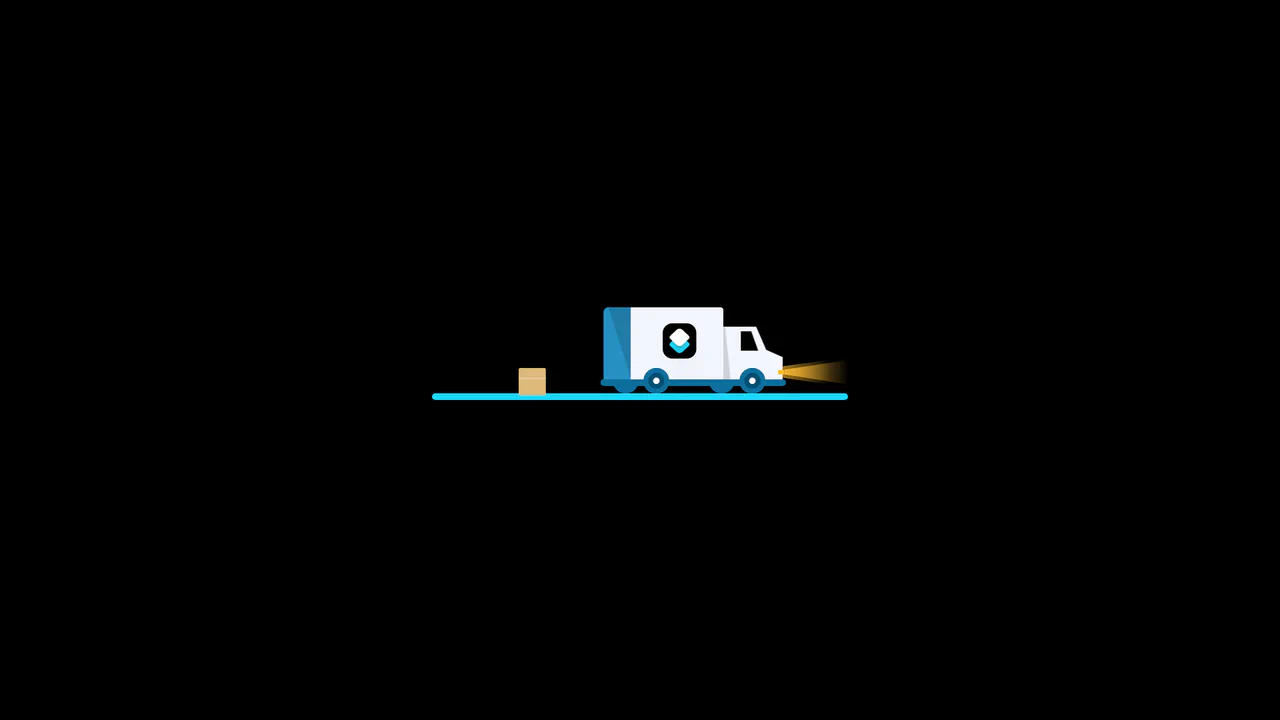
3D Truck Delivery Download Button
An advanced interactive download button featuring a complex 3D truck delivery animation. Powered by GSAP and SCSS, clicking the button triggers a 90-degree backward flip using CSS preserve-3d to convert the top edge into a flat road. A styled vector truck drives in from the left, catches a falling cargo box, departs off-screen, and flips back to reveal a success checkmark. (Requires: gsap.js)
Chrome 55+
Edge 79+
Firefox 54+
Safari 9.1+
See the Pen 3D Truck Delivery Download Button.
Elastic Morphing SVG Download Button
An advanced interactive download button featuring an elastic SVG morphing animation. Powered by the GSAP MorphSVGPlugin and SCSS, clicking the button initiates a synchronized keyframe sequence: the arrow vector launches downward, dynamically compressing and bending the bottom platform line before rotating, merging, and unfolding into a green success checkmark. (Requires: gsap.js, MorphSVGPlugin.js)
Chrome 49+
Edge 12+
Firefox 49+
Safari 9.1+
See the Pen Elastic Morphing SVG Download Button.
Elastic String Liquid Download Button
This creative download button relies on an elastic, tensioned liquid-string animation to drive its progress micro-interactions. Utilizing a custom JavaScript Proxy wrapper alongside SCSS and GSAP, the code intercepts spline properties to dynamically re-draw cubic-bezier vector coordinates inside the SVG. Triggering the button bows the arrow base down like a rubber band before shooting it off-screen. (Requires: gsap.js)
Chrome 49+
Edge 12+
Firefox 49+
Safari 10+
See the Pen Elastic String Liquid Download Button.
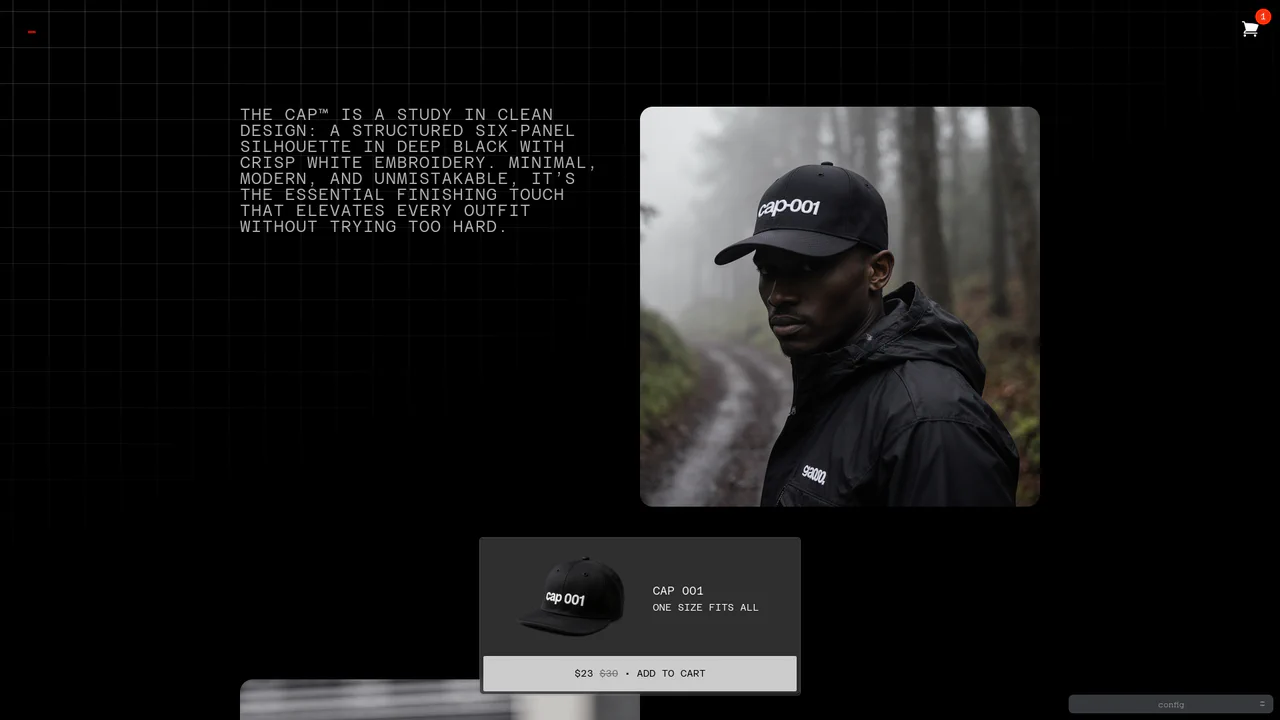
Dynamic Bezier Curve Fly-to-Cart Animation
An advanced e-commerce prototype demonstrating a highly customizable fly-to-cart animation. On click, a duplicate product image is projected into coordinates calculated via active client measurements, traveling along a dual-axis curved motion path toward the cart badge. Built with custom Web Components, it includes live Bezier timing trackpads and elastic cart bump physics. (Requires: gsap.js, tweakpane.js)
Chrome 54+
Edge 79+
Firefox 63+
Safari 10.1+
See the Pen Dynamic Bezier Curve Fly-to-Cart Animation.
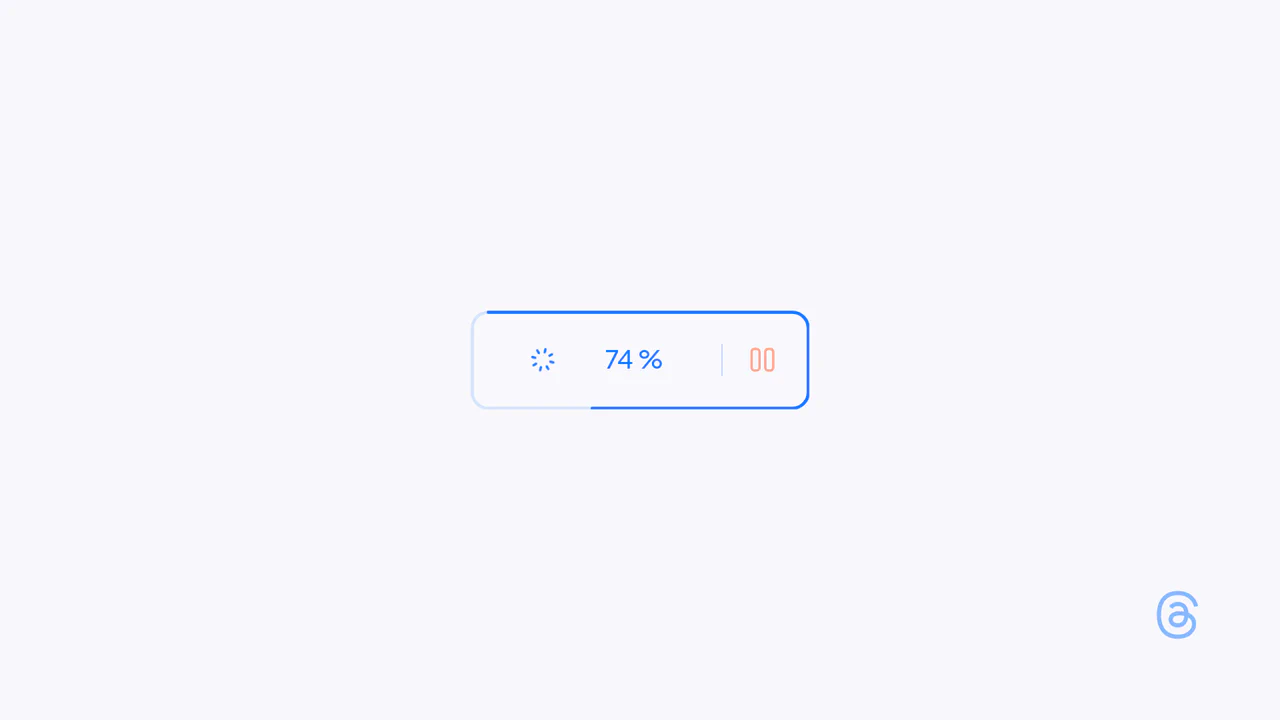
Interactive Loading Progress Button
This is an Interactive Loading Progress Button. It consolidates complex system feedback — progress indication, pausing, and completion — into a single geometric constraint. Its function is to keep the user anchored to one focal point during data-heavy operations, eliminating the need for disjointed, full-screen loading modals. (Requires: Anime.js)
Chrome 60+
Edge 79+
Firefox 55+
Safari 12+
See the Pen Interactive Loading Progress Button.

SVG Perimeter Progress Upload Button
This is an SVG Perimeter Progress Upload Button. It merges the primary action trigger and progress indicator into a single UI component. Its function is to conserve screen real estate while providing continuous, high-fidelity visual feedback during asynchronous file transfers.
Chrome 60+
Edge 79+
Firefox 55+
Safari 11+
See the Pen SVG Perimeter Progress Upload Button.

Mouse-Reactive Iridescent Button
This is a Mouse-Reactive Iridescent Button. It uses a sophisticated layering of CSS conic gradients and JavaScript pointer tracking to create a button with a vibrant, shimmering border that physically follows the user’s cursor. Its function is to provide a high-end, tactile micro-interaction that makes a standard call-to-action feel like a premium, light-sensitive object.
Chrome 122+
Edge 122+
Firefox 128+
Safari 16.4+
See the Pen Mouse-Reactive Iridescent Button.

Staggered Animated Hamburger Toggle Button
The Staggered Animated Hamburger Toggle Button is a highly refined navigation trigger. It utilizes aria-pressed states to drive complex, multi-stage CSS transitions. Its function is to provide an accessible, tactile entry point for menus, using staggered motion to visually explain the transformation from a “hamburger” to a “close” icon.
Chrome 99+
Edge 99+
Firefox 97+
Safari 15.4+See the Pen Staggered Animated Hamburger Toggle Button.

Animated Power-Up Button
This is an Animated Power-Up Button. It replaces standard interaction states with a visually rich, multi-layered animation sequence. Upon clicking, the button rotates, and a series of semi-transparent shadow layers stagger-in behind it, creating a “motion blur” or “power-up” trail effect. Its function is to provide highly stylized feedback for high-impact actions. (Requires: GSAP)
Chrome 60+
Edge 79+
Firefox 55+
Safari 11+
See the Pen Animated Power-Up Button.

Sci-Fi Reticule Play Button
This is a Sci-Fi Reticule Play Button. It replaces static interaction states with an immersive, HUD-like sequence. Its function is to trigger a process (like loading data or initializing an app) while providing real-time visual feedback through an animated percentage counter and expanding SVG geometry. (Requires: GSAP, DrawSVGPlugin, ScrambleTextPlugin)
Chrome 55+
Edge 79+
Firefox 54+
Safari 11+
See the Pen Sci-Fi Reticule Play Button.

Interactive Liquid SVG Wobble Button
This is an Interactive Liquid SVG Wobble Button. It maps cursor proximity to discrete vector points along an SVG path, deforming the shape in real-time. Its function is to transform a static call-to-action into a physical, reactive object. (Requires: svg.js, generative-utils.js, vector2d.js, debounce.js)
Chrome 80+
Edge 80+
Firefox 75+
Safari 13.1+
See the Pen Interactive Liquid SVG Wobble Button.
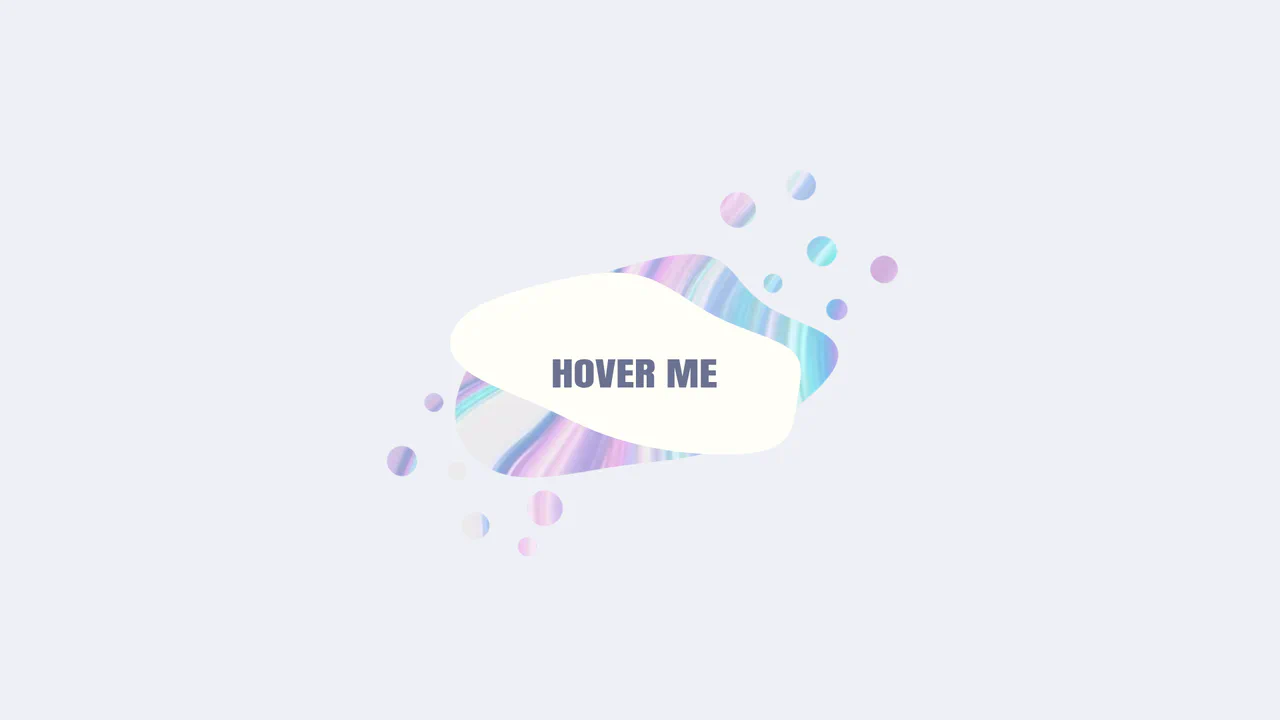
Morphing Liquid SVG Mask Button
This is a Morphing Liquid SVG Mask Button. It masks a raster image (marble texture) with a dynamic SVG shape that transforms into a “gooey” blob upon interaction. Its function is to create a high-end, organic reveal effect for primary calls-to-action, replacing standard rectangular hover states with fluid motion. (Requires: gsap.js, gsap-morphsvg-plugin.js)
Chrome 60+
Edge 79+
Firefox 55+
Safari 11.1+
See the Pen Morphing Liquid SVG Mask Button.

Interactive Download Folder Animation
This is an Interactive Download Folder Animation. It replaces a static download button with a lively, physics-based micro-interaction. Its function is to provide immediate, satisfying visual confirmation of a user action. The effect drops a new document into a stacked folder, triggering a synchronized elastic bounce across multiple UI layers. (Requires: gsap.js)
Chrome 60+
Edge 79+
Firefox 55+
Safari 11.1+
See the Pen Interactive Download Folder Animation.

Liquid Filling Heart Interaction
This is a Liquid Filling Heart Interaction. It visualizes a “pumping” effect by animating a fluid level inside a heart-shaped container. Its function is to serve as a playful, interactive state indicator — like a “like” button or health bar — that responds to user clicks with a simulated hydraulic fill and a 3D perspective jolt. (Requires: gsap.js)
Chrome 80+
Edge 80+
Firefox 75+
Safari 13+
See the Pen Liquid Filling Heart Interaction.
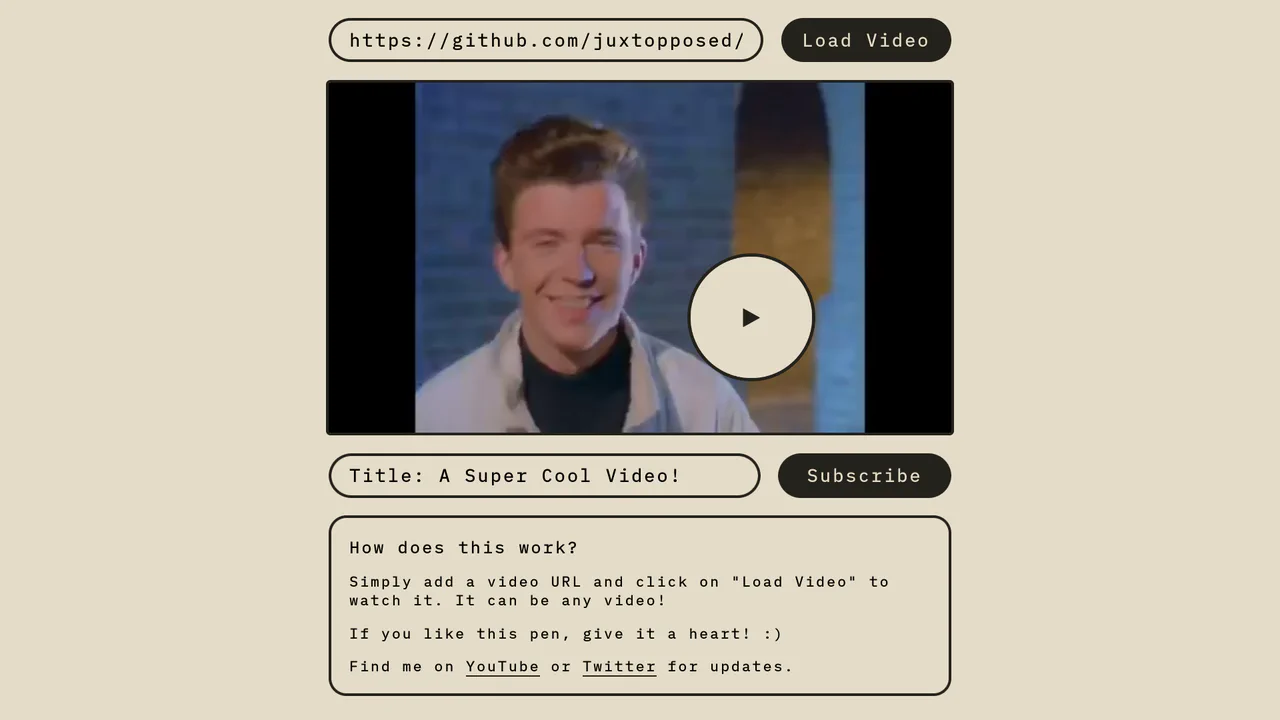
Magnetic Video Play Button Concept
The Magnetic Video Play Button Concept is an interactive UI element that replaces the standard video player controls with a creative, cursor-following play button. This implementation enhances user engagement by making the primary interaction point - the play toggle - dynamic and physically responsive to the user’s movement. It is perfect for landing pages and high-end portfolio sites where media content is the centerpiece.
Chrome 60+
Edge 79+
Firefox 60+
Safari 11+
See the Pen Magnetic Video Play Button Concept.

Skeuomorphic Retro Power Buttons
Skeuomorphic design meets modern web animation in these Windows XP-inspired power buttons. This component utilizes detailed CSS shadows to create a tactile 3D effect, paired with SVG path manipulation for playful micro-interactions upon interaction.
Chrome 80+
Edge 80+
Firefox 75+
Safari 13.1+See the Pen Skeuomorphic Retro Power Buttons.

GSAP Sparkle Generate Button
This GSAP Sparkle Generate Button adds a touch of magic to standard call-to-action elements. Designed for AI generation tools or creative apps, it features a sophisticated hover effect where particles (dots) spawn and float organically around the button. The animation is driven by GreenSock’s Physics2DPlugin, simulating gravity and velocity for a realistic “dust” movement. (Requires: GSAP, Physics2DPlugin)
Chrome 60+
Edge 79+
Firefox 55+
Safari 11+See the Pen GSAP Sparkle Generate Button.
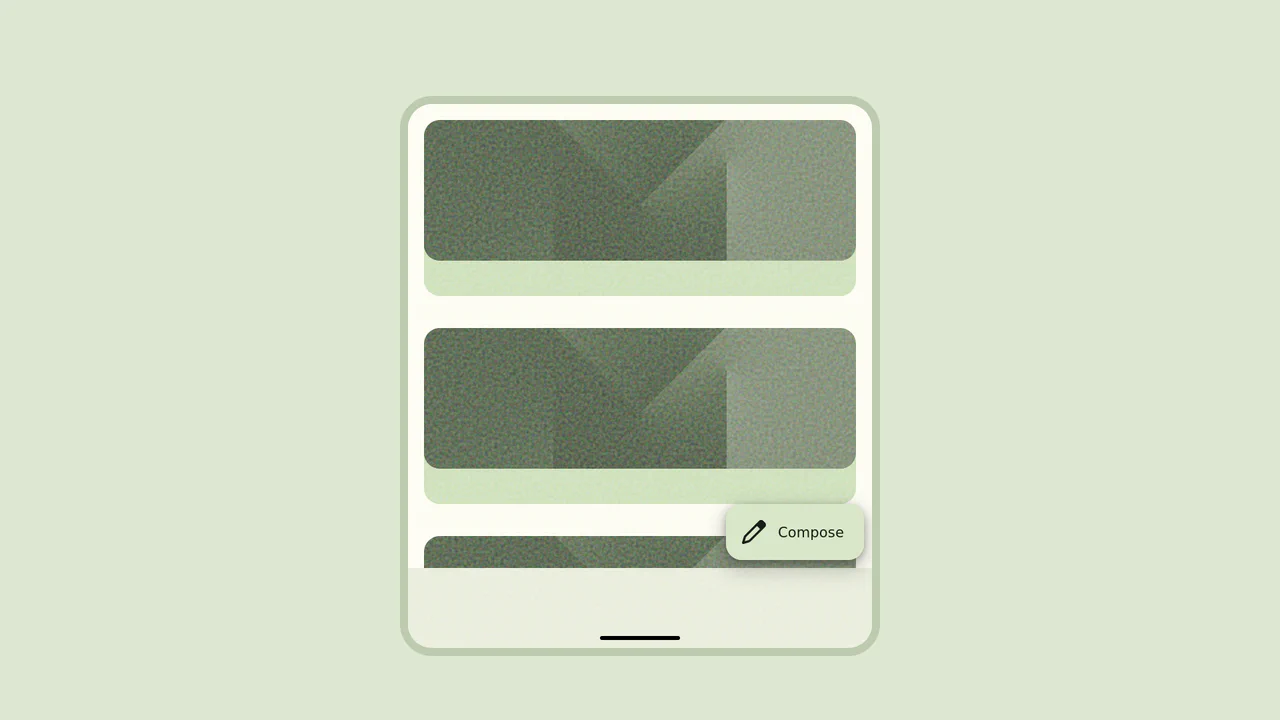
Material 3 Floating Action Button (FAB)
This Material 3 Floating Action Button (FAB) brings Google’s latest design language to life. Unlike standard FABs that just act as triggers, this component showcases a sophisticated “morph” transition. Upon interaction, the small corner button fluidly expands into a full-screen modal or form, maintaining visual continuity and providing a high-quality, app-like experience.
Chrome 49+
Edge 15+
Firefox 43+
Safari 10+
See the Pen Material 3 Floating Action Button (FAB).

Sparkle Generate Button
This Sparkle Generate Button adds a touch of delight to AI or creative tools. When hovered, the button doesn’t just change color - it emits a cloud of floating “sparkles” (particles) that drift and rotate. The effect is powered by CSS variables for performance, with a lightweight JavaScript snippet to randomize the particle paths, ensuring the animation feels organic and magical every time.
Chrome 60+
Edge 79+
Firefox 55+
Safari 11+See the Pen Sparkle Generate Button.
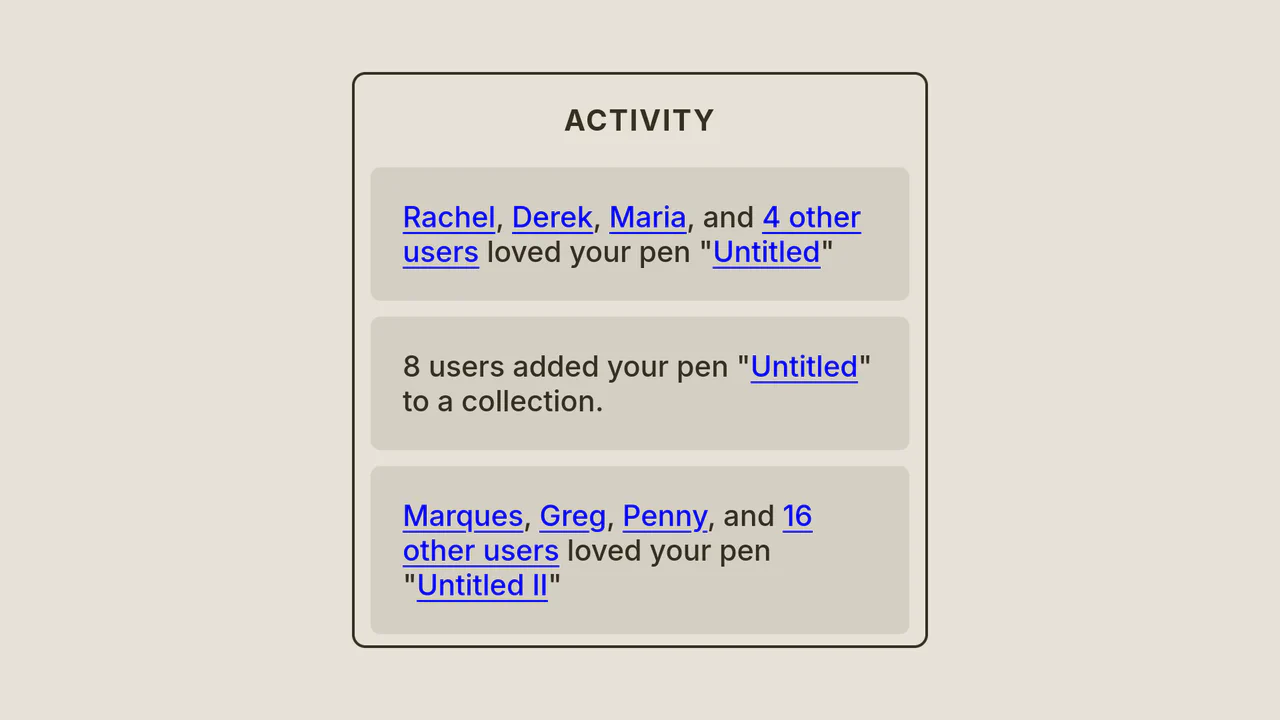
Activity Notification Panel Concept
A button with a notification badge smoothly expands into a large window upon clicking; the header text slides up, and activity cards cascade into view within.
See the Pen Activity Notification Panel Concept.
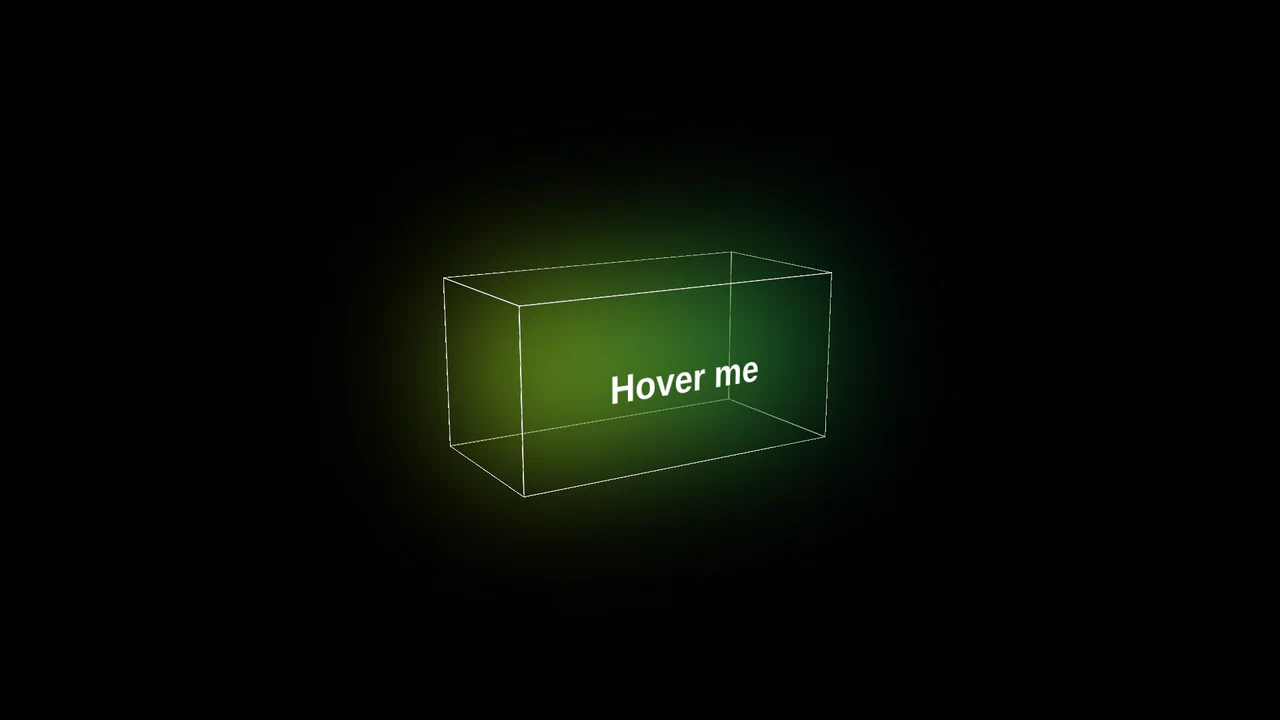
3D Glowing Button with CSS
A futuristic 3D button constructed from CSS-transformed planes to form a cube. JavaScript tracks mouse movement to apply dynamic rotateX/Y transforms for a tilt effect, while CSS keyframes animate a neon gradient glow and blur that activates on hover.
See the Pen 3D Glowing Button with CSS.

Magnetic Links
A sophisticated magnetic navigation menu that uses JavaScript to map mouse proximity to CSS variables, driving smooth translations via translate. It features a configurable “follow” effect where a background pseudo-element glides between items based on bounding box coordinates calculated on hover.
See the Pen Magnetic Links.
Organic Button
A mesmerizing, organic UI element that feels alive and constantly shifting, engaging the user in a visual experiment.
See the Pen Organic Button.
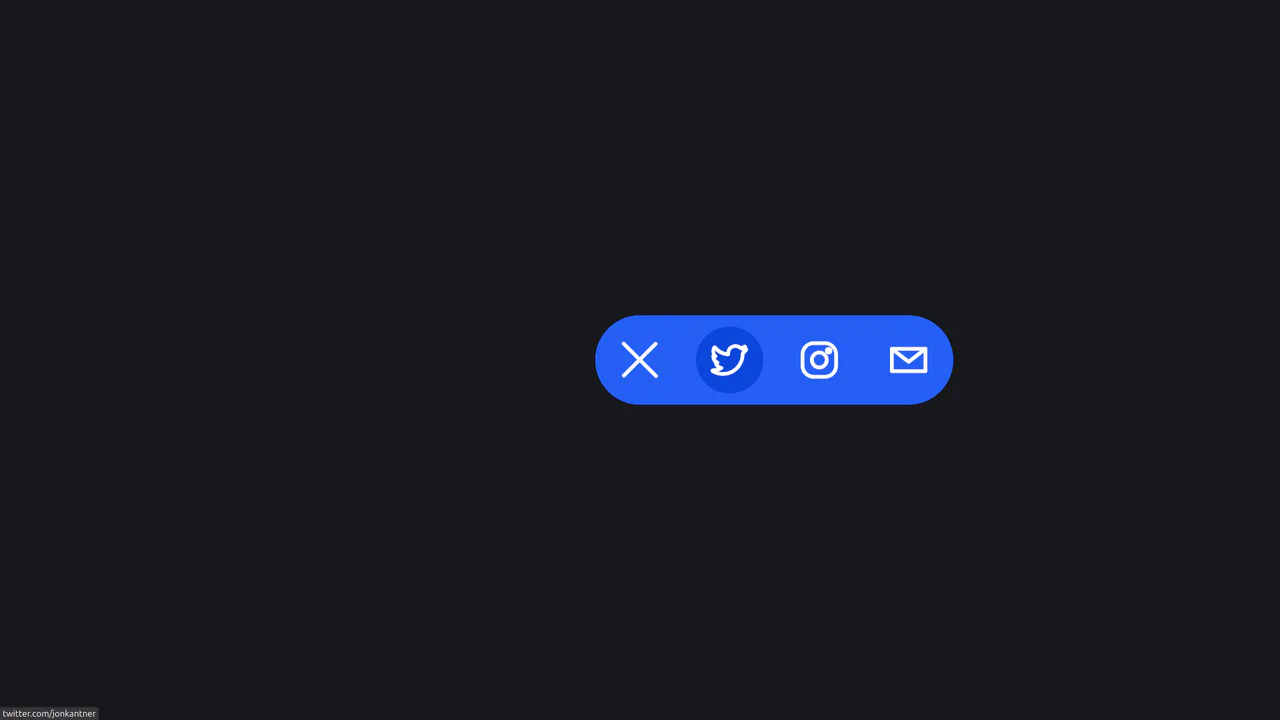
Animated Share Interaction
A smooth, tactile micro-interface that saves space by hiding sharing options until needed, delighting the user with high-quality animation.
See the Pen Animated Share Interaction.
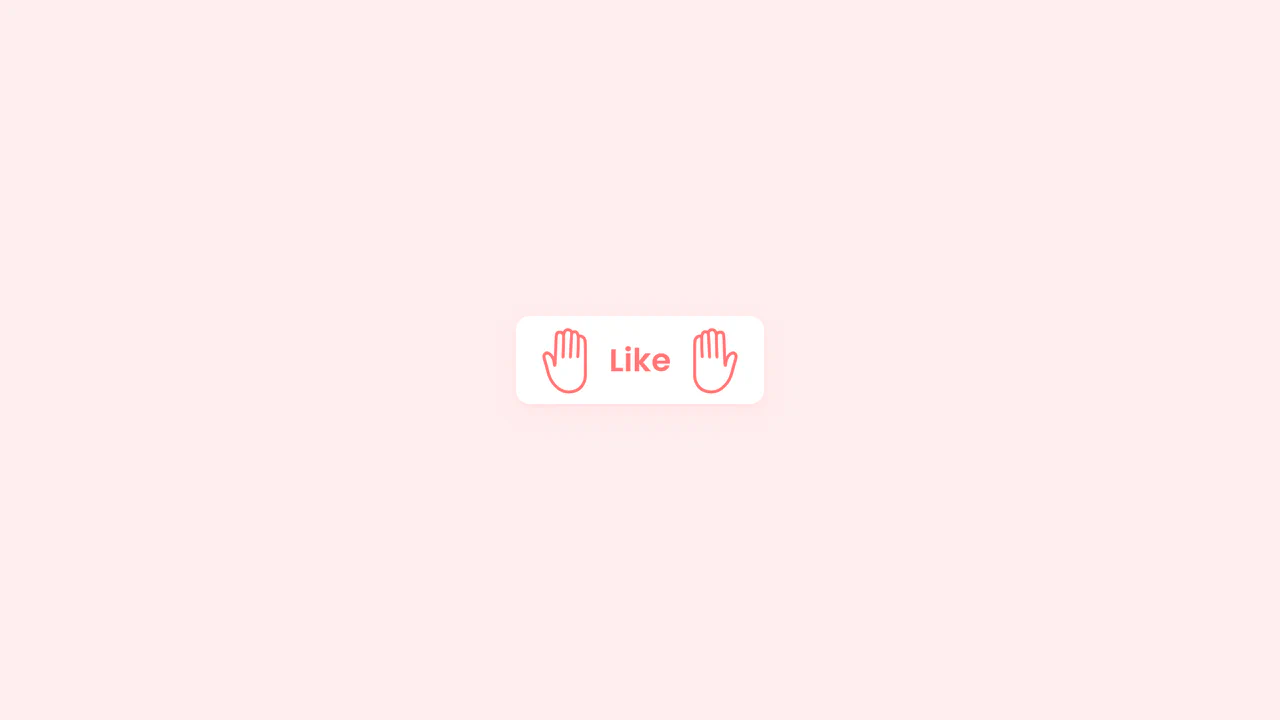
High Five Button
A delightful “High Five” interaction button powered by GSAP and MorphSVGPlugin.
See the Pen High Five Button.

Sketch Button
A high-tech, visually rich button that reacts to interaction with a burst of light tracing its borders, making the interface feel alive and responsive.
See the Pen Sketch Button.

Interactive Gooey Buttons
Interactive buttons featuring a fluid, mouse-tracking glow effect powered by CSS custom properties. JavaScript calculates cursor coordinates to dynamically position radial gradients and text shadows, while CSS filters create a ‘gooey’ liquid animation that responds organically to user interaction.
See the Pen Interactive Gooey Buttons.
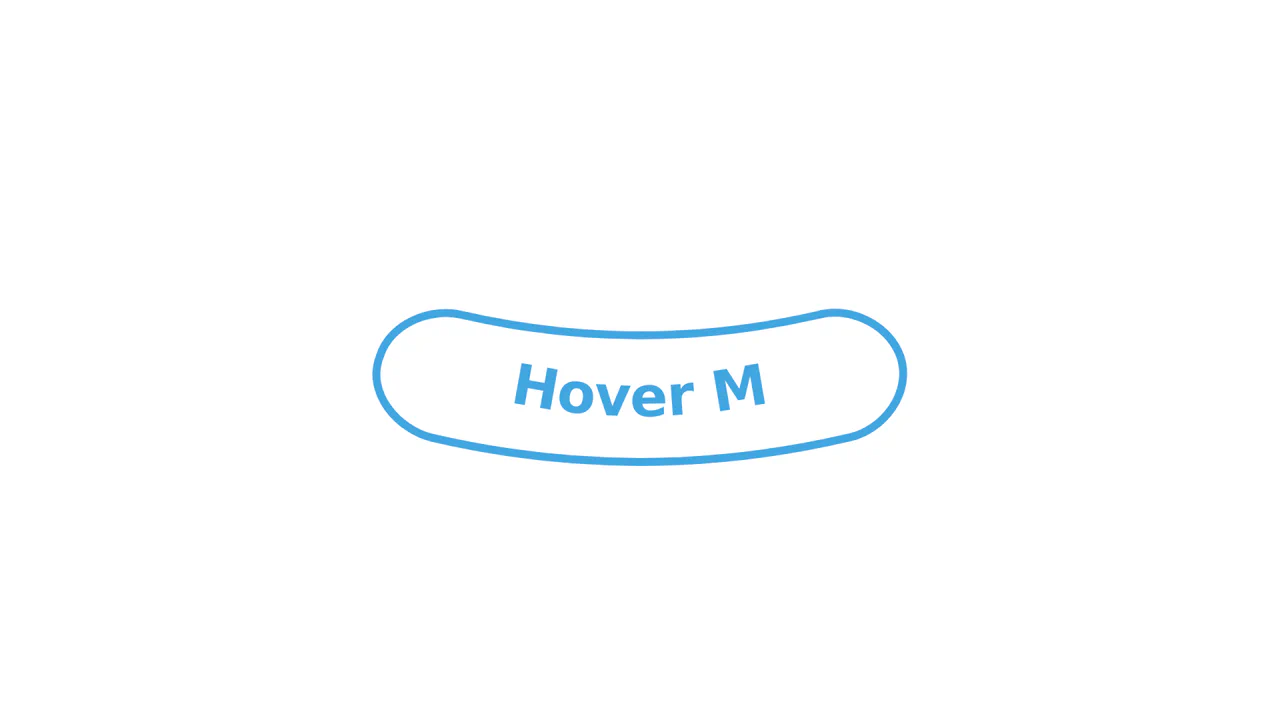
Morphing SVG Button with GSAP
A fluid SVG interaction powered by GSAP’s MorphSVGPlugin that seamlessly deforms a button upon hover. The animation synchronizes the morphing of the container’s geometry with the underlying textPath baseline, allowing the label to curve naturally alongside the background shape via a reversible timeline.
See the Pen Morphing SVG Button with GSAP.
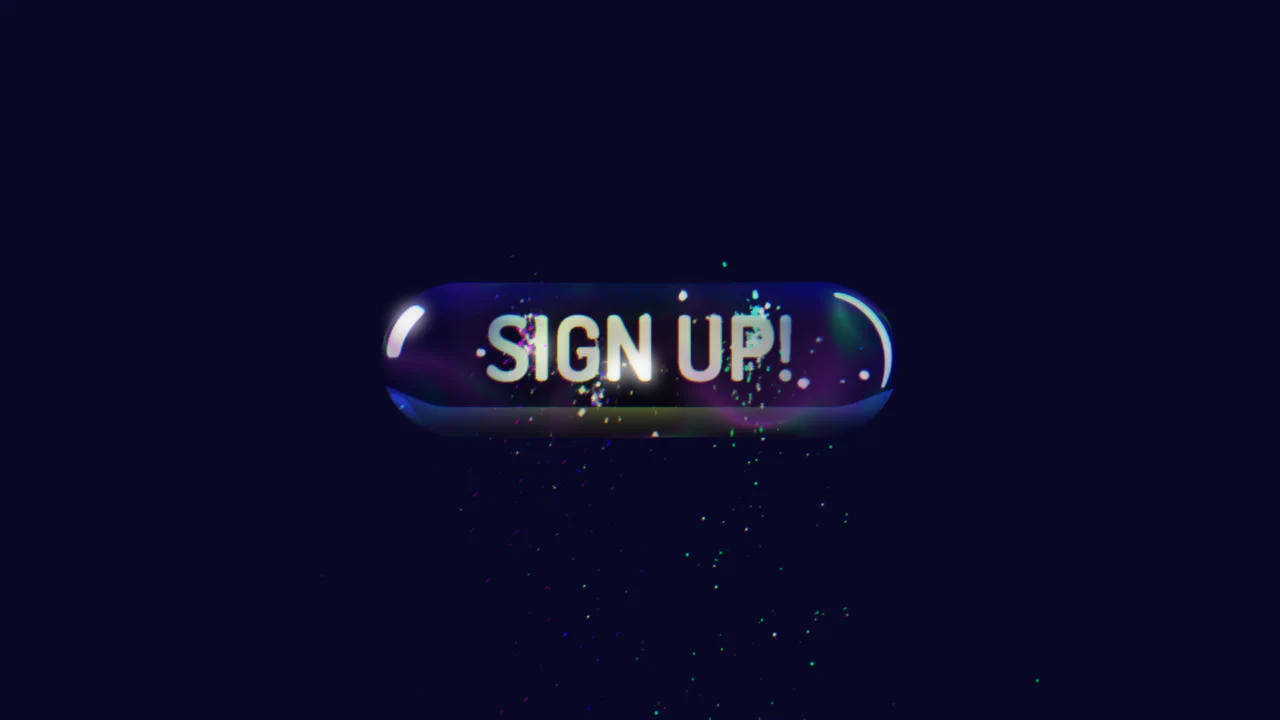
3D Sign Up Button with Spline and GSAP
A 3D scene from Spline is loaded using the Spline Runtime, and its objects are brought to life with programmatic animation in GSAP. This approach allows you to avoid low-level WebGL by using a powerful timeline to create complex interactive scenarios, with the code already containing stubs for finding and controlling objects.
See the Pen 3D Sign Up Button with Spline and GSAP.