5 JavaScript Direction-Aware Effects
Enhance interactivity with JavaScript direction-aware effects that detect the direction of mouse entry or exit. Perfect for hover animations, menus, and overlays, these techniques add a responsive layer of user engagement to your designs.
Examples
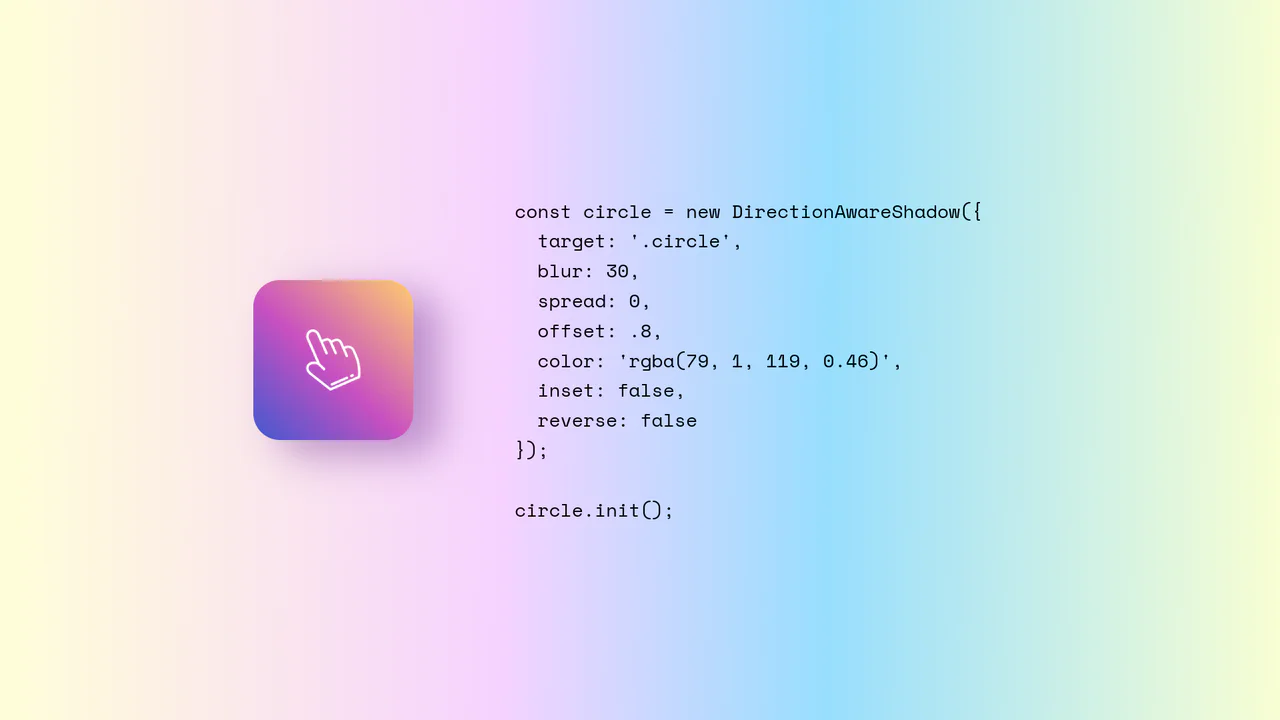
Direction-Aware CSS Box Shadow
Direction-Aware CSS Box Shadow provides a reusable JavaScript class (DirectionAwareShadow) that calculates the mouse’s offsetX and offsetY relative to an element’s center. It then dynamically updates the element’s inline box-shadow property to cast a shadow in the opposite (or same) direction of the cursor. The class is highly configurable, allowing developers to easily adjust blur, spread, color, and offset intensity.
 Chrome 4+
 Edge 12+
 Firefox 4+
 Safari 3.1+
See the Pen Direction-Aware CSS Box Shadow.

Direction Aware 3D Cube Gallery
This is a Direction Aware 3D Cube Gallery. It tracks the exact angle at which a cursor enters or leaves an image tile, applying a responsive 3D cube rotation that follows the mouse’s trajectory. Its function is to provide highly contextual, physical feedback during interaction, making a flat image grid feel like an array of tangible, rotatable blocks.
Chrome 60+
Edge 79+
Firefox 55+
Safari 11+
See the Pen Direction Aware 3D Cube Gallery.

Stripe-Inspired Cards Hover Effect
This Stripe-Inspired Cards Hover Effect replicates the sophisticated “flashlight” border interaction seen on modern SaaS websites. Instead of a simple color change, a soft radial gradient follows the user’s mouse cursor across a grid of cards. This creates a cohesive, lighting-aware interface where elements seem to illuminate as you interact with them.
Chrome 49+
Edge 15+
Firefox 31+
Safari 9.1+
See the Pen Stripe-Inspired Cards Hover Effect.

Direction-Aware SVG Cursor
This custom SVG cursor rotates dynamically based on the mouse’s velocity and direction, achieved by calculating the angle between the previous and current coordinates using JavaScript’s Math.atan2 and applying the rotation via CSS transform.
See the Pen Direction-Aware SVG Cursor.
