10+ JavaScript Form Examples
Transform static forms into responsive, interactive experiences with JavaScript form enhancements. This collection features live validation, password strength meters, multi-step wizards, auto-formatting, and conditional logic - ideal for building modern, user-friendly forms that adapt in real time.
Examples
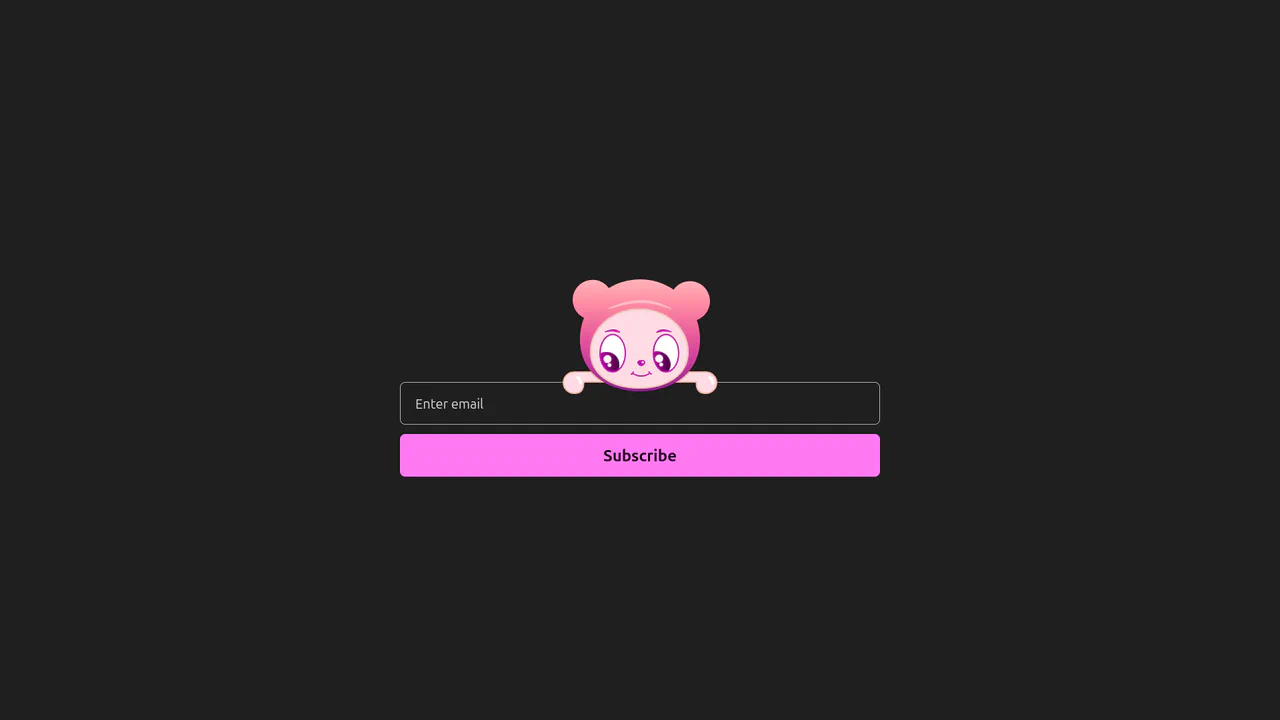
Interactive Eye-Tracking Subscription Form
An advanced interactive subscription form starring a playful cartoon character with dual eye-tracking modes. Pupils react in real time, following the pointer position or snapping directly to the input text caret inside the email field. Dragging the character horizontally triggers fluid physics, rubber-band borders, and elastic drag resets, while error states morph the SVG mouth. (Requires: canvas-confetti.js)
 Chrome 110+
 Edge 110+
 Firefox 110+
 Safari 16.2+
See the Pen Interactive Eye-Tracking Subscription Form.
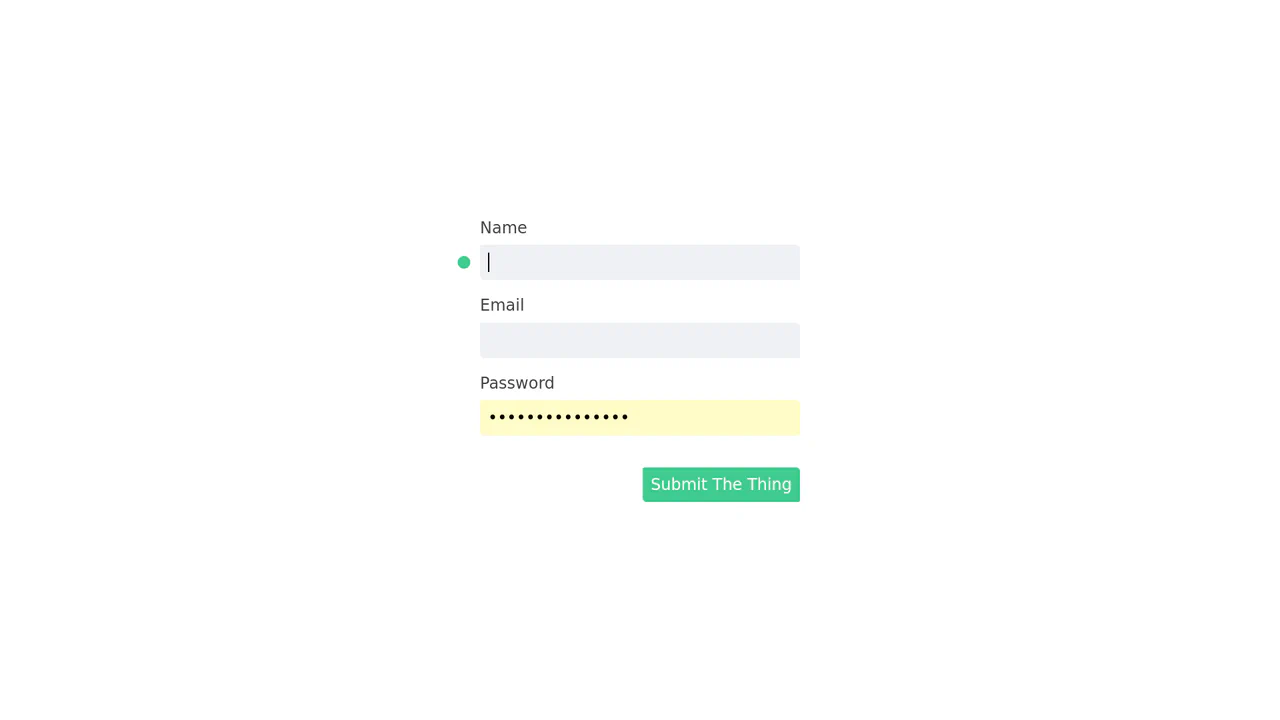
Kinetic Snake Focus Indicator
This is a Kinetic Snake Focus Indicator. It replaces the default browser outline with a dynamic, canvas-drawn organism that travels between active form fields. Its function is to draw absolute visual attention to the current user context, turning mundane data entry into a highly tactile, continuous experience.
Chrome 51+
Edge 79+
Firefox 50+
Safari 10+
See the Pen Kinetic Snake Focus Indicator.

Playful Multi-Step Interaction
This Playful Multi-Step Interaction transforms a boring confirmation dialog into a delightful conversation. It guides the user through a short “chat” with a friendly avatar, using smooth animations and instant feedback. This pattern is perfect for onboarding flows, feedback forms, or any interface that benefits from a human touch, proving that standard interactions can be both functional and fun.
Chrome 75+
Edge 79+
Firefox 48+
Safari 13.1+
See the Pen Playful Multi-Step Interaction.

Log In and Sign Up Forms with Fingerprint
A fluid mobile prototype demonstrating state-driven navigation transitions and a 3D dashboard carousel powered by Swiper.js.
See the Pen Log In and Sign Up Forms with Fingerprint.

Form Wave Animation
Clicking the input field doesn’t just slide the label up; instead, it playfully ‘hops’ letter by letter, adding a micro-interaction that brings the form to life.
See the Pen Form Wave Animation.
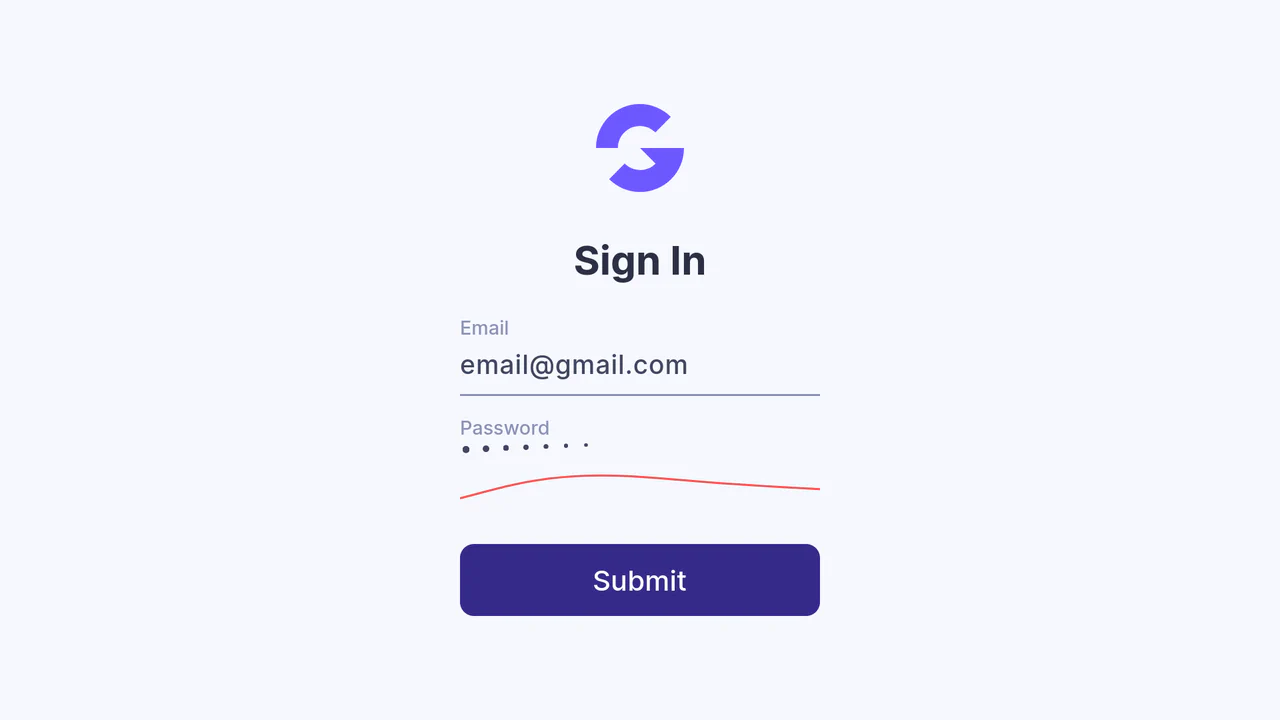
Password Error and Success Animation
An interactive password field that decouples its visual representation from the native input. JavaScript dynamically manages DOM elements for the dots via appendChild and remove(), while orchestrating a custom cursor by updating the --cursor-x CSS property to drive a transform.
See the Pen Password Error and Success Animation.

Accessible Password Input with Custom Web Components
Discover how to build a robust and accessible password input using only Vanilla JS to create Custom Elements and validate rules via RegExp, visualizing progress with data-score attributes and CSS Custom Properties.
See the Pen Accessible Password Input with Custom Web Components.
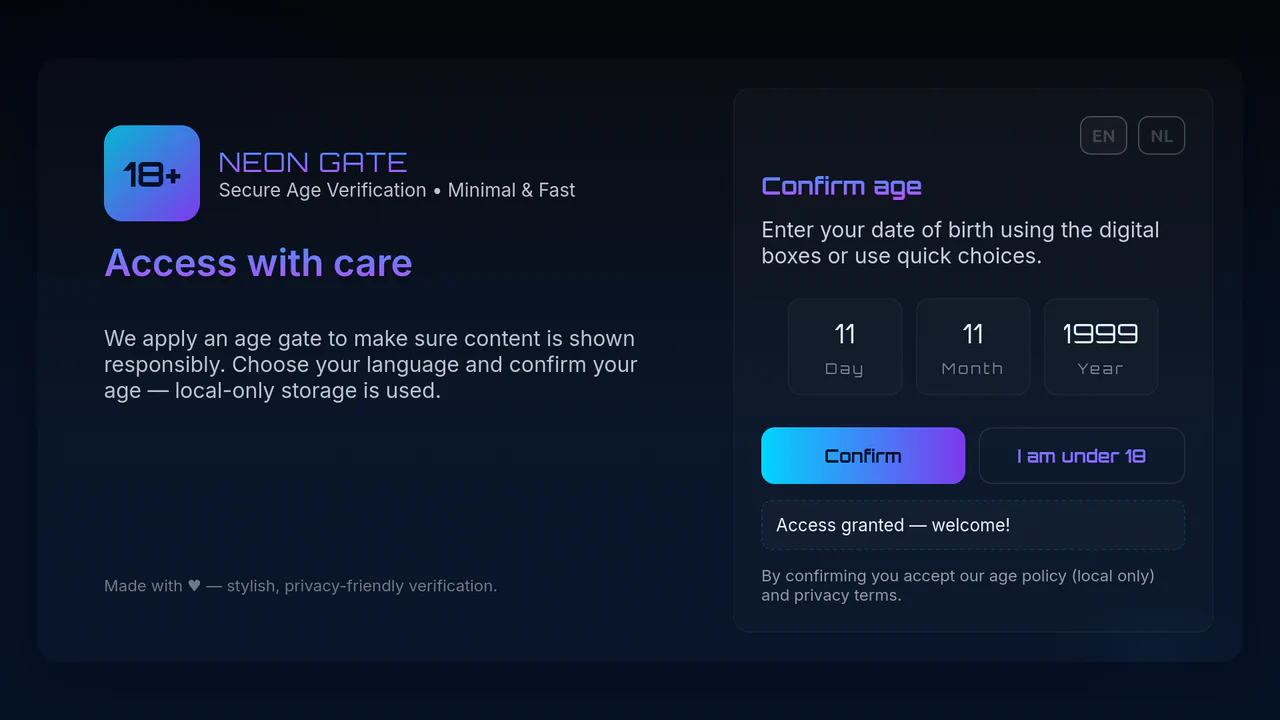
Age 18+ Verification Gate
A functional Age Gate that performs precise age calculation in JavaScript with input validation, utilizes local storage to remember the decision, and supports multi-language.
See the Pen Age 18+ Verification Gate.

Rotating Cuboid Form with CSS 3D Animation
A multi-step 3D form featuring a block flip effect is implemented by changing CSS classes and using 3D transformations. The JavaScript logic handles input validation and smooth step switching, enhancing the UX of a complex form.
See the Pen Rotating Cuboid Form with CSS 3D Animation.

