8 Javascript Fullscreen Menus
This collection is a complete guide to creating fullscreen menus, from basic mechanics to advanced animation. At its core is a simple pattern: JavaScript toggles a CSS class, while transition and transform manage the visual appearance. Special attention is paid to accessibility: examples include implementing a keyboard “focus trap” and using ARIA attributes correctly. To create truly impressive effects, advanced techniques with GSAP are used to animate menu links with a cascading effect, delivering a cinematic UX.
Examples
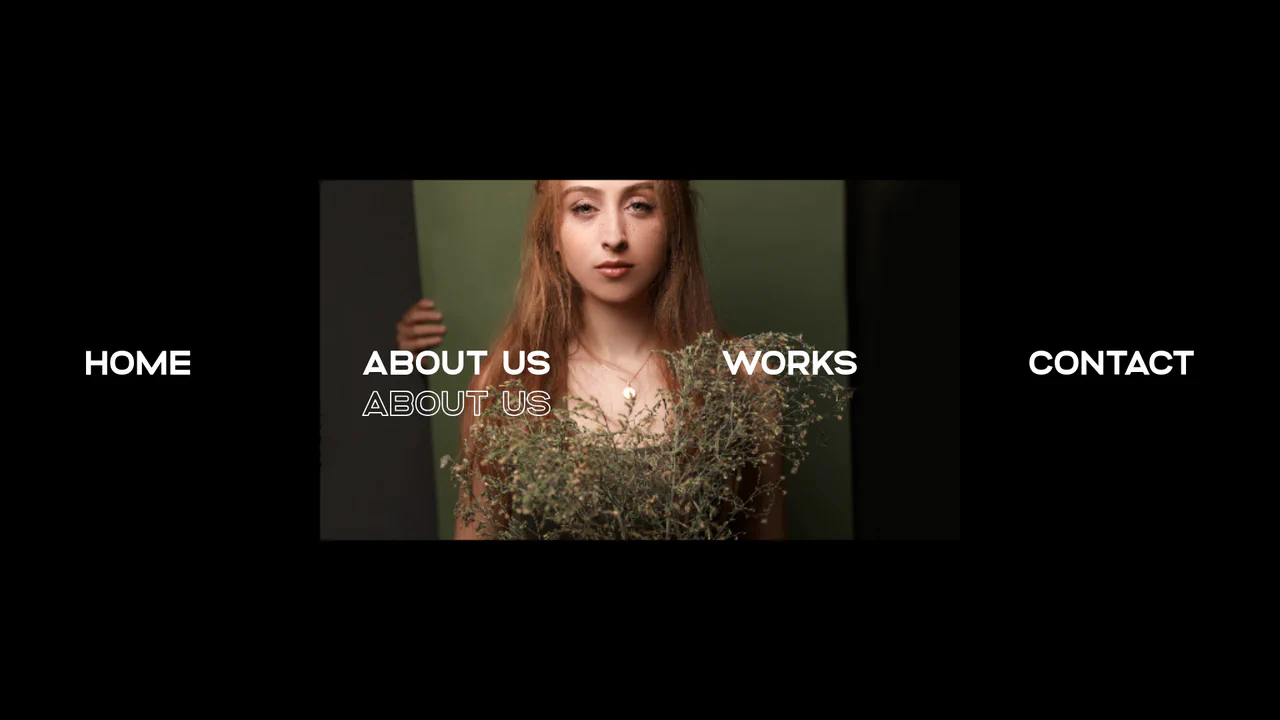
Liquid WebGL Displacement Slide Navigation
This immersive navigation interface integrates Curtains.js to render liquid WebGL texture displacement transitions behind a typographic menu. Moving the mouse over the text links updates the shader’s active textures, using a custom cubic ease-out to bend and morph the pixel coordinates seamlessly. The menu list features staggered GSAP entry animations and double-layered text-stroke outlines. (Requires: gsap.js, curtains.js)
 Chrome 31+
 Edge 12+
 Firefox 27+
 Safari 9+
See the Pen Liquid WebGL Displacement Slide Navigation.
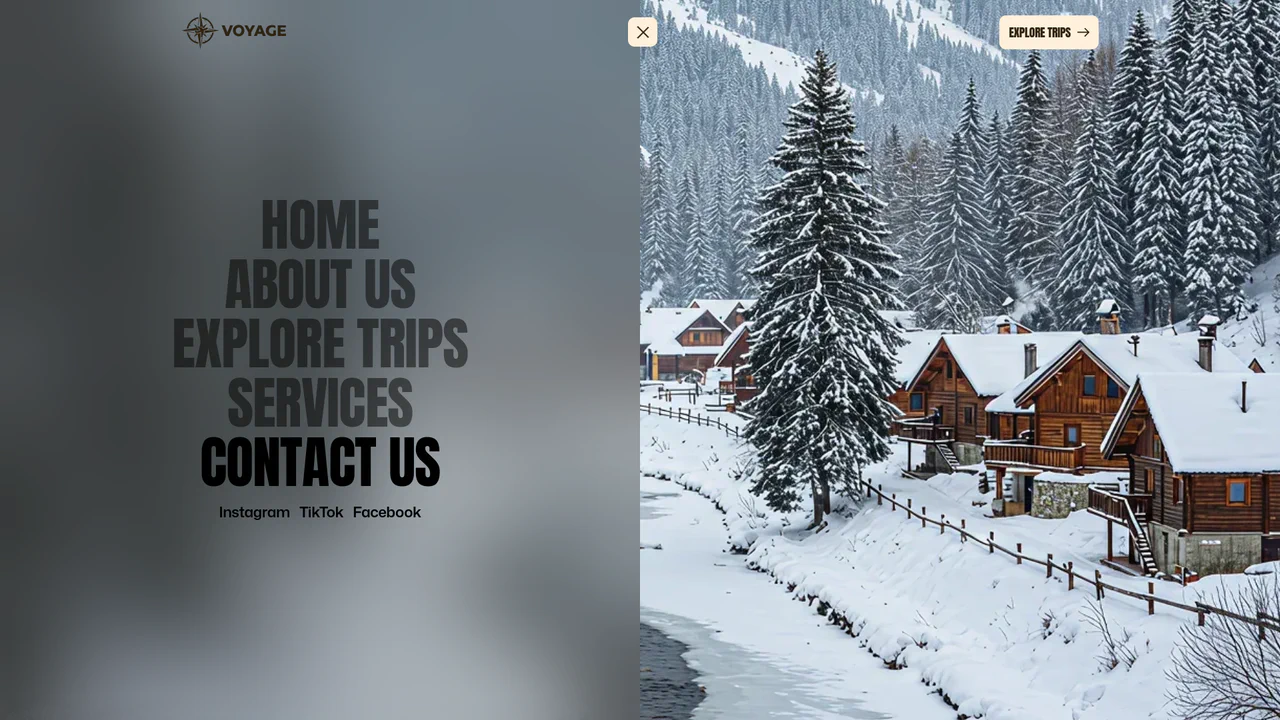
Full-Screen Perspective Travel Menu Overlay
An advanced full-screen navigation overlay. Toggling the menu scales, translates, and rotates the active page content into a stunning perspective viewport canvas while a polygon clip-path mask slides the overlay into view. Hovering over menu links triggers seamless background image crossfades and zooms, accompanied by staggered split-character text reveals. (Requires: gsap.js)
Chrome 76+
Edge 79+
Firefox 70+
Safari 9.1+
See the Pen Full-Screen Perspective Travel Menu Overlay.
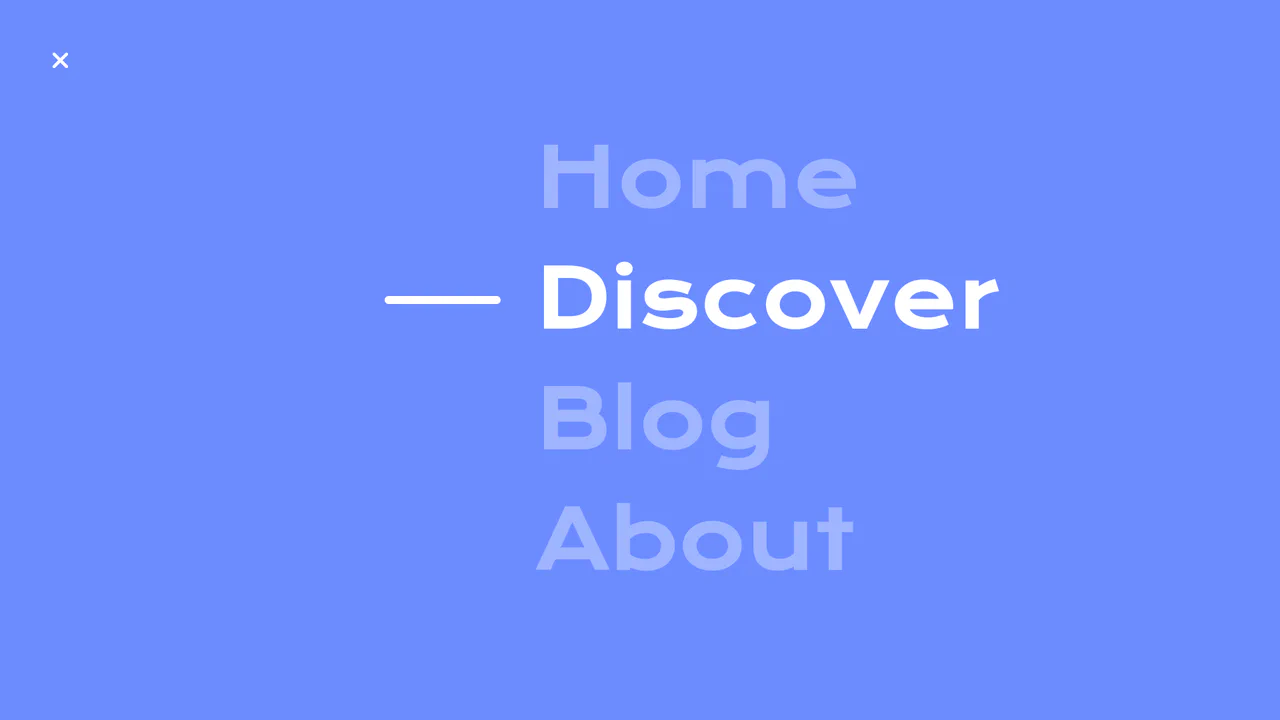
Circular Reveal Fullscreen Navigation Menu
Circular Reveal Fullscreen Navigation Menu leverages GSAP timelines to orchestrate a fluid canvas expansion by animating a CSS clip-path circle from 0px to 200%. Simultaneous staggered translations are applied to navigation links using a responsive elastic.out easing curve, creating a highly tactile, sequential entry. While the transition remains visually seamless on high-refresh-rate screens, full-screen masking with dynamic clip paths can impose substantial rendering overhead, demanding GPU-accelerated layer promotion via will-change: clip-path to maintain consistent frame rates. (Requires: gsap.js)
Chrome 112+
Edge 112+
Firefox 117+
Safari 16.5+
See the Pen Circular Reveal Fullscreen Navigation Menu.

Mission Control Grid Exposé
This is a Mission Control Grid Exposé. It scales overlapping full-screen views into a unified spatial grid. Its function is to provide absolute structural context, replacing linear tab switching with a macro-level physical interface.
Chrome 114+
Edge 114+
Safari 17+
Firefox 125+
See the Pen Mission Control Grid Exposé.

Stacked Card Pull-Down Navigation
This is a Stacked Card Pull-Down Navigation. It transforms a standard mobile menu into a tactile, deck-like interface that cascades down from the viewport’s top edge. Its primary function is to provide an engaging, full-screen routing experience, replacing the traditional hamburger icon with an interactive, overlapping layer system that optimizes touch targets.
Chrome 86+
Edge 86+
Firefox 85+
Safari 14+
See the Pen Stacked Card Pull-Down Navigation.
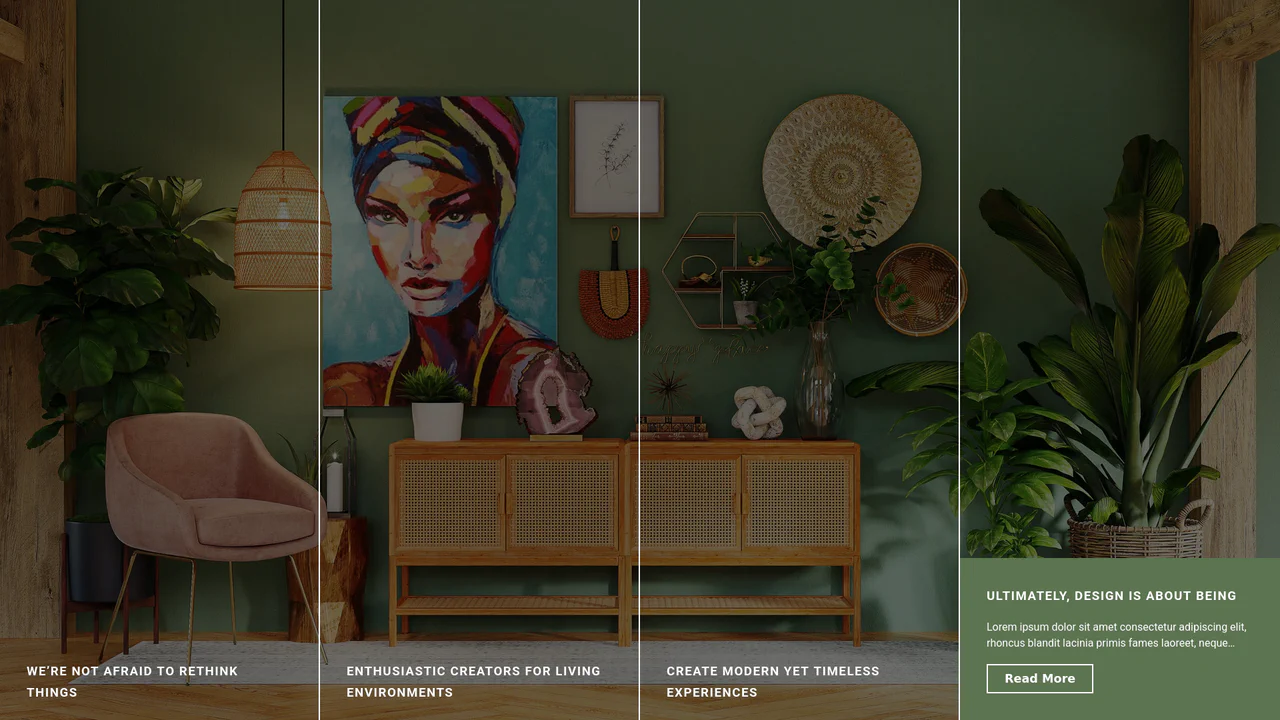
Expanding Split-Screen Grid Navigation
This Expanding Split-Screen Grid Navigation transforms standard menu items into an immersive, interactive gallery experience. It organizes content into a responsive grid where hovering over an item reveals a contextual background image, and clicking expands the section into a full-screen detailed view. This component is ideal for portfolios, featured article selections, or high-end agency landing pages where visual storytelling is key.
Chrome 45+
Edge 15+
Firefox 35+
Safari 9+
See the Pen Expanding Split-Screen Grid Navigation.
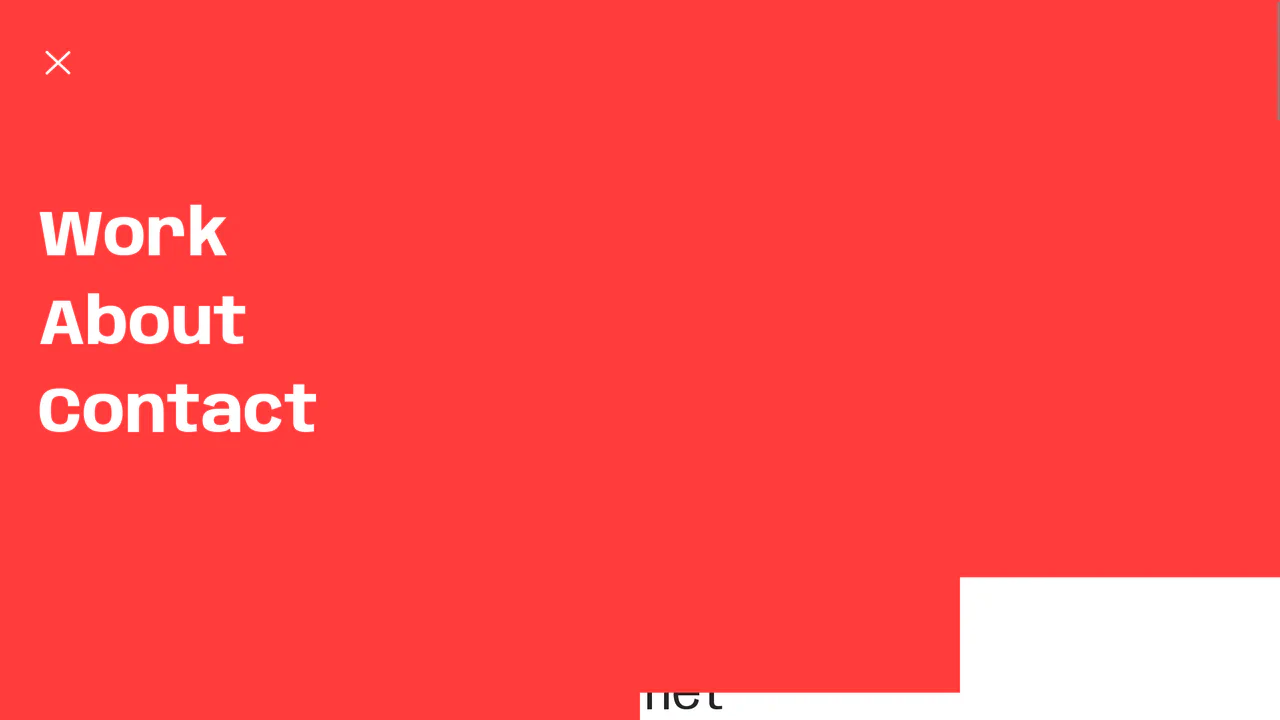
Staggered Panel Curtain Menu
The Staggered Panel Curtain Menu is a creative full-screen navigation concept that breaks the traditional “fade-in” mold. It uses a series of vertical panels that drop down at slightly different intervals, creating a sophisticated “curtain” reveal. This effect is achieved by combining the precision of GSAP with the flexibility of CSS clip-path and variable fonts, making it an ideal choice for high-end creative portfolios or modern agency websites. (Requires: GSAP)
Chrome 80+
Edge 80+
Firefox 75+
Safari 13.1+
See the Pen Staggered Panel Curtain Menu.

Huge Headers and Mega Menus
An immersive, cinematic landing page that captures user attention with smooth, complex animation and offers convenient navigation via a stylish fullscreen menu.
See the Pen Huge Headers and Mega Menus.