70+ JavaScript Gallery Examples
Showcase visual content in style with these JavaScript gallery examples. From responsive lightboxes to dynamic filtering and lazy loading, this collection demonstrates how JavaScript brings flexibility, interactivity, and polish to image and media galleries of all kinds.
Examples

Direction Aware 3D Cube Gallery
This is a Direction Aware 3D Cube Gallery. It tracks the exact angle at which a cursor enters or leaves an image tile, applying a responsive 3D cube rotation that follows the mouse’s trajectory. Its function is to provide highly contextual, physical feedback during interaction, making a flat image grid feel like an array of tangible, rotatable blocks.
 Chrome 60+
 Edge 79+
 Firefox 55+
 Safari 11+
See the Pen Direction Aware 3D Cube Gallery.
Fluid Shared Element Image Gallery
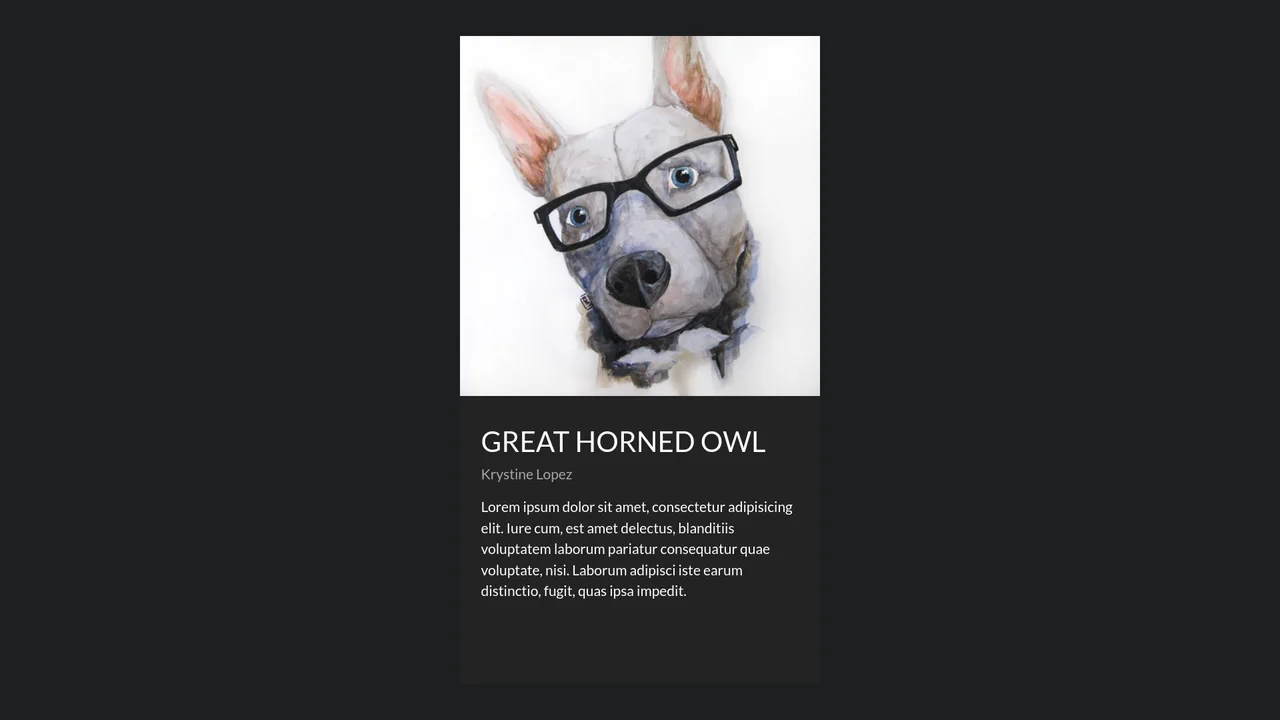
This is a Fluid Shared Element Image Gallery. It connects a thumbnail grid to a full-screen detail view through continuous spatial morphing. Its function is to eliminate context loss, carrying the user’s visual focus seamlessly from a macro overview to a micro inspection.
Chrome 36+
Edge 79+
Firefox 48+
Safari 13.1+
See the Pen Fluid Shared Element Image Gallery.

Spatial Grid Image Explorer
This is a Spatial Grid Image Explorer. It maps a collection of high-resolution images onto an infinite 2D canvas, allowing users to pan spatially rather than scrolling linearly. Its function is to provide an immersive, map-like navigation experience for visual portfolios, shifting the paradigm from vertical feeds to omnidirectional exploration.
Chrome 80+
Edge 80+
Firefox 75+
Safari 13.1+
See the Pen Spatial Grid Image Explorer.
Fullscreen View Transition Gallery
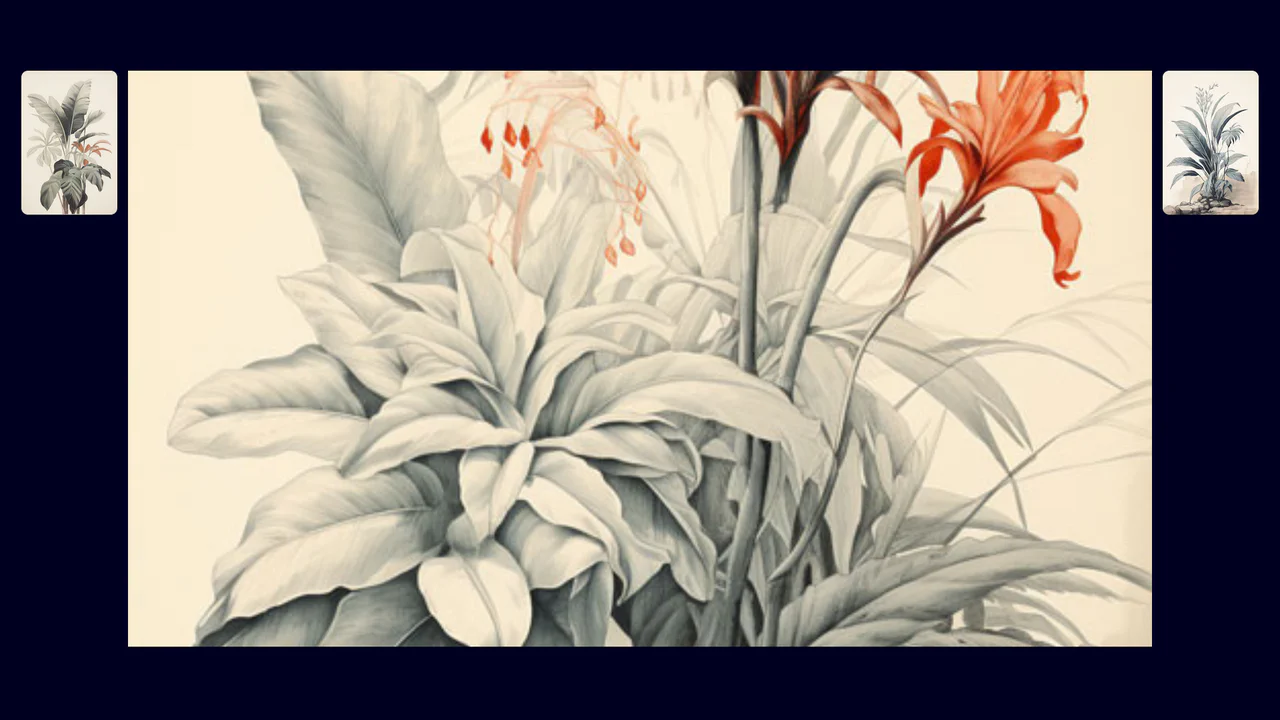
This is a Fullscreen View Transition Gallery. It transforms standard grid images into a focused, screen-filling view upon interaction. Its function is to provide seamless, native visual continuity without relying on heavy third-party animation libraries or complex transform calculations.
Chrome 111+
Edge 111+
Firefox 131+
Safari 18+
See the Pen Fullscreen View Transition Gallery.
Native Cross-Fade View Transition Gallery
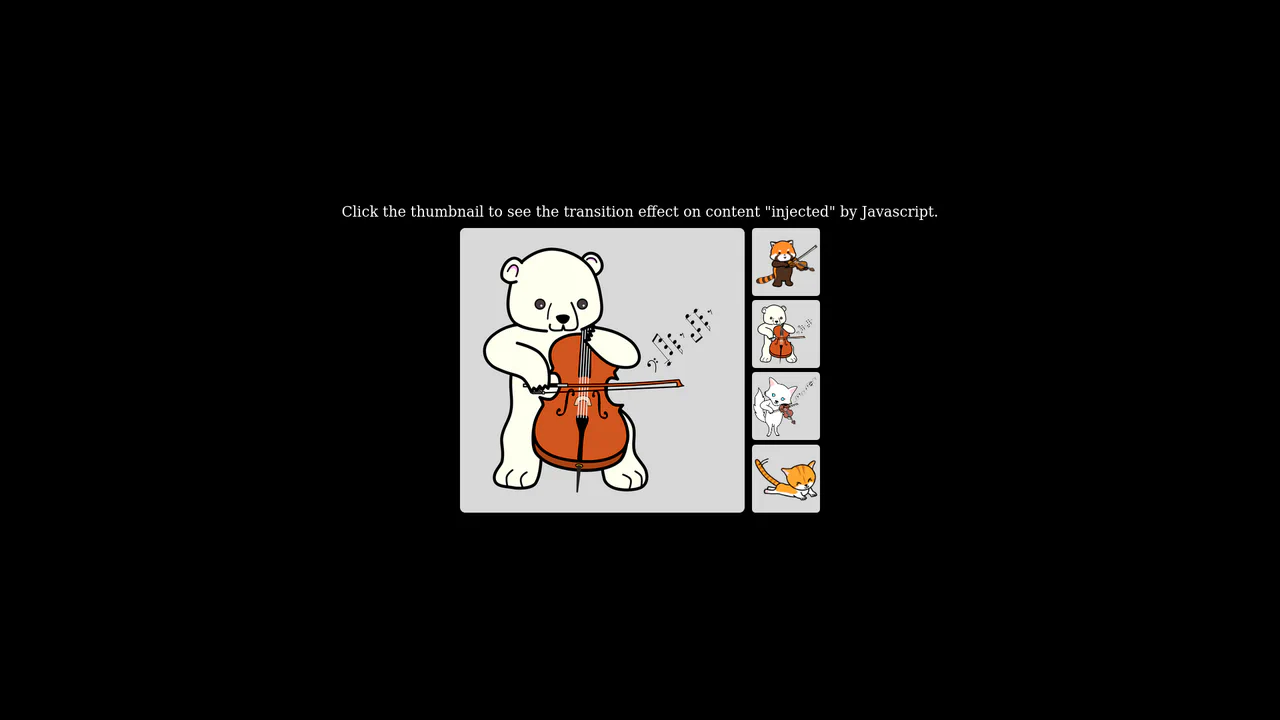
This is a Native Cross-Fade View Transition Gallery. It updates a central image source triggered by thumbnail interactions. Its function is to smooth out abrupt visual DOM updates using the browser’s built-in rendering engine, entirely eliminating the need for external animation payloads or CSS opacity toggles.
Chrome 111+
Edge 111+
Firefox 131+
Safari 18+
See the Pen Native Cross-Fade View Transition Gallery.

Asymmetric SVG Mask Grid Gallery
This is an Asymmetric SVG Mask Grid Gallery. It builds a complex, interlocking masonry-style mosaic using CSS Grid areas, applying organic SVG masks to each thumbnail. Its primary function is to break free from rigid, boxy layouts, offering a highly stylized, interactive photo showcase complete with a native JavaScript lightbox modal.
Chrome 120+
Edge 120+
Firefox 53+
Safari 15.4+
See the Pen Asymmetric SVG Mask Grid Gallery.

Grid Lightbox Gallery Effect
This is a CSS Grid Lightbox Gallery Effect. It structures an asymmetric image grid that expands individual photos into a full-screen, blurred overlay upon interaction. Its primary function is to focus user attention on a single visual asset while maintaining the context of the underlying page through transparency.
Chrome 76+
Edge 79+
Firefox 103+
Safari 13+
See the Pen Grid Lightbox Gallery Effect.

Responsive Fluid Photo Gallery Grid
This is a Responsive Fluid Photo Gallery Grid. It organizes varied aspect-ratio images into justified rows without cropping essential content. Its primary function is to optimize visual space, ensuring edge-to-edge alignment while deferring offscreen asset loading for strict performance control. (Requires: lazysizes, object-fit-images)
Chrome 80+
Edge 80+
Firefox 75+
Safari 13+
See the Pen Responsive Fluid Photo Gallery Grid.

Draggable Image Track Parallax
This is a Draggable Image Track Parallax component. It replaces standard scrollbars with a custom, click-and-drag horizontal interface. Its function is to provide a highly kinetic, app-like browsing experience for image galleries, featuring an internal parallax effect where the images pan slightly inside their frames as the entire track moves.
Chrome 60+
Edge 79+
Firefox 55+
Safari 11+
See the Pen Draggable Image Track Parallax.

Mouse-Reactive Floating Image Gallery
This is a Mouse-Reactive Floating Image Gallery. It places an oversized grid of visual assets behind the viewport, hidden by the overflow. Its function is to provide an immersive, explorative navigation experience where the user’s cursor physically steers the scene across a scattered landscape of content.
Chrome 36+
Edge 12+
Firefox 48+
Safari 9+
See the Pen Mouse-Reactive Floating Image Gallery.

Twisted Wave GLSL Image Gallery
This is a Twisted Wave GLSL Image Gallery. It’s a high-performance, full-screen WebGL experience that uses custom shaders to create sophisticated visual effects. Its function is to transform a standard image carousel into a cinematic journey with two distinct interactions: a localized sine-wave distortion on mouse hover and a global radial blur that intensifies with the speed of the scroll. (Requires: Three.js, GSAP, Locomotive Scroll, Maku.js, imagesLoaded)
Chrome 60+
Edge 79+
Firefox 55+
Safari 11+
See the Pen Twisted Wave GLSL Image Gallery.

Cinematic Zoom Blur Image Gallery
This is a Cinematic Zoom Blur Image Gallery. It utilizes custom GLSL fragment shaders and Three.js to create a high-fidelity transition between image textures. Its function is to provide an immersive navigational layer for visual portfolios, where spatial depth and radial blur replace standard linear crossfades. (Requires: Three.js, GSAP)
Chrome 60+
Edge 79+
Firefox 55+
Safari 11+
See the Pen Cinematic Zoom Blur Image Gallery.

Interactive 3D Flip Book Gallery
This is an Interactive 3D Flip Book Gallery. It simulates a physical book structure where each element acts as a double-sided page. Its function is to showcase images through spatial depth, replacing standard flat carousels with a tactile flipping mechanic.
Chrome 85+
Edge 85+
Safari 16.4+
Firefox 128+
See the Pen Interactive 3D Flip Book Gallery.

Tilt Grid Content Reveal
This is a Tilt Grid Content Reveal. It transforms a standard masonry image gallery into a highly interactive, spatial experience. Its function is to provide an engaging browsing interface where hovering induces physical 3D tilt, and clicking smoothly expands the thumbnail into a full-screen presentation, completely immersing the user in the selected content. (Requires: GSAP, charming.js, masonry.js, imagesloaded.js)
Chrome 60+
Edge 79+
Firefox 55+
Safari 11+
See the Pen Tilt Grid Content Reveal.

Shattering Image Gallery Transition
This is a Shattering Image Gallery Transition. It utilizes the WebGL API via Three.js to deconstruct 2D images into a matrix of 3D particles. Its function is to replace standard fade or slide slideshows with a highly cinematic, physics-based explosion effect, transitioning between photographs by blowing the current image apart to reveal the next one underneath. (Requires: ThreeJS, GSAP)
Chrome 60+
Edge 79+
Firefox 55+
Safari 11+See the Pen Shattering Image Gallery Transition.

Smooth View Transition Grid Cards
This is a Smooth View Transition Grid Cards component. It transforms a standard CSS Grid of cards into an interactive, animated gallery. Its function is to elegantly expand a selected item to full width, smoothly reflowing the remaining siblings using native browser rendering instead of complex JavaScript math.
Chrome 111+
Edge 111+
Firefox 128+
Safari 18+
See the Pen Smooth View Transition Grid Cards.

Interactive 3D Coverflow Gallery
This is an Interactive 3D Coverflow Gallery. It organizes visual media into a spatial environment. Its function is to replace flat grids with depth-based navigation, using mathematical inverse transformations to zoom into selected items seamlessly.
Chrome 60+
Edge 79+
Firefox 55+
Safari 11+
See the Pen Interactive 3D Coverflow Gallery.

Smooth 3D Scroll-Driven Reveal
This is a Smooth 3D Scroll-Driven Reveal. It replaces the native scroll behavior with a custom, momentum-based scrolling engine that orchestrates complex 3D transforms. Its function is to create a gallery experience where images feel weightless, tilting and translating in 3D space based on their velocity and position relative to the viewport. (Requires: imagesloaded.js)
Chrome 60+
Edge 79+
Firefox 55+
Safari 11.1+See the Pen Smooth 3D Scroll-Driven Reveal.
Tactile Long Press Image Grid
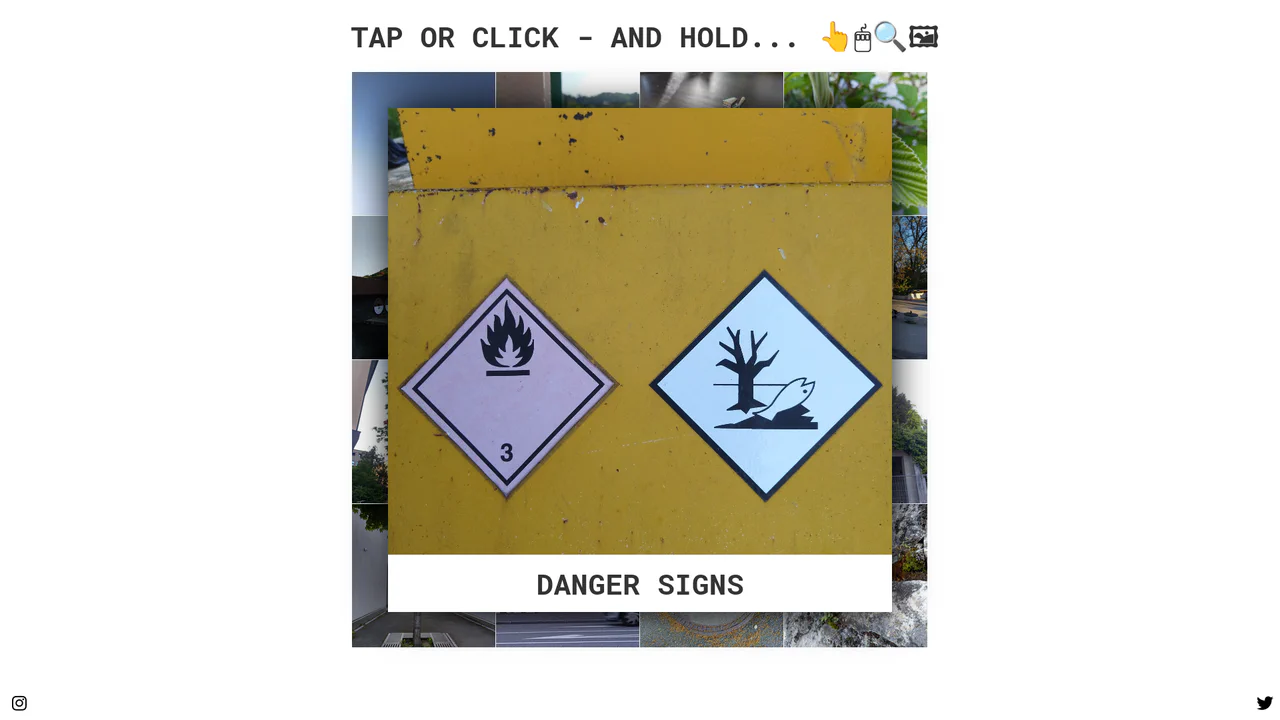
In a world obsessed with speed, we often forget the power of distinct intent. The standard “click” is binary and abrupt. This component introduces a moment of pause — a “breath” — allowing the user to peek into content without committing to a navigation event. By utilizing the “long press” (or click-and-hold) mechanic, we bridge the gap between desktop precision and mobile intuition, creating a gallery experience that feels organic and responsive to the user’s curiosity.
Chrome 57+
Edge 16+
Firefox 52+
Safari 10.1+
See the Pen Tactile Long Press Image Grid.

Adaptive Thumbnail Carousel
This Adaptive Thumbnail Carousel is a versatile gallery component that seamlessly bridges the gap between desktop and mobile UX. On desktop, it presents a traditional filmstrip of thumbnails. On mobile, it intelligently morphs into a dot-navigation style, where hovering (or tapping) a dot reveals a floating preview of the image. The carousel handles state synchronization, smooth scrolling, and accessibility, making it a robust choice for e-commerce product pages or portfolios.
Chrome 69+
Edge 79+
Firefox 63+
Safari 13.1+
See the Pen Adaptive Thumbnail Carousel.

Scroll-Driven Image Swapper
This Scroll-Driven Image Swapper demonstrates the bleeding edge of web animation. It uses the native CSS Scroll-driven Animations API to create a complex parallax-like effect where two columns of different heights scroll in sync. As you scroll, the images in the shorter column slide and crossfade to match the context of the taller column. Crucially, the code implements a Progressive Enhancement strategy: it checks for native browser support and falls back to GSAP ScrollTrigger for browsers that haven’t implemented the spec yet. (Requires: GSAP, ScrollTrigger)
Chrome 115+
Edge 115+. Firefox/Safari (via GSAP Polyfill)
See the Pen Scroll-Driven Image Swapper.

Atmospheric Split-View Gallery
This Atmospheric Split-View Gallery creates an immersive, story-driven experience reminiscent of a digital scrapbook. It combines a full-screen horizontal slider with a “flip-card” mechanic to reveal hidden content. The visual style defines the component, utilizing CSS mix-blend-mode to fuse historical black-and-white photography with a grunge paper texture, creating a cohesive, vintage aesthetic. (Requires: swiped-events.js)
Chrome 41+
Edge 79+
Firefox 32+
Safari 8+
See the Pen Atmospheric Split-View Gallery.
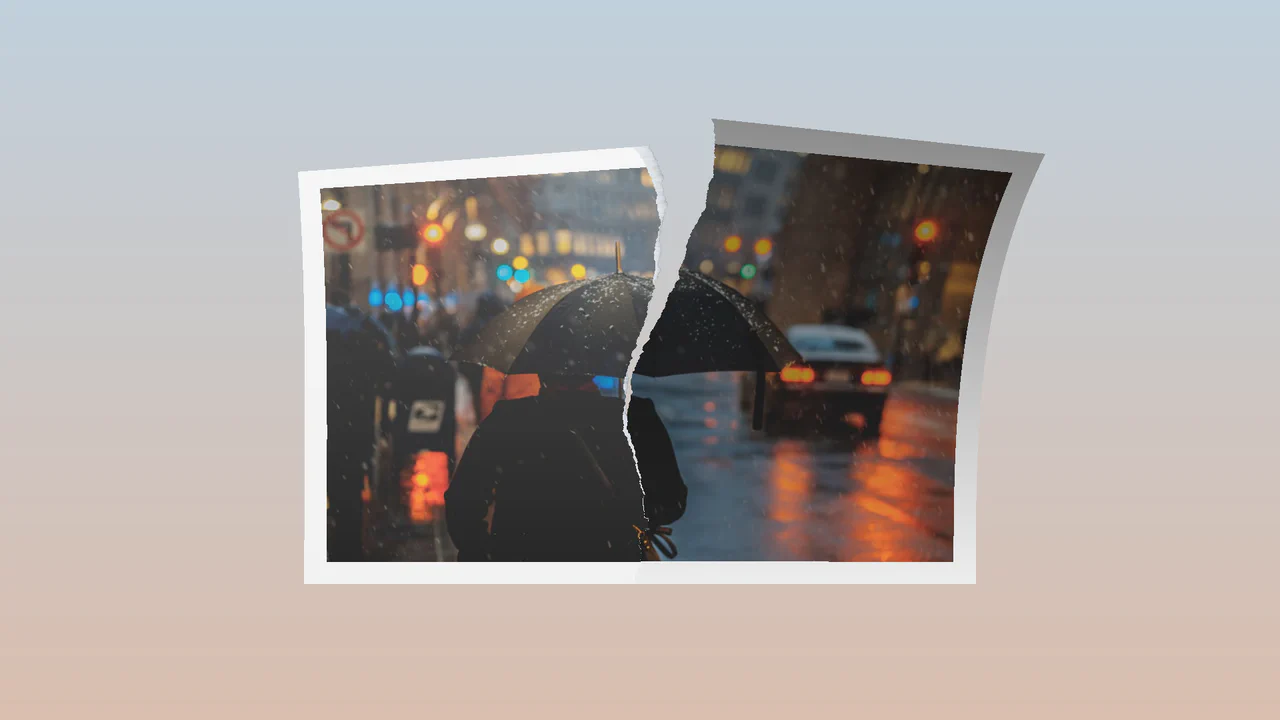
Tearing Paper Photo Gallery
This Tearing Paper Photo Gallery is a technical marvel that simulates the physical act of ripping a photograph in half. Unlike simple 2D masking effects, this component uses WebGL (Three.js) to deform the geometry in 3D space. As the user drags downward, the “paper” mesh splits, rotates, and tears along a procedural edge, complete with lighting and shadow effects generated by custom shaders. (Requires: Three.js, GSAP)
Chrome 90+
Edge 90+
Safari 15+
Firefox 90+
See the Pen Tearing Paper Photo Gallery.

Draggable 3D Cube with Dynamic Lighting
This Draggable 3D Cube goes beyond standard CSS 3D transforms by implementing a custom “lighting engine” using JavaScript. As the user drags to rotate the carousel, the opacity of each face is dynamically calculated based on its angle relative to the viewport. This creates a realistic shading effect - faces facing the viewer are bright and fully opaque, while those turning away fade into the background, enhancing the perception of depth without using WebGL. (Requires: GSAP, GSAP Draggable)
Chrome 90+
Edge 90+
Safari 14+
Firefox 88+
See the Pen Draggable 3D Cube with Dynamic Lighting.

Interactive 3D Photo Cube
This Interactive 3D Photo Cube creates a spatial navigation experience where a user explores six images mapped onto a cube by moving their cursor. Unlike standard sliders, it utilizes CSS 3D transforms orchestrated by GSAP to create a seamless, physics-like rotation. The snippet also features a “window-pane” parallax effect where the background images shift slightly inside their frames, adding an extra layer of depth. (Requires: GSAP)
Chrome 90+
Edge 90+
Safari 14+
Firefox 88+See the Pen Interactive 3D Photo Cube.

Let's Move! GSAP Infinite Horizontal Scroll
An infinite 3D card carousel powered by GSAP ScrollTrigger.
See the Pen Let's Move! GSAP Infinite Horizontal Scroll.

Grid Items View with Flip Plugin
An image gallery featuring seamless “hero” transitions powered by GSAP Flip. Clicking an item expands it into a detailed view overlaid on the dimmed grid, smoothly animating position and scale.
See the Pen Grid Items View with Flip Plugin.
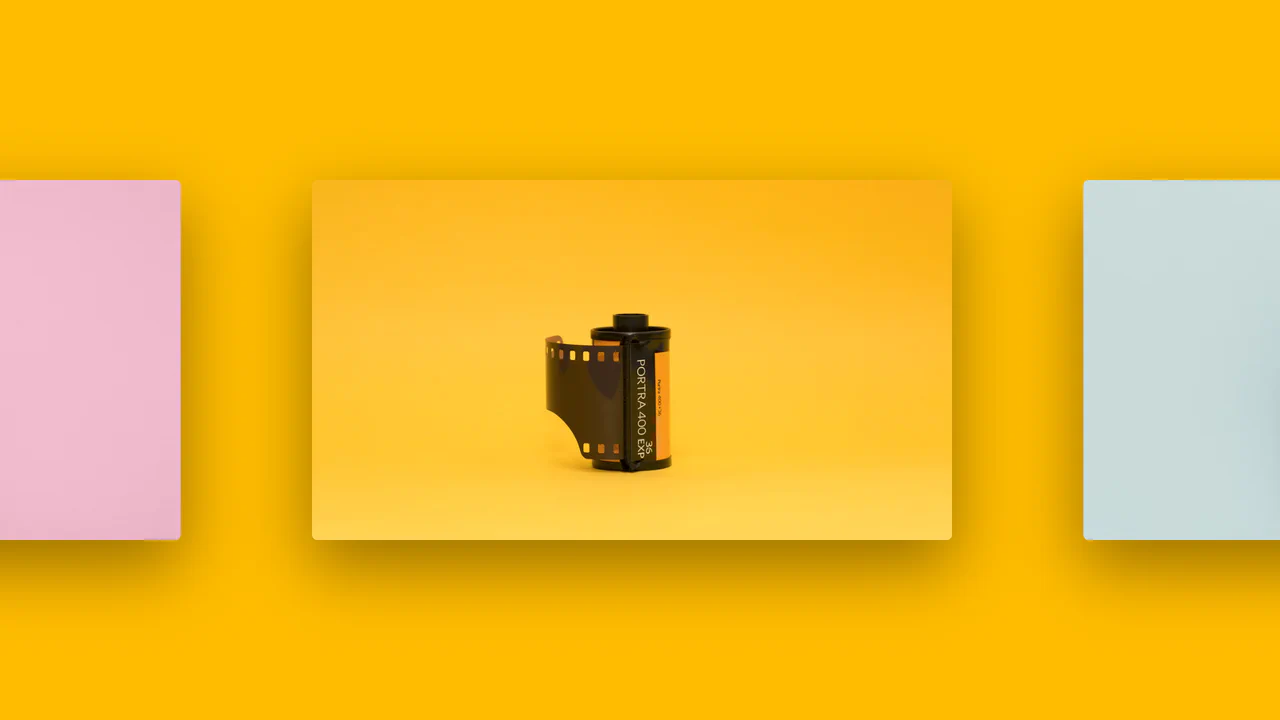
Intersection Observer Example
A horizontal scrolling gallery where the background color smoothly transitions to match the current image, triggered by the Intersection Observer API.
See the Pen Intersection Observer Example.

Invisible Gallery
An emotionally charged and technically complex component that uses kinetic animations simulating digital glitches or geometric transformations to dramatically reveal hidden content.
See the Pen Invisible Gallery.

Image Carousel
A self-playing image carousel that synchronizes the page’s background with the active slide.
See the Pen Image Carousel.