5 Javascript Gooey Effects
Transform standard interfaces into organic and “living” ones with this collection of gooey effects. The primary focus here is on applying the technique to create interactive cursors, fluid navigation, and memorable visual feedback for user actions. JavaScript animations (often using GSAP) control the movement, while a simple SVG-based CSS filter does all the visual magic by “gluing” the elements together. These examples will show you how to add a tactile feel and a wow-factor to your UI.
Examples
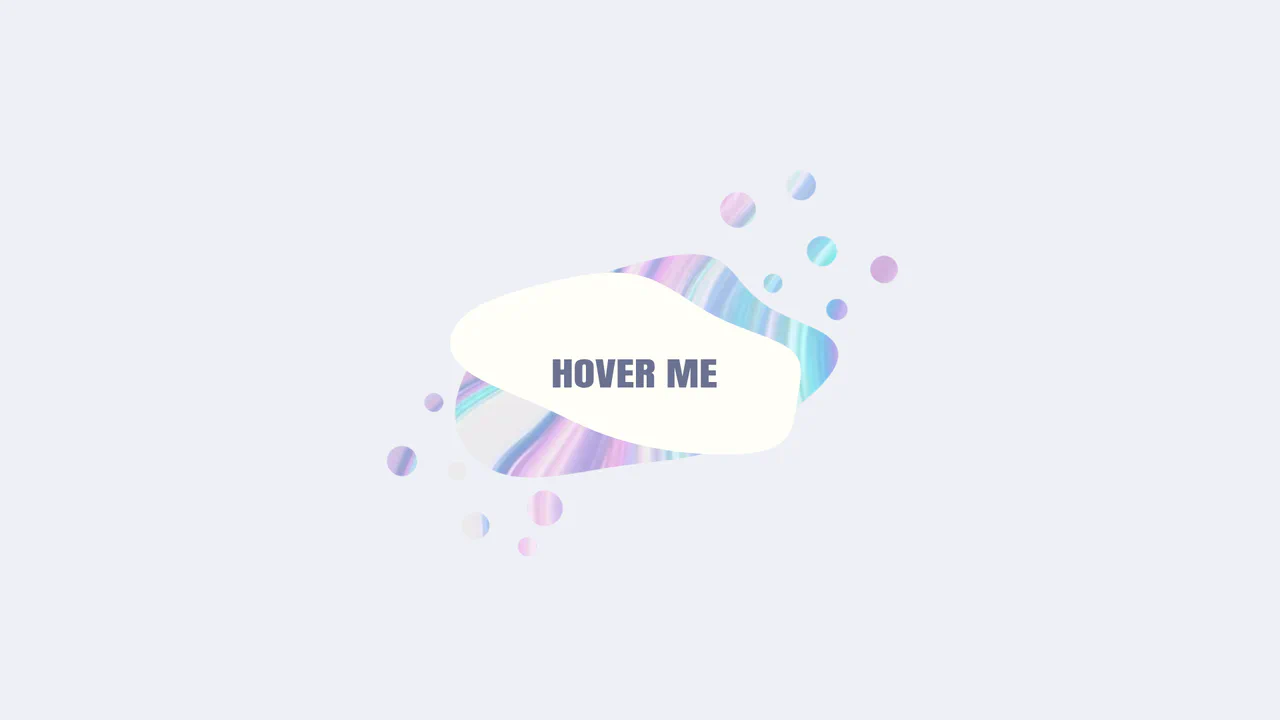
Morphing Liquid SVG Mask Button
This is a Morphing Liquid SVG Mask Button. It masks a raster image (marble texture) with a dynamic SVG shape that transforms into a “gooey” blob upon interaction. Its function is to create a high-end, organic reveal effect for primary calls-to-action, replacing standard rectangular hover states with fluid motion. (Requires: gsap.js, gsap-morphsvg-plugin.js)
 Chrome 60+
 Edge 79+
 Firefox 55+
 Safari 11.1+
See the Pen Morphing Liquid SVG Mask Button.
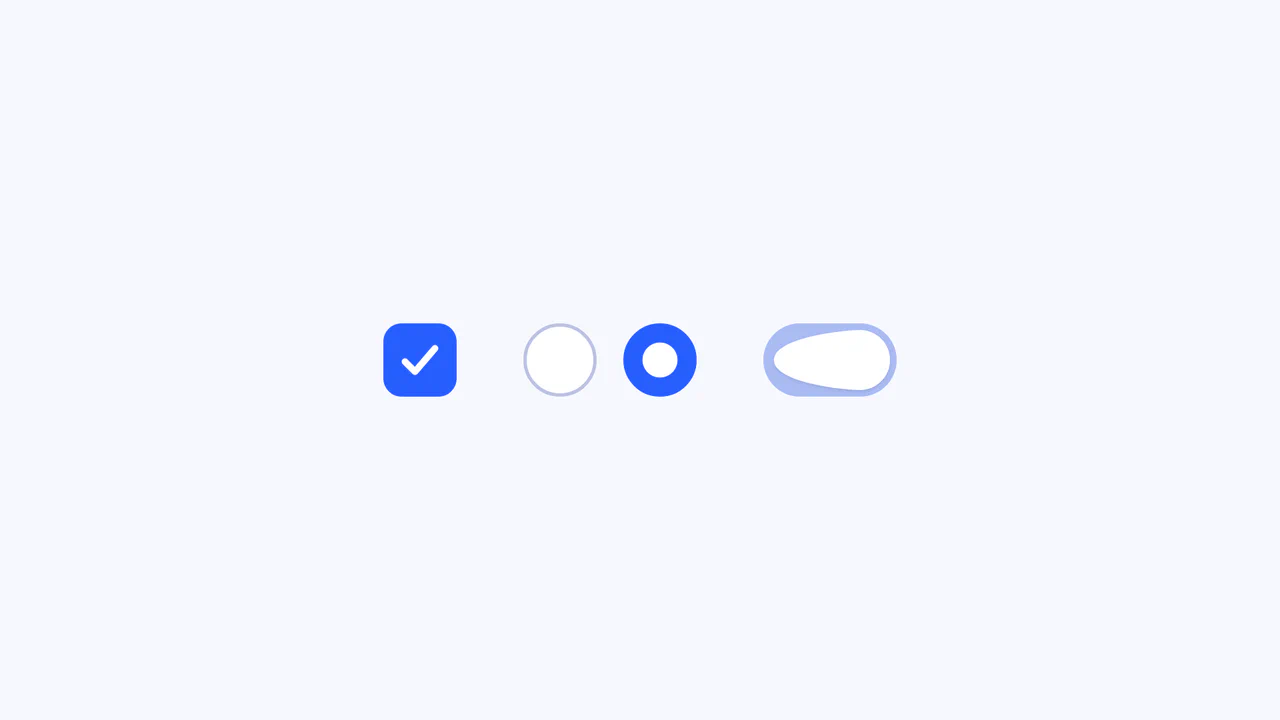
Elastic SVG Morphing Form Controls
This Elastic SVG Morphing Form Controls set redefines standard UI elements by treating them as organic, malleable shapes. Instead of rigid CSS transitions, it utilizes GSAP’s MorphSVGPlugin to physically warp the vector paths of checkboxes, radio buttons, and switches during interaction. The result is a tactile, “gummy” feel where elements squish upon clicking and snap elastically into their active states. (Requires: GSAP, MorphSVGPlugin)
Chrome 80+
Edge 80+
Safari 13+
Firefox 75+
See the Pen Elastic SVG Morphing Form Controls.
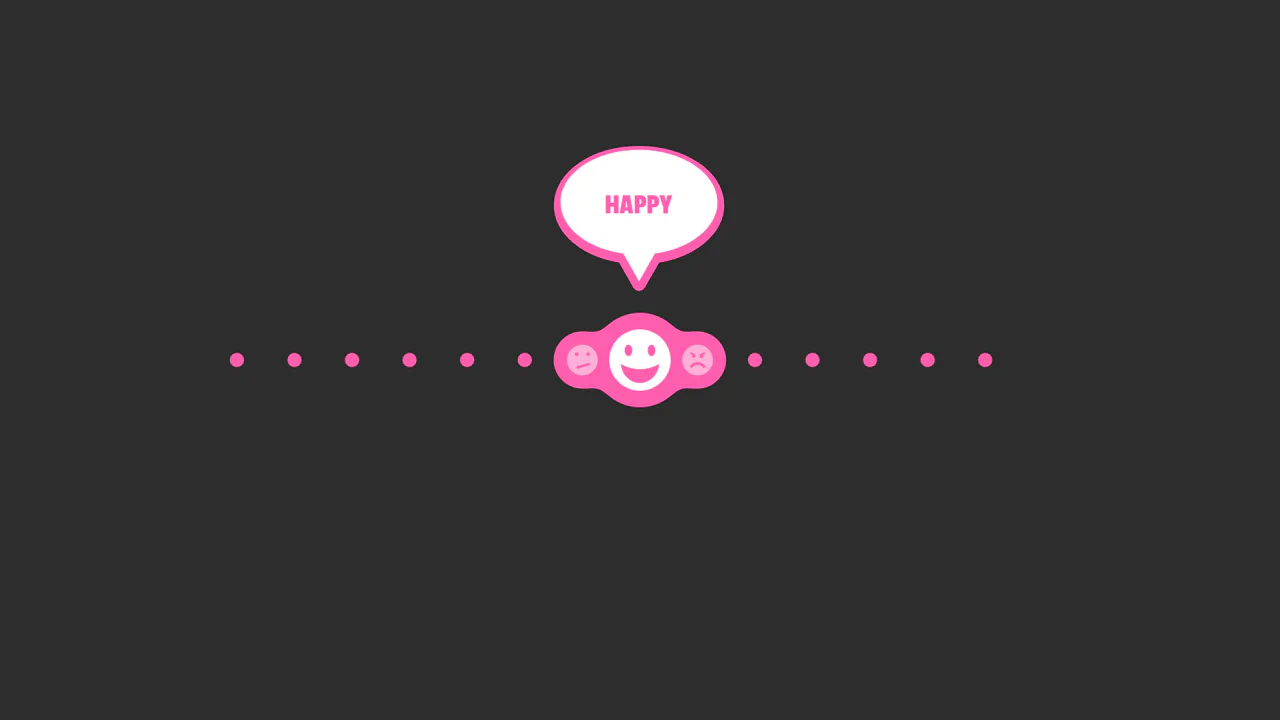
SVG Bubble Slider
An interactive reaction slider powered by GSAP Draggable and TimelineMax, featuring a ‘gooey’ effect achieved via SVG feGaussianBlur and feColorMatrix filters.
See the Pen SVG Bubble Slider.

Interactive Gooey Buttons
Interactive buttons featuring a fluid, mouse-tracking glow effect powered by CSS custom properties. JavaScript calculates cursor coordinates to dynamically position radial gradients and text shadows, while CSS filters create a ‘gooey’ liquid animation that responds organically to user interaction.
See the Pen Interactive Gooey Buttons.

Interactive Grid with Gooey Blob Effect
This interactive grid showcases a mesmerizing “gooey” or “metaball” effect, achieved by applying an SVG filter to a liquid-like blob that smoothly follows the cursor. The entire experience is powered by a sophisticated combination of technologies: requestAnimationFrame for the performant cursor tracking, and SCSS using @for loops and custom functions to create unique, non-repeating @keyframes for each block’s animation.
See the Pen Interactive Grid with Gooey Blob Effect.