5 JavaScript Horizontal Scroll Examples
This collection is your complete guide to creating horizontal scroll with JavaScript, from basic mechanics to complex interactive narratives. We start with the classic technique of hijacking the wheel event and converting its deltaY value into a change in the container’s scrollLeft. To enhance UX, we add the popular “drag-to-scroll” pattern using mouse events. For truly immersive effects, you’ll find advanced examples with GSAP and ScrollTrigger that let you “pin” sections and create entire animation timelines tied to the scroll progress. Special attention is paid to performance, using the Intersection Observer API to animate content only when it’s in the viewport.
Examples

Draggable Image Track Parallax
This is a Draggable Image Track Parallax component. It replaces standard scrollbars with a custom, click-and-drag horizontal interface. Its function is to provide a highly kinetic, app-like browsing experience for image galleries, featuring an internal parallax effect where the images pan slightly inside their frames as the entire track moves.
 Chrome 60+
 Edge 79+
 Firefox 55+
 Safari 11+
See the Pen Draggable Image Track Parallax.
Intersection Observer Example
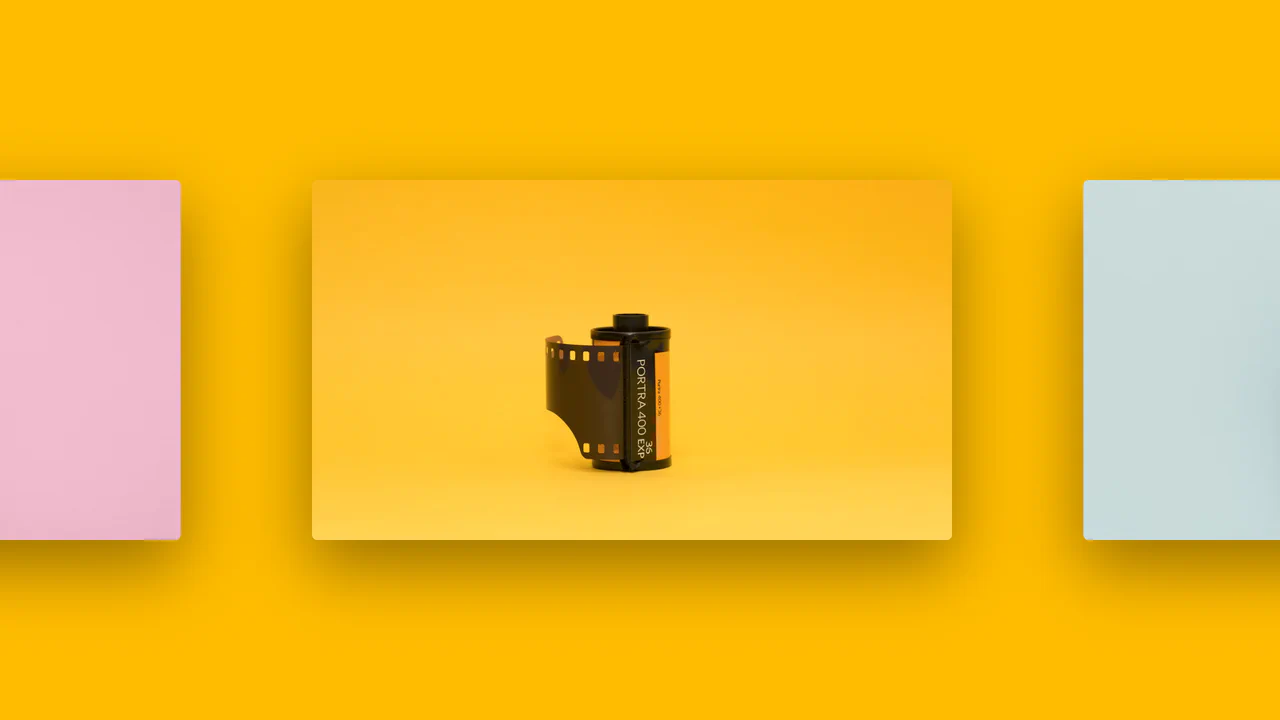
A horizontal scrolling gallery where the background color smoothly transitions to match the current image, triggered by the Intersection Observer API.
See the Pen Intersection Observer Example.

CSS Scroll-Driven Content Wave
A fluid, tactile selection interface where elements “live” and react to scroll, creating a “fisheye” or lens effect.
See the Pen CSS Scroll-Driven Content Wave.

Scroll-Driven Content Wave #2
A horizontal scroll interface featuring a “lens” effect powered by CSS Scroll-Driven Animations (animation-timeline: view(inline)).
See the Pen Scroll-Driven Content Wave #2.

Horizontal Scroll Section with GSAP and Locomotive Scroll
Experience a classic “pinned” horizontal scroll effect, where a vertical scroll action is converted into horizontal movement. GSAP’s pin: true property freezes the section in place, while a tween animates the x property of the inner container, creating a cinematic, side-scrolling gallery.