1 JavaScript Hotkey Examples
Supercharge your application’s usability with JavaScript hotkeys, offering a faster navigation and interaction path for power users. The core technique involves a global keydown event listener that inspects the event object for properties like event.key, event.metaKey (Cmd), and event.ctrlKey. These demos showcase how to map specific key combinations to functions, while crucially using event.preventDefault() to override default browser behavior. Explore patterns from simple single-key actions to sophisticated, modifier-aware command palettes, providing the building blocks for a more efficient and professional user interface.
Examples
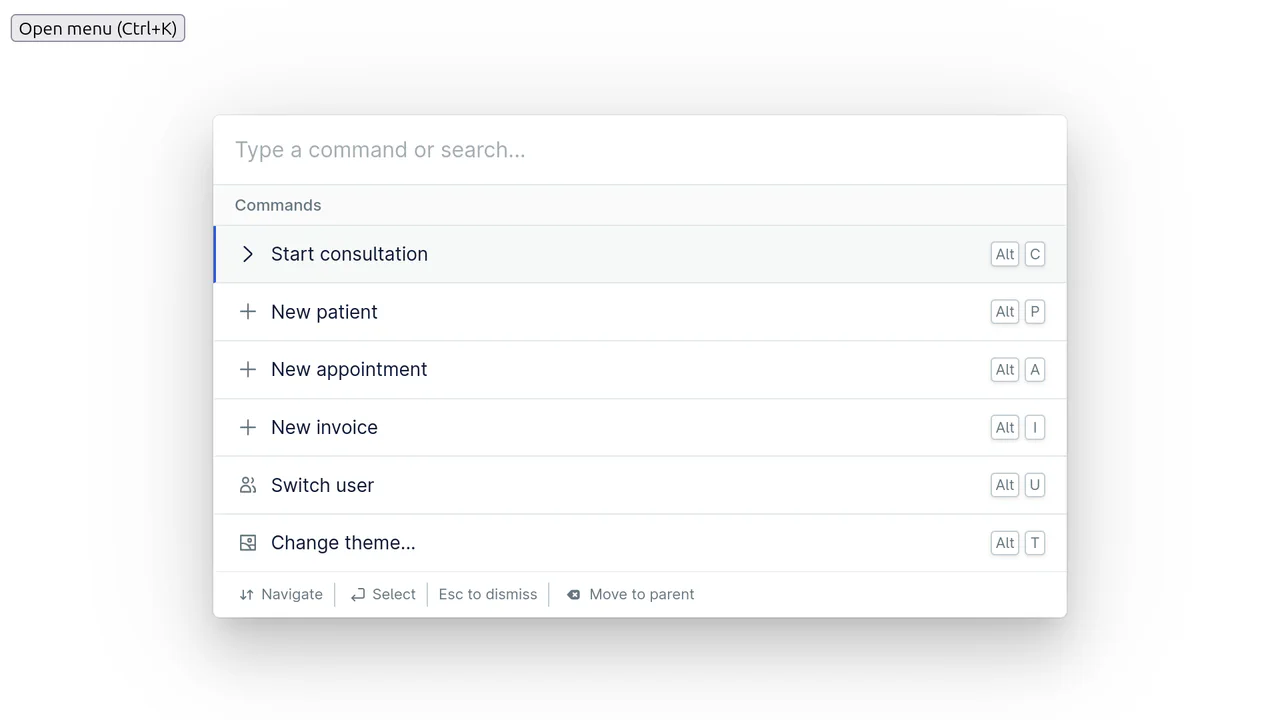
Nord Command Menu
An example of using the pre-built <nord-command-menu> web component, which is fully configured via a declarative array of commands in JS - search, nested menus, and hotkeys work out-of-the-box.
See the Pen Nord Command Menu.