2 JavaScript Hotspot Examples
Build sophisticated interactive zones with these JavaScript hotspot patterns. Key features include collision-aware tooltip placement, animated reveal sequences, and cross-element dependency management. These examples demonstrate practical approaches to creating intuitive navigation systems for complex visual interfaces and data-rich applications.
Examples

Product Features Tooltips
An interactive product diagram featuring pulsing hotspots positioned over an image. Clicking these triggers Tippy.js to reveal detailed tooltips populated from hidden HTML templates.
See the Pen Product Features Tooltips.
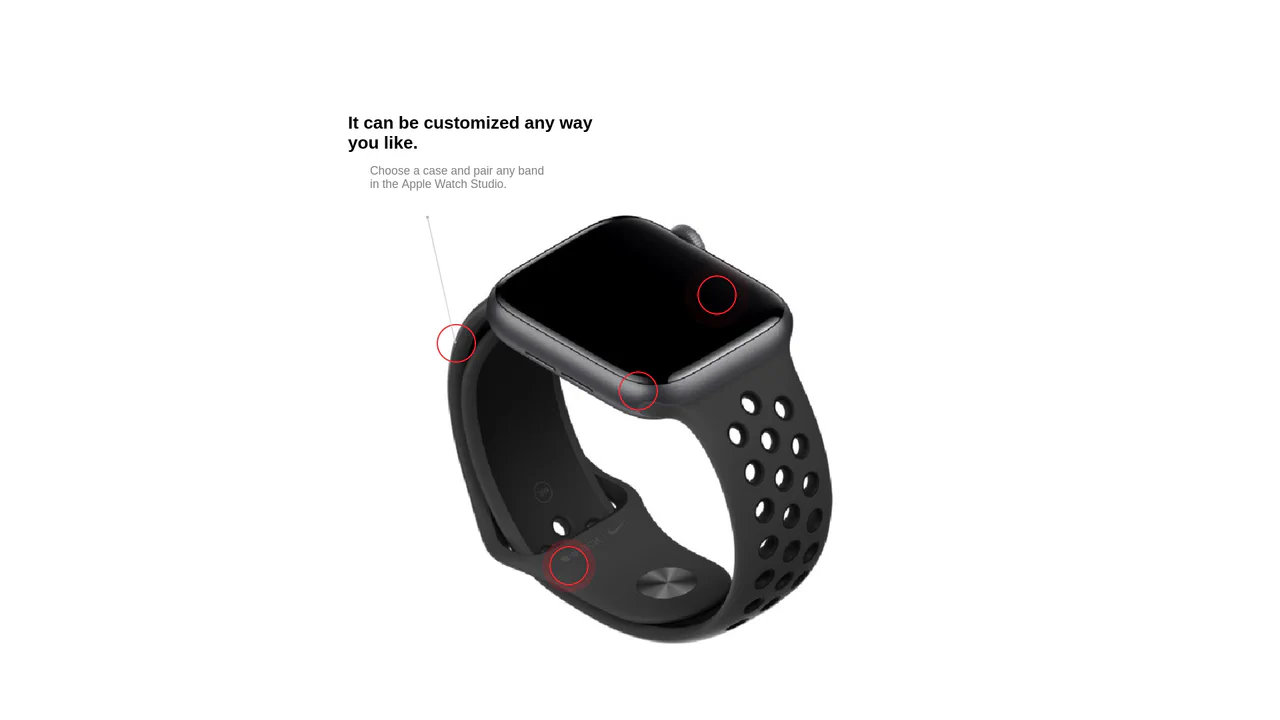
Interactive Product Hotspots with GSAP and PIXI.js
Uses the PIXI.js WebGL renderer to draw dynamic, hardware-accelerated connection lines between content hotspots, enhanced by GSAP for the smooth ‘magnetic’ displacement effect upon mouse hover.
See the Pen Interactive Product Hotspots with GSAP and PIXI.js.