70+ JavaScript Hover Effects
Hover effects bring interactivity and surprise to UI elements. This collection of JavaScript hover effects includes transitions, overlays, magnetic interactions, and dynamic responses for buttons, images, and cards.
Examples
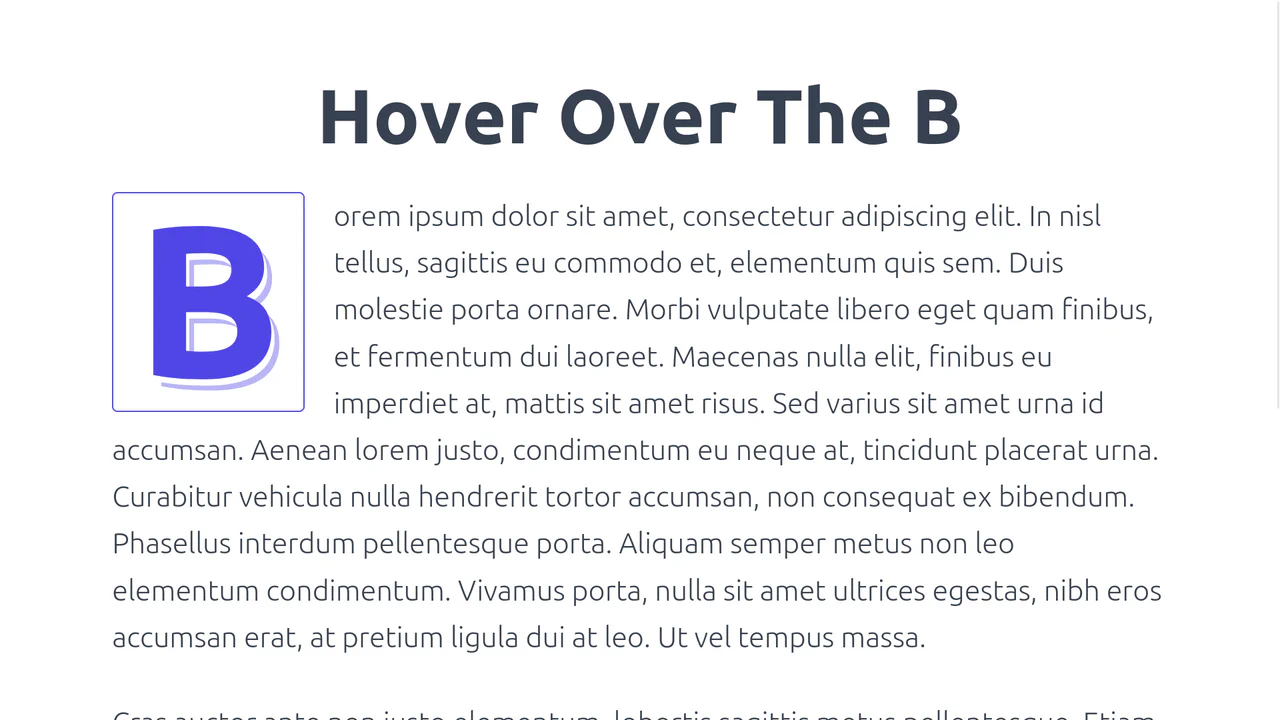
3D Tilting Typography Drop Cap
This typographic showcase integrates a custom pointer-tracking drop cap component on the first letter of a paragraph. By programmatically wrapping the leading character with a regular expression, the script binds 3D perspective transforms and layered text-shadow offsets to cursor coordinates, utilizing requestAnimationFrame to render realistic, floating shadow projections. (Requires: tailwind.css)
 Chrome 36+
 Edge 12+
 Firefox 23+
 Safari 9+
See the Pen 3D Tilting Typography Drop Cap.
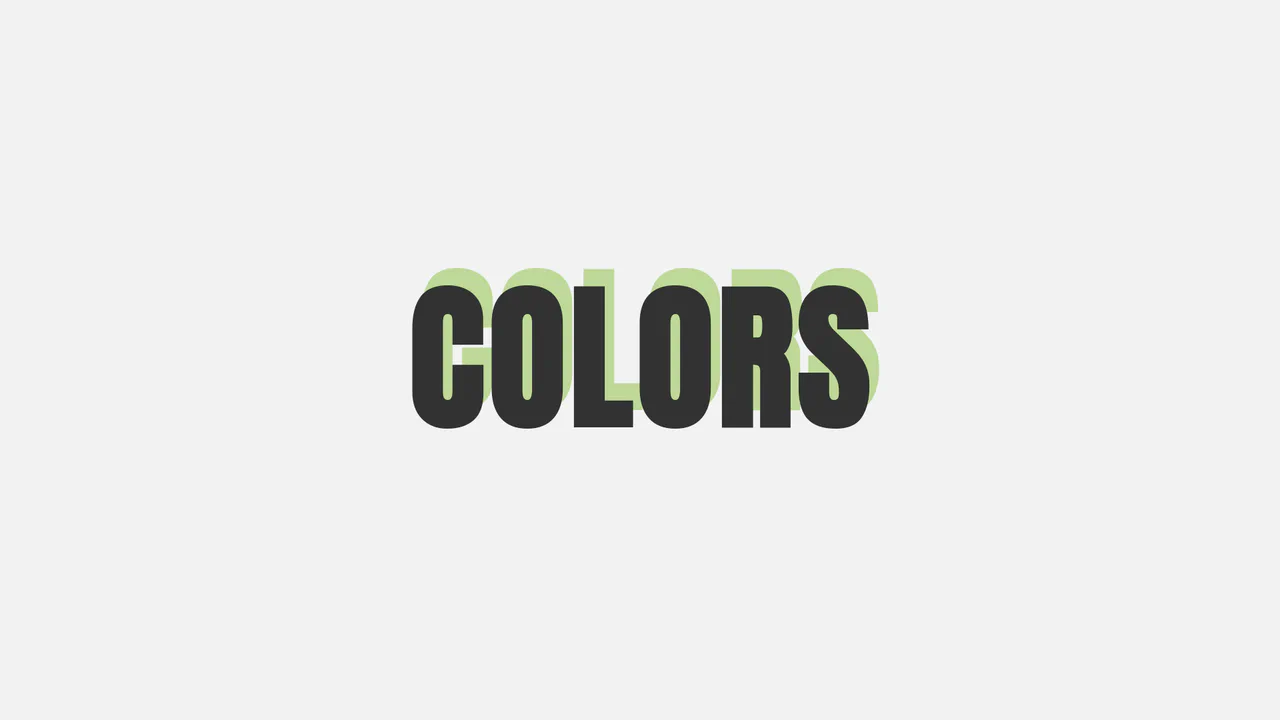
Interactive Directional HSL Text Shadow
A minimalist interactive typography snippet highlighting dynamic shadow projections. By tracking pointer positions over the document container, JavaScript maps the X and Y coordinates to the text’s CSS text-shadow offset properties. Simultaneously, the clientX cursor value is injected into an HSL color function, morphing the shadow’s tint seamlessly as it swings around the central heading.
Chrome 4+
Edge 12+
Firefox 3.5+
Safari 4+
See the Pen Interactive Directional HSL Text Shadow.
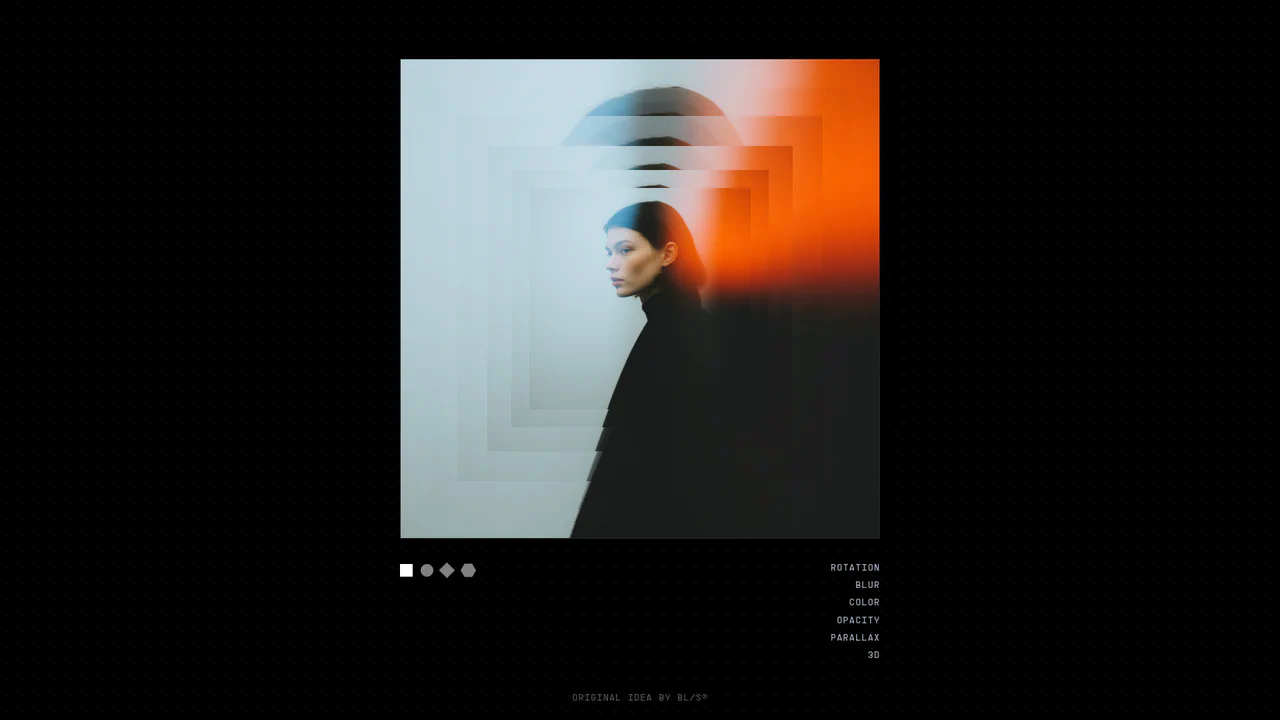
3D Layered Image Hover Sandbox
An advanced visual sandbox showcasing a highly configurable multi-layered image deck. Users can tweak live variables in real time — including 3D perspective depth offsets, pointer tilt multipliers, rotation spreads, chromatic saturation filters, and custom CSS clip-path geometries (hexagon, diamond, circle, rectangle). Features smooth velocity mouse tracking using GSAP quickTo alongside direct CSS Custom Property overrides. (Requires: gsap.js)
Chrome 57+
Edge 79+
Firefox 54+
Safari 10.1+
See the Pen 3D Layered Image Hover Sandbox.
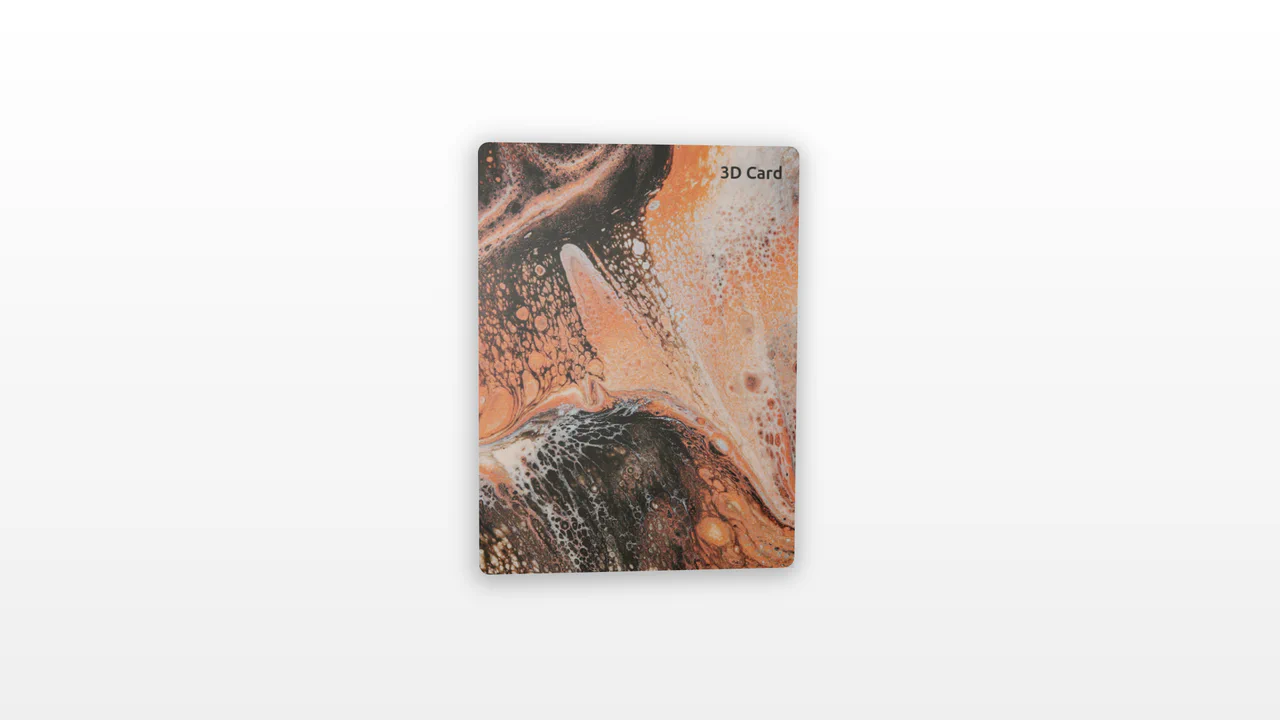
3D Tilt Card with Dynamic Glow
An interactive 3D card utilizing pointer tracking to calculate tilt angle and rotation dynamically. By measuring mouse position relative to the element’s center, the card tilts along the X and Y axes while scaling. A radial gradient overlay shifts concurrently, mimicking realistic surface glare and light reflections.
Chrome 56+
Edge 15+
Firefox 49+
Safari 10+
See the Pen 3D Tilt Card with Dynamic Glow.
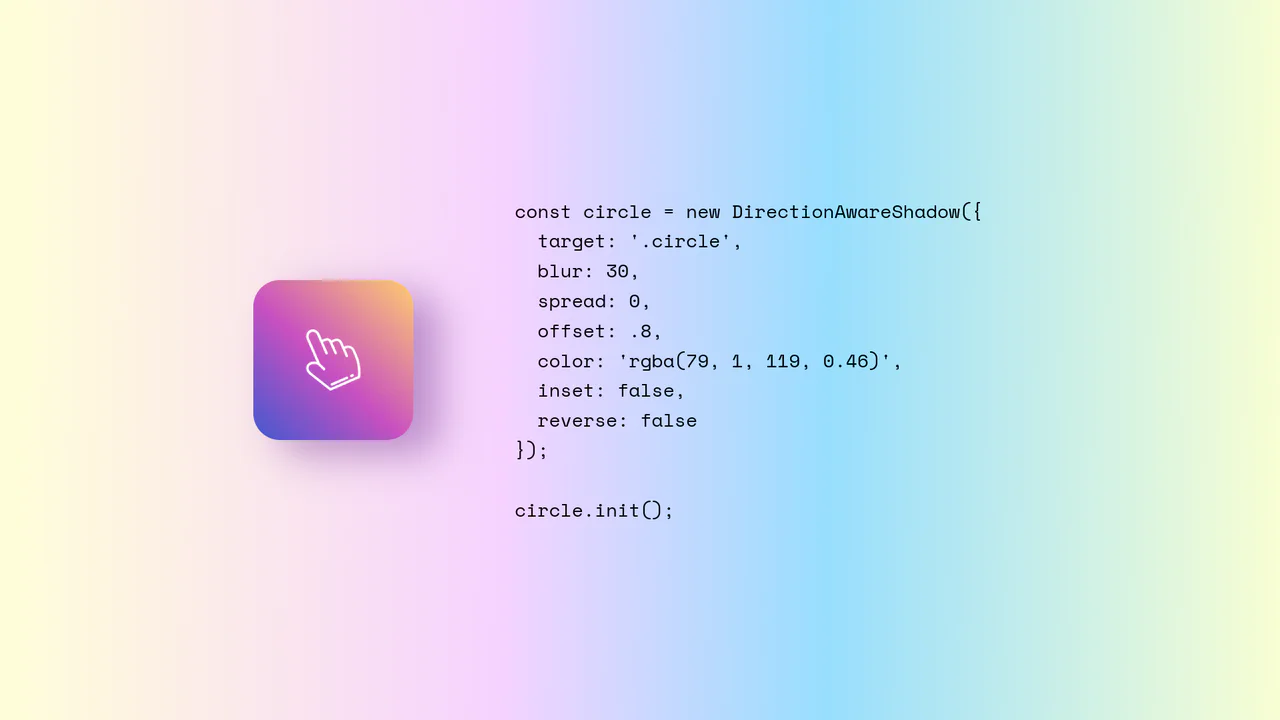
Direction-Aware CSS Box Shadow
Direction-Aware CSS Box Shadow provides a reusable JavaScript class (DirectionAwareShadow) that calculates the mouse’s offsetX and offsetY relative to an element’s center. It then dynamically updates the element’s inline box-shadow property to cast a shadow in the opposite (or same) direction of the cursor. The class is highly configurable, allowing developers to easily adjust blur, spread, color, and offset intensity.
Chrome 4+
Edge 12+
Firefox 4+
Safari 3.1+
See the Pen Direction-Aware CSS Box Shadow.
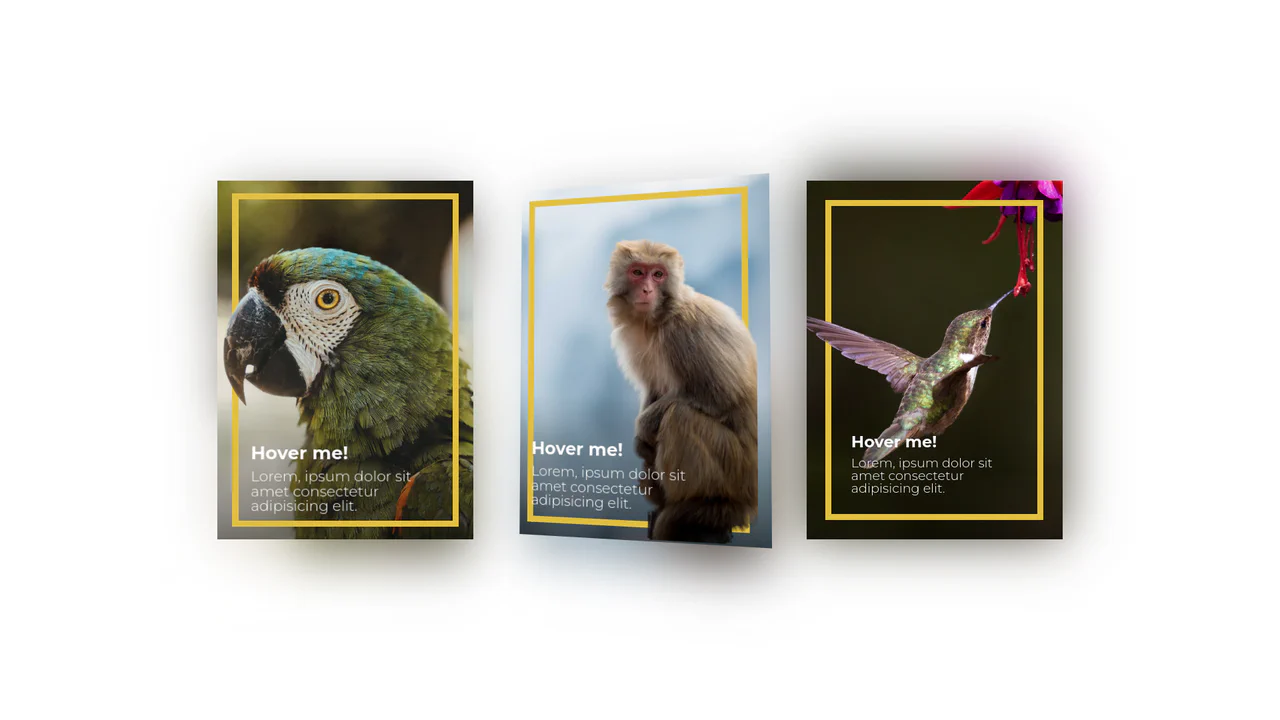
3D Depth Parallax Pop-Out Cards
3D Depth Parallax Pop-Out Cards uses a mathematical approach combining value remapping and linear interpolation (lerp) to calculate fluid, lagged cursor coordinates inside a 60 FPS animation loop. This script alters custom CSS properties --rotateX and --rotateY, projecting individual layer transforms across multiple translated depths—namely a blurred .shadow, background scene, golden borders, and a foreground .cutout. While visually convincing, utilizing setInterval at a hardcoded 1000/60 rate can cause micro-stuttering on high-refresh-rate displays, making requestAnimationFrame a far more performant choice.
Chrome 88+
Edge 88+
Firefox 89+
Safari 15+
See the Pen 3D Depth Parallax Pop-Out Cards.

Direction Aware 3D Cube Gallery
This is a Direction Aware 3D Cube Gallery. It tracks the exact angle at which a cursor enters or leaves an image tile, applying a responsive 3D cube rotation that follows the mouse’s trajectory. Its function is to provide highly contextual, physical feedback during interaction, making a flat image grid feel like an array of tangible, rotatable blocks.
Chrome 60+
Edge 79+
Firefox 55+
Safari 11+
See the Pen Direction Aware 3D Cube Gallery.

WebGL Lens Distortion Hover
This is a WebGL Lens Distortion Hover. It manipulates a raster image through a custom GLSL fragment shader to create a dynamic, fish-eye bulging effect. Its function is to replace static CSS opacity or scale transitions with a high-fidelity optical illusion, drawing profound tactile focus to portfolio or hero imagery. (Requires: GSAP, Curtains.js)
Chrome 60+
Edge 79+
Firefox 55+
Safari 12+
See the Pen WebGL Lens Distortion Hover.
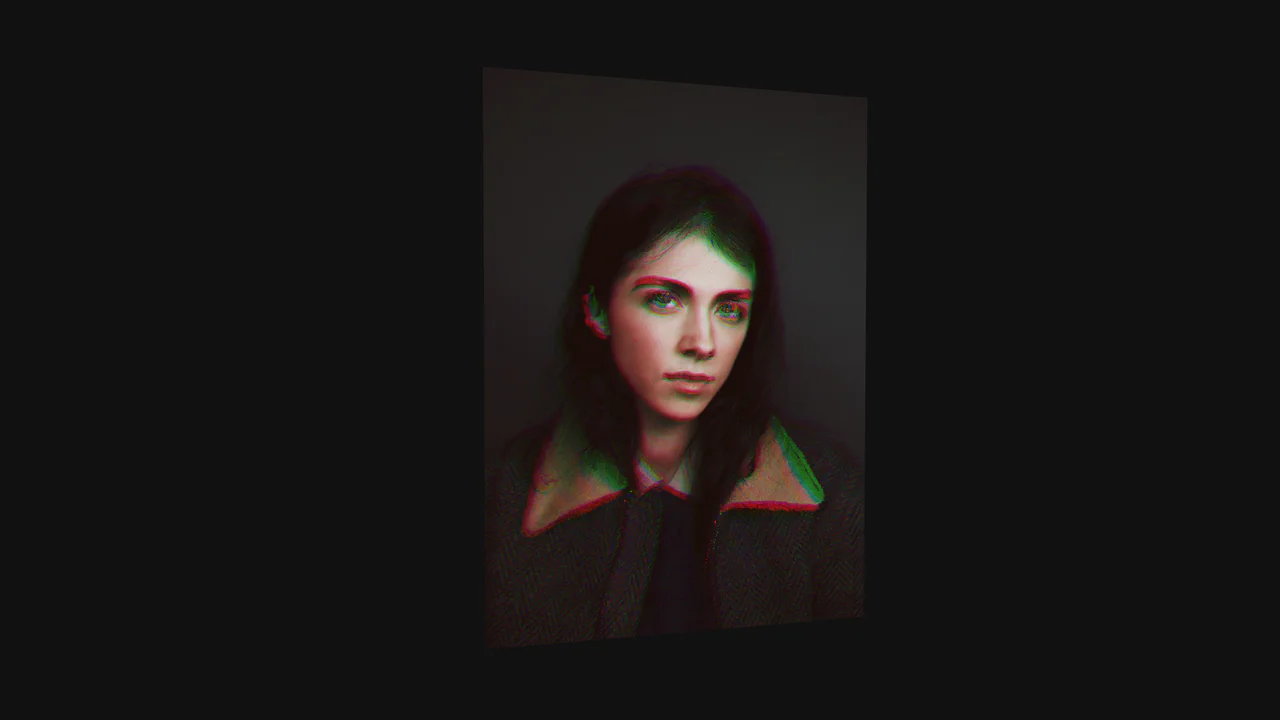
WebGL RGB Shift Image Card
This is a WebGL RGB Shift Image Card. It renders a high-resolution raster image onto a 3D geometric plane, applying dynamic visual distortions based on pointer intersection. Its function is to elevate standard portfolio grids or hero sections into highly tactile, immersive experiences, replacing standard CSS transitions with complex mathematical pixel manipulation. (Requires: Three.js, GSAP)
Chrome 60+
Edge 79+
Firefox 55+
Safari 12+
See the Pen WebGL RGB Shift Image Card.
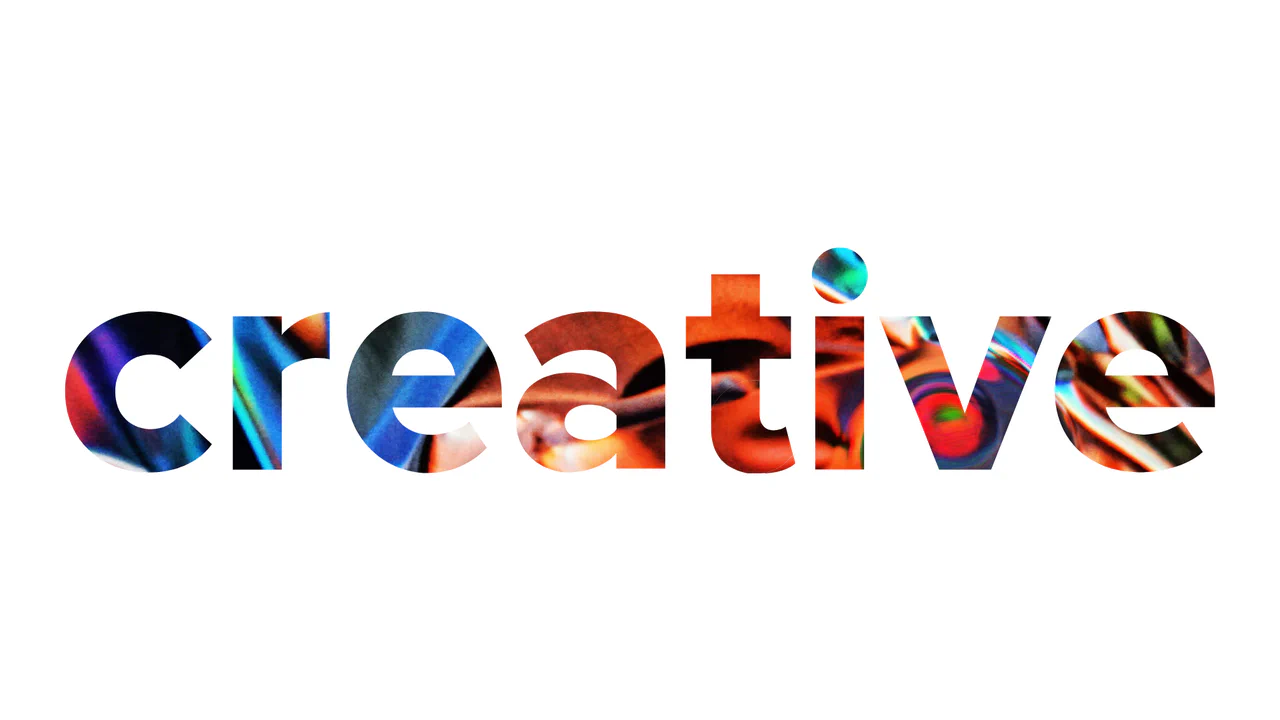
WebGL Liquid Distortion Typography Mask
This is a WebGL Liquid Distortion Typography Mask. It uses fluid simulation to distort a background image, revealed only through a vector cutout. Its function is to transform standard text headers into deeply interactive, kinetic focal points. (Requires: OGL.js, TweenMax.js)
Chrome 60+
Edge 79+
Firefox 55+
Safari 12+
See the Pen WebGL Liquid Distortion Typography Mask.

Interactive Canvas Particle Image Effect
This is an Interactive Canvas Particle Image Effect. It reconstructs standard raster images using thousands of autonomous floating particles. Its function is to create a highly tactile visual experience that reacts to cursor proximity, morphing colors based on hidden alternate image data to remove the static barrier between user and interface. (Requires: GSAP)
Chrome 80+
Edge 80+
Firefox 75+
Safari 13+
See the Pen Interactive Canvas Particle Image Effect.

Cinematic Parallax Reactive Navigation Menu
This is a Cinematic Parallax Reactive Navigation Menu. It synchronizes large-scale typographical navigation with multi-layered background shifts. Its function is to transform a standard menu into a high-end atmospheric gateway for editorial or premium portfolio websites, using user interaction to drive the visual narrative.
Chrome 80+
Edge 80+
Firefox 75+
Safari 13.1+
See the Pen Cinematic Parallax Reactive Navigation Menu.

Interactive Glowing Grid Cards
This snippet presents Interactive Glowing Grid Cards. It transforms a static grid of content into an immersive, tactile interface by having a soft, localized glow follow the user’s cursor. This effect illuminates both the background of the hovered card and the borders of adjacent cards, providing continuous, spatial feedback that enhances the premium feel of a dark-mode dashboard or feature list.
Chrome 60+
Safari 11+
Firefox 55+
Edge 79+See the Pen Interactive Glowing Grid Cards.

GSAP Magic Hover Areas
This is a GSAP Magic Hover Areas component. It creates an animated, floating background layer that physically tracks the user’s cursor or keyboard focus across different interactive elements on the page. It adds a cohesive, fluid spatial awareness to standard list items and navigation menus. (Requires: GSAP, Lodash.js, VanillaTilt.js)
Chrome 49+
Safari 10+
Firefox 52+
Edge 79+
See the Pen GSAP Magic Hover Areas.

Tilt Grid Content Reveal
This is a Tilt Grid Content Reveal. It transforms a standard masonry image gallery into a highly interactive, spatial experience. Its function is to provide an engaging browsing interface where hovering induces physical 3D tilt, and clicking smoothly expands the thumbnail into a full-screen presentation, completely immersing the user in the selected content. (Requires: GSAP, charming.js, masonry.js, imagesloaded.js)
Chrome 60+
Edge 79+
Firefox 55+
Safari 11+
See the Pen Tilt Grid Content Reveal.

Interactive 3D Layered Text Wave Effect
This is an Interactive 3D Layered Text Wave Effect. It transforms a flat heading into a dynamic, multi-layered typographical stack that tracks cursor movement. Its function is to create immersive, interactive hero sections, replacing static typography with a playful spatial experience.
Chrome 36+
Edge 12+
Firefox 16+
Safari 9+
See the Pen Interactive 3D Layered Text Wave Effect.

Hover Image Reveal Custom Cursor
This is a Hover Image Reveal Custom Cursor. It overrides the default pointer with a dynamic element that transforms upon interacting with specific text links. Its function is to provide visual context — revealing associated images — without cluttering the primary layout. The effect creates an engaging reading experience, bridging text and multimedia seamlessly.
Chrome 49+
Edge 16+
Firefox 54+
Safari 10.1+
See the Pen Hover Image Reveal Custom Cursor.
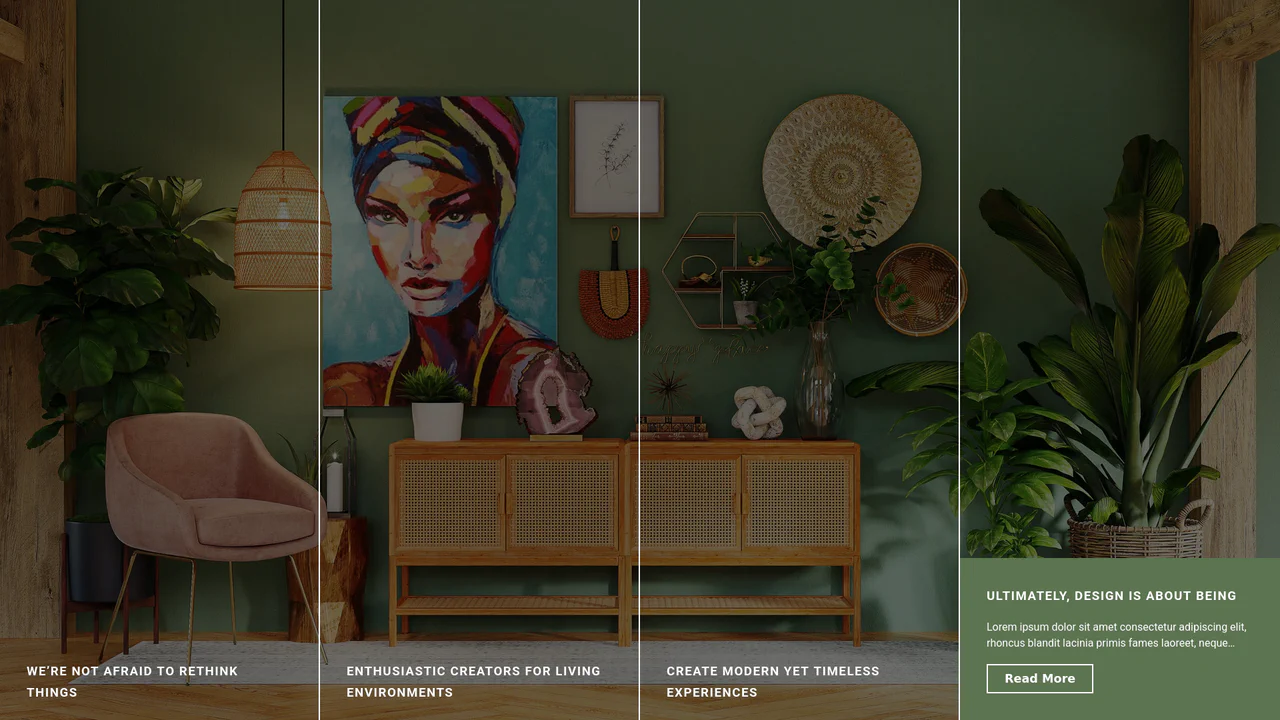
Expanding Split-Screen Grid Navigation
This Expanding Split-Screen Grid Navigation transforms standard menu items into an immersive, interactive gallery experience. It organizes content into a responsive grid where hovering over an item reveals a contextual background image, and clicking expands the section into a full-screen detailed view. This component is ideal for portfolios, featured article selections, or high-end agency landing pages where visual storytelling is key.
Chrome 45+
Edge 15+
Firefox 35+
Safari 9+
See the Pen Expanding Split-Screen Grid Navigation.

Holographic 3D Interactive Card
This Holographic 3D Interactive Card is a premium UI component inspired by rare physical trading cards. It features a sophisticated depth effect where the logo floats independently from the iridescent background, reacting dynamically to mouse movements or touch input. The use of modern CSS APIs ensures high-performance rendering of complex gradients and masks, creating a truly immersive “collectible” feel for digital assets.
Chrome 85+
Edge 85+
Safari 16.4+
Firefox 128+
See the Pen Holographic 3D Interactive Card.

Split Staggered Reveal Cards
This Split Staggered Reveal Card creates a dramatic, cinematic effect suitable for portfolios or featured content sections. Upon interaction, the background image recedes while two semi-transparent overlays slide in to create a high-contrast backdrop. Simultaneously, the title and description animate in with a precise staggered delay - letters for the title and words for the paragraph - powered by CSS variables. (Requires: Splitting.js)
Chrome 88+
Edge 88+
Firefox 87+
Safari 14+
See the Pen Split Staggered Reveal Cards.

Cursor-Tracking Spotlight Reveal Effect
This Cursor-Tracking Spotlight Reveal Effect creates a sophisticated “x-ray” or “flashlight” interaction. Initially, the user sees plain text. As the mouse moves, a circular mask follows the cursor, revealing a hidden image underneath and simultaneously inverting the text color to white within the circle. This technique adds depth and playfulness to portfolio links or gallery items without disrupting the layout.
Chrome 88+
Edge 88+
Safari 14+
Firefox 86+
See the Pen Cursor-Tracking Spotlight Reveal Effect.

Hyperplexed Evervault Card Hover Effect
This Hyperplexed Evervault Card Hover Effect utilizes dynamic character generation and CSS masking to create a high-tech “decryption” visual. It replicates the sophisticated card interactions found on the Evervault website, blending procedural text with mouse-responsive radial gradients.
Chrome 80+
Edge 80+
Firefox 75+
Safari 13+See the Pen Hyperplexed Evervault Card Hover Effect.
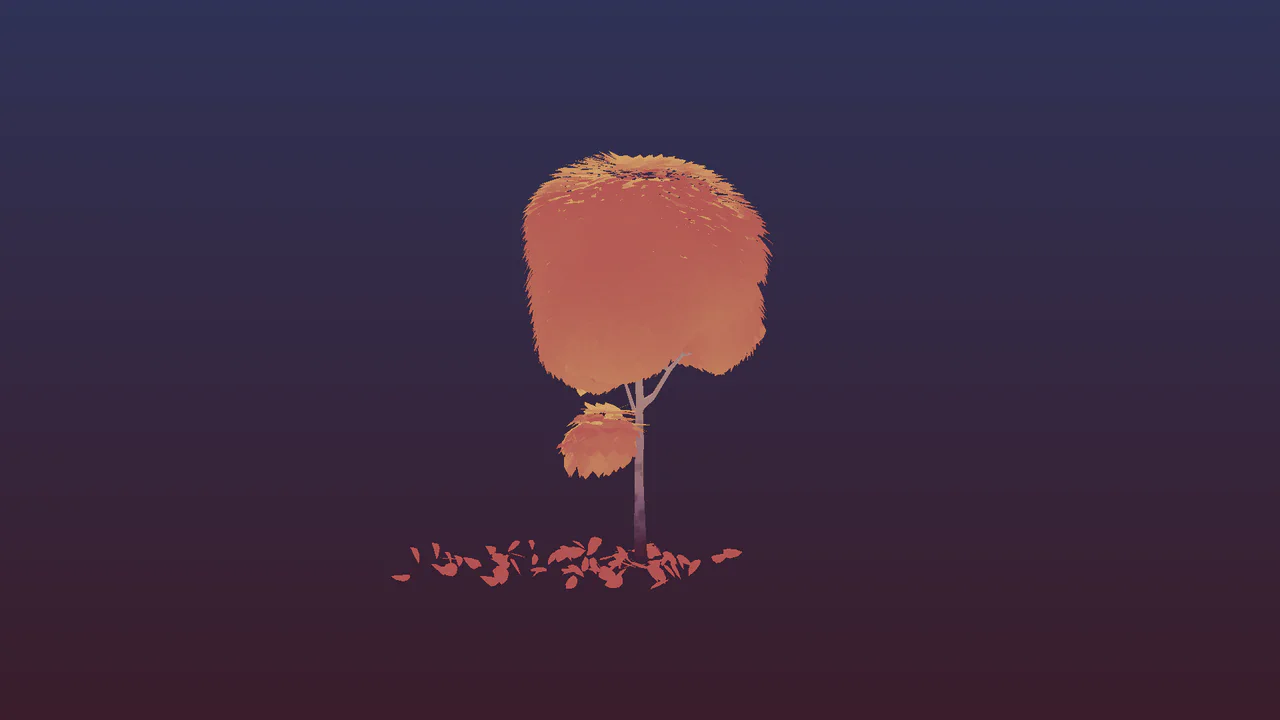
Interactive 3D Falling Leaves Shader
This Interactive 3D Falling Leaves Shader is a sophisticated WebGL demonstration built with Three.js that showcases efficient rendering of thousands of unique objects. By utilizing InstancedMesh and custom GLSL shaders, it creates a stylized autumn tree where leaves respond to wind, sway realistically, and “die” (fall off) either randomly or through user interaction via raycasting. (Requires: Three.js, ES Modules)
Chrome 84+
Edge 84+
Firefox 63+
Safari 14.1+
See the Pen Interactive 3D Falling Leaves Shader.

GSAP Sparkle Generate Button
This GSAP Sparkle Generate Button adds a touch of magic to standard call-to-action elements. Designed for AI generation tools or creative apps, it features a sophisticated hover effect where particles (dots) spawn and float organically around the button. The animation is driven by GreenSock’s Physics2DPlugin, simulating gravity and velocity for a realistic “dust” movement. (Requires: GSAP, Physics2DPlugin)
Chrome 60+
Edge 79+
Firefox 55+
Safari 11+
See the Pen GSAP Sparkle Generate Button.

Magnifying Glass Image Zoomer
This Magnifying Glass Image Zoomer simulates a physical lens moving over a surface, making it ideal for product detail pages or photography portfolios. Unlike simple CSS transforms, this component uses JavaScript to calculate precise cursor coordinates and synchronizes a zoomed-in background image with a floating SVG overlay.
Chrome 80+
Edge 80+
Firefox 75+
Safari 13+
See the Pen Magnifying Glass Image Zoomer.
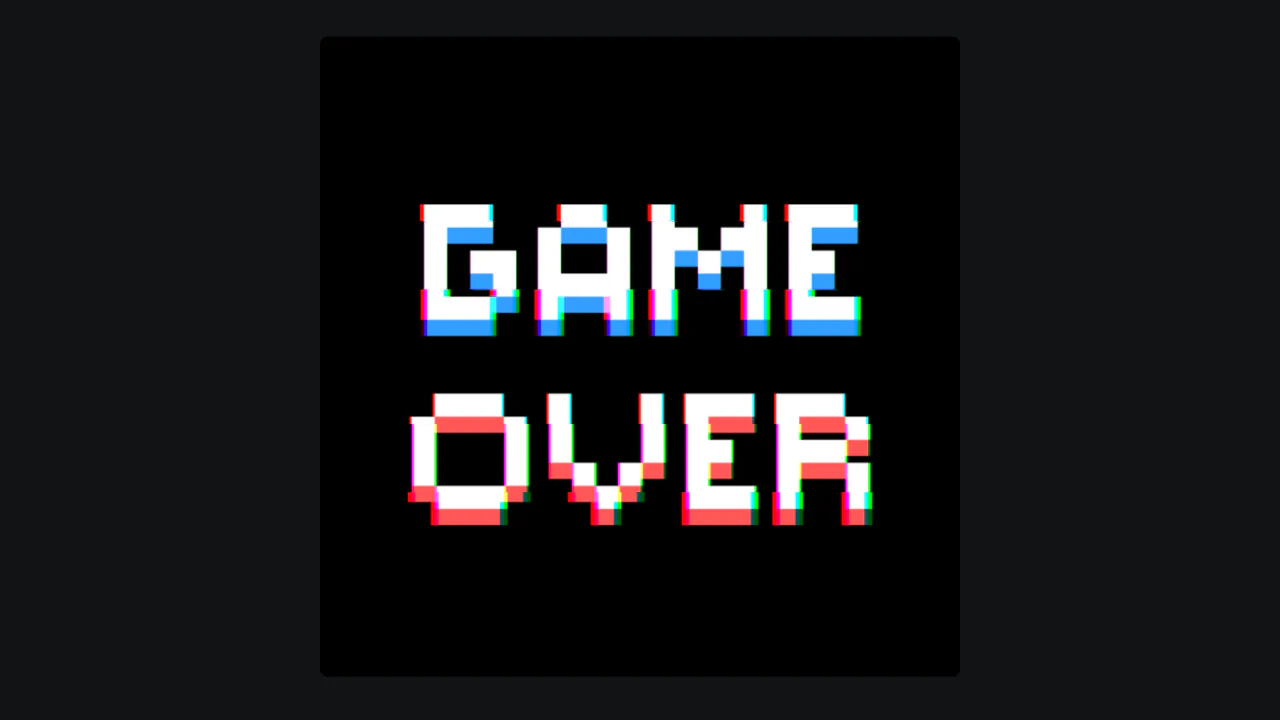
Glitch Image Hover Effect with Shaders
A calm static image that, upon hover, jitters, splits into RGB channels in bands, and slowly zooms in, evoking a digital glitch or cyberpunk atmosphere.
See the Pen Glitch Image Hover Effect with Shaders.
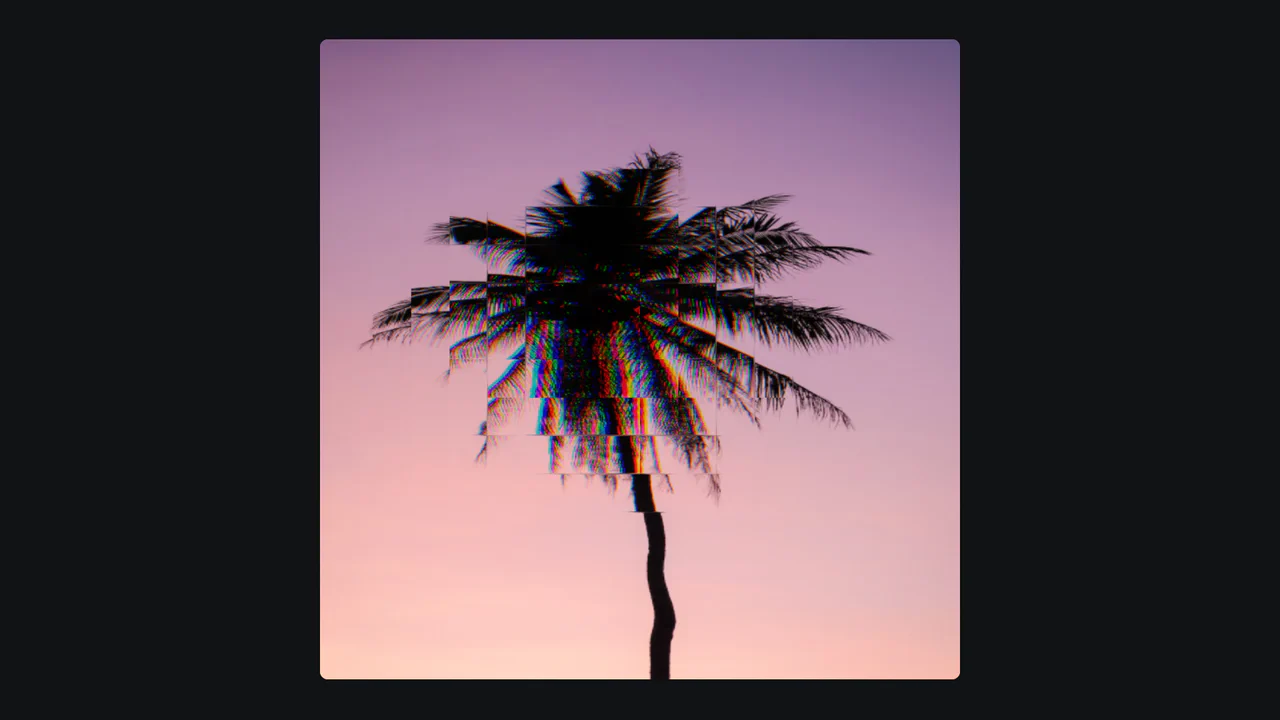
Image Hover Effect with Shaders
An interactive “liquid” image distortion effect powered by Three.js and custom GLSL shaders.
See the Pen Image Hover Effect with Shaders.

Multi-Card Glow Hover
A holographic card effect driven by mouse tracking via JavaScript, which updates CSS variables to position dynamic gradients.
See the Pen Multi-Card Glow Hover.

Extreme Hover with HTML and CSS
A visually dynamic and impressive effect where hovering over a static image transforms it into a complex, 3D-like collage, showcasing the capabilities of CSS transitions and imperative loading control.
See the Pen Extreme Hover with HTML and CSS.

Image Hover Effect
A unique, visually impressive effect where the user moves a “liquid,” morphing lens to compare two scenes, demonstrating advanced use of SVG and DOM manipulation for visual UX.
See the Pen Image Hover Effect.