70+ JavaScript Hover Effects (Page 2)
Examples

Invisible Gallery
An emotionally charged and technically complex component that uses kinetic animations simulating digital glitches or geometric transformations to dramatically reveal hidden content.
See the Pen Invisible Gallery.

Hover Interaction (98/100)
A visual illusion of “negative space” where the cursor acts as a physical object parting a dense curtain of threads, revealing the static text underneath.
See the Pen Hover Interaction (98/100).

Magnetic Links
A sophisticated magnetic navigation menu that uses JavaScript to map mouse proximity to CSS variables, driving smooth translations via translate. It features a configurable “follow” effect where a background pseudo-element glides between items based on bounding box coordinates calculated on hover.
See the Pen Magnetic Links.

Photo Animation on Text Hover
An elegant, minimalist section featuring smooth typographic animation and interactive elements that engage the user by revealing visual context upon reading.
See the Pen Photo Animation on Text Hover.
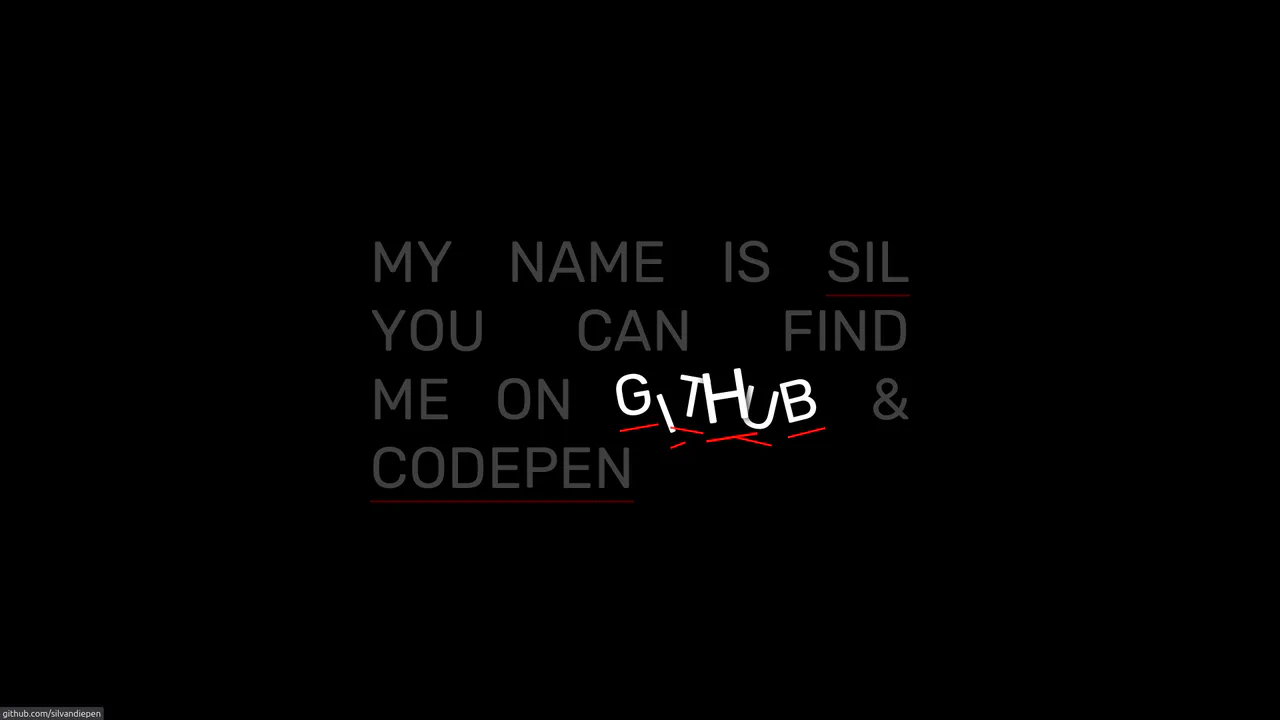
Scrambling Letter Effect on Hover
On hover, letters scatter chaotically, creating a dynamic, interactive explosion of text without complex animation libraries.
See the Pen Scrambling Letter Effect on Hover.

Sketch Button
A high-tech, visually rich button that reacts to interaction with a burst of light tracing its borders, making the interface feel alive and responsive.
See the Pen Sketch Button.

Animated Portfolio with SVG ClipPath Hover Effect
This interactive portfolio showcases a masonry-style layout built with two overlapping CSS Grids, where grid-row: span and grid-column: span create the complex pattern. The key interaction is a unique “spotlight” reveal effect on hover, powered by a JavaScript-controlled SVG <clipPath> that dynamically updates the position of a <circle> mask to follow the mouse.
See the Pen Animated Portfolio with SVG ClipPath Hover Effect.

Fancy Image Hover Effects with Splitting.js
Explore a variety of sophisticated hover effects, where complex animation patterns are created using advanced CSS selectors like :nth-child(-n + 3). These selectors target specific ranges of “cells” generated by Splitting.js.
See the Pen Fancy Image Hover Effects with Splitting.js.

Interactive Grid with Gooey Blob Effect
This interactive grid showcases a mesmerizing “gooey” or “metaball” effect, achieved by applying an SVG filter to a liquid-like blob that smoothly follows the cursor. The entire experience is powered by a sophisticated combination of technologies: requestAnimationFrame for the performant cursor tracking, and SCSS using @for loops and custom functions to create unique, non-repeating @keyframes for each block’s animation.
See the Pen Interactive Grid with Gooey Blob Effect.

Interactive GSAP Collage Animation
This interactive digital collage is driven by a single, reversible gsap.timeline that animates dozens of absolutely positioned <img> elements into a cohesive illustration on hover. A key feature is the sophisticated text reveal, powered by GSAP’s SplitText plugin, which creates a fluid ‘waterfall’ effect. The entire composition is built to be fully responsive, using a custom SCSS --unit variable based on vmin to ensure the complex layout scales proportionally.
See the Pen Interactive GSAP Collage Animation.

Turbulence Effect with Blend Modes
Live demo showcasing dynamic mix-blend-mode and background-blend-mode combinations. Interactive 3D tilt and SVG turbulence distortion trigger on hover.
See the Pen Turbulence Effect with Blend Modes.
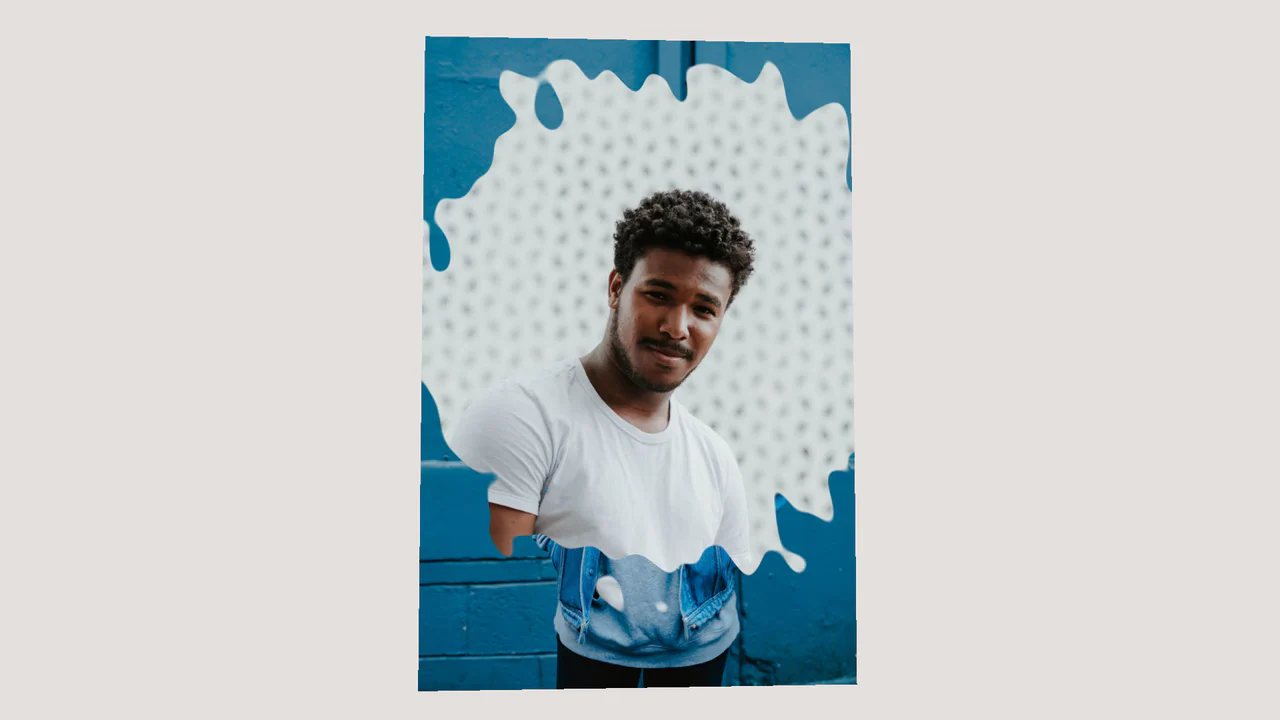
Image Displacement with Three.js
A texture morphing effect with 3D rotation on hover, implemented using Three.js and shaders (GLSL). The fragment shader uses the snoise3 function (simplex noise) to create an organic mixing mask for blending two images.
See the Pen Image Displacement with Three.js.

Multi-Card Spotlight Effect
An interactive 3D card effect where JavaScript tracks pointermove, calculates the relative cursor position, and passes it to --ratio-x and --ratio-y CSS variables, while CSS uses calc() to drive rotateX and rotateY.
See the Pen Multi-Card Spotlight Effect.

Fingerprint Scan Animation
Explore an interactive SVG fingerprint animation brought to life by the GSAP DrawSVGPlugin and a clever use of a GIF-textured stroke. Hovering over the button triggers the layered, staggered path animation for a satisfying “scan” reveal.
See the Pen Fingerprint Scan Animation.

Photo Gallery with a Comic Touch
Explore a dual-interaction card where a 3D parallax responds to mouse movement, while a click triggers a “camera flash” and a comic-style text reveal. The hover effect uses throttled JS for performance, and the click animations are powered by GSAP.
See the Pen Photo Gallery with a Comic Touch.

Icon Grid Follow Mouse Effect (GSAP & Canvas)
A demo of how GSAP and Canvas 2D work together to create a grid of elements that react to the cursor using smooth vector transformation.
See the Pen Icon Grid Follow Mouse Effect (GSAP & Canvas).
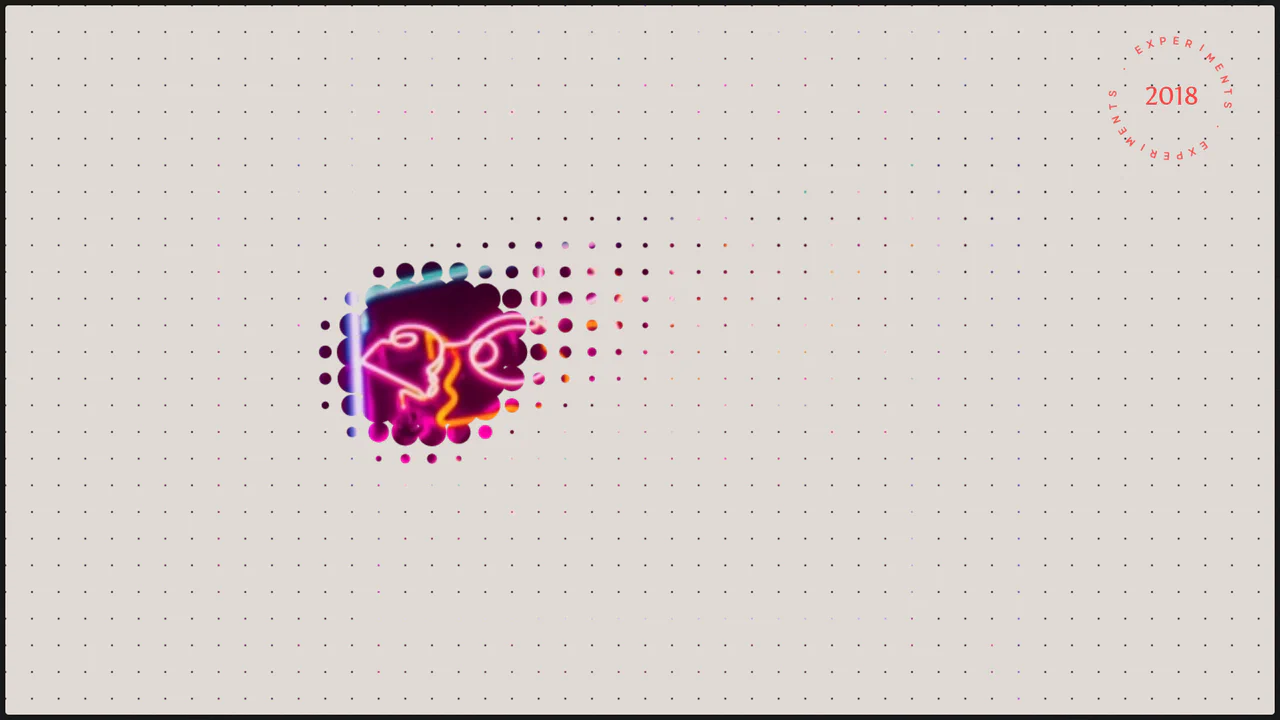
Canvas Proximity Mask Effect
An implementation of Mouse Interaction with a grid of elements: each circle smoothly interpolates its radius towards a target using an ease factor for liquid-like animation, producing a smooth repulsion effect.
See the Pen Canvas Proximity Mask Effect.

3D CSS Grid Inverse UV Projection Effect
The Screen-to-UV technique calculates cursor distance to cells in an isometric grid; the result controls a CSS variable to generate a “living” 3D surface effect using pure CSS/JS.
See the Pen 3D CSS Grid Inverse UV Projection Effect.
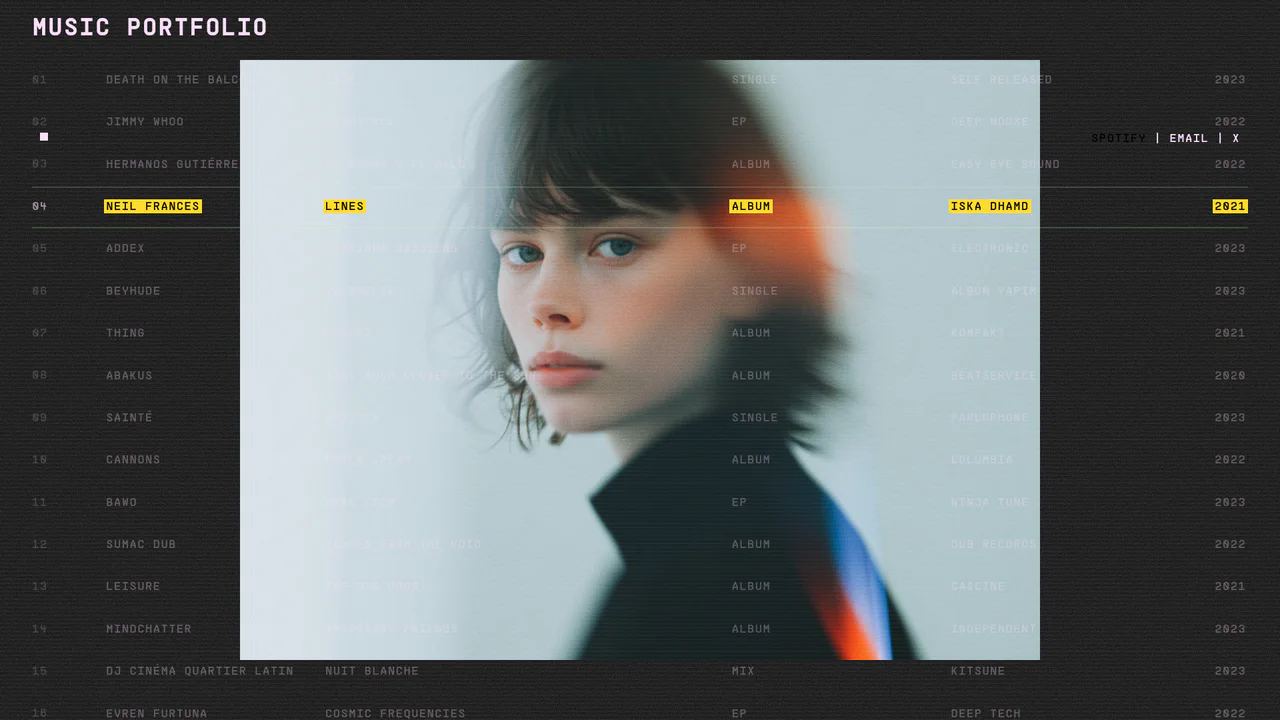
GSAP Interactive Table with Hover Effects
This interactive portfolio leverages GSAP for smooth animations and a text scramble effect on hover, plus a dynamic background image that changes with a parallax effect for each project.
See the Pen GSAP Interactive Table with Hover Effects.

Repetition Image Animation
Technically, this GSAP and vanilla JS demo creates a multi-layered parallax effect, where each layer responds to mouse movement, and a drag gesture adds complex 3D rotation. The code is flexible, allowing you to switch between different shapes and visual styles.
See the Pen Repetition Image Animation.

Chromatic Aberration Logo Effect on Hover
This demo showcases a dynamic hover effect using CSS masks and JavaScript to reveal a stylized version of an image. The effect tracks the mouse, dynamically updating the radial gradient mask and providing a unique interactive element.
See the Pen Chromatic Aberration Logo Effect on Hover.
