6 JavaScript Image Comparison Sliders
JavaScript image comparison sliders aren’t just widgets; they’re an effective way to visualize “before and after” image differences in real-time. The core technical aspect involves using CSS Masking or Clip-Path combined with JS logic for precise divider positioning. Many modern demos utilize CSS Custom Properties (CSS Variables) for dynamic control over slider and gradient styling. Explore this collection to implement a performant, clean, and touch-friendly comparison slider.
Examples

Interactive Clip-Path Image Comparison
This is an Interactive Clip-Path Image Comparison. It juxtaposes two states of a single subject using a fluid, pointer-driven mask. Its function is to provide immediate, tangible proof of transformation (before/after), replacing static side-by-side galleries with a unified exploratory experience.
 Chrome 75+
 Edge 79+
 Firefox 71+
 Safari 13+
See the Pen Interactive Clip-Path Image Comparison.

Image Compare Viewer
A comprehensive documentation page featuring a complex, interactive Image Comparison Slider managed by the external ImageCompareViewer library.
See the Pen Image Compare Viewer.

Image Hover Effect
A unique, visually impressive effect where the user moves a “liquid,” morphing lens to compare two scenes, demonstrating advanced use of SVG and DOM manipulation for visual UX.
See the Pen Image Hover Effect.

Original vs. Negative Card (Hover and Drag)
A tactile 3D comparison card where the slider reveals image states via blend modes, with smart label occlusion logic.
See the Pen Original vs. Negative Card (Hover and Drag).
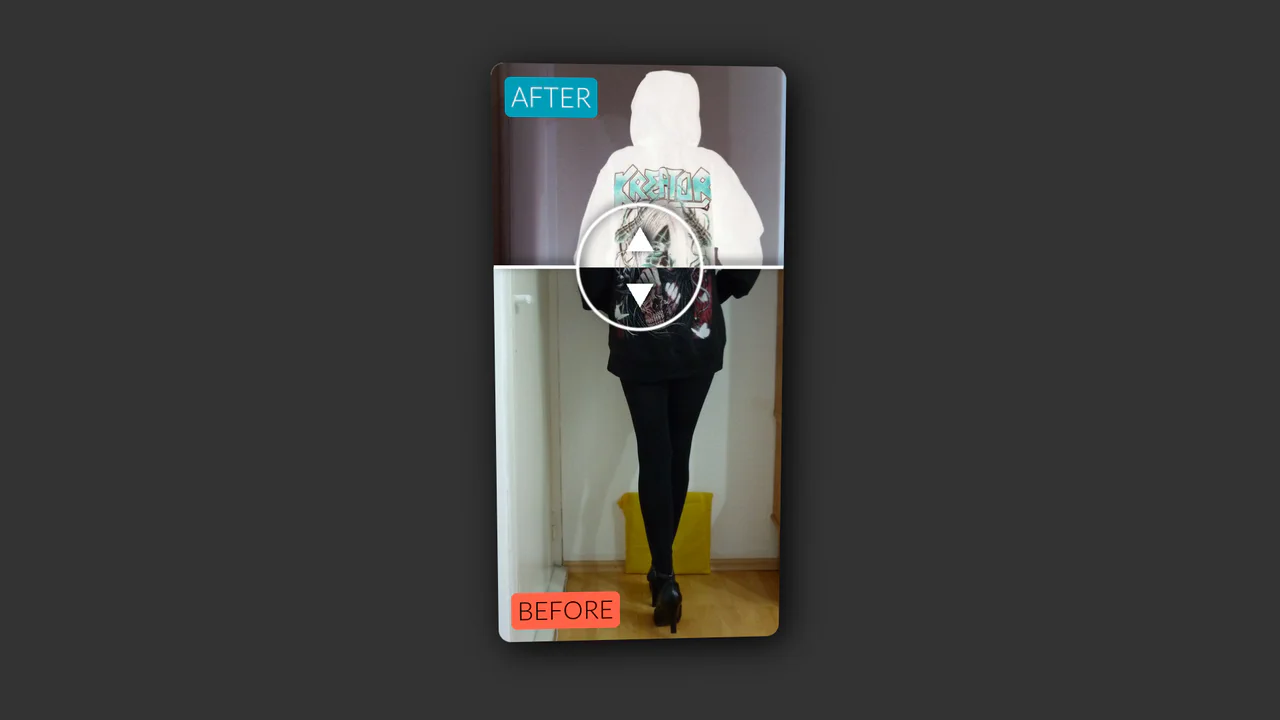
Vertical Original vs. Negative Card (Hover and Drag)
An interactive card that reveals a negative version of the image on hover, with a draggable slider to compare the two versions, utilizing CSS blend modes and 3D transforms.
See the Pen Vertical Original vs. Negative Card (Hover and Drag).
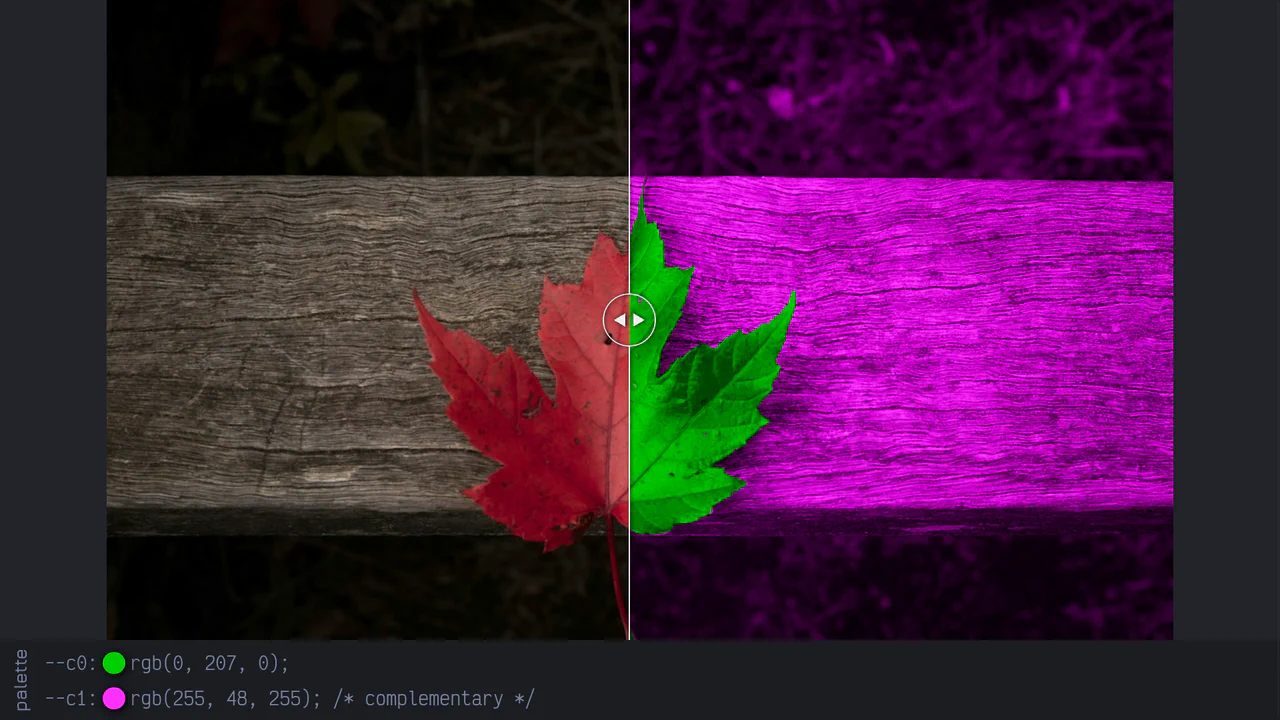
Complementaries - Interactive Palette Picker
A dynamic split-slider built with pure CSS and JS, utilizing CSS variables for custom slider and gradient styling, alongside masking for image visual division.
See the Pen Complementaries - Interactive Palette Picker.