30+ JavaScript Input Text
Enhancing input fields with JavaScript opens up creative ways to improve form usability and aesthetics. This collection of JavaScript-enhanced text inputs includes floating labels, input masking, real-time validation, auto-suggestions, and typewriter effects.
Examples
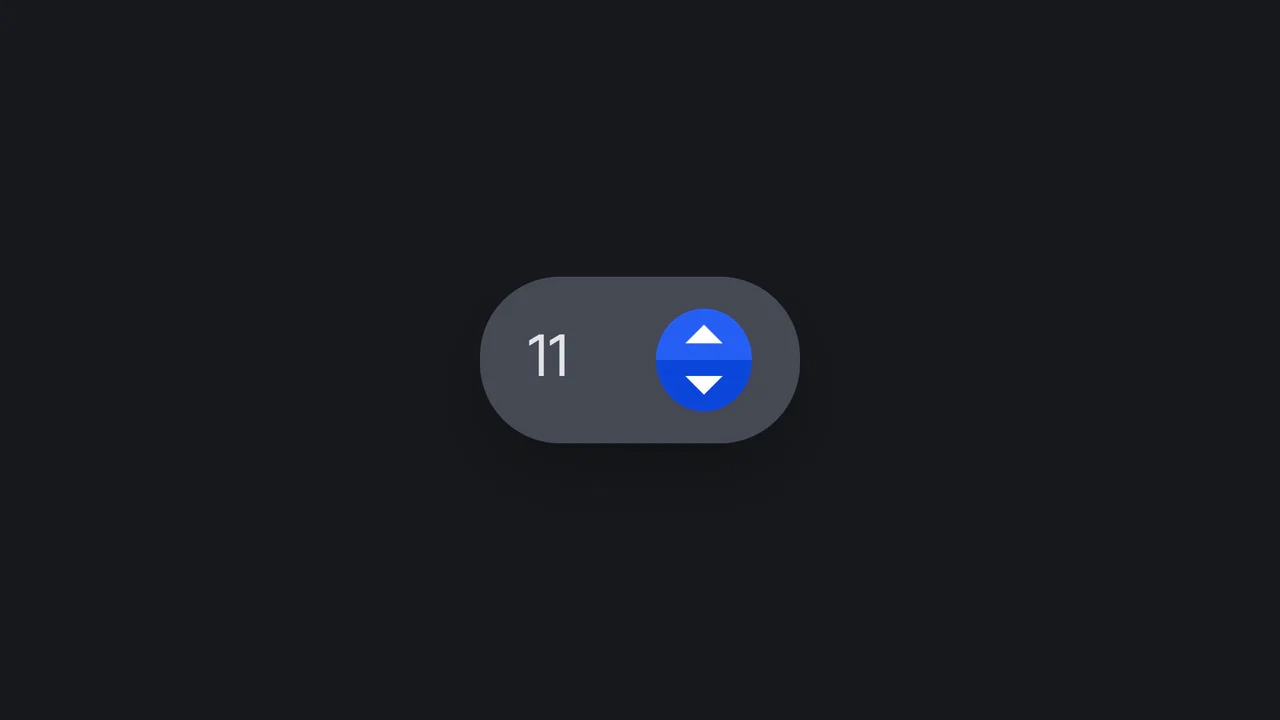
Tilted Rotational Elastic Number Input
An interactive number input designed with playful rotational physics. Powered by a vanilla ES6 class, the component dynamically tilts left or right upon button click or screen touch. When released, the parent card bounces back to its neutral position while the internal value increments or decrements under a synced CSS keyframe sequence. Fully supports dark mode media preferences.
 Chrome 36+
 Edge 12+
 Firefox 16+
 Safari 9+
See the Pen Tilted Rotational Elastic Number Input.

Pac-Man Password Reveal with GSAP
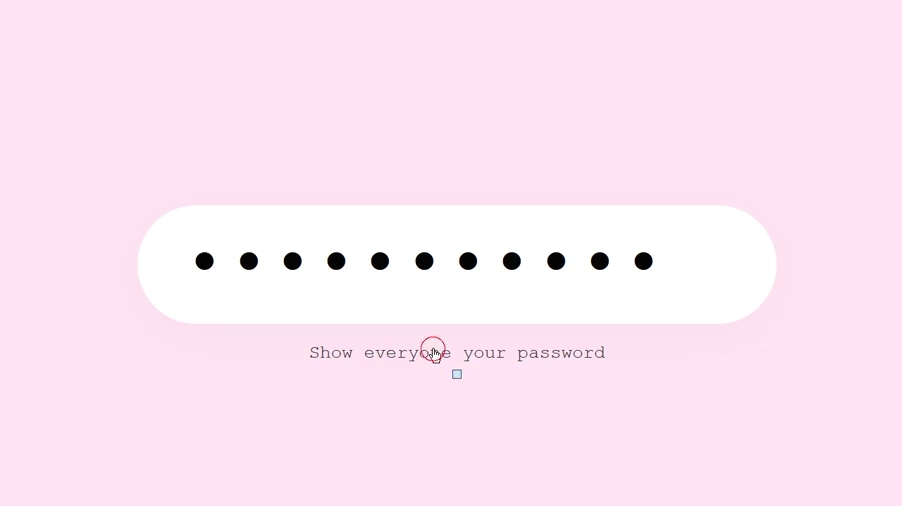
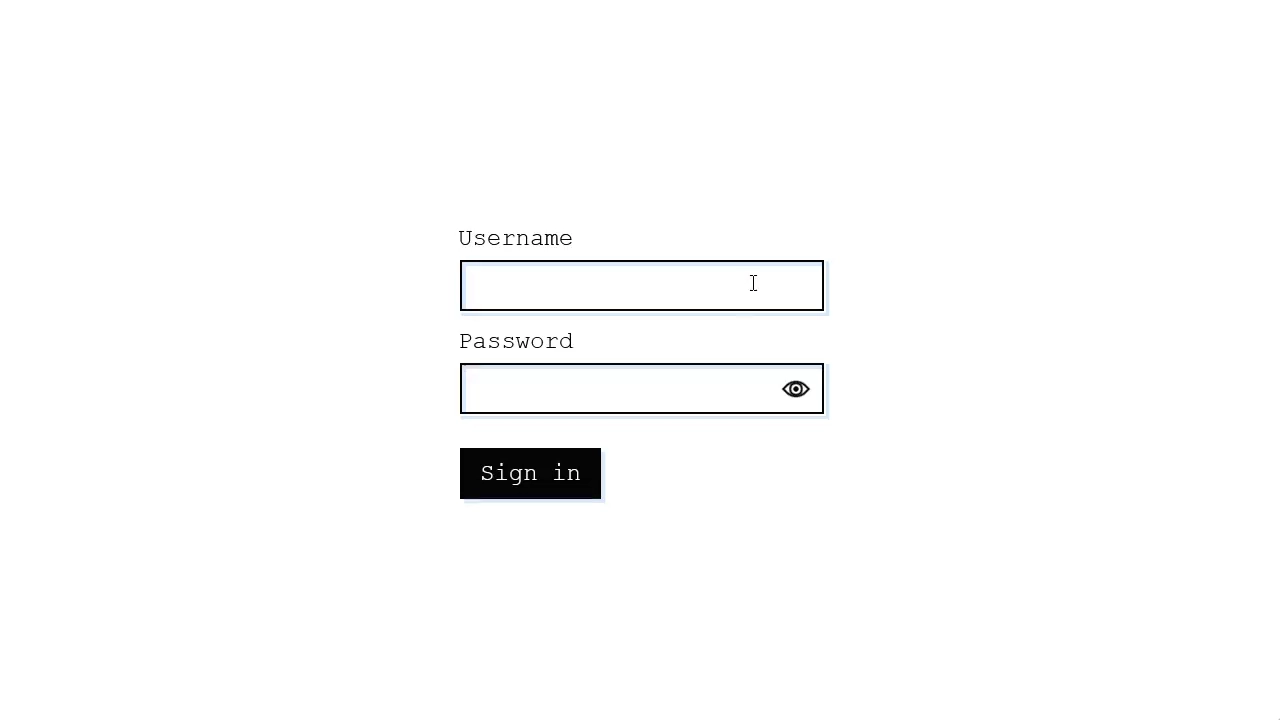
This component provides a delightful user experience by replacing the standard “show/hide” password icon with animated Pac-Man characters. The entire interaction is driven by two GSAP timelines, which not only move the characters but also change the input’s background and letter spacing, creating a fully immersive and playful UI.
See the Pen Pac-Man Password Reveal with GSAP.

Accessible Password Input with Custom Web Components
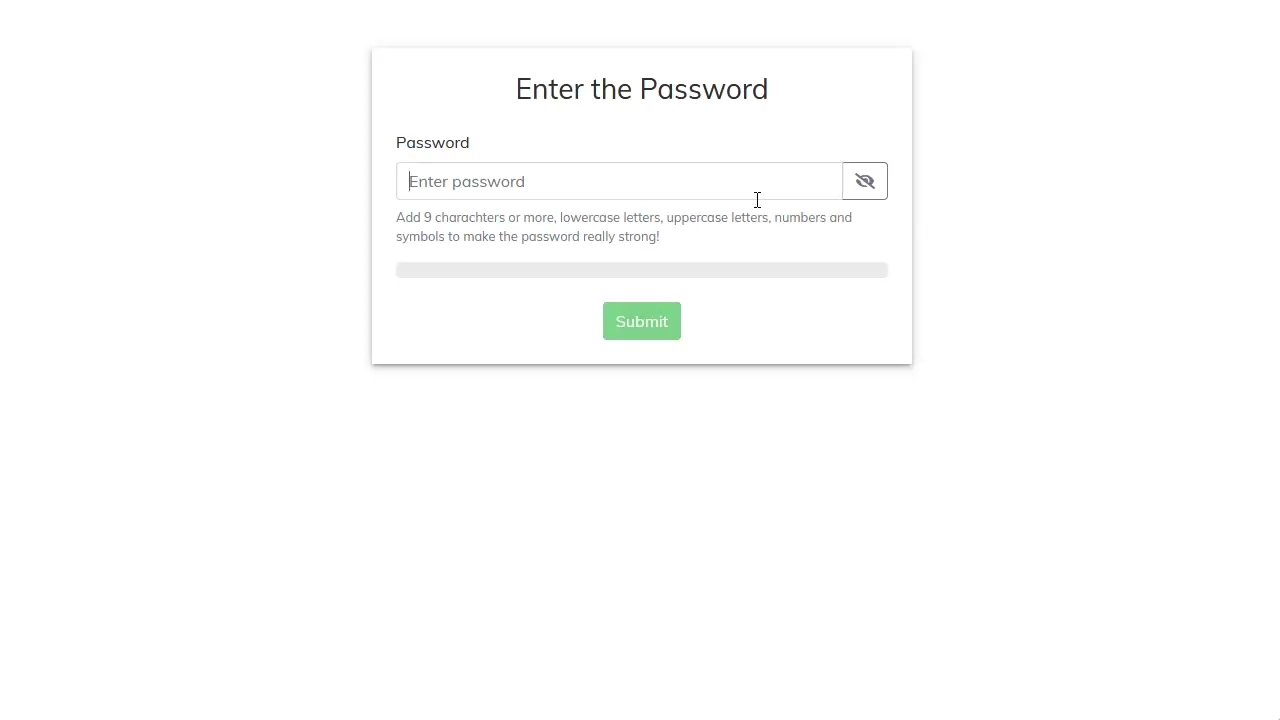
Discover how to build a robust and accessible password input using only Vanilla JS to create Custom Elements and validate rules via RegExp, visualizing progress with data-score attributes and CSS Custom Properties.
See the Pen Accessible Password Input with Custom Web Components.
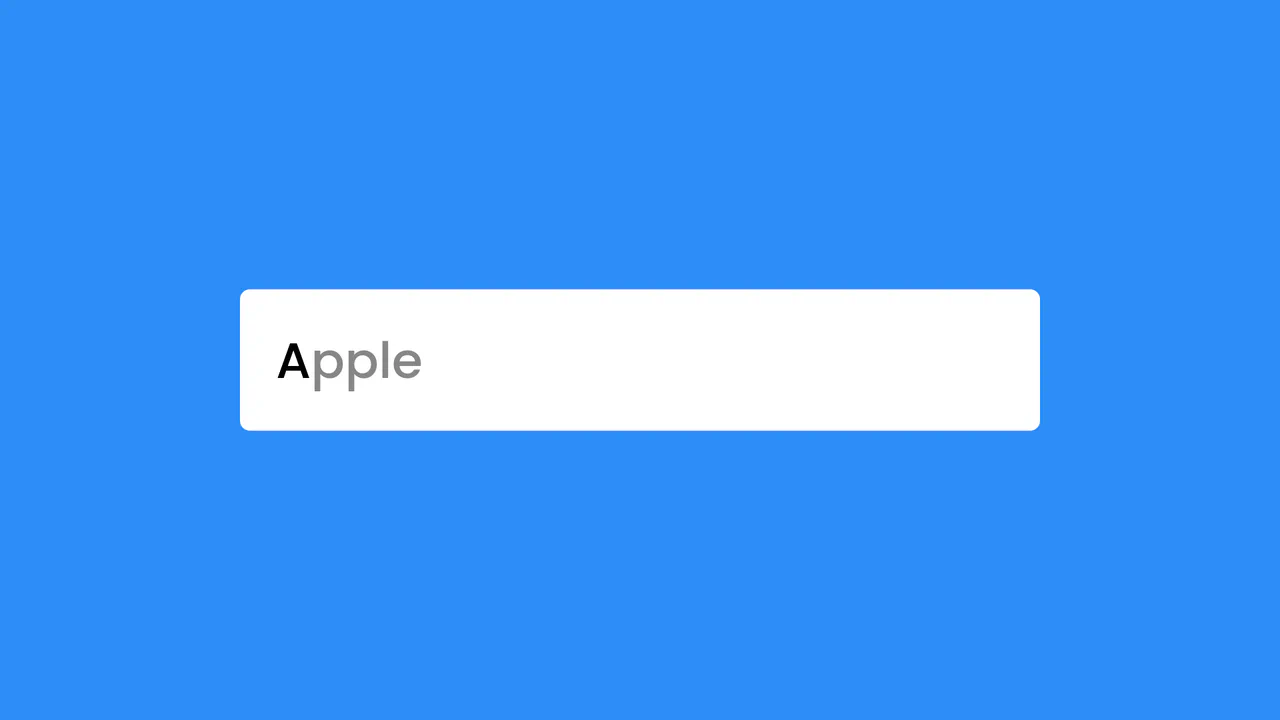
Predictive Text Suggestion
Pure JavaScript delivers instant autocomplete: the core technical highlight is an efficient comparison algorithm utilizing RegExp for prefix search and a dedicated caseCheck function for precise case adaptation based on user input.
See the Pen Predictive Text Suggestion.

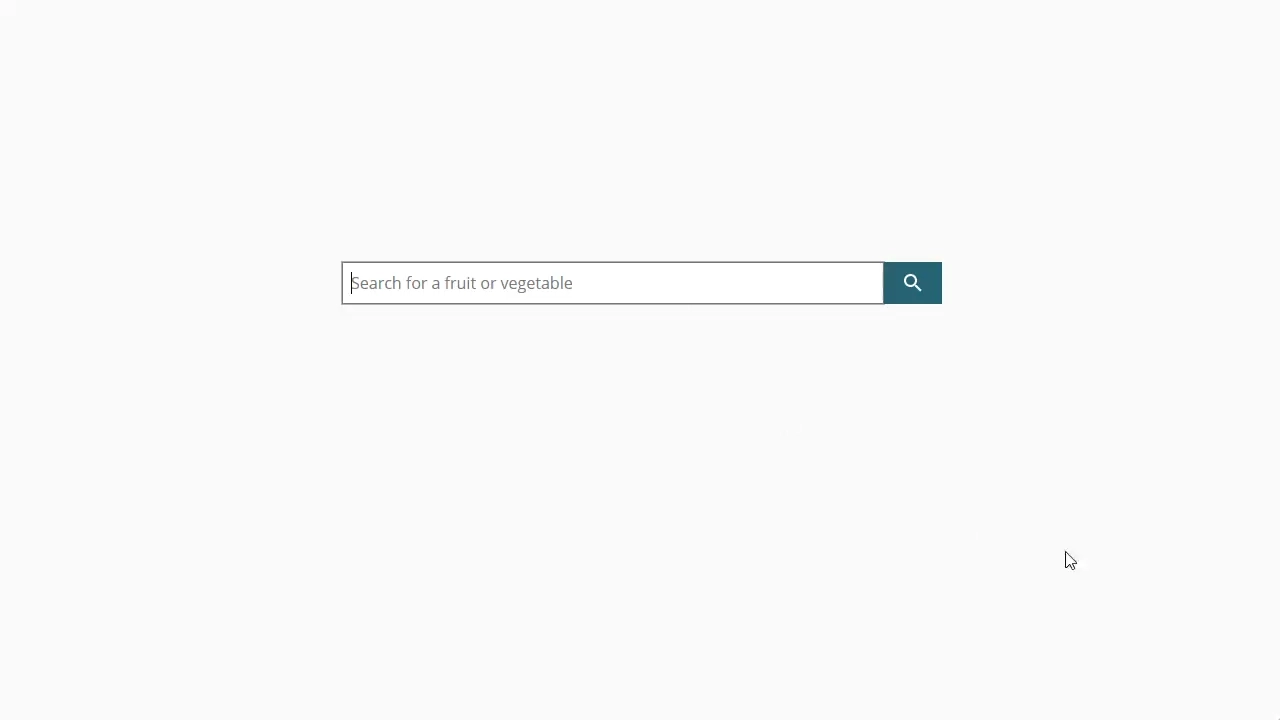
Typing Suggestions (Autocomplete)
This live autocomplete component leverages prefix-matching logic for instantaneous suggestions, allowing users to accept the fastest result via the Tab key or navigate options with arrow keys.
See the Pen Typing Suggestions (Autocomplete).
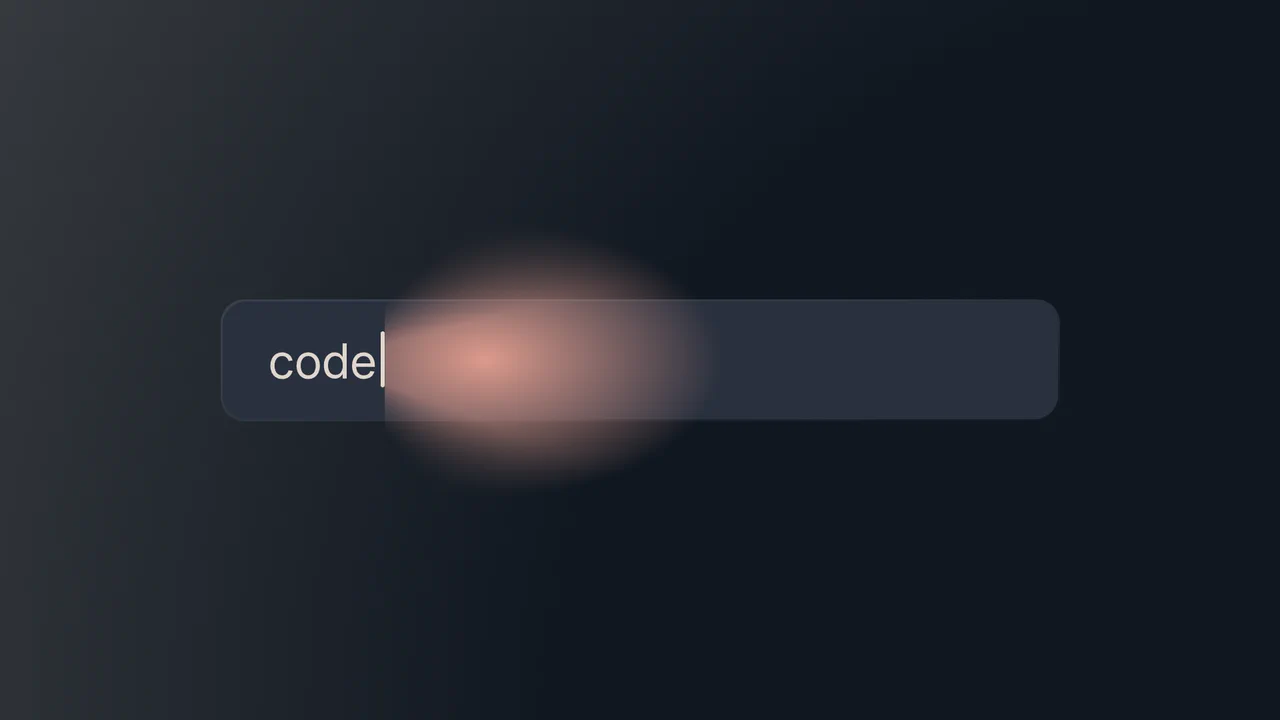
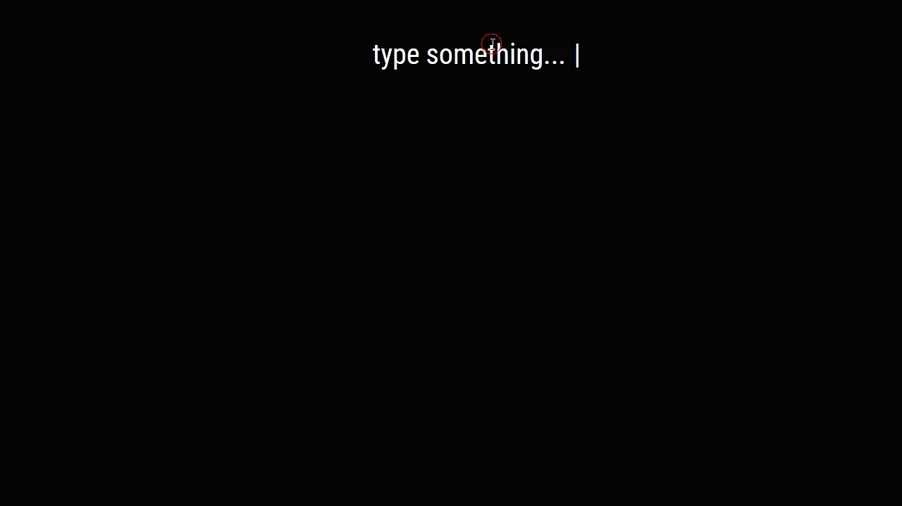
Miracle Cursor
A deep dive into modern CSS and JavaScript techniques, showcasing the power of CSS variables, conic-gradients, and clip-path to create a unique, self-highlighting cursor effect.
See the Pen Miracle Cursor.