8 Javascript Keyboard Event Examples
This collection dives into the core of user interaction by demonstrating JavaScript’s keyboard events: keydown, keyup, and keypress. The examples focus on capturing and processing user input, from identifying specific keys with event.key and event.code to implementing keyboard shortcuts. You’ll learn how to manipulate the DOM and trigger actions based on precise keyboard inputs.
Examples

Fluid Flexbox Accordion Carousel
This is a Fluid Flexbox Accordion Carousel. It manages the spatial distribution of images using CSS flex-basis and animates an infinite scrolling loop via DOM node manipulation. Its function is to showcase featured content without hard clipping, allowing users to preview adjacent items while maintaining absolute focus on the active selection.
 Chrome 88+
 Edge 88+
 Firefox 78+
 Safari 14+
See the Pen Fluid Flexbox Accordion Carousel.

Spatial Grid Image Explorer
This is a Spatial Grid Image Explorer. It maps a collection of high-resolution images onto an infinite 2D canvas, allowing users to pan spatially rather than scrolling linearly. Its function is to provide an immersive, map-like navigation experience for visual portfolios, shifting the paradigm from vertical feeds to omnidirectional exploration.
Chrome 80+
Edge 80+
Firefox 75+
Safari 13.1+
See the Pen Spatial Grid Image Explorer.

Cinematic 3D Racing Pursuit Game
This is a Cinematic 3D Racing Pursuit Game. It renders an endless runner-style experience with high-speed lane switching, projectile combat, and dynamic obstacle generation. Its function is to demonstrate complex WebGL post-processing and real-time game loops inside the browser, transforming a static webpage into an interactive arcade environment. (Requires: three-js)
Chrome 80+
Edge 80+
Firefox 75+
Safari 13+
See the Pen Cinematic 3D Racing Pursuit Game.

Reveal Animated Hero Slider
This is a Reveal Animated Hero Slider. It cycles through prominent featured content using synchronized transitions. Its function is to capture user attention instantly, employing staggered typography reveals and a sweeping geometric mask to introduce new visual assets without jarring cuts.
Chrome 64+
Edge 79+
Firefox 67+
Safari 12+
See the Pen Reveal Animated Hero Slider.

Interactive Sliding Grid Puzzle Game
This is an Interactive Sliding Grid Puzzle Game. It structures a multi-level spatial logic challenge entirely within the DOM. Its function is to demonstrate complex 2D state management, collision detection, and procedural grid generation without relying on the HTML Canvas API, utilizing standard HTML elements for interactive entertainment.
Chrome 60+
Edge 79+
Firefox 55+
Safari 11+
See the Pen Interactive Sliding Grid Puzzle Game.

Stealth Pi Game
Web games often get bogged down in heavy engines. This project is a love letter to the raw power of the HTML5 Canvas API. It is a pure, dependency-free arcade experience (save for a tiny sound synthesizer) that pits player reflexes against mathematical precision. You aren’t just moving pixels; you are navigating a vector field, dodging a ray-casting collision detector that speeds up as you survive. It is tense, fast, and built on solid geometry.
Chrome 60+
Edge 79+
Firefox 60+
Safari 11+
See the Pen Stealth Pi Game.
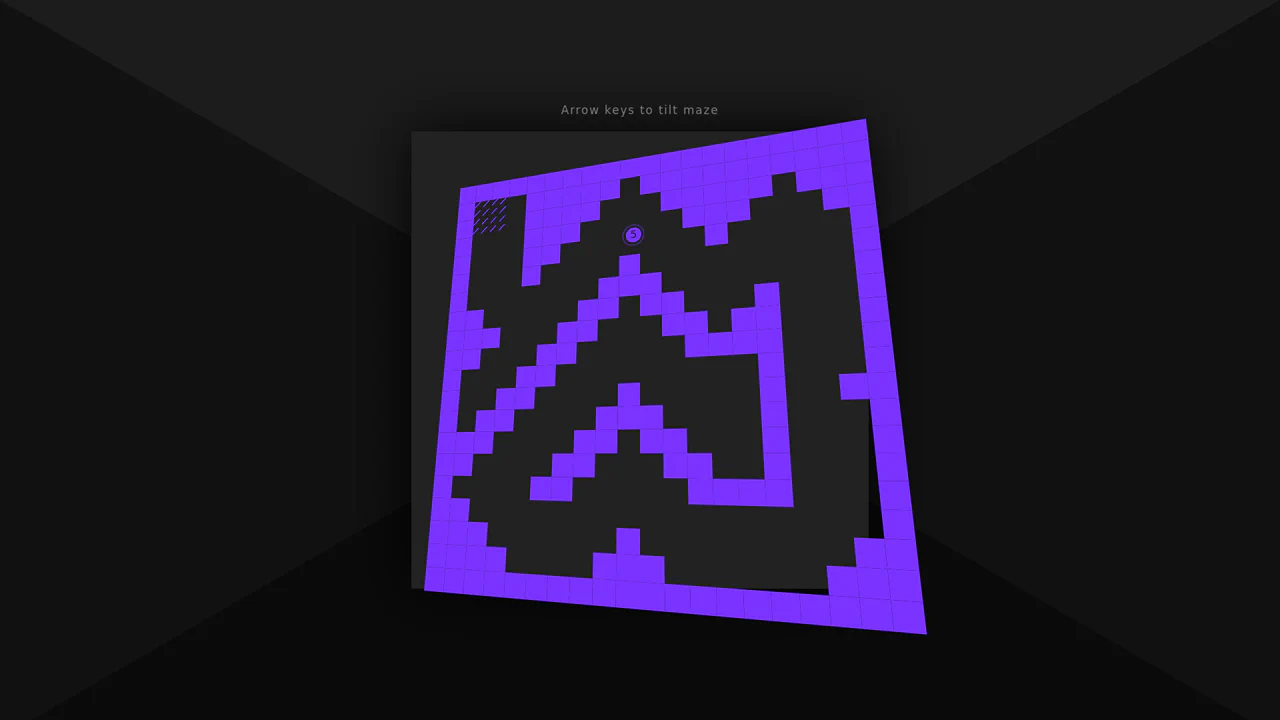
3D Tilt Maze Game
This 3D Tilt Maze Game recreates the classic wooden labyrinth toy using web technologies. By combining CSS perspective with JavaScript keyboard events, it simulates a physical board that tilts to roll a ball. The game includes a rudimentary physics engine for ball movement and wall collision, complete with multiple levels generated from array maps.
Chrome 36+
Edge 12+
Firefox 16+
Safari 9+
See the Pen 3D Tilt Maze Game.
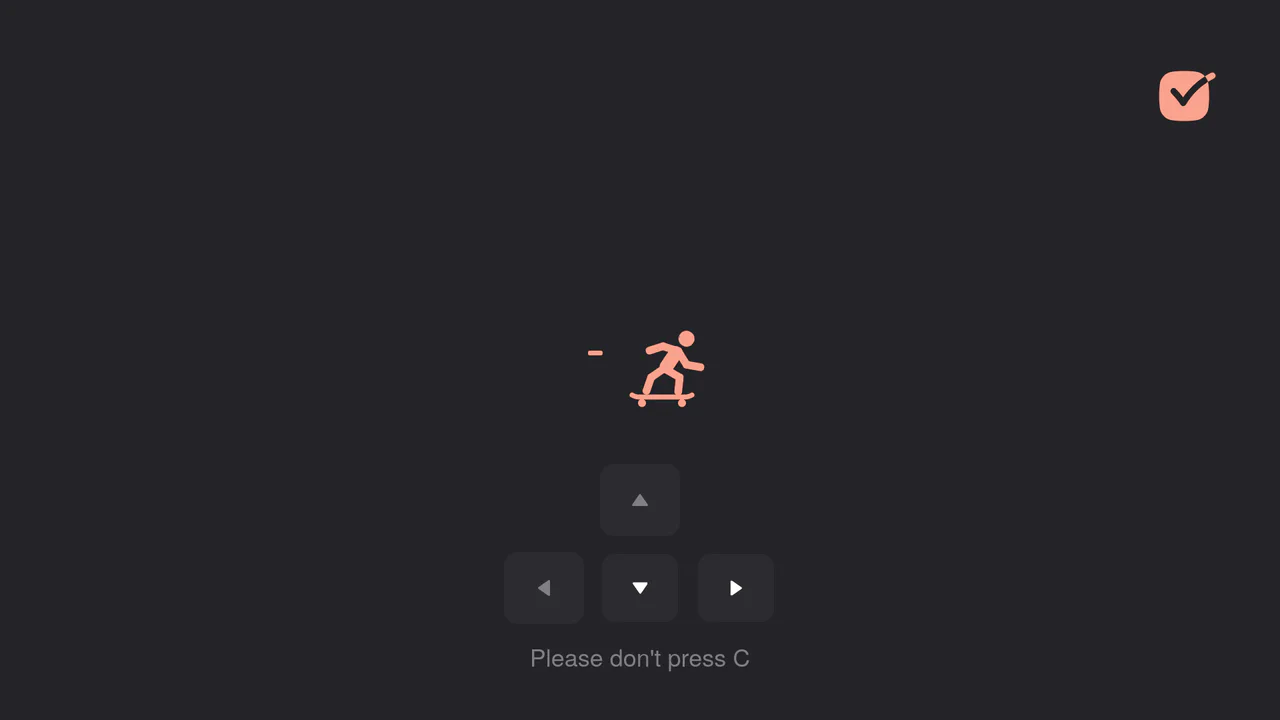
Interactive Skateboard Loading Animation
Explore how a GSAP timeline is used to create a complex movement sequence using keyframes and onComplete callbacks to ensure smooth and realistic transitions between poses. All control is implemented via keyboard and touch event handlers.
See the Pen Interactive Skateboard Loading Animation.