10+ JavaScript Keyboards
Virtual keyboards are essential for custom input experiences, especially on touch-based interfaces or kiosk setups. This collection of JavaScript keyboard components includes on-screen keyboards, language switching, key remapping, and input integration features.
Examples
Interactive Mechanical Keyboard Audio Simulation
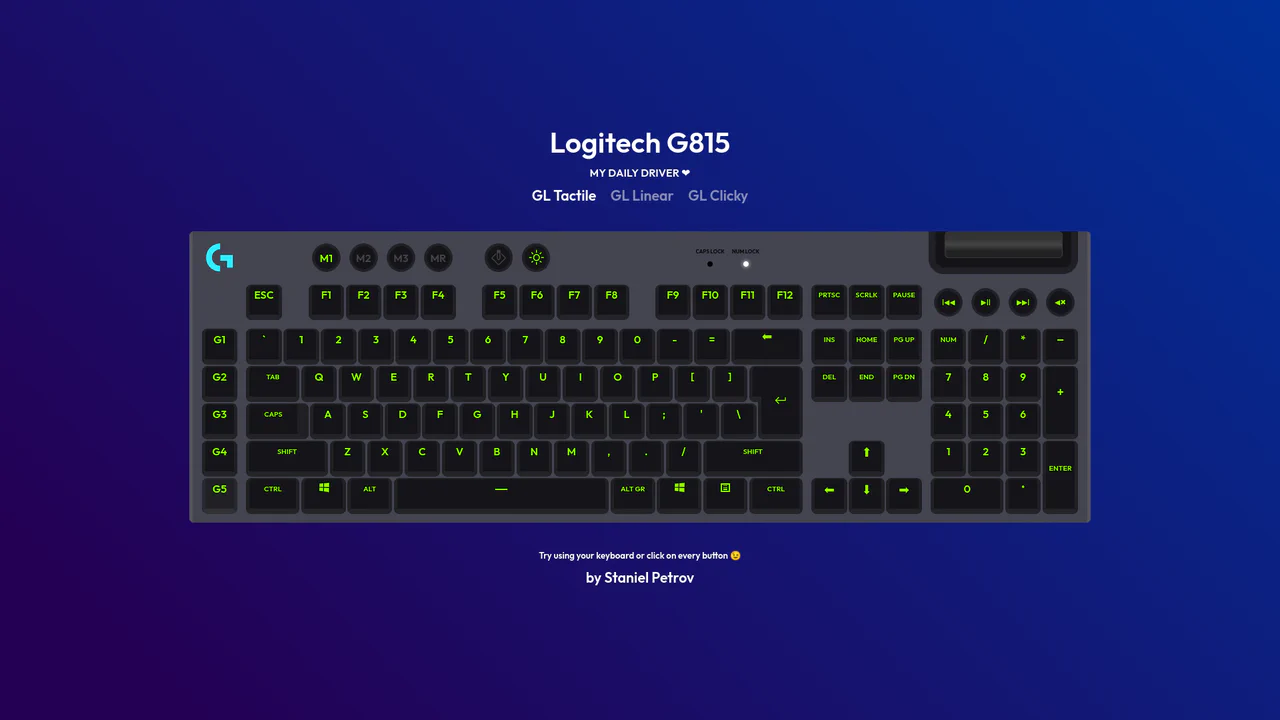
Interactive Mechanical Keyboard Audio Simulation utilizes a highly detailed CSS grid structure to align complex multi-row vector keys and simulate a physical G815 layout. A central event listener handles key interaction by mapping event.code to correspond with data-key attributes on target DOM nodes, simultaneously triggering dedicated audio samples of tactile, linear, or clicky switch sounds. While the visual depth is elegantly achieved with layered CSS shadow offsets and custom hex shading, firing unthrottled HTML5 audio playback on rapid typings can lead to output buffer congestion or slight audio delays on standard browsers.
 Chrome 57+
 Edge 16+
 Firefox 52+
 Safari 10.1+
See the Pen Interactive Mechanical Keyboard Audio Simulation.

RGB Mechanical Keyboard Grid
Digital interfaces often feel flat and lifeless. This component brings the tactile satisfaction of high-end mechanical hardware to the web. By simulating physical properties like keycap depth, under-glow, and randomized RGB lighting, we create an object that begs to be touched. It is a study in skeuomorphic revival, blending modern CSS capabilities with the gamer aesthetic to produce a UI element that feels solid, expensive, and reactive.
Chrome 105+
Edge 105+
Firefox 110+
Safari 16+
See the Pen RGB Mechanical Keyboard Grid.