10+ JavaScript Liquid Effects
The JavaScript Liquid Effects collection demonstrates how to create captivating, fluid, and dynamic backgrounds using modern APIs. The core technical focus is on WebGL (often via libraries like Three.js or PixiJS), as it provides the necessary performance for rendering complex Shaders in real-time.
Examples
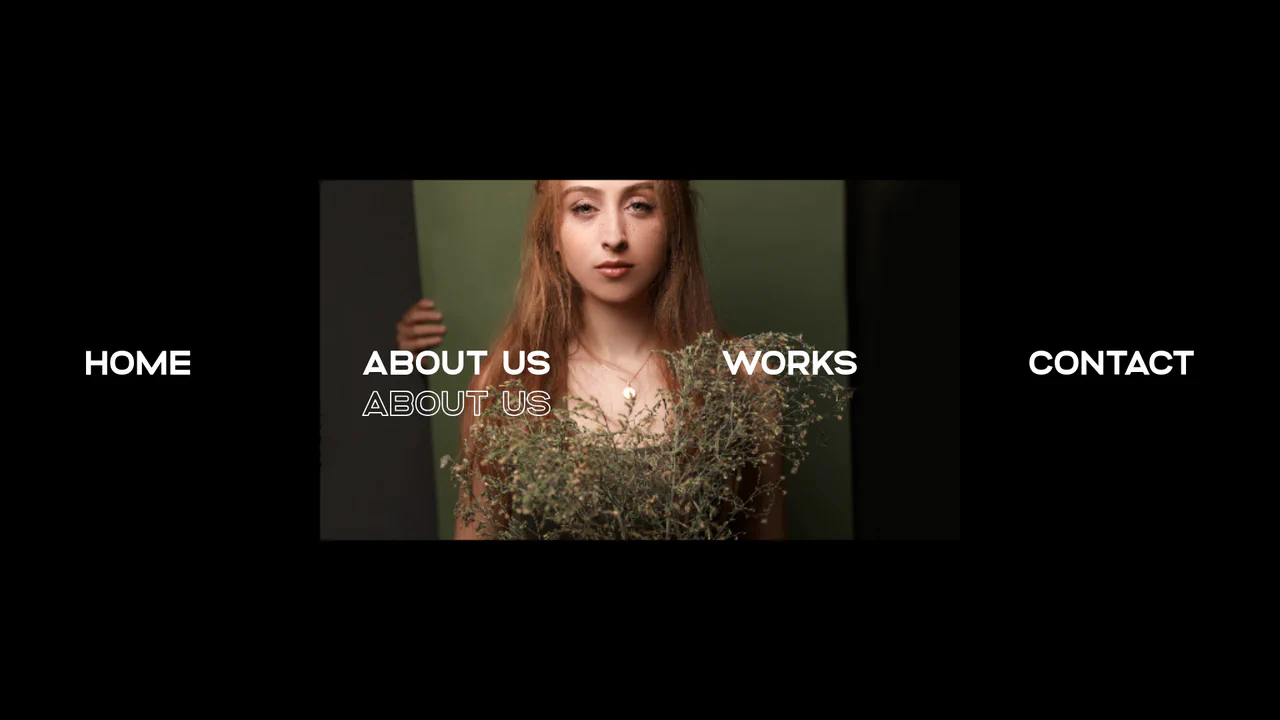
Liquid WebGL Displacement Slide Navigation
This immersive navigation interface integrates Curtains.js to render liquid WebGL texture displacement transitions behind a typographic menu. Moving the mouse over the text links updates the shader’s active textures, using a custom cubic ease-out to bend and morph the pixel coordinates seamlessly. The menu list features staggered GSAP entry animations and double-layered text-stroke outlines. (Requires: gsap.js, curtains.js)
 Chrome 31+
 Edge 12+
 Firefox 27+
 Safari 9+
See the Pen Liquid WebGL Displacement Slide Navigation.
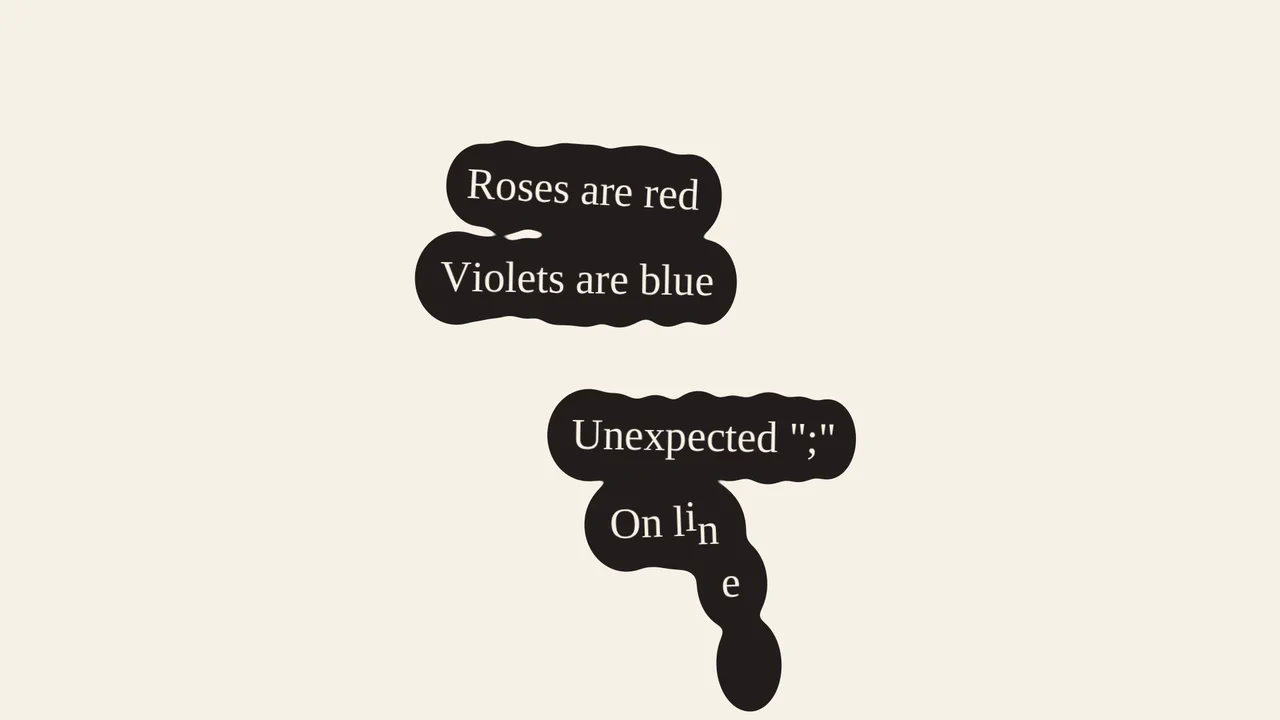
Liquid Puddle Text Reveal
This is a Liquid Puddle Text Reveal. It transforms standard typographic elements into falling droplets that merge organically into readable words. Its function is to provide a highly stylized, kinetic introduction for hero headlines, replacing standard opacity fades with a physical, fluid simulation.
Chrome 60+
Edge 79+
Firefox 55+
Safari 11+
See the Pen Liquid Puddle Text Reveal.

Interactive Liquid SVG Wobble Button
This is an Interactive Liquid SVG Wobble Button. It maps cursor proximity to discrete vector points along an SVG path, deforming the shape in real-time. Its function is to transform a static call-to-action into a physical, reactive object. (Requires: svg.js, generative-utils.js, vector2d.js, debounce.js)
Chrome 80+
Edge 80+
Firefox 75+
Safari 13.1+
See the Pen Interactive Liquid SVG Wobble Button.
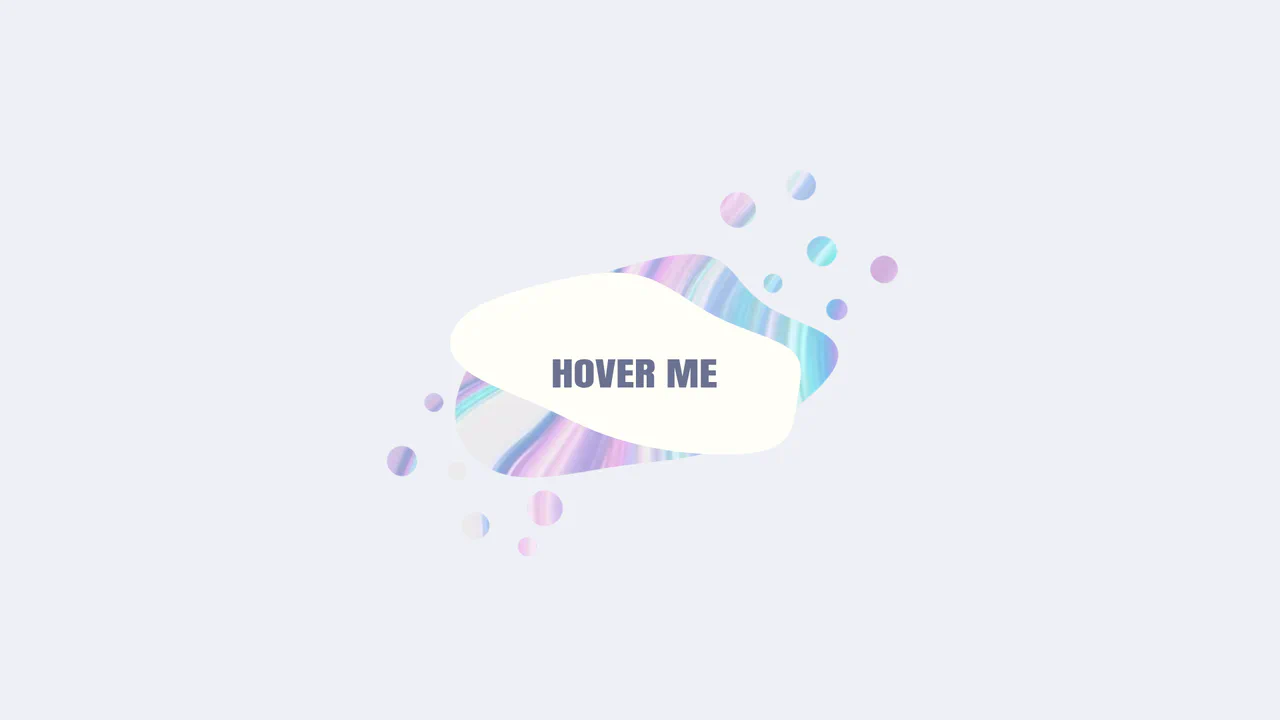
Morphing Liquid SVG Mask Button
This is a Morphing Liquid SVG Mask Button. It masks a raster image (marble texture) with a dynamic SVG shape that transforms into a “gooey” blob upon interaction. Its function is to create a high-end, organic reveal effect for primary calls-to-action, replacing standard rectangular hover states with fluid motion. (Requires: gsap.js, gsap-morphsvg-plugin.js)
Chrome 60+
Edge 79+
Firefox 55+
Safari 11.1+
See the Pen Morphing Liquid SVG Mask Button.

Morphing Liquid Toggle Switch
This Morphing Liquid Toggle Switch takes the standard UI control to a new level of polish. Instead of a rigid circle sliding back and forth, the handle behaves like a viscous fluid. When toggled, it stretches, snaps, and settles into place with a satisfying elastic bounce, creating a delightful tactile experience for the user. (Requires: GSAP, MorphSVGPlugin)
Chrome 50+
Edge 79+
Firefox 50+
Safari 10+
See the Pen Morphing Liquid Toggle Switch.

Interactive Canvas Liquid Image Distortion
This Interactive Canvas Liquid Image Distortion transforms a static image into a playful, fluid surface. By subdividing the image into a grid of tiny cells, the script manipulates the texture coordinates of each cell in response to mouse movement. The result is a “jelly-like” or refractive glass effect where the image appears to warp and ripple under the user’s cursor.
Chrome 4+
Edge 12+
Firefox 3.6+
Safari 4+
See the Pen Interactive Canvas Liquid Image Distortion.
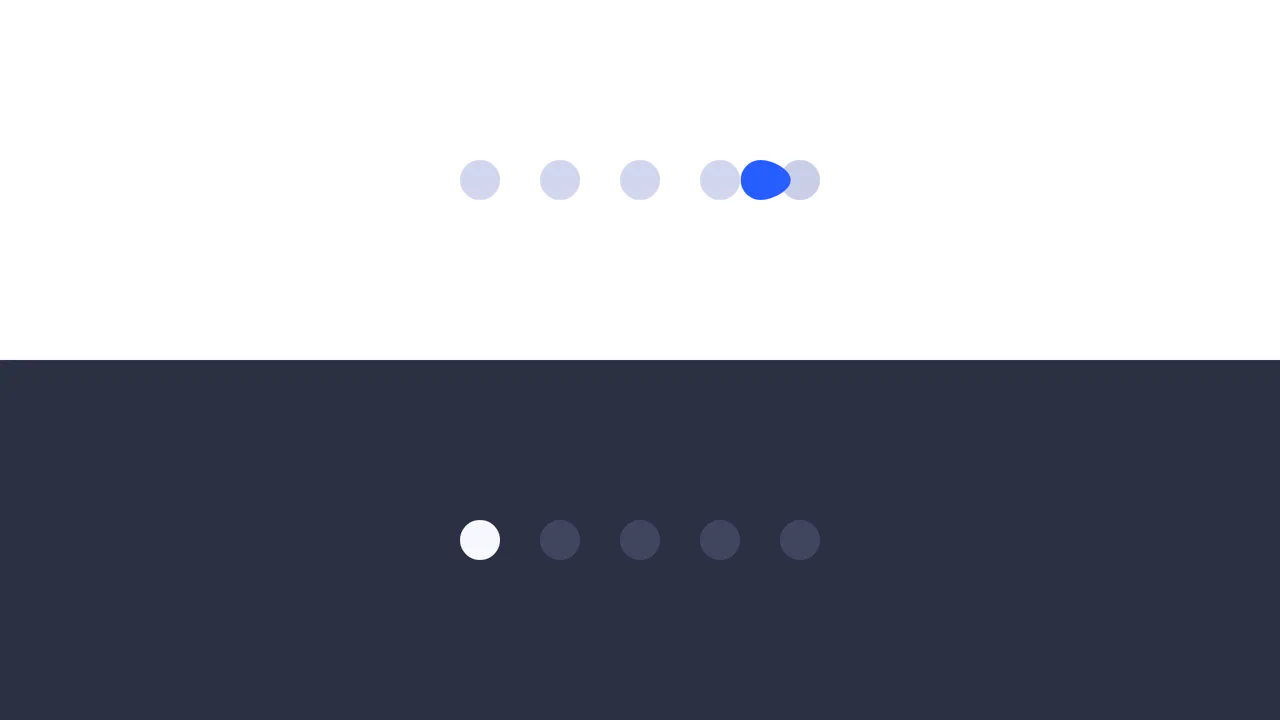
Elastic Morphing Dot Pagination
This Gooey Pagination Dot Morph transforms a standard carousel indicator into a delightful liquid micro-interaction. Instead of simply fading or sliding, the active dot behaves like a viscous fluid - stretching (squashing) as it moves and snapping back to a perfect circle upon arrival. It utilizes GSAP’s MorphSVGPlugin to interpolate between different SVG path shapes in real-time. (Requires: GSAP, MorphSVGPlugin)
Chrome 80+
Edge 80+
Firefox 75+
Safari 13+See the Pen Elastic Morphing Dot Pagination.
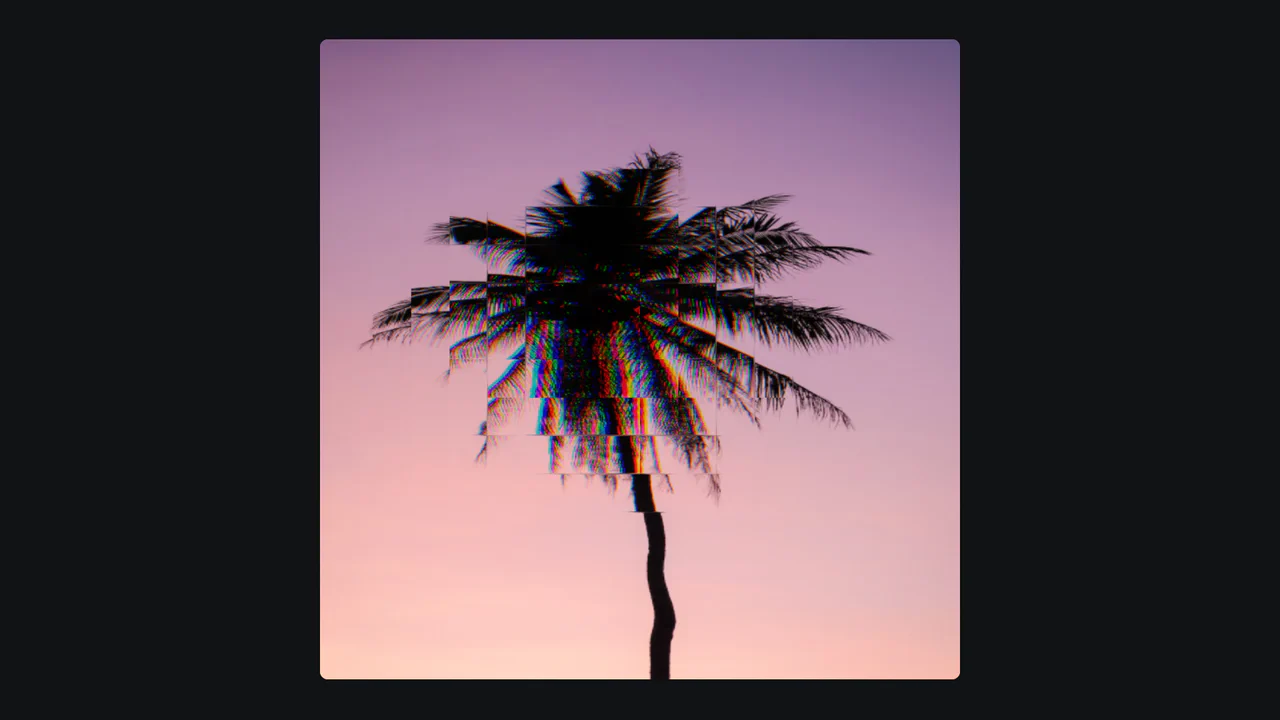
Image Hover Effect with Shaders
An interactive “liquid” image distortion effect powered by Three.js and custom GLSL shaders.
See the Pen Image Hover Effect with Shaders.

Kill the Ketchup
A powerful visual effect of a red liquid “flood” filling the screen, suitable for loading screens, game level transitions, or creative overlays.
See the Pen Kill the Ketchup.
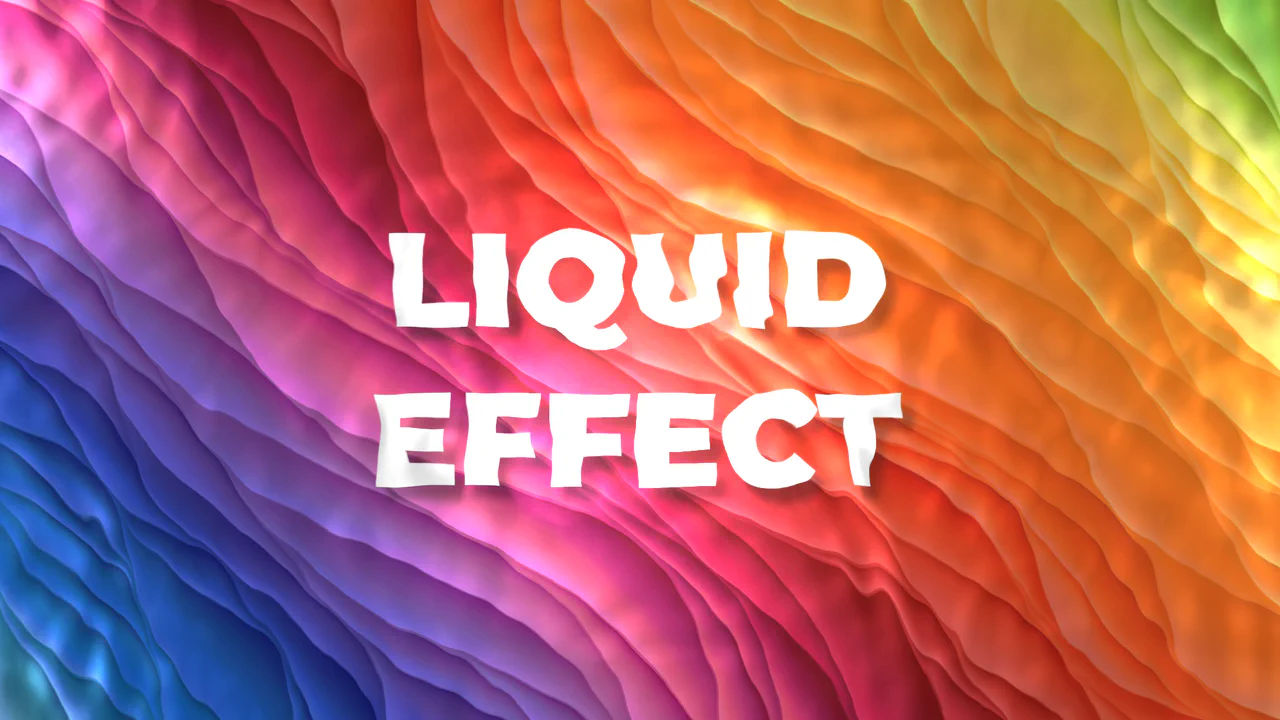
Liquid Effect Background
An efficient WebGL/Three.js dynamic background implementation using a ready-made component. The demo focuses on programmatic adjustment of PBR parameters (Metalness, Roughness) and disabling secondary effects (setRain(false)) for optimization.
See the Pen Liquid Effect Background.