10+ JavaScript List Examples
Make your lists smarter with JavaScript list examples. This collection features interactive UIs with live filtering, sorting, search, pagination, animations, and even drag-and-drop functionality — perfect for dashboards, task managers, and any content-driven web app.
Examples

Dynamic Data-Driven Tag Cloud Component
This is a Dynamic Data-Driven Tag Cloud Component. It consumes an external JSON payload to generate interactive tags, proportionally scaling their font sizes based on their frequency of use. Its function is to visually prioritize popular categories, allowing users to intuitively navigate heavy content taxonomies without reading numbers.
 Chrome 42+
 Edge 14+
 Firefox 39+
 Safari 10.1+
See the Pen Dynamic Data-Driven Tag Cloud Component.

FLIP Animated Responsive Grid Switcher
This is an Animated FLIP Grid Switcher. It bridges the gap between two distinct visual states — Card and List — by mathematically calculating the delta of motion. The component ensures that interface elements do not simply “jump” during a layout change but glide organically into their new coordinates, maintaining spatial continuity for the user.
Chrome 60+
Edge 79+
Firefox 55+
Safari 11+
See the Pen FLIP Animated Responsive Grid Switcher.

GSAP ScrollTrigger List Expansion
This snippet showcases a GSAP ScrollTrigger List Expansion effect. It mimics the native iOS “Notification Center” or “Wallet” card stack behavior. Its function is to condense a long list of items into a compact, layered visual stack, and then fluidly expand them into full, scrollable cards as the user scrolls down the container, creating a highly tactile mobile UI experience. (Requires: GSAP, ScrollTrigger)
Chrome 80+
Edge 80+
Firefox 75+
Safari 13.1+
See the Pen GSAP ScrollTrigger List Expansion.

GSAP Flip Layout Expansion
This GSAP Flip Layout Expansion demonstrates how to animate complex layout changes that are usually impossible with pure CSS. By utilizing the FLIP (First, Last, Invert, Play) technique via GSAP, a list item transforms from a horizontal row into a vertical, detailed card. It smoothly handles the resizing of nested elements (like the avatar) and the repositioning of surrounding items without jumpy reflows. (Requires: GSAP, GSAP Flip Plugin)
Chrome 60+
Edge 79+
Firefox 60+
Safari 11+
See the Pen GSAP Flip Layout Expansion.

Little Details
A stylized nested to-do list employing advanced CSS pseudo-elements for custom markers and hover-based reveal logic for sub-tasks. JavaScript handles basic DOM manipulation for adding/removing items, while the dark UI features gradient borders and tooltip interactions.
See the Pen Little Details.
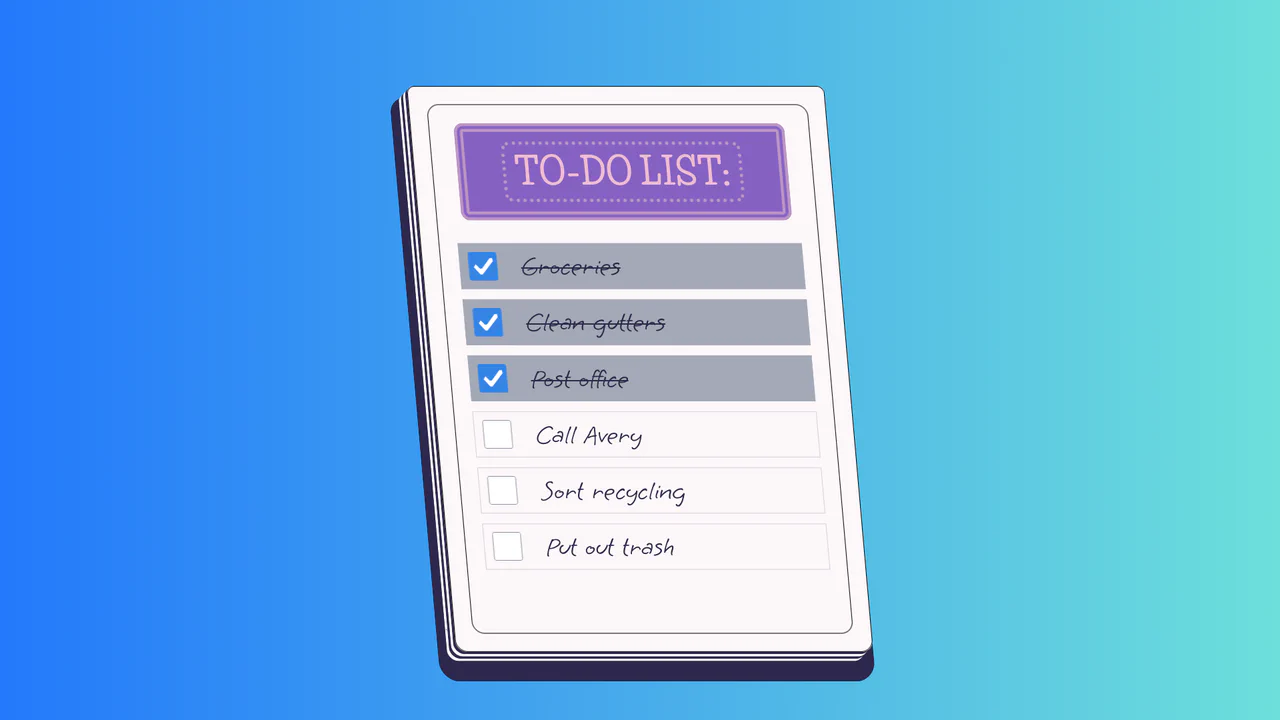
To-Do List
A stylized paper notepad To-Do list featuring a skew transformation and stack-effect shadows. Clicking checkboxes toggles a strikethrough style on handwritten list items via JavaScript class manipulation.
See the Pen To-Do List.
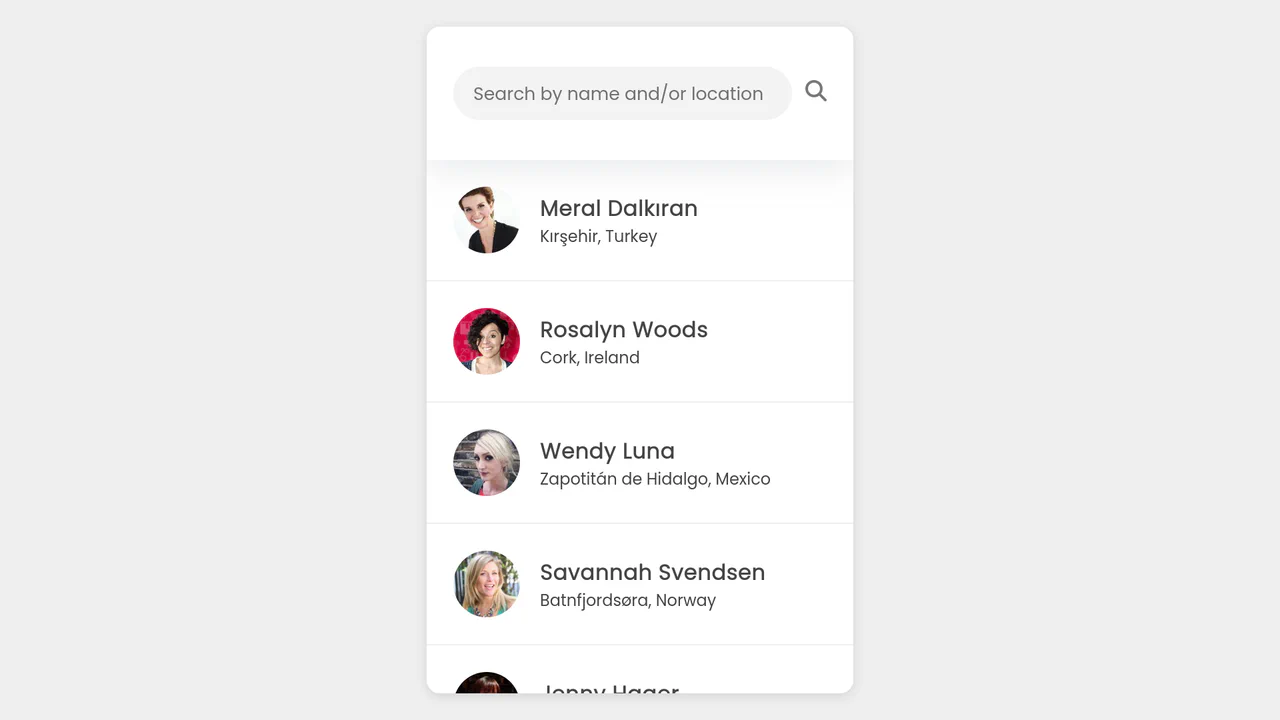
Live User Filter
A responsive and fast contact search interface that loads dynamically and operates without page reloads during filtering.
See the Pen Live User Filter.

To-Do List App with ES6
A full-featured single-page application (SPA) with a responsive interface, filtering, and micro-interactions that runs fast and looks professional.
See the Pen To-Do List App with ES6.

Transaction List with View Transitions
A seamless master-detail interface leveraging the native View Transitions API to animate structural DOM changes without external libraries.
See the Pen Transaction List with View Transitions.

Literally Linked Lists
An engaging data comparison tool that transforms static lists into a dynamic relationship map, clearly visualizing taste overlaps via connecting lines.
See the Pen Literally Linked Lists.

Sliding List with Scroll-Driven Animations
This demo uses a single scroll event listener to calculate the individual progress of each list item as it enters the viewport. The progress value is then passed to a CSS Custom Property, which drives a staggered transform: scale() and opacity animation for a fluid, app-like reveal effect.
See the Pen Sliding List with Scroll-Driven Animations.

The Magic of Cascading CSS Counters
Interactive CSS counter demo with draggable sections. Sortable enables nested block reorganization, tweakpane controls counter start and increment values. shiki generates live syntax highlighting. Visualizes CSS variables --section-start and --section-increment.
See the Pen The Magic of Cascading CSS Counters.