20+ JavaScript Morphing Effects
Bring your interfaces to life with JavaScript morphing effects - dynamic transitions that reshape SVGs, icons, and elements into new forms. This collection showcases creative ways to animate transformations for buttons, loaders, illustrations, and more using libraries like GSAP, Anime.js, and custom logic.
Examples

Interactive Keyframe-Scrubbing Face Rating Slider
This interactive rating slider features an animated face that morphs smoothly between various emotional states. Built with vanilla JS and CSS, the script maps the slider’s percentage value directly to negative animation-delay custom properties. This scrubs through paused keyframe animations to morph facial geometries, skew eyes via clip-path polygons, and cycle HSL gradient hues.
 Chrome 55+
 Edge 79+
 Firefox 54+
 Safari 9.1+
See the Pen Interactive Keyframe-Scrubbing Face Rating Slider.
Elastic Morphing SVG Download Button
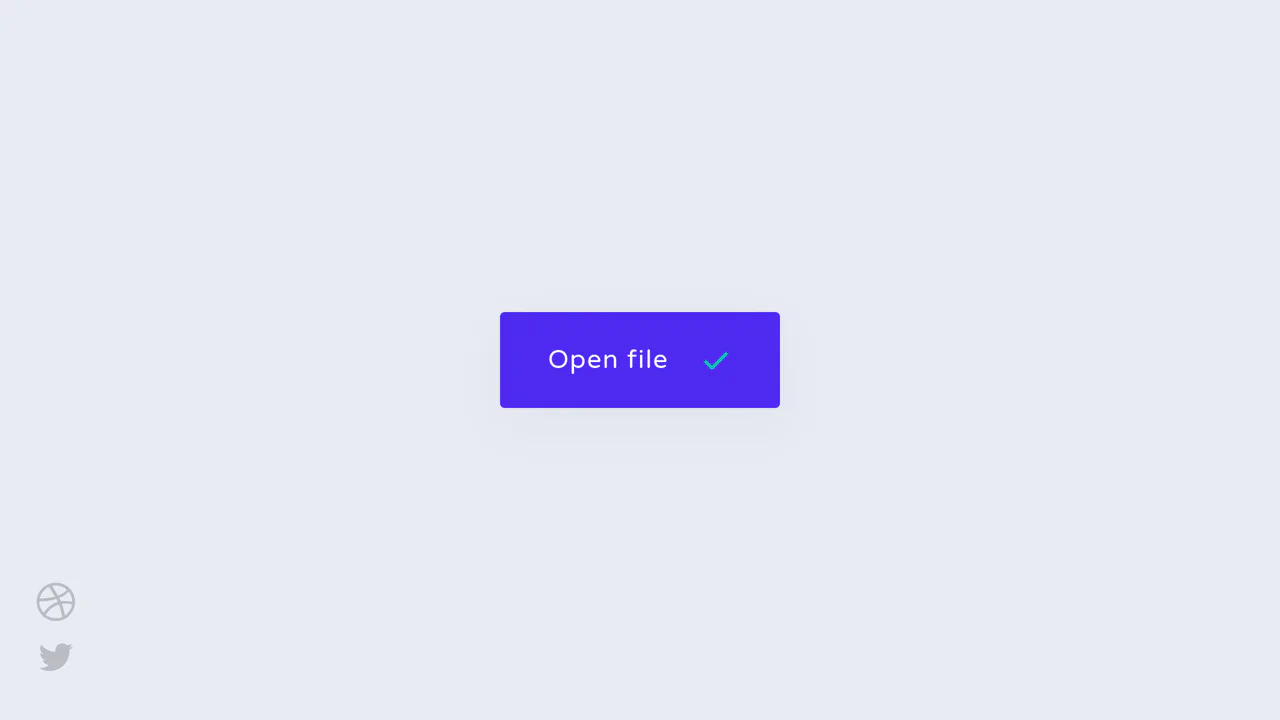
An advanced interactive download button featuring an elastic SVG morphing animation. Powered by the GSAP MorphSVGPlugin and SCSS, clicking the button initiates a synchronized keyframe sequence: the arrow vector launches downward, dynamically compressing and bending the bottom platform line before rotating, merging, and unfolding into a green success checkmark. (Requires: gsap.js, MorphSVGPlugin.js)
Chrome 49+
Edge 12+
Firefox 49+
Safari 9.1+
See the Pen Elastic Morphing SVG Download Button.
Isometric 3D SVG Morphing Chart
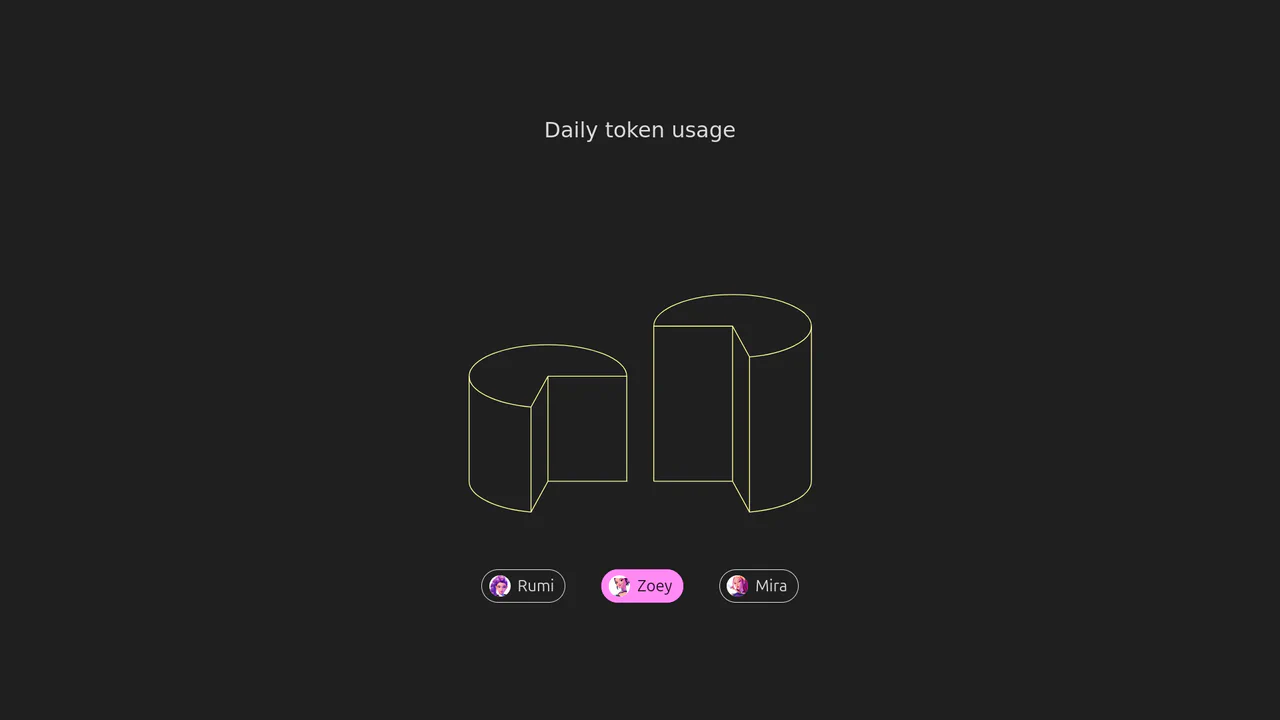
An interactive 3D isometric token usage chart powered by manual SVG path morphing. Instead of relying on heavy drawing libraries, a custom JavaScript interpolator parses matching vector commands and applies organic sine easing. Clicking the menu controls morphs the column heights and cylinder top caps synchronously, highlighted by vibrant rainbow keyframe animations.
Chrome 73+
Edge 79+
Firefox 67+
Safari 13+
See the Pen Isometric 3D SVG Morphing Chart.
Morphing Stripe-Style Dropdown Navigation
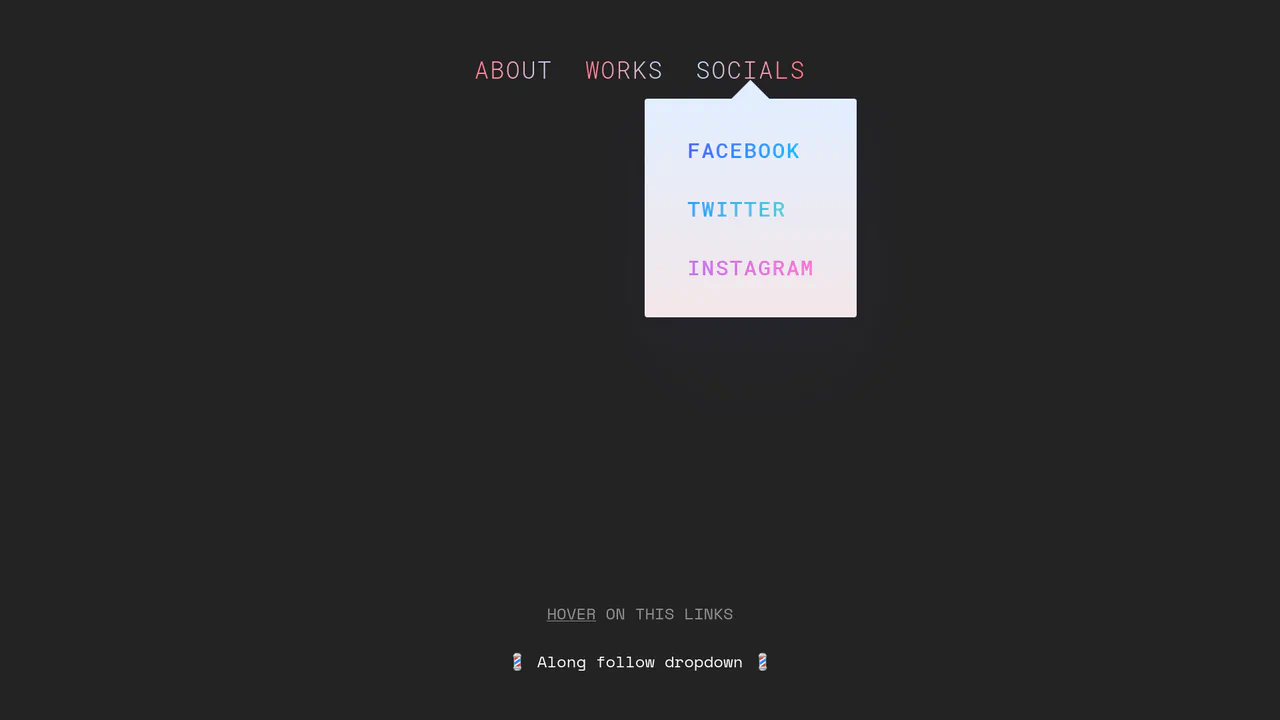
“Morphing Stripe-Style Dropdown Navigation” replicates the famous Stripe header effect. A single background element dynamically resizes and moves behind the active content. JavaScript calculates dimensions using getBoundingClientRect() and updates CSS properties to animate the panel. This approach keeps the DOM clean and ensures smooth transitions between menu sections.
Chrome 48+
Edge 15+
Firefox 48+
Safari 10+
See the Pen Morphing Stripe-Style Dropdown Navigation.
Interactive Loading Progress Button
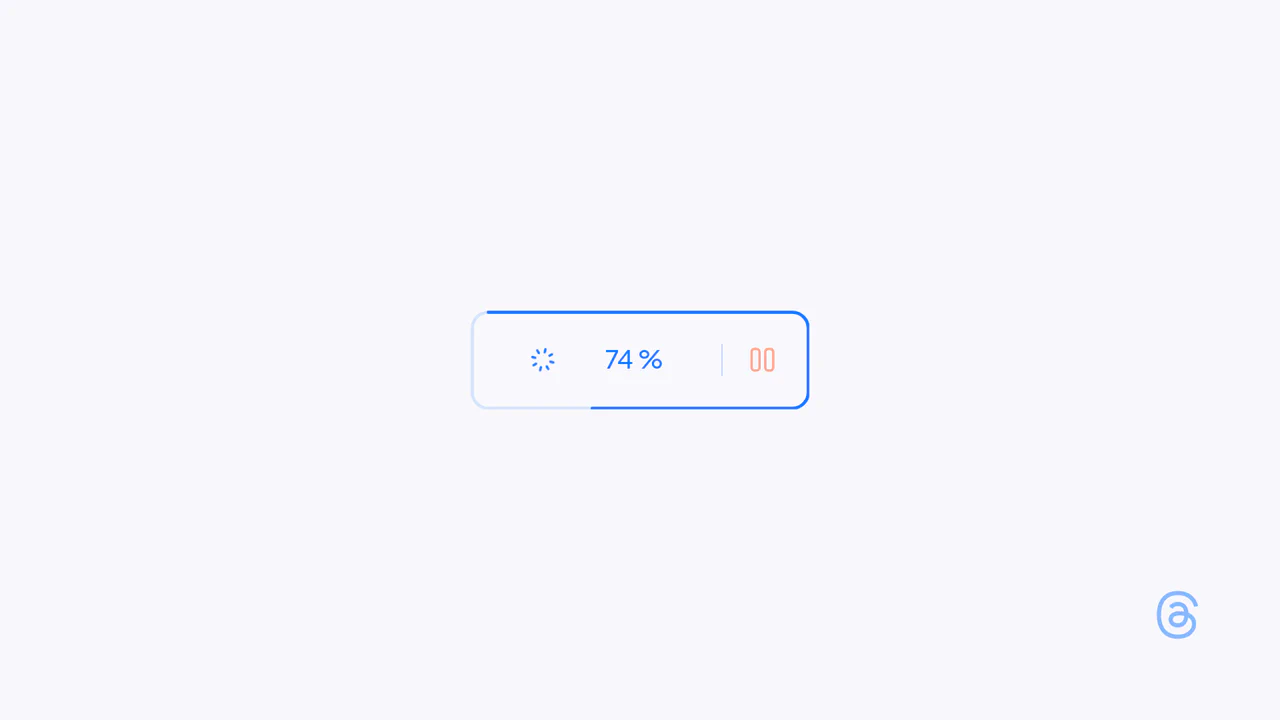
This is an Interactive Loading Progress Button. It consolidates complex system feedback — progress indication, pausing, and completion — into a single geometric constraint. Its function is to keep the user anchored to one focal point during data-heavy operations, eliminating the need for disjointed, full-screen loading modals. (Requires: Anime.js)
Chrome 60+
Edge 79+
Firefox 55+
Safari 12+
See the Pen Interactive Loading Progress Button.

Adaptive Morphing Mouse Cursor Trailer
This is an Adaptive Morphing Mouse Cursor Trailer. It replaces or augments the native pointer with a fluid, high-fidelity visual follower that reacts to the underlying DOM content. Its function is to provide immediate, contextual feedback by scaling up and revealing descriptive icons when the user interacts with specific “interactable” elements. (Requires: FontAwesome)
Chrome 36+
Edge 12+
Firefox 48+
Safari 9+
See the Pen Adaptive Morphing Mouse Cursor Trailer.

Morphing Blob Image Carousel
This is a Morphing Blob Image Carousel. It utilizes procedural geometry and GSAP to generate a continuously shifting SVG mask over an image slider. Its function is to break the rigid, rectangular grid of standard web layouts. The organic motion draws the eye, making the standard act of cycling through images feel fluid and tactile. (Requires: gsap.js)
Chrome 60+
Edge 79+
Firefox 55+
Safari 11.1+
See the Pen Morphing Blob Image Carousel.
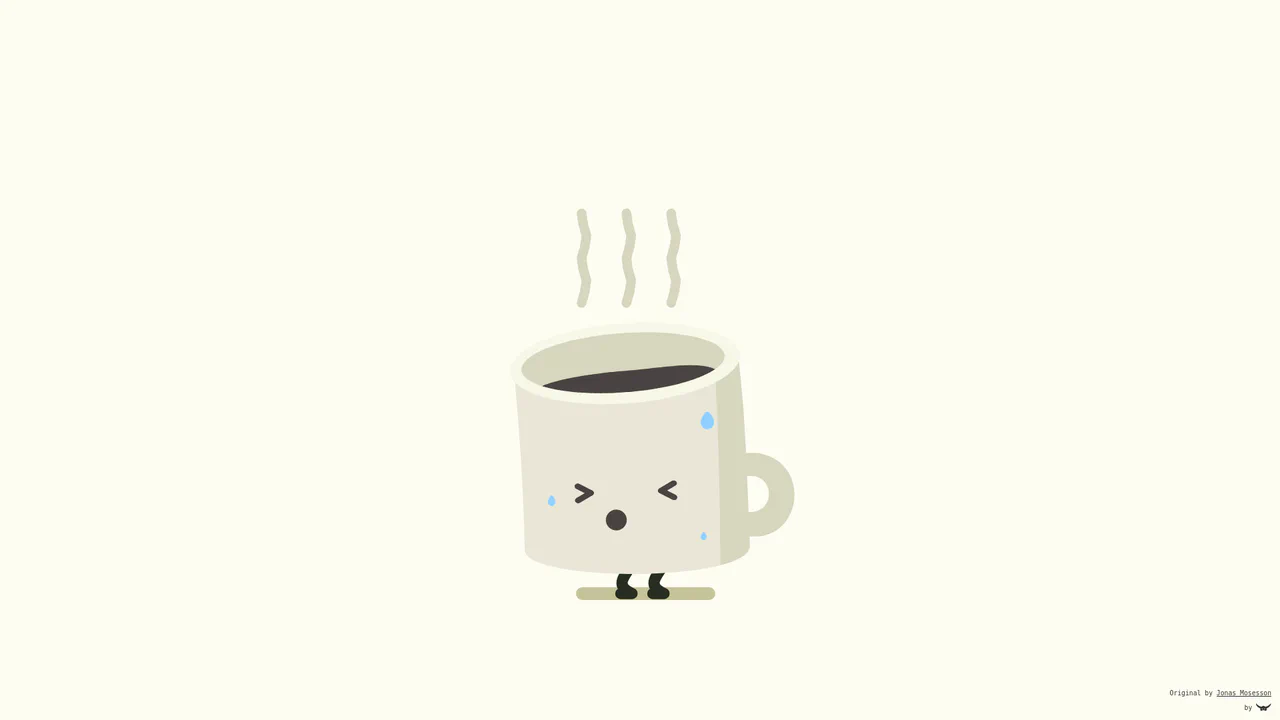
Animated Coffee Cup Sticker
In the sterile world of web interfaces, a touch of whimsy can be the difference between a user forgetting your site and remembering it with a smile. This snippet isn’t just an animation; it’s a digital sticker with a soul. It brings the static ritual of coffee to life through squash-and-stretch principles, transforming a simple icon into a living character that breathes, reacts, and delights. (Requires: gsap, morphsvg)
Chrome 60+
Edge 79+
Firefox 60+
Safari 11+
See the Pen Animated Coffee Cup Sticker.

Fluid Morphing List Expansion
Most interfaces treat layout changes as abrupt cuts in a film — jarring and disconnected. We reject this. UI should behave like matter, conserving momentum and mass. This component demonstrates the “impossible”: animating a flexbox container from a horizontal row to a vertical column seamlessly. It creates a sense of spatial continuity that makes the application feel not like software, but like a living organism adapting to user intent. (Requires: gsap, flip-plugin)
Chrome 60+
Edge 79+
Firefox 60+
Safari 11+
See the Pen Fluid Morphing List Expansion.

GSAP Flip Layout Expansion
This GSAP Flip Layout Expansion demonstrates how to animate complex layout changes that are usually impossible with pure CSS. By utilizing the FLIP (First, Last, Invert, Play) technique via GSAP, a list item transforms from a horizontal row into a vertical, detailed card. It smoothly handles the resizing of nested elements (like the avatar) and the repositioning of surrounding items without jumpy reflows. (Requires: GSAP, GSAP Flip Plugin)
Chrome 60+
Edge 79+
Firefox 60+
Safari 11+
See the Pen GSAP Flip Layout Expansion.

Elastic SVG Morphing Form Controls
This Elastic SVG Morphing Form Controls set redefines standard UI elements by treating them as organic, malleable shapes. Instead of rigid CSS transitions, it utilizes GSAP’s MorphSVGPlugin to physically warp the vector paths of checkboxes, radio buttons, and switches during interaction. The result is a tactile, “gummy” feel where elements squish upon clicking and snap elastically into their active states. (Requires: GSAP, MorphSVGPlugin)
Chrome 80+
Edge 80+
Safari 13+
Firefox 75+
See the Pen Elastic SVG Morphing Form Controls.
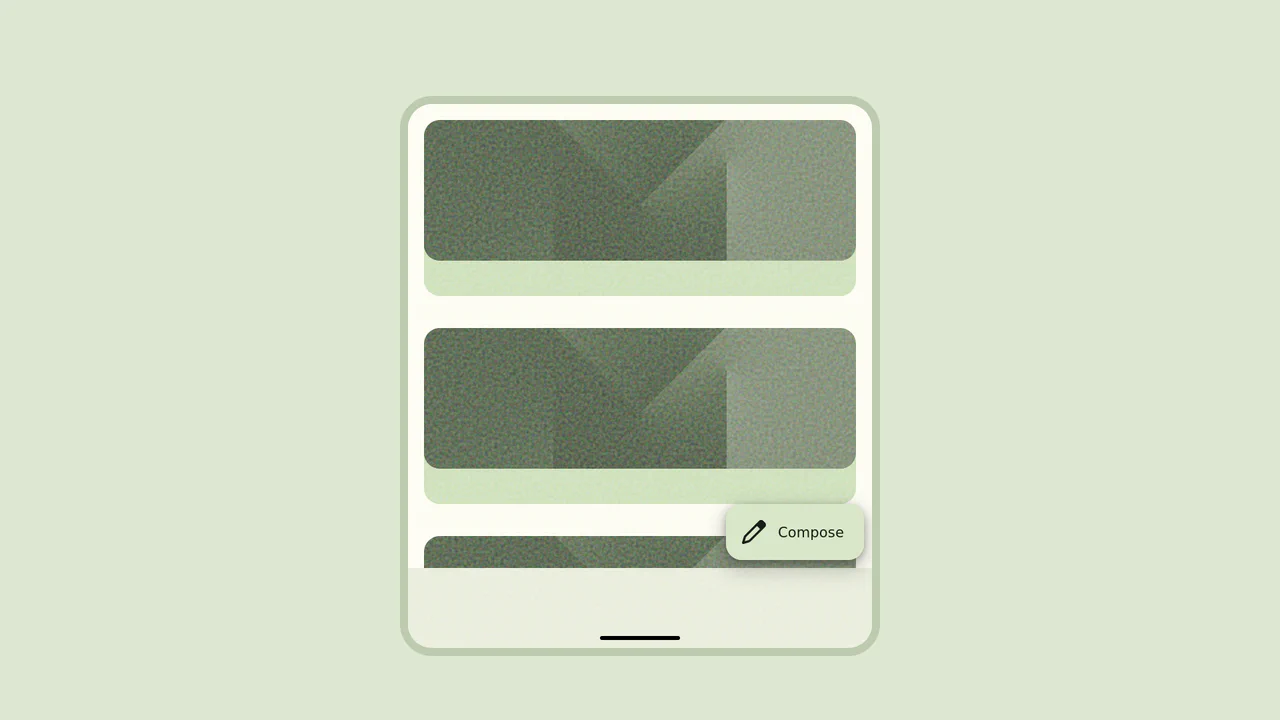
Material 3 Floating Action Button (FAB)
This Material 3 Floating Action Button (FAB) brings Google’s latest design language to life. Unlike standard FABs that just act as triggers, this component showcases a sophisticated “morph” transition. Upon interaction, the small corner button fluidly expands into a full-screen modal or form, maintaining visual continuity and providing a high-quality, app-like experience.
Chrome 49+
Edge 15+
Firefox 43+
Safari 10+
See the Pen Material 3 Floating Action Button (FAB).

Elastic Morphing Dot Pagination
This Gooey Pagination Dot Morph transforms a standard carousel indicator into a delightful liquid micro-interaction. Instead of simply fading or sliding, the active dot behaves like a viscous fluid - stretching (squashing) as it moves and snapping back to a perfect circle upon arrival. It utilizes GSAP’s MorphSVGPlugin to interpolate between different SVG path shapes in real-time. (Requires: GSAP, MorphSVGPlugin)
Chrome 80+
Edge 80+
Firefox 75+
Safari 13+See the Pen Elastic Morphing Dot Pagination.
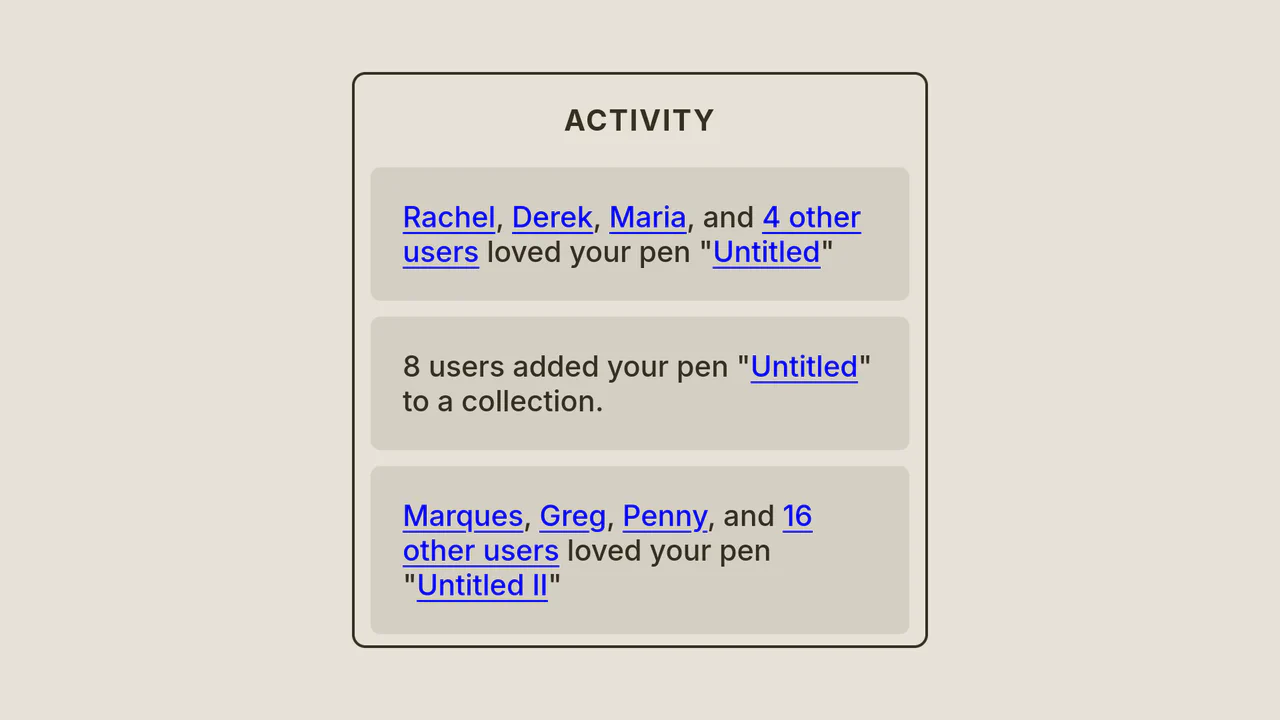
Activity Notification Panel Concept
A button with a notification badge smoothly expands into a large window upon clicking; the header text slides up, and activity cards cascade into view within.
See the Pen Activity Notification Panel Concept.
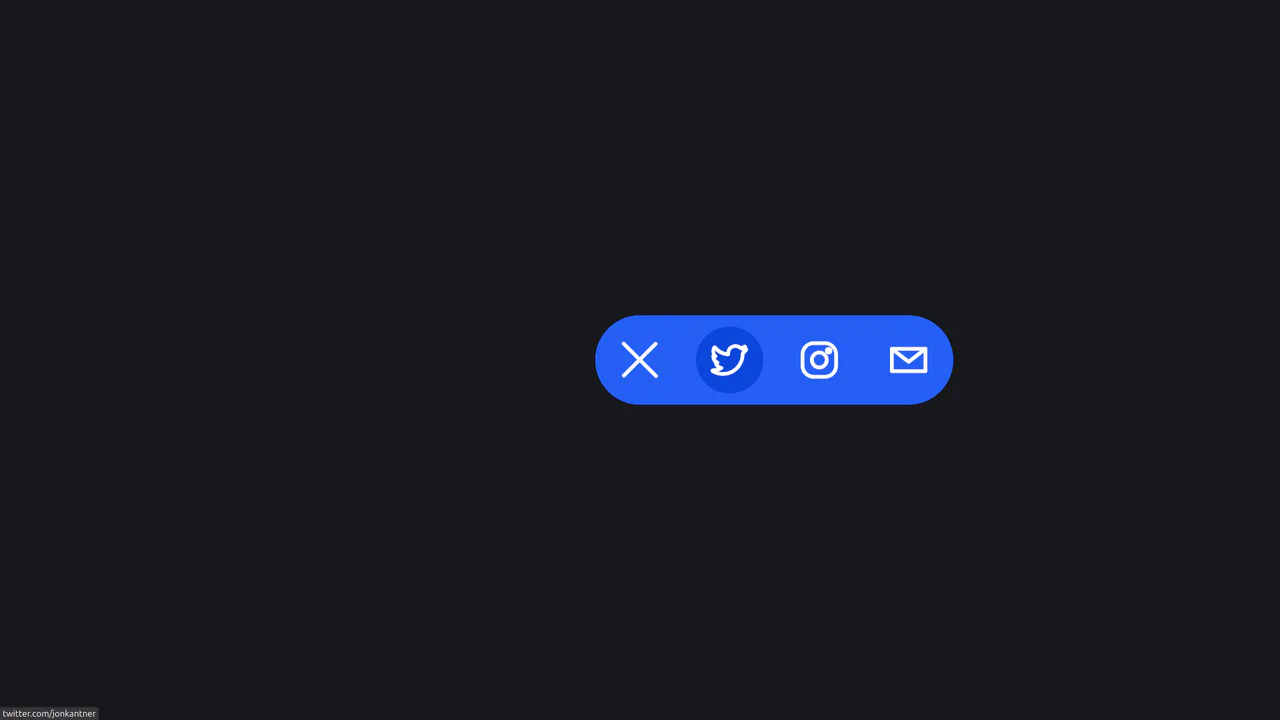
Animated Share Interaction
A smooth, tactile micro-interface that saves space by hiding sharing options until needed, delighting the user with high-quality animation.
See the Pen Animated Share Interaction.
High Five Button
A delightful “High Five” interaction button powered by GSAP and MorphSVGPlugin.
See the Pen High Five Button.
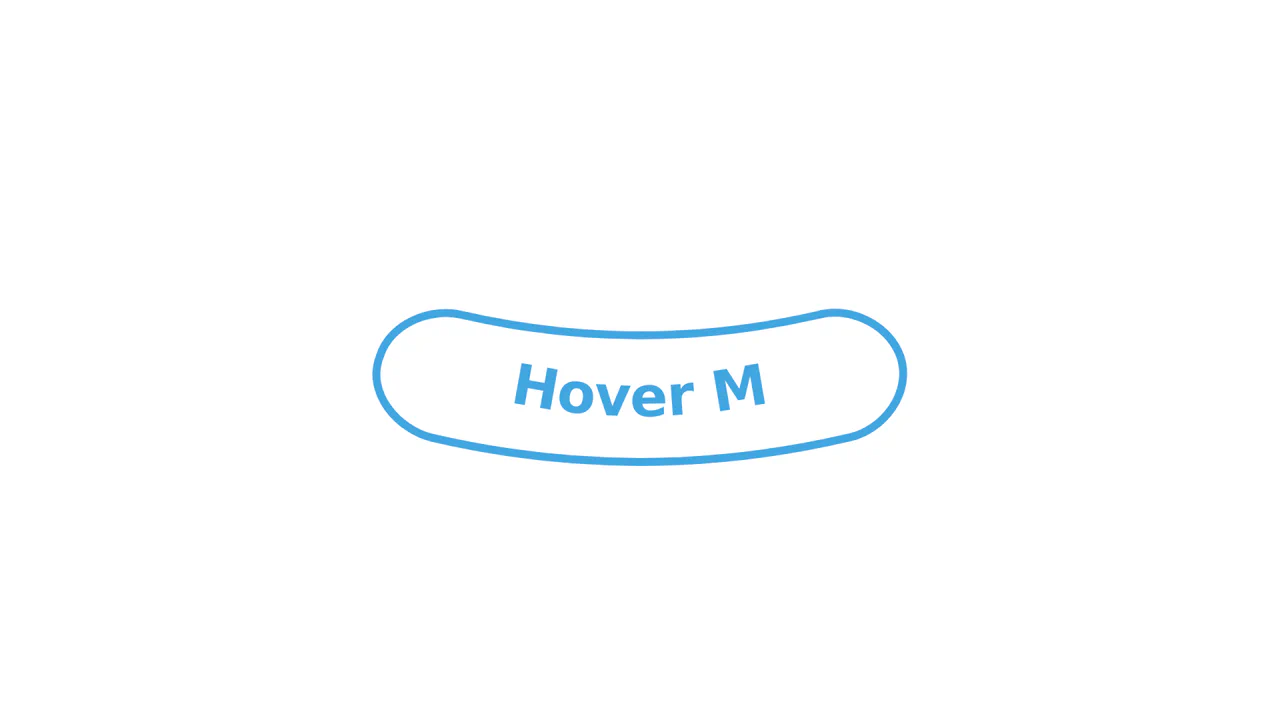
Morphing SVG Button with GSAP
A fluid SVG interaction powered by GSAP’s MorphSVGPlugin that seamlessly deforms a button upon hover. The animation synchronizes the morphing of the container’s geometry with the underlying textPath baseline, allowing the label to curve naturally alongside the background shape via a reversible timeline.
See the Pen Morphing SVG Button with GSAP.
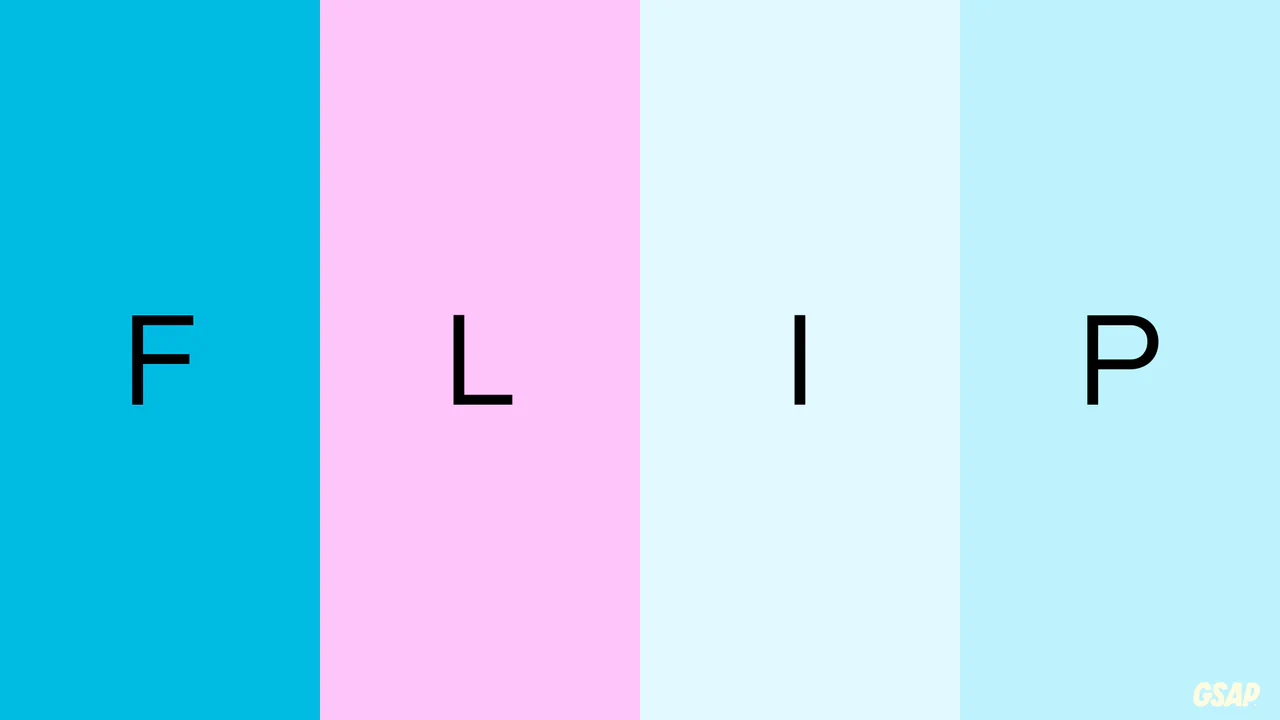
GSAP Flip Plugin Demo
This demo is a showcase of GSAP’s Flip plugin, a powerful tool for animating layout changes. The Flip.getState() and Flip.from() methods are used to seamlessly transition between four different CSS layouts, creating a complex and fluid morphing animation with minimal code.
See the Pen GSAP Flip Plugin Demo.

Animated Slider with Morphing Effects
This cinematic slider interface leverages GSAP timelines and sophisticated clip-path polygon transformations to orchestrate fluid transitions between full-screen slides and an overlay navigation system.
See the Pen Animated Slider with Morphing Effects.
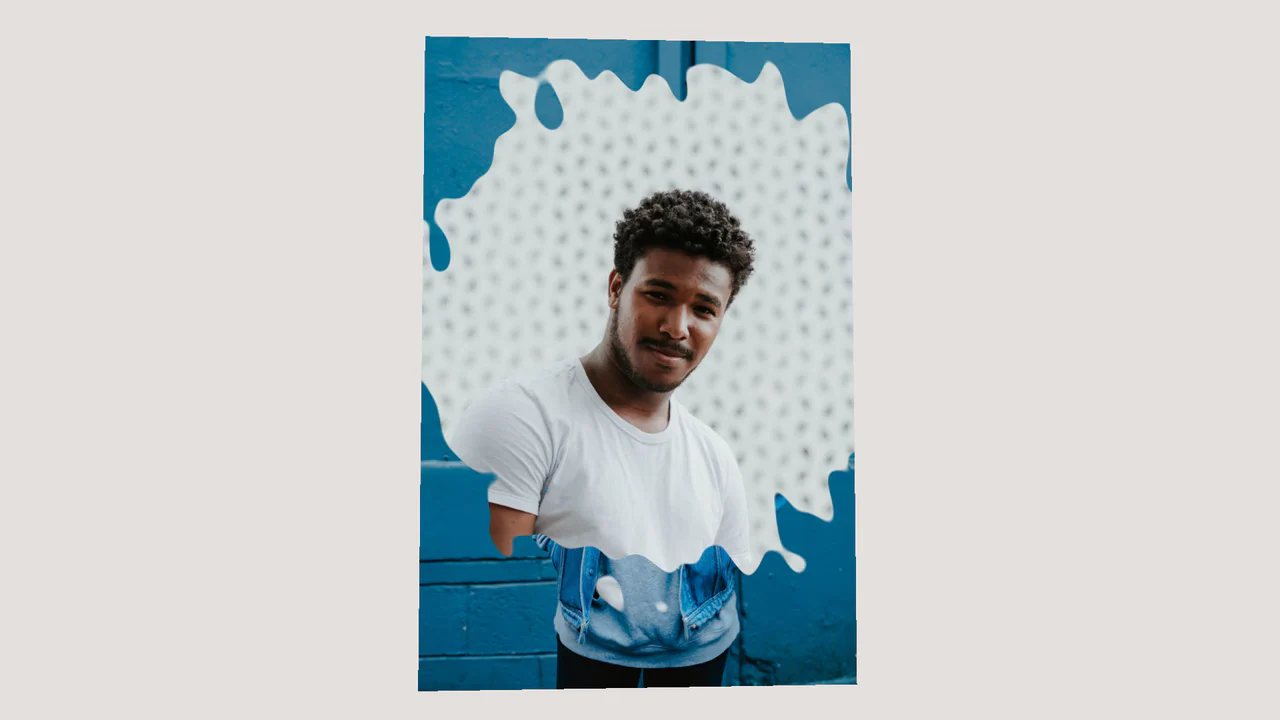
Image Displacement with Three.js
A texture morphing effect with 3D rotation on hover, implemented using Three.js and shaders (GLSL). The fragment shader uses the snoise3 function (simplex noise) to create an organic mixing mask for blending two images.
See the Pen Image Displacement with Three.js.

Pagination with Morphing Numbers
This interactive pagination features a fluid numerical transition achieved solely through CSS clip-path animations, where JavaScript toggles the body class to trigger the complex morphing sequence on the SVG elements.
See the Pen Pagination with Morphing Numbers.

Button-to-Modal Transition Animation with GSAP
Dynamic “button-to-modal” transition animation built with vanilla JavaScript and GSAP, featuring adaptive scaling calculation for correct display on all screen sizes.
See the Pen Button-to-Modal Transition Animation with GSAP.

Morphing Shape with Spinning Color Stroke
Complex Path Morphing at the intersection of technologies: the demo uses the GSAP library to interpolate coordinates sampled from SVG paths and renders the result with frame-by-frame precision using the Canvas API.
See the Pen Morphing Shape with Spinning Color Stroke.
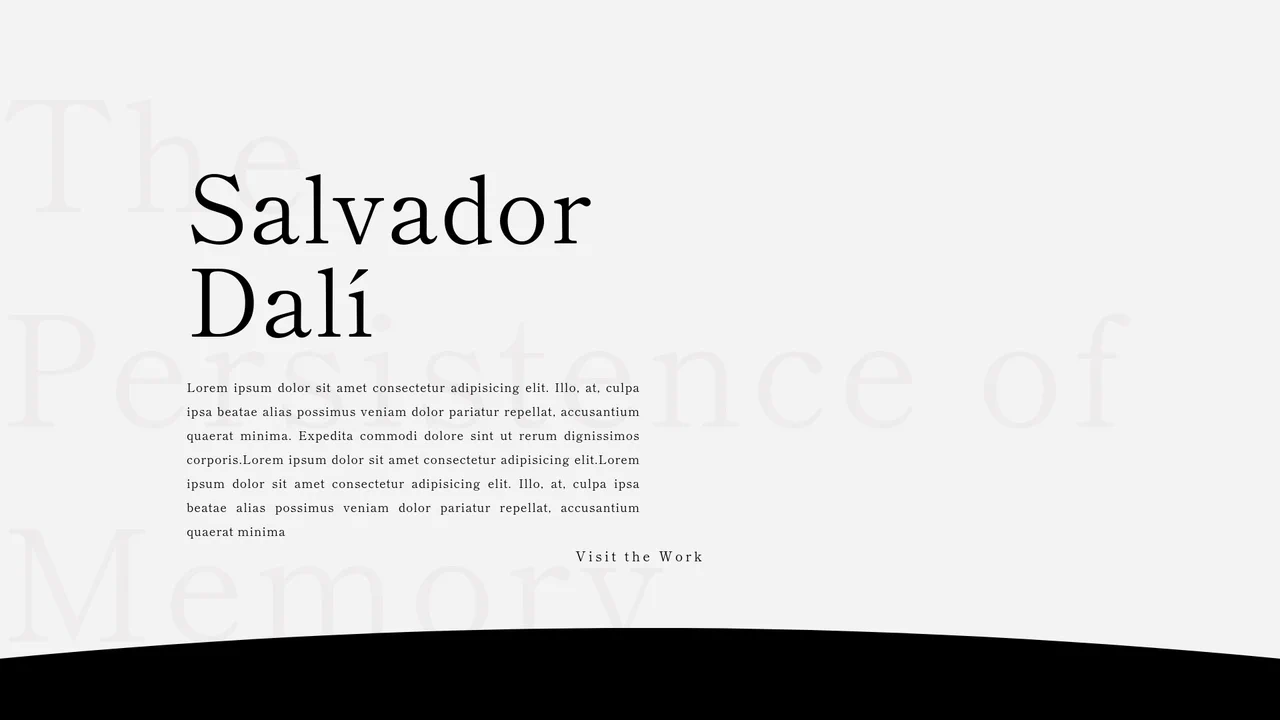
The Persistence of Memory (GSAP Page Transition)
A mesmerizing page transition effect that uses GSAP to morph an SVG path (a custom curtain reveal) to smoothly shift between the main content and the detailed view.
See the Pen The Persistence of Memory (GSAP Page Transition).
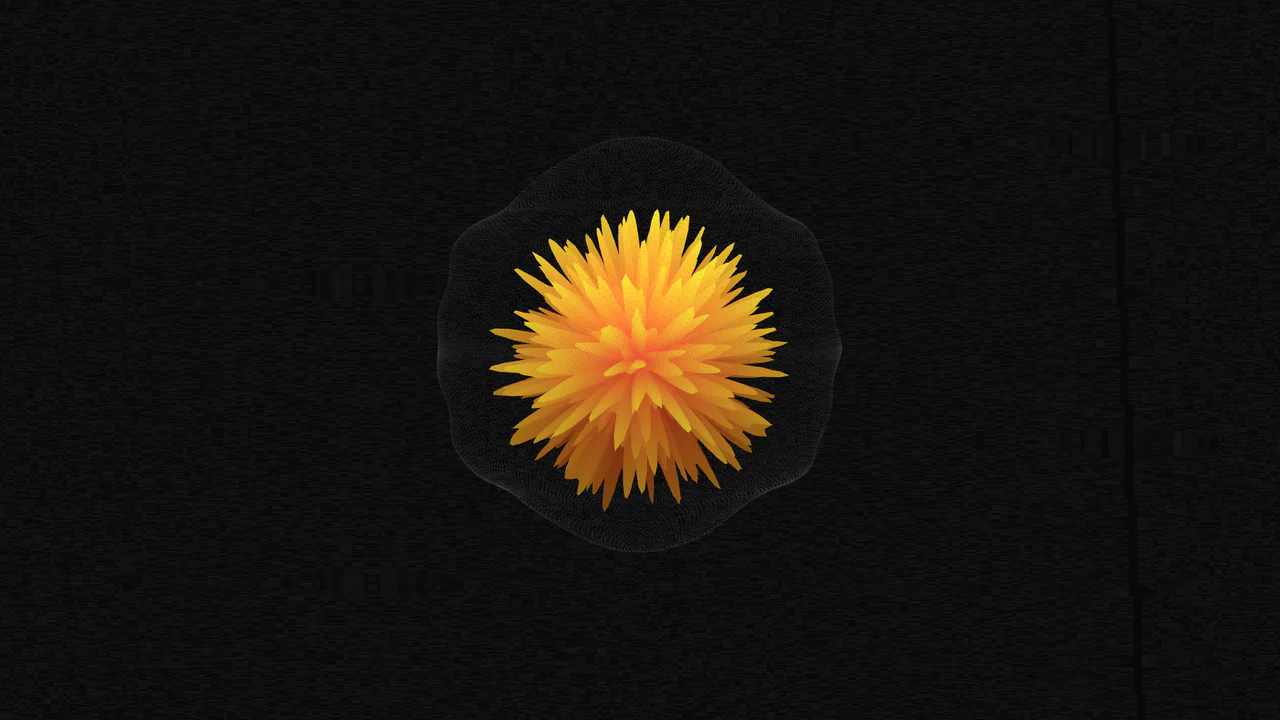
WebGL Morphing Ball with Three.js and GSAP
A striking shader morphing implementation built on Three.js/WebGL, where smooth 3D sphere deformation is created by procedural noise in the vertex shader, with dynamics controlled via GSAP and uniform variables.
See the Pen WebGL Morphing Ball with Three.js and GSAP.

Countdown to Love (GSAP Morphing)
Dynamic grid animation with GSAP timeline sequencing - pixel-perfect numeric countdown transitions and shape morphing with optimized performance.
See the Pen Countdown to Love (GSAP Morphing).
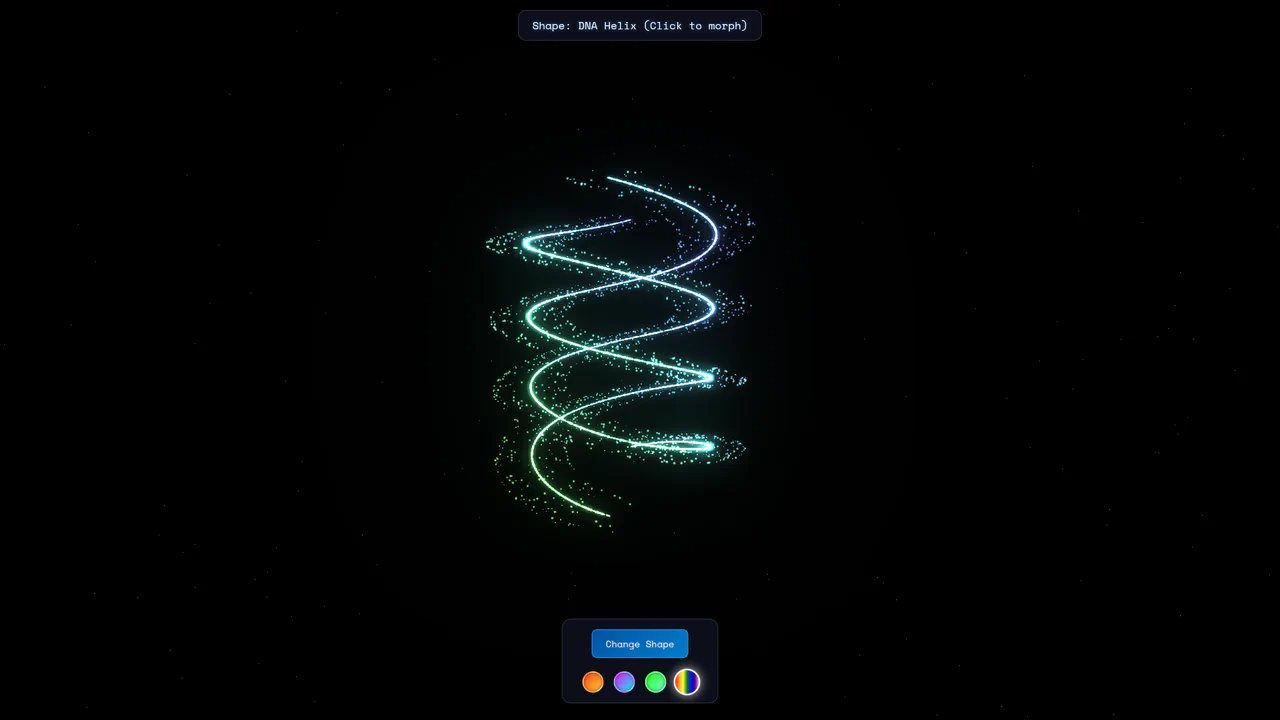
Three.js Particle Morphing Animation
Powered by Three.js and Anime.js, this demo showcases complex particle morphing between six different shapes with smooth, procedurally generated transitions and customizable color schemes.
See the Pen Three.js Particle Morphing Animation.
