20+ JavaScript Mouse Interactions
This collection demonstrates how modern JavaScript transforms standard mouse events into smooth, high-performance interactions. The primary focus is on utilizing requestAnimationFrame and interpolation (lerping) to achieve a flawless 60 FPS, which is critical for lag-free animation quality. You will see how to leverage the Canvas API or SVG for complex visualizations (such as particle systems) with the implementation of basic physics, where the cursor acts as a magnetic field. Furthermore, you will study the conversion of raw coordinates (e.clientX) into three-dimensional CSS spaces (rotate3d) to create advanced parallax and 3D tilt effects, significantly enhancing the user experience.
Examples
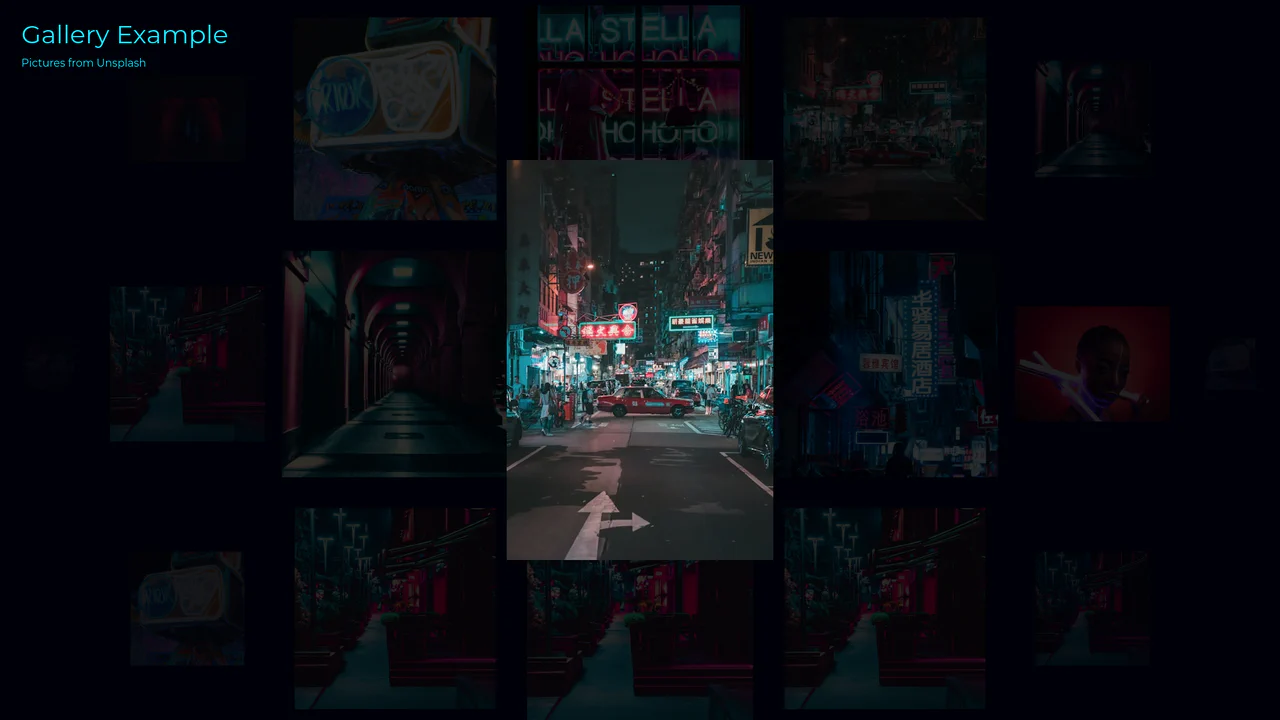
Interactive 3D Sphere Image Gallery
An advanced interactive image gallery rendered entirely on an HTML5 Canvas. The script maps a collection of Unsplash images onto the surface of a virtual 3D sphere, calculating scale and opacity based on their normalized distance from the center. Users can rotate the sphere via mouse or touch drag. Hovering over an image highlights it with a tracking focus box, and clicking expands the image with a procedural slicing animation, accompanied by random digital glitch effects.
 Chrome 56+
 Edge 79+
 Firefox 51+
 Safari 10+
See the Pen Interactive 3D Sphere Image Gallery.
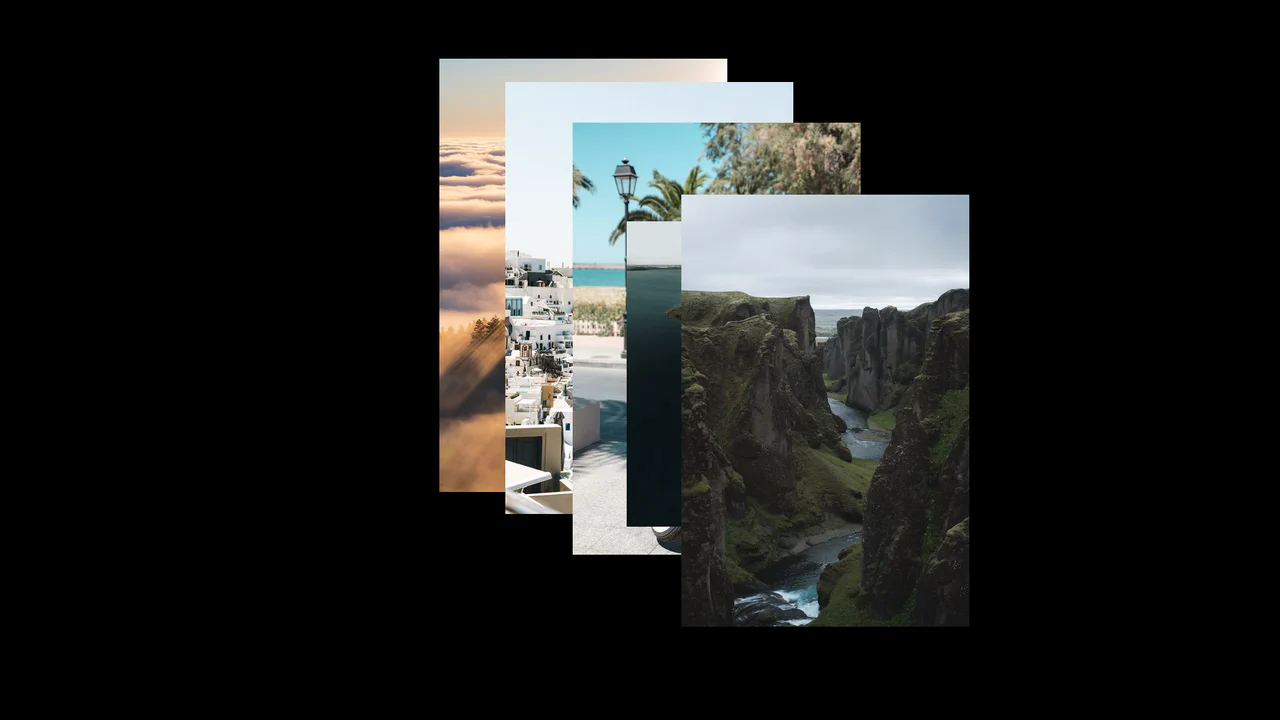
Interactive Cursor Image Trail Gallery
This creative image gallery generates a dynamic visual trail following the user’s cursor. Built with vanilla JavaScript, the script measures pointer displacement using hypotenuse mathematics. Once the cursor exceeds a relative distance threshold, the next image in the queue spawns directly under the pointer with an incrementing depth index, while older trail elements automatically deactivate.
Chrome 36+
Edge 12+
Firefox 16+
Safari 9+
See the Pen Interactive Cursor Image Trail Gallery.
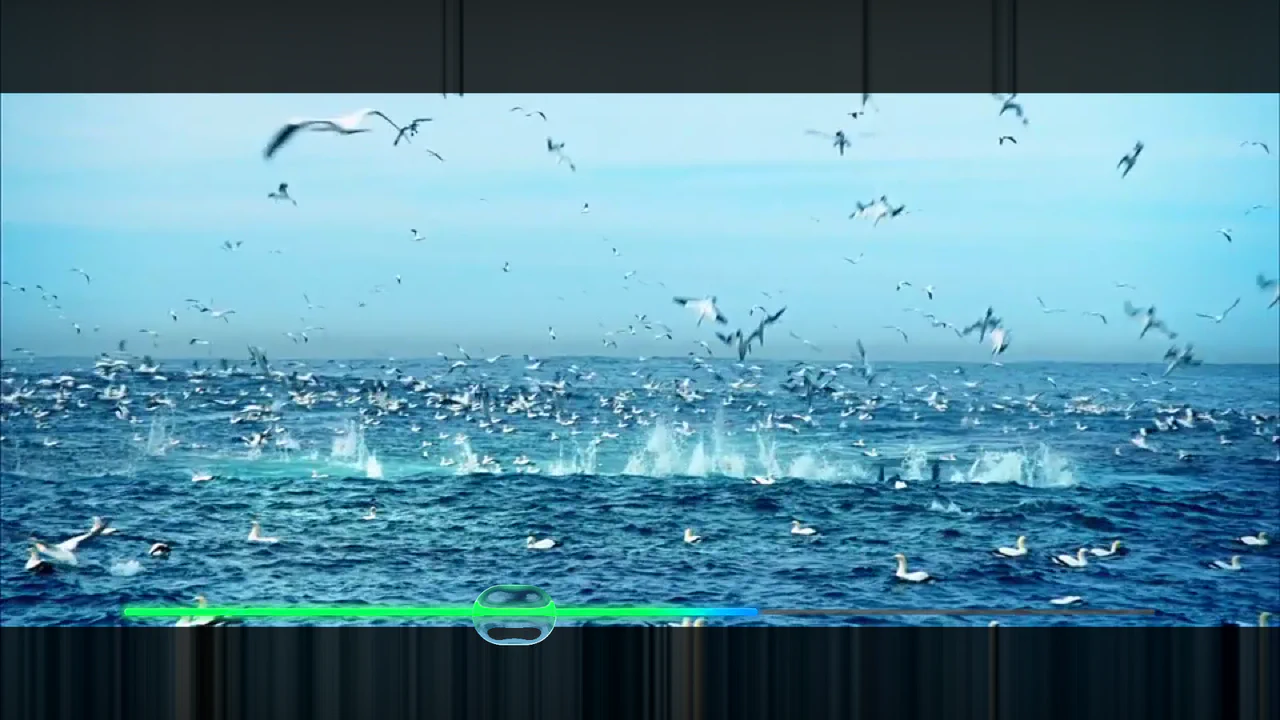
Refractive Glass Lens WebGL Video Player
An advanced WebGL video player constructed using REGL and custom GLSL fragment shaders. Moving the pointer renders an elongated faux-refractive glass lens that distorts the underlying video stream dynamically. Includes customized resolution scaling, an integrated cos-gradient rainbow progress timeline, and canvas-level click interception to control video playback and seeking. (Requires: regl.js)
Chrome 52+
Edge 15+
Firefox 49+
Safari 10+
See the Pen Refractive Glass Lens WebGL Video Player.
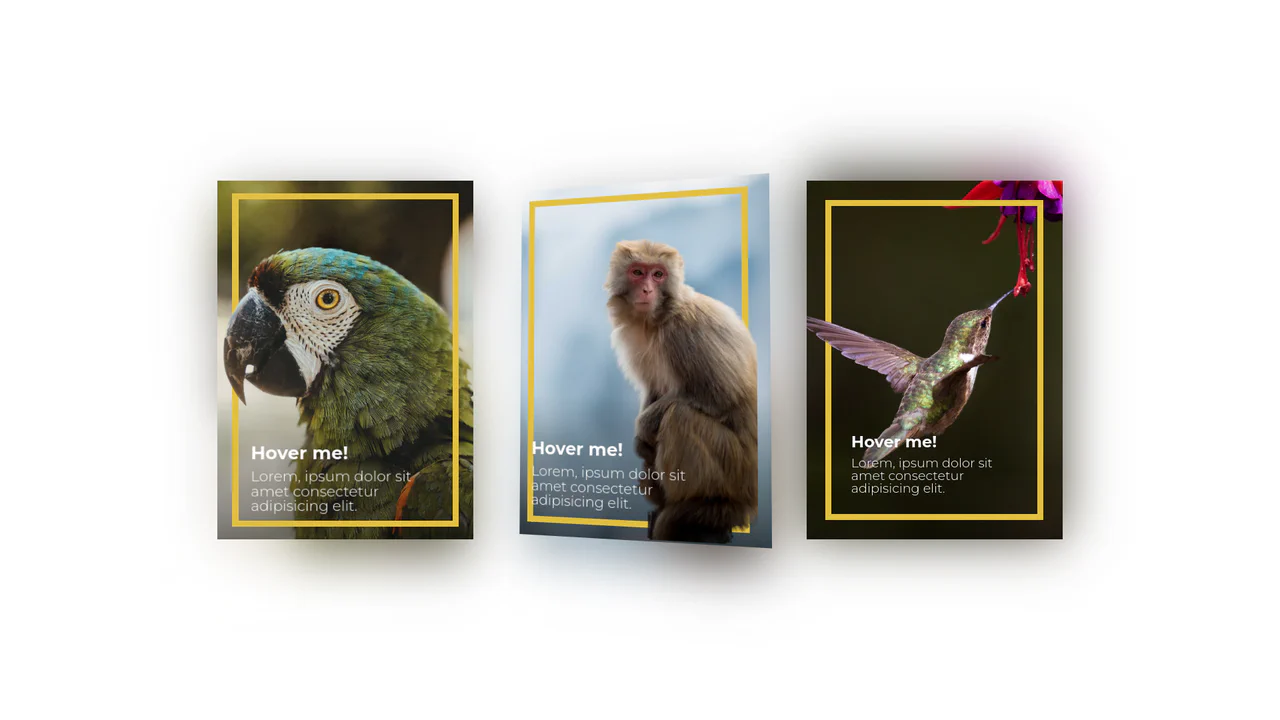
3D Depth Parallax Pop-Out Cards
3D Depth Parallax Pop-Out Cards uses a mathematical approach combining value remapping and linear interpolation (lerp) to calculate fluid, lagged cursor coordinates inside a 60 FPS animation loop. This script alters custom CSS properties --rotateX and --rotateY, projecting individual layer transforms across multiple translated depths—namely a blurred .shadow, background scene, golden borders, and a foreground .cutout. While visually convincing, utilizing setInterval at a hardcoded 1000/60 rate can cause micro-stuttering on high-refresh-rate displays, making requestAnimationFrame a far more performant choice.
Chrome 88+
Edge 88+
Firefox 89+
Safari 15+
See the Pen 3D Depth Parallax Pop-Out Cards.
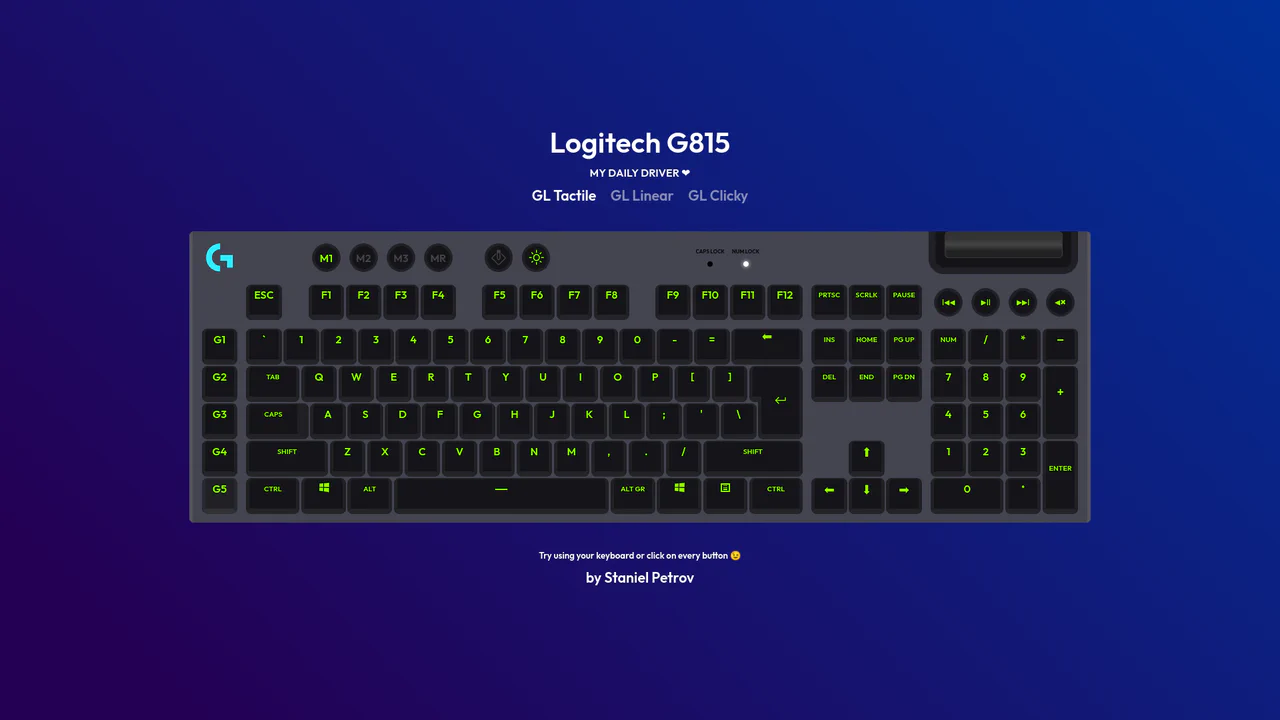
Interactive Mechanical Keyboard Audio Simulation
Interactive Mechanical Keyboard Audio Simulation utilizes a highly detailed CSS grid structure to align complex multi-row vector keys and simulate a physical G815 layout. A central event listener handles key interaction by mapping event.code to correspond with data-key attributes on target DOM nodes, simultaneously triggering dedicated audio samples of tactile, linear, or clicky switch sounds. While the visual depth is elegantly achieved with layered CSS shadow offsets and custom hex shading, firing unthrottled HTML5 audio playback on rapid typings can lead to output buffer congestion or slight audio delays on standard browsers.
Chrome 57+
Edge 16+
Firefox 52+
Safari 10.1+
See the Pen Interactive Mechanical Keyboard Audio Simulation.
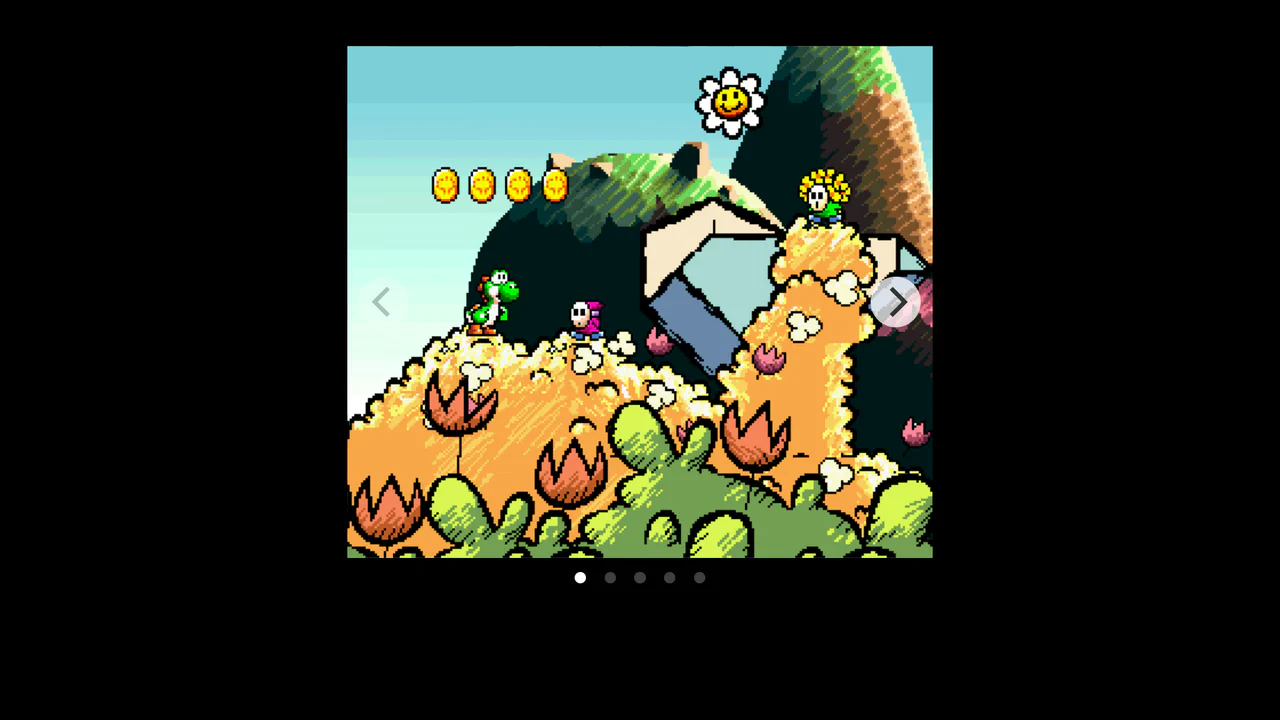
Parallax Pixel Sprite Carousel Slider
Parallax Pixel Sprite Carousel Slider connects Flickity carousel’s scroll progress event directly to the left style offsets of absolute background and foreground sprite sheets. By assigning unique speed multipliers to each layer (0.75 for background, 2 for foreground), it establishes a pseudo-3D pixel art parallax depth without heavy WebGL overhead. However, changing the layout property left on every scroll tick forces constant layout recalculations and paint cycles, which can be optimized by transitioning to CSS transform translate3d instead. (Requires: flickity.js)
Chrome 49+
Edge 12+
Firefox 31+
Safari 9.1+
See the Pen Parallax Pixel Sprite Carousel Slider.

Interactive Physics-Based Dot Grid
This is an Interactive Physics-Based Dot Grid. It transforms a static matrix of circular DOM elements into a reactive, liquid-like surface. Its function is to provide an engaging, high-end visual toy or background element where the dots elastically pull toward the user’s cursor on hover, and dramatically explode outward with gravity-based physics upon clicking. (Requires: GSAP, Physics2DPlugin)
Chrome 60+
Edge 79+
Firefox 55+
Safari 11+
See the Pen Interactive Physics-Based Dot Grid.

Mouse-Reactive Iridescent Button
This is a Mouse-Reactive Iridescent Button. It uses a sophisticated layering of CSS conic gradients and JavaScript pointer tracking to create a button with a vibrant, shimmering border that physically follows the user’s cursor. Its function is to provide a high-end, tactile micro-interaction that makes a standard call-to-action feel like a premium, light-sensitive object.
Chrome 122+
Edge 122+
Firefox 128+
Safari 16.4+
See the Pen Mouse-Reactive Iridescent Button.

Mouse-Reactive Floating Image Gallery
This is a Mouse-Reactive Floating Image Gallery. It places an oversized grid of visual assets behind the viewport, hidden by the overflow. Its function is to provide an immersive, explorative navigation experience where the user’s cursor physically steers the scene across a scattered landscape of content.
Chrome 36+
Edge 12+
Firefox 48+
Safari 9+See the Pen Mouse-Reactive Floating Image Gallery.

Adaptive Morphing Mouse Cursor Trailer
This is an Adaptive Morphing Mouse Cursor Trailer. It replaces or augments the native pointer with a fluid, high-fidelity visual follower that reacts to the underlying DOM content. Its function is to provide immediate, contextual feedback by scaling up and revealing descriptive icons when the user interacts with specific “interactable” elements. (Requires: FontAwesome)
Chrome 36+
Edge 12+
Firefox 48+
Safari 9+See the Pen Adaptive Morphing Mouse Cursor Trailer.

Interactive Feather Reveal 404 Page
This is an Interactive Feather Reveal 404 Page. It utilizes the Canvas 2D API to transform a sterile error screen into a generative digital canvas. The component records user movement to stamp intricate feather-shaped paths that alternate between solid black fills and clipped fragments of external bird photography. (Requires: GSAP, Lodash)
Chrome 45+
Edge 12+
Firefox 31+
Safari 9+
See the Pen Interactive Feather Reveal 404 Page.

Interactive Liquid SVG Wobble Button
This is an Interactive Liquid SVG Wobble Button. It maps cursor proximity to discrete vector points along an SVG path, deforming the shape in real-time. Its function is to transform a static call-to-action into a physical, reactive object. (Requires: svg.js, generative-utils.js, vector2d.js, debounce.js)
Chrome 80+
Edge 80+
Firefox 75+
Safari 13.1+
See the Pen Interactive Liquid SVG Wobble Button.

Interactive Spectral 3D Ghost Effect
This is an Interactive Spectral 3D Ghost Effect. It utilizes Three.js and custom GLSL shaders to render a dynamic, mouse-tracking entity with analog signal decay. Its function is to serve as an immersive focal point or an interactive background element. The effect effectively bridges direct user input with procedural visual storytelling. (Requires: three.js, tweakpane.js)
Chrome 80+
Edge 80+
Firefox 75+
Safari 13.1+
See the Pen Interactive Spectral 3D Ghost Effect.

Mouse-Driven Split Reveal
Static content is a relic. We don’t just want to show information; we want the user to uncover it. This component transforms the cursor into a tool of discovery, creating a tactile connection between the user and the interface. By removing the friction of clicking or dragging handles, we achieve a fluidity that feels less like software and more like a physical extension of the hand. It is simple, unapologetic, and immediate.
Chrome 60+
Edge 79+
Firefox 52+
Safari 10+See the Pen Mouse-Driven Split Reveal.

Interactive Canvas Liquid Image Distortion
This Interactive Canvas Liquid Image Distortion transforms a static image into a playful, fluid surface. By subdividing the image into a grid of tiny cells, the script manipulates the texture coordinates of each cell in response to mouse movement. The result is a “jelly-like” or refractive glass effect where the image appears to warp and ripple under the user’s cursor.
Chrome 4+
Edge 12+
Firefox 3.6+
Safari 4+
See the Pen Interactive Canvas Liquid Image Distortion.
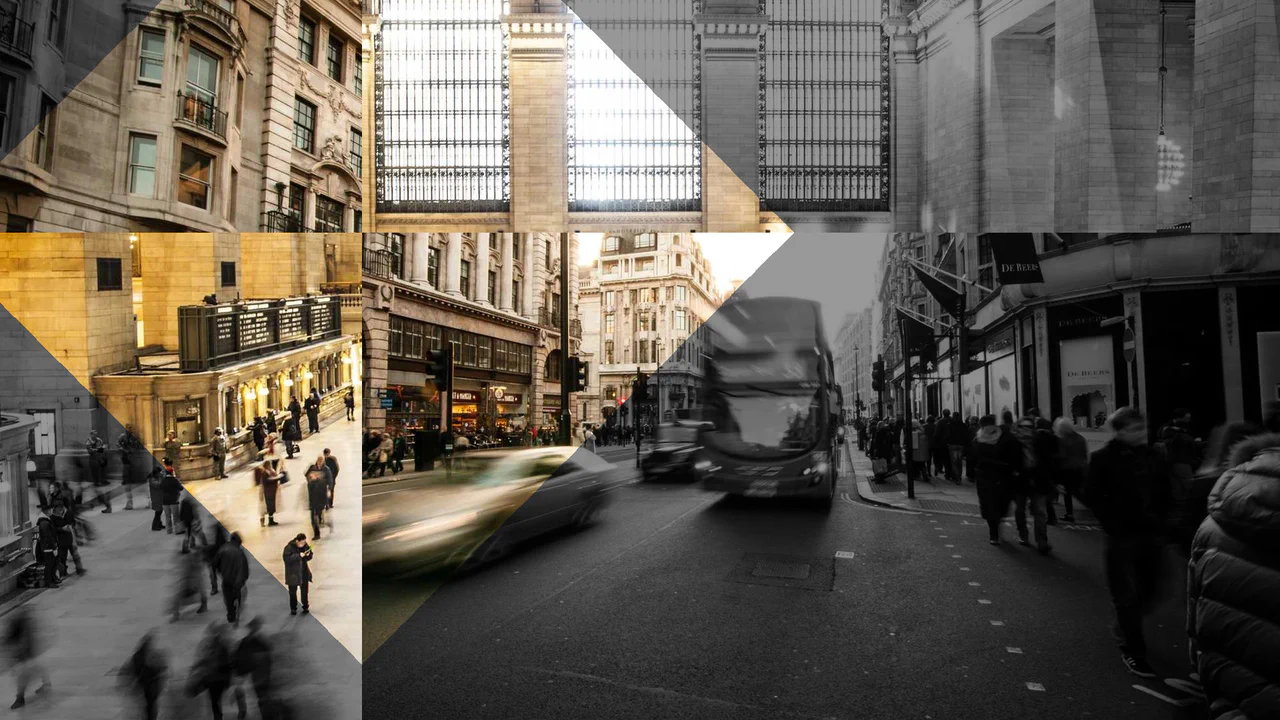
Shaders Example #15
A highly specialized, GPU-accelerated image transition component built on Three.js.
See the Pen Shaders Example #15.

Hover Interaction (98/100)
A visual illusion of “negative space” where the cursor acts as a physical object parting a dense curtain of threads, revealing the static text underneath.
See the Pen Hover Interaction (98/100).
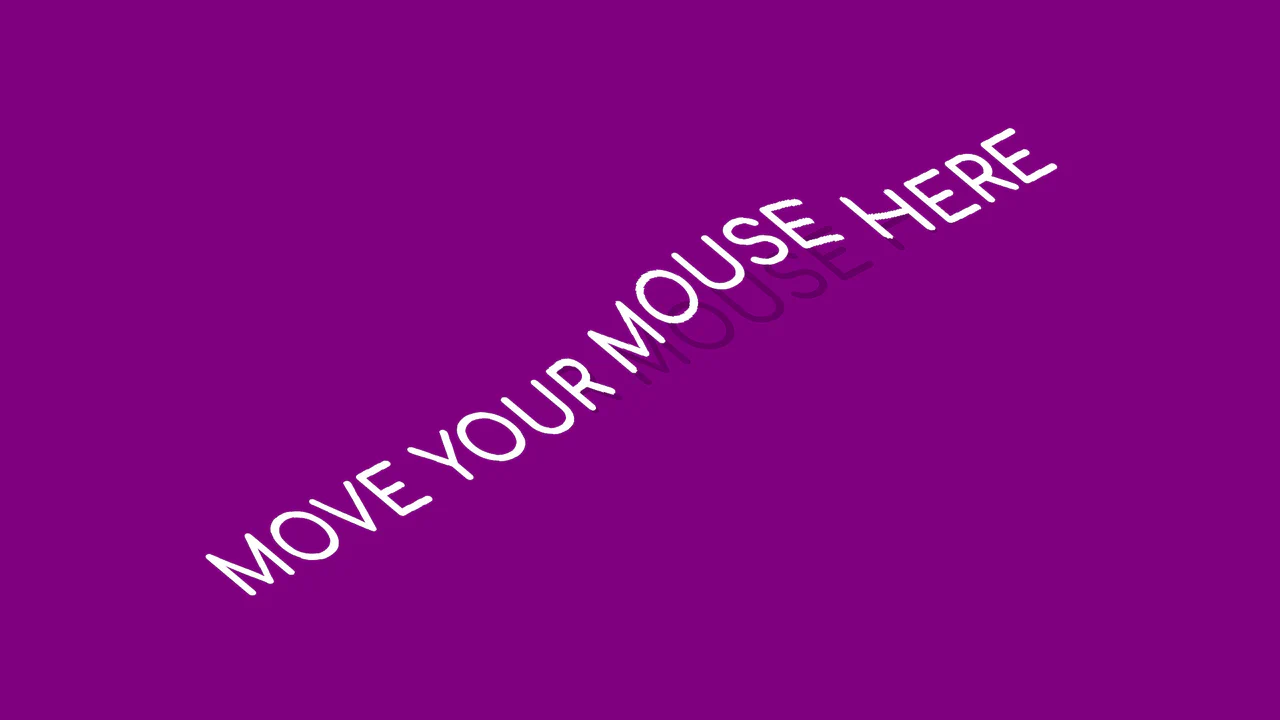
Wave Text
The text appears as a massive, volumetric block that dynamically adjusts its height and perspective in response to mouse movement, ‘springing’ upon click to create a tactile sensation.
See the Pen Wave Text.

React Animated Custom Cursor
This custom animated cursor implementation employs a dual-layer system where the inner dot follows mouse coordinates instantly via mousemove events, while the outer ring utilizes requestAnimationFrame with coordinate interpolation to create a smooth trailing effect.
See the Pen React Animated Custom Cursor.

Direction-Aware SVG Cursor
This custom SVG cursor rotates dynamically based on the mouse’s velocity and direction, achieved by calculating the angle between the previous and current coordinates using JavaScript’s Math.atan2 and applying the rotation via CSS transform.
See the Pen Direction-Aware SVG Cursor.
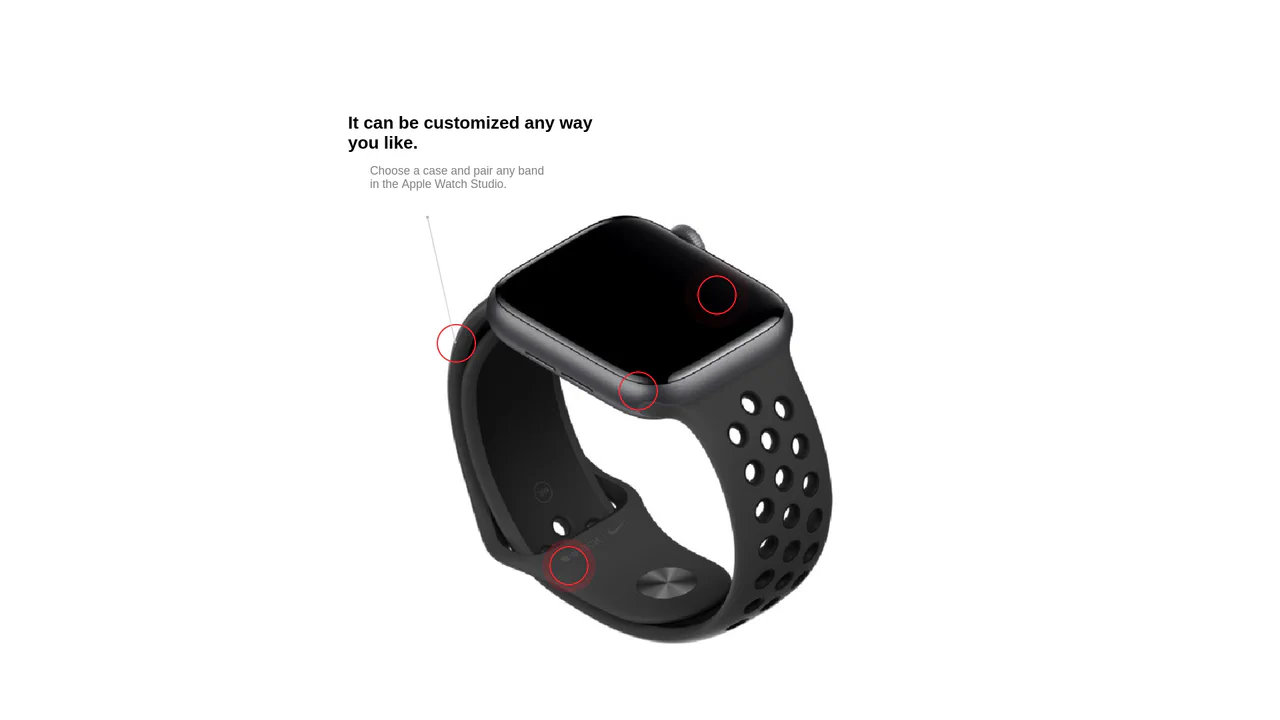
Interactive Product Hotspots with GSAP and PIXI.js
Uses the PIXI.js WebGL renderer to draw dynamic, hardware-accelerated connection lines between content hotspots, enhanced by GSAP for the smooth ‘magnetic’ displacement effect upon mouse hover.
See the Pen Interactive Product Hotspots with GSAP and PIXI.js.

Cursor Following Halftone Rings with CSS @property
A cursor effect creating dynamic halftone rings is implemented using CSS Custom Properties and transition properties for smooth mouse-following, requiring minimal JavaScript to update coordinates.
See the Pen Cursor Following Halftone Rings with CSS @property.

Dynamic Twinkling Particle System with Vanilla JS and Canvas
Dive into an interactive demo using pure JavaScript and Canvas 2D, where mouse movement creates a magnetic field for particles, and clicking triggers an explosion effect, implementing complex element creation and destruction logic.