40+ JavaScript Mouse Tracking Examples
The JavaScript Mouse Tracking demos showcase complex visual tricks based on inversion. Unlike standard effects, here mouse coordinates are used to create “focus zones” or “spotlight effects,” where an element is lit or distorted relative to the cursor’s position. The key technical technique is calculating normalized (from -1 to 1) coordinates relative to window dimensions, allowing them to be applied to elements of vastly different scales. Master these patterns to create realistic lighting, cursor-following, and magnetic interface effects.
Examples
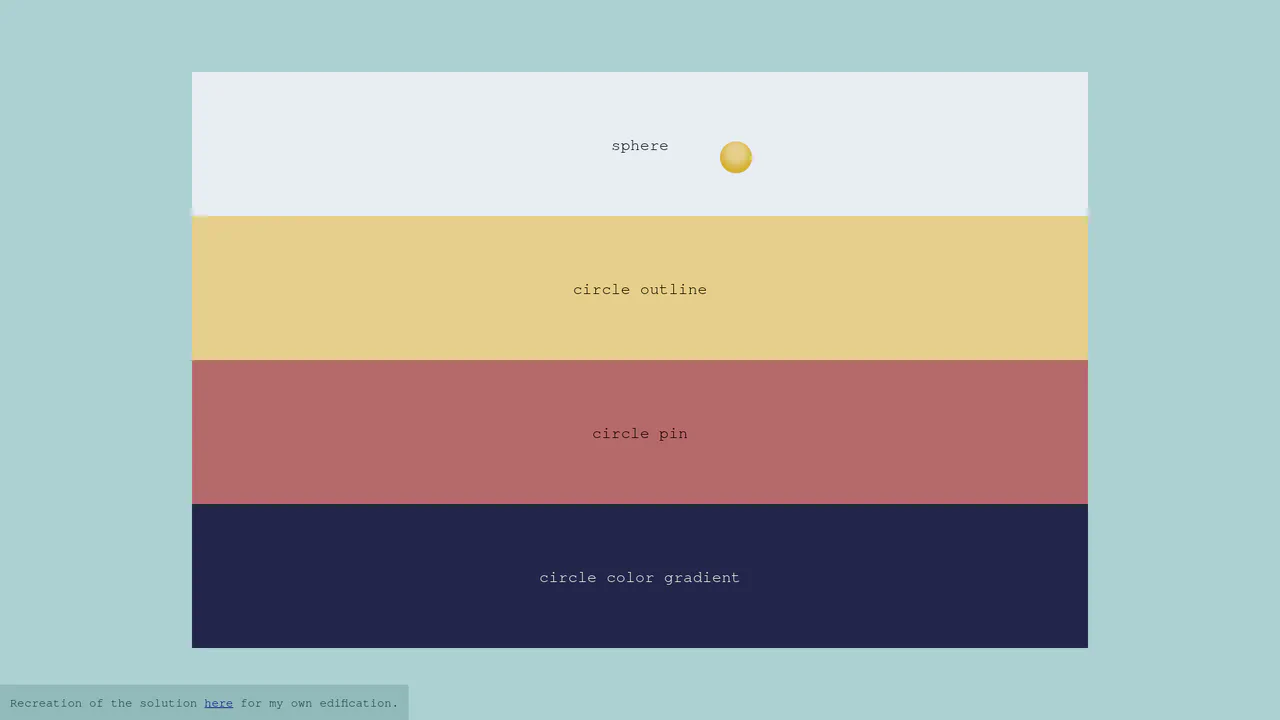
Context-Aware Custom CSS Cursor
A lightweight implementation of a context-aware custom cursor. JavaScript tracks pointer coordinates via requestAnimationFrame to smoothly update the position of a fixed div element. The visual transformations — such as morphing into a sphere, an outline ring, or a gradient pin — are handled entirely by CSS general sibling combinators (~), ensuring hardware-accelerated transitions without flickering.
 Chrome 36+
 Edge 12+
 Firefox 16+
 Safari 9+
See the Pen Context-Aware Custom CSS Cursor.
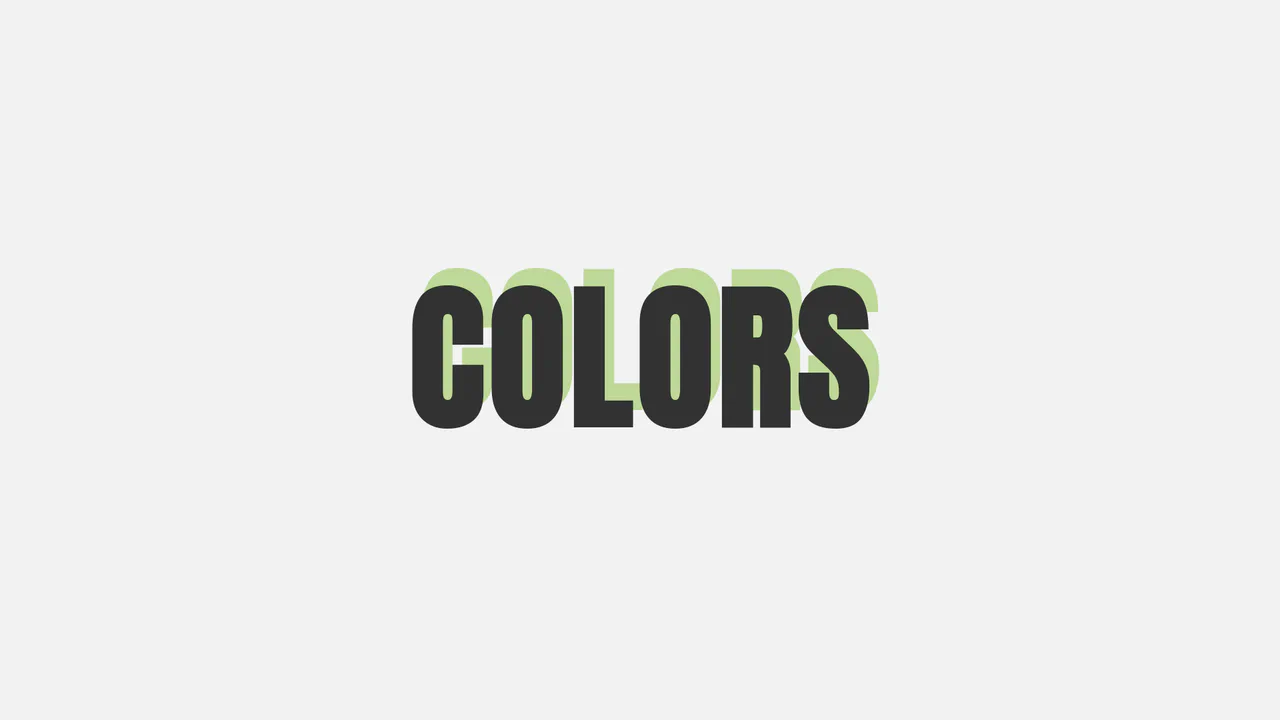
Interactive Directional HSL Text Shadow
A minimalist interactive typography snippet highlighting dynamic shadow projections. By tracking pointer positions over the document container, JavaScript maps the X and Y coordinates to the text’s CSS text-shadow offset properties. Simultaneously, the clientX cursor value is injected into an HSL color function, morphing the shadow’s tint seamlessly as it swings around the central heading.
Chrome 4+
Edge 12+
Firefox 3.5+
Safari 4+
See the Pen Interactive Directional HSL Text Shadow.
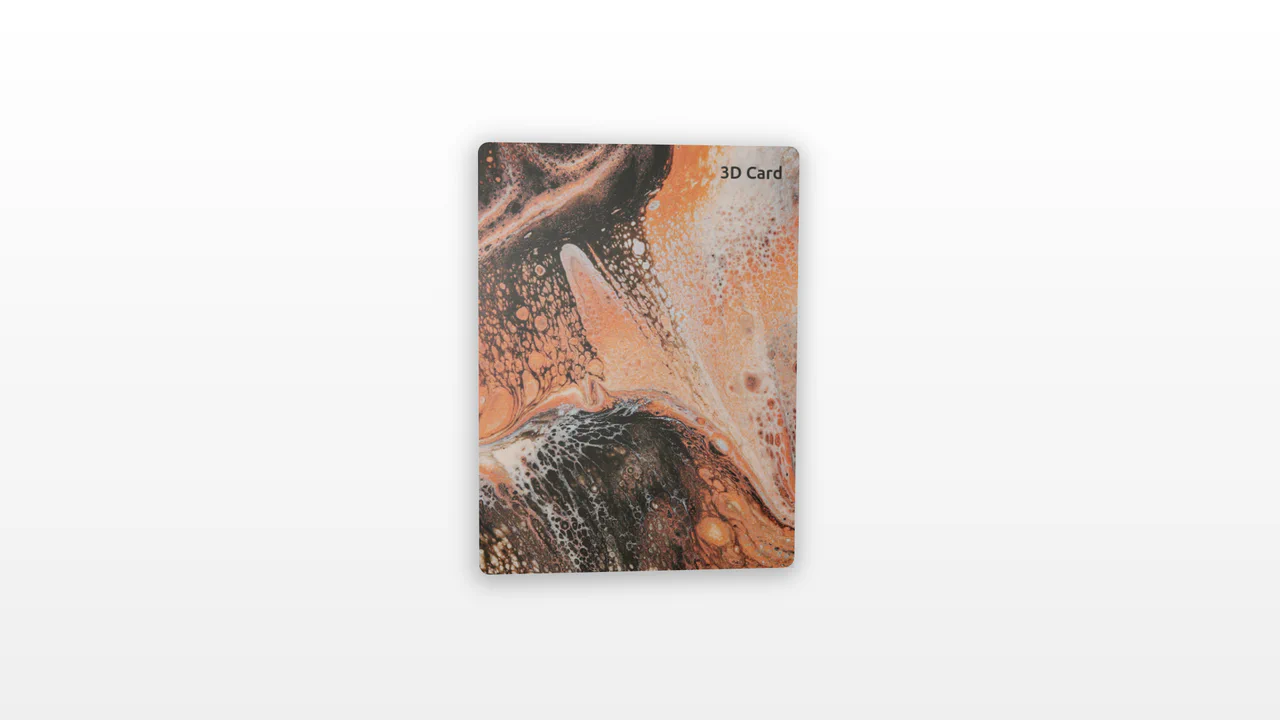
3D Tilt Card with Dynamic Glow
An interactive 3D card utilizing pointer tracking to calculate tilt angle and rotation dynamically. By measuring mouse position relative to the element’s center, the card tilts along the X and Y axes while scaling. A radial gradient overlay shifts concurrently, mimicking realistic surface glare and light reflections.
Chrome 56+
Edge 15+
Firefox 49+
Safari 10+
See the Pen 3D Tilt Card with Dynamic Glow.
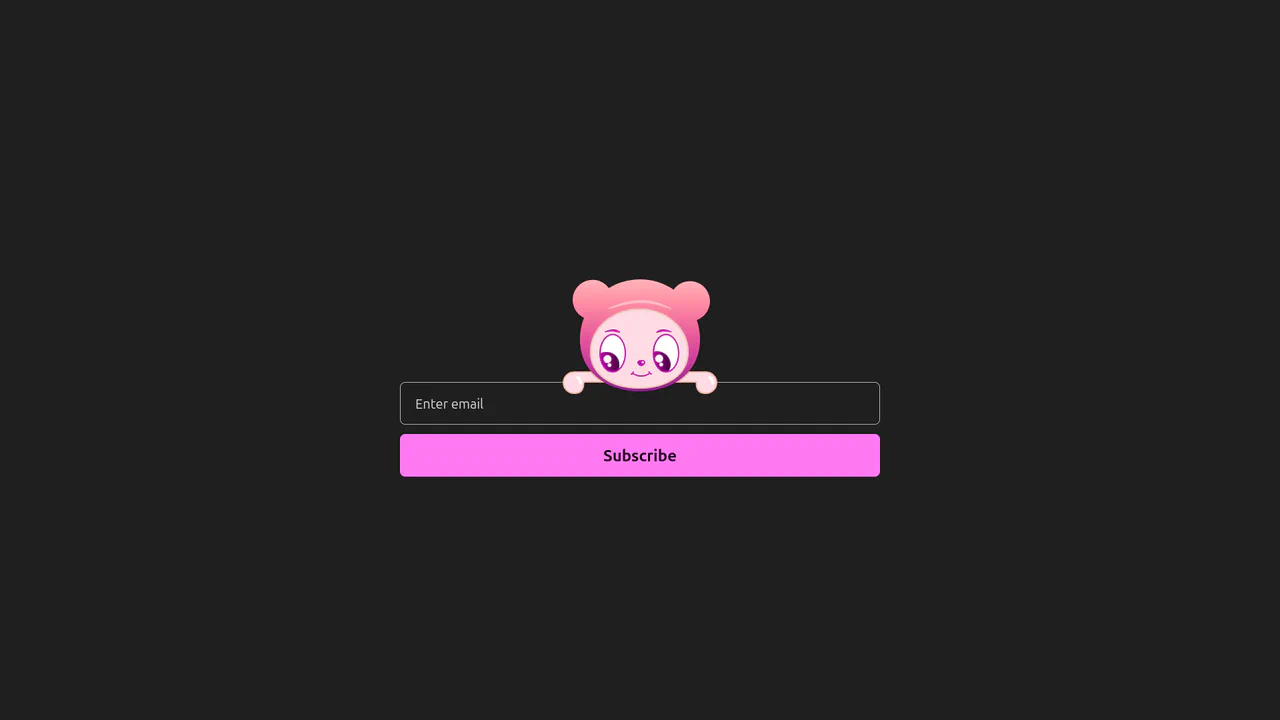
Interactive Eye-Tracking Subscription Form
An advanced interactive subscription form starring a playful cartoon character with dual eye-tracking modes. Pupils react in real time, following the pointer position or snapping directly to the input text caret inside the email field. Dragging the character horizontally triggers fluid physics, rubber-band borders, and elastic drag resets, while error states morph the SVG mouth. (Requires: canvas-confetti.js)
Chrome 110+
Edge 110+
Firefox 110+
Safari 16.2+
See the Pen Interactive Eye-Tracking Subscription Form.
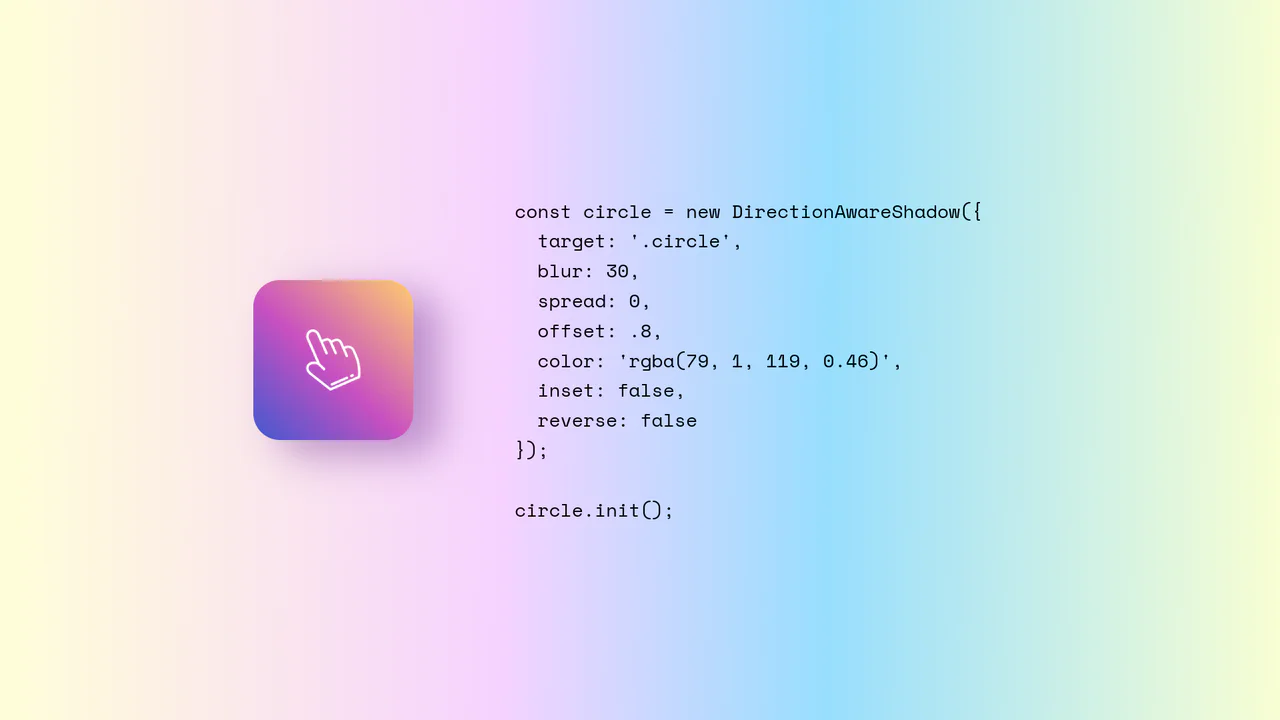
Direction-Aware CSS Box Shadow
Direction-Aware CSS Box Shadow provides a reusable JavaScript class (DirectionAwareShadow) that calculates the mouse’s offsetX and offsetY relative to an element’s center. It then dynamically updates the element’s inline box-shadow property to cast a shadow in the opposite (or same) direction of the cursor. The class is highly configurable, allowing developers to easily adjust blur, spread, color, and offset intensity.
Chrome 4+
Edge 12+
Firefox 4+
Safari 3.1+
See the Pen Direction-Aware CSS Box Shadow.
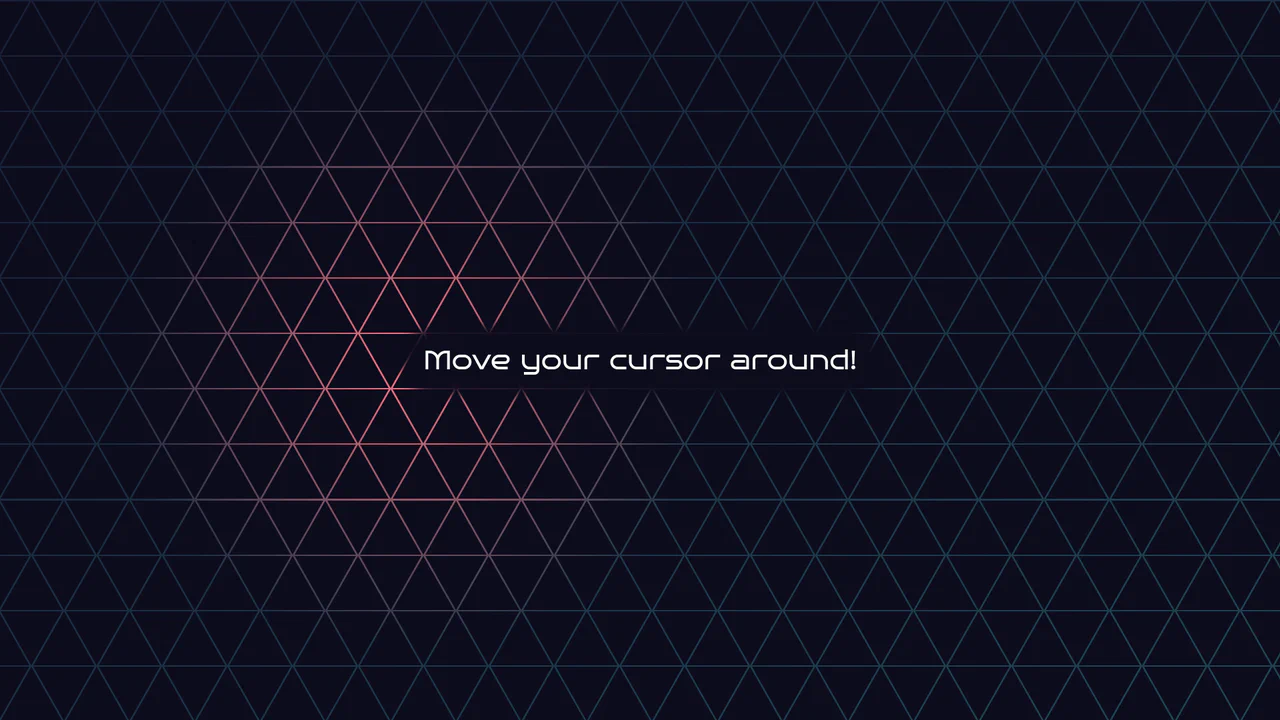
Geometric Glowing Triangle Mask Grid
Geometric Glowing Triangle Mask Grid creates an interactive mesh overlay by dynamically calculating and appending CSS border triangles to mask a neon background. The layout binds a mouse-tracking #glow radial gradient to the cursor, while modern CSS @property interpolates color shifts directly in keyframe animations. However, running heavy JS-based DOM recalculations on window.onresize combined with moving massive layout-disrupting absolute positions like top/left on every mousemove can cause paint pipeline bottlenecks, which are easily alleviated by transforming with hardware-accelerated translate3d instead.
Chrome 85+
Edge 85+
Firefox 128+
Safari 16.4+
See the Pen Geometric Glowing Triangle Mask Grid.

Direction Aware 3D Cube Gallery
This is a Direction Aware 3D Cube Gallery. It tracks the exact angle at which a cursor enters or leaves an image tile, applying a responsive 3D cube rotation that follows the mouse’s trajectory. Its function is to provide highly contextual, physical feedback during interaction, making a flat image grid feel like an array of tangible, rotatable blocks.
Chrome 60+
Edge 79+
Firefox 55+
Safari 11+
See the Pen Direction Aware 3D Cube Gallery.

Halloween 2.5D Parallax Shader
This is a Halloween 2.5D Parallax Shader. It utilizes Three.js and custom GLSL shaders to transform a flat 2D image into an interactive, volumetric scene with dynamic lighting, fog, and depth distortion. Its function is to provide a deeply immersive, narrative-driven hero section, elevating static artwork into an interactive spatial environment without requiring full 3D models. (Requires: three.js)
Chrome 60+
Edge 79+
Firefox 55+
Safari 11+
See the Pen Halloween 2.5D Parallax Shader.
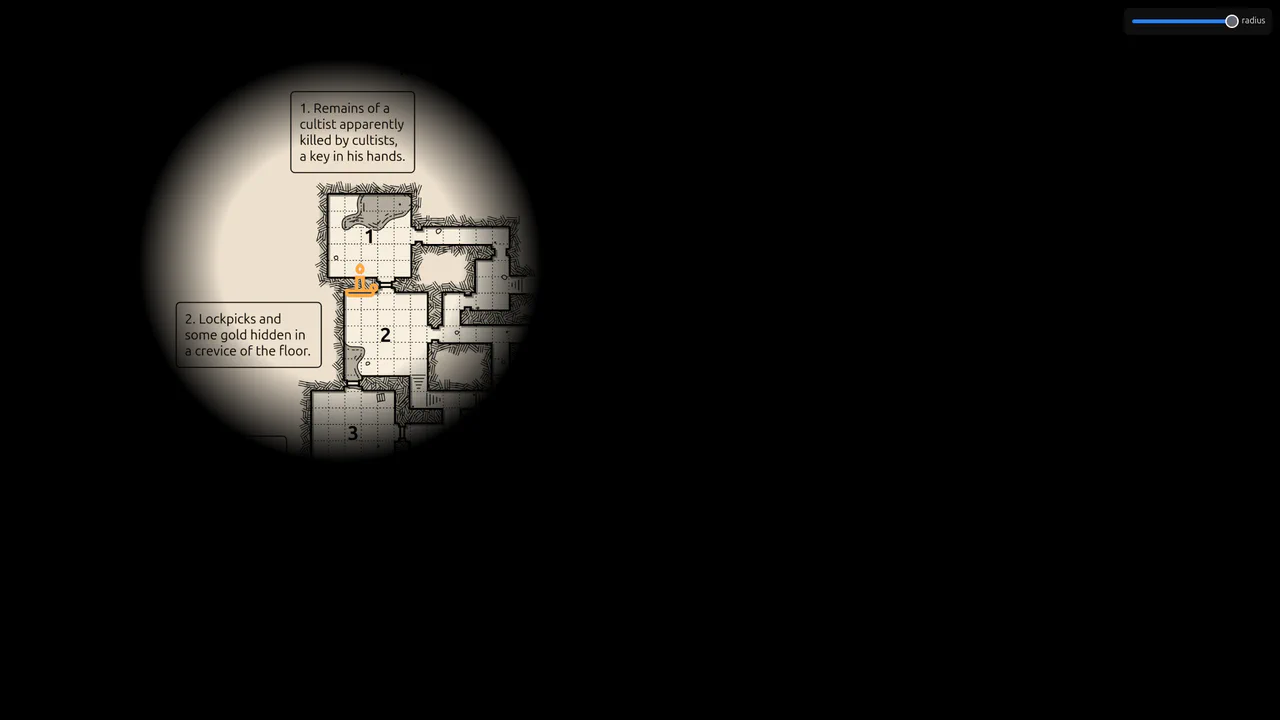
Flickering Torchlight Reveal Overlay
This is a Flickering Torchlight Reveal Overlay. It pairs a custom cursor with a dynamic radial mask to selectively expose underlying content. Its function is to restrict visibility to the immediate cursor vicinity, replacing open layouts with an exploratory, constrained interaction model.
Chrome 80+
Edge 80+
Firefox 75+
Safari 14+
See the Pen Flickering Torchlight Reveal Overlay.
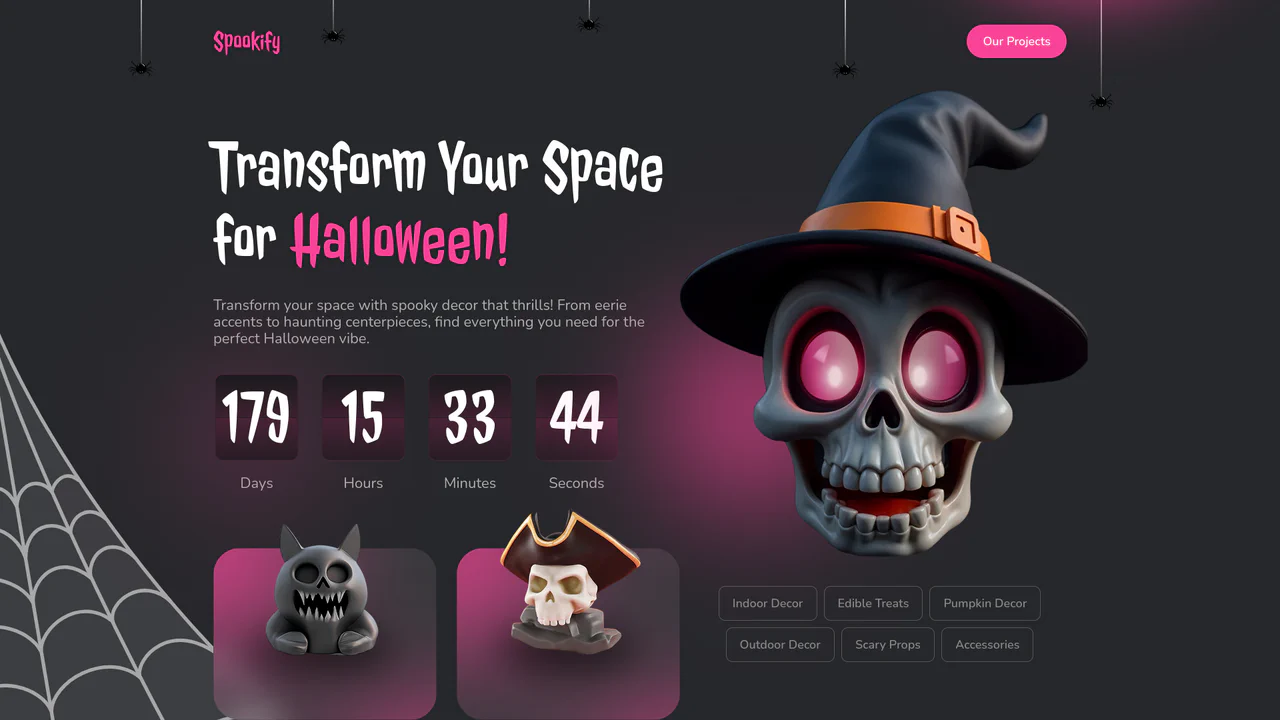
Halloween Countdown Hero Section
This is a Halloween Countdown Hero Section. It combines a functional date countdown with thematic, highly kinetic visual elements like dropping spiders and cursor-tracking skull eyes. Its function is to immediately immerse users in a seasonal campaign while driving urgency toward a specific deadline.
Chrome 80+
Edge 80+
Firefox 75+
Safari 14+
See the Pen Halloween Countdown Hero Section.
Footstep Cursor Trailer
This is a Footstep Cursor Trailer. It draws a decaying trail of alternating left and right vector footprints that follow the user’s pointer. Its function is to add a highly stylized, playful layer of interaction to empty background spaces, gamifying the simple act of moving a mouse. (Requires: GSAP)
Chrome 51+
Edge 79+
Firefox 52+
Safari 10+
See the Pen Footstep Cursor Trailer.
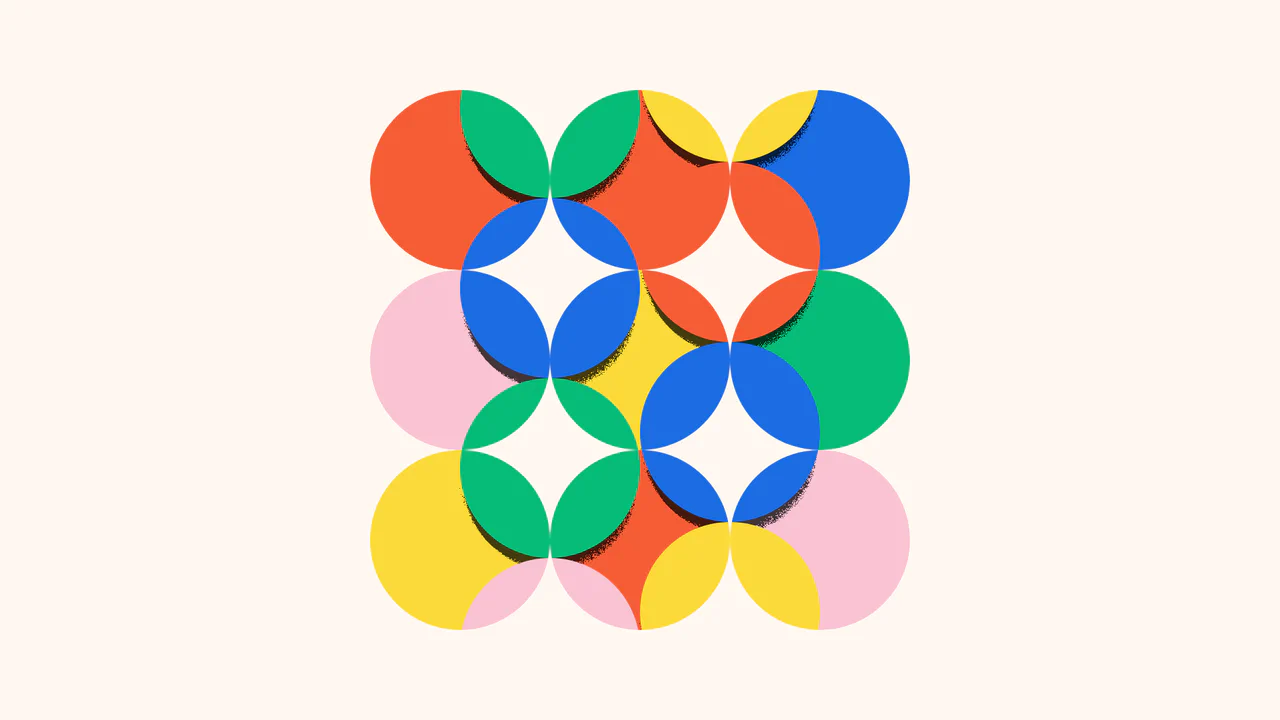
Kinetic SVG Parallax Grid Mask
This is a Kinetic SVG Parallax Grid Mask. It utilizes mathematical cursor tracking to offset a vectorized masking layer, revealing a secondary layer of animated, stepped shapes beneath. Its function is to create a playful, exploratory spatial interaction that rewards user movement without relying on heavy WebGL contexts. (Requires: GSAP)
Chrome 60+
Edge 79+
Firefox 55+
Safari 12+
See the Pen Kinetic SVG Parallax Grid Mask.
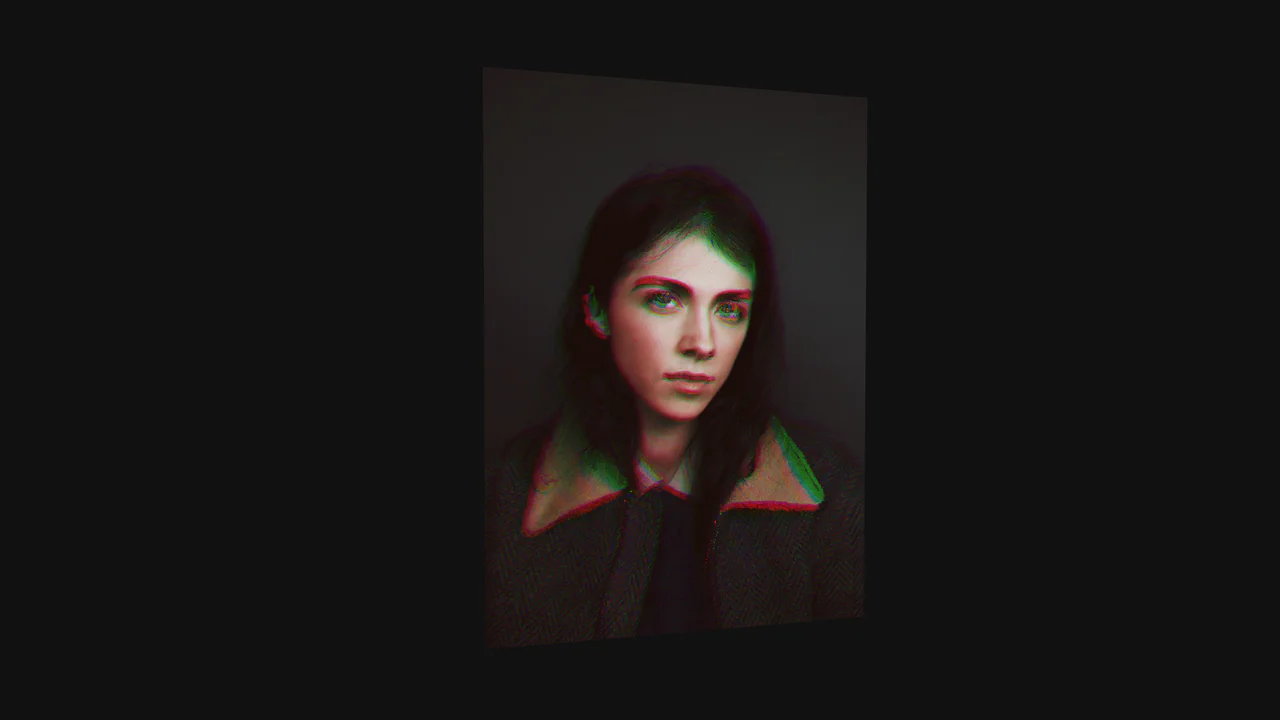
WebGL RGB Shift Image Card
This is a WebGL RGB Shift Image Card. It renders a high-resolution raster image onto a 3D geometric plane, applying dynamic visual distortions based on pointer intersection. Its function is to elevate standard portfolio grids or hero sections into highly tactile, immersive experiences, replacing standard CSS transitions with complex mathematical pixel manipulation. (Requires: Three.js, GSAP)
Chrome 60+
Edge 79+
Firefox 55+
Safari 12+
See the Pen WebGL RGB Shift Image Card.
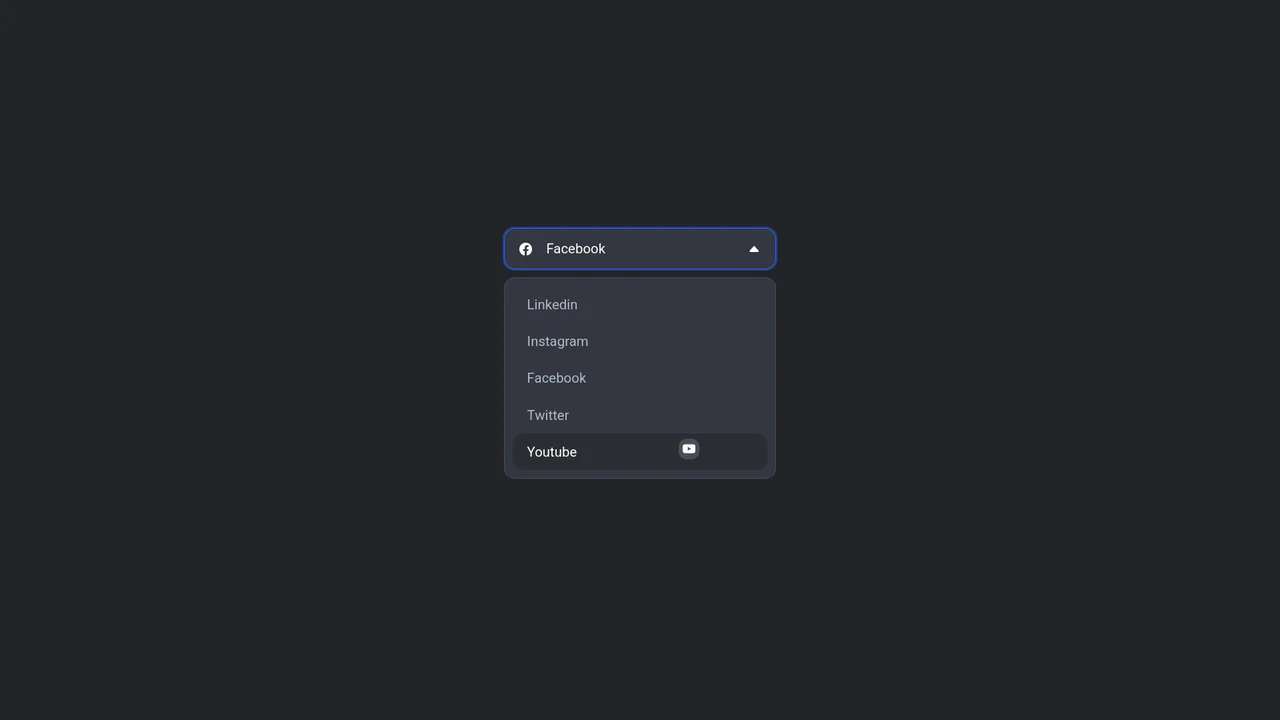
Floating Icon Select Dropdown
This is a Floating Icon Select Dropdown. It replaces the native OS <select> element with a spatial, hardware-accelerated interface. Its primary function is to provide immediate, physical feedback: as the user interacts with the list, a custom icon detaches from the layout and physically tracks the cursor’s coordinates.
Chrome 80+
Edge 80+
Firefox 75+
Safari 13+
See the Pen Floating Icon Select Dropdown.
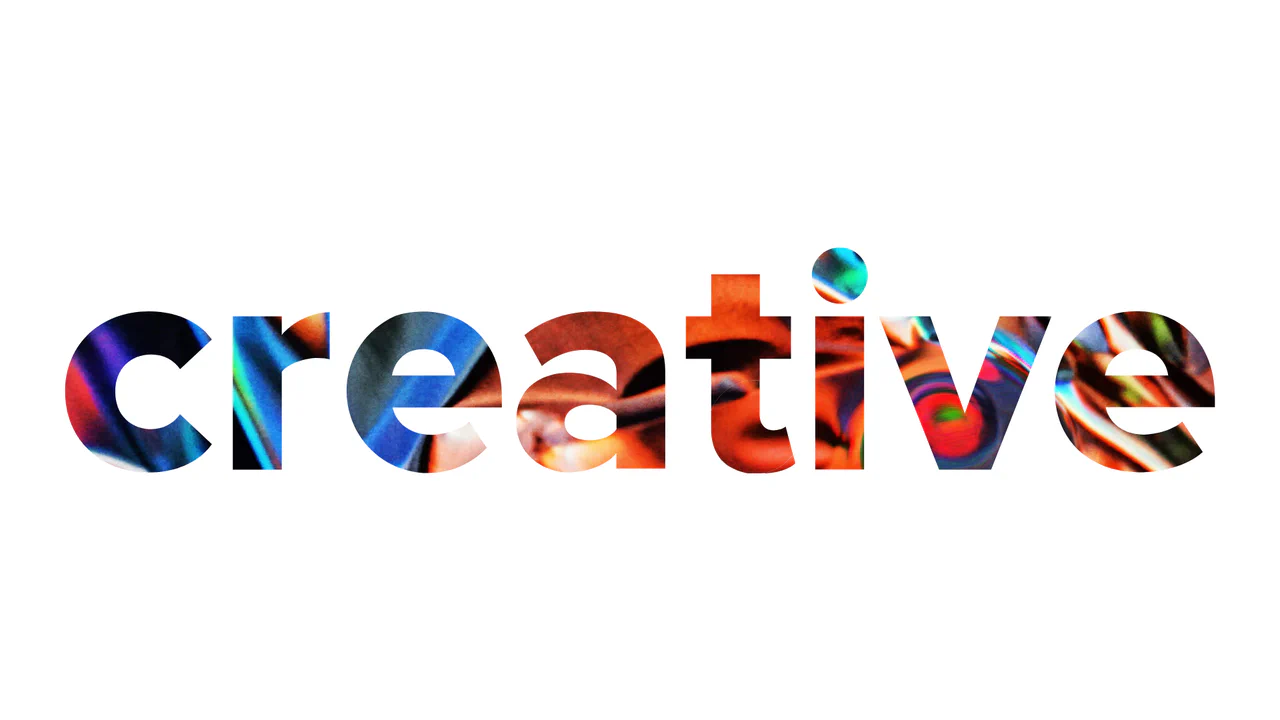
WebGL Liquid Distortion Typography Mask
This is a WebGL Liquid Distortion Typography Mask. It uses fluid simulation to distort a background image, revealed only through a vector cutout. Its function is to transform standard text headers into deeply interactive, kinetic focal points. (Requires: OGL.js, TweenMax.js)
Chrome 60+
Edge 79+
Firefox 55+
Safari 12+
See the Pen WebGL Liquid Distortion Typography Mask.

Cinematic Masked Video Hero
This is a Cinematic Masked Video Hero. It layers solid and outlined typography over an SVG-clipped video element to create optical depth. Its function is to immediately capture attention on landing, breaking away from standard rectangular layouts through organic polygon masking and staggered motion. (Requires: gsap-js)
Chrome 90+
Edge 90+
Firefox 89+
Safari 15+
See the Pen Cinematic Masked Video Hero.

Interactive Clip-Path Image Comparison
This is an Interactive Clip-Path Image Comparison. It juxtaposes two states of a single subject using a fluid, pointer-driven mask. Its function is to provide immediate, tangible proof of transformation (before/after), replacing static side-by-side galleries with a unified exploratory experience.
Chrome 75+
Edge 79+
Firefox 71+
Safari 13+
See the Pen Interactive Clip-Path Image Comparison.

Interactive Vertical Parallax Cursor Navigation
This is an Interactive Vertical Parallax Cursor Navigation. It combines large-scale typography with a dynamic image-reveal system. Its function is to provide an immersive, tactile menu experience for high-end creative portfolios, where the user’s cursor physically “steers” the list and uncovers visual content linked to each item.
Chrome 80+
Edge 80+
Firefox 75+
Safari 13.1+
See the Pen Interactive Vertical Parallax Cursor Navigation.

Cinematic Zoom Blur Image Gallery
This is a Cinematic Zoom Blur Image Gallery. It utilizes custom GLSL fragment shaders and Three.js to create a high-fidelity transition between image textures. Its function is to provide an immersive navigational layer for visual portfolios, where spatial depth and radial blur replace standard linear crossfades. (Requires: Three.js, GSAP)
Chrome 60+
Edge 79+
Firefox 55+
Safari 11+
See the Pen Cinematic Zoom Blur Image Gallery.

Generative 3D Parallax Typography
This is a Generative 3D Parallax Typography component. It utilizes the css-doodle web component to automatically duplicate and stack text elements into a volumetric layout. Its function is to create a dynamic, mouse-reactive hero graphic without the need to write complex JavaScript event listeners or maintain heavy WebGL canvases. (Requires: css-doodle)
Chrome 61+
Edge 79+
Firefox 63+
Safari 10.1+
See the Pen Generative 3D Parallax Typography.

Interactive Glowing Grid Cards
This snippet presents Interactive Glowing Grid Cards. It transforms a static grid of content into an immersive, tactile interface by having a soft, localized glow follow the user’s cursor. This effect illuminates both the background of the hovered card and the borders of adjacent cards, providing continuous, spatial feedback that enhances the premium feel of a dark-mode dashboard or feature list.
Chrome 60+
Safari 11+
Firefox 55+
Edge 79+See the Pen Interactive Glowing Grid Cards.

GSAP Magic Hover Areas
This is a GSAP Magic Hover Areas component. It creates an animated, floating background layer that physically tracks the user’s cursor or keyboard focus across different interactive elements on the page. It adds a cohesive, fluid spatial awareness to standard list items and navigation menus. (Requires: GSAP, Lodash.js, VanillaTilt.js)
Chrome 49+
Safari 10+
Firefox 52+
Edge 79+
See the Pen GSAP Magic Hover Areas.

Staggered Particle Blob Effect
This is a Staggered Particle Blob Effect. It clusters multiple DOM nodes into a cohesive, glowing entity that tracks cursor movement. Its function is to provide highly organic, procedural background interaction, replacing static canvases with an ecosystem of independent, mathematically linked elements. (Requires: AnimeJS)
Chrome 79+
Edge 79+
Firefox 71+
Safari 13+
See the Pen Staggered Particle Blob Effect.

Interactive 3D Layered Text Wave Effect
This is an Interactive 3D Layered Text Wave Effect. It transforms a flat heading into a dynamic, multi-layered typographical stack that tracks cursor movement. Its function is to create immersive, interactive hero sections, replacing static typography with a playful spatial experience.
Chrome 36+
Edge 12+
Firefox 16+
Safari 9+
See the Pen Interactive 3D Layered Text Wave Effect.

Interactive 3D Pricing Card Slider
This is an Interactive 3D Pricing Card Slider. It integrates WebGL geometric renders into a standard product tier UI. Its function is to convert static pricing options into an engaging, tactile spatial experience. (Requires: three.js, swiper.js)
Chrome 60+
Edge 79+
Firefox 55+
Safari 11+
See the Pen Interactive 3D Pricing Card Slider.

Interactive Liquid SVG Wobble Button
This is an Interactive Liquid SVG Wobble Button. It maps cursor proximity to discrete vector points along an SVG path, deforming the shape in real-time. Its function is to transform a static call-to-action into a physical, reactive object. (Requires: svg.js, generative-utils.js, vector2d.js, debounce.js)
Chrome 80+
Edge 80+
Firefox 75+
Safari 13.1+
See the Pen Interactive Liquid SVG Wobble Button.

Canvas Card Slicer Game
Modern web games often rely on bloated frameworks. This project demonstrates the raw capability of the native Canvas API combined with lightweight physics. It is a satisfying, tactile experience where the user’s cursor becomes a blade. By implementing a custom particle system and separating the collision logic (SAT.js) from the rendering, we achieve a high-performance arcade feel that runs smoothly even on modest hardware. (Requires: sat-js, mg-engine-js)
Chrome 60+
Edge 79+
Firefox 60+
Safari 11+
See the Pen Canvas Card Slicer Game.

Cinematic Context-Aware Video Cursor
Standard video controls are an interruption — a layer of clutter between the viewer and the content. We wanted to remove that barrier. This component transforms the user’s intent into the interface itself. By morphing the cursor into a context-aware controller, we achieve a symbiosis of navigation and action. It creates an immersive, cinematic experience where the UI dissolves, leaving only the story.
Chrome 105+
Edge 105+
Firefox 121+
Safari 15.4+
See the Pen Cinematic Context-Aware Video Cursor.
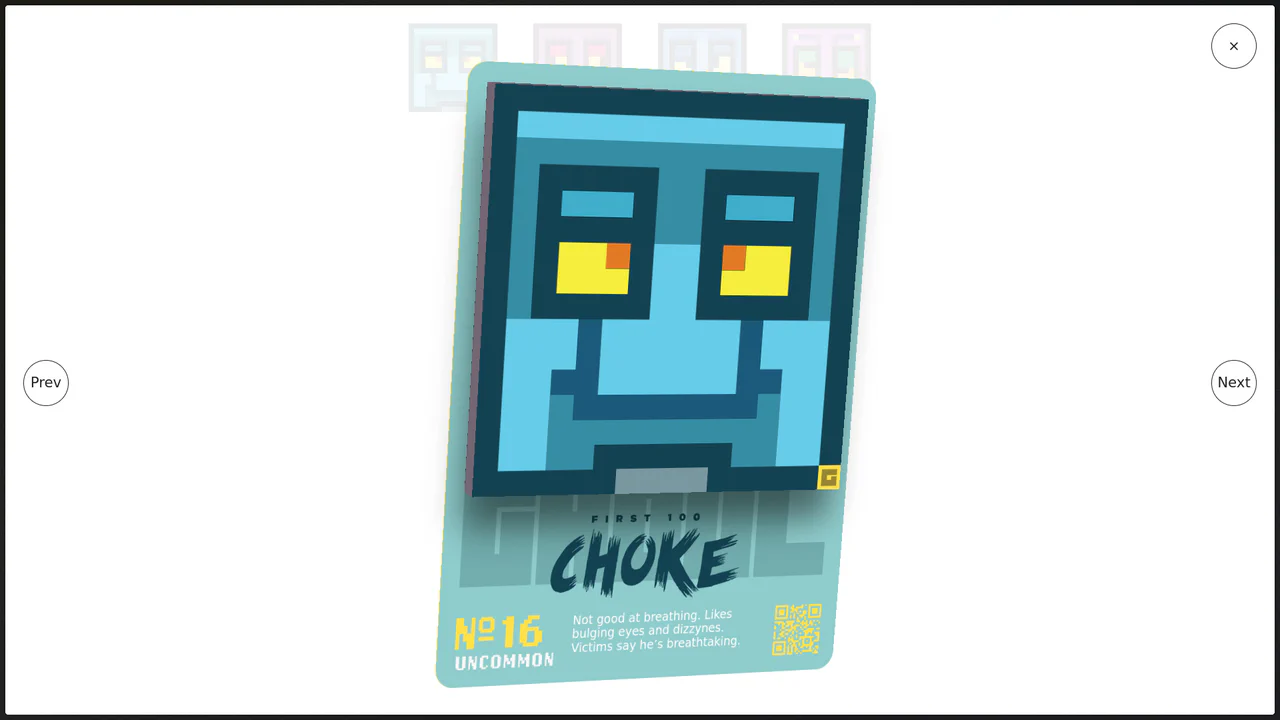
Immersive 3D Tilt Card Modal
We accept flatness in web interfaces as a constraint, but it is merely a habit. This component breaks the fourth wall, transforming a static modal into a tangible, digital artifact. By coupling mouse physics with deep perspective, we create an interaction that feels less like clicking a link and more like holding a rare collectable. (Requires: gsap)
Chrome 80+
Edge 80+
Firefox 75+
Safari 13+
See the Pen Immersive 3D Tilt Card Modal.
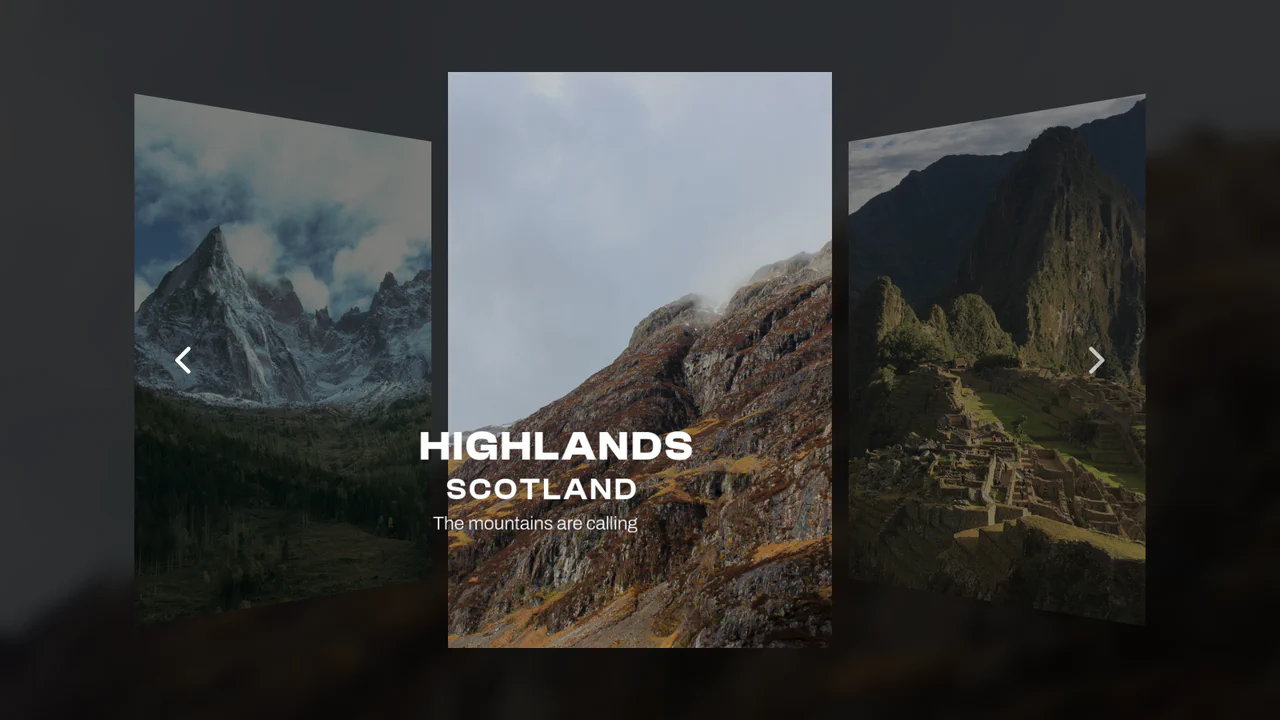
3D Parallax Card Slider
This 3D Parallax Card Slider brings a tangible, high-fidelity feel to web galleries. It goes beyond simple sliding by implementing a physics-based tilt effect that reacts to mouse movement, giving each card weight and depth. The background adapts seamlessly to the active slide, creating an immersive atmosphere perfect for luxury travel sites or premium portfolios. (Requires: imagesLoaded)
Chrome 60+
Edge 79+
Firefox 55+
Safari 11+
See the Pen 3D Parallax Card Slider.