40+ JavaScript Mouse Tracking Examples (Page 2)
Examples

Interactive Neon Grid Trail
This Interactive Neon Grid Trail creates a sleek, cybernetic atmosphere ideal for tech portfolios or futuristic landing pages. It utilizes the HTML5 Canvas API to render a grid of invisible squares that light up in neon teal upon interaction. The effect features a “memory” mechanic where the illuminated cells hold their charge for a moment before gracefully fading back into the darkness, creating a satisfying trail behind the user’s cursor.
 Chrome 4+
 Edge 12+
 Firefox 3.6+
 Safari 4+
See the Pen Interactive Neon Grid Trail.
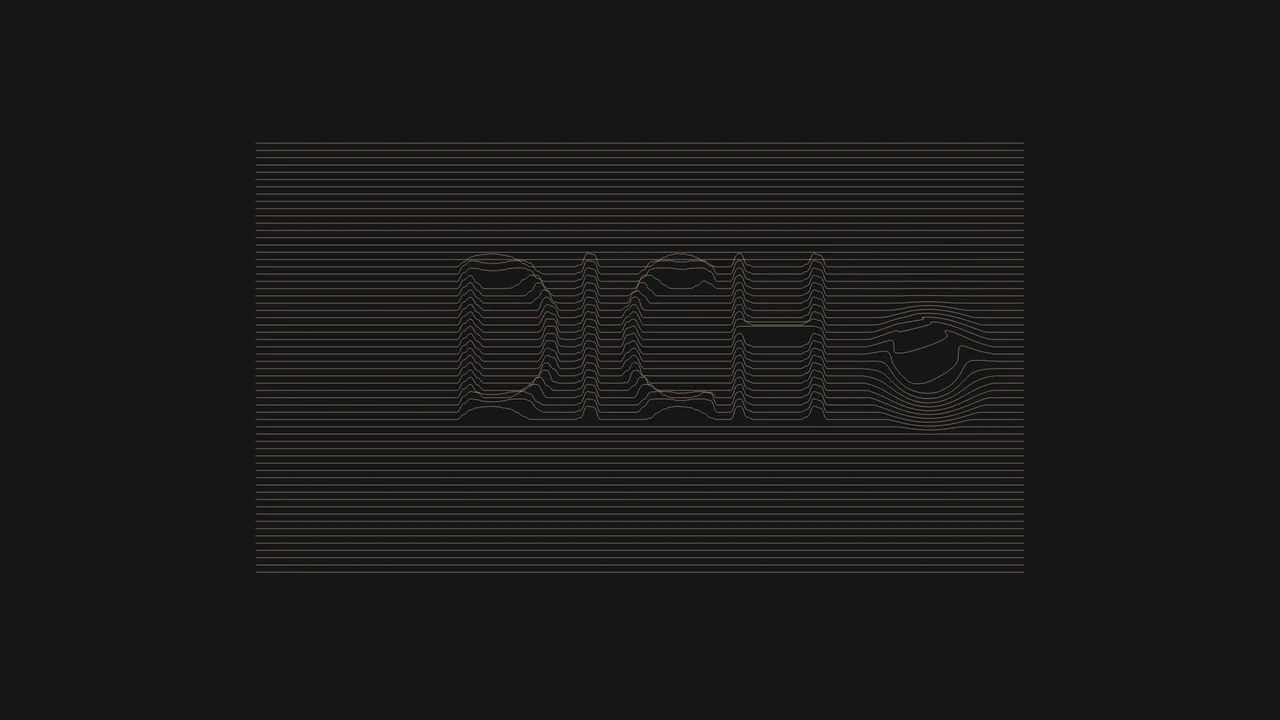
Interactive Typographic Wave Footer
This Interactive Typographic Wave Footer combines generative art with functional UI design. It features a field of horizontal lines that behave like a liquid surface, reacting to the user’s cursor with a satisfying ripple effect. Hidden within the wave structure is a 3D-like topographic representation of text (“DICH”), generated by mapping pixel brightness from an off-screen canvas to the vertical position of the lines. It’s a sophisticated way to add depth and interactivity to a page footer or hero section. (Requires: Custom Font (Drukwide))
Chrome 50+
Edge 79+
Firefox 50+
Safari 11+
See the Pen Interactive Typographic Wave Footer.
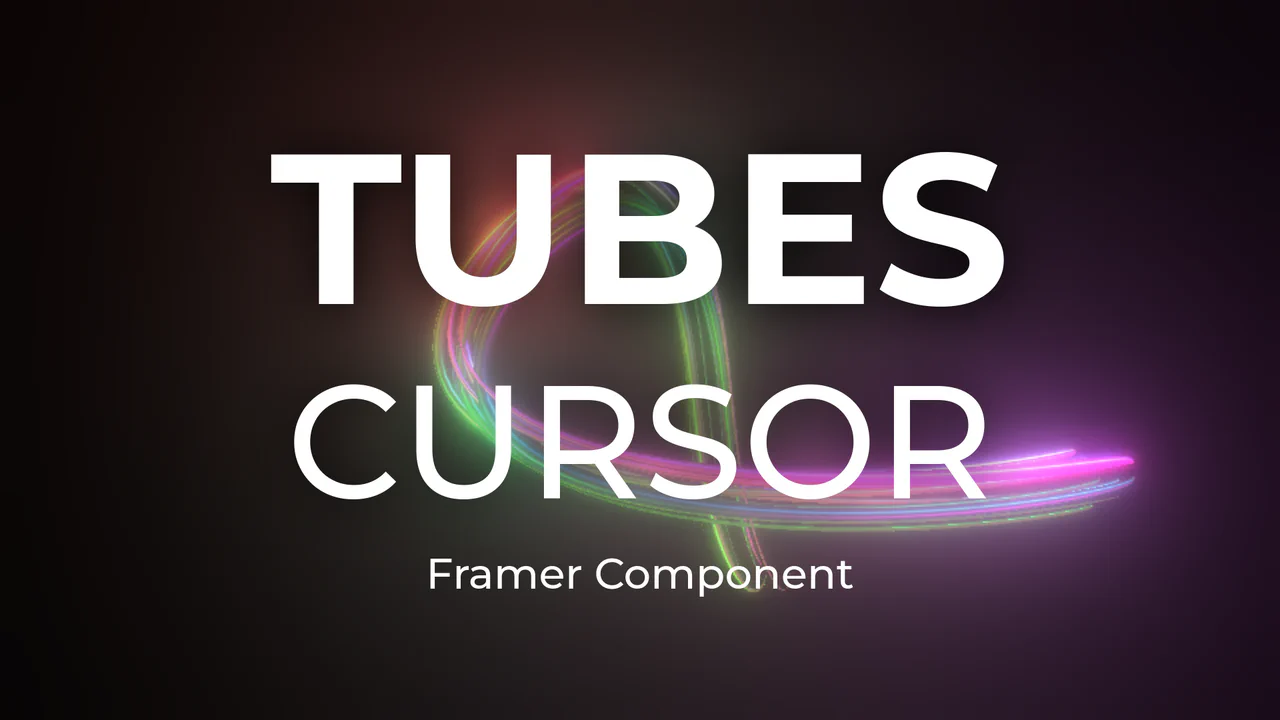
Neon 3D Tubes Cursor Trail
This Neon 3D Tubes Cursor Trail brings high-end motion graphics to the web browser. Using the power of WebGL and Three.js, it generates a serpentine trail of glowing 3D geometry that fluidly follows the user’s input. The effect features dynamic lighting that casts soft glows on the tubes, and it includes a built-in interaction where clicking the screen instantly randomizes the color palette, keeping the visual experience fresh. (Requires: threejs-components (External Lib))
Chrome 80+
Edge 80+
Firefox 75+
Safari 13.1+
See the Pen Neon 3D Tubes Cursor Trail.

Holographic 3D Interactive Card
This Holographic 3D Interactive Card is a premium UI component inspired by rare physical trading cards. It features a sophisticated depth effect where the logo floats independently from the iridescent background, reacting dynamically to mouse movements or touch input. The use of modern CSS APIs ensures high-performance rendering of complex gradients and masks, creating a truly immersive “collectible” feel for digital assets.
Chrome 85+
Edge 85+
Safari 16.4+
Firefox 128+
See the Pen Holographic 3D Interactive Card.
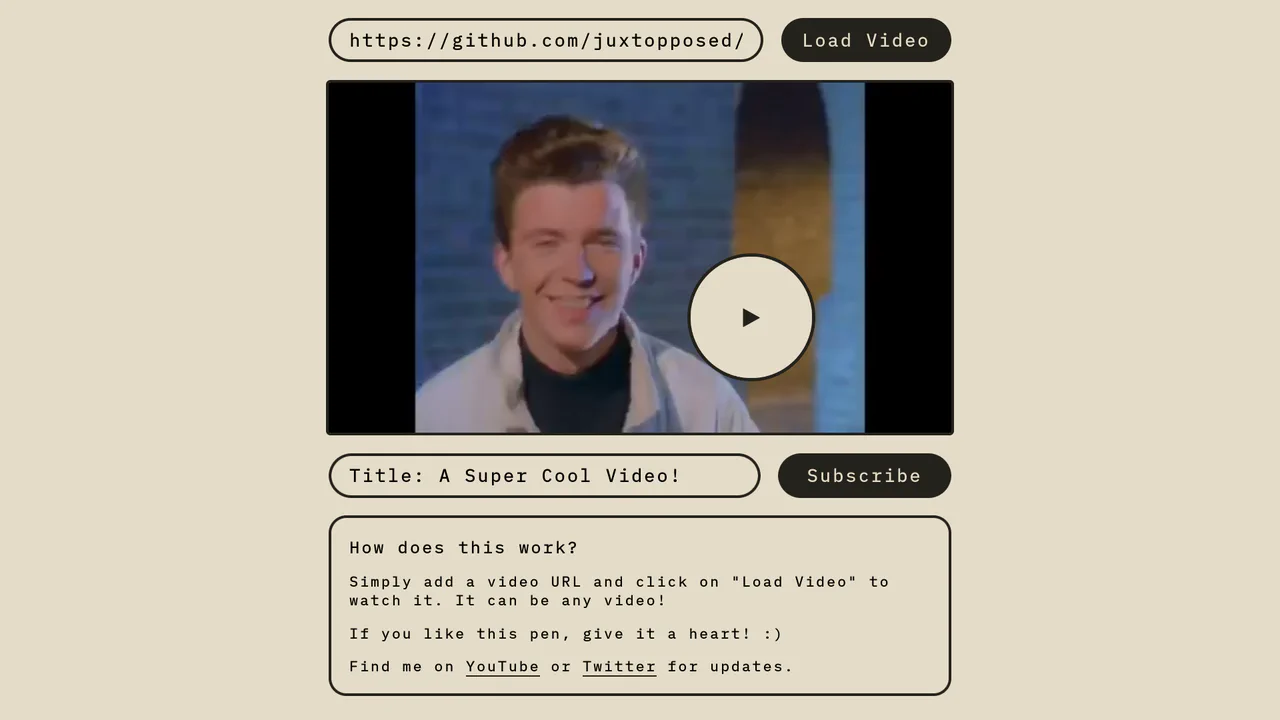
Magnetic Video Play Button Concept
The Magnetic Video Play Button Concept is an interactive UI element that replaces the standard video player controls with a creative, cursor-following play button. This implementation enhances user engagement by making the primary interaction point - the play toggle - dynamic and physically responsive to the user’s movement. It is perfect for landing pages and high-end portfolio sites where media content is the centerpiece.
Chrome 60+
Edge 79+
Firefox 60+
Safari 11+
See the Pen Magnetic Video Play Button Concept.

Interactive 3D Photo Cube
This Interactive 3D Photo Cube creates a spatial navigation experience where a user explores six images mapped onto a cube by moving their cursor. Unlike standard sliders, it utilizes CSS 3D transforms orchestrated by GSAP to create a seamless, physics-like rotation. The snippet also features a “window-pane” parallax effect where the background images shift slightly inside their frames, adding an extra layer of depth. (Requires: GSAP)
Chrome 90+
Edge 90+
Safari 14+
Firefox 88+
See the Pen Interactive 3D Photo Cube.

Cursor-Tracking Spotlight Reveal Effect
This Cursor-Tracking Spotlight Reveal Effect creates a sophisticated “x-ray” or “flashlight” interaction. Initially, the user sees plain text. As the mouse moves, a circular mask follows the cursor, revealing a hidden image underneath and simultaneously inverting the text color to white within the circle. This technique adds depth and playfulness to portfolio links or gallery items without disrupting the layout.
Chrome 88+
Edge 88+
Safari 14+
Firefox 86+
See the Pen Cursor-Tracking Spotlight Reveal Effect.

Stripe-Inspired Cards Hover Effect
This Stripe-Inspired Cards Hover Effect replicates the sophisticated “flashlight” border interaction seen on modern SaaS websites. Instead of a simple color change, a soft radial gradient follows the user’s mouse cursor across a grid of cards. This creates a cohesive, lighting-aware interface where elements seem to illuminate as you interact with them.
Chrome 49+
Edge 15+
Firefox 31+
Safari 9.1+
See the Pen Stripe-Inspired Cards Hover Effect.
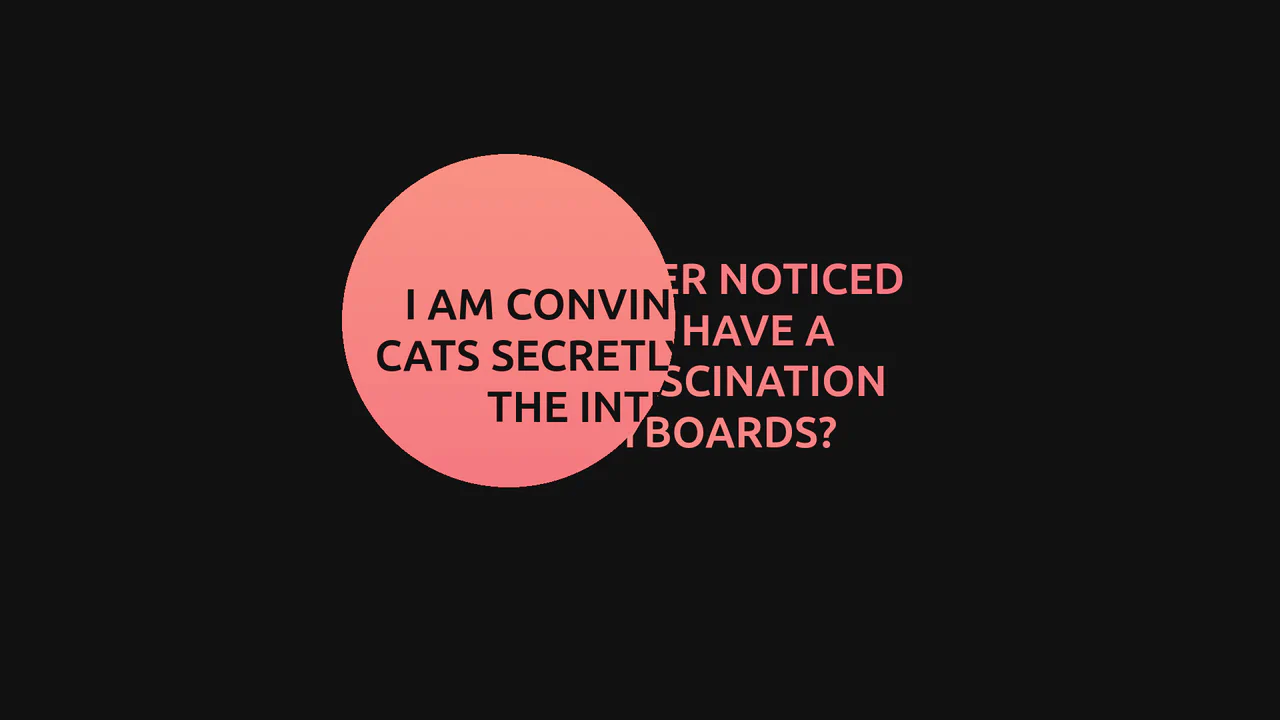
GSAP Mask Mouse Effect
An intriguing user experience where hidden messages and a vibrant gradient background are revealed only under a “spotlight” following the cursor, featuring expansion animations upon interaction.
See the Pen GSAP Mask Mouse Effect.

Multi-Card Glow Hover
A holographic card effect driven by mouse tracking via JavaScript, which updates CSS variables to position dynamic gradients.
See the Pen Multi-Card Glow Hover.

Web Animations, Sound, and Custom Cursor Mix
A technically very advanced component that uses modern APIs (WAAPI) to create unique, kinetic cursor tracking, effectively demonstrating the capabilities of high-performance, JS-controlled animation.
See the Pen Web Animations, Sound, and Custom Cursor Mix.
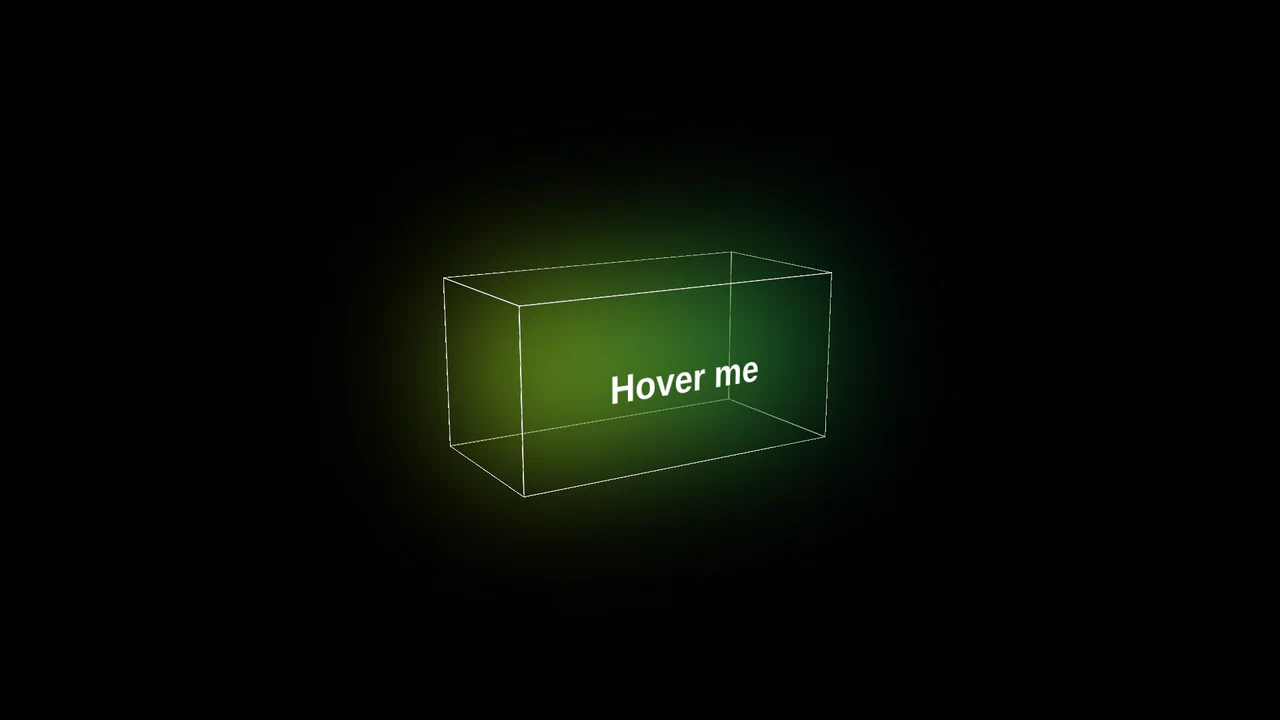
3D Glowing Button with CSS
A futuristic 3D button constructed from CSS-transformed planes to form a cube. JavaScript tracks mouse movement to apply dynamic rotateX/Y transforms for a tilt effect, while CSS keyframes animate a neon gradient glow and blur that activates on hover.
See the Pen 3D Glowing Button with CSS.

Metal/Glass Button
A high-quality simulation of a metallic surface that “plays” with light following the mouse cursor, creating a tactile sensation of premium material.
See the Pen Metal/Glass Button.

Wall of Text: Blogged
A futuristic, interactive blog card featuring AI-generated content fetched dynamically via JavaScript. The layout utilizes advanced CSS techniques like :has() for expandable sections, masking and blend modes for rich graphical elements, and variable-driven cursor tracking animations, creating a dynamic and engaging reading experience.
See the Pen Wall of Text: Blogged.

Interactive Gooey Buttons
Interactive buttons featuring a fluid, mouse-tracking glow effect powered by CSS custom properties. JavaScript calculates cursor coordinates to dynamically position radial gradients and text shadows, while CSS filters create a ‘gooey’ liquid animation that responds organically to user interaction.
See the Pen Interactive Gooey Buttons.
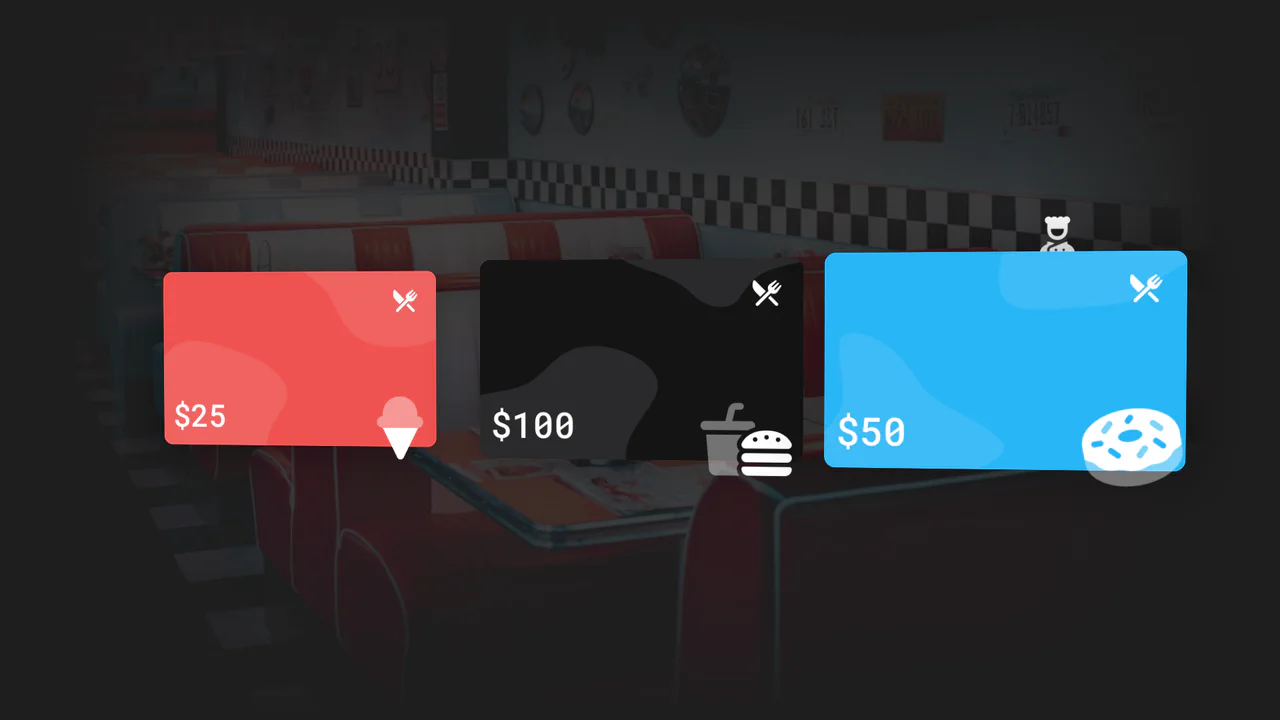
Interactive 3D Tilt Hover Effect
An interactive 3D card selector featuring a dynamic parallax effect where cards rotate in perspective based on mouse coordinates. JavaScript calculates angular transforms and constraints for a ‘chef’ character that playfully follows the cursor along the card’s axis.
See the Pen Interactive 3D Tilt Hover Effect.

CSS Cat Illustration with Tracking Eyes
An illustration of a cat created entirely in CSS, featuring interactive eyes that follow the cursor. JavaScript uses Math.atan2 to calculate the gaze angle, while all of the cat’s details - from the body to the whiskers - are implemented using pseudo-elements, box-shadow, and gradients.
See the Pen CSS Cat Illustration with Tracking Eyes.


Light and Shadow Mouse Tracking
A showcase of powerful interactive styling, where JS logic calculates cursor distance and direction to control a moving shadow and the intensity of a border glow via CSS variables and pseudo-elements.
See the Pen Light and Shadow Mouse Tracking.