3 JavaScript Neon Effects
Integrating dynamic neon interactions into your UI design adds a layer of depth and reactivity that static styles cannot match. This updated collection of JavaScript-driven snippets enables developers to build high-performance glowing elements that pulse, flicker, or react to mouse movements in real-time. Using these pre-engineered scripts is an efficient way to enhance creative portfolios, gaming hubs, or high-tech dashboards with professional lighting effects.
Technically, these examples move beyond basic CSS by utilizing the Canvas API, SVG filters, and requestAnimationFrame for fluid 60fps rendering. We focus on hardware acceleration to ensure that complex lighting calculations remain performant on the compositor thread. These snippets use clean HTML structures and modular JS logic to prevent memory leaks and ensure high layout stability even during high-frequency visual updates.
Every free demo in this library is built to be responsive and cross-browser compatible. You can easily download the source code or fork a project on CodePen to integrate these accessible, high-performance neon components into your next production project.
Examples

Interactive Neon Grid Trail
This Interactive Neon Grid Trail creates a sleek, cybernetic atmosphere ideal for tech portfolios or futuristic landing pages. It utilizes the HTML5 Canvas API to render a grid of invisible squares that light up in neon teal upon interaction. The effect features a “memory” mechanic where the illuminated cells hold their charge for a moment before gracefully fading back into the darkness, creating a satisfying trail behind the user’s cursor.
 Chrome 4+
 Edge 12+
 Firefox 3.6+
 Safari 4+
See the Pen Interactive Neon Grid Trail.
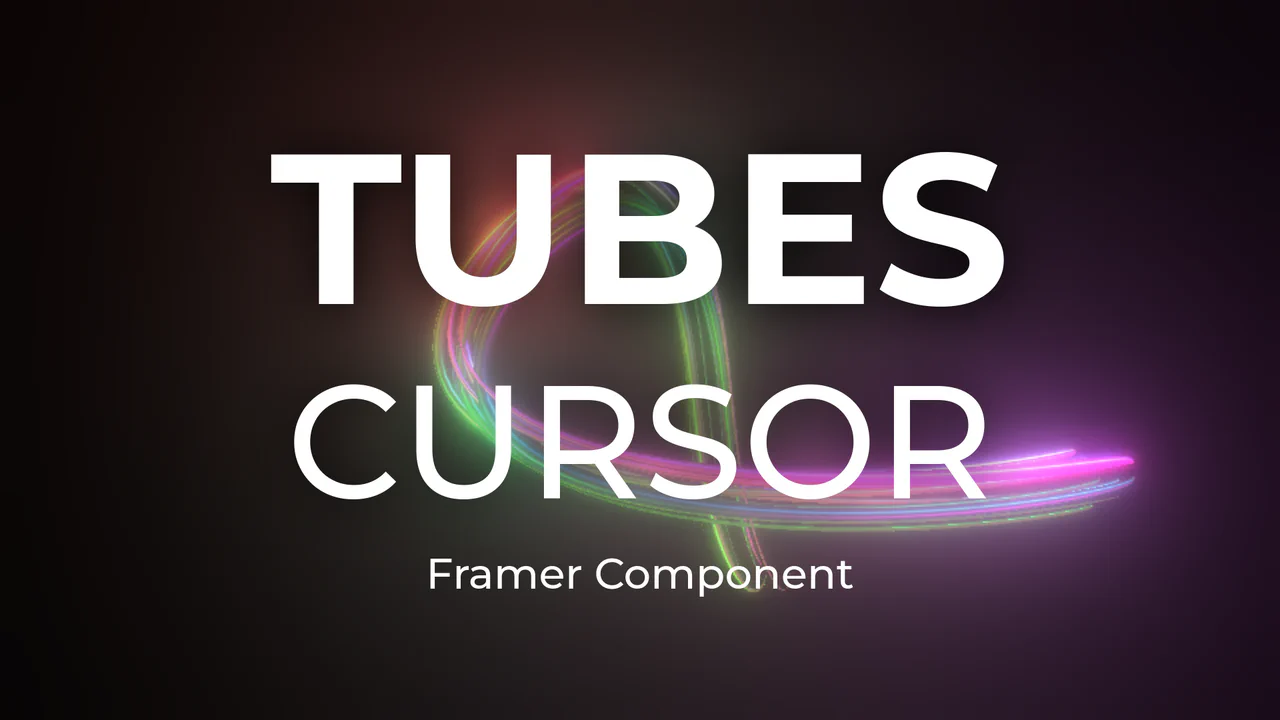
Neon 3D Tubes Cursor Trail
This Neon 3D Tubes Cursor Trail brings high-end motion graphics to the web browser. Using the power of WebGL and Three.js, it generates a serpentine trail of glowing 3D geometry that fluidly follows the user’s input. The effect features dynamic lighting that casts soft glows on the tubes, and it includes a built-in interaction where clicking the screen instantly randomizes the color palette, keeping the visual experience fresh. (Requires: threejs-components (External Lib))
Chrome 80+
Edge 80+
Firefox 75+
Safari 13.1+
See the Pen Neon 3D Tubes Cursor Trail.

Neon Elastic Stroke Radio Button
This Neon Elastic Stroke Radio Button reimagines the standard form input as a high-energy, futuristic interface element. When selected, two overlapping SVG circles (one pink, one blue) animate around the checkmark area with a satisfying elastic “bounce.” The effect mimics a neon light tube flickering on, enhanced by CSS drop-shadow filters and mix-blend-mode for a vibrant, glowing finish. (Requires: GSAP)
Chrome 50+
Edge 79+
Firefox 50+
Safari 10+
See the Pen Neon Elastic Stroke Radio Button.