5 JavaScript Pixel Effects
Bring a retro or artistic touch to your projects with these JavaScript pixel effects. From pixelated transitions and glitch animations to interactive image filters, this collection demonstrates how JavaScript can manipulate visuals at the pixel level for unique and engaging designs.
Examples

Interactive Canvas Particle Image Effect
This is an Interactive Canvas Particle Image Effect. It reconstructs standard raster images using thousands of autonomous floating particles. Its function is to create a highly tactile visual experience that reacts to cursor proximity, morphing colors based on hidden alternate image data to remove the static barrier between user and interface. (Requires: GSAP)
 Chrome 80+
 Edge 80+
 Firefox 75+
 Safari 13+
See the Pen Interactive Canvas Particle Image Effect.

Countdown to Love (GSAP Morphing)
Dynamic grid animation with GSAP timeline sequencing - pixel-perfect numeric countdown transitions and shape morphing with optimized performance.
See the Pen Countdown to Love (GSAP Morphing).
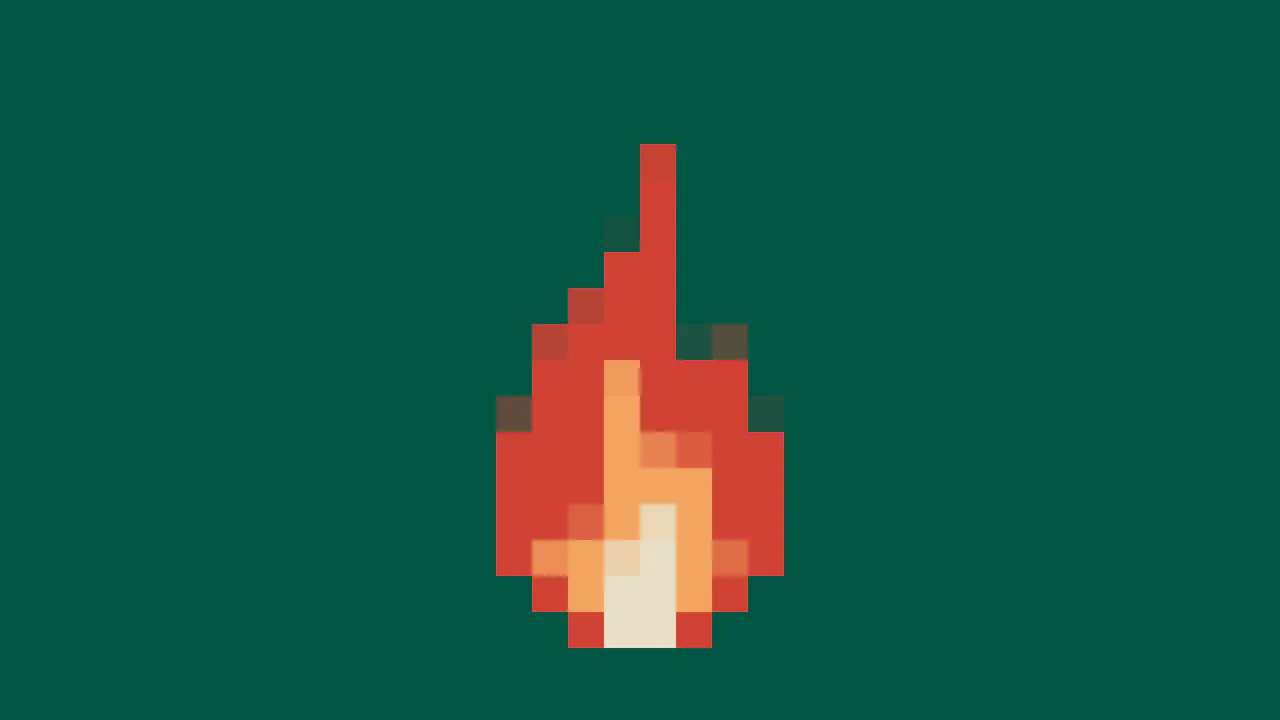
CSS Pixel Fire Animation
This demo showcases a procedural pixel art flame created with the HTML5 Canvas API. The effect is achieved by rapidly drawing randomized vertical lines on a low-resolution 16x16 canvas, which is then scaled up using CSS image-rendering to maintain a crisp, retro aesthetic.
See the Pen CSS Pixel Fire Animation.
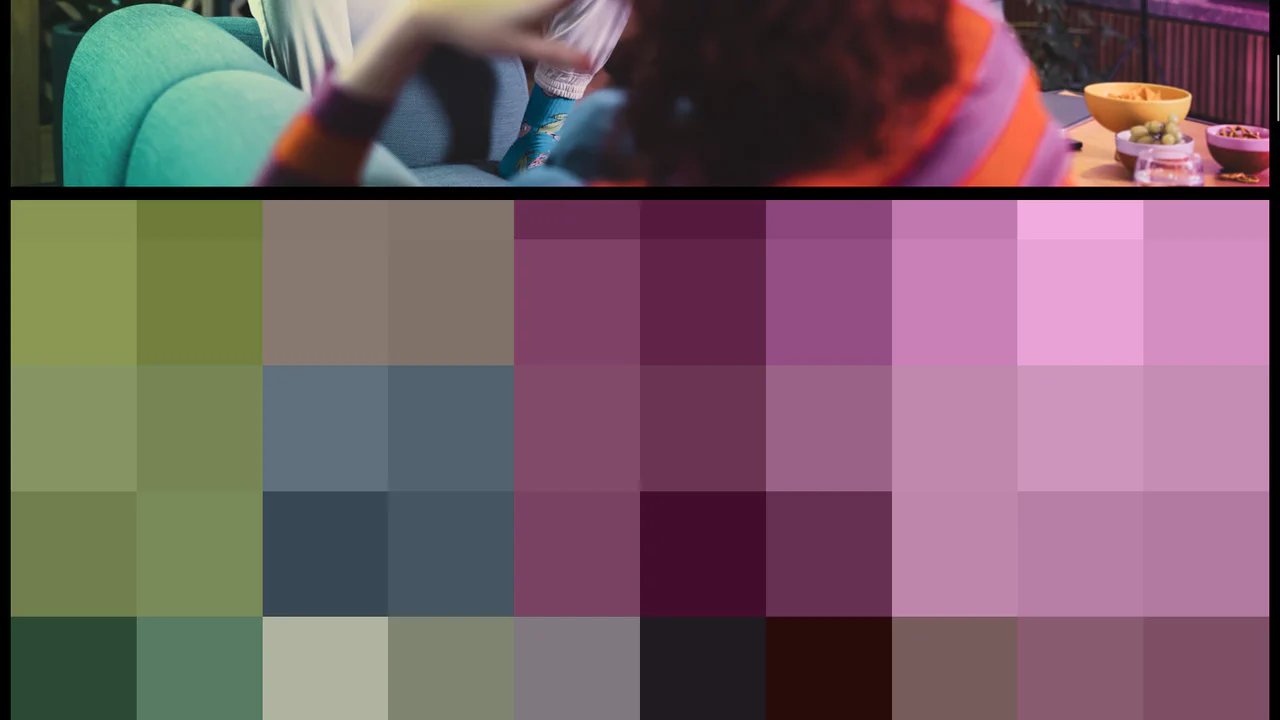
Pixelated Lazy Load for Images
Pure JavaScript and CSS demonstrate how to replace a heavily pixelated placeholder with a full-size image using the data-src attribute and switching the image-rendering styles.
See the Pen Pixelated Lazy Load for Images.

GSAP ScrollTrigger Disintegration Effect
This isn’t just a simple scroll effect—it’s an artistic display of a custom-built disintegration animation. It leverages GSAP’s ScrollTrigger to control the precise, chaotic fade-out of an image rendered from the DOM.
See the Pen GSAP ScrollTrigger Disintegration Effect.