2 JavaScript Product Tours
This collection introduces the fundamentals of building Product Tours using pure JavaScript, demonstrating how easily you can add interactive step-by-step guidance to your UI. The key technical takeaway is DOM manipulation: how JS is used to accurately position the hints (tooltips) next to the required elements. You’ll learn to use simple JavaScript callbacks to control the logic between steps and CSS for visually highlighting focused elements.
Examples

Product Features Tooltips
An interactive product diagram featuring pulsing hotspots positioned over an image. Clicking these triggers Tippy.js to reveal detailed tooltips populated from hidden HTML templates.
See the Pen Product Features Tooltips.
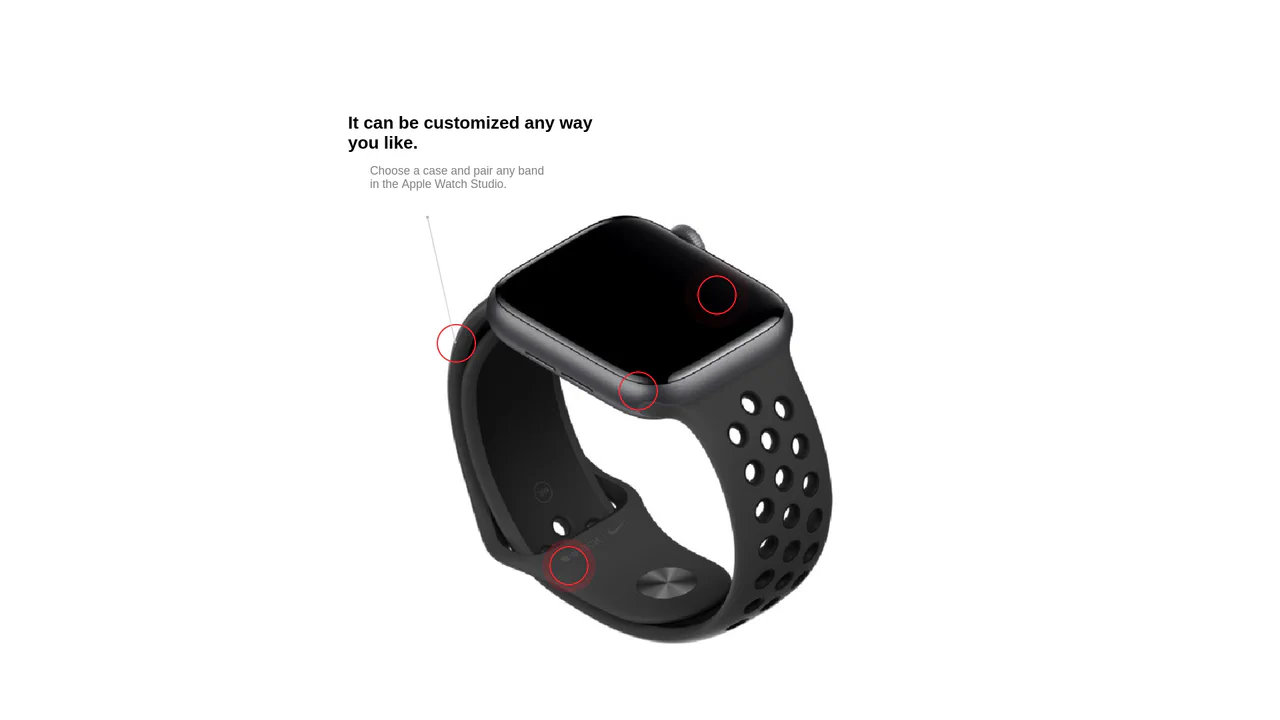
Interactive Product Hotspots with GSAP and PIXI.js
Uses the PIXI.js WebGL renderer to draw dynamic, hardware-accelerated connection lines between content hotspots, enhanced by GSAP for the smooth ‘magnetic’ displacement effect upon mouse hover.
See the Pen Interactive Product Hotspots with GSAP and PIXI.js.