40+ JavaScript Progress Bars
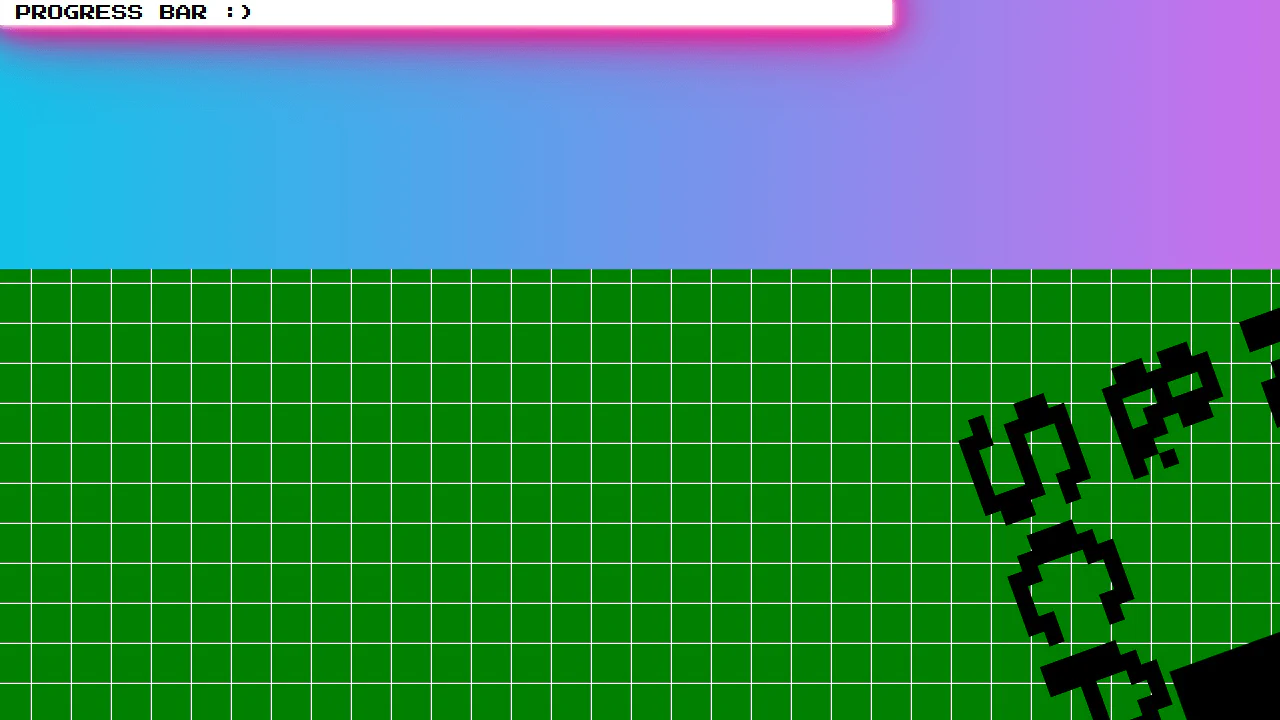
Progress bars visually communicate task completion and system status. This collection of JavaScript-powered progress bars includes animated loaders, scroll-based indicators, upload trackers, and dynamic progress updates that respond in real time.
Examples
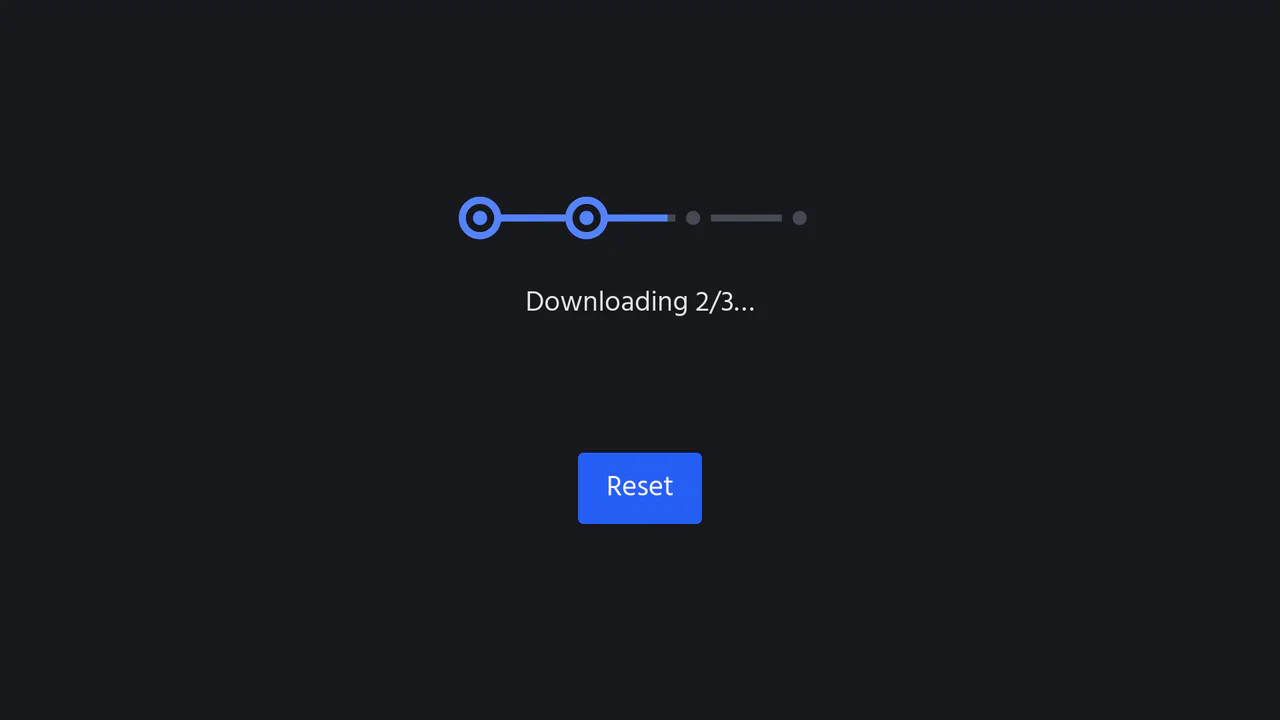
Segmented SVG Progress Loading Bar
An interactive segmented SVG progress bar simulating a multi-step sequential download. Controlled by a vanilla ES6 class, the component animates step-by-step, filling the connecting linear paths via stroke-dashoffset calculations and expanding circular hub checkpoints. Features seamless prefers-color-scheme theme adaptation and complete state-reset controls.
 Chrome 49+
 Edge 12+
 Firefox 49+
 Safari 9.1+
See the Pen Segmented SVG Progress Loading Bar.
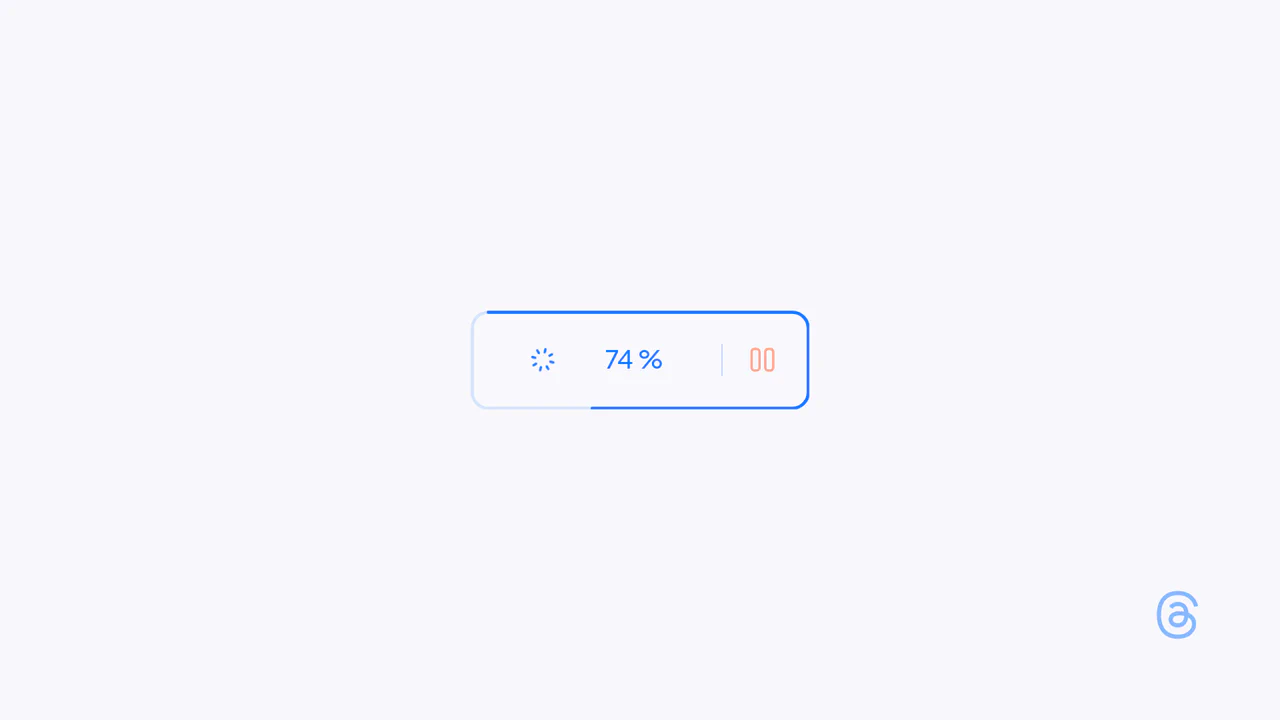
Interactive Loading Progress Button
This is an Interactive Loading Progress Button. It consolidates complex system feedback — progress indication, pausing, and completion — into a single geometric constraint. Its function is to keep the user anchored to one focal point during data-heavy operations, eliminating the need for disjointed, full-screen loading modals. (Requires: Anime.js)
Chrome 60+
Edge 79+
Firefox 55+
Safari 12+
See the Pen Interactive Loading Progress Button.

SVG Perimeter Progress Upload Button
This is an SVG Perimeter Progress Upload Button. It merges the primary action trigger and progress indicator into a single UI component. Its function is to conserve screen real estate while providing continuous, high-fidelity visual feedback during asynchronous file transfers.
Chrome 60+
Edge 79+
Firefox 55+
Safari 11+See the Pen SVG Perimeter Progress Upload Button.

Semantic Custom Progress Bar Kit
This Semantic Custom Progress Bar Kit offers a robust way to display data visualization using a “semantic-first” approach. Instead of writing empty div soup, you define your data using standard HTML5 <progress> tags. The accompanying JavaScript then “hydrates” these tags, converting them into four distinct, visually rich styles ranging from simple solids to complex gradients and striped patterns, perfect for dashboards or skill portfolios.
Chrome 60+
Edge 79+
Firefox 55+
Safari 11+
See the Pen Semantic Custom Progress Bar Kit.

Page Scroll Progress Bars
A dual-format scroll progress indicator featuring a linear top bar and a circular SVG gauge with a “Back to Top” button.
See the Pen Page Scroll Progress Bars.

Neumorphic Loader
A tactile Neumorphic progress indicator where JavaScript drives the animation state by updating a custom property --progress. The visual logic relies on CSS conic-gradient utilizing calculated color stops to dynamically render the filling arc, while complex layered box-shadow creates a soft, extruded 3D aesthetic.
See the Pen Neumorphic Loader.

Progress
A minimalist dashboard visualizing the passage of time across multiple scales (minute to year) via animated progress bars, updated in real-time.
See the Pen Progress.
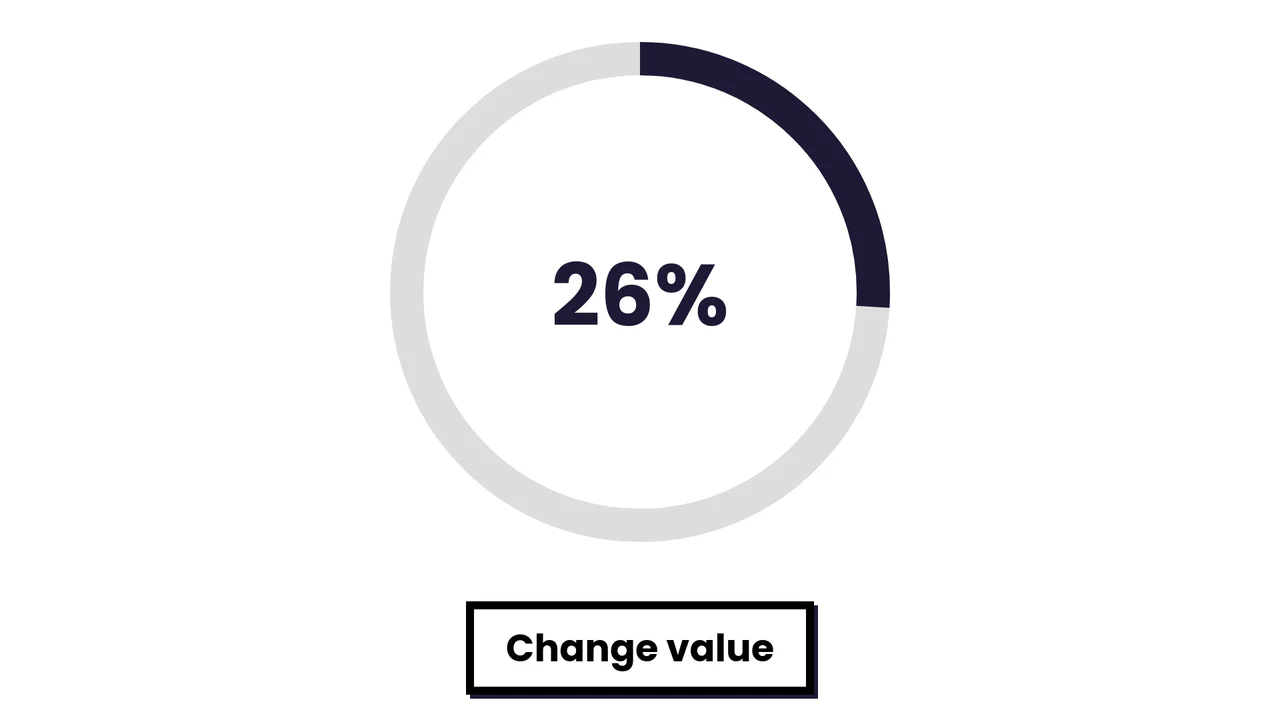
Simple SVG Circle Graph with Animation
A smooth radial progress animation where the SVG stroke fills the circumference based on a dynamically calculated offset.
See the Pen Simple SVG Circle Graph with Animation.
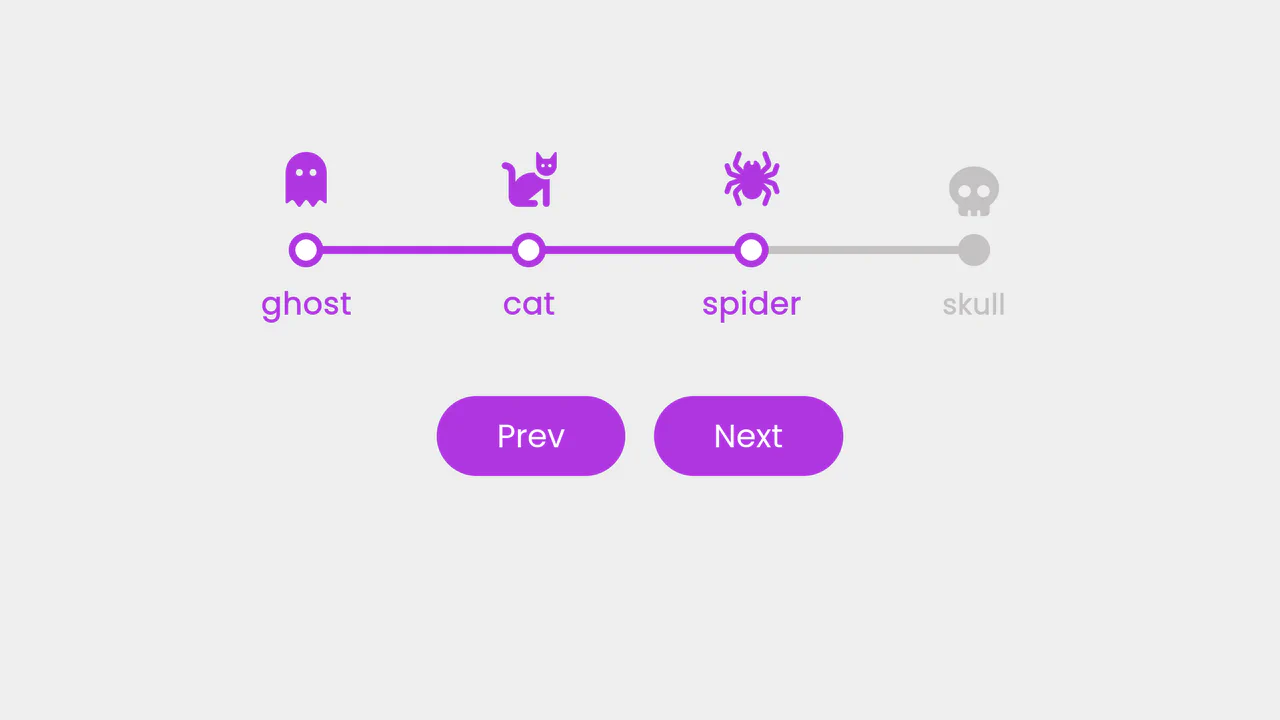
Progress Steps
A step-based progress tracker featuring a smooth filling animation and Halloween-themed icons. JavaScript manages the state logic, dynamically calculating the progress bar’s width and updating step classes, while CSS transitions ensure fluid visual feedback as the user navigates through the sequence.
See the Pen Progress Steps.

Social Feed: Poll with Animation
Upon selection, the interface instantly springs to life: bars fill smoothly, numbers tally up, and the winning option is highlighted with a festive animation, creating a delightful and engaging user experience (micro-interaction).
See the Pen Social Feed: Poll with Animation.
Progress Bar with Dynamic CSS Gradient
This loader achieves a liquid-smooth animation by calculating progress on the JavaScript requestAnimationFrame loop and programmatically updating the CSS linear-gradient background property to create dynamic color shifts.
See the Pen Progress Bar with Dynamic CSS Gradient.

Animated Upload Modal
A feature-rich file upload modal engineered with fluid CSS keyframe animations and a clean multi-state structure, driven by vanilla JavaScript to manage the ‘Ready’, ‘Uploading’, ‘Success’, and ‘Error’ flow via data-state attributes.
See the Pen Animated Upload Modal.
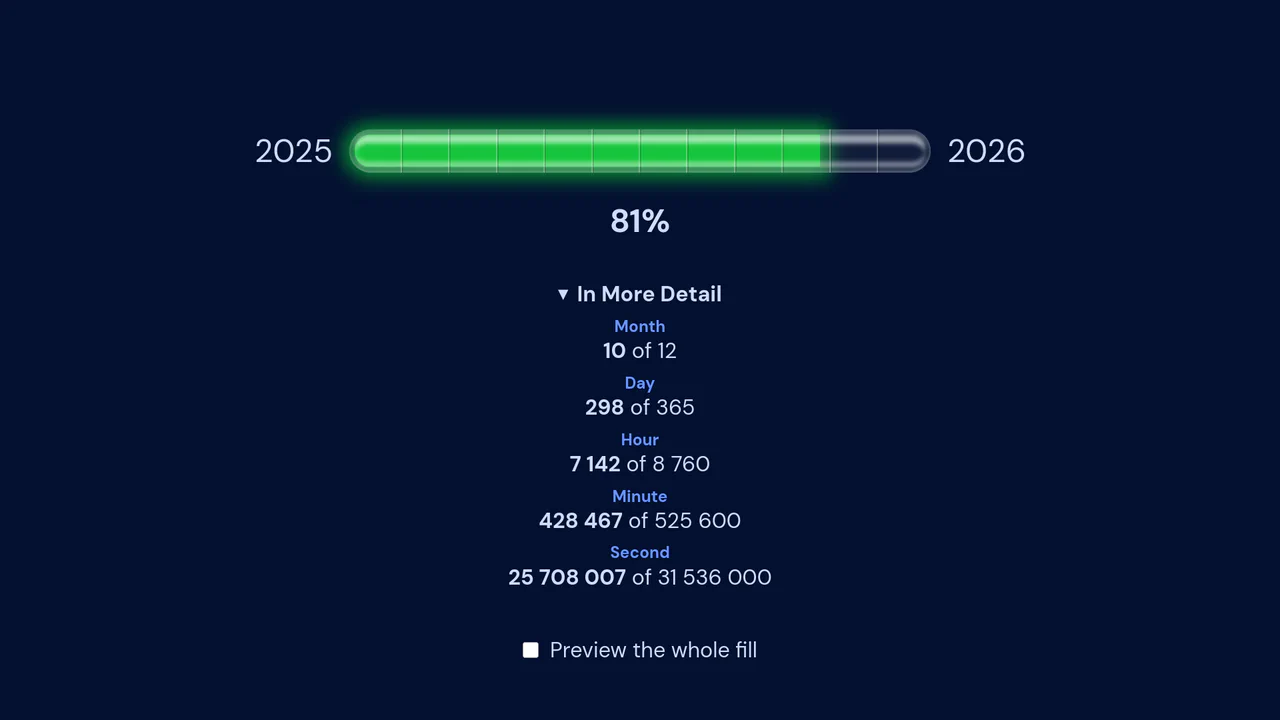
Year Progress Component
An accurate year progress component that leverages the powerful Moment.js library for precise, millisecond-based calculation of time elapsed, providing detailed statistics for month, day, hour, minute, and second progress.
See the Pen Year Progress Component.
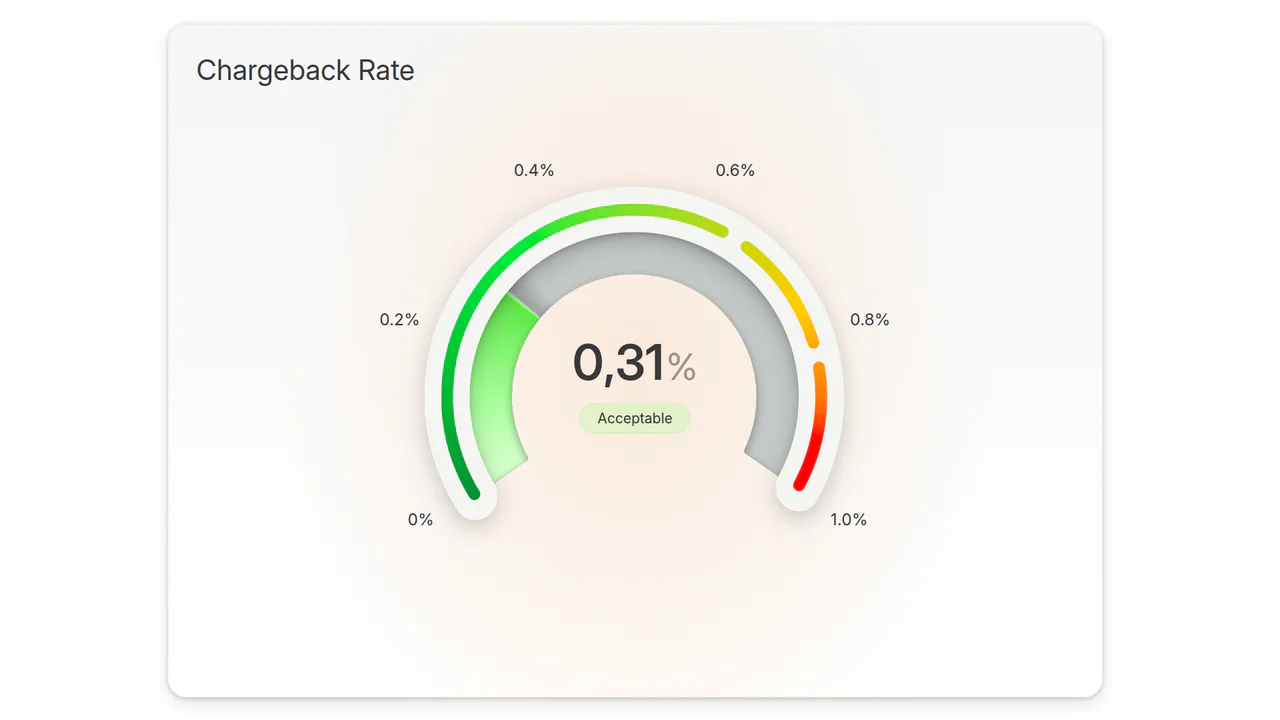
Animated CSS Progress Bar
A visually fluid demo highlighting the power of conic-gradient and CSS custom properties for building a custom animated progress arc, complete with real-time value updates and status-based color changes.
See the Pen Animated CSS Progress Bar.