10+ JavaScript Radio Buttons
These JavaScript radio button examples go far beyond traditional forms. Explore clever uses of radio inputs for building toggles, tabbed interfaces, selection tools, and dynamic UI components - all powered by simple JavaScript logic and creativity.
Examples
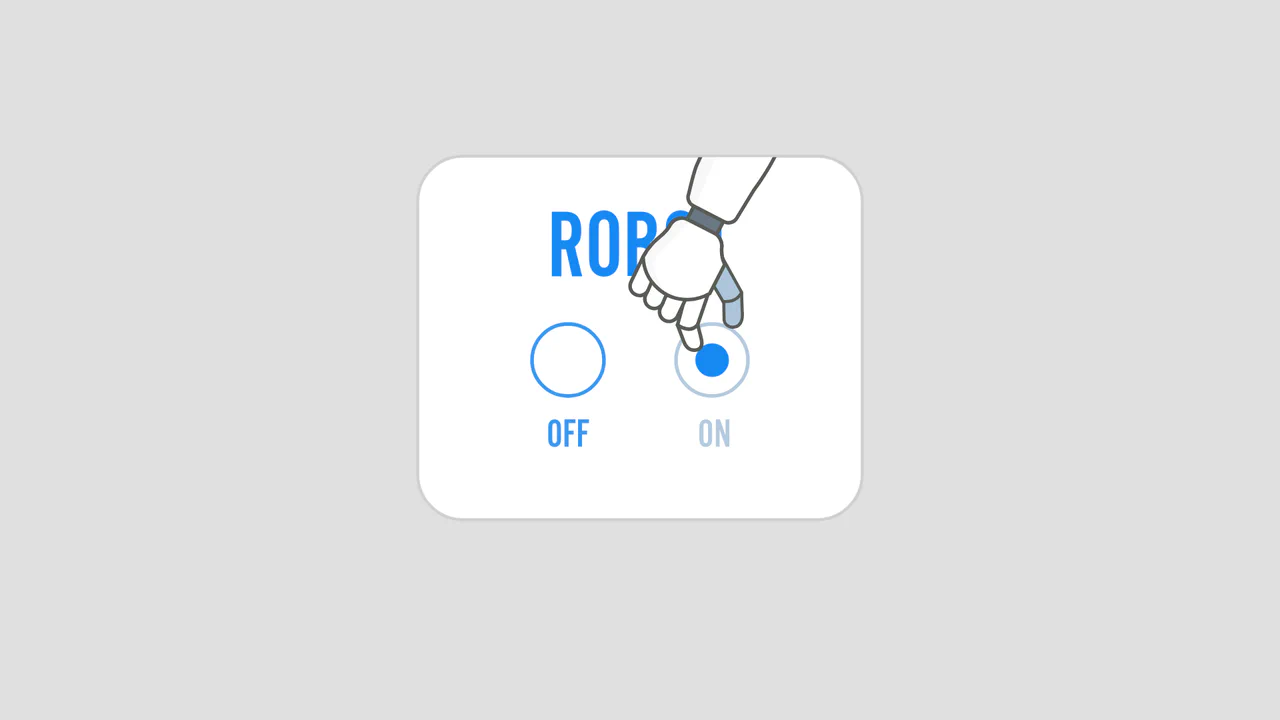
Celebratory Robotic Toggle Switch Animation
This playful interactive toggle switch features an animated robotic arm that physically switches states upon click. Built with GSAP and responsive SVGs, the custom timeline orchestrates a multi-phase performance: the arm slides into view, pushes the indicator dot from off to on, morphs its fingers into a celebratory “rock-on” gesture, vibrates, and slides back out of the masked window. (Requires: gsap.js)
 Chrome 55+
 Edge 79+
 Firefox 54+
 Safari 9.1+
See the Pen Celebratory Robotic Toggle Switch Animation.

Popping Form Controls
This is a Popping Form Controls component. It replaces standard browser checkboxes and radio buttons with highly stylized, interactive versions. Its function is to provide delightful micro-interactions by triggering a localized, physics-based confetti burst whenever an input is successfully checked.
Chrome 80+
Edge 80+
Firefox 75+
Safari 13.1+
See the Pen Popping Form Controls.

Neon Elastic Stroke Radio Button
This Neon Elastic Stroke Radio Button reimagines the standard form input as a high-energy, futuristic interface element. When selected, two overlapping SVG circles (one pink, one blue) animate around the checkmark area with a satisfying elastic “bounce.” The effect mimics a neon light tube flickering on, enhanced by CSS drop-shadow filters and mix-blend-mode for a vibrant, glowing finish. (Requires: GSAP)
Chrome 50+
Edge 79+
Firefox 50+
Safari 10+
See the Pen Neon Elastic Stroke Radio Button.
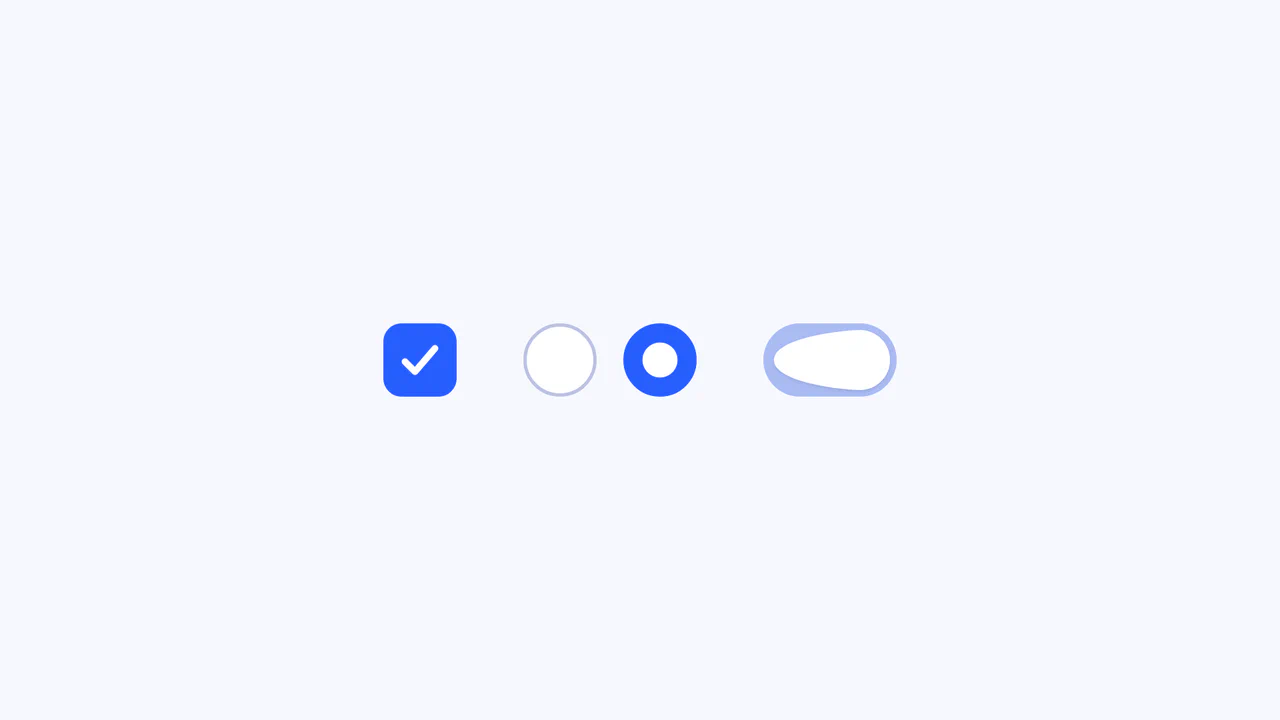
Elastic SVG Morphing Form Controls
This Elastic SVG Morphing Form Controls set redefines standard UI elements by treating them as organic, malleable shapes. Instead of rigid CSS transitions, it utilizes GSAP’s MorphSVGPlugin to physically warp the vector paths of checkboxes, radio buttons, and switches during interaction. The result is a tactile, “gummy” feel where elements squish upon clicking and snap elastically into their active states. (Requires: GSAP, MorphSVGPlugin)
Chrome 80+
Edge 80+
Safari 13+
Firefox 75+
See the Pen Elastic SVG Morphing Form Controls.

Jiggly Radio Buttons
A playful radio button component featuring a “jelly” physics simulation.
See the Pen Jiggly Radio Buttons.

Segmented/Pill Radio Input
A sliding segmented control that uses CSS Custom Properties calculated via JS to animate a pseudo-element background. The layout relies on flexbox for equal distribution, while calc() dynamically positions the “pill” based on the active index, enhanced by a springy cubic-bezier transition.
See the Pen Segmented/Pill Radio Input.

Retro Futuristic Radio Buttons with GSAP v7
A retro-futuristic styled radio button selection interface animated with GSAP.
See the Pen Retro Futuristic Radio Buttons with GSAP v7.
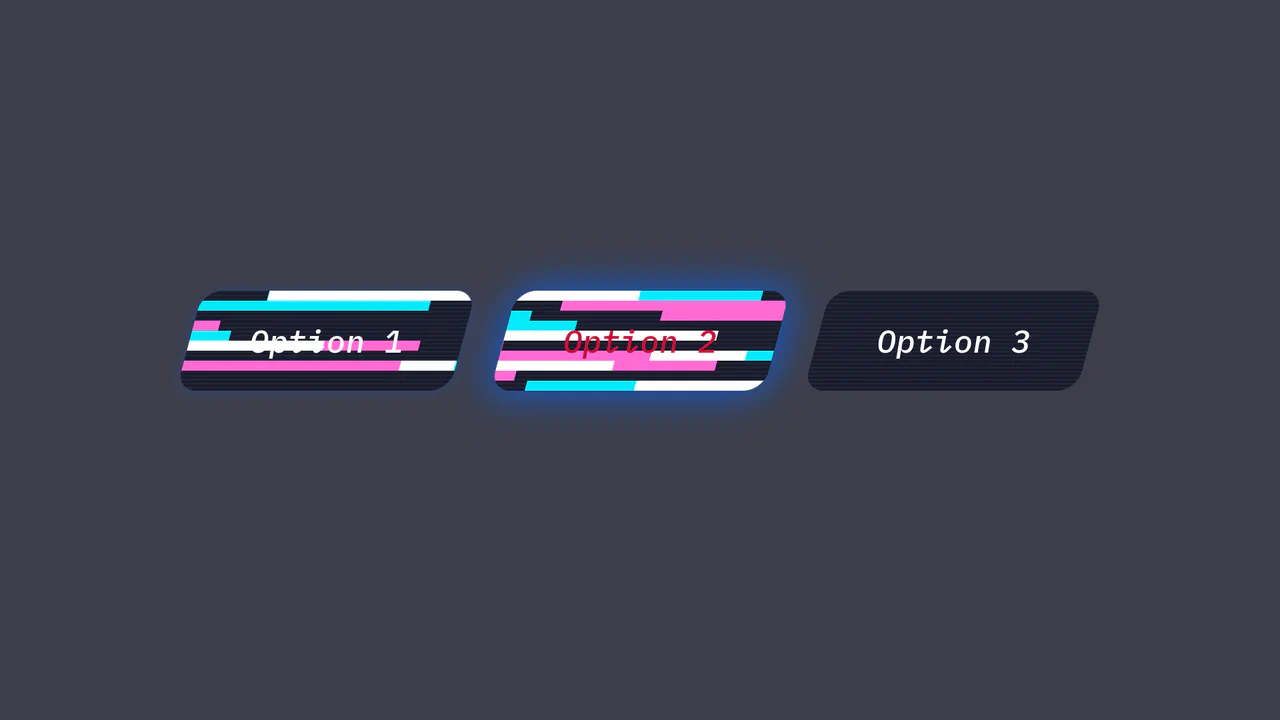
Retro Futuristic Radio Buttons with GSAP v8
When switching options, the user experiences a sharp, ’electric’ fill animation, reminiscent of a glitch in the matrix or a futuristic terminal interface.
See the Pen Retro Futuristic Radio Buttons with GSAP v8.
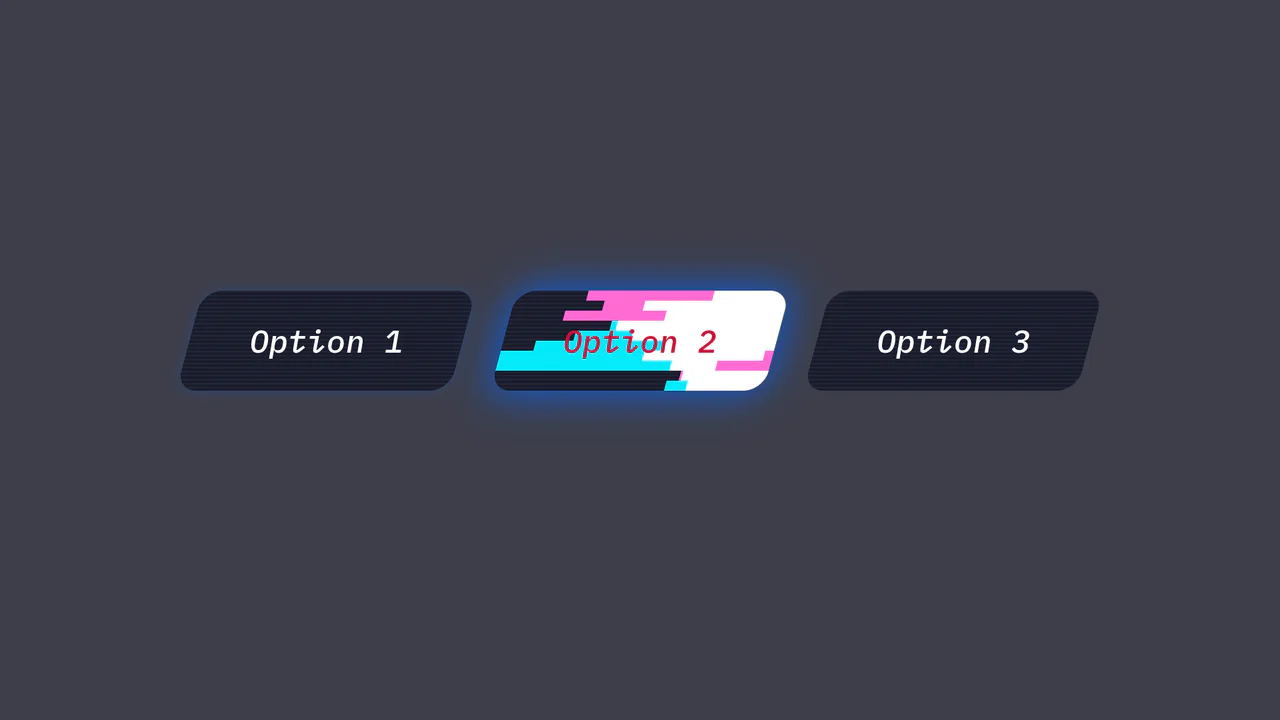
Retro Futuristic Radio Buttons with GSAP v9
Clicking an option triggers a sharp, ’electric’ fill animation with colored strips, reminiscent of a futuristic terminal interface or a glitch in the matrix.
See the Pen Retro Futuristic Radio Buttons with GSAP v9.

Radio Button Interactions with GSAP
Experience a fluid micro-interaction built with GSAP, where the animation state is fully reversible for a seamless toggle effect. The distinctive bouncy motion is crafted using the back.inOut(3) ease.
See the Pen Radio Button Interactions with GSAP.

Liquid Gooey UI Elements
Explore the powerful tandem of GSAP and CSS Variables, where to/fromTo with keyframes control SVG elements inside Radio/Checkbox/Switch. The animations utilize the feColorMatrix filter (the “Gooey” effect) and SVG transforms to create smoothly “flowing” shapes and stylish toggles.
See the Pen Liquid Gooey UI Elements.

Rolling Radio Buttons Effect
“Rolling” radio buttons with a unique animation: the selected element smoothly translates to the label, and transition-delay for adjacent elements is dynamically flipped via a pure CSS and JS class for a sequential rolling effect.
See the Pen Rolling Radio Buttons Effect.
