20+ JavaScript Reveal Effects
Add a layer of interactivity and elegance with JavaScript reveal effects. This collection showcases how content can gracefully enter the viewport - fading, sliding, scaling, or rotating into view - triggered by scroll position, hover events, or custom logic. Perfect for storytelling, portfolios, and landing pages.
Examples
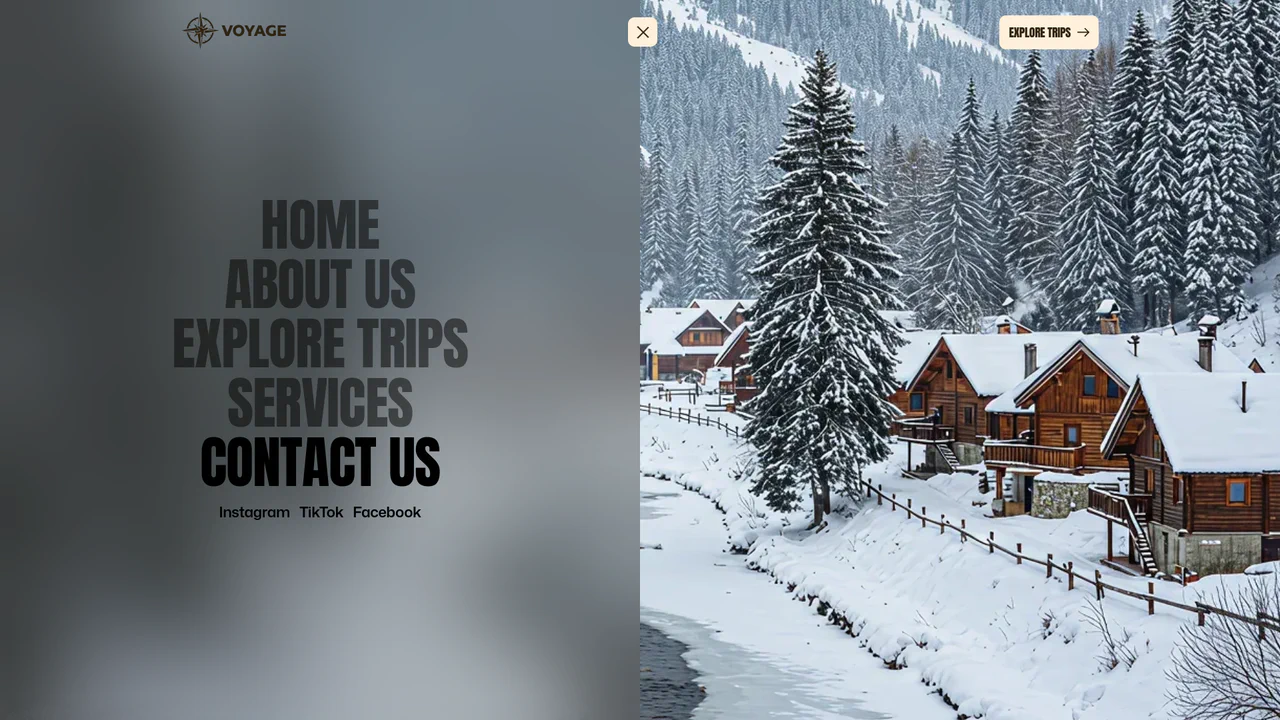
Full-Screen Perspective Travel Menu Overlay
An advanced full-screen navigation overlay. Toggling the menu scales, translates, and rotates the active page content into a stunning perspective viewport canvas while a polygon clip-path mask slides the overlay into view. Hovering over menu links triggers seamless background image crossfades and zooms, accompanied by staggered split-character text reveals. (Requires: gsap.js)
 Chrome 76+
 Edge 79+
 Firefox 70+
 Safari 9.1+
See the Pen Full-Screen Perspective Travel Menu Overlay.
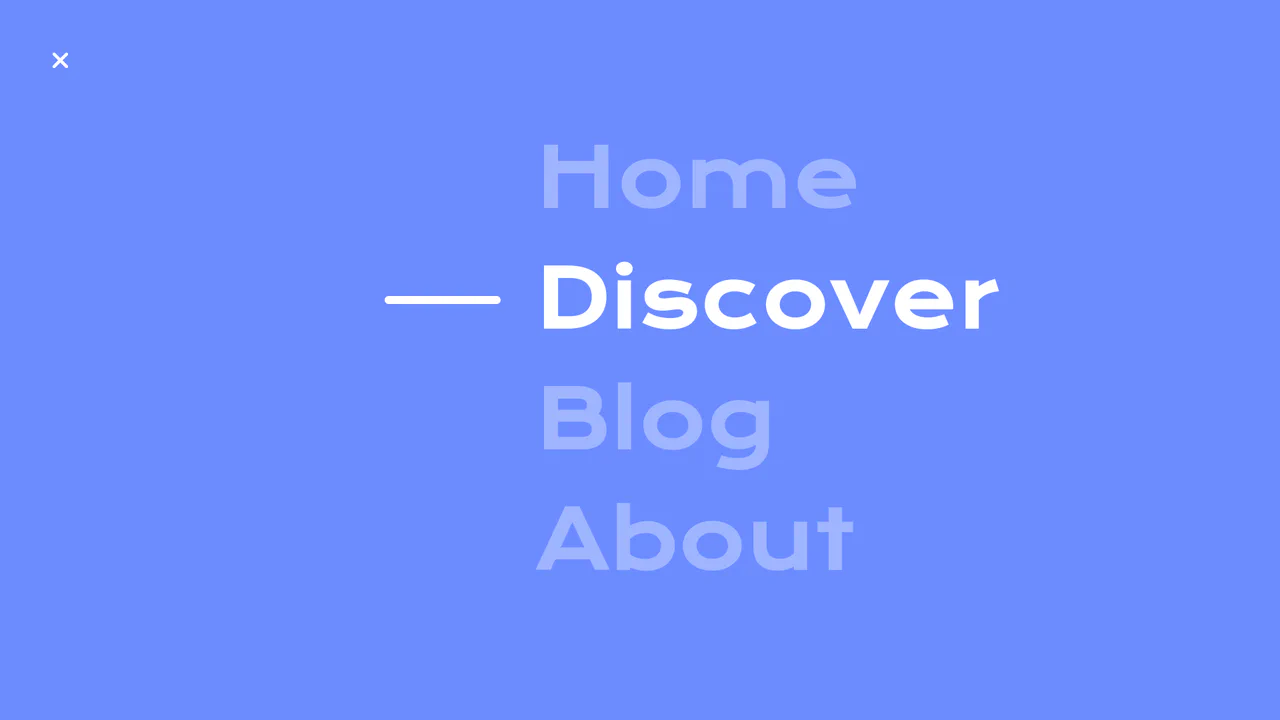
Circular Reveal Fullscreen Navigation Menu
Circular Reveal Fullscreen Navigation Menu leverages GSAP timelines to orchestrate a fluid canvas expansion by animating a CSS clip-path circle from 0px to 200%. Simultaneous staggered translations are applied to navigation links using a responsive elastic.out easing curve, creating a highly tactile, sequential entry. While the transition remains visually seamless on high-refresh-rate screens, full-screen masking with dynamic clip paths can impose substantial rendering overhead, demanding GPU-accelerated layer promotion via will-change: clip-path to maintain consistent frame rates. (Requires: gsap.js)
Chrome 112+
Edge 112+
Firefox 117+
Safari 16.5+
See the Pen Circular Reveal Fullscreen Navigation Menu.
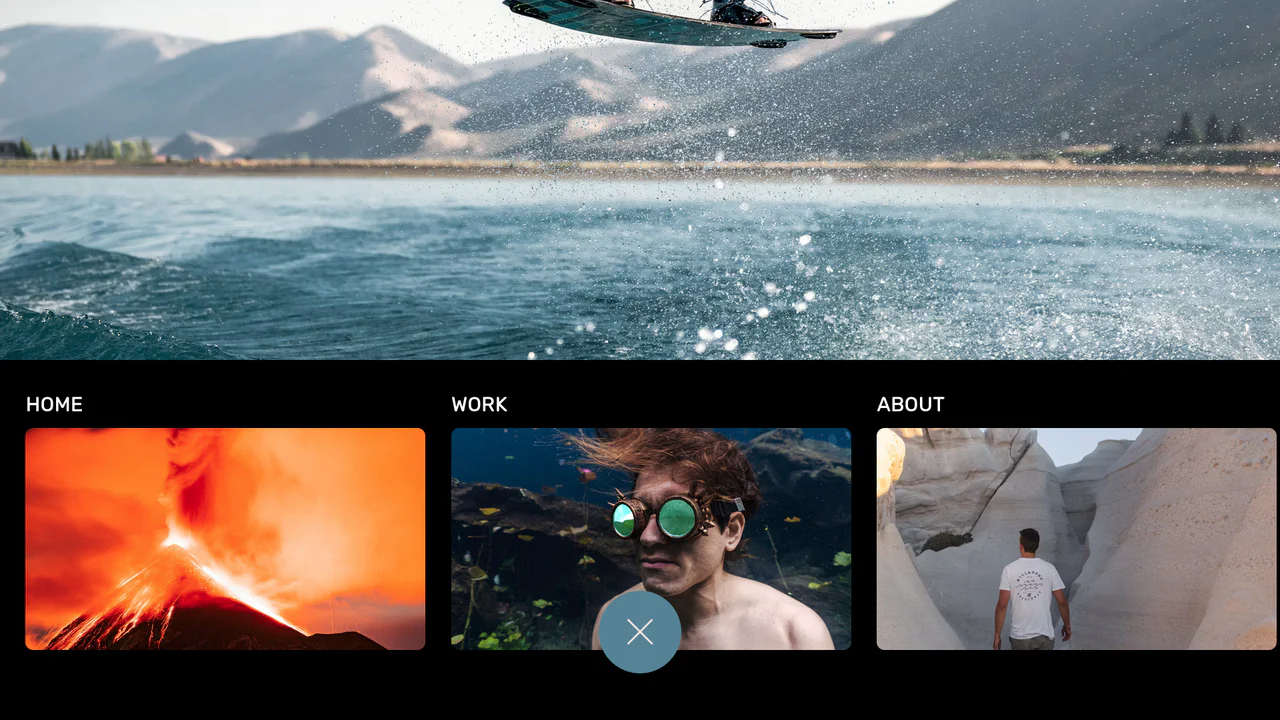
Curtain Transition Navigation Menu
Curtain Transition Navigation Menu implements a lightweight state toggle via a data-nav attribute, shifting the entire <main> view up by 50% to reveal an absolutely-positioned bottom navigation drawer. Dynamic sizing features like clamp() and max() ensure responsive link layouts, while a sharp cubic-bezier(.13, .53, .38, .97) curve coordinates the simultaneous scaling and entry of image-rich navigation elements. While visually fluid, animating massive full-screen wrappers containing large Unsplash media can trigger costly rasterization overhead unless GPU compositing is actively hinted.
Chrome 88+
Edge 88+
Firefox 89+
Safari 15+
See the Pen Curtain Transition Navigation Menu.
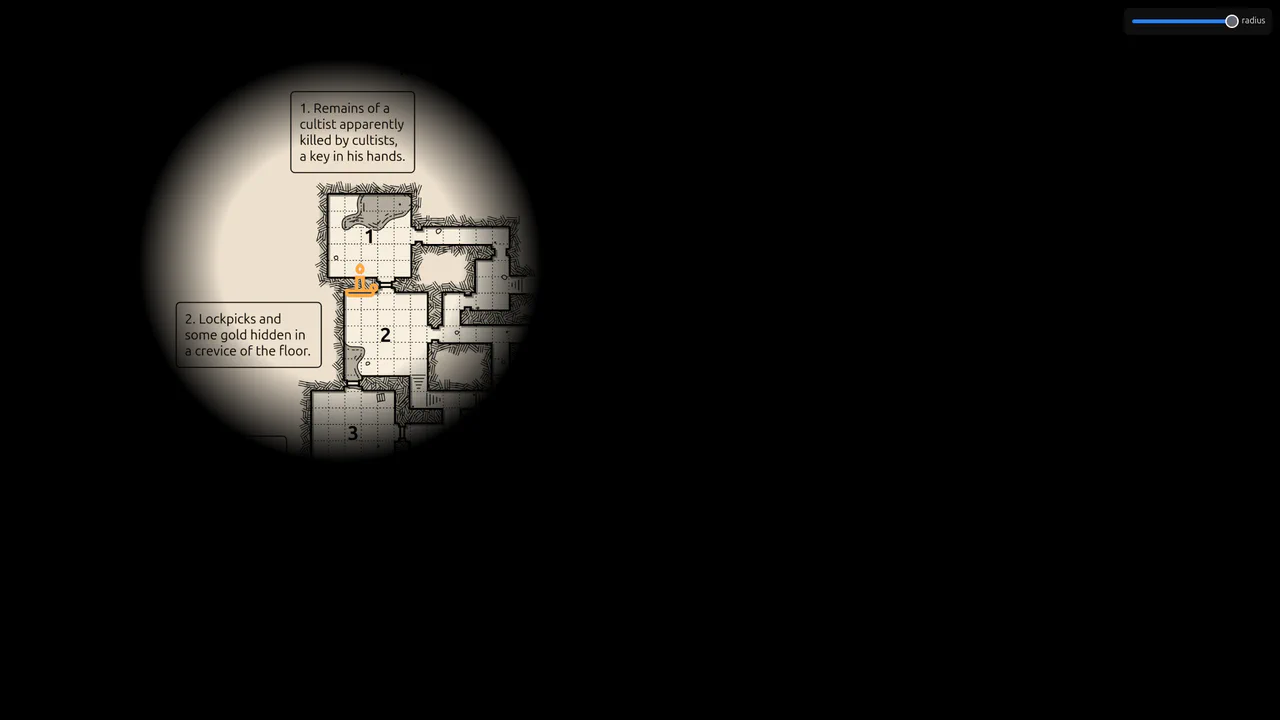
Flickering Torchlight Reveal Overlay
This is a Flickering Torchlight Reveal Overlay. It pairs a custom cursor with a dynamic radial mask to selectively expose underlying content. Its function is to restrict visibility to the immediate cursor vicinity, replacing open layouts with an exploratory, constrained interaction model.
Chrome 80+
Edge 80+
Firefox 75+
Safari 14+
See the Pen Flickering Torchlight Reveal Overlay.

Reveal Animated Hero Slider
This is a Reveal Animated Hero Slider. It cycles through prominent featured content using synchronized transitions. Its function is to capture user attention instantly, employing staggered typography reveals and a sweeping geometric mask to introduce new visual assets without jarring cuts.
Chrome 64+
Edge 79+
Firefox 67+
Safari 12+
See the Pen Reveal Animated Hero Slider.

Interactive Feather Reveal 404 Page
This is an Interactive Feather Reveal 404 Page. It utilizes the Canvas 2D API to transform a sterile error screen into a generative digital canvas. The component records user movement to stamp intricate feather-shaped paths that alternate between solid black fills and clipped fragments of external bird photography. (Requires: GSAP, Lodash)
Chrome 45+
Edge 12+
Firefox 31+
Safari 9+
See the Pen Interactive Feather Reveal 404 Page.

GSAP Staggered Blinds Reveal
This GSAP Staggered Blinds Reveal creates a cinematic transition effect often used in hero sections or between major content blocks. By manipulating a series of div elements acting as “slats,” the animation mimics a zipper or venetian blinds opening. As the user scrolls, the slats slide away and rotate sequentially, revealing the content underneath (or changing the state) in a synchronized wave motion. (Requires: GSAP, GSAP ScrollTrigger)
Chrome 60+
Edge 79+
Firefox 55+
Safari 11+See the Pen GSAP Staggered Blinds Reveal.

Split Staggered Reveal Cards
This Split Staggered Reveal Card creates a dramatic, cinematic effect suitable for portfolios or featured content sections. Upon interaction, the background image recedes while two semi-transparent overlays slide in to create a high-contrast backdrop. Simultaneously, the title and description animate in with a precise staggered delay - letters for the title and words for the paragraph - powered by CSS variables. (Requires: Splitting.js)
Chrome 88+
Edge 88+
Firefox 87+
Safari 14+
See the Pen Split Staggered Reveal Cards.
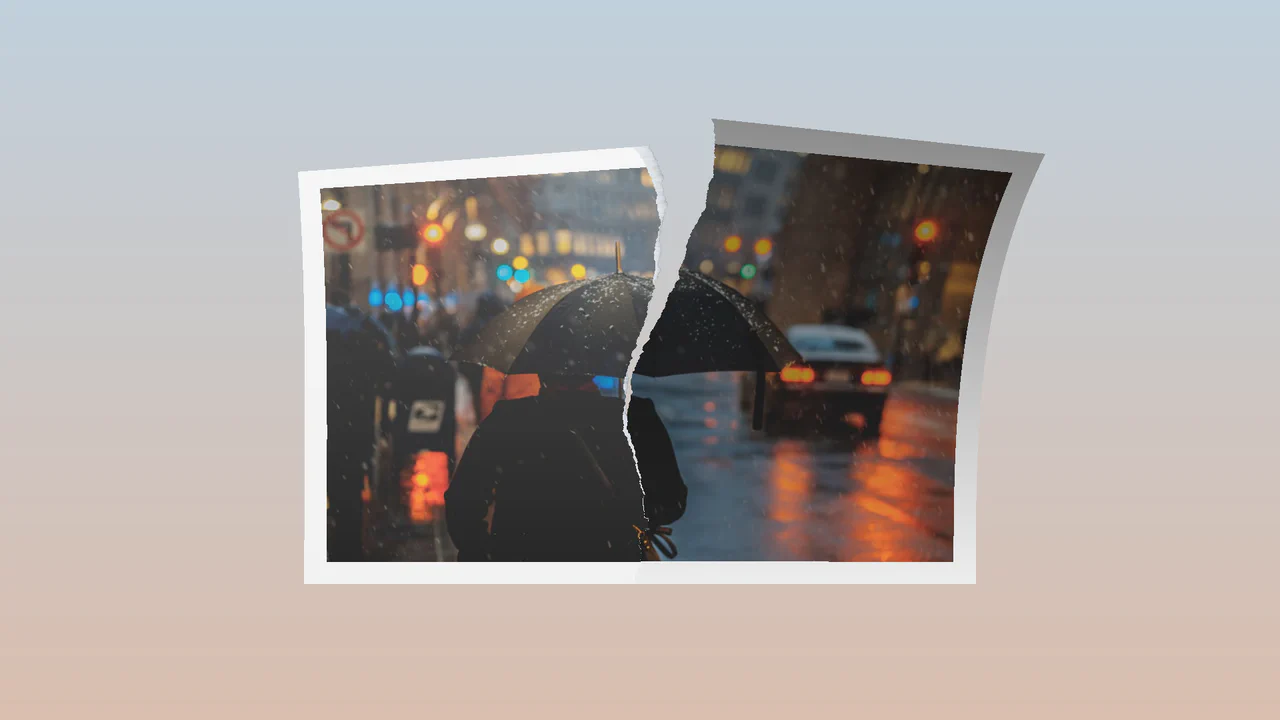
Tearing Paper Photo Gallery
This Tearing Paper Photo Gallery is a technical marvel that simulates the physical act of ripping a photograph in half. Unlike simple 2D masking effects, this component uses WebGL (Three.js) to deform the geometry in 3D space. As the user drags downward, the “paper” mesh splits, rotates, and tears along a procedural edge, complete with lighting and shadow effects generated by custom shaders. (Requires: Three.js, GSAP)
Chrome 90+
Edge 90+
Safari 15+
Firefox 90+
See the Pen Tearing Paper Photo Gallery.

Cursor-Tracking Spotlight Reveal Effect
This Cursor-Tracking Spotlight Reveal Effect creates a sophisticated “x-ray” or “flashlight” interaction. Initially, the user sees plain text. As the mouse moves, a circular mask follows the cursor, revealing a hidden image underneath and simultaneously inverting the text color to white within the circle. This technique adds depth and playfulness to portfolio links or gallery items without disrupting the layout.
Chrome 88+
Edge 88+
Safari 14+
Firefox 86+See the Pen Cursor-Tracking Spotlight Reveal Effect.

Ink Transition Scroll Effect
This Ink Transition Scroll Effect brings digital storytelling to life by mimicking the organic spread of ink on paper. Designed for a biography page, it reveals images using a “splatter” transition triggered by scrolling. It combines ScrollMagic for timing, GSAP for smooth text entry, and CSS Sprites for the complex ink mask animation. (Requires: ScrollMagic, GSAP)
Chrome 60+
Edge 79+
Firefox 55+
Safari 11+
See the Pen Ink Transition Scroll Effect.
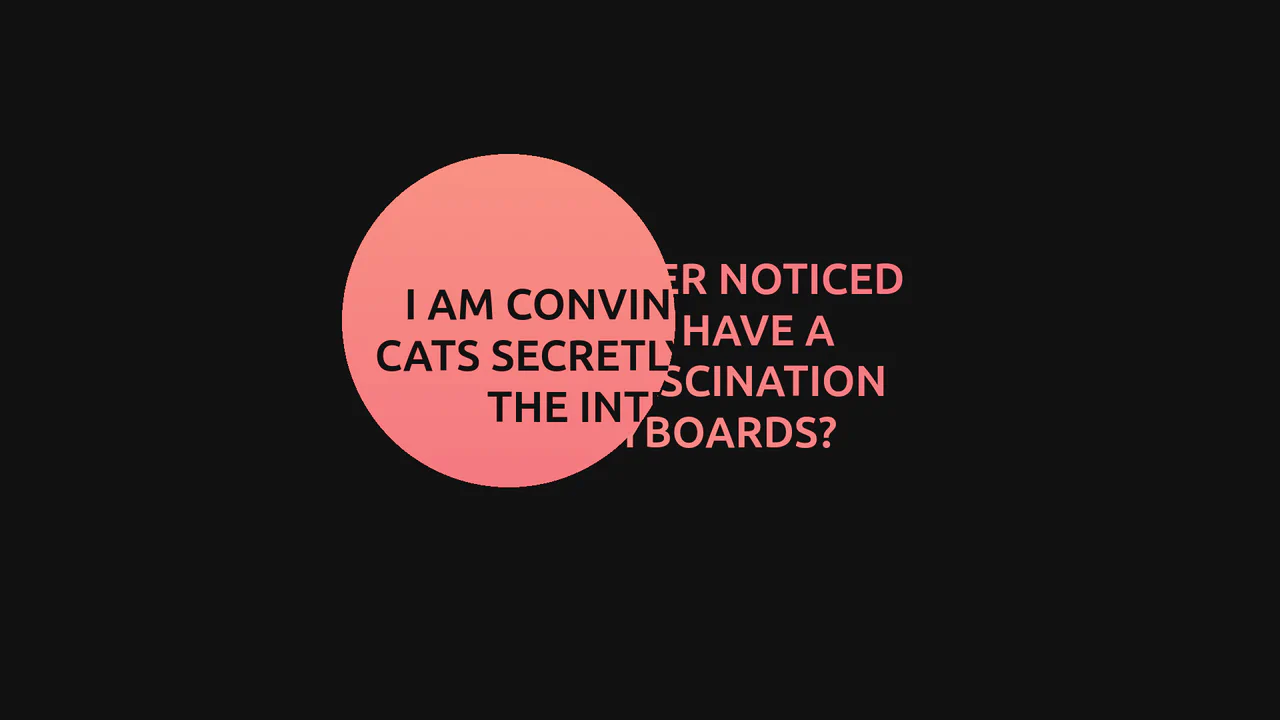
GSAP Mask Mouse Effect
An intriguing user experience where hidden messages and a vibrant gradient background are revealed only under a “spotlight” following the cursor, featuring expansion animations upon interaction.
See the Pen GSAP Mask Mouse Effect.

Photo Animation on Text Hover
An elegant, minimalist section featuring smooth typographic animation and interactive elements that engage the user by revealing visual context upon reading.
See the Pen Photo Animation on Text Hover.

Photo Inview Animation: Venetian Blinds Effect
A high-end, editorial-style web design where content appears smoothly and coordinately, creating a sense of premium quality and attention to detail.
See the Pen Photo Inview Animation: Venetian Blinds Effect.

Stroke Logo Animation
An elegant, fluid, and hypnotic logo reveal animation that looks professional and draws attention to the branding.
See the Pen Stroke Logo Animation.
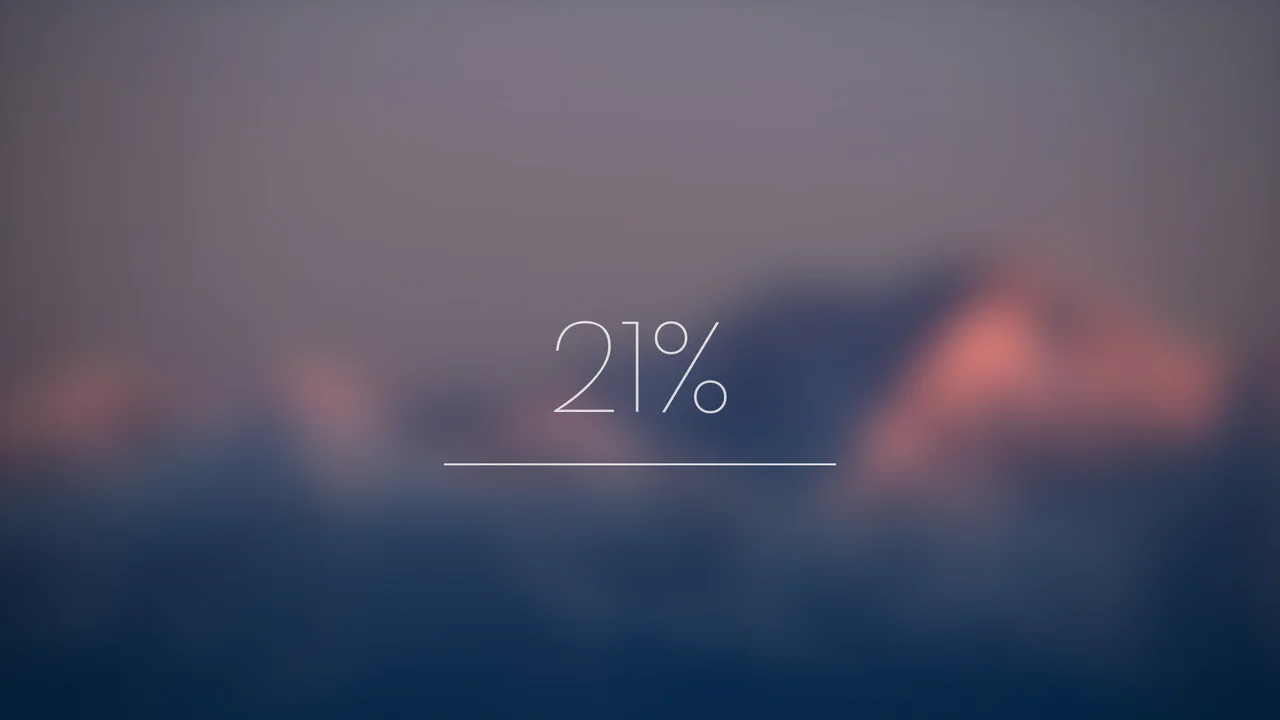
Blurry Loading
As the counter reaches 100%, the blurry image sharpens into focus, while the counter itself dissolves and fades away, revealing the content.
See the Pen Blurry Loading.

SVG Mask Waterfall Image Reveal
This captivating waterfall-style image reveal showcases a powerful synergy between technologies. A JavaScript for loop procedurally generates a series of <rect> elements within an SVG <mask>, which are then animated by GSAP in a continuous, yoyo-ing loop. The mesmerizing, chaotic effect is achieved using a random stagger (from: 'random') and a dramatic expo.easeInOut ease, creating a seamless and performant animation.
See the Pen SVG Mask Waterfall Image Reveal.

Animated Scroll-Triggered Timeline
A smooth vertical timeline featuring scroll-triggered element animation, implemented using efficient pure JavaScript DOM visibility tracking to enhance performance and content engagement.
See the Pen Animated Scroll-Triggered Timeline.

CSS Glitchy Text Reveal with Splitting.js
A demonstration of per-character text manipulation using Splitting.js to create a striking CSS glitch animation, where each character receives a unique set of random custom properties for varied and dynamic text reveal effects.
See the Pen CSS Glitchy Text Reveal with Splitting.js.
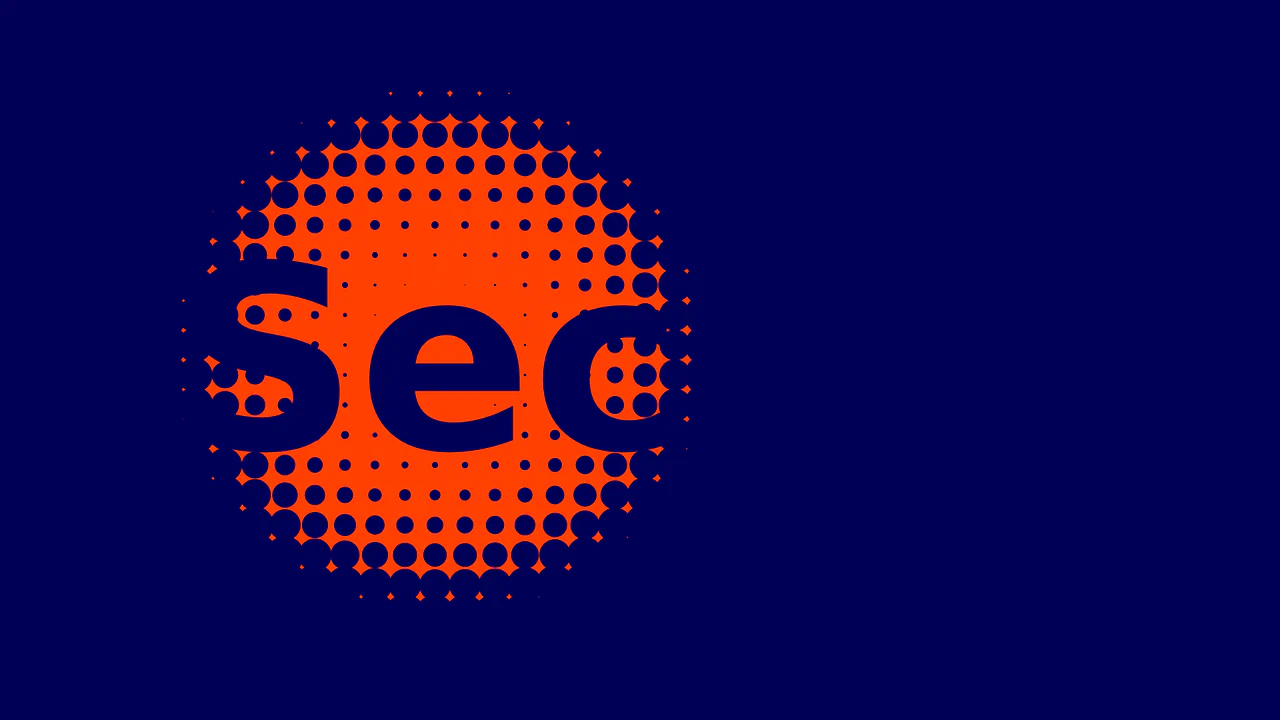
Reveal Hidden Text Effect
A dynamic interactive grid implemented on HTML5 Canvas, where the radius of each circle is calculated in real-time based on its squared distance from the cursor, creating a smooth attraction/repulsion effect on mouse movement.
See the Pen Reveal Hidden Text Effect.

Text Reveal (on Scroll) Effect
An elegant text reveal effect that uses the Intersection Observer API for lazy-loading animation upon entering the viewport and relies on GSAP to perform a smooth “wipe” using a scale transformation.
See the Pen Text Reveal (on Scroll) Effect.

Magic Wand Image Reveal Animation Effect
A unique “magic wand” effect where the element tracks the cursor using the Web Animations API and reveals the image within tiles by dynamically controlling the CSS variables --opacity and --blur based on the mouse position.
See the Pen Magic Wand Image Reveal Animation Effect.
