8 JavaScript Select Boxes
Upgrade standard dropdowns with these JavaScript select box examples. From searchable and multi-select variants to dynamically populated options and custom styling, this collection highlights creative ways to improve form usability and interaction using JavaScript.
Examples
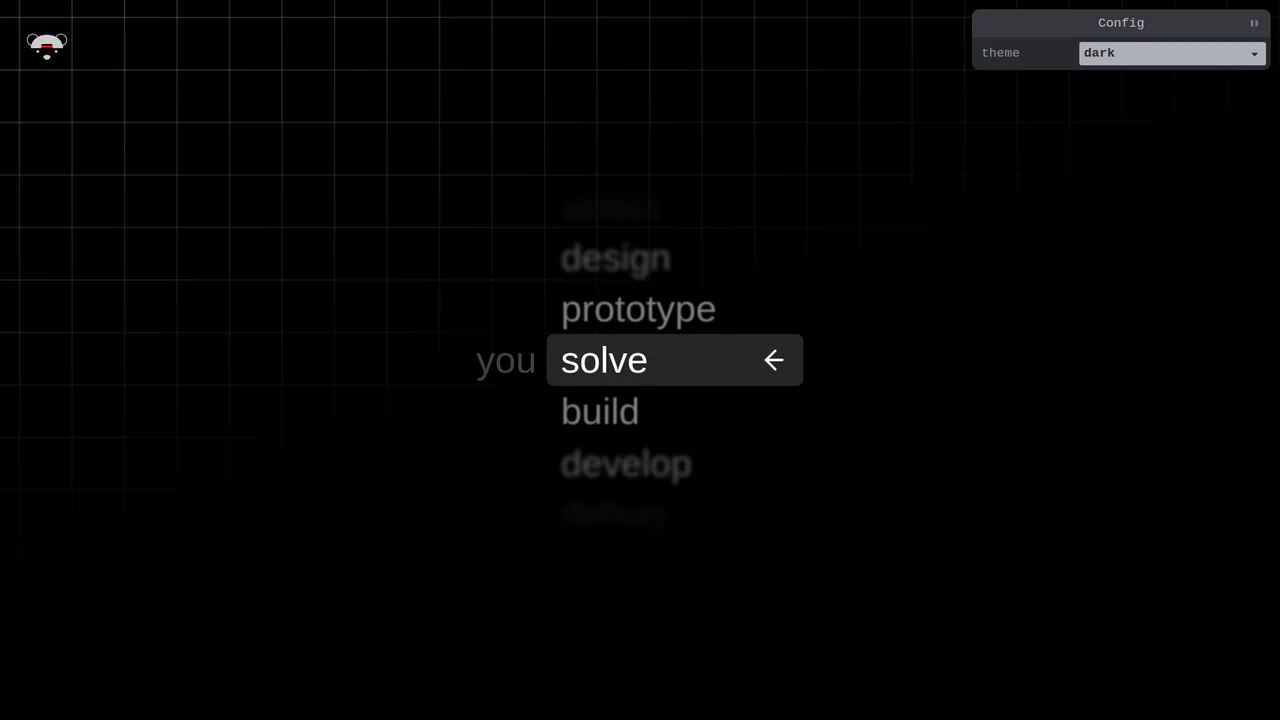
Scroll-Snapping Popover Select Dropdown Menu
An experimental custom select dropdown menu built on native HTML5 base-select specifications. The picker popover displays options in a vertically scroll-snapped viewport that fades and blurs adjacent values based on scroll proximity. A lightweight GSAP scrolling script automatically centers and aligns selected items in real time, while modern @starting-style manages discrete popover overlay entry transitions. (Requires: gsap.js, tweakpane.js)
 Chrome 130+
 Edge 130+
See the Pen Scroll-Snapping Popover Select Dropdown Menu.
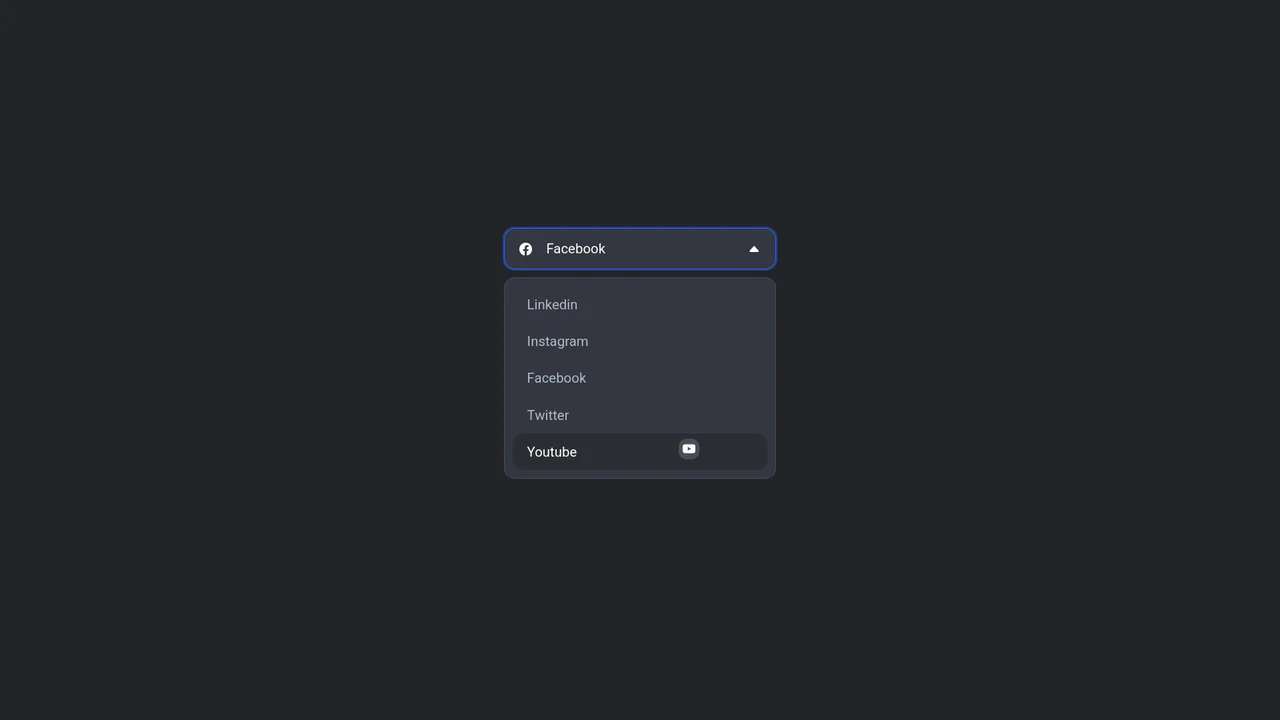
Floating Icon Select Dropdown
This is a Floating Icon Select Dropdown. It replaces the native OS <select> element with a spatial, hardware-accelerated interface. Its primary function is to provide immediate, physical feedback: as the user interacts with the list, a custom icon detaches from the layout and physically tracks the cursor’s coordinates.
Chrome 80+
Edge 80+
 Firefox 75+
 Safari 13+
See the Pen Floating Icon Select Dropdown.

Smart CSS Anchored Selection Pills
This Smart CSS Anchored Selection Pills component demonstrates the bleeding edge of CSS layout capabilities. It uses the new CSS Anchor Positioning API to tether a visual “pill” indicator to the currently selected radio button without JavaScript calculations for position. The demo includes a robust fallback system that calculates positions via ResizeObserver for browsers that don’t yet support anchors, ensuring a consistent experience across the board. It also features advanced masking techniques (SVG and CSS Filters) to create “knockout” text effects where the selected text changes color inversely to the pill background. (Requires: GSAP, Tweakpane)
Chrome 125+
Edge 125+
Safari 26+
Firefox 147+See the Pen Smart CSS Anchored Selection Pills.

UI Action Menu Dropdown Design
A custom dropdown component enhancing a native <select> with icons and descriptions via progressive enhancement. It leverages modern CSS features like @starting-style and transition-behavior: allow-discrete for smooth entry animations, light-dark() for theming, and JavaScript for state synchronization and full keyboard accessibility.
See the Pen UI Action Menu Dropdown Design.

Glowing Dropdown
A futuristic custom select menu leveraging CSS Houdini to animate gradient coordinates and dimensions for a fluid, neon-glow effect.
See the Pen Glowing Dropdown.
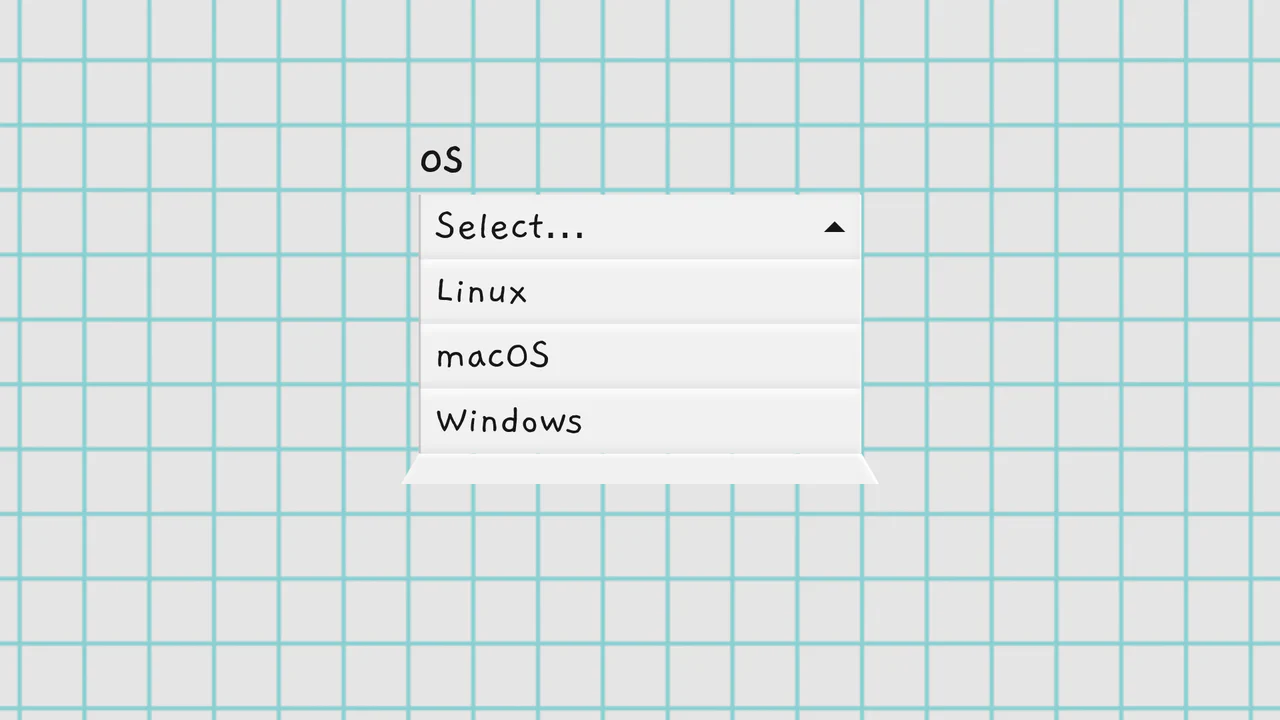
Folding Select Dropdowns
A custom dropdown fully replacing the native <select>, featuring a unique 3D “unfolding” animation that simulates a dropping paper sheet. The implementation is based on pure, object-oriented JavaScript, ensuring full ARIA accessibility and keyboard navigation.
See the Pen Folding Select Dropdowns.
