4 JavaScript Spotlight Examples
This collection is dedicated to the interactive JavaScript spotlight effect, which dynamically highlights content under the cursor. The core of most examples is a modern combination of CSS and JS: the clip-path: circle() property creates the “spotlight” itself. JavaScript, in turn, tracks mouse movement via mousemove and passes the coordinates to CSS variables in real-time. For maximum performance, all updates occur within a requestAnimationFrame loop, ensuring a smooth, lag-free animation.
Examples
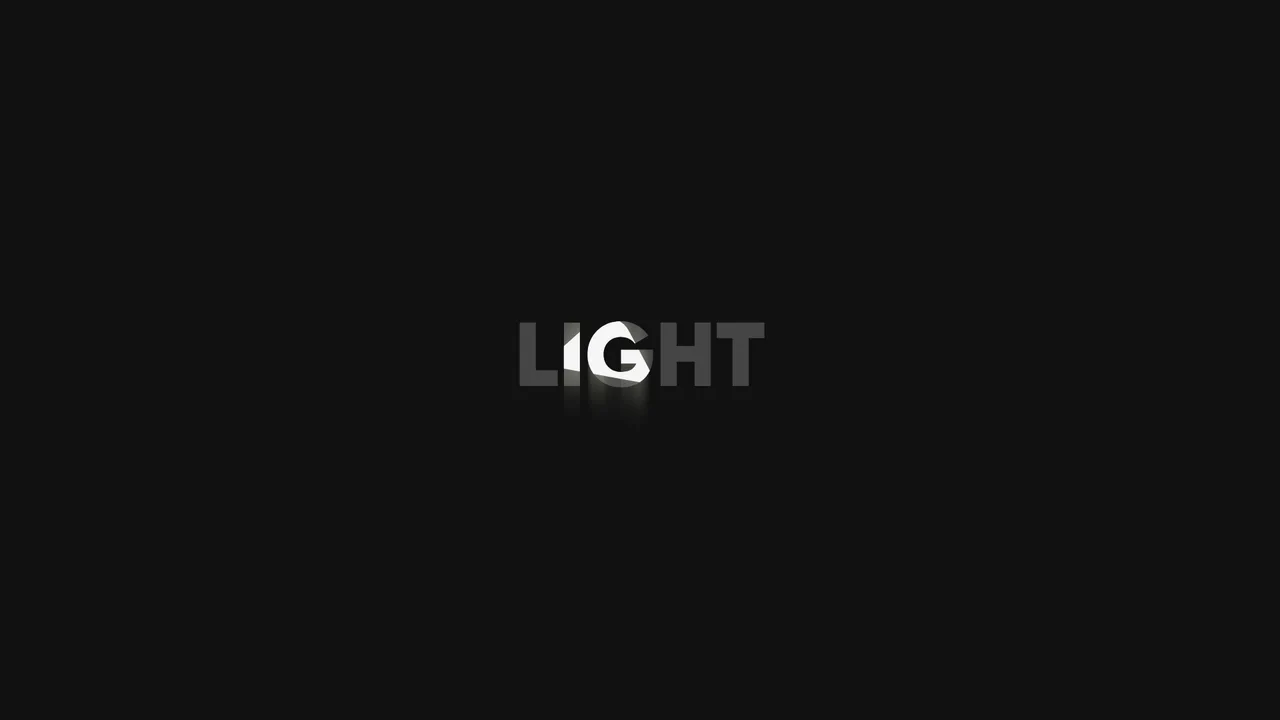
Swinging Spotlight Text Reveal
This is a Swinging Spotlight Text Reveal. It uses a virtual pendulum mask to selectively illuminate static vector letters as it passes over them. Its function is to direct user focus and add a tactile, environmental lighting effect to primary typographic elements. (Requires: gsap-js)
 Chrome 49+
 Edge 79+
 Firefox 51+
 Safari 10+
See the Pen Swinging Spotlight Text Reveal.

Cursor-Tracking Spotlight Reveal Effect
This Cursor-Tracking Spotlight Reveal Effect creates a sophisticated “x-ray” or “flashlight” interaction. Initially, the user sees plain text. As the mouse moves, a circular mask follows the cursor, revealing a hidden image underneath and simultaneously inverting the text color to white within the circle. This technique adds depth and playfulness to portfolio links or gallery items without disrupting the layout.
Chrome 88+
Edge 88+
Safari 14+
Firefox 86+
See the Pen Cursor-Tracking Spotlight Reveal Effect.
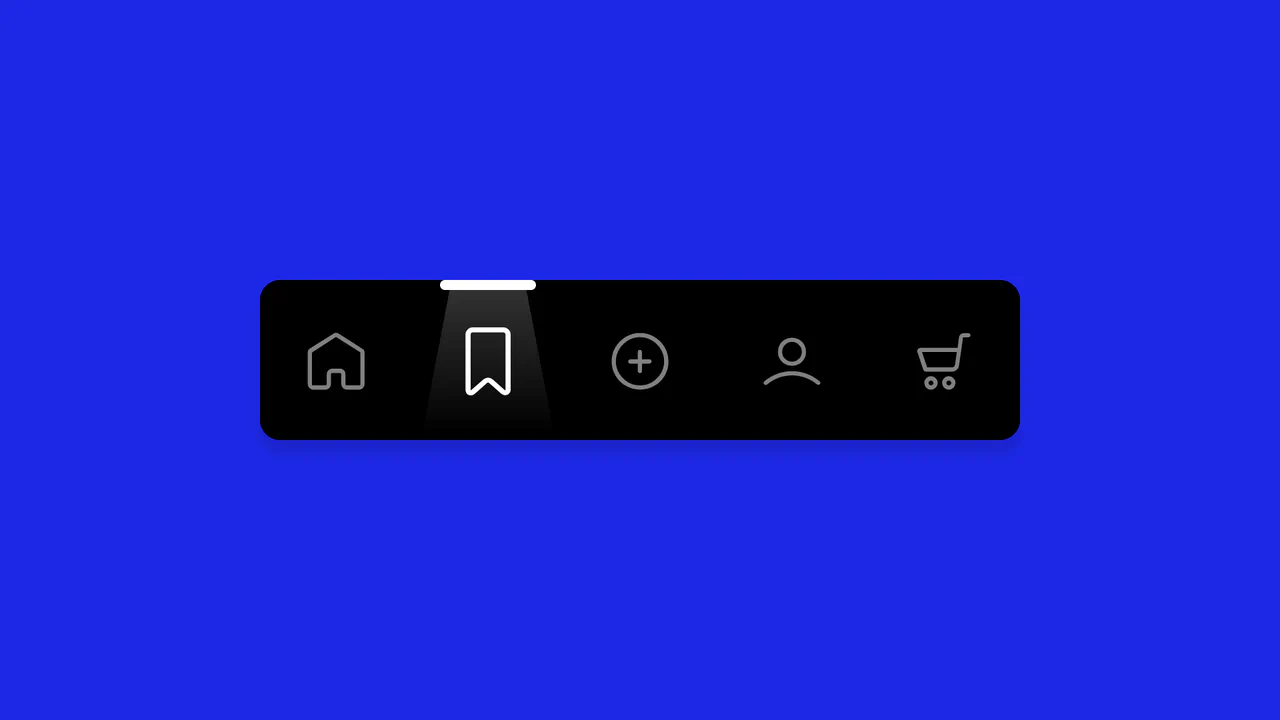
Animated Navigation
A spotlight navigation menu where the active state is highlighted by a moving “light beam” element.
See the Pen Animated Navigation.

Interactive Spotlight Effect
An interactive “spotlight” effect created with clip-path: circle(), whose position is controlled via CSS variables. JavaScript tracks the cursor and updates the variables inside a requestAnimationFrame loop for a smooth and performant animation.
See the Pen Interactive Spotlight Effect.