30+ JavaScript Tab Bars
Tab bars offer a mobile-first navigation pattern for switching between app sections. This collection of JavaScript tab bar components features fixed-bottom navs, icon-based switching, and active-state transitions — ideal for mobile web apps and hybrid interfaces.
Examples

Jello Animated Sliding Tab Navigation
This is a Jello Animated Sliding Tab Navigation. It provides top-level categorization and context-aware sub-menus in a single mobile-friendly component. The function is to visually anchor the user’s location within an app while dynamically adapting the global color theme to match the active context.
 Chrome 60+
 Edge 79+
 Firefox 55+
 Safari 11+
See the Pen Jello Animated Sliding Tab Navigation.

Magnifying Glass Navigation
Navigation should not be a static list; it should be a spotlight on user intent. This component reimagines the humble tab bar as a physical instrument. By simulating a magnifying glass that glides over options, we create a tactile sense of selection. It transforms the active state from a mere color change into a focused, immersive event.
Chrome 55+
Edge 79+
Firefox 54+
Safari 10+
See the Pen Magnifying Glass Navigation.

3D Tilt Mobile Navigation
This 3D Tilt Mobile Navigation concept adds a tactile, physical feel to mobile app menus. Unlike standard flat navigations, this component utilizes CSS perspective to “tilt” the entire menu bar towards the user’s touch point, simulating a floating surface. It pairs this effect with delightful SVG icon micro-interactions and a “fly-out” card transition for the content area, creating a highly polished, app-like experience on the web.
Chrome 86+
Edge 86+
Firefox 85+
Safari 15.4+See the Pen 3D Tilt Mobile Navigation.
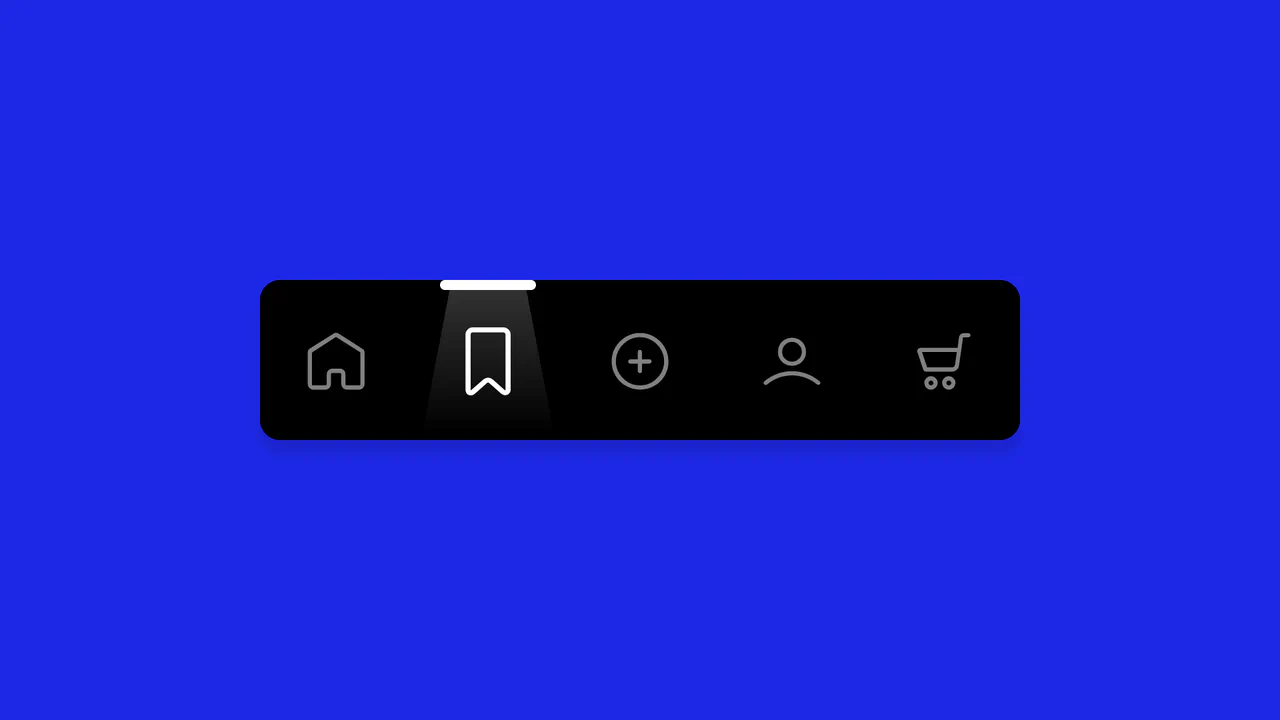
Animated Navigation
A spotlight navigation menu where the active state is highlighted by a moving “light beam” element.
See the Pen Animated Navigation.
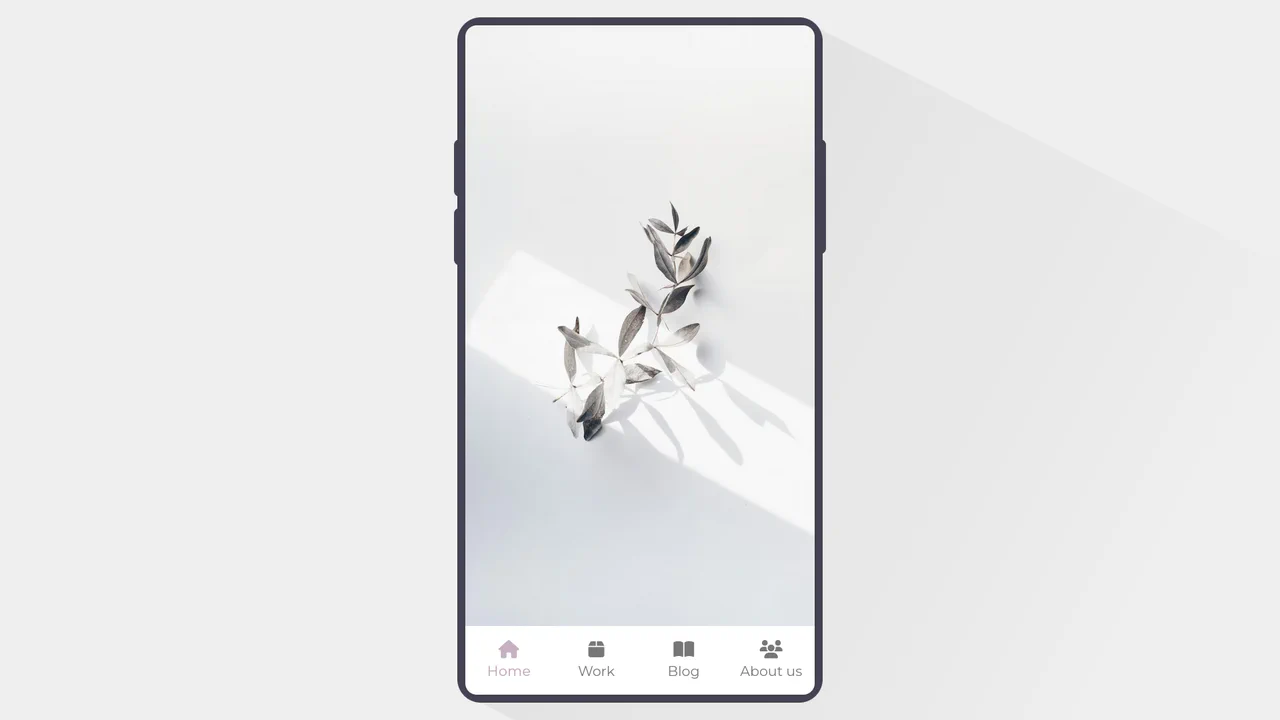
Mobile Tab Navigation
An elegant mobile app prototype showcasing classic bottom tab bar navigation with smooth content transitions.
See the Pen Mobile Tab Navigation.

Glowing Tabs
A navigation menu leveraging CSS Houdini API to animate custom variables for smooth transitions. JavaScript calculates element geometry to drive a dynamic “glowing” background that slides between tabs, while CSS gradients and the :has() selector create a polished, depth-rich visual style.
See the Pen Glowing Tabs.

Animated Bottom Tab Bar with CSS Transitions
A showcase of five distinct tab bar animations orchestrated primarily through CSS transitions and sibling combinators, minimizing JavaScript dependency. The implementation leverages CSS Custom Properties for dynamic theming and intricate nth-child logic to drive fluid indicator movements, ranging from simple sliding lines to complex, claymorphic ‘pop-out’ interactions.
See the Pen Animated Bottom Tab Bar with CSS Transitions.

Cyber-Styled Sliding Tab Bar
A cyber-styled navigation bar featuring a sliding indicator driven by absolute positioning and coordinate mapping. JavaScript dynamically updates the style.left property via a switch statement, while CSS transition and drop-shadow render a smooth, neon-lit motion effect over the active SVG icons.
See the Pen Cyber-Styled Sliding Tab Bar.

Tab Bar Animation with MorphSVG
A complex micro-animation for a tab bar where GSAP keyframes and morphSVG create smooth, “elastic” transitions between icon states, while state management is implemented in vanilla JS.
See the Pen Tab Bar Animation with MorphSVG.
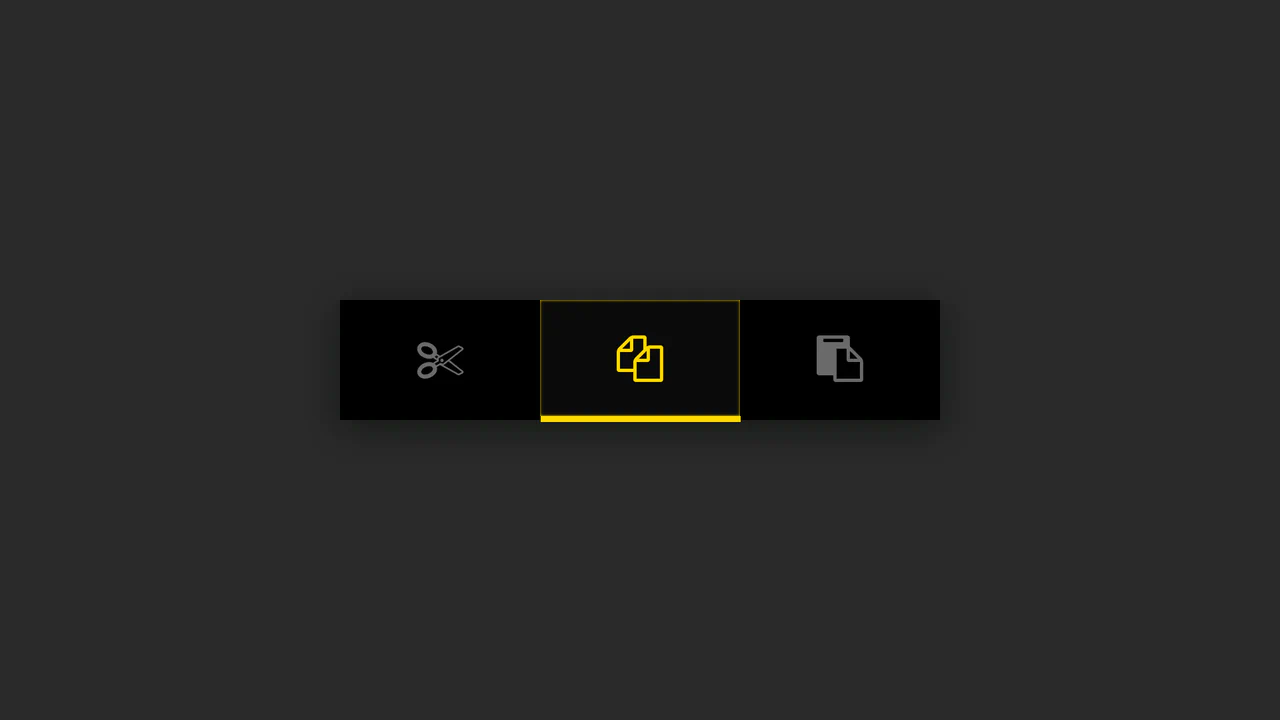
Button Group with Animated Indicator
A simple button group where the indicator’s position is calculated in JS based on the button’s data-num attribute - the offset is set via style.marginLeft, while the active state is animated using CSS.
See the Pen Button Group with Animated Indicator.
