2 JavaScript Thermostats
Design visually stunning and intuitive thermostat interfaces with these examples. At the core is the creation of a tactile circular UI with SVG, where a colored indicator smoothly “fills up” in response to drag gestures. To enhance the user experience, large, easy-to-read numbers that animate as the temperature changes are used. The examples also include customizing native sliders to create a branded and modern look while ensuring full accessibility.
Examples

Neumorphic Drag Dial Thermostat
This is a Neumorphic Drag Dial Thermostat. It provides a tactile, skeuomorphic interface for setting numerical values (like temperature) through rotational dragging or keyboard input. The dial dynamically reveals cool-to-warm gradient colors based on the current value, enhancing the physical “feel” of a smart home control panel. (Requires: GSAP, Draggable)
 Chrome 60+
 Safari 11+
 Firefox 55+
 Edge 79+
See the Pen Neumorphic Drag Dial Thermostat.
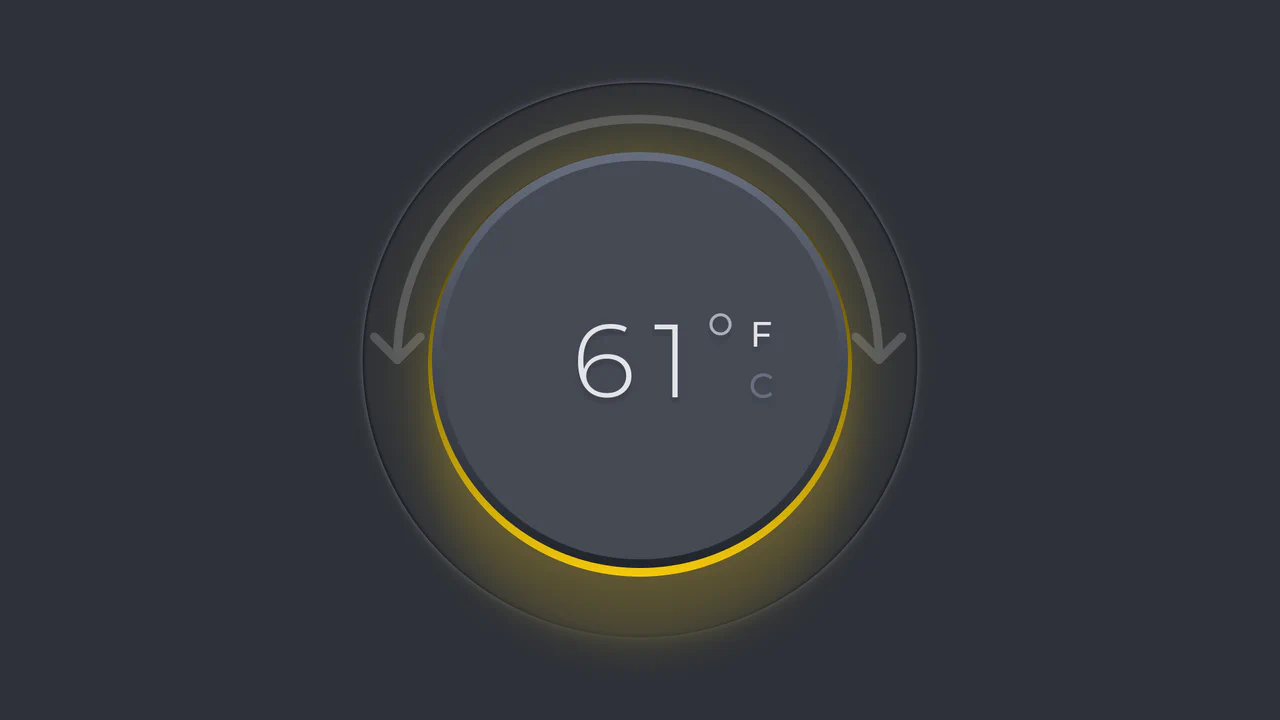
Minimalist Thermostat
An interactive skeuomorphic thermostat dial powered by GSAP Draggable. Rotating the dial dynamically updates the temperature value and ambient color hue, with full support for scale switching (C/F) and dark mode.
See the Pen Minimalist Thermostat.