3 JavaScript Video Players
Standard browser controls often clash with modern brand aesthetics and specific functional requirements. This curated collection of custom players allows developers to unify the visual design of their projects while providing a superior user experience. Using these pre-built solutions is significantly more efficient than engineering core playback logic from scratch, ensuring a consistent UI and professional feel across any platform.
Technically, these updated snippets leverage the HTML5 Video API and modern JavaScript for robust media control. From custom seek bars and volume sliders to hardware-accelerated overlays, these examples prioritize performance and layout stability. They handle complex event listeners for playback states, buffering, and fullscreen transitions without blocking the Main Thread, ensuring smooth 60fps interactions during video manipulation.
Every free demo in this library is fully responsive and cross-browser compatible. Most entries allow you to download the source files directly or fork the project on CodePen for rapid prototyping.
Examples
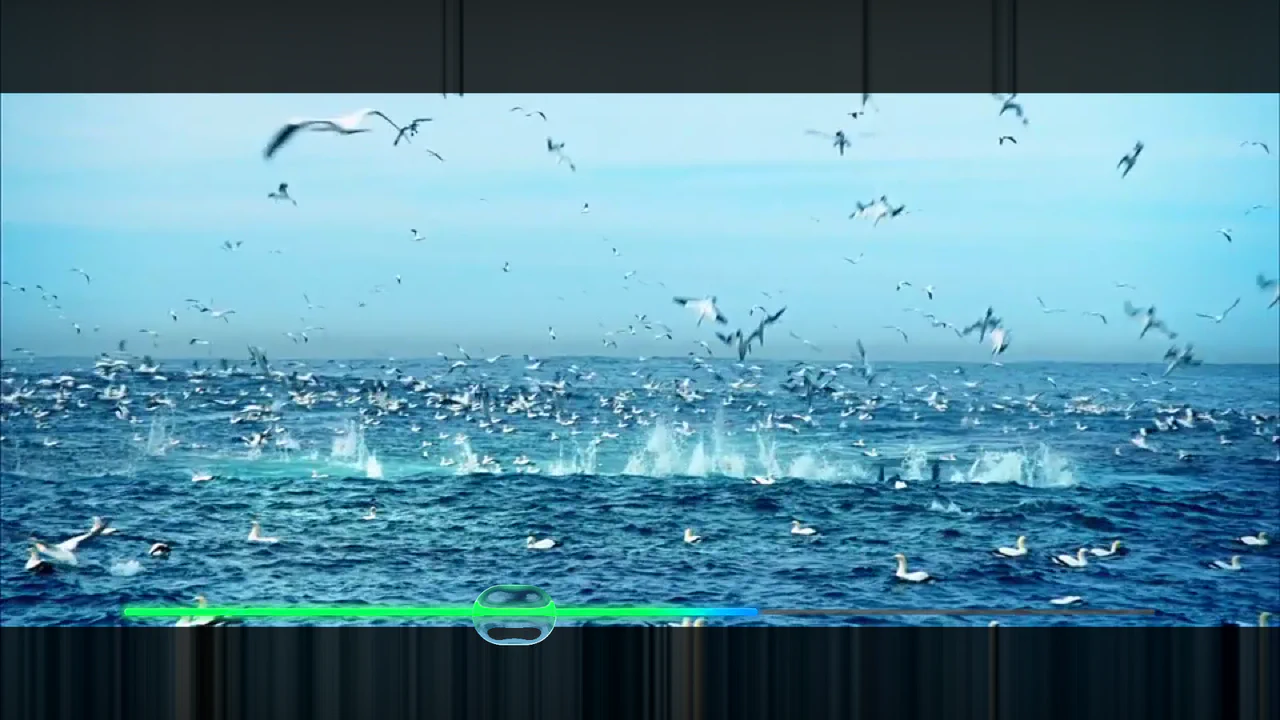
Refractive Glass Lens WebGL Video Player
An advanced WebGL video player constructed using REGL and custom GLSL fragment shaders. Moving the pointer renders an elongated faux-refractive glass lens that distorts the underlying video stream dynamically. Includes customized resolution scaling, an integrated cos-gradient rainbow progress timeline, and canvas-level click interception to control video playback and seeking. (Requires: regl.js)
 Chrome 52+
 Edge 15+
 Firefox 49+
 Safari 10+
See the Pen Refractive Glass Lens WebGL Video Player.

Cinematic Context-Aware Video Cursor
Standard video controls are an interruption — a layer of clutter between the viewer and the content. We wanted to remove that barrier. This component transforms the user’s intent into the interface itself. By morphing the cursor into a context-aware controller, we achieve a symbiosis of navigation and action. It creates an immersive, cinematic experience where the UI dissolves, leaving only the story.
Chrome 105+
Edge 105+
Firefox 121+
Safari 15.4+
See the Pen Cinematic Context-Aware Video Cursor.
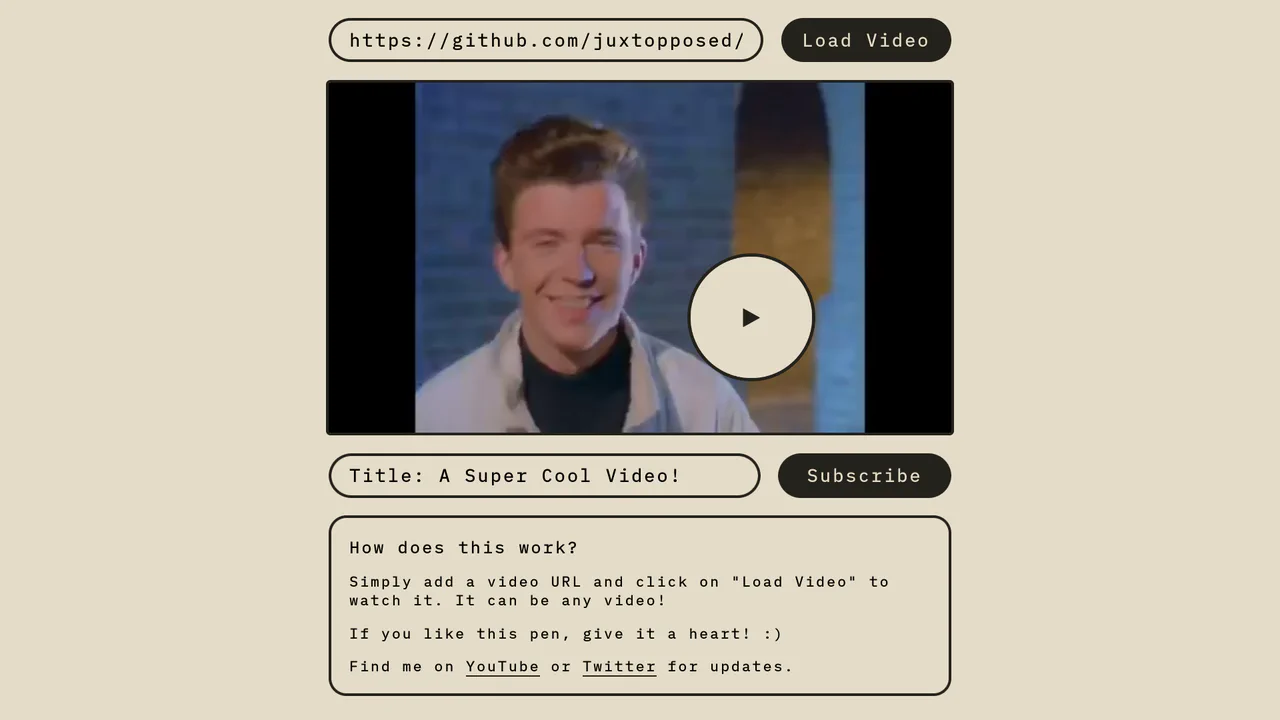
Magnetic Video Play Button Concept
The Magnetic Video Play Button Concept is an interactive UI element that replaces the standard video player controls with a creative, cursor-following play button. This implementation enhances user engagement by making the primary interaction point - the play toggle - dynamic and physically responsive to the user’s movement. It is perfect for landing pages and high-end portfolio sites where media content is the centerpiece.
Chrome 60+
Edge 79+
Firefox 60+
Safari 11+
See the Pen Magnetic Video Play Button Concept.