7 Moment.js Examples
Explore the capabilities of Moment.js with this essential collection of demos. The examples provide a clear overview of how the library simplifies common date and time tasks, from parsing and formatting to advanced arithmetic and timezone management. This resource is perfect for understanding the library’s core features or for those preparing to migrate to modern alternatives.
Examples
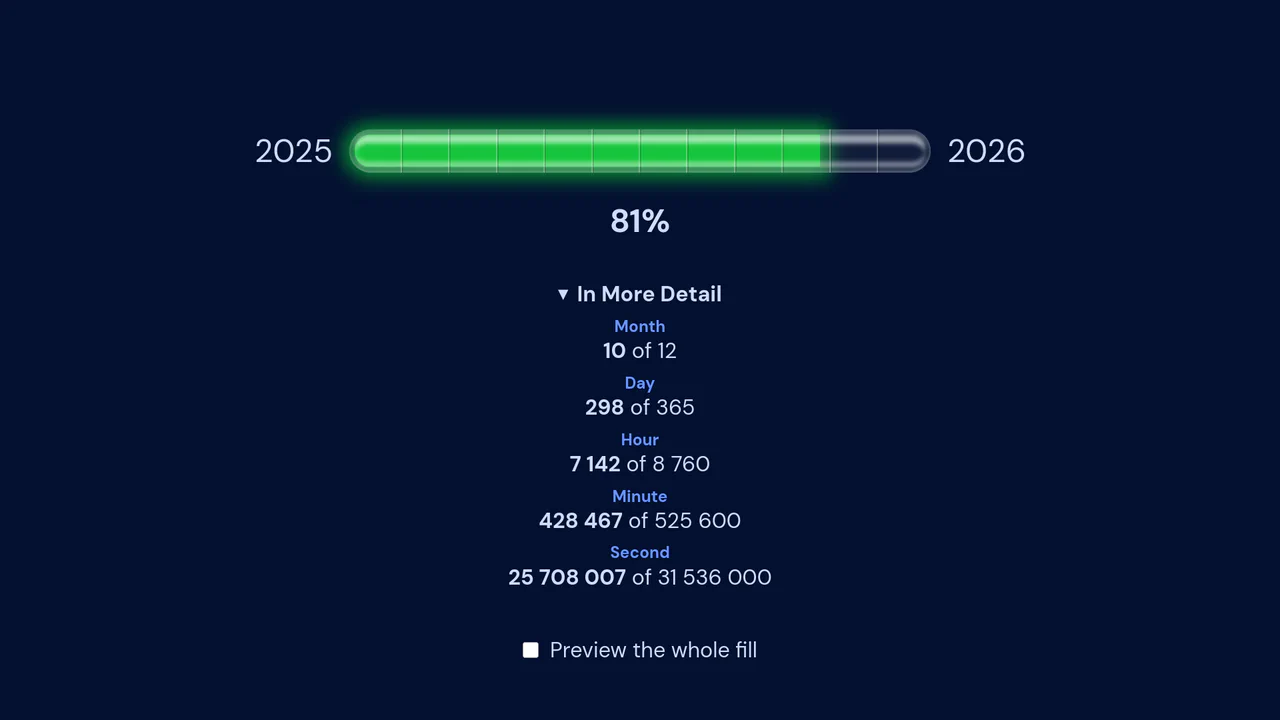
Year Progress Component
An accurate year progress component that leverages the powerful Moment.js library for precise, millisecond-based calculation of time elapsed, providing detailed statistics for month, day, hour, minute, and second progress.
See the Pen Year Progress Component.
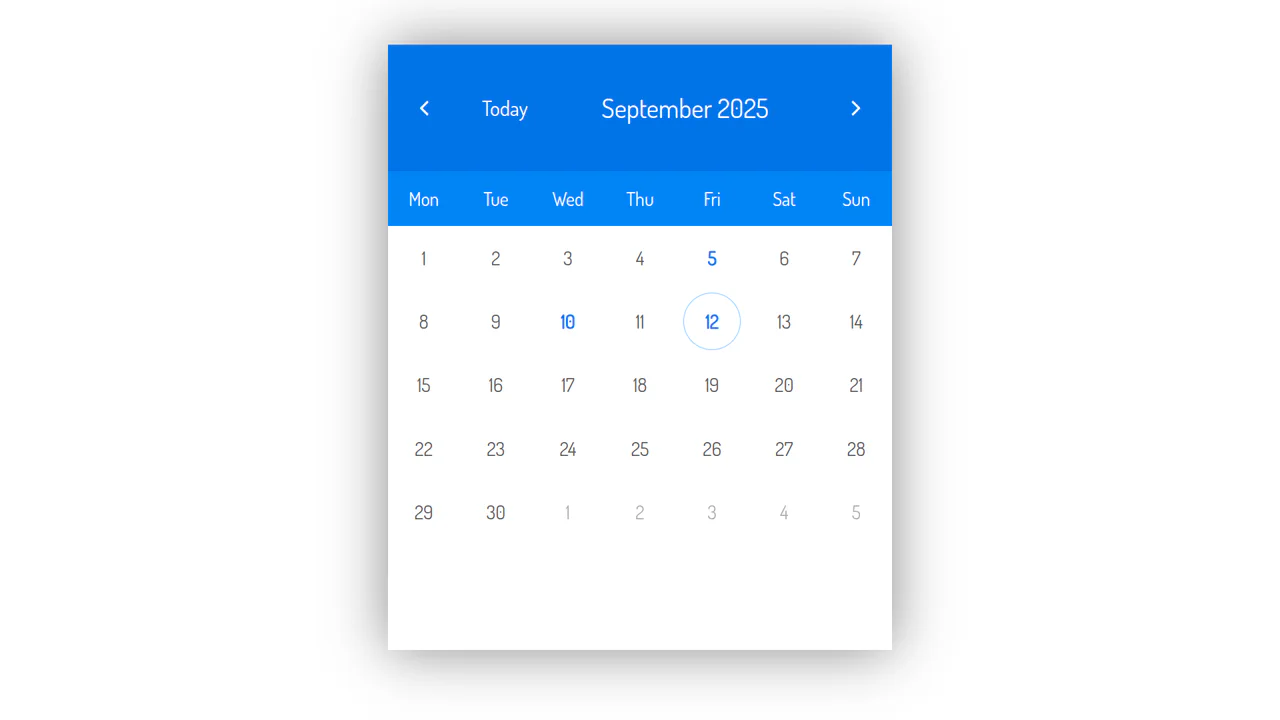
React Calendar with Events
This animated React calendar, which uses ReactCSSTransitionGroup, allows you to add, remove, and view events. The code demonstrates how to manage complex state and use Moment.js for efficient date and time handling.
See the Pen React Calendar with Events.
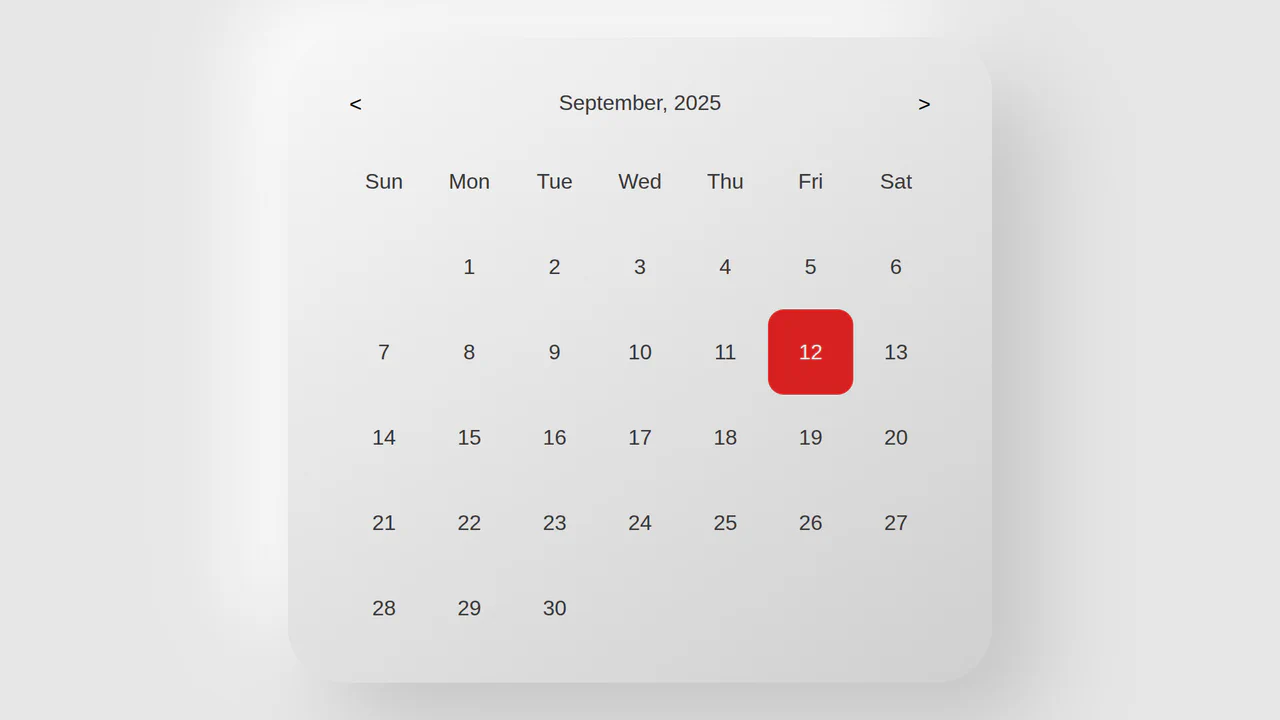
React Hooks Calendar
This React Hooks calendar demonstrates a modern approach to state and side effect management using useState and useEffect. Its integration with Moment.js simplifies complex date operations, resulting in clean and readable code.
See the Pen React Hooks Calendar.
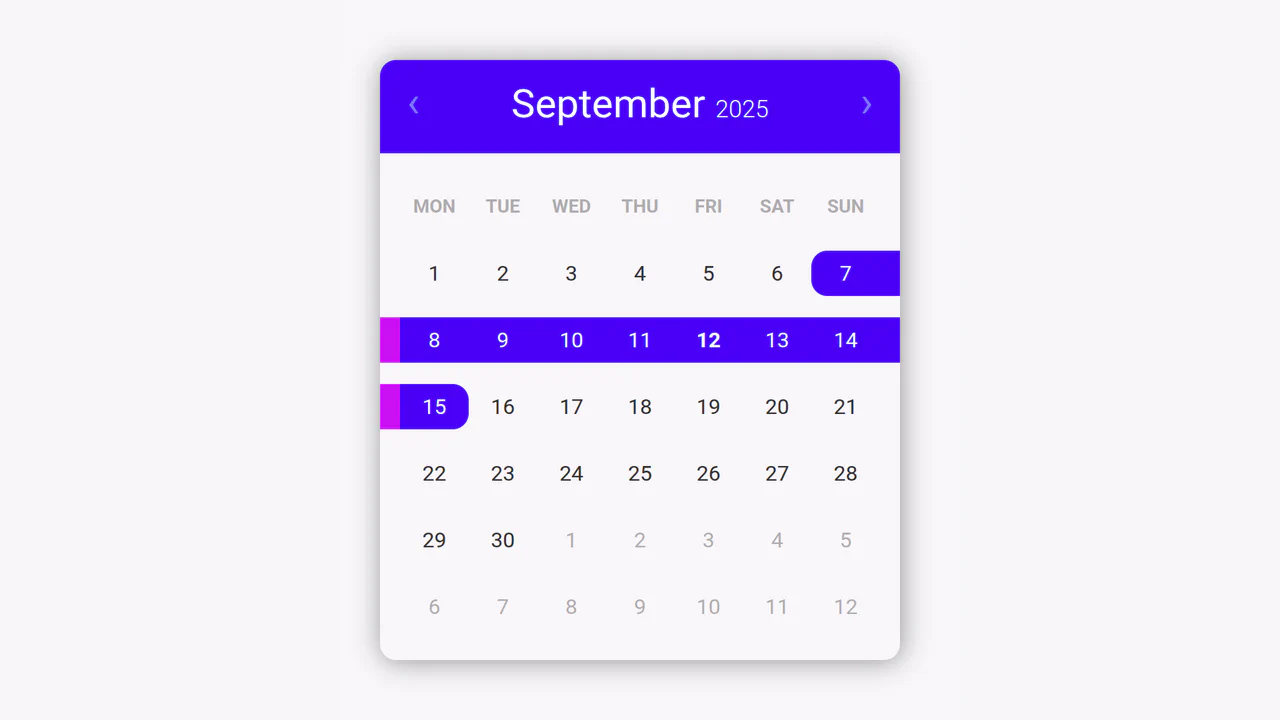
React Multi-Select Calendar
This React calendar showcases advanced navigation and date range selection. It effectively uses the Moment.js library for complex date manipulation and state management.
See the Pen React Multi-Select Calendar.
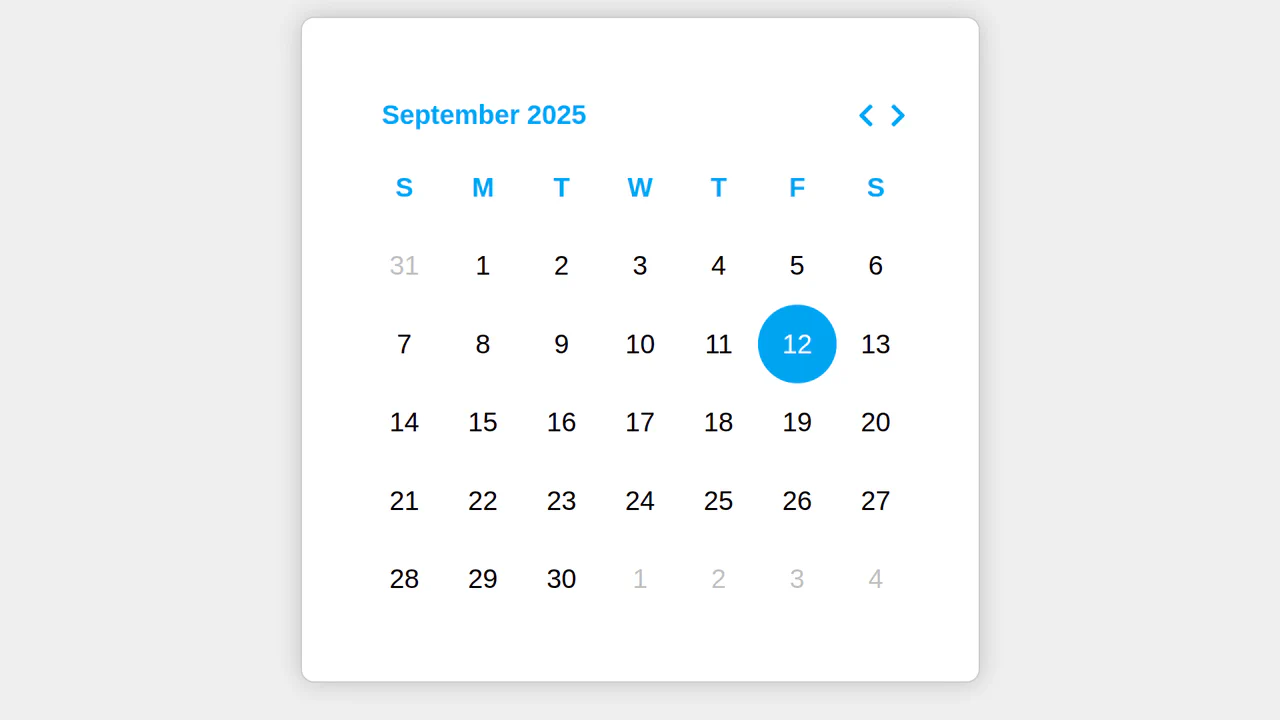
React Simple Calendar
An effective React calendar implementation using Moment.js for easy date manipulation. It demonstrates how to manage state and render dynamic components.
See the Pen React Simple Calendar.
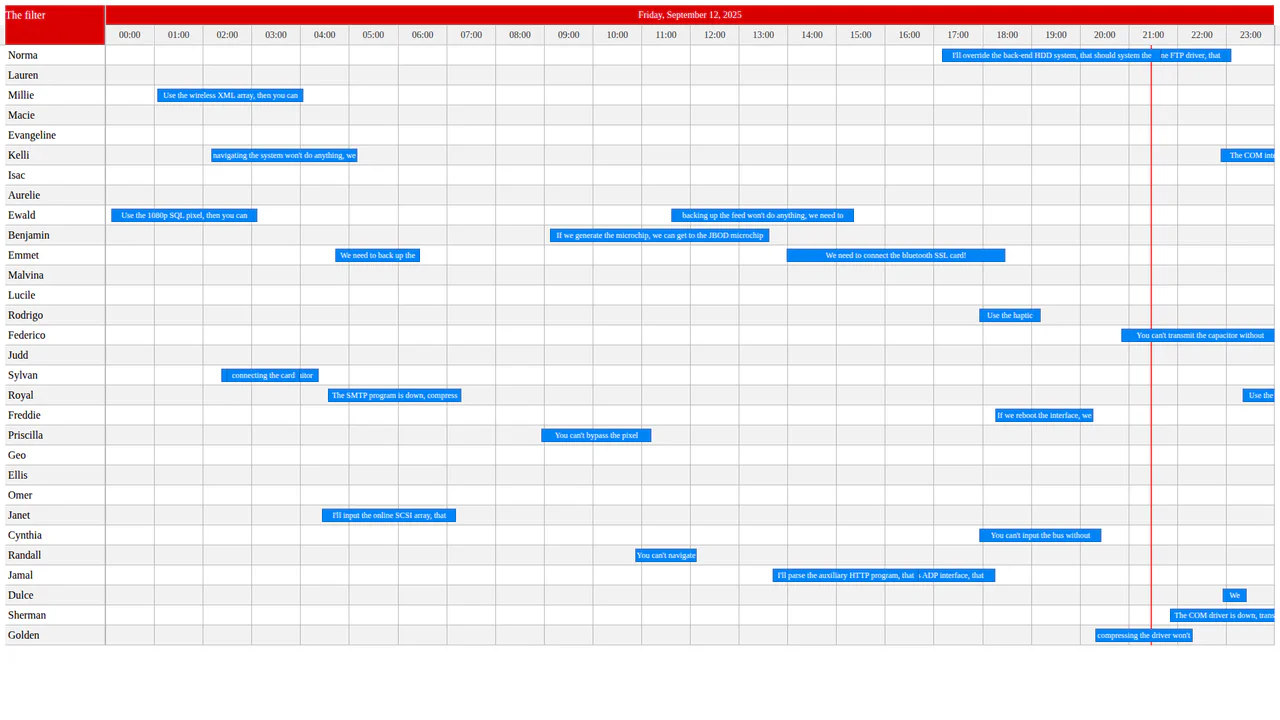
React Timeline Visualization
A feature-rich React component for timeline visualization with support for sorting, filtering, and constraints. This code serves as an excellent foundation for building interactive schedules, calendars, or charts.
See the Pen React Timeline Visualization.
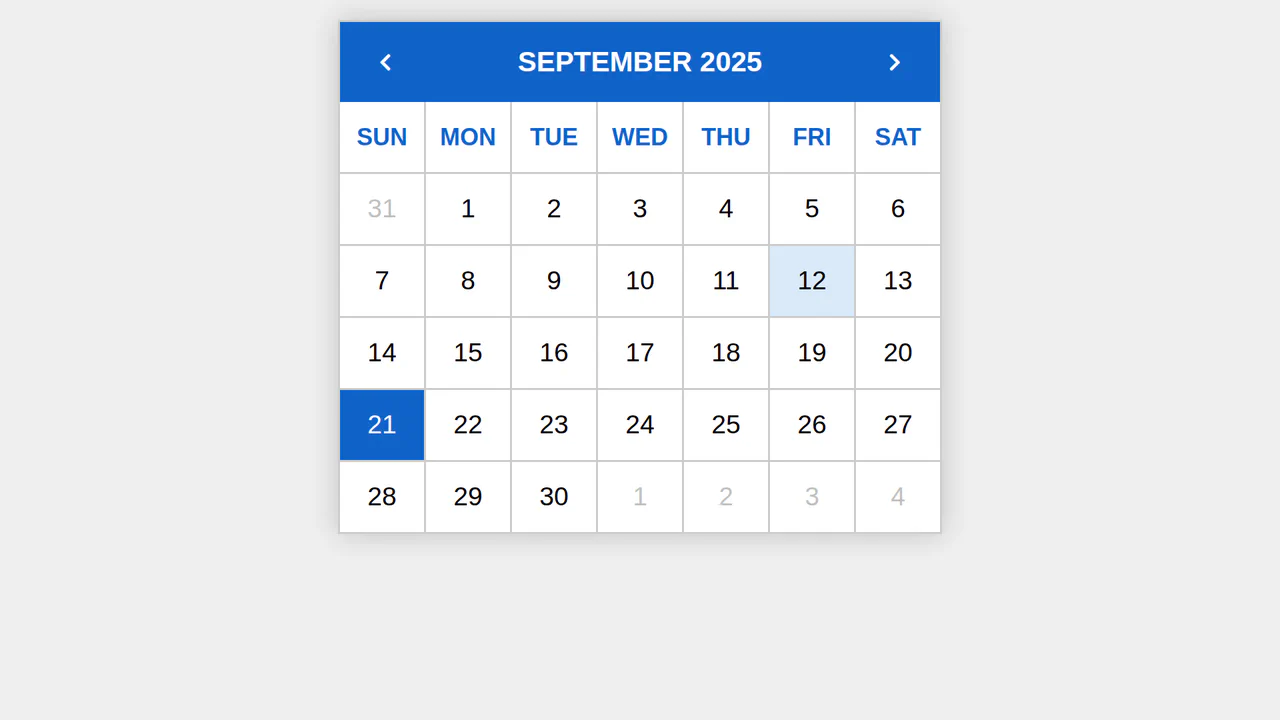
Simple React Date Selector
This interactive React calendar shows how to create a simple and clean UI for date selection. Technically, it’s a great example of managing component state (this.state) and using external libraries (Moment.js) to handle complex tasks.
See the Pen Simple React Date Selector.